2023 NISSAN KICKS Remote start
[x] Cancel search: Remote startPage 237 of 558
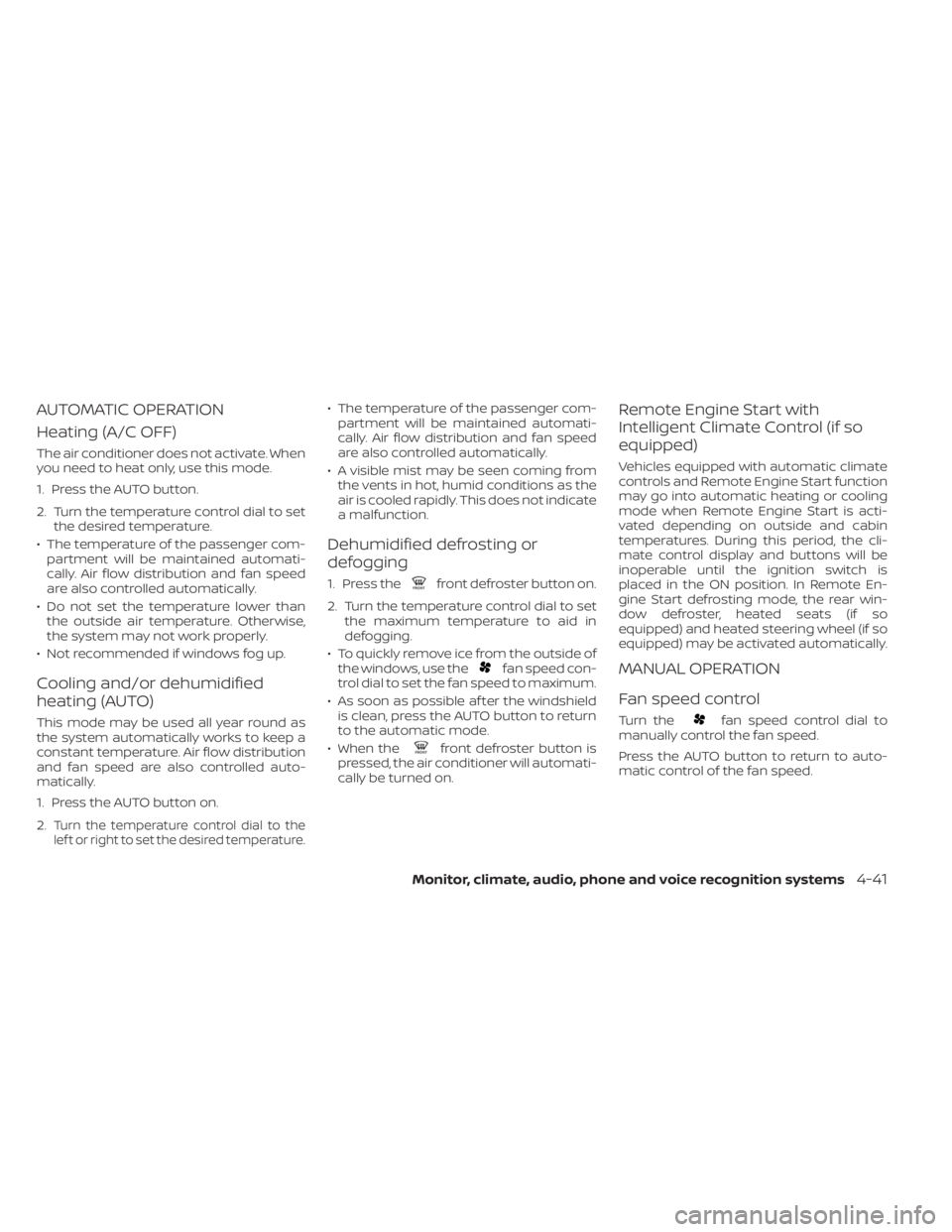
AUTOMATIC OPERATION
Heating (A/C OFF)
The air conditioner does not activate. When
you need to heat only, use this mode.
1. Press the AUTO button.
2. Turn the temperature control dial to setthe desired temperature.
• The temperature of the passenger com- partment will be maintained automati-
cally. Air flow distribution and fan speed
are also controlled automatically.
• Do not set the temperature lower than the outside air temperature. Otherwise,
the system may not work properly.
• Not recommended if windows fog up.
Cooling and/or dehumidified
heating (AUTO)
This mode may be used all year round as
the system automatically works to keep a
constant temperature. Air flow distribution
and fan speed are also controlled auto-
matically.
1. Press the AUTO button on.
2.
Turn the temperature control dial to the
lef t or right to set the desired temperature.
• The temperature of the passenger com- partment will be maintained automati-
cally. Air flow distribution and fan speed
are also controlled automatically.
• A visible mist may be seen coming from the vents in hot, humid conditions as the
air is cooled rapidly. This does not indicate
a malfunction.
Dehumidified defrosting or
defogging
1. Press thefront defroster button on.
2. Turn the temperature control dial to set the maximum temperature to aid in
defogging.
• To quickly remove ice from the outside of the windows, use the
fan speed con-
trol dial to set the fan speed to maximum.
• As soon as possible af ter the windshield is clean, press the AUTO button to return
to the automatic mode.
• When the
front defroster button is
pressed, the air conditioner will automati-
cally be turned on.
Remote Engine Start with
Intelligent Climate Control (if so
equipped)
Vehicles equipped with automatic climate
controls and Remote Engine Start function
may go into automatic heating or cooling
mode when Remote Engine Start is acti-
vated depending on outside and cabin
temperatures. During this period, the cli-
mate control display and buttons will be
inoperable until the ignition switch is
placed in the ON position. In Remote En-
gine Start defrosting mode, the rear win-
dow defroster, heated seats (if so
equipped) and heated steering wheel (if so
equipped) may be activated automatically.
MANUAL OPERATION
Fan speed control
Turn thefan speed control dial to
manually control the fan speed.
Press the AUTO button to return to auto-
matic control of the fan speed.
Monitor, climate, audio, phone and voice recognition systems4-41
Page 279 of 558
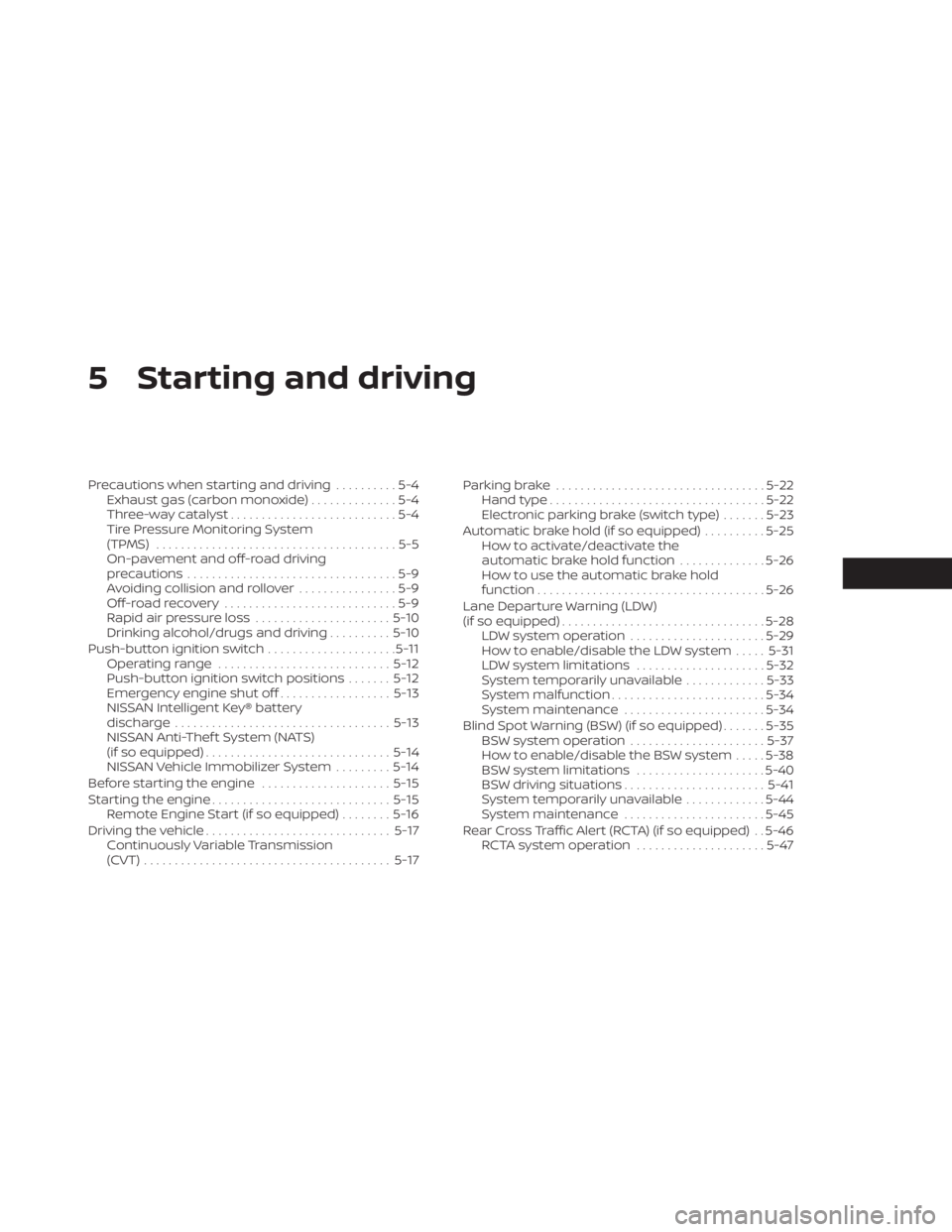
5 Starting and driving
Precautions when starting and driving..........5-4
Exhaust gas (carbon monoxide) ..............5-4
Three-way catalyst ...........................5-4
Tire Pressure Monitoring System
(TPMS) .......................................5-5
On-pavement and off-road driving
precautions ..................................5-9
Avoiding collision and rollover ................5-9
Off-roadrecovery ............................5-9
Rapid air pressure loss ......................5-10
Drinking alcohol/drugs and driving ..........5-10
Push-button ignition switch .....................5-11
Operating range ............................ 5-12
Push-button ignition switch positions .......5-12
Emergency engine shut off ..................5-13
NISSAN Intelligent Key® battery
discharge ................................... 5-13
NISSAN Anti-Thef t System (NATS)
(if so equipped) .............................. 5-14
NISSAN Vehicle Immobilizer System .........5-14
Before starting the engine .....................5-15
Starting the engine ............................. 5-15
Remote Engine Start (if so equipped) ........5-16
Driving the vehicle .............................. 5-17
Continuously Variable Transmission
(CVT) ........................................ 5-17Parking brake
.................................. 5-22
Hand type ................................... 5-22
Electronic parking brake (switch type) .......5-23
Automatic brake hold (if so equipped) ..........5-25
How to activate/deactivate the
automatic brake hold function ..............5-26
How to use the automatic brake hold
function ..................................... 5-26
Lane Departure Warning (LDW)
(if so equipped) ................................. 5-28
LDW system operation ......................5-29
How to enable/disable the LDW system .....5-31
LDW system limitations .....................5-32
System temporarily unavailable .............5-33
System malfunction ......................... 5-34
System maintenance .......................5-34
Blind Spot Warning (BSW) (if so equipped) .......5-35
BSW system operation ......................5-37
How to enable/disable the BSW system .....5-38
BSW system limitations .....................5-40
BS
W driving situations ....................... 5-41
System temporarily unavailable .............5-44
System maintenance .......................5-45
Rear Cross Traffic Alert (RCTA) (if so equipped) . . 5-46 RCTA system operation .....................5-47
Page 294 of 558
• If the engine is very hard to start be-cause it is flooded, depress the accel-
erator pedal all the way to the floor
and hold it. Push the ignition switch to
the ON position to start cranking the
engine. Af ter 5 or 6 seconds, stop
cranking by pushing the ignition
switch to LOCK. Af ter cranking the en-
gine, release the accelerator pedal.
Crank the engine with your foot off the
accelerator pedal by depressing the
brake pedal and pushing the ignition
switch to start the engine. If the engine
starts, but fails to run, repeat the
above procedure.
CAUTION
Do not operate the starter for more
than 15 seconds at a time. If the engine
does not start, push the ignition switch
to the OFF position and wait 10 seconds
before cranking again, otherwise the
starter could be damaged. 4.
Warm-up:
Allow the engine to idle for at least 30
seconds af ter starting. Do not race the
engine while warming it up. Drive at a
moderate speed for a short distance
first, especially in cold weather. In cold
weather, keep the engine running for a
minimum of2-3minutes before shut-
ting it off. Starting and stopping the en-
gine over a short period of time may
make the vehicle more difficult to start.
5. To stop the engine, move the shif t lever to the P (Park) position and push the
ignition switch to the OFF position.NOTE:
Care should be taken to avoid situa-
tions that can lead to potential battery
discharge and potential no-start con-
ditions such as:
1. Installation or extended use of elec- tronic accessories that consume bat-
tery power when the engine is not
running (phone chargers, GPS, DVD
players, etc.).
2. The vehicle is not driven regularly and/or only driven short distances.
In these cases, the battery may need to
be charged to maintain battery health.
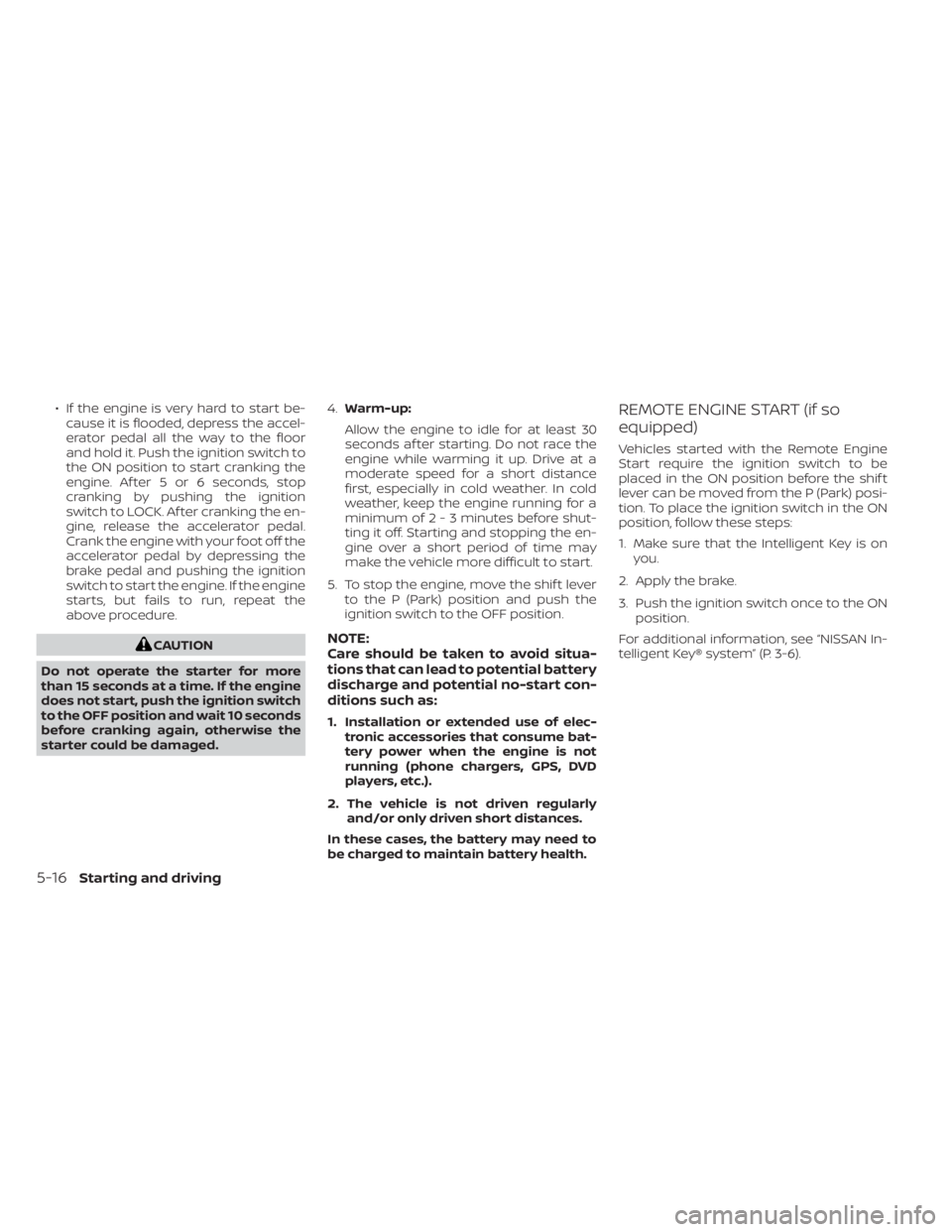
REMOTE ENGINE START (if so
equipped)
Vehicles started with the Remote Engine
Start require the ignition switch to be
placed in the ON position before the shif t
lever can be moved from the P (Park) posi-
tion. To place the ignition switch in the ON
position, follow these steps:
1. Make sure that the Intelligent Key is on you.
2. Apply the brake.
3. Push the ignition switch once to the ON position.
For additional information, see “NISSAN In-
telligent Key® system” (P. 3-6).
5-16Starting and driving
Page 550 of 558
Instrument brightness control.......2-50Instrument panel.............0-6, 2-2Instrument panel dimmer switch.....2-50Intelligent Around View® Monitor......4-16Intelligent Cruise Control..........5-58Intelligent Driver Alertness (I-DA).....5-125Intelligent Engine Brake (I-EB).......5-138Intelligent Forward Collision Warning
(I-FCW).....................5-110Intelligent Key systemKey operating range............3-7Key operation................3-9Mechanical key................3-3Remote keyless entry operation. . . .3-12Troubleshooting guide..........3-15Warning signals...............3-15Intelligent Trace Control (I-TC).......5-137Interior light...................2-74iPod® Player................. .4-56ISOFIX child restraints.............1-21
J
Jump starting..............6-10,8-12
K
Key.........................3-2Key fob battery replacement........8-22Keyless entry
With Intelligent Key system
(See Intelligent Key system)
.......3-12
KeysNISSAN Intelligent Key®...........3-6NISSAN Vehicle Immobilizer System
keys..................... .3-3
L
Labels
Air conditioner specification label. . .10-12Emission control information label. .10-11Engine serial number...........10-11F.M.V.S.S. certification label........10-11Tire and Loading Information label. .10-12Vehicle identification number (VIN)
plate.................... .10-10Warning labels (for SRS)..........1-62Lane Departure Warning (LDW).......5-28Lane Departure Warning (LDW) switch. .2-54LATCH (Lower Anchors and Tethers for
CHildren) System................1-21Launch bar menu................4-7License plate
Installing the license plate........10-13Lif tgate.....................3-22LightAir bag warning light........1-63, 2-15Brake light (See stop light)........8-26Bulb check/instrument panel......2-13Bulb replacement.............8-26Charge warning light...........2-14Exterior and Interior lights........8-26Fog light switch...............2-51Fog lights..................8-25
Headlight and turn signal switch. . . .2-44Headlight control switch.........2-44Headlights..................8-24Interior light.................2-74Light bulbs.................8-24Low tire pressure warning light.....2-18Low windshield-washer fluid warning
light......................2-19Luggage compartment lights......2-76Personal lights...............2-75Security indicator light..........2-15Lights......................8-24Map lights..................2-75LockChild safety rear door lock.........3-6Door locks................. .3-4Fuel-filler door lock opener lever. . . .3-25Power door locks..............3-5Low fuel warning light. .2-15, 2-17, 2-20, 2-33Low tire pressure warning light.......2-18Low windshield-washer fluid warning
light........................2-19Luggage (See vehicle loading
information)..................10-14Luggage compartment lights.......2-76Luggage hook.................2-65Luggage rack (see roof rack). . . .2-67, 2-68
M
Maintenance
General maintenance...........9-2Inside the vehicle..............9-3
11-4
Page 552 of 558
Rear Sonar System (RSS)..........5-140Rear sonar system OFF switch.......2-56Rear window and outside mirror defroster
switch...............2-43, 4-34, 4-42Rear window defroster switch.......2-43Rear window wiper and washer
switches....................2-42Rearview mirror................3-28RearView Monitor................4-8Adjusting the screen...........4-24Recommended Fluids............10-2Recorders
Event Data................ .10-23Refrigerant recommendation........10-7Registering a vehicle in another
country.................... .10-10Remote Engine Start..........3-18,5-16Reporting safety defects (US only). . . .10-21Roof rack.................2-67, 2-68
S
Safety
Child safety rear door lock.........3-6Child seat belts.....1-19,1-26, 1-33, 1-38Reporting safety defects (US only). . .10-21Seat adjustment
Front manual seat adjustment......1-3Rear seat adjustment............1-4Seat beltChild safety..................1-17Infants and small children........1-18Injured person................1-12
Larger children...............1-18Precautions on seat belt usage......1-9Pregnant women..............1-12Seat belt extenders............1-16Seat belt maintenance..........1-16Seat belts................1-9, 7-6Shoulder belt height adjustment. . . .1-15Three-point type with retractor.....1-13Seat belt extenders..............1-16Seat belt warning light.........1-12,2-15Seatback pockets...............2-62SeatsAdjustment..................1-2Front seats..................1-2Manual front seat adjustment......1-3Rear seat.................. .1-4Security indicator light............2-15Security system (NISSAN Anti-Thef t System),
engine start...............2-39, 5-14Security system (NISSAN Vehicle Immobilizer
System), engine start.........2-40, 5-14Security systems
Vehicle security system.........2-38Self-adjusting brakes.............8-17Service manual order form........10-23Servicing air conditioner...........4-43Shif tingContinuously Variable Transmission
(CVT)
.....................5-18Shoulder belt height adjustment......1-15Siri® Eyes-Free................ .4-63Sonar
Rear system................5-140Spark plug replacement...........8-14
Spark plugs...................8-14Specifications................ .10-8Speedometer...............2-5, 2-6SRS warning label...............1-62Stability control................5-134Standard maintenance............9-8Starting
Before starting the engine........5-15Jump starting............6-10,8-12Precautions when starting and
driving.................... .5-4Push starting................6-12Starting the engine............5-15Starting the engine..............5-15Steering
Power steering system.........5-131Steering wheel.................3-26Steering wheel audio control switch. . .4-62Stop light....................8-26Storage.................... .2-61Storage tray..................2-62Sun visors....................3-27Supplemental air bag warning labels. . .1-62Supplemental air bag warning
light................... .1-63, 2-15Supplemental front impact air bag
system..................... .1-49Supplemental restraint system
Information and warning labels.....1-62Precautions on supplemental restraint
system................... .1-41Supplemental restraint system
(Supplemental air bag system).......1-41
11-6