2023 LINCOLN CORSAIR change wheel
[x] Cancel search: change wheelPage 462 of 690
PREPARING YOUR VEHICLE FOR
STORAGE
If you plan on storing your vehicle for 30days or more, the following maintenancerecommendations ensures your vehicle staysin good operating condition.
Under various conditions, long-term storagemay lead to degraded engine performanceor failure unless you use specific precautionsto preserve your vehicle.
General
•Store all vehicles in a dry, ventilatedplace.
•If vehicles are stored outside, theyrequire regular maintenance to protectagainst rust and weather damage.
•Make sure all linkages, cables, levers andpins under your vehicle are covered withgrease to prevent rust.
•Move vehicles at least 25 ft (7.5 m) every15 days to lubricate working parts andprevent corrosion.
•Fill the fuel tank with high-quality fueluntil the first automatic shutoff of the fuelpump nozzle.
Engine
•Change the engine oil and filter prior tostorage because used engine oil containscontaminants which may cause enginedamage.
•Start the engine every 15 days for aminimum of 15 minutes. Run at fast idlewith the climate controls set to defrostuntil the engine reaches normaloperating temperature.
•With your foot on the brake, shift throughall the gears while the engine is running.
Body
•Wash your vehicle thoroughly to removedirt, grease, oil, tar or mud from exteriorsurfaces, rear wheel housings and theunderside of front fenders.
•Periodically wash your vehicle if it isstored in exposed locations.
•Touch-up exposed or primed metal toprevent rust.
•Cover chrome and stainless steel partswith a thick coat of auto wax to preventdiscoloration. Rewax as necessary whenyou wash your vehicle.
•Lubricate all hood, door and luggagecompartment hinges and latches with alight grade oil.
•Cover interior trim to prevent fading.
•Keep all rubber parts free from oil andsolvents.
458
2023 Corsair (CTF) Canada/United States of America, enUSA, Edition date: 202208, DOMStoring Your Vehicle
Page 463 of 690

12 Volt Battery
•When storing your vehicle for greaterthan 30 days the state of charge shouldbe approximately 50%. Additionally, werecommend disconnecting the 12vbattery which will reduce system loadson the battery.
•Check and recharge as necessary. Keepconnections clean.
Note:It is necessary to reset memoryfeatures if you disconnect the battery cables.
Brakes
Make sure the brakes and parking brakerelease fully.
Note:If you intend on parking your vehiclefor an extended period after cleaning thewheels with a wheel cleaner, drive yourvehicle for a few minutes before doing so toreduce the risk of increased corrosion of thebrake discs, brake pads and linings.
Tires
Maintain recommended air pressure.
Note:If you intend on parking your vehiclefor an extended period after cleaning thewheels with a wheel cleaner, drive yourvehicle for a few minutes before doing so.This reduces the risk of corrosion of thebrake discs, brake pads and linings.
REMOVING YOUR VEHICLE FROM
STORAGE
When your vehicle is ready to come out ofstorage, do the following:
•We recommend that you change theengine oil before you use your vehicleagain.
•Wash your vehicle to remove any dirt orgrease film build-up on window surfaces.
•Check windshield wipers for anydeterioration.
•Check the underhood for any foreignmaterials such as mice or squirrel nests.
•Check the exhaust for any foreignmaterials.
•Check tire pressures and set tire inflationper the Tire Label.
•Check brake pedal operation. Corrodedbrake rotors could cause brake noise.Drive your vehicle and gently apply andrelease the brakes repeatedly over a10-minute drive to reduce the corrosionfrom the brakes.
•Check fluid levels (including coolant, oiland gas) to make sure there are no leaks,and fluids are at recommended levels.
•If you remove the battery, clean thebattery cable ends and check fordamage.
Contact an authorized dealer if you have anyconcerns or issues.
459
2023 Corsair (CTF) Canada/United States of America, enUSA, Edition date: 202208, DOMStoring Your Vehicle
Page 466 of 690

A. P: Indicates a tire, designated by theTire and Rim Association, that may beused for service on cars, sport utilityvehicles, minivans and light trucks. Note:If your tire size does not begin with aletter this may mean it is designated byeither the European Tire and RimTechnical Organization or the Japan TireManufacturing Association.
B. 215: Indicates the nominal width ofthe tire in millimeters from sidewall edgeto sidewall edge. In general, the largerthe number, the wider the tire.
C. 65: Indicates the aspect ratio whichgives the tire's ratio of height to width.
D. R: Indicates a radial type tire.
E. 15: Indicates the wheel or rim
diameter in inches. If you change yourwheel size, you will have to purchasenew tires to match the new wheeldiameter.
F. 95: Indicates the tire's load index. Itis an index that relates to how muchweight a tire can carry. You may find thisinformation in your owner’s manual. Ifnot, contact a local tire dealer.
Note:You may not find this informationon all tires because it is not required byfederal law.
G. H: Indicates the tire's speed rating.The speed rating denotes the speed atwhich a tire is designed to be driven forextended periods of time under astandard condition of load and inflationpressure. The tires on your vehicle mayoperate at different conditions for loadand inflation pressure. These speedratings may need to be adjusted for thedifference in conditions. The ratings
range from 81 mph (130 km/h) to186 mph (299 km/h). These ratings arelisted in the following chart.
Note:You may not find this informationon all tires because it is not required byfederal law.
Speed ratingLetter rating
81 mph (130 km/h)M
87 mph (140 km/h)N
99 mph (159 km/h)Q
106 mph (171 km/h)R
112 mph (180 km/h)S
118 mph (190 km/h)T
124 mph (200 km/h)U
130 mph (210 km/h)H
149 mph (240 km/h)V
462
2023 Corsair (CTF) Canada/United States of America, enUSA, Edition date: 202208, DOMWheel and Tire Information
Page 469 of 690

B. Load Range and Load InflationLimits: Indicates the tire's load-carryingcapabilities and its inflation limits.
C. Maximum Load Dual lb (kg) at psi(kPa) cold: Indicates the maximum loadand tire pressure when the tire is usedas a dual, defined as four tires on therear axle (a total of six or more tires onthe vehicle).
D. Maximum Load Single lb (kg) at psi(kPa) cold: Indicates the maximum loadand tire pressure when the tire is usedas a single, defined as two tires (total)on the rear axle.
Information on T Type Tires
T145/80D16 is an example of a tire size.
Note:The temporary tire size for yourvehicle may be different from thisexample. Tire Quality Grades do notapply to this type of tire.
T type tires have some additionalinformation beyond those of P type tires;these differences are described below:
A. T: Indicates a type of tire, designatedby the Tire and Rim Association, that isintended for temporary service on cars,sport utility vehicles, minivans and lighttrucks.
B. 145: Indicates the nominal width ofthe tire in millimeters from sidewall edgeto sidewall edge. In general, the largerthe number, the wider the tire.
C. 80: Indicates the aspect ratio whichgives the tire's ratio of height to width.Numbers of 70 or lower indicate a shortsidewall.
D. D: Indicates a diagonal type tire.
R: Indicates a radial type tire.
E. 16: Indicates the wheel or rimdiameter in inches. If you change your
wheel size, you will have to purchasenew tires to match the new wheeldiameter.
465
2023 Corsair (CTF) Canada/United States of America, enUSA, Edition date: 202208, DOMWheel and Tire InformationABCDEE142545
Page 487 of 690

Your vehicle has also been equipped with aTPMS malfunction indicator to indicate whenthe system is not operating properly. TheTPMS malfunction indicator is combined withthe low tire pressure telltale. When thesystem detects a malfunction, the telltale willflash for approximately one minute and thenremain continuously illuminated. Thissequence will continue upon subsequentvehicle start-ups as long as the malfunctionexists.
When the malfunction indicator is illuminated,the system may not be able to detect orsignal low tire pressure as intended. TPMSmalfunctions may occur for a variety ofreasons, including the installation ofreplacement or alternate tires or wheels onthe vehicle that prevent the TPMS fromfunctioning properly. Always check the TPMSmalfunction telltale after replacing one ormore tires or wheels on your vehicle toensure that the replacement or alternate tiresand wheels allow the TPMS to continue tofunction properly.
WARNING: Changes or modificationsnot expressively approved by the partyresponsible for compliance could void theuser's authority to operate the equipment.The term "IC:" before the radio certificationnumber only signifies that Industry Canadatechnical specifications were met.
This device complies with Part 15 of the FCCRules and with License exempt RSSStandards of Industry Canada. Operation issubject to the following two conditions:
1.This device may not cause harmfulinterference, and
2.This device must accept any interferencereceived, including interference that maycause undesired operation.
TIRE PRESSURE MONITORING
SYSTEM PRECAUTIONS
WARNING: The tire pressuremonitoring system is not a substitute formanually checking tire pressures. Youshould periodically check tire pressuresusing a pressure gauge. Failure to correctlymaintain tire pressures could increase therisk of tire failure, loss of control, vehiclerollover and personal injury.
WARNING: Do not use the tirepressure displayed in the informationdisplay as a tire pressure gauge. Failure tofollow this instruction could result inpersonal injury or death.
WARNING: To determine therequired pressure(s) for your vehicle, seethe Safety Compliance Certification Label(on the door hinge pillar, door-latch postor the door edge that meets the door-latchpost, next to the driver seat) or the TireLabel on the B-Pillar or the edge of thedriver door.
483
2023 Corsair (CTF) Canada/United States of America, enUSA, Edition date: 202208, DOMTire Pressure Monitoring System
Page 488 of 690

Note:The use of tire sealants can damagethe tire pressure monitoring system.
Note:If the tire pressure monitor sensorbecomes damaged it may not function.
TIRE PRESSURE MONITORING
SYSTEM LIMITATIONS
When the outside temperature dropssignificantly, the tire pressure could decreaseand activate the low tire pressure warninglamp.
The warning lamp could also illuminate whenyou use a spare wheel, or tire sealant fromthe inflator kit.
Note:Regularly checking the vehicle tirepressures can reduce the possibility for thewarning lamp to illuminate due to outsideair temperature changes.
Note:After you inflate the tires to therecommended pressure it could take up totwo minutes of driving over 20 mph (32 km/h)for the warning indicator to turn off.
VIEWING THE TIRE PRESSURES
To view the current tire pressures, usethe information display or touchscreen.
TIRE PRESSURE MONITORING
SYSTEM – TROUBLESHOOTING
TIRE PRESSURE MONITORINGSYSTEM – WARNING LAMPS
The low tire pressure warning lamphas combined functions, as itwarns you when your tires needair, and when the system is no longercapable of functioning as intended.
484
2023 Corsair (CTF) Canada/United States of America, enUSA, Edition date: 202208, DOMTire Pressure Monitoring SystemE250820 E139232
Page 491 of 690
CHANGING A FLAT TIRE
WARNING: Failure to follow theseguidelines could result in an increased riskof loss of vehicle control, injury or death.
WARNING: Do not attempt to changea tire on the side of the vehicle close tomoving traffic. Pull far enough off the roadto not obstruct the flow of traffic and avoidthe danger of being hit when operating thejack or changing the wheel.
WARNING: Switch the ignition offand apply the parking brake. If your vehiclehas a manual transmission, shift into firstor reverse gear. If your vehicle has anautomatic transmission, shift into park (P).
WARNING: Make sure that yourvehicle is on firm and level ground with thefront wheels pointing straight ahead andset up a warning triangle if available.
WARNING: To help prevent yourvehicle from moving when changing awheel, use an appropriate block or wheelchock to secure the wheel diagonallyopposite to the wheel being changed. Forexample, when changing the front leftwheel, place an appropriate block or wheelchock on the right rear wheel.
WARNING: Do not switch off stabilitycontrol or select sport mode, when usinga temporary spare wheel or after repairinga tire using the temporary mobility kit.
Make sure all passengers are out of yourvehicle.
If the spare wheel is the same type and sizeas the your vehicle road wheels, you can fitthe spare wheel and continue to drive in thenormal manner. We recommend that youhave the damaged road wheel and tirerepaired or replaced as soon as possible.
If the spare wheel is not the same type andsize as your vehicle road wheels, it has alabel showing the maximum driving speedlimit.
Note:Your vehicle may exhibit somedifferent driving characteristics if you fit thespare wheel.
Note: The ground clearance of your vehiclemay be reduced when the spare wheel isfitted. Take care when parking next to acurb.
Note:: If the spare wheel is fitted to yourvehicle, do not drive through an automaticcar wash.
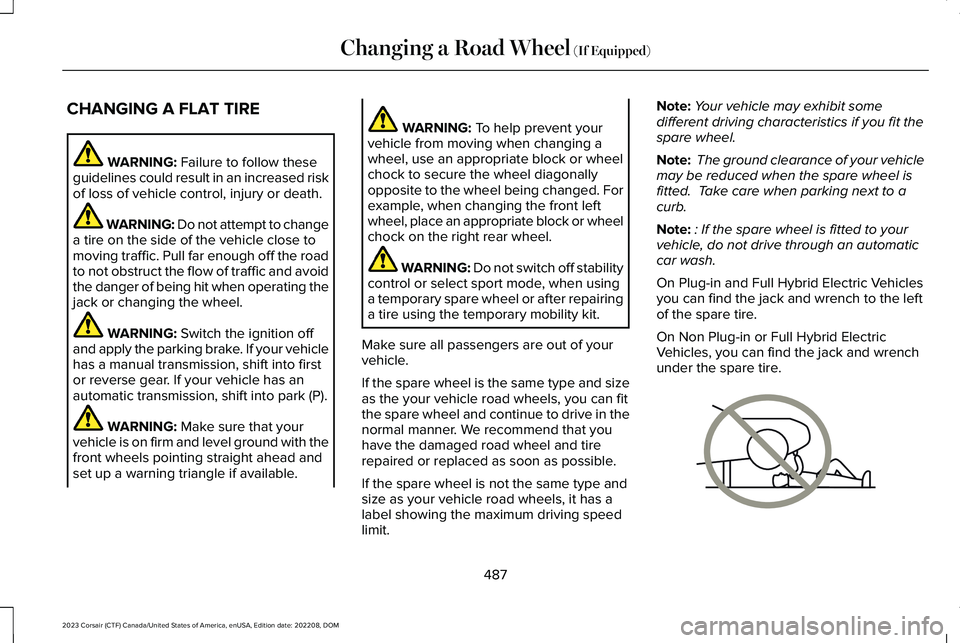
On Plug-in and Full Hybrid Electric Vehiclesyou can find the jack and wrench to the leftof the spare tire.
On Non Plug-in or Full Hybrid ElectricVehicles, you can find the jack and wrenchunder the spare tire.
487
2023 Corsair (CTF) Canada/United States of America, enUSA, Edition date: 202208, DOMChanging a Road Wheel (If Equipped)E166722
Page 525 of 690
AUDIO SYSTEM PRECAUTIONS
WARNING: Driving while distractedcan result in loss of vehicle control, crashand injury. We strongly recommend thatyou use extreme caution when using anydevice that may take your focus off theroad. Your primary responsibility is the safeoperation of your vehicle. We recommendagainst the use of any hand-held devicewhile driving and encourage the use ofvoice-operated systems when possible.Make sure you are aware of all applicablelocal laws that may affect the use ofelectronic devices while driving.
Listening to loud audio for long periods oftime could damage your hearing.
SWITCHING THE AUDIO UNIT ON
AND OFF
Press the button on the volumecontrol.
SELECTING THE AUDIO SOURCE
Audio Unit
Press the button to open the mediasource menu.
You can press this multiple times to changeto the audio source or scroll through themedia sources.
Touchscreen
Press Sources on the touchscreen to openthe media source menu.
PLAYING OR PAUSING THE AUDIO
SOURCE
Touchscreen
Press to pause playback. Pressagain to resume playback.
Note:Not all sources can be paused.
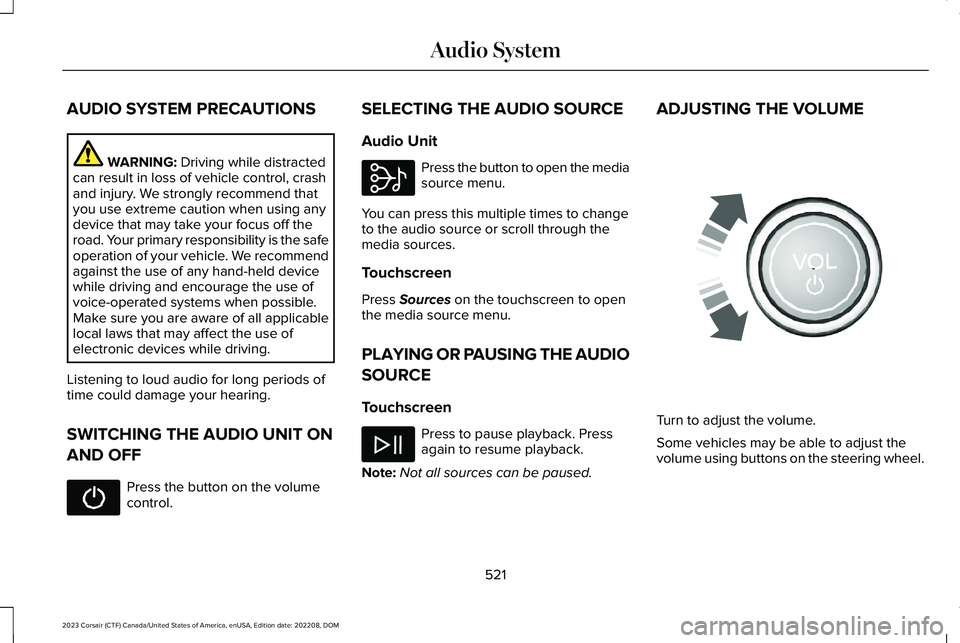
ADJUSTING THE VOLUME
Turn to adjust the volume.
Some vehicles may be able to adjust thevolume using buttons on the steering wheel.
521
2023 Corsair (CTF) Canada/United States of America, enUSA, Edition date: 202208, DOMAudio System E308143 E248939