Page 300 of 340
9-100
Screen Saver (if equipped)
You can select the items to display on the screen saver in standby mode.
Analog Clock
Displays the analog clock on the system screen saver.
A
Press
to choose the Analog Clock to show on the screen.
Digital Clock
Displays the digital clock on the system screen saver.
None
Displays nothing on the system screen saver.
Home Screen (if equipped)
You can rearrange the icons displayed on the All screen.
Edit Home Icons
You can edit the arrangement of home icons.
A
For more information:
> see "Editing the icons on the Home screen (Type2)."
Page 305 of 340
9-105
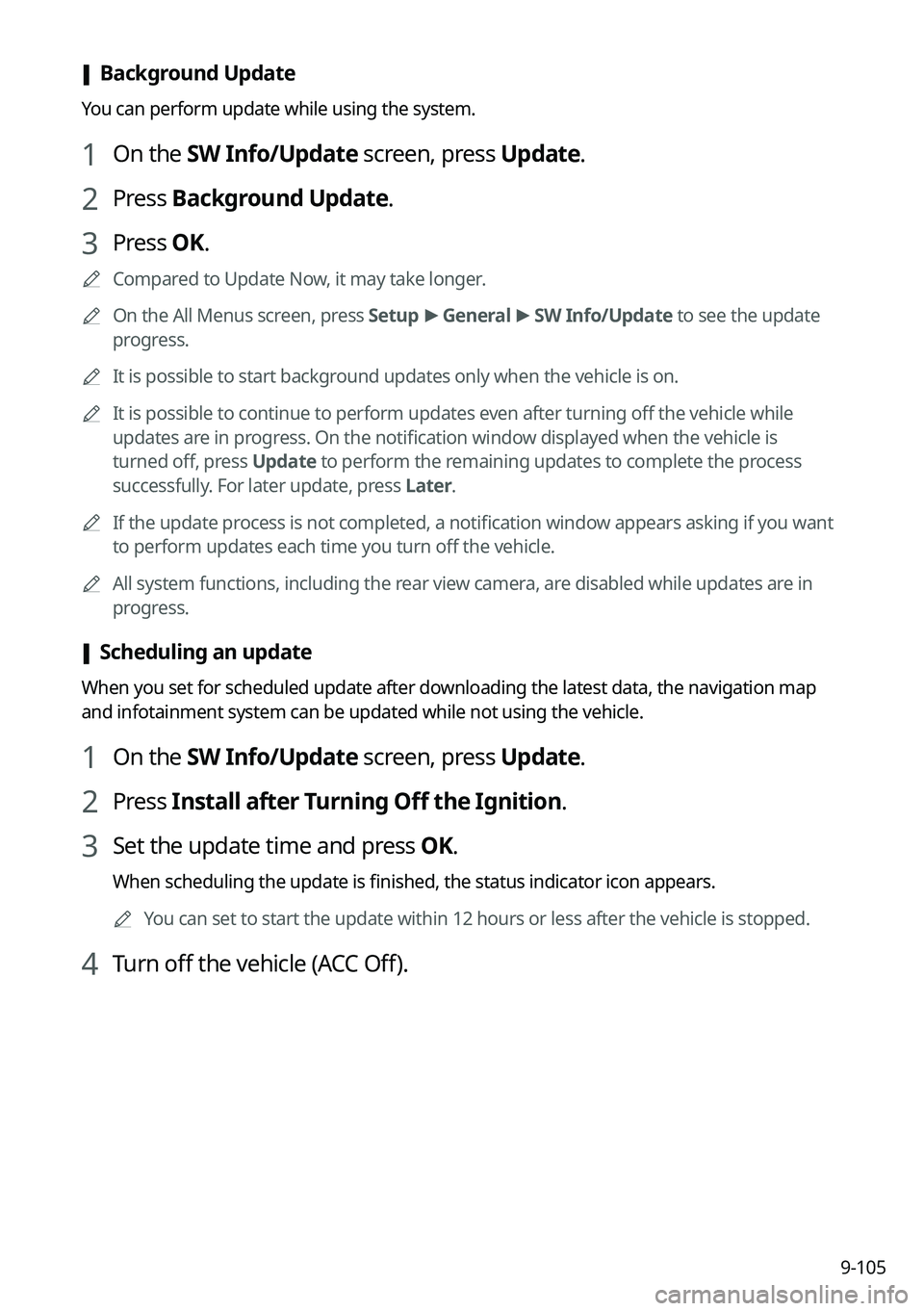
[Background Update
You can perform update while using the system.
1 On the SW Info/Update screen, press Update.
2 Press Background Update.
3 Press OK.
A
Compared to Update Now, it may take longer.
A
On the All Menus screen, press Setup >
General >
SW Info/Update to see the update
progress.
A
It is possible to start background updates only when the vehicle is on.
A
It is possible to continue to perform updates even after turning off the vehicle while
updates are in progress. On the notification window displayed when the vehicle is
turned off, press Update to perform the remaining updates to complete the process
successfully. For later update, press Later.
A
If the update process is not completed, a notification window appears asking if you want
to perform updates each time you turn off the vehicle.
A
All system functions, including the rear view camera, are disabled while updates are in
progress.
[Scheduling an update
When you set for scheduled update after downloading the latest data, the navigation map
and infotainment system can be updated while not using the vehicle.
1 On the SW Info/Update screen, press Update.
2 Press Install after Turning Off the Ignition.
3 Set the update time and press OK.
When scheduling the update is finished, the status indicator icon appears.
A
You can set to start the update within 12 hours or less after the vehicle is stopped.
4 Turn off the vehicle (ACC Off).
Page 323 of 340
11-11
Available functions in the rear seat (if equipped)
Rear-seat remote control locked
Rear-seat sleep mode On
Front-seat driver is having a conversation with a rear-seat occupant
Wireless charging
Wireless charging in progress
Wireless charging complete
Wireless charging failure
A
Some icons may not appear depending on the vehicle model and specifications.
Page 325 of 340
11-13
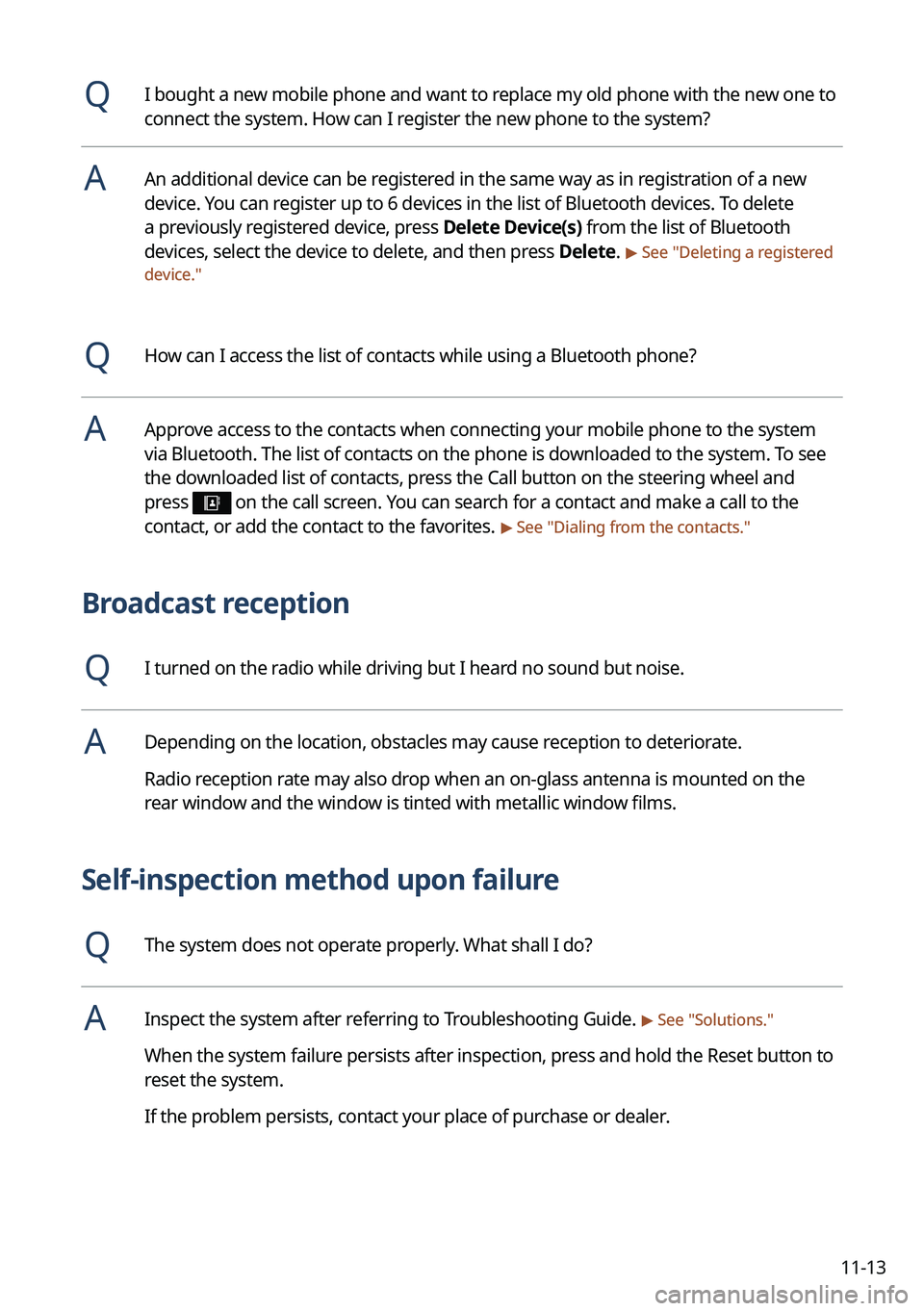
QI bought a new mobile phone and want to replace my old phone with the new one to
connect the system. How can I register the new phone to the system?
AAn additional device can be registered in the same way as in registration of a new
device. You can register up to 6 devices in the list of Bluetooth devices. To delete
a previously registered device, press Delete Device(s) from the list of Bluetooth
devices, select the device to delete, and then press Delete.
> See "Deleting a registered
device."
QHow can I access the list of contacts while using a Bluetooth phone?
AApprove access to the contacts when connecting your mobile phone to the syste\
m
via Bluetooth. The list of contacts on the phone is downloaded to the system. To see
the downloaded list of contacts, press the Call button on the steering wheel and
press
on the call screen. You can search for a contact and make a call to the
contact, or add the contact to the favorites. > See " Dialing from the contacts."
Broadcast reception
QI turned on the radio while driving but I heard no sound but noise.
ADepending on the location, obstacles may cause reception to deteriorate.
Radio reception rate may also drop when an on-glass antenna is mounted on the
rear window and the window is tinted with metallic window films.
Self-inspection method upon failure
QThe system does not operate properly. What shall I do?
AInspect the system after referring to Troubleshooting Guide. > See "Solutions."
When the system failure persists after inspection, press and hold the Reset button to
reset the system.
If the problem persists, contact your place of purchase or dealer.
Page 335 of 340
11-23
P
Parking assist guide lines 2-9
Phone 6-6
Phone projectionAndroid Auto 2-5
Apple CarPlay 2-7
Previous Destinations 5-12
Product specifications Bluetooth 11-16
Common specifications 11-16
LTE RF 11-17
Media player 11-14
Radio 11-16
Wi-Fi 11-18
Proximity Warning 2-10
R
Radio Changing the channel 3-7, 3-8
Changing the radio mode 3-6
Deleting a channel 3-10
Saving radio channels 3-9
Scanning channels 3-7, 3-8
Rear-seat climate control function 2-15
Rear-seat conversation mode 2-17
Rear-seat quiet mode 2-19
Rear-seat view 2-18
Rear view screen 2-9
Recent calls list 6-6
S
Save searched place 5-22
Saving frequently visited places 5-24
Saving the current position 5-23
Settings Advanced settings 9-40
Bluetooth settings 9-39
Button settings 9-44, 9-46
Data/network settings 9-76
Device connections settings 9-33, 9-35
Display settings 9-91, 9-96
General settings 9-79, 9-84
Media settings 9-102
Navigation settings 9-60, 9-65
Screen saver settings 9-100
Screen theme/layout settings 9-90
Sound settings 9-48, 9-52
User profile settings 9-77, 9-78
UVO settings 9-72, 9-74
Vehicle settings 9-3, 9-15
Voice recognition settings 9-58, 9-59
Siri Eyes Free 7-29
SiriusXM™ 3-13 Changing to SiriusXM mode 3-13, 3-14
Featured Favorites channels 3-19
Searching for channels 3-16
Selecting channels 3-17
Viewing the program schedule 3-18
Software update 9-103
Solutions Bluetooth connection 11-5
Navigation system operation 11-8
Phone projection 11-6
Sound and display 11-2
System operation 11-7
USB playback 11-4
Page 336 of 340
11-24
V
Valet mode 2-27
Voice memo 7-30
Voice recognitionCall commands 7-9, 7-14
Help 7-5
Navigation commands 7-10, 7-15
Other commands 7-13
POI name 7-19
Radio commands 7-11, 7-16
Rear-seat function commands 7-13,
7-18
Search commands 7-13, 7-18
Settings 9-58, 9-59
Use of speech recognition functions
7-3, 7-7
Vehicle control commands 7-11, 7-16
Volume setting 7-5, 7-8
W
Wi-Fi Hotspot
Specifications 11-18
Wireless update 10-2
Sound Mood Lamp 2-20
Sounds of Nature 2-21
Split screen 1-15
Steering wheel remote control 1-4
Surround view monitor
Door opening/mirror folding alert 2-12
Rear view video 2-13
System Info 9-79, 9-84
System status indicator icons 11-9
System update 9-103
T
Touch screen 1-8
Turning on/off the system 1-6
U
Update 9-103
USB file specifications 11-14
USB music 4-2
USB port 4-2
USB storage device specifications 11-15
UVO UVO menu
Settings 9-72, 9-74


