05
5-13
For vehicle maintenance
If you need to have your Digital Key
System repaired or replaced, please
ensure your Smartphone Key is still
active. You may have to pair your phone
again.
In some instances you may have to
re-initialize your Digital Keys using the
Hyundai Digital Key mobile app.
Digital key (smartphone) NFC
function
In order to use the Digital Key feature
on your Android smartphone, you
must first enable the NFC (Near Field
Communication) setting on your phone.
To enable NFC, go to Settings on your
smart phone.
In addition, your smart phone screen
should be unlocked when using the
Digital Key feature.
à To enable the user settings for NFC on
your smart phone, go to the Settings
app on your phone. For further
assistance, refer to your smart phone
manual.
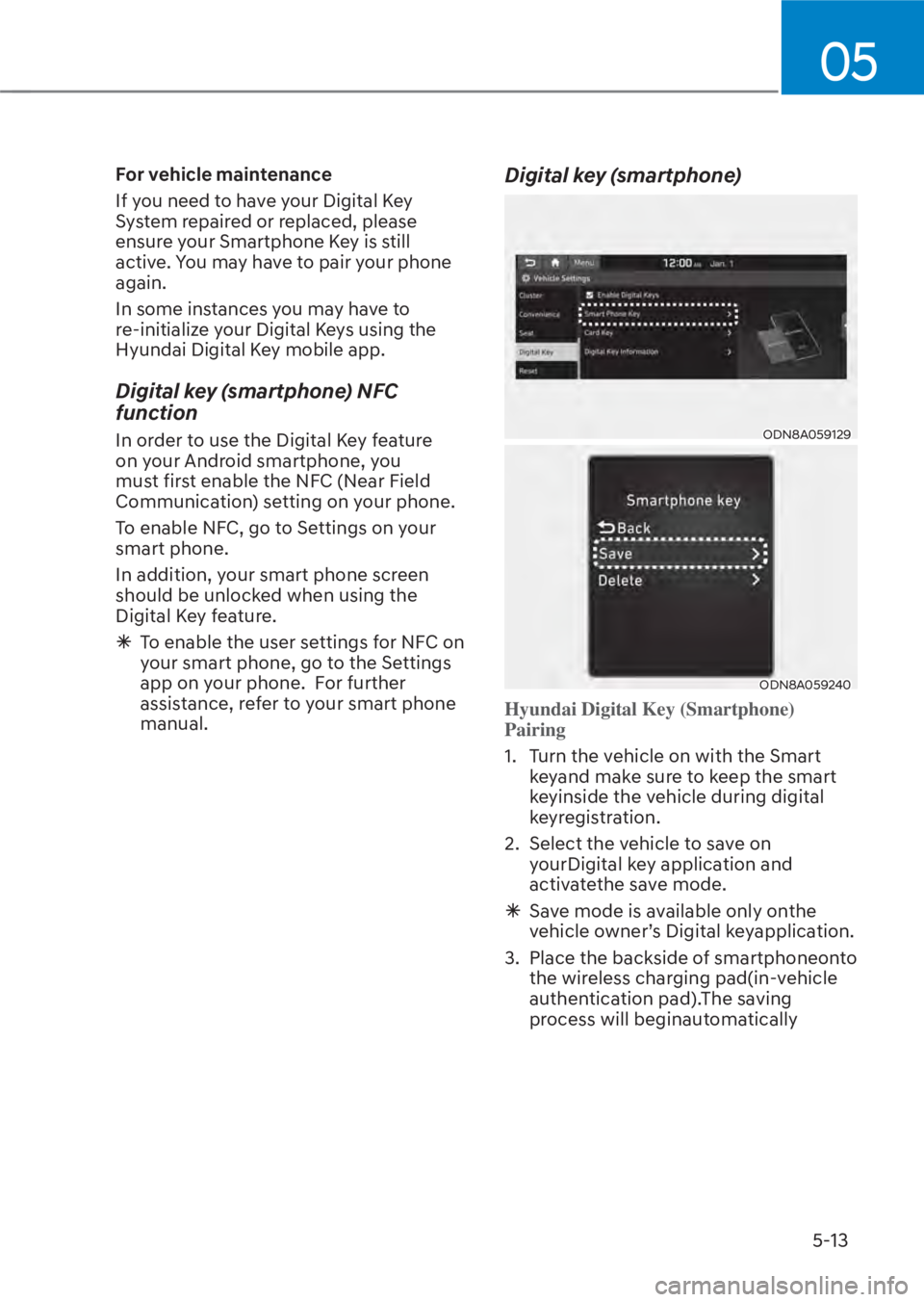
Digital key (smartphone)
ODN8A059129ODN8A059129
ODN8A059240ODN8A059240
Hyundai Digital Key (Smartphone)
Pairing
1. Turn the vehicle on with the Smart
k
eyand make sure to keep the smart
keyinside the vehicle during digital
keyregistration.
2. Select the vehicle to save on yourDigital key application and
activatethe save mode.
à Save mode is available only onthe
vehicle owner’s Digital keyapplication.
3. Place the backside of smartphoneonto the wireless charging pad(in-vehicle
authentication pad).The saving
process will beginautomatically