2023 HYUNDAI SONATA light
[x] Cancel search: lightPage 339 of 555
While Driving
6-52
Prerequisite for activation
FCA gets ready to be activated, when
‘Active Assist’ or ‘Warning Only’ under
Forward Safety is selected in the cluster
LCD display, and when the following
prerequisites are satisfied.
- ESC (Electronic Stability Control) is on.
- Vehicle speed is over 10 km/h (6 mph).
(FCA is only activated within a certain
speed range.)
- The system detects a pedestrian, cyclist or a vehicle in front, which may
collide with your vehicle. However,
FCA may not be activated or may only
sound a warning alarm depending on
the driving or vehicle conditions.
FCA may not operate properly according
to the frontal situation, condition of the
vehicle, the direction of pedestrian or
cyclist or speed. If you select "Warning
Only", only warnings occur.
WARNING
To avoid driver distractions, do not
attempt to set or cancel FCA while
driving the vehicle. Always completely
stop the vehicle at a safe place before
setting or canceling the system.
FCA automatically activates upon
placing the ignition switch to the ON
position. The driver can deactivate FCA
by canceling the system setting on the
cluster LCD display or infotainment
system display (if equipped).
FCA automatically deactivates upon
canceling ESC (Electronic Stability
Control). When ESC is canceled, FCA
cannot be activated in the LCD display
or infotainment system display (if
equipped). In this situation, the FCA
warning light will illuminate which is normal.
FCA Warning Message and Brake
Control
FCA produces warning messages,
warning alarms, and emergency braking
based on the level of risk of a frontal
collision, such as when a vehicle ahead
suddenly brakes, or the system detects
that a collision with a pedestrian or
cyclist is imminent.
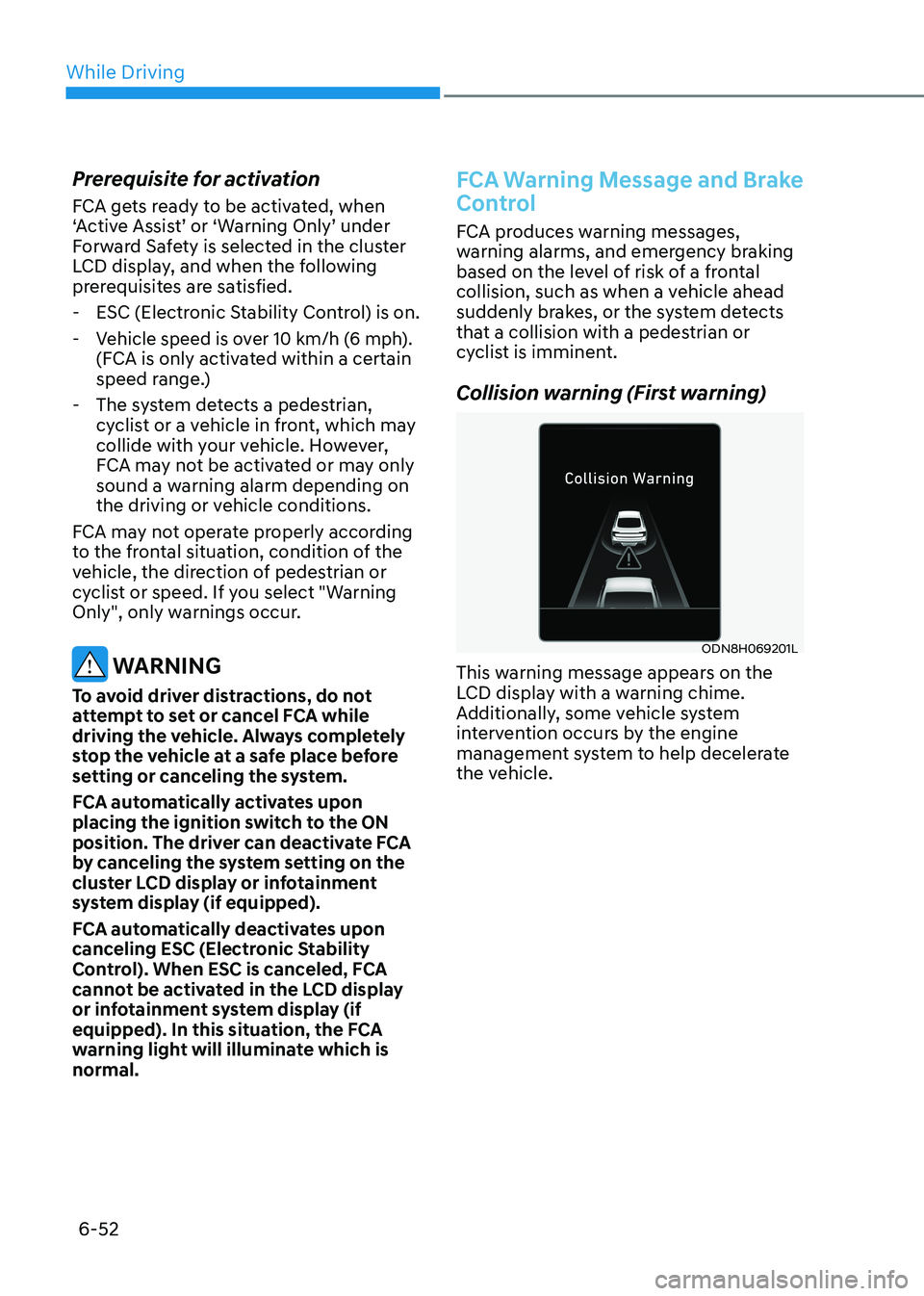
Collision warning (First warning)
ODN8H069201L
This warning message appears on the
LCD display with a warning chime.
Additionally, some vehicle system
intervention occurs by the engine
management system to help decelerate
the vehicle.
Page 343 of 555
While Driving
6-56
NOTICE
NEVER install any accessories or
stickers on the front windshield, or tint
the front windshield.
NEVER place any reflective objects
(i.e. white paper, mirror) over the
dashboard. Any light reflection may
prevent the system from functioning
properly.
Pay extreme caution to keep the camera
dry.
NEVER disassemble the camera
assembly, or apply any impact on the
camera assembly.
Information
Have the vehicle inspected by an
authorized HYUNDAI dealer when: • The windshield glass is replaced.
• The radar sensor or cover gets
damaged or replaced. Warning message and warning light
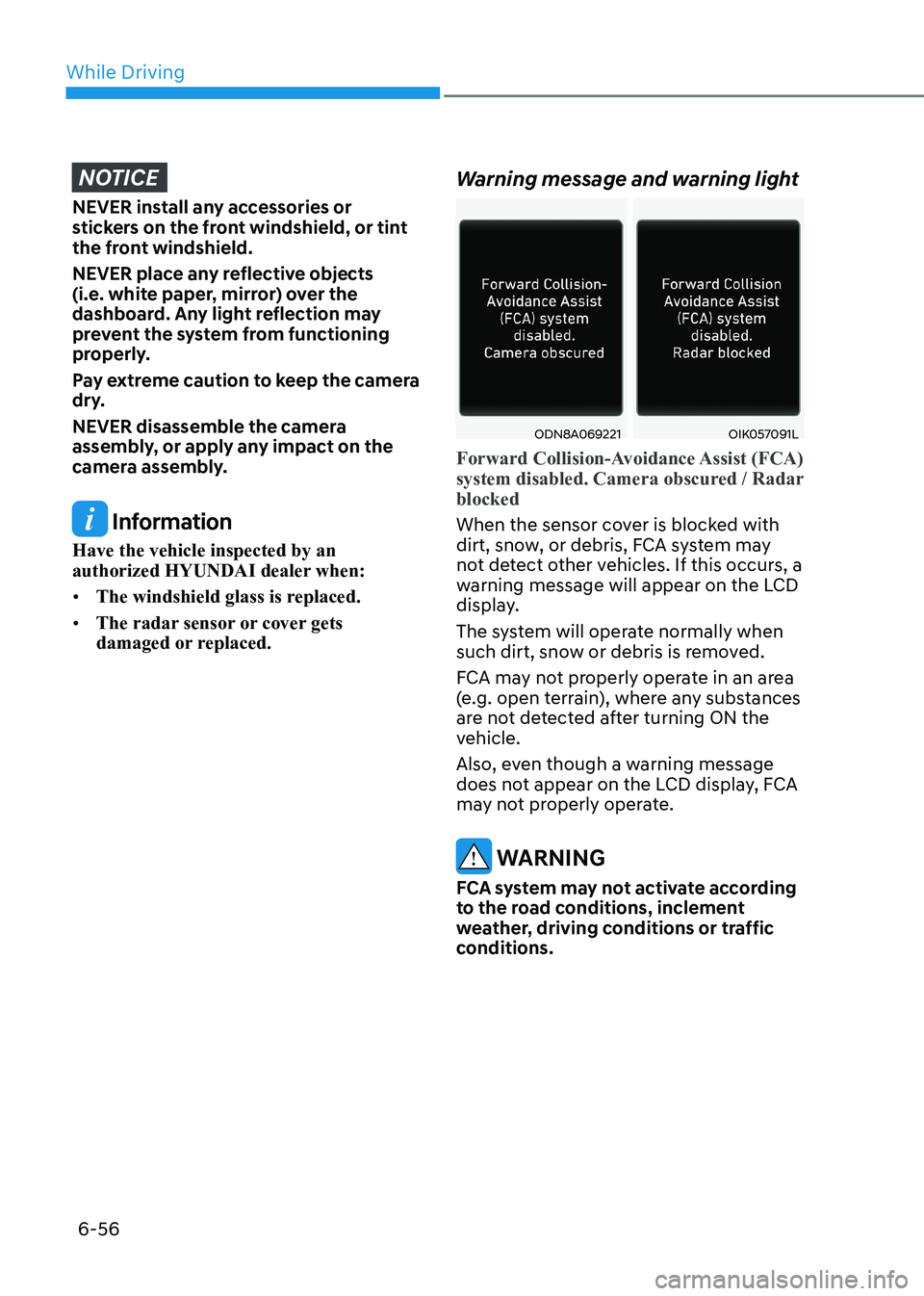
ODN8A069221OIK057091L
Forward Collision-Avoidance Assist (FCA)
system disabled. Camera obscured / Radar blocked
When the sensor cover is blocked with
dirt, snow, or debris, FCA system may
not detect other vehicles. If this occurs, a
warning message will appear on the LCD
display.
The system will operate normally when
such dirt, snow or debris is removed.
FCA may not properly operate in an area
(e.g. open terrain), where any substances
are not detected after turning ON the
vehicle.
Also, even though a warning message
does not appear on the LCD display, FCA
may not properly operate.
WARNING
FCA system may not activate according
to the road conditions, inclement
weather, driving conditions or traffic
conditions.
Page 344 of 555
06
6-57
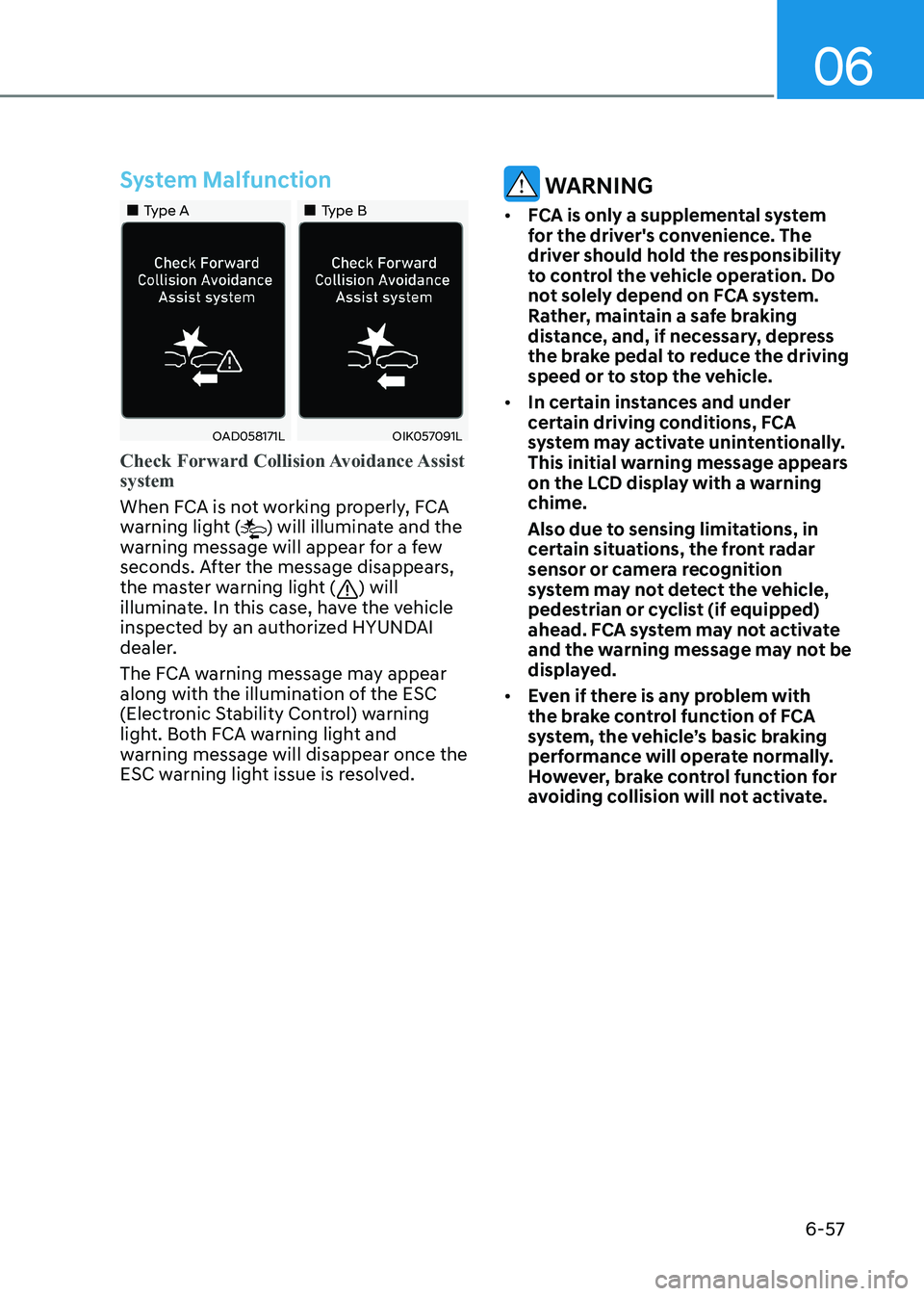
System Malfunction
„„Type A„„Type B
OAD058171LOIK057091L
Check Forward Collision Avoidance Assist system
When FCA is not working properly, FCA
warning light () will illuminate and the
warning message will appear for a few
seconds. After the message disappears,
the master warning light (
) will
illuminate. In this case, have the vehicle
inspected by an authorized HYUNDAI
dealer.
The FCA warning message may appear
along with the illumination of the ESC
(Electronic Stability Control) warning
light. Both FCA warning light and
warning message will disappear once the
ESC warning light issue is resolved.
WARNING
• FCA is only a supplemental system
for the driver's convenience. The
driver should hold the responsibility
to control the vehicle operation. Do
not solely depend on FCA system.
Rather, maintain a safe braking
distance, and, if necessary, depress
the brake pedal to reduce the driving
speed or to stop the vehicle.
• In certain instances and under
certain driving conditions, FCA
system may activate unintentionally.
This initial warning message appears
on the LCD display with a warning chime.
Also due to sensing limitations, in
certain situations, the front radar
sensor or camera recognition
system may not detect the vehicle,
pedestrian or cyclist (if equipped)
ahead. FCA system may not activate
and the warning message may not be
displayed.
• Even if there is any problem with
the brake control function of FCA
system, the vehicle’s basic braking
performance will operate normally.
However, brake control function for
avoiding collision will not activate.
Page 346 of 555

06
6-59
Detecting vehicle, pedestrian and
cyclist
The sensor may be limited when: •
The system may not operate for 15
seconds after the vehicle is started or
the camera is initialized
• The radar sensor or camera is covered
with a foreign object or debris
• The camera lens is contaminated due
to tinted, filmed or coated windshield,
damaged glass, or stuck of foreign
matter (sticker, bug, etc.) on the glass
• Inclement weather such as heavy rain
or snow obscures the field of view of
the radar sensor or camera
• There is interference by
electromagnetic waves
• There is severe irregular reflection
from the radar sensor
• The radar/camera sensor recognition
is limited
• The vehicle in front is too small to be
detected (for example a motorcycle
etc.)
• The vehicle in front is an oversize
vehicle or trailer that is too big to be
detected by the camera recognition
system (for example a tractor trailer,
etc.)
• The camera’s field of view is not well
illuminated (either too dark or too
much reflection or too much backlight
that obscures the field of view)
• The vehicle in front does not have
their rear lights or their rear lights
does not turned ON or their rear lights
are located unusually
• The outside brightness changes
suddenly, for example when entering
or exiting a tunnel
• Light coming from a street light or an
oncoming vehicle is reflected on a wet
road surface such as a puddle in the
road •
The field of view in front is obstructed
by sun glare or head light of oncoming
vehicle
• The windshield glass is fogged up; a
clear view of the road is obstructed
• The vehicle in front is driving
erratically
• The vehicle is on unpaved or uneven
rough surfaces, or road with sudden
gradient changes
• The vehicle is driven near areas
containing metal substances as a
construction zone, railroad, etc.
• The vehicle drives inside a building,
such as a basement parking lot
• The camera does not recognize the
entire vehicle in front
• The camera is damaged
• The brightness outside is too low such
as when the headlamps are not on at
night or the vehicle is going through a tunnel
• The shadow is on the road by a
median strip, trees, etc.
• The vehicle drives through a tollgate
• The windshield glass is fogged up; a
clear view of the road is obstructed
• The rear part of the vehicle in front is
not normally visible (the vehicle turns
in other direction or the vehicle is
overturned.)
• The adverse road conditions cause
excessive vehicle vibrations while driving
• The sensor recognition changes
suddenly when passing over a speed bump
• The vehicle in front is moving
vertically to the driving direction
• The vehicle in front is stopped
vertically
• The vehicle in front is driving towards
your vehicle or reversing
• You are on a roundabout and the
vehicle in front circles
Page 351 of 555
While Driving
6-64
•
The pedestrian or cyclist is not fully
detected by the camera recognition
system, for example, if the pedestrian
is leaning over or is not fully walking
upright
• The pedestrian or cyclist is moving
very quickly or appears abruptly in the
camera detection area
• The pedestrian or cyclist is wearing
clothing that easily blends into the
background, making it difficult to be
detected by the camera recognition
system
• The outside lighting is too bright (e.g.
when driving in bright sunlight or
in sun glare) or too dark (e.g. when
driving on a dark rural road at night)
• It is difficult to detect and distinguish
the pedestrian or cyclist from other
objects in the surroundings, for
example, when there is a group of
pedestrians, cyclists or a large crowd
• There is an item similar to a person’s
body structure
• The pedestrian or cyclist is small
• The pedestrian has impaired mobility
• The sensor recognition is limited •
The radar sensor or camera is blocked
with a foreign object or debris
• Inclement weather such as heavy rain
or snow obscures the field of view of
the radar sensor or camera
• When light coming from a street light
or an oncoming vehicle is reflected on
a wet road surface such as a puddle in
the road
• The field of view in front is obstructed
by sun glare
• The windshield glass is fogged up; a
clear view of the road is obstructed
• The adverse road conditions cause
excessive vehicle vibrations while driving
• The sensor recognition changes
suddenly when passing over a speed bump
• You are on a roundabout
• The pedestrian or cyclist suddenly
interrupts in front of the vehicle
• The cyclist in front is riding intersected
with the driving direction
• There is any other electromagnetic
interference
• The construction area, rail or other
metal object is near the cyclist
• The bicycle material is not reflected
well on the radar
WARNING
Turn off Forward Collision avoidance
Assist system through cluster or
infotainment system before towing
a vehicle. Application of FCA system
while towing may adversely affect the
safety of your vehicle or the towing
vehicle.
Use extreme caution when the vehicle
in front of you has cargo that extends
rearward from the cab, or when the
vehicle in front of you has higher
ground clearance.
Page 354 of 555
06
6-67
ODN8H060227N
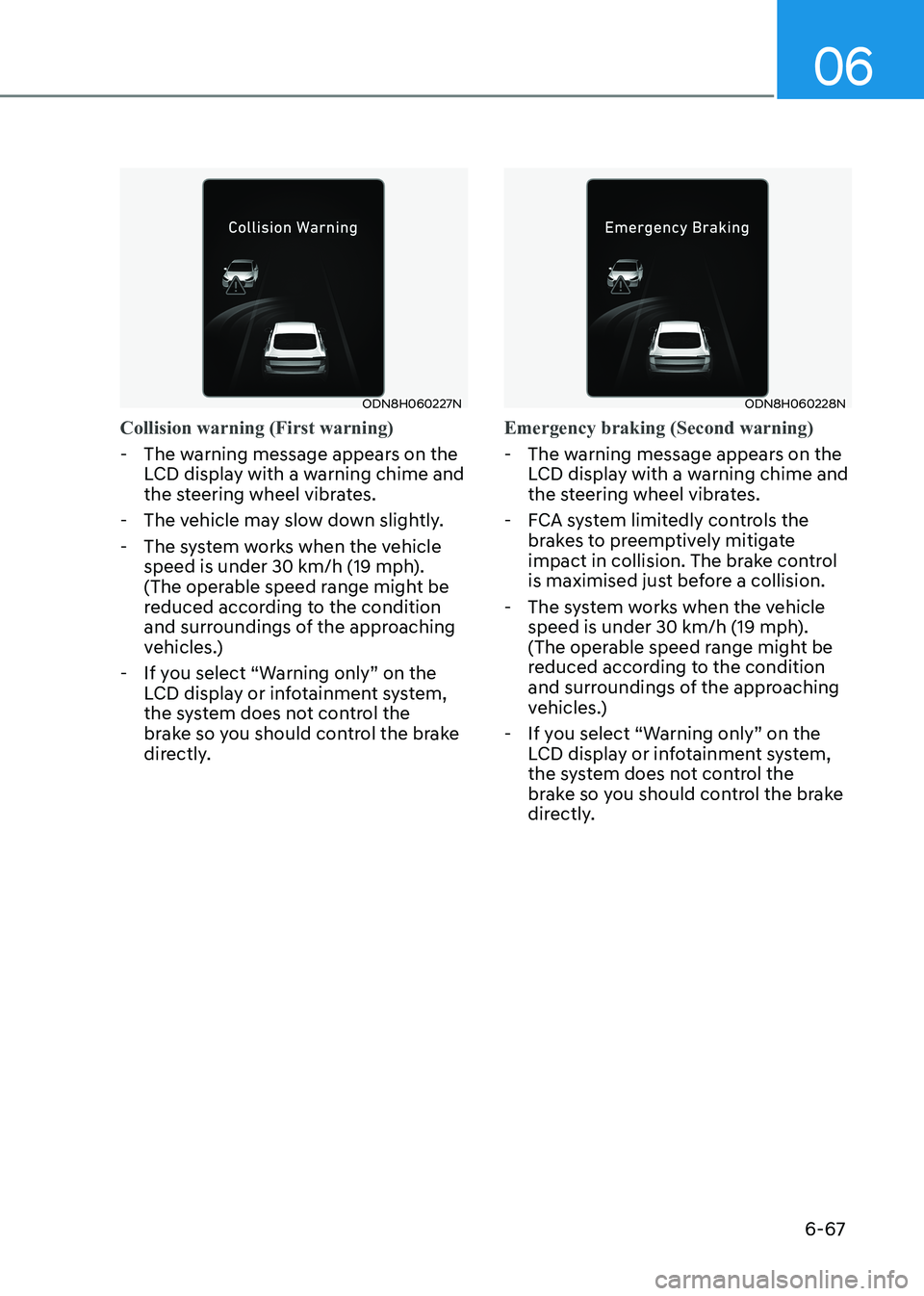
Collision warning (First warning)
- The warning message appears on the LCD display with a warning chime and
the steering wheel vibrates.
- The vehicle may slow down slightly.
- The system works when the vehicle speed is under 30 km/h (19 mph).
(The operable speed range might be
reduced according to the condition
and surroundings of the approaching
vehicles.)
- If you select “Warning only” on the LCD display or infotainment system,
the system does not control the
brake so you should control the brake
directly.
ODN8H060228N
Emergency braking (Second warning)
- The warning message appears on the LCD display with a warning chime and
the steering wheel vibrates.
- FCA system limitedly controls the brakes to preemptively mitigate
impact in collision. The brake control
is maximised just before a collision.
- The system works when the vehicle speed is under 30 km/h (19 mph).
(The operable speed range might be
reduced according to the condition
and surroundings of the approaching
vehicles.)
- If you select “Warning only” on the LCD display or infotainment system,
the system does not control the
brake so you should control the brake
directly.
Page 358 of 555
06
6-71
•
Do not place objects on the
dashboard that reflects light such as
mirrors, white paper, etc. This may
prevent LKA system from functioning
properly.
• Always have your hands on the
steering wheel while LKA system is
activated. If you continue to drive
with your hands off the steering
wheel after the “Keep hands on
steering wheel” warning message
appears, the system will stop
controlling the steering wheel.
• The steering wheel is not
continuously controlled so if the
vehicle speed is at a higher rate
when leaving a lane the vehicle may
not be controlled by the system. The
driver must always follow the speed
limit when using the system.
• If you attach objects to the steering
wheel, the system may not assist
steering or the hands off alarm may
not work properly.
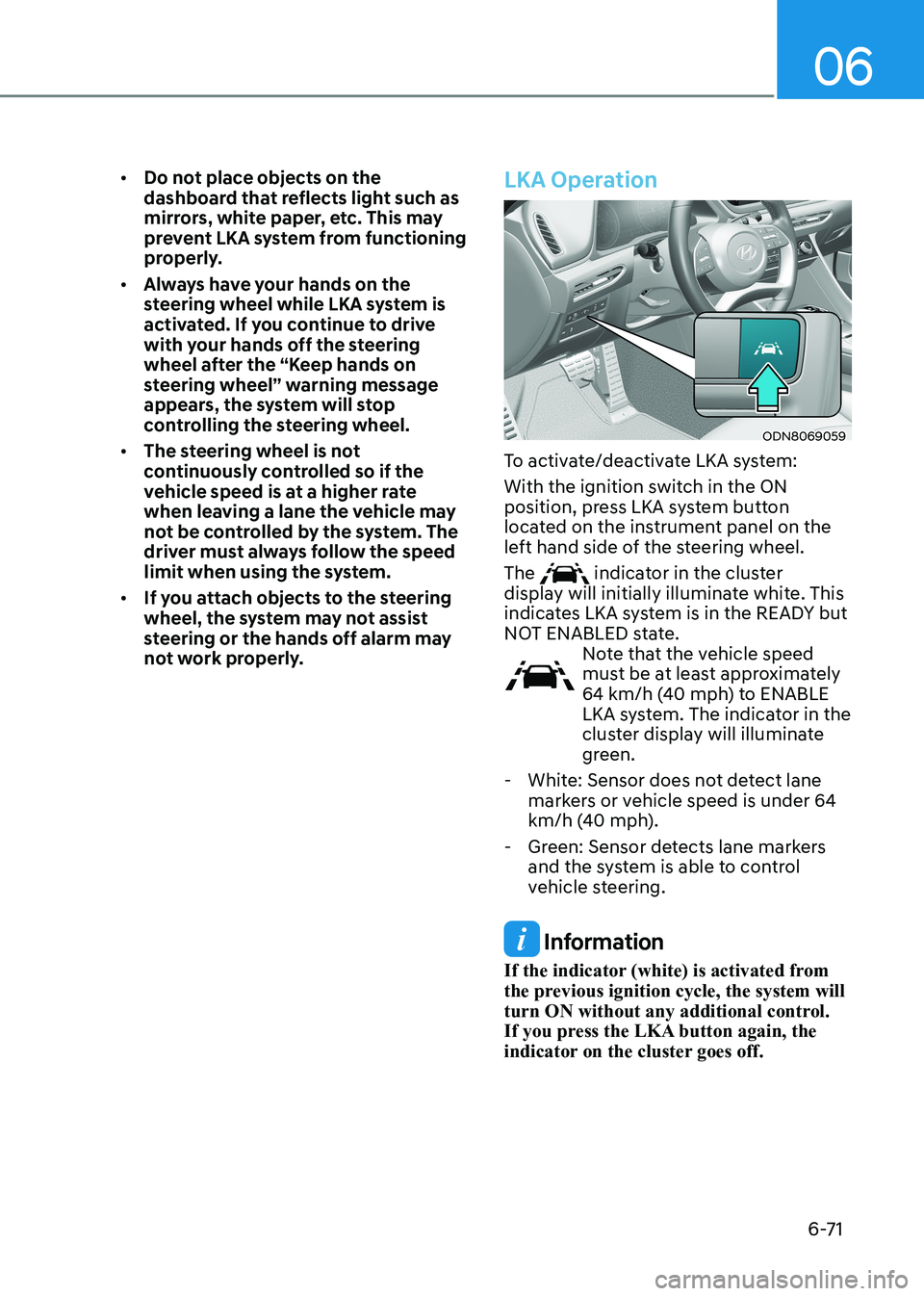
LKA Operation
ODN8069059
To activate/deactivate LKA system:
With the ignition switch in the ON
position, press LKA system button
located on the instrument panel on the
left hand side of the steering wheel. The
indicator in the cluster
display will initially illuminate white. This
indicates LKA system is in the READY but
NOT ENABLED state.
Note that the vehicle speed
must be at least approximately
64 km/h (40 mph) to ENABLE
LKA system. The indicator in the
cluster display will illuminate
green.
- White: Sensor does not detect lane markers or vehicle speed is under 64
km/h (40 mph).
- Green: Sensor detects lane markers and the system is able to control
vehicle steering.
Information
If the indicator (white) is activated from
the previous ignition cycle, the system will
turn ON without any additional control.
If you press the LKA button again, the
indicator on the cluster goes off.
Page 360 of 555
06
6-73
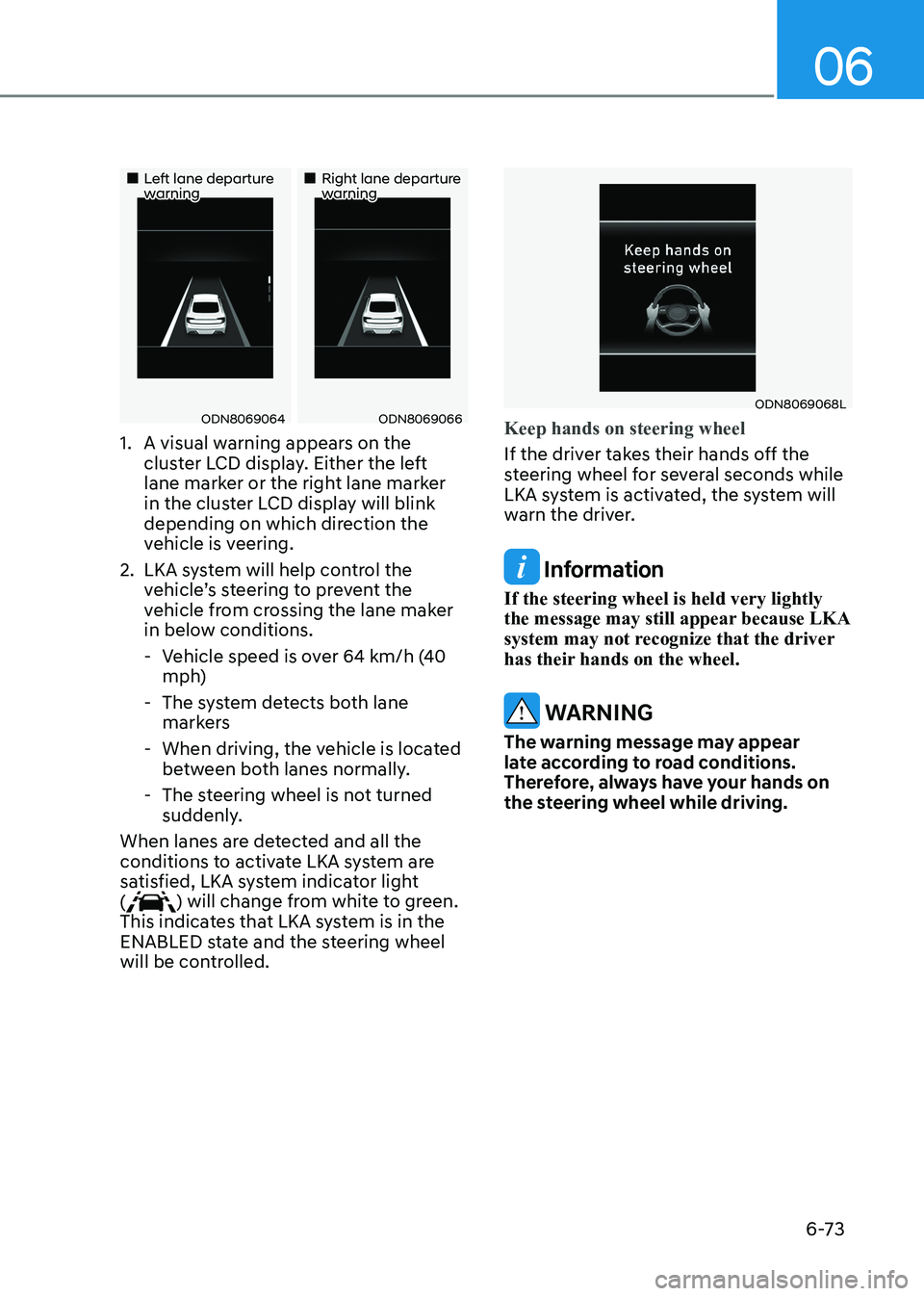
„„Left lane departure warning„„Right lane departure warning
ODN8069064ODN8069066
1. A visual warning appears on the cluster LCD display. Either the left
lane marker or the right lane marker
in the cluster LCD display will blink
depending on which direction the
vehicle is veering.
2. LKA system will help control the vehicle’s steering to prevent the
vehicle from crossing the lane maker
in below conditions.
- Vehicle speed is over 64 km/h (40 mph)
- The system detects both lane markers
- When driving, the vehicle is located between both lanes normally.
- The steering wheel is not turned suddenly.
When lanes are detected and all the
conditions to activate LKA system are
satisfied, LKA system indicator light (
) will change from white to green.
This indicates that LKA system is in the
ENABLED state and the steering wheel
will be controlled.
ODN8069068L
Keep hands on steering wheel
If the driver takes their hands off the
steering wheel for several seconds while
LKA system is activated, the system will
warn the driver.
Information
If the steering wheel is held very lightly
the message may still appear because LKA
system may not recognize that the driver
has their hands on the wheel.
WARNING
The warning message may appear
late according to road conditions.
Therefore, always have your hands on
the steering wheel while driving.