Page 273 of 582
5
5-95
3. Touch the defroster icon ( ).
4. When Defogging logic is enabled, Fresh mode is selected and air conditioning is
selected according to outside
temperature.
Check to make sure the air intake control
is in Fresh mode. If the air intake control
indicator light is illuminated, touch the
icon once to enable Fresh mode
(indicator light OFF).
If the position is selected, lower fan
speed is adjusted to a higher fan speed.
Defogging Logic
To reduce the probability of fogging up
the inside of the windshield, the air intake
or air conditioning are controlled
automatically according to certain
conditions such as positions. To cancel
or reset the defogging logic, do the
following.
1. Press the Start/Stop button to the ON position.
2. Touch the defroster icon ( ) or ( ).
3. While touching the A/C icon, touch the air intake control icon at least 5 times
within 3 seconds.
The air intake control indicator will blink 3
times to indicate that the defogging logic
has been disabled. Repeat the steps again
to re-enable the defogging logic.
The air intake control indicator will blink 6
times to indicate that the defogging logic
has been enabled.
If the battery has been discharged or
disconnected, it resets to the defog logic
status.
Rear Window Defroster
NOTICE To prevent damage to the rear window
defroster conducting elements bonded to
the inside surface of the rear window,
never use sharp instruments or window cleaners containing abrasives to clean the
window.
B5020801
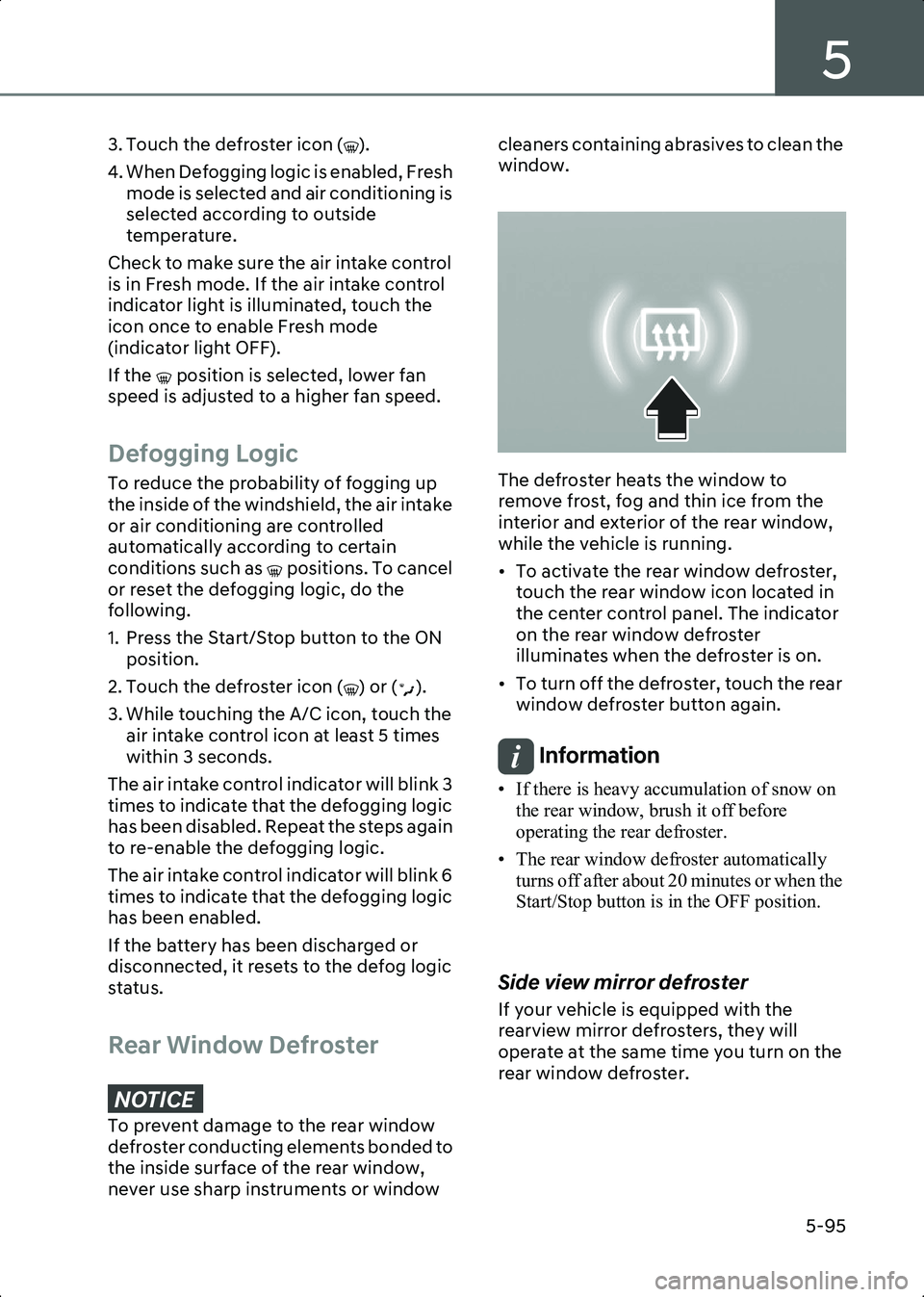
The defroster heats the window to
remove frost, fog and thin ice from the
interior and exterior of the rear window,
while the vehicle is running.
• To activate the rear window defroster,
touch the rear window icon located in
the center control panel. The indicator
on the rear window defroster
illuminates when the defroster is on.
• To turn off the defroster, touch the rear window defroster button again.
Information • If there is heavy accumulation of snow on the rear window, brush it off before
operating the rear defroster.
• The rear window defroster automatically turns off after about 20 minutes or when the
Start/Stop button is in the OFF position.
Side view mirror defroster
If your vehicle is equipped with the
rearview mirror defrosters, they will
operate at the same time you turn on the
rear window defroster.
Hyundai_CE_en_US.book Page 95
Page 364 of 582
Driver Assistance System
7-20
• Forward Collision-Avoidance Assist may be limited or disabled if the vehicle
speed is too high or the distance to the
vehicle ahead is far.
• When a collision with a surrounding vehicle is expected, Lane-Change
Oncoming, Lane-Change Side and
Evasive Steering Assist will not assist
you with steering but only warn the you
of a collision (if equipped).
Information • In a situation where collision is imminent, braking may be assisted by Forward
Collision-Avoidance Assist when braking
is insufficient by the driver.
• The images and colors in the instrument cluster may differ depending on the
instrument cluster type or theme selected
from the settings menu.
Forward Collision-Avoidance
Assist Malfunction and
Limitations
Forward Collision-Avoidance Assist
malfunction
B7000401
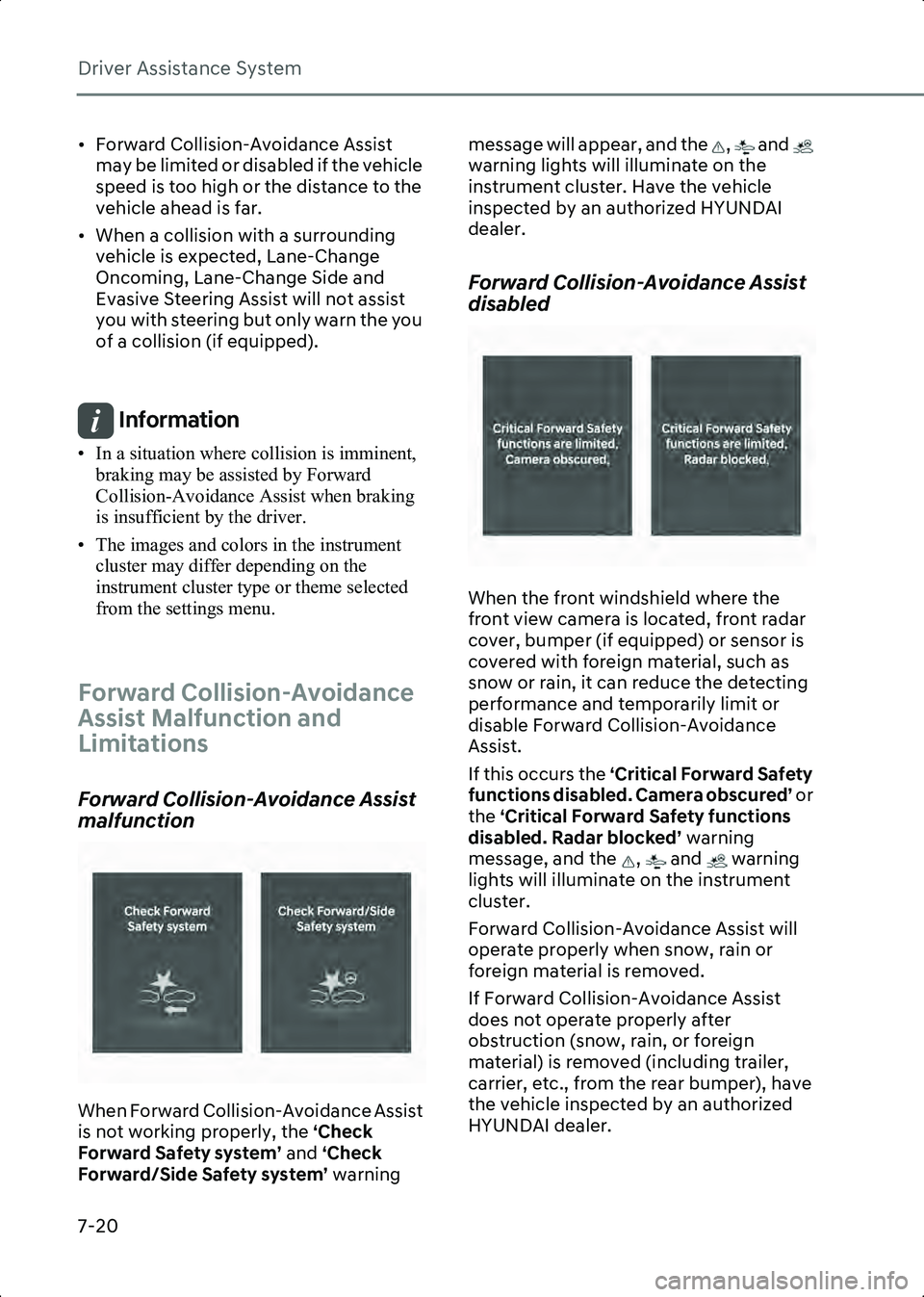
When Forward Collision-Avoidance Assist
is not working properly, the ‘Check
Forward Safety system’ and ‘Check
Forward/Side Safety system’ warning message will appear, and the , and
warning lights will illuminate on the
instrument cluster. Have the vehicle
inspected by an authorized HYUNDAI
dealer.
Forward Collision-Avoidance Assist
disabled
B7000402
When the front windshield where the
front view camera is located, front radar
cover, bumper (if equipped) or sensor is
covered with foreign material, such as
snow or rain, it can reduce the detecting
performance and temporarily limit or
disable Forward Collision-Avoidance
Assist.
If this occurs the ‘Critical Forward Safety
functions disabled. Camera obscured’ or
the ‘Critical Forward Safety functions
disabled. Radar blocked’ warning
message, and the , and warning
lights will illuminate on the instrument
cluster.
Forward Collision-Avoidance Assist will
operate properly when snow, rain or
foreign material is removed.
If Forward Collision-Avoidance Assist
does not operate properly after
obstruction (snow, rain, or foreign
material) is removed (including trailer,
carrier, etc., from the rear bumper), have
the vehicle inspected by an authorized
HYUNDAI dealer.
Hyundai_CE_en_US.book Page 20
Page 540 of 582
Maintenance
9-24
front or two rear tires (or wheels) as
a pair. Replacing just one tire can
seriously affect your vehicle’s
handling.
• Tires degrade over time, even when they are not being used. Regardless
of the remaining tread, HYUNDAI
recommends that tires be replaced
after six (6) years of normal service.
• Heat caused by hot climates or frequent high loading conditions
can accelerate the aging process.
Failure to follow this warning may
cause sudden tire failure, which
could lead to a loss of vehicle
control resulting in an accident.
WARNING The original tire should be repaired or
replaced as soon as possible to avoid
failure of the spare and loss of vehicle
control resulting in an accident. The
compact spare tire is for emergency
use only. Do not operate your vehicle
over 50 mph (80 km/h) when using
the compact spare tire.
Wheel Replacement
When replacing the metal wheels for
any reason, make sure the new
wheels are equivalent to the original
factory units in diameter, rim width,
and offset.
Tire Traction
Tire traction can be reduced if you
drive on worn tires, tires that are
improperly inflated or on slippery
road surfaces. Tires should be
replaced when tread wear indicators appear. To reduce the possibility of
losing control, slow down whenever
there is rain, snow or ice on the road.
Tire Maintenance
In addition to proper inflation, correct
wheel alignment helps to decrease
tire wear. If you find a tire is worn
unevenly, have your dealer check the
wheel alignment.
When you have new tires installed,
make sure they are balanced. This will
increase vehicle ride comfort and tire
life. Additionally, a tire should always
be rebalanced if it is removed from
the wheel.
Tire Sidewall Labeling
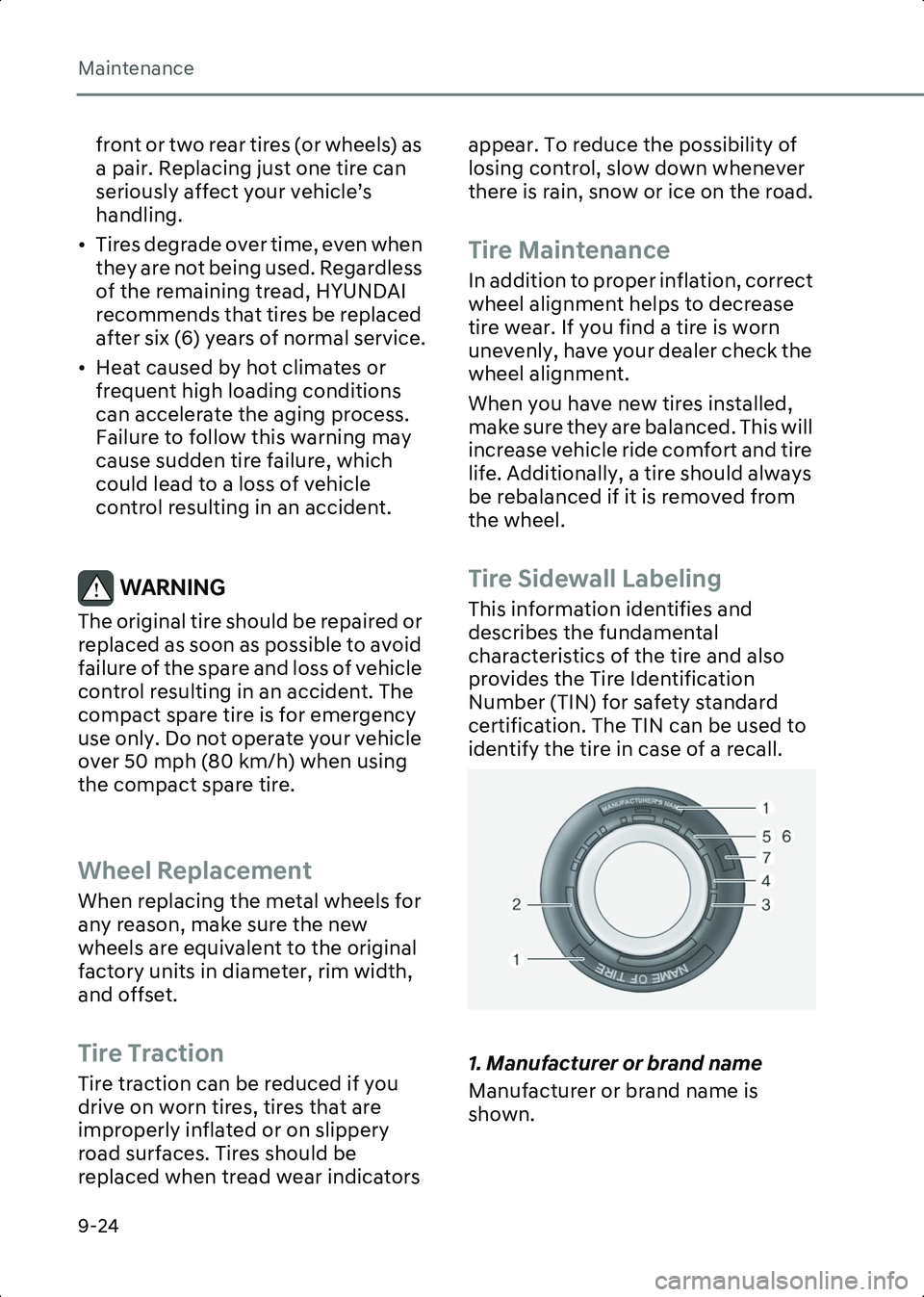
This information identifies and
describes the fundamental
characteristics of the tire and also
provides the Tire Identification
Number (TIN) for safety standard
certification. The TIN can be used to
identify the tire in case of a recall.
B9005401
1. Manufacturer or brand name
Manufacturer or brand name is
shown.
Hyundai_CE_en_US.book Page 24