2023 HYUNDAI IONIQ 6 lock
[x] Cancel search: lockPage 365 of 582
7
7-21
WARNING • Even though the warning message or warning light does not appear on the
instrument cluster, Forward
Collision-Avoidance Assist may not
properly operate.
• Forward Collision-Avoidance Assist may not properly operate in an area (for
example, open terrain), where any
objects are not detected after turning
ON the vehicle.
• If the vehicle is turned off and restarted while the camera is blocked or
malfunctioned, the condition is
maintained. Therefore, Forward
Collision-Avoidance Assist may not
operate properly.
Limitations of Forward
Collision-Avoidance Assist
Forward Collision-Avoidance Assist may
not operate properly, or it may operate
unexpectedly under the following
circumstances:
• The detecting sensor or the surroundings are contaminated or
damaged
• The temperature around the front view camera is high or low due to
surrounding environment
• The camera lens is contaminated due to tinted, filmed or coated windshield,
damaged glass, or sticky foreign
material (sticker, bug, etc.) on the glass
• Moisture is not removed or frozen on the windshield
• Washer fluid is continuously sprayed, or the wiper is on
• Driving in heavy rain or snow, or thick fog
• The field of view of the front view camera is obstructed by sun glare • Street light or light from an oncoming
traffic is reflected on the wet road
surface, such as a puddle on the road
• An object is placed on the dashboard
• Your vehicle is being towed
• The surrounding is very bright
• The surrounding is very dark, such as in a tunnel, etc.
• The brightness changes suddenly, for example when entering or exiting a
tunnel
• The brightness outside is low, and the headlights are not on or are not bright
• Driving through steam, smoke or shadow
• Only part of the vehicle, powered two-wheeler, pedestrian or cyclist is
detected
• The vehicle or powered two-wheeler in front is a bus, heavy truck, truck with an
unusually shaped cargo, trailer, etc.
• The vehicle or powered two-wheeler in front has no tail lights, tail lights are
located unusually, etc.
• The brightness outside is low, and the tail lights are not on or are not bright
• The rear of the front vehicle is small or the vehicle does not look normal, such
as when the vehicle is tilted,
overturned, or the side of the vehicle is
visible, etc.
• The front vehicle’s ground clearance is low or high
• A vehicle, powered two-wheeler, pedestrian or cyclist suddenly cuts in
front
• The bumper around the front radar is impacted, damaged or the front radar is
out of position
• The temperature around the front radar is high or low
• Driving through a tunnel or iron bridge
• Driving in vast areas where there are few vehicles or structures (for example,
desert, meadow, suburb, etc.)
Hyundai_CE_en_US.book Page 21
Page 366 of 582
Driver Assistance System
7-22
• Driving near areas containing metal substances, such as a construction
zone, railroad, etc.
• A material is near that reflects very well on the front radar, such as a guardrail,
nearby vehicle, etc.
• The cyclist in front is on a bicycle made of material that does not reflect on the
front radar
• The vehicle or powered two-wheeler in front is detected late
• The vehicle or powered two-wheeler in front is suddenly blocked by an
obstacle
• The vehicle or powered two-wheeler in front suddenly changes lane or
suddenly reduces speed
• The vehicle or powered two-wheeler in front is bent out of shape
• The vehicle in front is covered with snow
• You are departing or returning to the lane
• Unstable driving
• You are on a roundabout and the vehicle or powered two-wheeler in
front is not detected
• You are continuously driving in a circle
• The vehicle in front has an unusual shape
• The vehicle in front is driving uphill or downhill
• The pedestrian or cyclist is not fully detected, for example, if the pedestrian
is leaning over or is not fully walking
upright
• The pedestrian or cyclist is wearing clothing or equipment that makes it
difficult to detect
B7000403
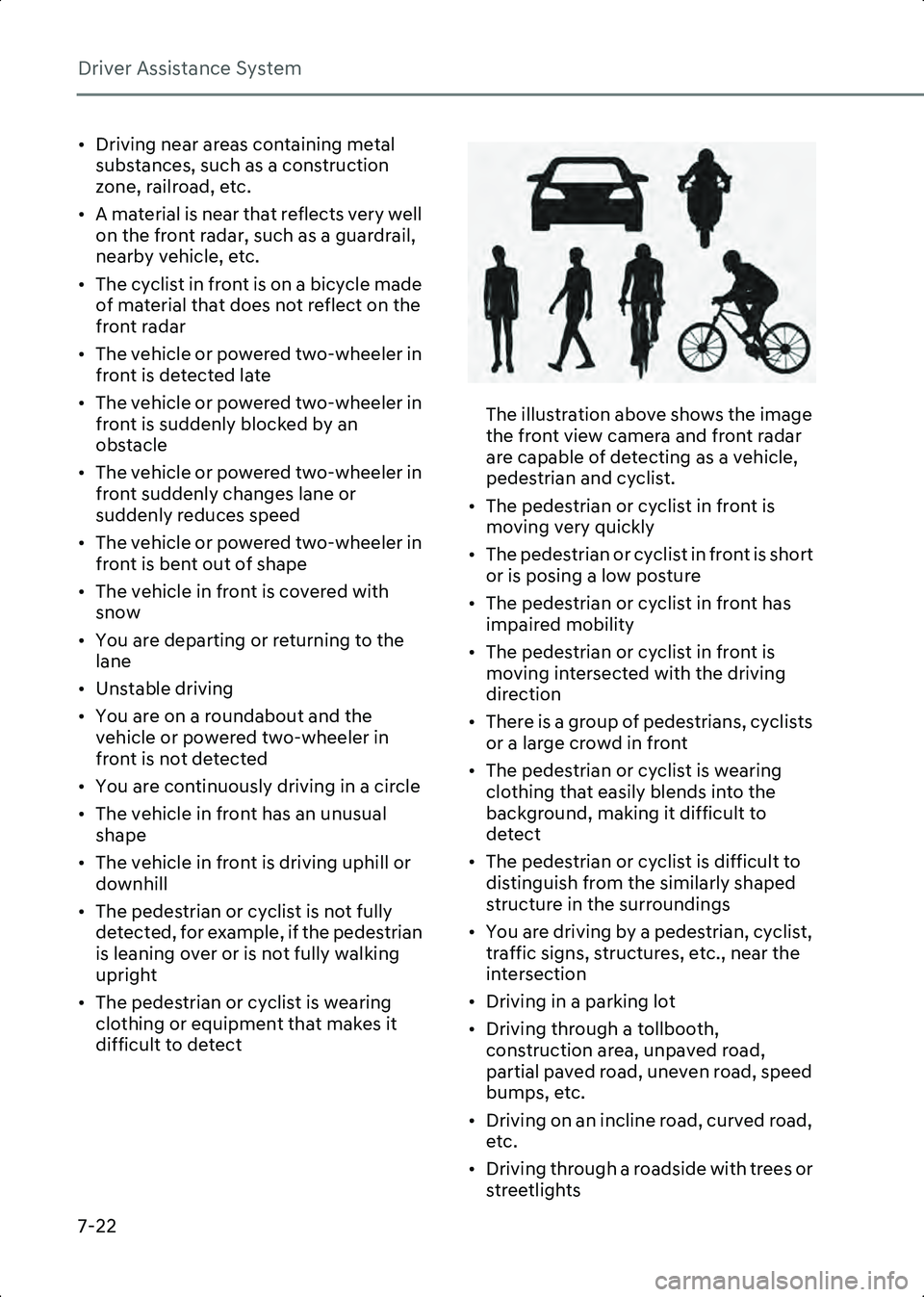
The illustration above shows the image
the front view camera and front radar
are capable of detecting as a vehicle,
pedestrian and cyclist.
• The pedestrian or cyclist in front is moving very quickly
• The pedestrian or cyclist in front is short or is posing a low posture
• The pedestrian or cyclist in front has impaired mobility
• The pedestrian or cyclist in front is moving intersected with the driving
direction
• There is a group of pedestrians, cyclists or a large crowd in front
• The pedestrian or cyclist is wearing clothing that easily blends into the
background, making it difficult to
detect
• The pedestrian or cyclist is difficult to distinguish from the similarly shaped
structure in the surroundings
• You are driving by a pedestrian, cyclist, traffic signs, structures, etc., near the
intersection
• Driving in a parking lot
• Driving through a tollbooth, construction area, unpaved road,
partial paved road, uneven road, speed
bumps, etc.
• Driving on an incline road, curved road, etc.
• Driving through a roadside with trees or streetlights
Hyundai_CE_en_US.book Page 22
Page 367 of 582
7
7-23
• The adverse road conditions cause excessive vehicle vibrations while
driving
• Your vehicle height is low or high due to heavy loads, abnormal tire pressure,
etc.
• Driving through a narrow road where trees or grass are overgrown
• There is interference by electromagnetic waves, such as driving
in an area with strong radio waves or
electrical noise
Junction Crossing, Lane-Change
Oncoming, Lane-Change Side, Evasive
if equipped
Steering Assist function
• The temperature around the front corner radar or rear corner radar is high
or low
• A trailer or carrier is installed around the rear corner radar
• The front corner radar or rear corner radar is covered with snow, rain, dirt,
etc.
• The bumper around the front corner radar or rear corner radar is covered
with objects, such as a bumper sticker,
bumper guard, bike rack, etc.
• The bumper around the front corner radar or rear corner radar is impacted,
damaged or the radar is out of position
• The front corner radar or rear corner radar is blocked by other vehicles, walls
or pillars
• Driving on a highway ramp
• Driving on a road where the guardrail or wall is in double structure
• The other vehicle drives very close behind your vehicle, or the other
vehicle passes by your vehicle in close
proximity
• The speed of the other vehicle is very fast so that it passes by your vehicle in a
short time
• Your vehicle passes by the other vehicle • Your vehicle has started at the same
time as the vehicle next to you and has
accelerated
• The vehicle in the next lane moves two lanes away from you, or when the
vehicle two lanes away moves to the
next lane from you
• A motorcycle or bicycle is detected
• A vehicle such as a flat trailer is detected
• A big vehicle such as a bus or truck is detected
• A small moving obstacle such as a pedestrian, animal, shopping cart or a
baby stroller is detected
• A vehicle with low height such as a sports car is detected
• The lane is difficult to see due to foreign material, such as rain, snow, dust, sand,
oil and water puddles
• The color of the lane marking is not distinguishable from the road
• There are markings on the road near the lane or the markings on the road looks
similar to the lane markings
• The shadow is on the lane marking by a median strip, trees, guardrail, noise
barriers, etc.
• The lane number increases or decreases, or the lane markings are
crossing
• There are more than two lane markings on the road
• The lane markings are complicated or a structure substitutes for the lines, such
as a construction area
• There are road markings, such as zigzag lanes, crosswalk markings and road
signs
• The lane suddenly disappears, such as at the intersection
• The lane is very wide or narrow
• There is a curb or road edges without a lane
Hyundai_CE_en_US.book Page 23
Page 375 of 582
7
7-31
• The images and colors in the instrument cluster may differ depending on the
instrument cluster type or theme selected
from the instrument cluster.
• Even though the steering is assisted by Lane Keeping Assist, the driver may control the
steering wheel.
• The steering wheel may feel heavier or lighter when the steering wheel is assisted
by Lane Keeping Assist than when it is not.
Lane Keeping Assist
Malfunction and Limitations
Lane Keeping Assist malfunction
B7001201
When Lane Keeping Assist is not working
properly, the 'Check Lane Safety system'
warning message will appear and the
yellow ( ) indicator light will illuminate
on the instrument cluster. If this occurs,
have the vehicle inspected by an
authorized HYUNDAI dealer.
Lane Keeping Assist disabled
B7001202
When the front windshield where the
front view camera is located, or sensor is
covered with foreign material, such as
snow or rain, it can reduce the detecting
performance and temporarily limit or
disable Lane Keeping Assist.
If this occurs, the 'Lane Keeping Assist
system disabled. Camera obscured'
warning message and master ( ) light or
Lane Keeping Assist warning light ( )
will appear on the instrument cluster.
Lane Keeping Assist will operate properly
when snow, rain or foreign material is
removed.
If Lane Keeping Assist does not operate
properly after it is removed, have the
vehicle inspected by an authorized
HYUNDAI dealer.
WARNING • Even though the warning message or warning light does not appear on the
instrument cluster, Lane Keeping Assist
may not properly operate.
• If the vehicle is turned off and restarted while the camera is blocked or
malfunctioned, the condition is
maintained. Therefore, Lane Keeping
Assist may not operate properly.
Hyundai_CE_en_US.book Page 31
Page 383 of 582
7
7-39
B7001602
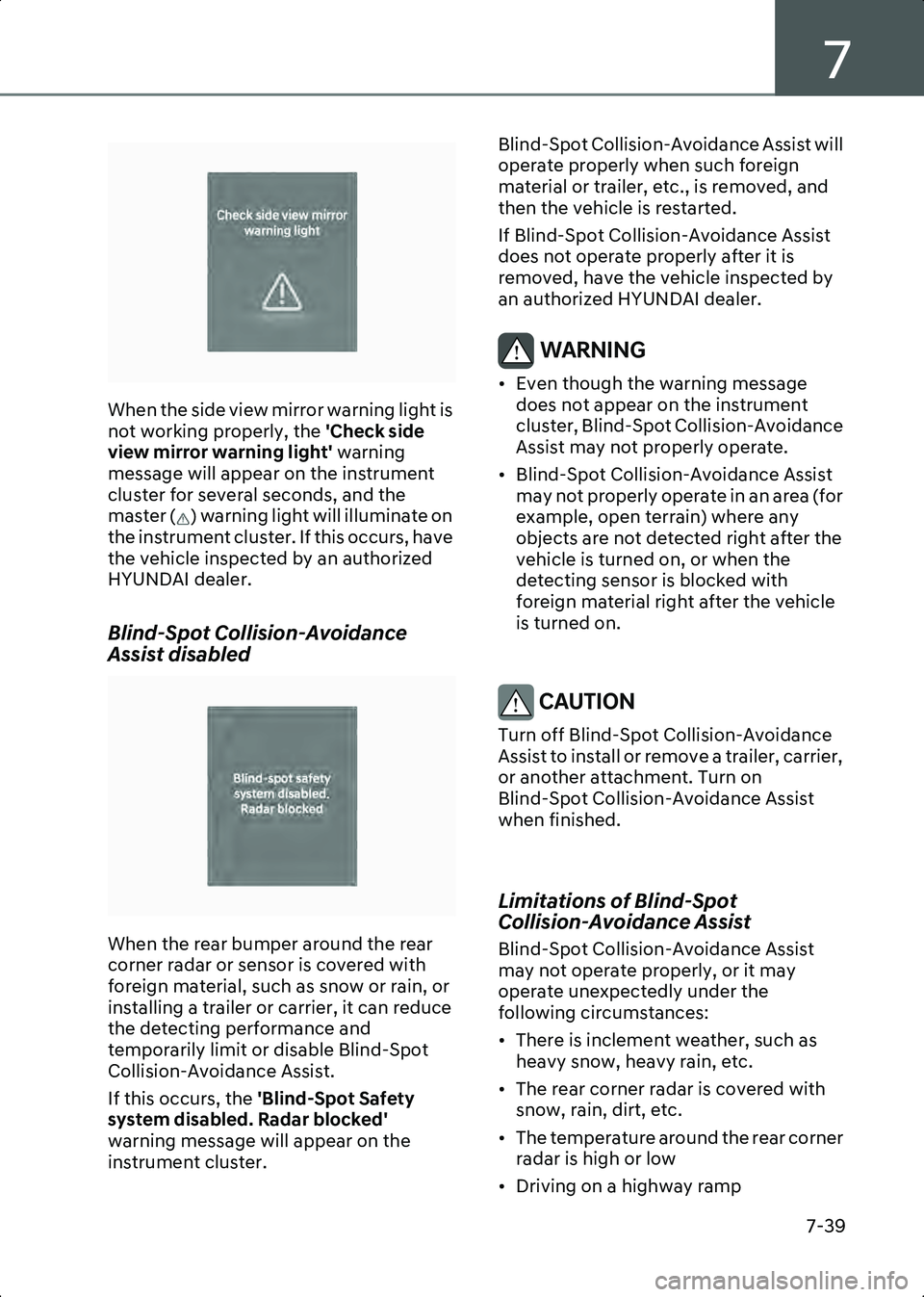
When the side view mirror warning light is
not working properly, the 'Check side
view mirror warning light' warning
message will appear on the instrument
cluster for several seconds, and the
master ( ) warning light will illuminate on
the instrument cluster. If this occurs, have
the vehicle inspected by an authorized
HYUNDAI dealer.
Blind-Spot Collision-Avoidance
Assist disabled
B7001603
When the rear bumper around the rear
corner radar or sensor is covered with
foreign material, such as snow or rain, or
installing a trailer or carrier, it can reduce
the detecting performance and
temporarily limit or disable Blind-Spot
Collision-Avoidance Assist.
If this occurs, the 'Blind-Spot Safety
system disabled. Radar blocked'
warning message will appear on the
instrument cluster. Blind-Spot Collision-Avoidance Assist will
operate properly when such foreign
material or trailer, etc., is removed, and
then the vehicle is restarted.
If Blind-Spot Collision-Avoidance Assist
does not operate properly after it is
removed, have the vehicle inspected by
an authorized HYUNDAI dealer.
WARNING • Even though the warning message
does not appear on the instrument
cluster, Blind-Spot Collision-Avoidance
Assist may not properly operate.
• Blind-Spot Collision-Avoidance Assist may not properly operate in an area (for
example, open terrain) where any
objects are not detected right after the
vehicle is turned on, or when the
detecting sensor is blocked with
foreign material right after the vehicle
is turned on.
CAUTION Turn off Blind-Spot Collision-Avoidance
Assist to install or remove a trailer, carrier,
or another attachment. Turn on
Blind-Spot Collision-Avoidance Assist
when finished.
Limitations of Blind-Spot
Collision-Avoidance Assist
Blind-Spot Collision-Avoidance Assist
may not operate properly, or it may
operate unexpectedly under the
following circumstances:
• There is inclement weather, such as heavy snow, heavy rain, etc.
• The rear corner radar is covered with snow, rain, dirt, etc.
• The temperature around the rear corner radar is high or low
• Driving on a highway ramp
Hyundai_CE_en_US.book Page 39
Page 389 of 582
7
7-45
WARNING Take the following precautions when
using Safe Exit Warning:
• For your safety, only change the Settings after parking the vehicle at a
safe location.
• If any other system’s warning message is displayed or audible warning is
generated, Safe Exit Warning's warning
message may not be displayed and
audible warning may not be generated.
• You may not hear the warning sound of Safe Exit Warning if the surroundings
are noisy.
• Safe Exit Warning does not operate in all situations and cannot prevent all
collisions.
• Safe Exit Warning may warn the driver late or may not warn the driver
depending on the road and driving
conditions. Always check vehicle
surroundings.
• The driver and passengers are responsible for accidents that occur
while exiting the vehicle. Always check
the surroundings before you exit the
vehicle.
Information • After the vehicle is turned off, Safe Exit Warning operates about for 3 minutes, but
turns off immediately if the doors are
locked.
• The images and colors in the instrument cluster may differ depending on the
instrument cluster type or theme selected
from the settings menu.
Safe Exit Warning Malfunction
and Limitations
Safe Exit Warning malfunction
B7002101
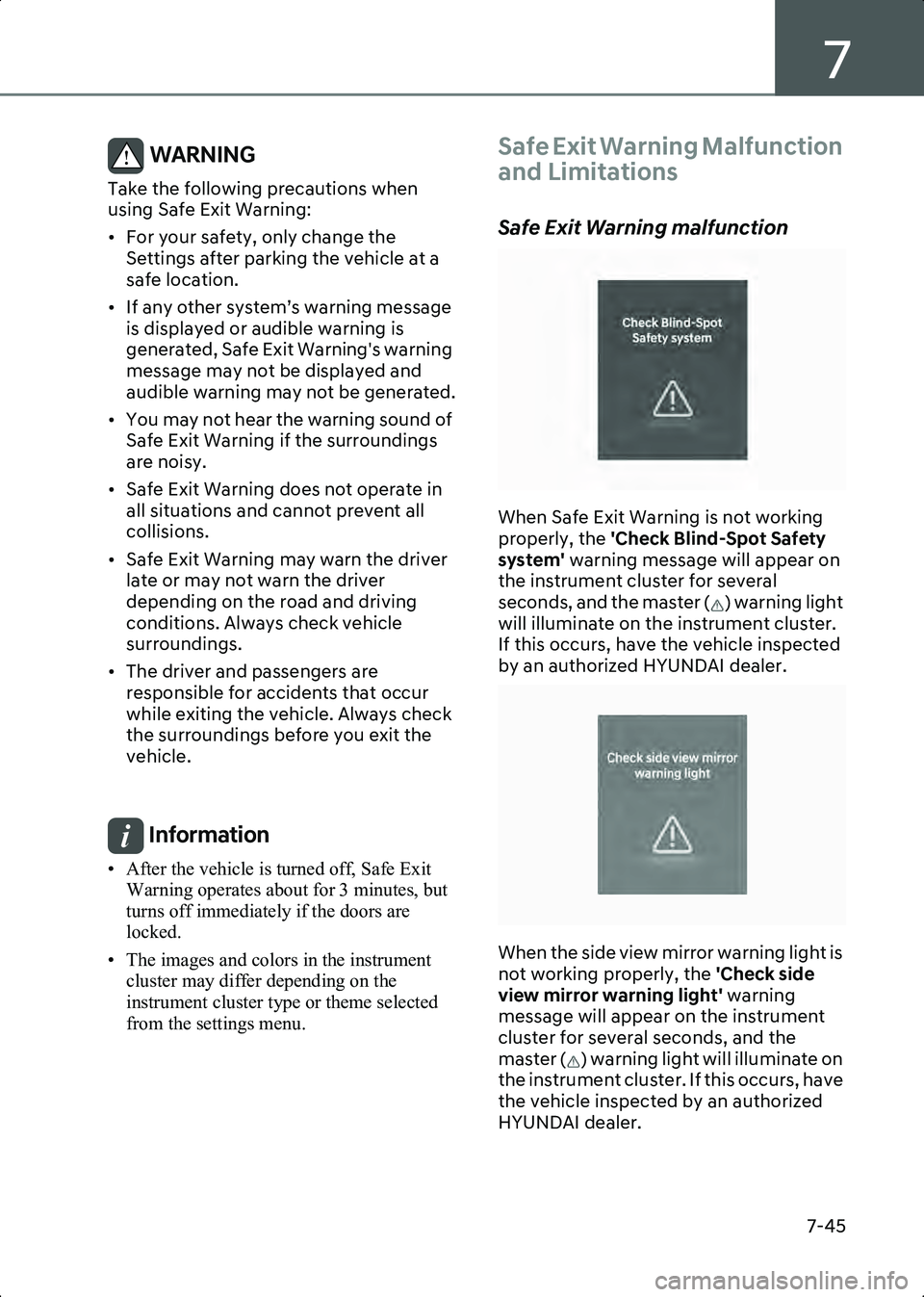
When Safe Exit Warning is not working
properly, the 'Check Blind-Spot Safety
system' warning message will appear on
the instrument cluster for several
seconds, and the master ( ) warning light
will illuminate on the instrument cluster.
If this occurs, have the vehicle inspected
by an authorized HYUNDAI dealer.
B7001602
When the side view mirror warning light is
not working properly, the 'Check side
view mirror warning light' warning
message will appear on the instrument
cluster for several seconds, and the
master ( ) warning light will illuminate on
the instrument cluster. If this occurs, have
the vehicle inspected by an authorized
HYUNDAI dealer.
Hyundai_CE_en_US.book Page 45
Page 390 of 582
Driver Assistance System
7-46
Safe Exit Warning disabled
B7002103
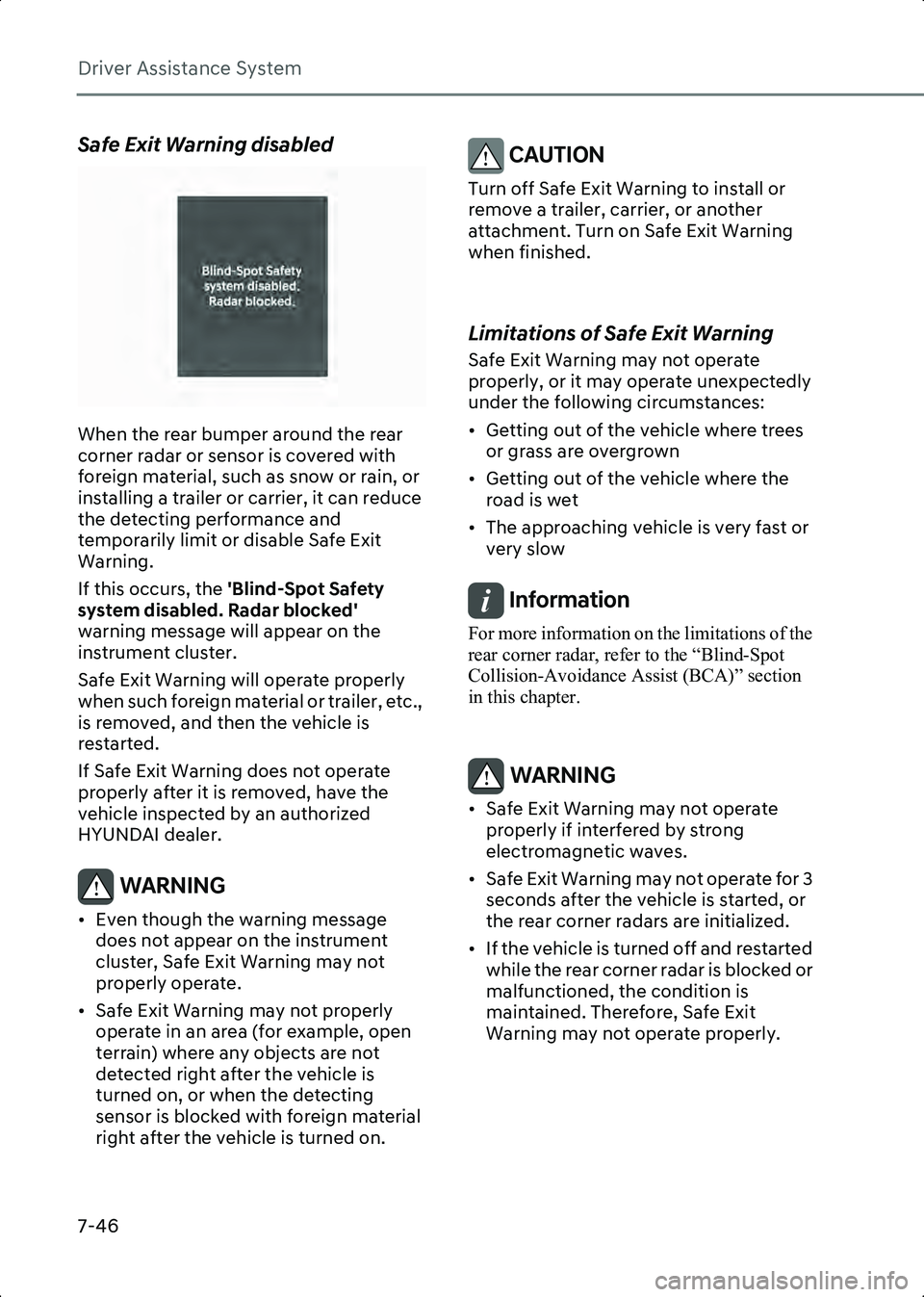
When the rear bumper around the rear
corner radar or sensor is covered with
foreign material, such as snow or rain, or
installing a trailer or carrier, it can reduce
the detecting performance and
temporarily limit or disable Safe Exit
Warning.
If this occurs, the 'Blind-Spot Safety
system disabled. Radar blocked'
warning message will appear on the
instrument cluster.
Safe Exit Warning will operate properly
when such foreign material or trailer, etc.,
is removed, and then the vehicle is
restarted.
If Safe Exit Warning does not operate
properly after it is removed, have the
vehicle inspected by an authorized
HYUNDAI dealer.
WARNING • Even though the warning message does not appear on the instrument
cluster, Safe Exit Warning may not
properly operate.
• Safe Exit Warning may not properly operate in an area (for example, open
terrain) where any objects are not
detected right after the vehicle is
turned on, or when the detecting
sensor is blocked with foreign material
right after the vehicle is turned on.
CAUTION Turn off Safe Exit Warning to install or
remove a trailer, carrier, or another
attachment. Turn on Safe Exit Warning
when finished.
Limitations of Safe Exit Warning
Safe Exit Warning may not operate
properly, or it may operate unexpectedly
under the following circumstances:
• Getting out of the vehicle where trees or grass are overgrown
• Getting out of the vehicle where the road is wet
• The approaching vehicle is very fast or very slow
Information For more information on the limitations of the
rear corner radar, refer to the “Blind-Spot
Collision-Avoidance Assist (BCA)” section
in this chapter.
WARNING • Safe Exit Warning may not operate properly if interfered by strong
electromagnetic waves.
• Safe Exit Warning may not operate for 3 seconds after the vehicle is started, or
the rear corner radars are initialized.
• If the vehicle is turned off and restarted while the rear corner radar is blocked or
malfunctioned, the condition is
maintained. Therefore, Safe Exit
Warning may not operate properly.
Hyundai_CE_en_US.book Page 46
Page 397 of 582
7
7-53
this occurs, the 'Speed Limit system
disabled. Camera obscured' warning
message and ( ) warning light will appear
on the instrument cluster.
Intelligent Speed Limit Assist will operate
properly when snow, rain or foreign
material is removed.
If Intelligent Speed Limit Assist does not
operate properly after it is removed, have
the vehicle inspected by an authorized
HYUNDAI dealer.
WARNING • Even though the warning message or warning light does not appear on the
instrument cluster, Intelligent Speed
Limit Assist may not properly operate.
• If the vehicle is turned off and restarted while the camera is blocked or
malfunctioned, the condition is
maintained. Therefore, Intelligent
Speed Limit Assist may not operate
properly.
Limitations of Intelligent Speed
Limit Assist
Intelligent Speed Limit Assist may not
operate properly, or it may operate
unexpectedly under the following
circumstances:
• The road sign is contaminated or indistinguishable
- The road sign is difficult to see due to bad weather, such as rain, snow, fog,
etc.
- The road sign is not clear or damaged
- The road sign is partially obscured by surrounding objects or shadow
• The road signs do not conform to the standard
- The text or picture on the road sign is different from the standard - The road sign is installed between the
main line and the exit road or
between diverging roads
- There is no conditional road signs on the road sign located on the exit road
- A sign is attached to another vehicle
• The distance between the vehicle and the road signs is too far
• The vehicle encounters illuminant road signs
• Intelligent Speed Limit Assist incorrectly recognizes numbers or
pictures in the street signs or other
signs as the speed limit
• A road sign near the road you are driving is detected
• The other traffic sign or signboards are alongside the road sign
• Multiple signs are installed close together
• The minimum speed limit sign is misrecognized
• The minimum speed limit sign is on the road
• The brightness changes suddenly, for example when entering or exiting a
tunnel or passing under a bridge
• Headlights are not used or the brightness of the headlights are weak at
night or in the tunnel
• Road signs are difficult to recognize due to the reflection of sunlight, street
lights, or oncoming vehicles
• The navigation information or GPS information contain errors.
• The driver does not follow the guide of the navigation.
• The driver is driving on a new road that is not in the navigation system yet.
• The field of view of the front view camera is obstructed by sun glare
• Driving on a road that is sharply curved or continuously curved
Hyundai_CE_en_US.book Page 53