Page 363 of 814
uuAudio System Basic Operation uPlaying SiriusXM ® Radio
362
Features
You can receive traffic and weather information.
■To set up traffic & weather information
1. Select Settings .
2. Select Traffic & Weather Now Setup .
3. Select Selected City .
4. Select the region.
u When you do not want to rece ive the information, select No Market
Selected .
■Listening to traffic and weather information
1. Select the status icon.
2. Select the traffic and weather information.
u Play mode can also use the any items same as playback mode.
2 Replay Function P. 360
To go back to the previous screen, select .
■Traffic and Weather Information1Traffic and Weather Information
When traffic and weather information is received, a
notification is displayed in the header area.
2 Status Area P. 339
Traffic & Weather Now is a registered trademark of
SiriusXM ® Radio, Inc.
23 PILOT-31T906000_03.book 362 ページ 2022年10月31日 月曜日 午前10時26分
Page 364 of 814
Continued363
uuAudio System Basic Operation uPlaying SiriusXM ® Radio
Features
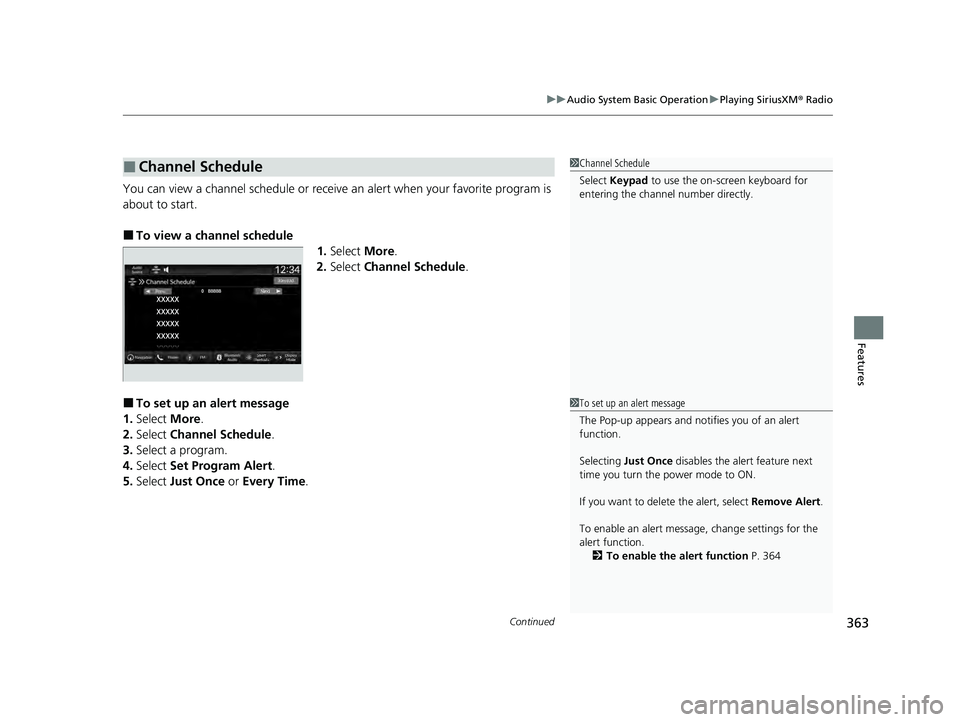
You can view a channel schedule or receive an alert when your favorite program is
about to start.
■To view a channel schedule 1.Select More.
2. Select Channel Schedule .
■To set up an alert message
1. Select More.
2. Select Channel Schedule .
3. Select a program.
4. Select Set Program Alert .
5. Select Just Once or Every Time .
■Channel Schedule1Channel Schedule
Select Keypad to use the on-screen keyboard for
entering the channel number directly.
1To set up an alert message
The Pop-up appears and not ifies you of an alert
function.
Selecting Just Once disables the alert feature next
time you turn the power mode to ON.
If you want to delete the alert, select Remove Alert.
To enable an alert message, change settings for the
alert function. 2 To enable the alert function P. 364
23 PILOT-31T906000_03.book 363 ページ 2022年10月31日 月曜日 午前10時26分
Page 365 of 814
364
uuAudio System Basic Operation uPlaying SiriusXM ® Radio
Features
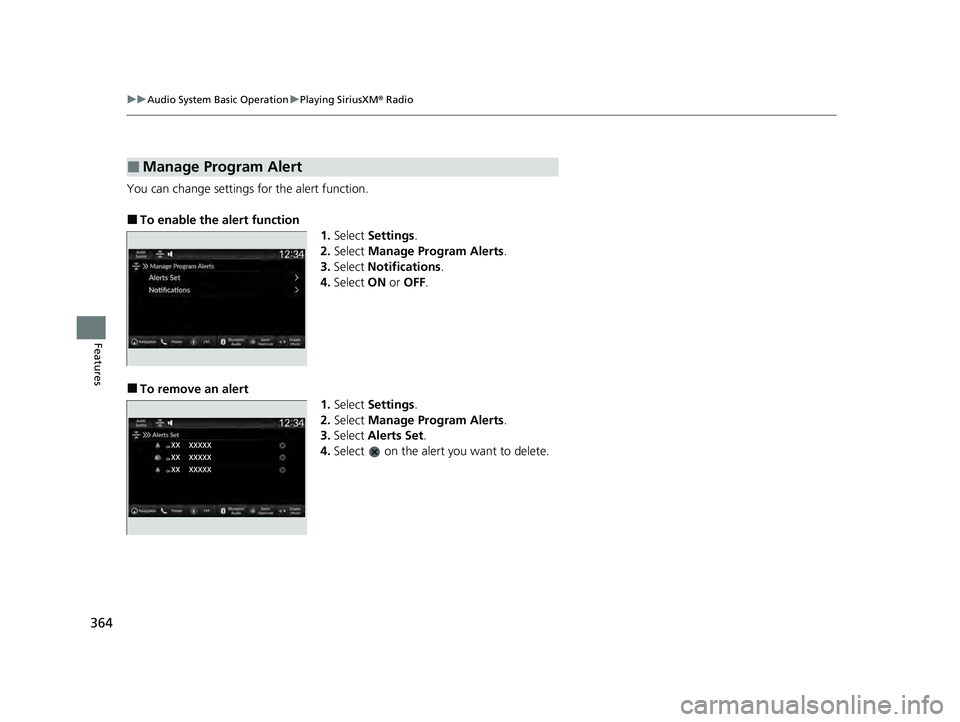
You can change settings for the alert function.
■To enable the alert function
1.Select Settings .
2. Select Manage Program Alerts .
3. Select Notifications .
4. Select ON or OFF .
■To remove an alert
1.Select Settings .
2. Select Manage Program Alerts .
3. Select Alerts Set .
4. Select on the alert you want to delete.
■Manage Program Alert
23 PILOT-31T906000_03.book 364 ページ 2022年10月31日 月曜日 午前10時26分
Page 366 of 814
Continued365
uuAudio System Basic Operation uPlaying SiriusXM ® Radio
Features
Sample each channel on the selected mode for 10 seconds.
1. Select More.
2. Select Scan.
You can change a scan mode by the following procedure.
1. Select Settings .
2. Select Scan Mode .
3. Select Channel or Preset .
To turn off scan, select Stop.
■Scan1Scan
The “Scan Songs in Preset s” function is based on
TuneScan
TM technology of SiriusXM ®.
The “Featured Channels ” function is based on
Featured Favorites
TM technology of SiriusXM ®.
TuneScan
TM and Featured FavoritesTM are registered
trademarks of SiriusXM ® Radio, Inc.
23 PILOT-31T906000_03.book 365 ページ 2022年10月31日 月曜日 午前10時26分
Page 367 of 814
366
uuAudio System Basic Operation uPlaying SiriusXM ® Radio
Features
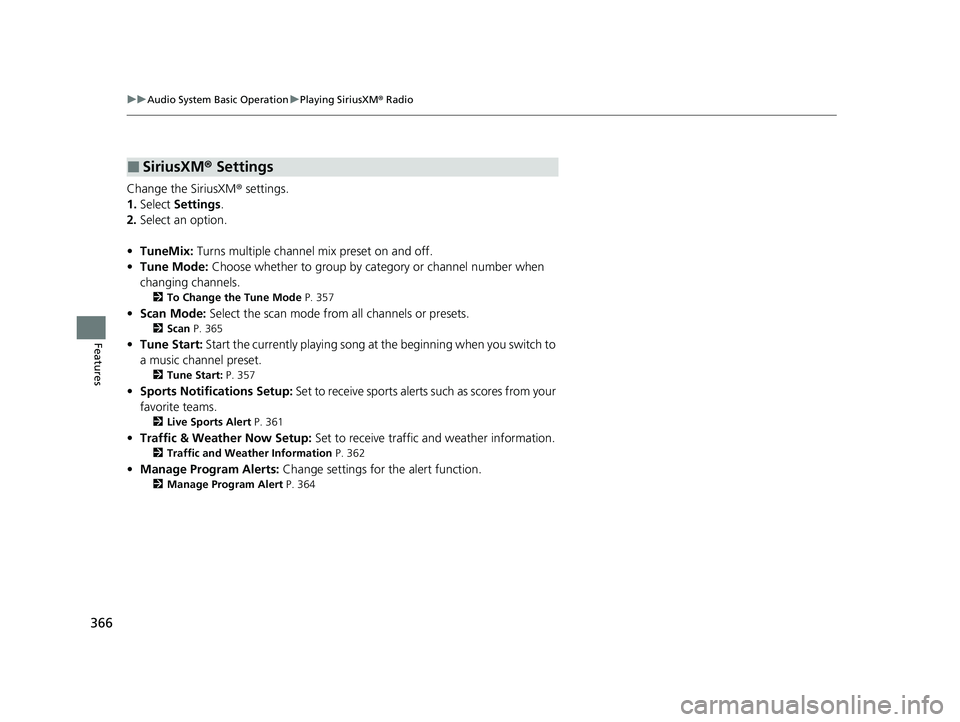
Change the SiriusXM ® settings.
1. Select Settings .
2. Select an option.
• TuneMix: Turns multiple channel mix preset on and off.
• Tune Mode: Choose whether to group by category or channel number when
changing channels.
2 To Change the Tune Mode P. 357
•Scan Mode: Select the scan mode fro m all channels or presets.
2Scan P. 365
•Tune Start: Start the currently playing song at the beginning when you switch to
a music channel preset.
2 Tune Start: P. 357
•Sports Notifi cations Setup: Set to receive sports alerts such as scores from your
favorite teams.
2 Live Sports Alert P. 361
•Traffic & Weather Now Setup: Set to receive traffic and weather information.
2Traffic and Weather Information P. 362
•Manage Program Alerts: Change settings for the alert function.
2Manage Program Alert P. 364
■SiriusXM® Settings
23 PILOT-31T906000_03.book 366 ページ 2022年10月31日 月曜日 午前10時26分
Page 383 of 814
382
uuAudio System Basic Operation uSmart Shortcuts
Features
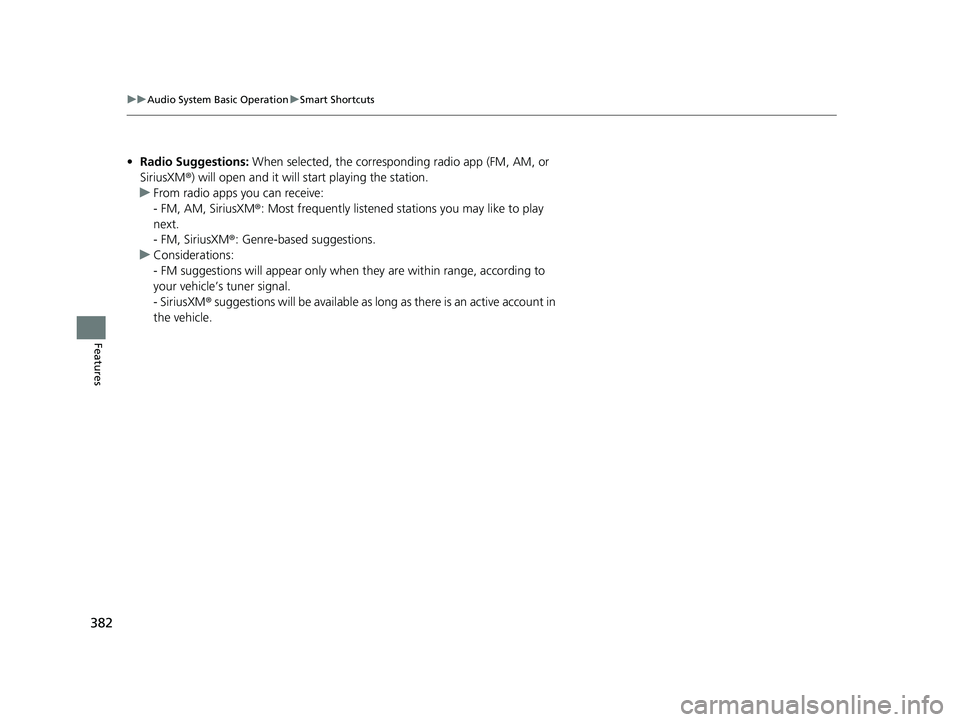
• Radio Suggestions: When selected, the corresponding radio app (FM, AM, or
SiriusXM ®) will open and it will start playing the station.
u From radio apps you can receive:
- FM, AM, SiriusXM ®: Most frequently listened stations you may like to play
next.
- FM, SiriusXM ®: Genre-based suggestions.
u Considerations:
- FM suggestions will appear only when they are wi thin range, according to
your vehicle’s tuner signal.
- SiriusXM ® suggestions will be avai lable as long as there is an active account in
the vehicle.
23 PILOT-31T906000_03.book 382 ページ 2022年10月31日 月曜日 午前10時26分
Page 401 of 814

400
Features
General Information on the Audio System
SiriusXM® Radio Service*
1. You need your radio ID ready before regist ering for subscription. To see the ID on
the screen, select Channel 0.
2. Have your radio ID ready, and either call or visit the SiriusXM ® website to
subscribe.
Switch to the SiriusXM ® mode by using the audio remote controls on the steering
wheel, or through the audio/information screen, and stay in this mode for about 30
minutes until the service is activated. Make sure your vehicle is in an open area with
good reception.
Channel **** is not subscribed. Call SiriusXM to subscribe.
*1
You are not subscribed to the channel selected.
Subscription Updated:
SiriusXM ® radio is receiving informat ion update from the network.
Channel Not Available:
No such channel exists, or the artist or title information is unavailable.
No Signal:
The signal is too weak in the current location.
Check Tuner:
There is a problem with the SiriusXM ® tuner. Contact a dealer.
Antenna Disconnected, Antenna Shorted:
There is a problem with the SiriusXM ® antenna. Contact a dealer.
*1 : ****part is variable characters, and w ill change depending upon the channel selected.
■Subscribing to SiriusXM® Radio
■Receiving SiriusXM ® Radio
■SiriusXM ® Radio Display Messages
1 Subscribing to SiriusXM ® Radio
Contact Information for SiriusXM ® Radio:
•U.S.: SiriusXM ® Radio at www.siriusxm.com/
subscribenow , or 1-866-635-2349
•Canada: SiriusXM ® Canada at www.siriusxm.ca/
subscribe-now , or 1-877-209-0079
1Receiving SiriusXM ® Radio
The SiriusXM ® satellites are in orbit over the equator;
therefore, objects south of the vehicle may cause
satellite reception interruptions. Sa tellite signals are
more likely to be blocked by tall buildings and
mountains the farther north you travel from the
equator.
You may experience rece ption problems under the
following circumstances:
•In a location with an obstruction to the south of
your vehicle.
•In tunnels•On the lower level of a multi-tiered road
•Large items carried on the roof rack
* Not available on all models
23 PILOT-31T906000_03.book 400 ページ 2022年10月31日 月曜日 午前10時26分
Page 525 of 814

524
Driving
When Driving
Starting the Engine
1.Make sure the parking brake is applied.
u The parking brake and brake system
indicator (red) comes on for 30 seconds
when you pull up the electric parking
brake switch.
2. Depress the brake pedal.1Starting the Engine
Keep your foot firmly on the brake pedal when
starting the engine.
The engine is harder to st art in cold weather and in
thinner air found at al titudes above 8,000 feet
(2,400 meters).
When starting the engine in cold weather, turn off all
electrical accessories such as the lights, climate
control system and rear de fogger in order to reduce
battery drain.
If you live in a region where winter is extremely cold,
an engine block heater will improve starting and
warming of the engine. Consult a dealer for details.
If the exhaust system sounds abnormal or you can
smell exhaust gas inside the vehicle, have your vehicle
checked by a dealer. There may be a problem with
the engine or exhaust system.
Bring the keyless remote close to the ENGINE
START/STOP button if the batte ry in the keyless
remote is weak.
2 If the Keyless Remote Battery is Weak
P. 764
The engine may not start if the keyless remote is
subjected to strong radio waves.
Brake Pedal
23 PILOT-31T906000_03.book 524 ページ 2022年10月31日 月曜日 午前10時26分