Page 100 of 610

99
uuIndicators uDriver Information Interface Wa rning and Information Messages
Continued
Instrument Panel
MessageConditionExplanation
•Appears when there is a pr oblem with the sensor on
the battery.• Have your vehicle checked by a dealer.
2 Checking the Battery P. 539
•Appears when the scheduled maintenance is due
soon.
• Consequently, Maintenance Due Now and
Maintenance Past Due follow.
2Maintenance Minder Messages on the Driver
Information Interface P. 505
•Appears when the engine coolant temperature gets
abnormally high.2 Overheating P. 568
•Appears when there is a problem with the power
tailgate system.
• Manually open or close the power tailgate.
• Have your vehicle checked by a dealer.
•Appears when the starter system has a problem.•As a temporary measure, press and hold the ENGINE
START/STOP button for up to 15 seconds while
pressing the brake pedal and manually start the engine.
• Have your vehicle checked by a dealer.
U.S.
Canada
Models with power tailgate
U.S.
Canada
23 PASSPORT-31TGS6400.book 99 ページ 2022年8月5日 金曜日 午後9時2分
Page 101 of 610

100
uuIndicators uDriver Information Interface Wa rning and Information Messages
Instrument Panel
MessageConditionExplanation
•Appears when the steering wheel is locked.•Move the steering wheel left and right while pressing
the ENGINE START/STOP button.
•Appears when the power mode is in ACCESSORY.
—
•Appears after the driver’s door is opened when the
power mode is in ACCESSORY.•Change the power mo de to VEHICLE OFF.
2ENGINE START/STOP Button P. 160
•Appears when you close the door with the power
mode in ON without the remote inside the vehicle.•Disappears when you bring the remote back inside the
vehicle and close the door.
2 Keyless Remote Reminder P. 162
•Appears when the remote battery becomes weak.•Replace the battery as soon as possible.
2 Replacing the Remote Battery P. 541
•Appears if the remote battery is too weak to start the
engine or the key is not within operating range to
start the engine.
A beeper sounds six times.•Bring the remote in front of the ENGINE START/STOP
button to be touched with.
2 If the Keyless Remote Battery is Weak P. 563
●Appears three seconds after the To Start, Hold
Remote Near Start Button , then To Start Engine
messages appeared sequentially.●Unless you bring the keyless remote in front of the
ENGINE START/STOP button, this message does not
appear.
2 If the Keyless Remote Battery is Weak P. 563
Canada
23 PASSPORT-31TGS6400.book 100 ページ 2022年8月5日 金曜日 午後9時2分
Page 102 of 610

101
uuIndicators uDriver Information Interface Wa rning and Information Messages
Continued
Instrument Panel
MessageConditionExplanation
•Appears if there is a problem with the cooling
system.•Drive slowly to prevent ov erheating and have your
vehicle checked by a dealer as soon as possible.
• Appears if there is a pr oblem with the headlights.•Appears while driving - The headlights may not be
on. When conditions allow you to drive safety, have
your vehicle checked by a d ealer as soon as possible.
•Appears if there is a proble m with the parking sensor
system.
• Check if the area around the sensor(s) is covered with
mud, ice, snow, etc. If the indicator(s) stays on or the
beeper does not stop even after you clean the area,
have the system checked by a dealer.
• Appears if there are obstacles around the sensors.
•Check for obstacles near your vehicle to make sure it is
safe to park.
• Appears as soon as a prob lem is detected in the
keyless access system.• Appears constantly - Have your vehicle checked by a
dealer.
• Appears as soon as a problem is detected in the push
button starting system.•Appears constantly - Have your vehicle checked by a
dealer.
●Appears if you press the ENGINE START/STOP
button while the vehicle is moving.2 Emergency Engine Stop P. 564
Models with parking sensor system
Models with parking sensor system
23 PASSPORT-31TGS6400.book 101 ページ 2022年8月5日 金曜日 午後9時2分
Page 103 of 610
102
uuIndicators uDriver Information Interface Wa rning and Information Messages
Instrument Panel
MessageConditionExplanation
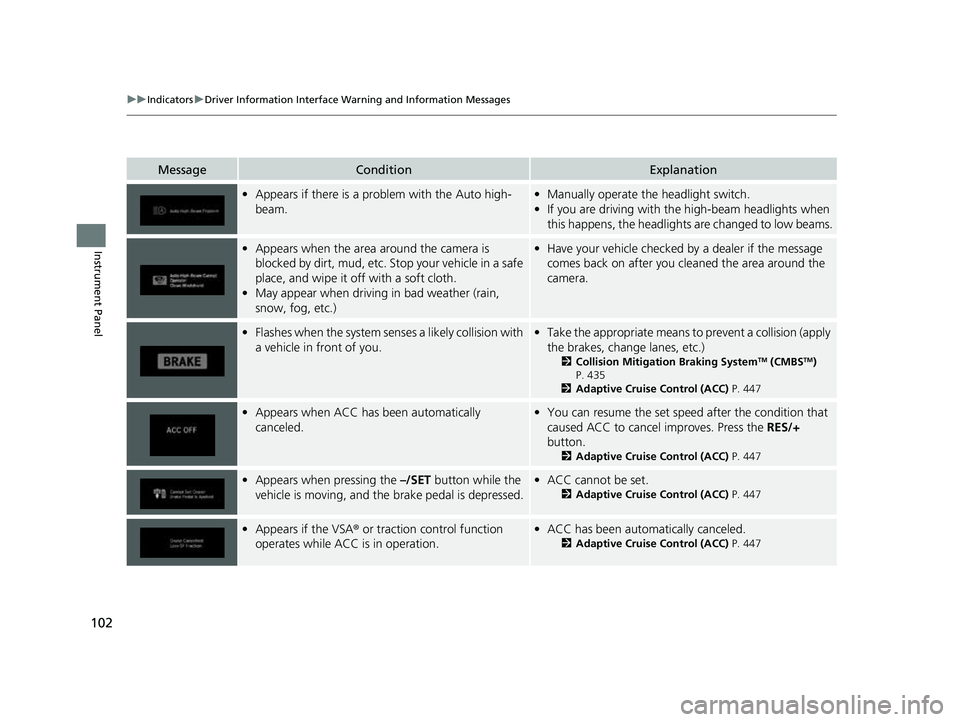
•Appears if there is a prob lem with the Auto high-
beam.• Manually operate the headlight switch.
• If you are driving with th e high-beam headlights when
this happens, the headlights are changed to low beams.
• Appears when the area around the camera is
blocked by dirt, mud, etc. Stop your vehicle in a safe
place, and wipe it off with a soft cloth.
• May appear when driving in bad weather (rain,
snow, fog, etc.)•Have your vehicle checked by a dealer if the message
comes back on after you cl eaned the area around the
camera.
• Flashes when the system senses a likely collision with
a vehicle in front of you.•Take the appropriate means to prevent a collision (apply
the brakes, change lanes, etc.)
2 Collision Mitigation Braking SystemTM (CMBSTM)
P. 435
2 Adaptive Cruise Control (ACC) P. 447
•Appears when ACC has been automatically
canceled.•You can resume the set speed after the condition that
caused ACC to cancel improves. Press the RES/+
button.
2 Adaptive Cruise Control (ACC) P. 447
•Appears when pressing the –/SET button while the
vehicle is moving, and the brake pedal is depressed.• ACC cannot be set.
2 Adaptive Cruise Control (ACC) P. 447
•Appears if the VSA ® or traction control function
operates while ACC is in operation.• ACC has been automatically canceled.
2 Adaptive Cruise Control (ACC) P. 447
23 PASSPORT-31TGS6400.book 102 ページ 2022年8月5日 金曜日 午後9時2分
Page 104 of 610
103
uuIndicators uDriver Information Interface Wa rning and Information Messages
Continued
Instrument Panel
MessageConditionExplanation
•Appears when the speed of the vehicle is too high
for you to set ACC.• Reduce the speed, then set ACC.
2 Adaptive Cruise Control (ACC) P. 447
•Appears when ACC is canc eled due to excessive
vehicle speed.• Reduce the speed, then reset ACC.
2 Adaptive Cruise Control (ACC) P. 447
•Appears when the speed of the vehicle is too low for
you to set ACC.• Raise the speed, then set ACC.
2 Adaptive Cruise Control (ACC) P. 447
•Appears when ACC is canceled due to excessive low
vehicle speed.•Raise the speed, then reset ACC.
2 Adaptive Cruise Control (ACC) P. 447
23 PASSPORT-31TGS6400.book 103 ページ 2022年8月5日 金曜日 午後9時2分
Page 105 of 610
104
uuIndicators uDriver Information Interface Wa rning and Information Messages
Instrument Panel
MessageConditionExplanation
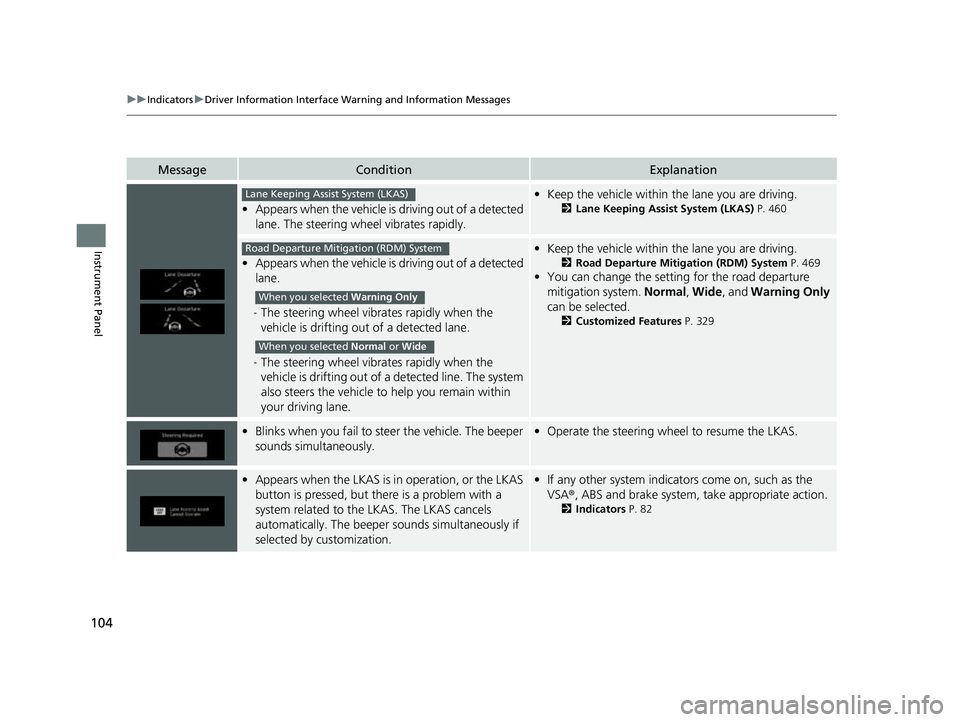
•Appears when the vehicle is driving out of a detected
lane. The steering wheel vibrates rapidly.
• Keep the vehicle within the lane you are driving.
2Lane Keeping Assist System (LKAS) P. 460
•Appears when the vehicle is driving out of a detected
lane.
- The steering wheel vibrates rapidly when the
vehicle is drifting out of a detected lane.
- The steering wheel vibrates rapidly when the
vehicle is drifting out of a detected line. The system
also steers the vehicle to help you remain within
your driving lane.
• Keep the vehicle within the lane you are driving.
2Road Departure Mitigation (RDM) System P. 469
•You can change the setting for the road departure
mitigation system. Normal, Wide , and Warning Only
can be selected.
2 Customized Features P. 329
•Blinks when you fail to st eer the vehicle. The beeper
sounds simultaneously.• Operate the steering wheel to resume the LKAS.
•Appears when the LKAS is in operation, or the LKAS
button is pressed, but there is a problem with a
system related to the LKAS. The LKAS cancels
automatically. The beeper s ounds simultaneously if
selected by customization.• If any other system indicators come on, such as the
VSA ®, ABS and brake system, take appropriate action.
2Indicators P. 82
Lane Keeping Assist System (LKAS)
Road Departure Mitigation (RDM) System
When you selected Warning Only
When you selected Normal or Wide
23 PASSPORT-31TGS6400.book 104 ページ 2022年8月5日 金曜日 午後9時2分
Page 106 of 610

105
uuIndicators uDriver Information Interface Wa rning and Information Messages
Continued
Instrument Panel
MessageConditionExplanation
•Appears if the temperature inside the camera is too
high and some driver assist systems cannot be
activated.•Use the climate control sy stem to cool down the
camera.
• Disappears - The camera has been cooled down and
the systems are activated normally.
2 Front Sensor Camera P. 474
•Appears if the area around the front sensor camera
is blocked by dirt, mud, et c. and be prevented from
detecting a vehicle in front.
• May appear when driving in bad weather (rain,
snow, fog, etc.)•When the front window gets dirty, stop your vehicle in
a safe place, and wipe it off with a soft cloth.
• Have your vehicle checked by a dealer if the message
does not disappear even a fter you cleaned the area
around the camera.
2 Front Sensor Camera P. 474
●Appears if anything covers the radar sensor cover
and prevents the sensor fro m detecting a vehicle in
front.
●May appear when driving in bad weather (rain,
snow, fog, etc.)
●When the radar sensor gets dirty, stop your vehicle in a
safe place, and wipe off dirt using a soft cloth. The
message may take some time to go off.
●Have your vehicle checked by a dealer if the message
does not disappear even a fter you clean the sensor
cover.
2 Radar Sensor P. 476
●Appears when the transmission system temperature
is too high. The vehicle do es not operate properly.●Stop in a safe place in (P.●Let the engine idle until the message disappears.
23 PASSPORT-31TGS6400.book 105 ページ 2022年8月5日 金曜日 午後9時2分
Page 107 of 610

106
uuIndicators uDriver Information Interface Wa rning and Information Messages
Instrument Panel
MessageConditionExplanation
•Appears when you set the power mode to
ACCESSORY or ON.2 Starting the Engine P. 396
•Appears when the engine does not restart
automatically due to the following reason:
• The hood is open.
• There is a problem in the sy stem that disables Auto
Idle Stop.• Follow the normal procedure to start the engine.
2 Starting the Engine P. 396
•Appears when you attempt to change to another
gear position with the transmission in
(P and the
engine OFF.
• To select another gear position while in (P, the engine
must be ON.
• Appears when you set the power mode to OFF while
driving.•Immediately stop in a safe place, set the parking brake,
then restart the engine. If the message disappears,
continue driving.
●Appears when you try to change the gear position
after the position has auto matically been changed to
(P with the driver’s door open and the driver’s seat
belt unfastened.
●Press the park button if you leave the vehicle.
23 PASSPORT-31TGS6400.book 106 ページ 2022年8月5日 金曜日 午後9時2分