2023 FORD MAVERICK service indicator
[x] Cancel search: service indicatorPage 356 of 556
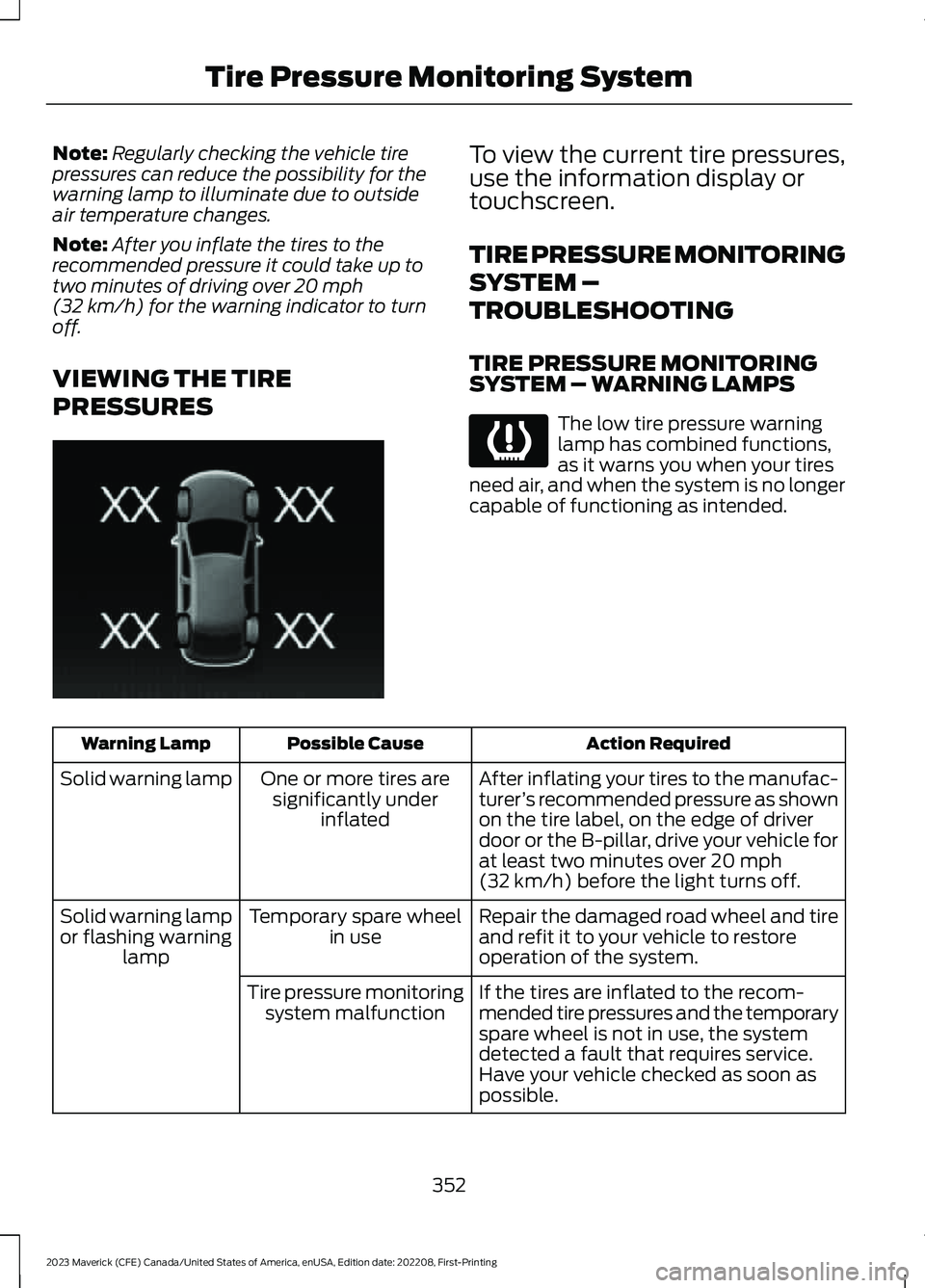
Note:Regularly checking the vehicle tirepressures can reduce the possibility for thewarning lamp to illuminate due to outsideair temperature changes.
Note:After you inflate the tires to therecommended pressure it could take up totwo minutes of driving over 20 mph(32 km/h) for the warning indicator to turnoff.
VIEWING THE TIRE
PRESSURES
To view the current tire pressures,use the information display ortouchscreen.
TIRE PRESSURE MONITORING
SYSTEM –
TROUBLESHOOTING
TIRE PRESSURE MONITORINGSYSTEM – WARNING LAMPS
The low tire pressure warninglamp has combined functions,as it warns you when your tiresneed air, and when the system is no longercapable of functioning as intended.
Action RequiredPossible CauseWarning Lamp
After inflating your tires to the manufac-turer’s recommended pressure as shownon the tire label, on the edge of driverdoor or the B-pillar, drive your vehicle forat least two minutes over 20 mph(32 km/h) before the light turns off.
One or more tires aresignificantly underinflated
Solid warning lamp
Repair the damaged road wheel and tireand refit it to your vehicle to restoreoperation of the system.
Temporary spare wheelin useSolid warning lampor flashing warninglamp
If the tires are inflated to the recom-mended tire pressures and the temporaryspare wheel is not in use, the systemdetected a fault that requires service.Have your vehicle checked as soon aspossible.
Tire pressure monitoringsystem malfunction
352
2023 Maverick (CFE) Canada/United States of America, enUSA, Edition date: 202208, First-PrintingTire Pressure Monitoring SystemE250820 E139232
Page 358 of 556

CHANGING A FLAT TIRE
Have a flat serviced by an authorizeddealer to prevent damage to the systemsensors. See Tire Pressure MonitoringSystem Precautions (page 351).Replacethe spare tire with a road tire as soon aspossible. During repairing or replacing theflat tire, have the authorized dealer inspectthe system sensor for damage.
If you get a flat tire when driving, do notapply the brake heavily. Instead, graduallydecrease your speed. Hold the steeringwheel firmly and slowly move to a safeplace on the side of the road.
Note:The use of tire sealant may damageyour tire pressure monitoring system andshould only be used in roadsideemergencies.
Note:The tire pressure monitoring systemindicator light illuminates when the sparetire is in use. To restore the full function ofthe monitoring system, all road wheelsequipped with tire pressure monitoringsensors must be mounted on this vehicle.
WARNING: Never place anythingbetween the vehicle jack and the ground.
WARNING: Never place anythingbetween the vehicle jack and yourvehicle.
WARNING: To help prevent yourvehicle from moving when changing awheel, shift the transmission into park(P), set the parking brake and use anappropriate block or wheel chock tosecure the wheel diagonally opposite tothe wheel being changed. For example,when changing the front left wheel,place an appropriate block or wheelchock on the right rear wheel.
WARNING: It is recommended thatthe wheels of the vehicle be chocked,and that no person should remain in avehicle that is being jacked.
WARNING: Only use the jackprovided as original equipment with yourvehicle.
WARNING: The jack supplied withthis vehicle is only intended for changinga flat tire in an emergency. Do notattempt to do any other work on yourvehicle when it is supported by the jack,as your vehicle could slip off the jack.Failure to follow this instruction couldresult in personal injury or death.
WARNING: The jack should beused on level firm ground whereverpossible.
WARNING: Only use the specifiedjacking points. If you use any otherlocations you could damage vehiclecomponents, such as brake lines.
WARNING: Switch the ignition offand apply the parking brake. If yourvehicle has a manual transmission, shiftinto first or reverse gear. If your vehiclehas an automatic transmission, shift intopark (P).
WARNING: Do not attempt tochange a tire on the side of the vehicleclose to moving traffic. Pull far enoughoff the road to not obstruct the flow oftraffic and avoid the danger of being hitwhen operating the jack or changing thewheel.
WARNING: No person should placeany portion of their body under a vehiclethat is supported by a jack.
354
2023 Maverick (CFE) Canada/United States of America, enUSA, Edition date: 202208, First-PrintingChanging a Road Wheel
Page 552 of 556

Resetting the Individual Trip Values -Vehicles With: 4.2 Inch Screen.............120Resetting the Trip Computer....................120Restarting the Engine.................................168Resuming the Set Speed...........................218Roadside Assistance..................................282Rollover Warning.........................................459Running-InSee: Breaking-In.................................................278Running Out of Fuel.....................................173Adding Fuel From a Portable FuelContainer...........................................................173Filling a Portable Fuel Container...................173
S
Satellite Radio..............................................396Locating the Satellite Radio IdentificationNumber............................................................396Satellite Radio Limitations............................396What Is Satellite Radio...................................396Scheduled Maintenance..........................450Seatbelt Extensions......................................48Seatbelt Precautions....................................42Seatbelt Reminder........................................46How Does the Seatbelt ReminderWork.....................................................................46Seatbelt Reminder Audible Warnings..........47Seatbelt Reminder Indicators.........................46Switching the Seatbelt Reminder On andOff..........................................................................47Seatbelts...........................................................42Automatic Locking Mode..................................44Seatbelt Reminder..............................................46Sensitive Locking Mode.....................................44Security..............................................................84Anti-Theft Alarm System.................................84Anti-Theft Alarm System Settings................85Passive Anti-Theft System..............................84Security – Troubleshooting..............................86Security – Troubleshooting.......................86Security – Frequently AskedQuestions...........................................................87Security – Information Messages..................86Selecting a Drive Mode.............................230Selecting the Audio Source.....................392
Sensitive Locking Mode...............................44How Does Sensitive Locking ModeWork.....................................................................44What is Sensitive Locking Mode....................44Service Data.....................................................23Setting a Memory Preset..........................393Settings Data...................................................24Settings...........................................................430Setting the Adaptive Cruise ControlGap.................................................................223Setting the Adaptive Cruise ControlSpeed............................................................222Setting the Blower Motor Speed............126Setting the Clock and Date......................393Setting the Cruise Control Speed...........217Setting the Hill Descent Speed.............206Setting the Temperature...........................126Setting the Trail Control Speed.............204Shifting Your Immobile Vehicle Out ofPark (P) - Gasoline....................................187Shifting Your Vehicle Into Gear...............183Sitting in the Correct Position..................135Software UpdateSee: Vehicle Software Updates...................445Sounding the Panic Alarm..........................62Special Notices.................................................17Special Operating Conditions ScheduledMaintenance..............................................456Speed ControlSee: Cruise Control.............................................217Speedometer...................................................111Stability Control Indicator........................203Stability Control...........................................202Stability Control – Troubleshooting...........203Stability Control –Troubleshooting........................................203Stability Control – Warning Lamps............203Starter SwitchSee: Ignition Switch...........................................156Starting and Stopping the Engine –Precautions..................................................156Starting and Stopping the Engine.........156Automatic Engine Stop.....................................161Engine Block Heater..........................................159Starting and Stopping the Engine –Troubleshooting.............................................162Starting the Engine.............................................157Stopping the Engine.........................................160
548
2023 Maverick (CFE) Canada/United States of America, enUSA, Edition date: 202208, First-PrintingIndex