2023 FORD F150 center console
[x] Cancel search: center consolePage 101 of 786

Programming Backup Location
1.Place the first programmed remote inthe backup slot inside the cup holderor center console with your foot off thebrake pedal, press and release the pushbutton ignition switch.
2.Wait five seconds and then press andrelease the push button ignition switchagain.
3.Remove the remote control.
4.Within 10 seconds, place a secondprogrammed remote control in thebackup slot. Press and release thepush button ignition switch.
5.Wait five seconds and then press andrelease the push button ignition switchagain. Keep the ignition on for at leastthree seconds, but no more than 10seconds.
6.Remove the remote control.
7.Place the unprogrammed remotecontrol in the backup slot and pressand release the push button ignitionswitch.
Programming is now complete. With yourfoot on the brake pedal, press the pushbutton ignition switch to verify the remotecontrol functions operate and your vehiclestarts with the new remote control.
If programming was not successful, wait10 seconds and repeat Steps 1 through 7.If you are still unsuccessful, take yourvehicle to an authorized dealer.
PROGRAMMING THE REMOTE
CONTROL - VEHICLES WITH:
FLIP KEY
General Information
You can program your own remote controlto your vehicle. This procedure programsboth the engine immobilizer keycode andthe remote entry portion of the remotecontrol to your vehicle.
Only use remote controls with anintegrated mechanical key.
You must have two previouslyprogrammed coded remote controls andthe new un–programmed remote readilyaccessible. Contact an authorized dealerto have the spare remote controlprogrammed if the two previouslyprogrammed coded remote controls arenot available.
Read and understand the entire procedurebefore you begin.
Steps for Programming Your SpareRemote Control
1.Insert the first previously programmedcoded key into the ignition.
97
2023 F-150 (TFD) Canada/United States of America, enUSA, Edition date: 202206, DOMKeys and Remote ControlsE312216 E269950
Page 104 of 786

Audio System Volume Limit
The audio system maximum volumereduces. A message appears on thetouchscreen if you attempt to exceed thevolume limit. Automatic volume controlturns off.
911 Assist
If you set 911 assist to always on, youcannot switch it off with a MyKey.
Do Not Disturb
If you set do not disturb to always on, youcannot switch it off with a MyKey.
Note:If a phone is connected using AppleCarPlay or Android Auto while driving witha MyKey, the driver can receive phone callsand text messages even if the do not disturbrestriction is on. And if the vehicle comeswith satellite radio, there is no restriction onthe adult content.
Traction and Stability Control
If you set traction control or stabilitycontrol to always on, you cannot switch itoff with a MyKey.
CREATING A MYKEY
Vehicles with a center console shifter:
1.Remove the mat from the centerconsole cup holder.
2.Remove the key blade from the remotecontrol.
3.Place the remote control in the backupslot with the buttons facing toward therear of the vehicle.
4.Switch the ignition on using the key youwant to create as MyKey.
5.Press Settings on the touchscreen.
6.Press Vehicle Settings.
7.Press MyKey.
8.Press Create MyKey.
9.Press Yes.
10.Switch the ignition off.
Note:You successfully created a MyKey.We recommend that you label this key soyou can distinguish it from the admin keys.
Note:The programmed restrictions applywhen you switch the vehicle off, open andclose the driver door and restart your vehiclewith the programmed key or remote control.
Vehicles with a column shifter:
1.Raise the center console storagecompartment lid.
2.Remove the key blade from the remotecontrol.
100
2023 F-150 (TFD) Canada/United States of America, enUSA, Edition date: 202206, DOMMyKey™ - Vehicles With: MyKey (If Equipped)E312216 E269950
Page 208 of 786
WARNING: Do not poke sharpobjects into the seat cushion or seatbackrest. This could damage the heatedseat element and cause it to overheat.Failure to follow this instruction couldresult in personal injury.
WARNING: Do not place anythingon the seat that blocks the heat, forexample a seat cover or a cushion. Thiscould cause the seat to overheat. Failureto follow this instruction could result inpersonal injury.
Do not:
•Place heavy objects on the seat.
•Operate the heated seat if water or anyother liquid spills on the seat. Allow theseat to dry.
SWITCHING THE HEATED SEATSON AND OFF
The vehicle must be running to use thisfeature.
The rear seat heat controls are on the rearof the center console.
Press the heated seat symbol to cyclethrough the various heat settings and off.More indicator lights indicate warmersettings.
The heated seats turn off when you switchoff the vehicle.
204
2023 F-150 (TFD) Canada/United States of America, enUSA, Edition date: 202206, DOMRear Seats - Crew Cab/SuperCabE146322
Page 216 of 786
LOCATING THE USB PORTS -
EXCLUDING: RAPTOR
Data Transfer USB Ports
The USB ports could be in the followinglocations:
•On the lower instrument panel.
•Inside the center console.
Note: These USB ports can also chargedevices.
Note: Not all USB ports in your vehicle havedata transfer capabilities.
Note: We recommend using only USB-IFcertified cables and adapters. Non-certifiedcables and adapters may not work.
Charge Only USB Ports
The USB ports could be in the followinglocations:
•On the lower instrument panel.
•On the upper instrument panel.
•Inside the media bin.
•Inside the center console.
•On the rear of the center console.
•In the cargo area.
•In the frunk.
LOCATING THE USB PORTS -
RAPTOR
Data Transfer USB Ports
The USB Ports could be in the followinglocations:
•Inside the media bin.
•Inside the center console.
Note: These USB ports can also chargedevices.
Note: Not all USB ports in your vehicle havedata transfer capabilities.
Note: We recommend using only USB-IFcertified cables and adapters. Non-certifiedcables and adapters may not work.
Charge Only USB Ports
The USB ports could be in the followinglocations:
•On the lower instrument panel.
•On the upper instrument panel.
•Inside the media bin.
•Inside the center console.
•On the rear of the center console.
•In the cargo area.
212
2023 F-150 (TFD) Canada/United States of America, enUSA, Edition date: 202206, DOMUSB PortsE250655 E263583 E250655 E263583
Page 218 of 786

WHAT IS THE POWER OUTLET
The power outlet can power devices thatrequire up to the rating on the outlet cover.
Note:The total power delivered is dividedif more than one outlet is used.
POWER OUTLET
PRECAUTIONS
WARNING: Do not use anextension cord or connect multipledevices to the power outlet. Doing socould result in overloading the poweroutlet. Failure to follow this instructioncould result in fire, personal injury orproperty damage.
WARNING: Do not keep electricaldevices plugged into the power outletwhenever the device is not in use. Theoutlet provides power when the vehicleis on. Failure to follow this instructioncould result in personal injury.
POWER OUTLET LIMITATIONS
You should not use the power outlet forthese types of electric devices:
•Cathode ray tube type televisions.
•Motor loads, such as vacuum cleaners,electric saws or other electric powertools and compressor-drivenrefrigerators.
•Measuring devices which processprecise data, such as medicalequipment or measuring equipment.
•Other appliances requiring anextremely stable power supply, suchas microcomputer-controlled electricblankets or touch sensor lamps.
Note:Some devices may exceed the powerrating on the device label when they areinitially plugged-in and may require you topress the device power button more thanone time in order to allow a soft start. Aftermultiple attempts, if the device remains off,please consider that your device may requiremore than the available power.
Note:The power outlet provides fullavailable power when the vehicle is in park(P). Power availability may be reducedwhen the vehicle is in drive (D). If more thanone outlet is available in the vehicle, poweris divided between the outlets that are inuse at the same time.
LOCATING THE POWER
OUTLETS
The power outlet may be located on theinstrument panel, the rear of the centerconsole or the in the bed.
Instrument Panel
214
2023 F-150 (TFD) Canada/United States of America, enUSA, Edition date: 202206, DOMPower Outlet - Vehicles With: 120V Power OutletE337927
Page 219 of 786
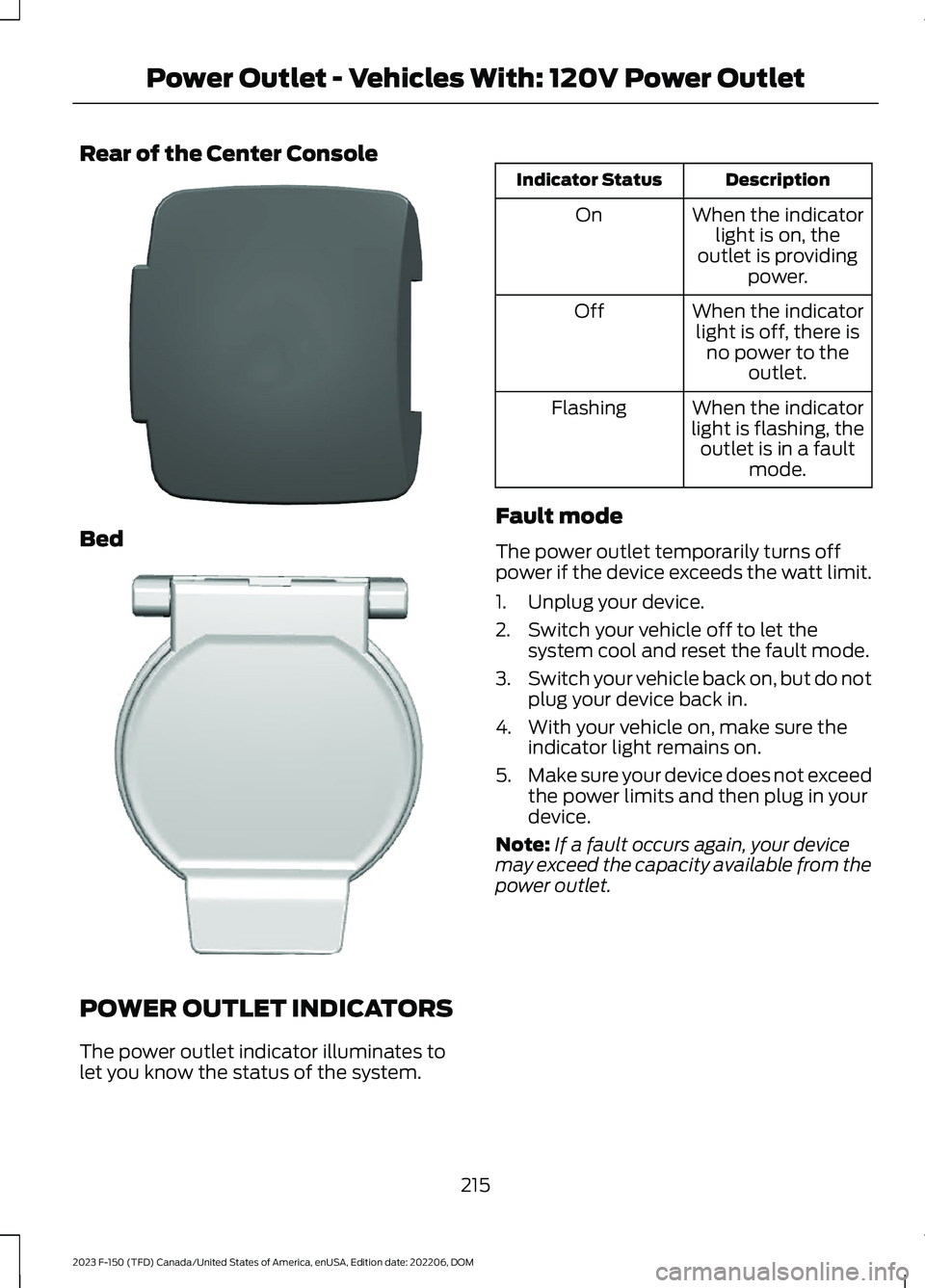
Rear of the Center Console
Bed
POWER OUTLET INDICATORS
The power outlet indicator illuminates tolet you know the status of the system.
DescriptionIndicator Status
When the indicatorlight is on, theoutlet is providingpower.
On
When the indicatorlight is off, there isno power to theoutlet.
Off
When the indicatorlight is flashing, theoutlet is in a faultmode.
Flashing
Fault mode
The power outlet temporarily turns offpower if the device exceeds the watt limit.
1.Unplug your device.
2.Switch your vehicle off to let thesystem cool and reset the fault mode.
3.Switch your vehicle back on, but do notplug your device back in.
4.With your vehicle on, make sure theindicator light remains on.
5.Make sure your device does not exceedthe power limits and then plug in yourdevice.
Note:If a fault occurs again, your devicemay exceed the capacity available from thepower outlet.
215
2023 F-150 (TFD) Canada/United States of America, enUSA, Edition date: 202206, DOMPower Outlet - Vehicles With: 120V Power OutletE337926 E338700
Page 220 of 786

WHAT IS THE POWER OUTLET
The power outlet can power devices usinga 12 V outlet adapter.
POWER OUTLET
PRECAUTIONS
WARNING: Do not plug optionalelectrical accessories into the cigarlighter socket. Incorrect use of the cigarlighter can cause damage not coveredby the vehicle warranty, and can resultin fire or serious injury.
When you switch the vehicle on, you canuse the socket to power 12 V applianceswith a maximum current rating of 20 A. Donot use the power point over the vehiclecapacity of 12 V DC 240 W or a fuse couldblow. Do not plug in any device thatsupplies power to the vehicle through thepower points. This could result in damageto vehicle systems. Do not hang anyaccessory from the accessory plug. Alwayskeep the power point caps closed whennot in use. Do not insert objects other thanan accessory plug into the power point.
To prevent the battery from running out ofcharge:
•Do not use the power point longer thannecessary when the vehicle is off.
•Do not leave devices plugged inovernight or when you park your vehiclefor extended periods.
LOCATING THE POWER
OUTLETS
Power outlets are in the followinglocations:
•On the instrument panel.
•Inside the center console.
•On the rear of the center console.
216
2023 F-150 (TFD) Canada/United States of America, enUSA, Edition date: 202206, DOMPower Outlet - Vehicles With: 12V Power Outlet
Page 223 of 786
Grounding Type
Neutral Floating
The neutral of the inverter generator isisolated from system ground.
Neutral Bonded
The neutral of the inverter generator isbonded to system ground. Connectingloads that also have neutral bonded toground causes the ground fault detectionto trip.
Note:If additional grounding measures arerequired, consult with a qualified electrician.
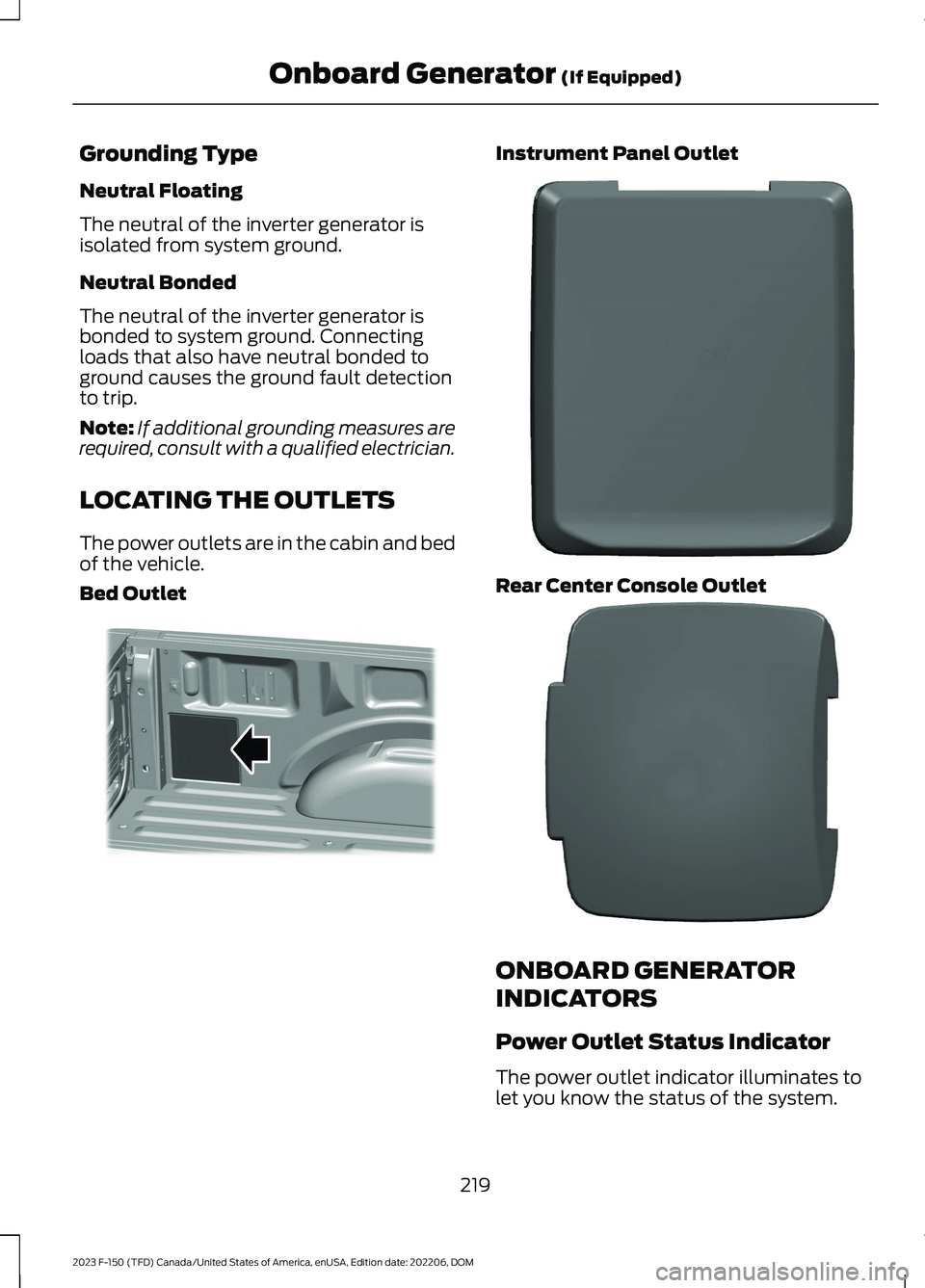
LOCATING THE OUTLETS
The power outlets are in the cabin and bedof the vehicle.
Bed Outlet
Instrument Panel Outlet
Rear Center Console Outlet
ONBOARD GENERATOR
INDICATORS
Power Outlet Status Indicator
The power outlet indicator illuminates tolet you know the status of the system.
219
2023 F-150 (TFD) Canada/United States of America, enUSA, Edition date: 202206, DOMOnboard Generator (If Equipped)E369445 E337927 E337926