Page 16 of 416
Getting inOpening and closing
Buttons on the vehicle key
1Unlocking2Locking3To open the tailgate4Panic mode, pathway lighting
Unlocking the vehiclePress the button on the vehicle key.
Depending on the settings, either only the driv
Page 31 of 416
Low beams 176Instrument lighting 180Right roadside parking light 176Left roadside parking light 1766Central locking system 97UnlockingLocking7Seating comfort featuresMemory function 1248Pitman arm, leftTurn signal 142High beams, headlight flasher
143Automatic High Beam Assistant
178Widgets 156
Trip data 1709Steering wheel buttons, leftManual Speed Limiter 221Depending on the equipment:
Cruise Control on/off 223Depending on the equipment:
Active Cruise Control on/off 226With Steering Assistant 236:
Cruise Control, Distance Control
and lane guidance on/offCruise Control: store the speed
Speed Limit Assistant: accept
suggested speed 234Interrupt or continue cruise controlActive Cruise Control: increase
distanceActive Cruise Control: reduce dis
Page 45 of 416
The assignment of the buttons is displayed inthe upper area of the Control Display.
Deleting all button assignments All button assignments can be deleted.1.Press and hold buttons 1 and 8 at the sametime.2."OK"
Control Display and
Controller
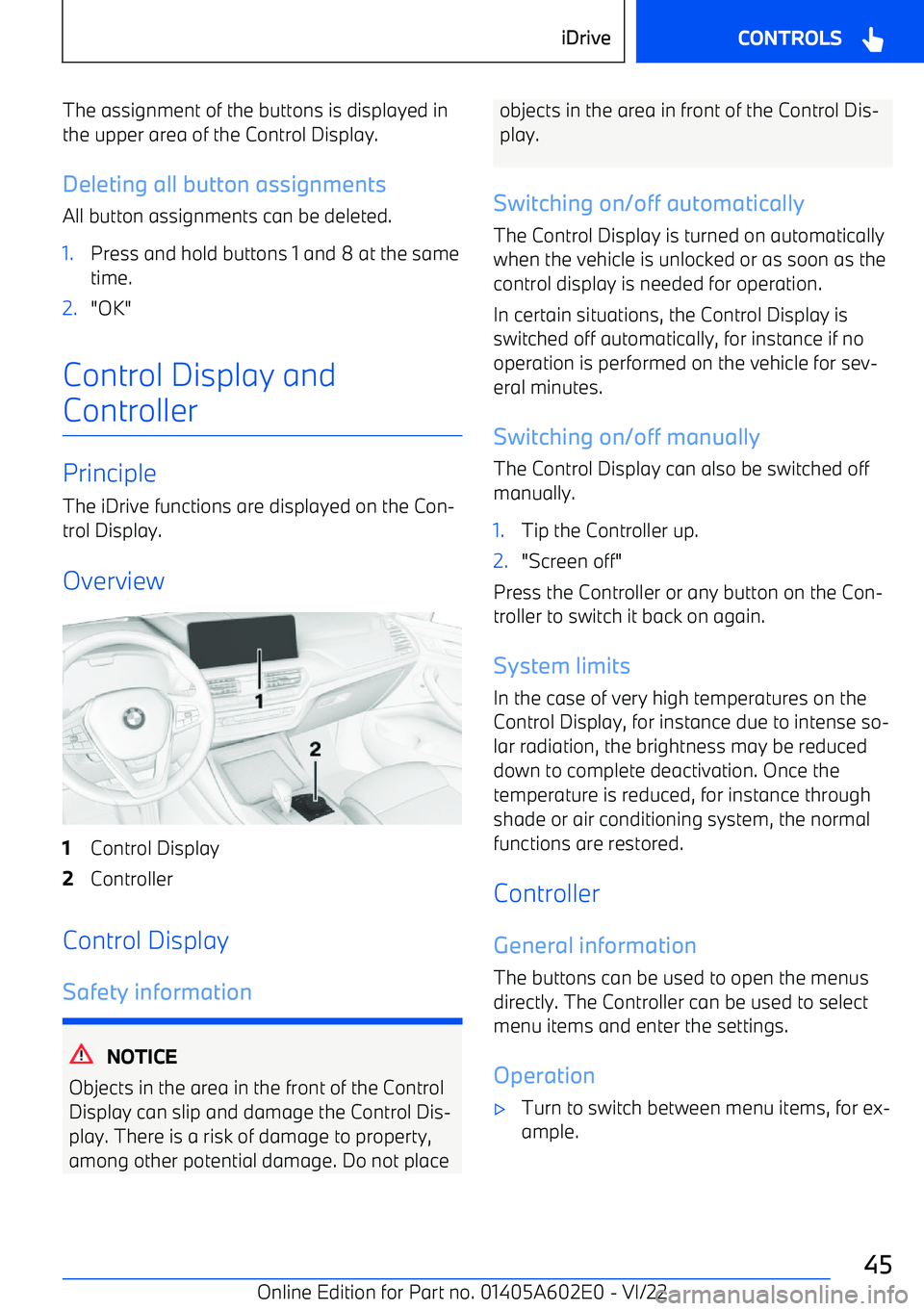
Principle The iDrive functions are displayed on the Con
Page 99 of 416
from being unlocked using the lock buttons
or the door openers.
Page 125 of 416
Overview
The memory buttons are located on the front
door.
Storing
1.Set the desired position.2. Press the button. The lettering on
the button is illuminated.3.Press desired button 1 or 2 while the letter
Page 170 of 416
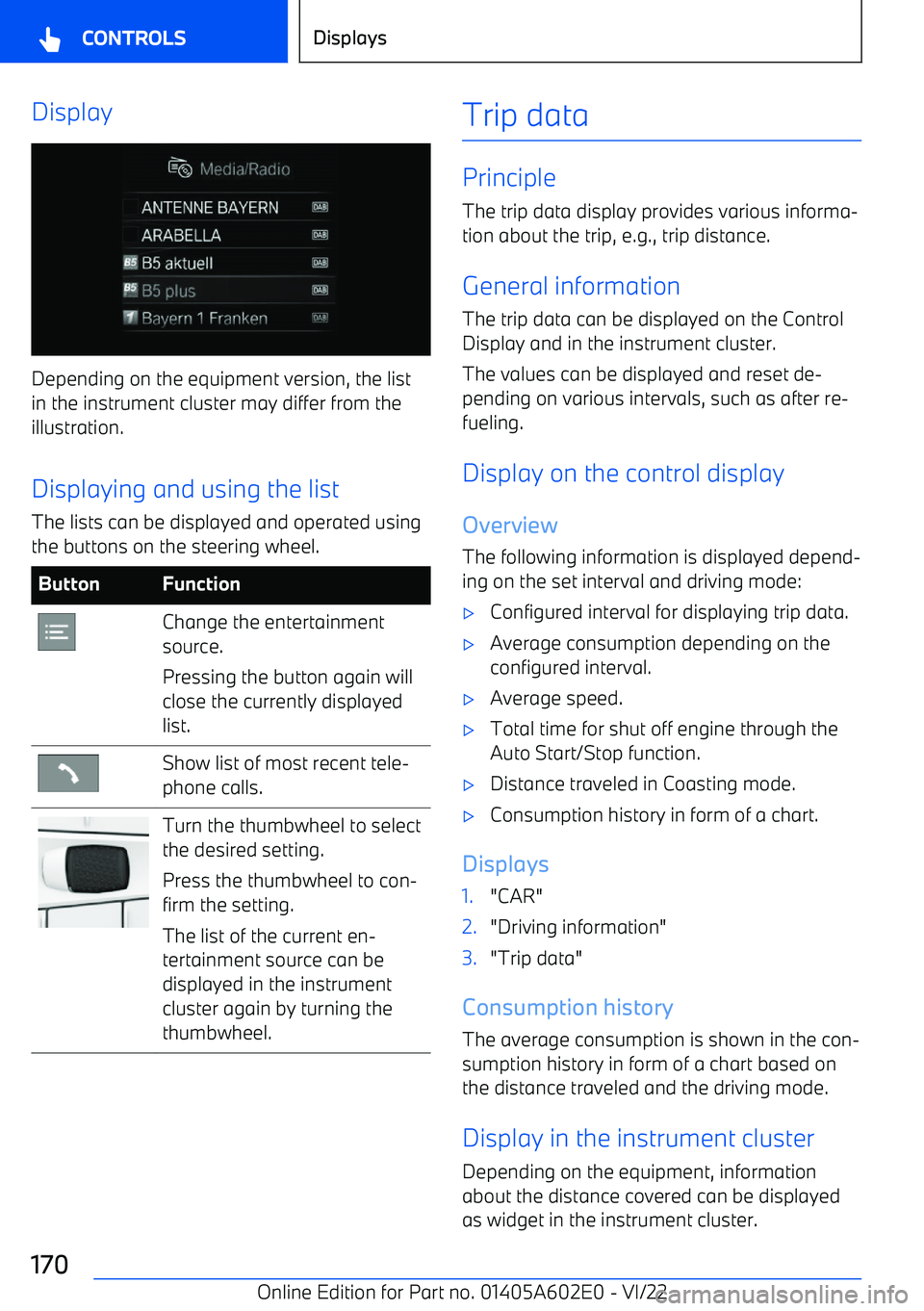
Display
Depending on the equipment version, the list
in the instrument cluster may differ from the illustration.
Displaying and using the list The lists can be displayed and operated using
the buttons on the steering wheel.
ButtonFunctionChange the entertainment
source.
Pressing the button again will
close the currently displayed
list.Show list of most recent tele
Page 187 of 416
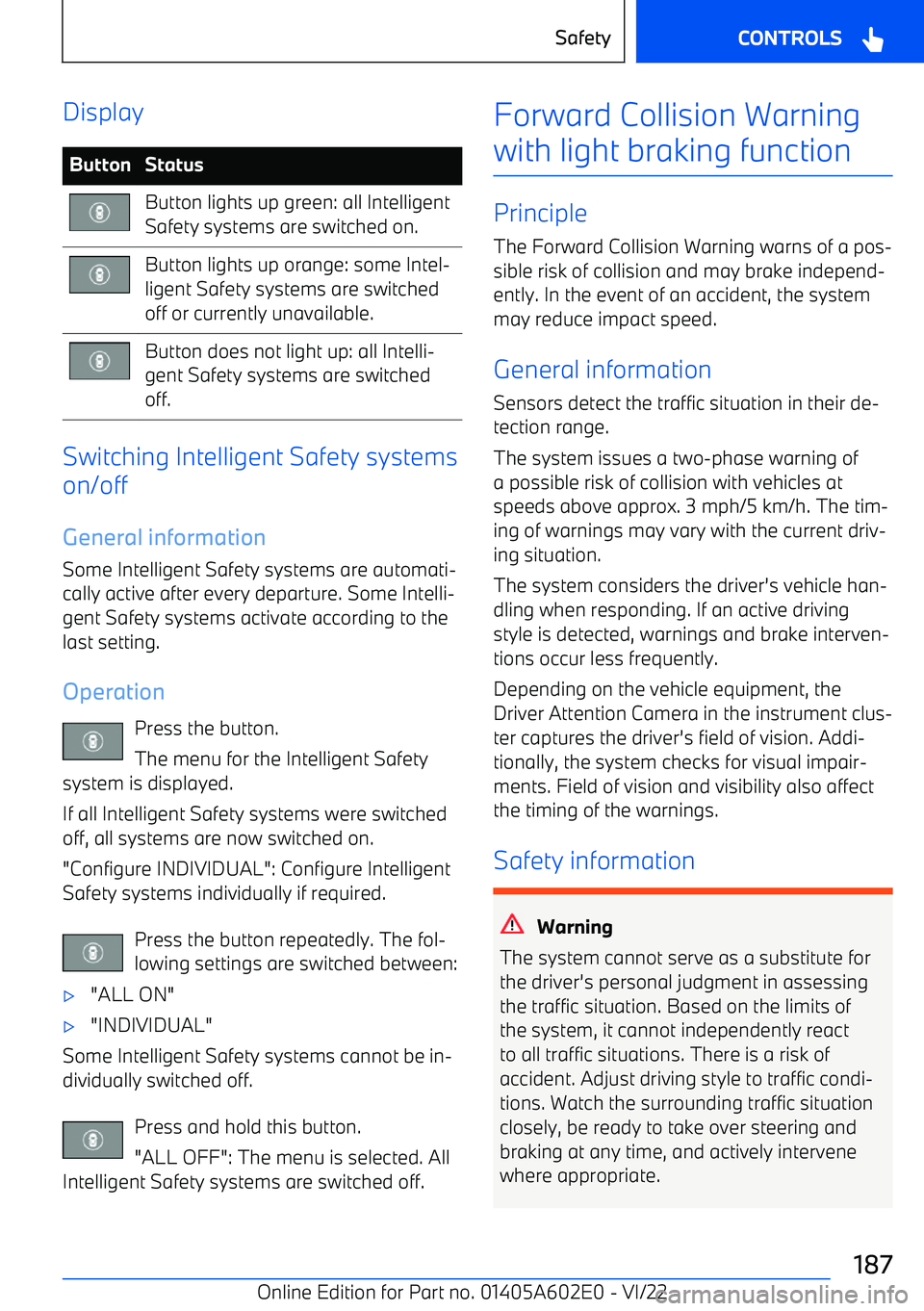
DisplayButtonStatusButton lights up green: all Intelligent
Safety systems are switched on.Button lights up orange: some Intel
Page 226 of 416
in some situations, for instance on downhill oruphill grades.
Active Cruise Control withStop&Go function
Principle Using the Cruise Control, a desired speed and
a distance to a vehicle ahead can be adjusted using the buttons on the steering wheel.
General information
The system maintains the set speed on clear
roads. The vehicle accelerates or brakes auto