Page 316 of 740

314
uuAudio System Basic Operation uAT&T Hotspot
Features
AT&T Hotspot
If you have subscribed to AT&T hotspot services, your vehicle will provide data to
connect your mobile devices to the Intern et. You can use the AT&T Hotspot app to
turn on/off vehicle data and monitor data usage left on your subscription.
a Hotspot Enable
Turn on/off AT&T Hotspot.
b Data Usage Bar
Check the current status of your data plan. This Usage Bar will show your current
plan and how much data remains on your plan. Subscription plans for AT&T Hotspot
can be added/modified at www.att.com/acura.
c Plan Info
Shows your current AT&T subscription plan for the vehicle.
d Settings
Shows the current username and password for vehicle Hotspot. Settings can be
changed while the vehicle is not in motion.
e Help
■AT&T Hotspot Menu
1 AT&T Hotspot
To use AT&T Hotspot servic es, your vehicle must be
subscribed to a data plan . If your vehicle is not
subscribed to a data plan, you can visit www.att.com/
acura to add vehicle data services.
Hotspot username and pass word can be changed in
the Settings of the AT&T Hotspot app. Settings
cannot be accessed while driving. Park in a safe place
to adjust Hotspot settings.
Alternatively, you can use your mobile hotspot to
connect the vehicle and other mobile devices to the
Internet. 2 Wi-Fi Connection P. 312
23 ACURA INTEGRA-313S56000_03.book 314 ページ 2022年3月18日 金曜日 午前11時47分
Page 317 of 740
315
uuAudio System Basic Operation uApple CarPlay
Continued
Features
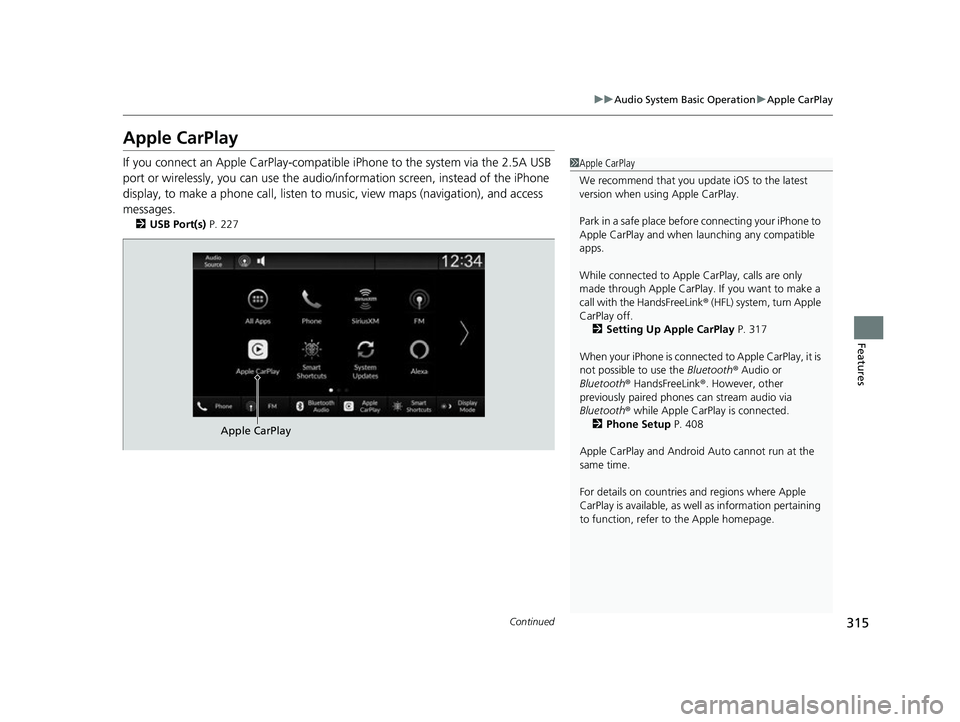
Apple CarPlay
If you connect an Apple CarPlay-compatible iPhone to the system via the 2.5A USB
port or wirelessly, you can use the audio/information screen, instead of the iPhone
display, to make a phone call, listen to music, view maps (navigation), and access
messages.
2 USB Port(s) P. 227
1Apple CarPlay
We recommend that you upda te iOS to the latest
version when usi ng Apple CarPlay.
Park in a safe place before connecting your iPhone to
Apple CarPlay and when launching any compatible
apps.
While connected to Apple CarPlay, calls are only
made through Apple CarPlay. If you want to make a
call with the HandsFreeLink ® (HFL) system, turn Apple
CarPlay off.
2 Setting Up Apple CarPlay P. 317
When your iPhone is connected to Apple CarPlay, it is
not possible to use the Bluetooth® Audio or
Bluetooth ® HandsFreeLink ®. However, other
previously paired phones can stream audio via
Bluetooth ® while Apple CarPlay is connected.
2 Phone Setup P. 408
Apple CarPlay and Android Auto cannot run at the
same time.
For details on c ountries and regions where Apple
CarPlay is available, as well as information pertaining
to function, refer to the Apple homepage.
Apple CarPlay
23 ACURA INTEGRA-313S56000_03.book 315 ページ 2022年3月18日 金曜日 午前11時47分
Page 318 of 740

uuAudio System Basic Operation uApple CarPlay
316
Features• Phone
Access the contact list, make phone calls, or listen to voicemail.
• Messages
Check and reply to text messages, or have messages read to you.
• Music
Play music stored on your iPhone.
• Maps
Display Apple Maps and use the navigation function just as you would on your
iPhone.
• Acura
Select the Acura icon to go back to the home screen.
•
Go back to the Apple CarPlay Dashboard screen.
• Go back to the Apple CarPlay menu screen.
■Apple CarPlay Menu1Apple CarPlay
Apple CarPlay Operating Requirements &
Limitations
Apple CarPlay requi res a compatible iPhone with an
active cellular connecti on and data plan. Your
carrier’s rate plans will apply.
Changes in operating systems, hardware, software,
and other technology integral to providing Apple
CarPlay functionality, as well as new or revised
governmental regulations, may result in a decrease or
cessation of Apple CarPlay functionality and services.
Acura cannot and does not provide any warranty or
guarantee of future Appl e CarPlay performance or
functionality.
It is possible to use 3r d party apps if they are
compatible with Apple CarPlay. Refer to the Apple
homepage for information on compatible apps.
23 ACURA INTEGRA-313S56000_03.book 316 ページ 2022年3月18日 金曜日 午前11時47分
Page 319 of 740

Continued317
uuAudio System Basic Operation uApple CarPlay
Features
After you have connected your iPhone to the system via the 2.5A USB port or
wirelessly, use the following procedure to set up Apple CarPlay. Use of Apple
CarPlay will result in the transmission of certain user and vehicle information (such
as vehicle location, speed, an d status) to your iPhone to enhance the Apple CarPlay
experience. You will n eed to consent to the sharing of this information on the audio/
information screen.
1. Connect the iPhone to the 2.5A USB port using the USB cable.
2 USB Port(s) P. 227
uThe confirmation screen will be displayed.
2. Select Yes.
u If you do not want to connect Apple CarPlay, select No.
You may change the cons ent settings under the Smartphone Connection settings
menu.
■Setting Up Apple CarPlay
■Connecting Apple CarPlay Using the USB Cable to the USB Port
1 Setting Up Apple CarPlay
Only initialize Apple CarP lay when you are safely
parked.
When Apple CarPlay first detects your iPhone, you
will need to set up your iPhone. Refer to the
instruction manual that came with your iPhone.
You can use the following procedure to disconnect or
delete the devices conn ecting Apple CarPlay:
Press the button Select General Settings
Smartphone Connection Apple CarPlay
Select device
Use of user and vehicle information
The use and handling of user and vehicle information
transmitted to/from your iP hone by Apple CarPlay is
governed by the Apple iOS terms and conditions and
Apple’s Privacy Policy.
23 ACURA INTEGRA-313S56000_03.book 317 ページ 2022年3月18日 金曜日 午前11時47分
Page 320 of 740
318
uuAudio System Basic Operation uApple CarPlay
Features
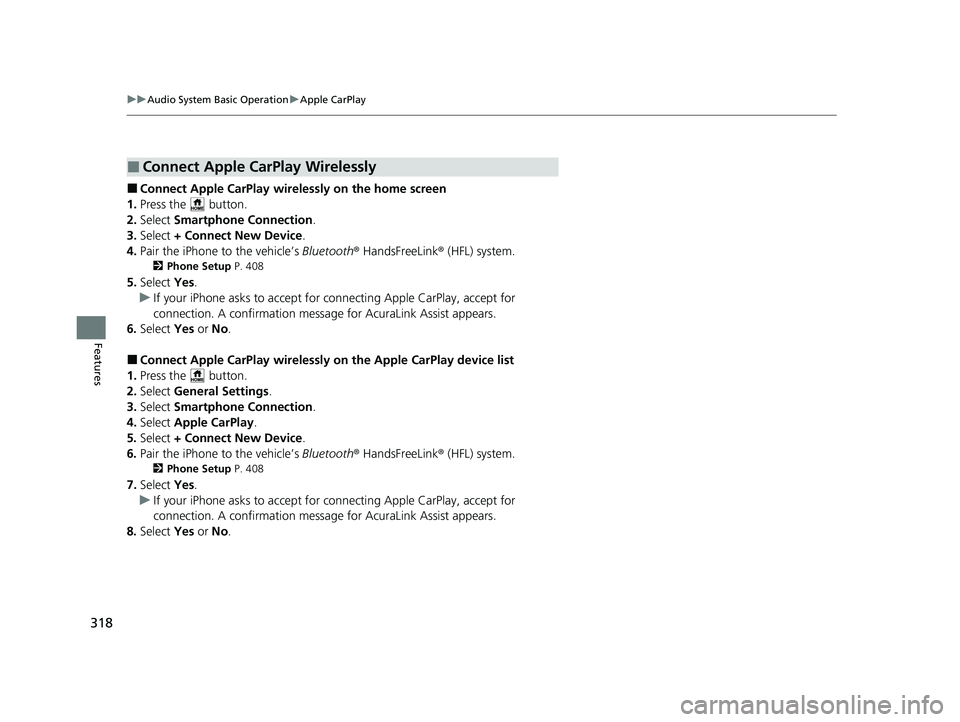
■Connect Apple CarPlay wirele ssly on the home screen
1. Press the button.
2. Select Smartphone Connection .
3. Select + Connect New Device .
4. Pair the iPhone to the vehicle’s Bluetooth® HandsFreeLink ® (HFL) system.
2 Phone Setup P. 408
5.Select Yes.
u If your iPhone asks to accept for connecting Apple CarPlay, accept for
connection. A confirmation message for AcuraLink Assist appears.
6. Select Yes or No.
■Connect Apple CarPlay wirelessly on the Apple CarPlay device list
1. Press the button.
2. Select General Settings .
3. Select Smartphone Connection .
4. Select Apple CarPlay .
5. Select + Connect New Device .
6. Pair the iPhone to the vehicle’s Bluetooth® HandsFreeLink ® (HFL) system.
2 Phone Setup P. 408
7.Select Yes.
u If your iPhone asks to accept for connecting Apple CarPlay, accept for
connection. A confirmation message for AcuraLink Assist appears.
8. Select Yes or No.
■Connect Apple CarPlay Wirelessly
23 ACURA INTEGRA-313S56000_03.book 318 ページ 2022年3月18日 金曜日 午前11時47分
Page 321 of 740
319
uuAudio System Basic Operation uApple CarPlay
Continued
Features
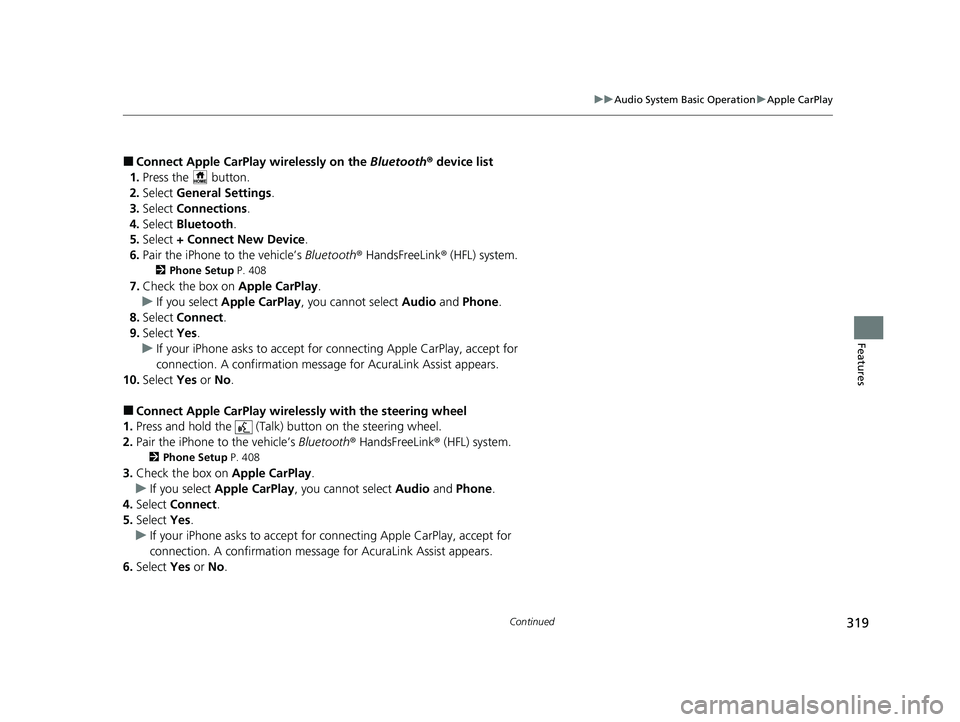
■Connect Apple CarPlay wirelessly on the Bluetooth® device list
1. Press the button.
2. Select General Settings .
3. Select Connections.
4. Select Bluetooth .
5. Select + Connect New Device .
6. Pair the iPhone to the vehicle’s Bluetooth® HandsFreeLink ® (HFL) system.
2 Phone Setup P. 408
7.Check the box on Apple CarPlay.
u If you select Apple CarPlay , you cannot select Audio and Phone .
8. Select Connect .
9. Select Yes.
u If your iPhone asks to accept for connecting Apple CarPlay, accept for
connection. A confirmation message for AcuraLink Assist appears.
10. Select Yes or No.
■Connect Apple CarPlay wirelessly with the steering wheel
1. Press and hold the (Talk) button on the steering wheel.
2. Pair the iPhone to the vehicle’s Bluetooth® HandsFreeLink ® (HFL) system.
2Phone Setup P. 408
3.Check the box on Apple CarPlay.
u If you select Apple CarPlay , you cannot select Audio and Phone .
4. Select Connect .
5. Select Yes.
u If your iPhone asks to accept for connecting Apple CarPlay, accept for
connection. A confirmation message for AcuraLink Assist appears.
6. Select Yes or No .
23 ACURA INTEGRA-313S56000_03.book 319 ページ 2022年3月18日 金曜日 午前11時47分
Page 322 of 740
320
uuAudio System Basic Operation uApple CarPlay
Features
■Connect Apple CarPlay wirelessly at start-up (when there is no phone
paired to the system)
1. Set the power mode to ACCESSORY or ON.
2. Select OK.
u If there is no registered device, the Bluetooth® pairing screen will be displayed.
u If you check the box with Do not show this again, this screen will not be
displayed.
3. Pair the iPhone to the vehicle’s Bluetooth® HandsFreeLink ® (HFL) system.
2 Phone Setup P. 408
4.Check the box on Apple CarPlay.
u If you select Apple CarPlay , you cannot select Audio and Phone .
5. Select Connect .
6. Select Yes.
u If your iPhone asks to accept for connecting Apple CarPlay, accept for
connection. A confirmation message for AcuraLink Assist appears.
7. Select Yes or No.
23 ACURA INTEGRA-313S56000_03.book 320 ページ 2022年3月18日 金曜日 午前11時47分
Page 323 of 740
321
uuAudio System Basic Operation uApple CarPlay
Features
Press and hold the (Talk) button to activate Siri.
(Talk) Button:
Press and hold to activate Siri.
Press again to deactivate Siri.
Press and release to activate st andard voice recognition system.
■Operating Apple CarPlay with Siri1Operating Apple CarPlay with Siri
Below are examples of questions and commands for
Siri:
•What movies are playing today?
•Call dad at work.•What song is this?
•How’s the weather tomorrow?
•Read my latest email.
For more information, please visit
www.apple.com/ios/siri .
(Talk) Button
23 ACURA INTEGRA-313S56000_03.book 321 ページ 2022年3月18日 金曜日 午前11時47分

