Page 246 of 417
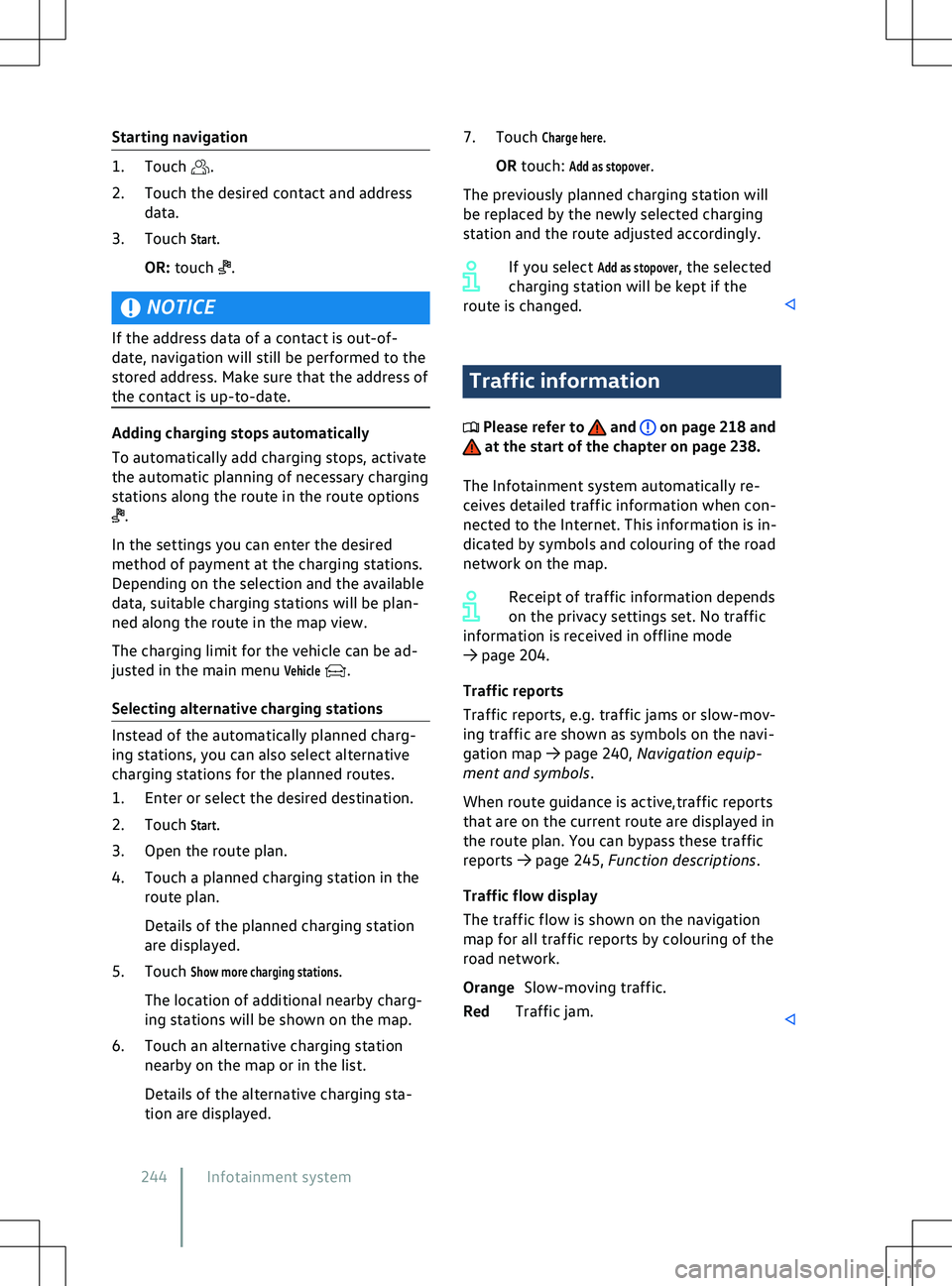
Starting navigation
.
2.
Touch the desired contact and address
data.
3. Touch
Start.
OR: touch .
NOTICE
If the address data of a contact is out-of-
date, na
vigation will still be performed to the
stored address. Make sure that the address of
the contact is up-to-date. .
In the settings you can enter the desired
method of payment at the charging stations.
Depending on the selection and the a
vailable
data, suitable charging stations will be plan-
ned along the route in the map view.
The charging limit for the vehicle can be ad-
justed in the main menu
Vehicle .
Selecting alternativ
e charging stations Traffic information
Please refer to and on page 218 and
at the start of the chapter on page 238.
The Inf
otainment system automatically re-
ceives detailed traffic information when con-
nected to the Internet. This information is in-
dicated by symbols and colouring of the road
network on the map.
Receipt of traffic information depends
on the privacy settings set. No traffic
information is received in offline mode
Page 253 of 417
Qi-capable mobile devices with larger dimen-
sions cannot be charged wirelessly.
Bef
ore charging, remove any foreign objects
with metallic components such as coins from
the stowage compartment and observe the
operating instructions for the mobile device.
To charge a Qi-enabled mobile device, re-
move the protective cover and place the en-
tire surface of the device flat in the centre of
the stowage area with the display facing up-
wards. The charging process starts automati-
cally.
The factory-fitted Infotainment system will
provide information about the start of the
charging operation and, where applicable,
about any foreign objects with metallic com-
ponents that are detected in the stowage
compartment. Remove foreign objects im-
mediately.
If the mobile device has not been positioned
correctly in the stowage area or is too large,
it cannot be detected or cannot be detected
correctly. In certain circumstances, the Info-
tainment system will report that there is
a foreign object in the stowage compart-
ment. The fault can be rectified if a suitable
mobile device is used and its position is cor-
rected.
Stowage compartment cover
The storage compartment for the wireless
charging function has a cover for the mobile
device
Page 262 of 417
WARNING
Elastic tensioning straps must be stretched
to attach to the fastening rings. The hooks
attached to them can cause serious injuries.
x Always protect eyes and face from injury
when attaching elastic tensioning straps.
x Always hold elastic tensioning straps se-
curely when fastening so that they can-
not slip off and rebound.
x Always fasten the elastic tensioning
straps first to the fastening rings in the
front area of the luggage compartment,
then pull them towards the loading sill
and fasten them to the fastening rings
there. If the tension straps slip off
, they
will snap away from the body. Suitable lashing, retaining or securing
straps and luggage securing systems
are a
vailable from qualified workshops.
Volkswagen recommends using a Volkswagen
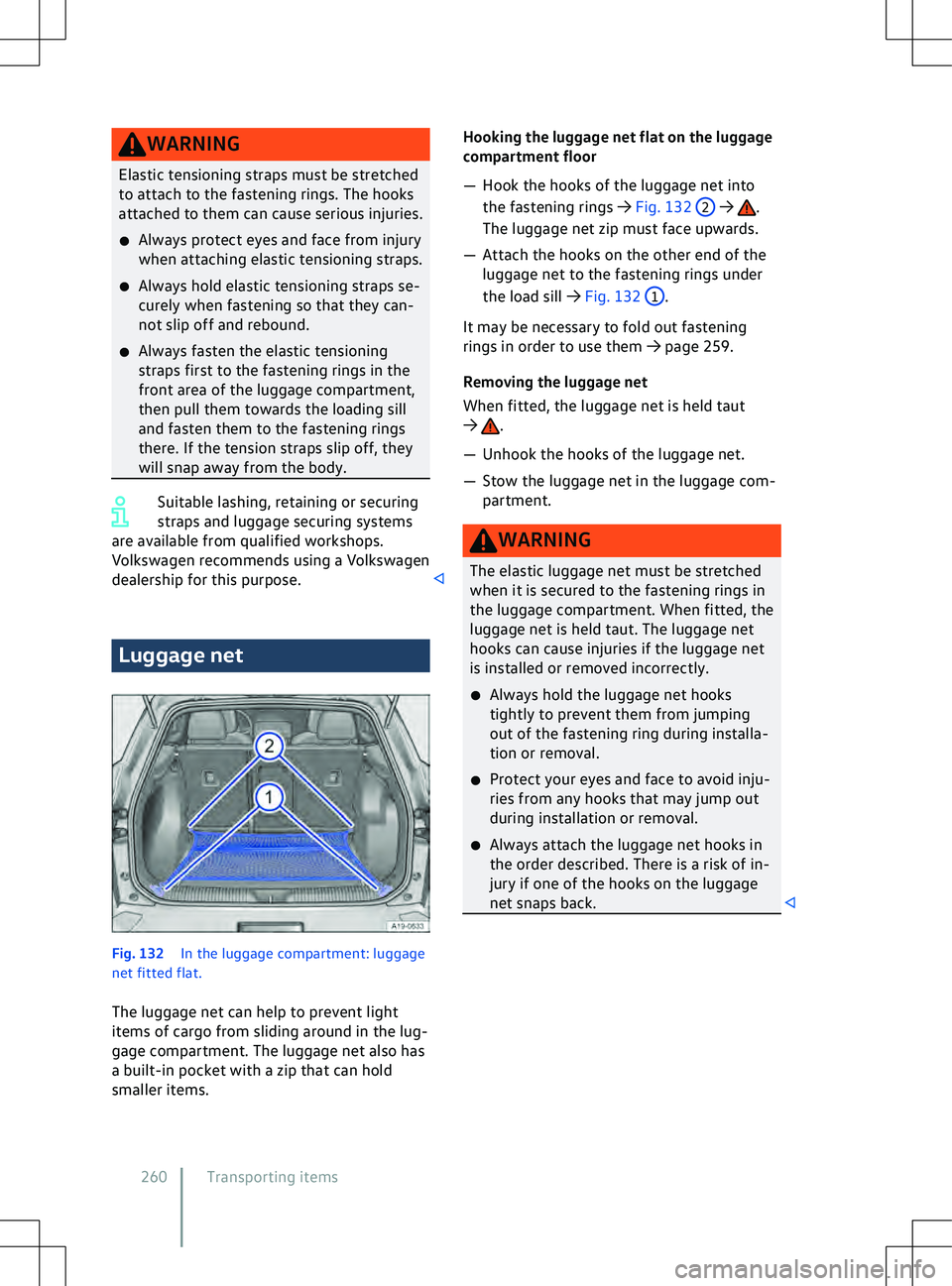
dealership for this purpose. Luggage net
Fig. 132
In the luggage compartment: luggage
net fitted flat.
The luggage net can help to pre
vent light
items of cargo from sliding around in the lug-
gage compartment. The luggage net also has
a built-in pocket with a zip that can hold
smaller items. .
The luggage net zip must face upwards.
Page 272 of 417
that you contact a qualified workshop to find
out about suitable trailers.
Loading a trailer
The v
ehicle and trailer should be balanced.
For this purpose, the maximum permitted
drawbar load should be utilised. Do not place
the load only at the front or the rear of the
trailer:
Page 302 of 417
Depending on the market and specification of
your v
ehicle, the fuse numbers and locations
may differ to those given in the table. If nec-
essary, ask your Volkswagen dealership for
the exact fuse assignment.
Fuse location
Page 307 of 417
x
If the power supply of the towed v ehicle
fails, stop towing immediately and seek
expert assistance. NOTICE
Towing with a tow-rope or tow-bar can dam-
age the v
ehicle.
x Tow the vehicle carefully with a tow-rope
or tow-bar.
x If possible, have the broken-down vehicle
transported by a breakdown truck. NOTICE
When pushing the vehicle by hand, the tail
light clusters, side spoilers on the rear win-
dow and large panels can be damaged and
the rear spoiler may become detached.
x When pushing the v
ehicle by hand, do not
press on the tail light clusters, side spoilers
on the rear window, large panels and the
rear spoiler. NOTICE
The vehicle can be damaged, e.g. the vehicle
paintwork, when remo
ving and fitting the
cover and towing eye.
x Remove and install the cover and the tow-
ing eye carefully so as to avoid damage to
the vehicle. NOTICE
Use of a towing eye that is not suitable for
the v
ehicle can damage the vehicle.
x Always use the towing eye supplied in the
vehicle toolkit of your vehicle or a towing
eye that is suitable for the vehicle for tow-
ing. Notes on towing
Please refer to and at the start of
the chapter on page 304.
It is still possible to activ
ate the turn signals
in a vehicle that is being towed, even if the
hazard warning lights are switched on. To do
this, operate the turn signal and main beam
lever in the required direction while the igni-
tion is switched on. The hazard warning lights
will not flash while the turn signal is being
used. The hazard warning lights will start
flashing again automatically as soon as the
turn signal and main beam lever is moved
back to the neutral position.
In which situations may the vehicle not be
towed?
In the following situations, the vehicle may
not be towed for a long distance on its own
tyres:
Page 309 of 417
Fitting the towing eye at
front
Please refer to and at the start of
the chapter on page 304. Fig. 169
In the front bumper on the right: re-
mo ving the cover. . Use a suitable
object to screw the towing eye fully and
securely into the mounting.
Page 311 of 417
Checking and refilling
In the front compartment Safety notes for working in
the bonnet space
The bonnet space of a v
ehicle is a hazardous
area. You should only carry out work in the
bonnet space if you know exactly how to per-
form the required tasks, are aware of the
general safety procedures and have access to
the correct equipment, service fluids and
suitable tools. Failing to carry out work cor-
rectly can cause serious injuries