2022 TOYOTA SUPRA warning
[x] Cancel search: warningPage 260 of 498

2583-1. CONTROLS
2"Vehicle settings"
3 "Parking"
4 "Cross-traffic alert"
5 "Cross-traffic alert"
If the system was activated on the
Control Display, it is switched on
automatically as soon as Parking
Sensors or Panorama View is
active and a gear is engaged.
The system is switched on at the
rear when reverse gear is engaged.
The system switches off automati-
cally in the following situations:
If walking speed is exceeded.
When a certain distance is
exceeded.
During active parking with the
Park Assistant.
The Control Display shows the cor-
responding display, an acoustic sig-
nal may sound and the light in the
exterior mirror flashes.
The light in the exterior mirror
flashes if other vehicles are
detected by the rear sensors when
the vehicle is moving backwards.
In the Parking Sensors view, the
relevant boundary area flashes red
if the sensors detect vehicles.
In addition to the visual display, a
warning signal sounds when your
own vehicle is moving in the corre-
sponding direction.
Switching on automatically
Switching off automatically
Warning
General
Light in the exterior mirror
Display in the Parking Sensors
view
Acoustic warning
Page 275 of 498
273
3
3-1. CONTROLS
CONTROLS
If the vehicle is equipped with the
forgotten phone warning function, a
warning can be output if a mobile
telephone with Qi capability has
been left in the wireless charging
dock when exiting the vehicle.
The forgotten phone warning is
shown in the instrument cluster.
Via Toyota Supra Command:
1 “My Vehicle”
2 “System settings”
3 “Wireless charging tray”
4 “Forgotten mobile device alert”
If the mobile phone or the vehicle
interior is exposed to excessively
high temperatures, the charging
functions of the mobile telephone
might be restrict ed and functions
might no longer work.
This chapter describes all standard,
country-specific and special equip-
ment available for the model series.
It may therefore describe equip-
ment and functions which are not
installed in your vehicle, for exam-
ple on account of the special equip-
ment selected or the country
specification. This also applies to
safety-relevant functions and sys-
tems. Please comply with the rele-
vant laws and regulations when
using the corresponding functions
and systems.
Forgotten phone warning
General
Activating
System limits
Storage compartments
Vehicle equipment
Safety notes
WA R N I N G
Loose objects or devices connected by a cable to the vehicle, for example
mobile telephones, may be thrown
around the interior during the journey, for example in the event of an acci-
dent or when braking or carrying out
evasive manoeuvres. There is a dan- ger of injury. Ensure that loose
objects or devices connected by
cable to the vehicle are secured in place in the interior.
NOTICE
Anti-slip mats can damage the dash-
board. There is a danger of damage to property. Do not use anti-slip mats.
Page 292 of 498
2905-1. MOBILITY
5-1.MOBILITY
This chapter describes all standard,
country-specific and special equip-
ment available for the model series.
It may therefore describe equip-
ment and functions which are not
installed in your vehicle, for exam-
ple on account of the special equip-
ment selected or the country
specification. This also applies to
safety-relevant functions and sys-
tems. Please comply with the rele-
vant laws and regulations when
using the corresponding functions
and systems.
Before refuelling, observe the notes
on fuel quality, see page 322.
When refuelling, insert the filler
nozzle fully into th e filler neck. Lift-
ing the filler nozzle during refuelling
results in the following:
The fuel supply being cut off pre-
maturely.
Fuel vapour and fumes being
recovered less effectively.
The fuel tank is full when the filler
nozzle cuts out for the first time.
For Korea: Make sure that the fuel
tank cap is closed properly after
refuelling, otherw ise the emissions
warning lamp may illuminate.
Please comply with the safety regu-
lations displayed at filling stations.
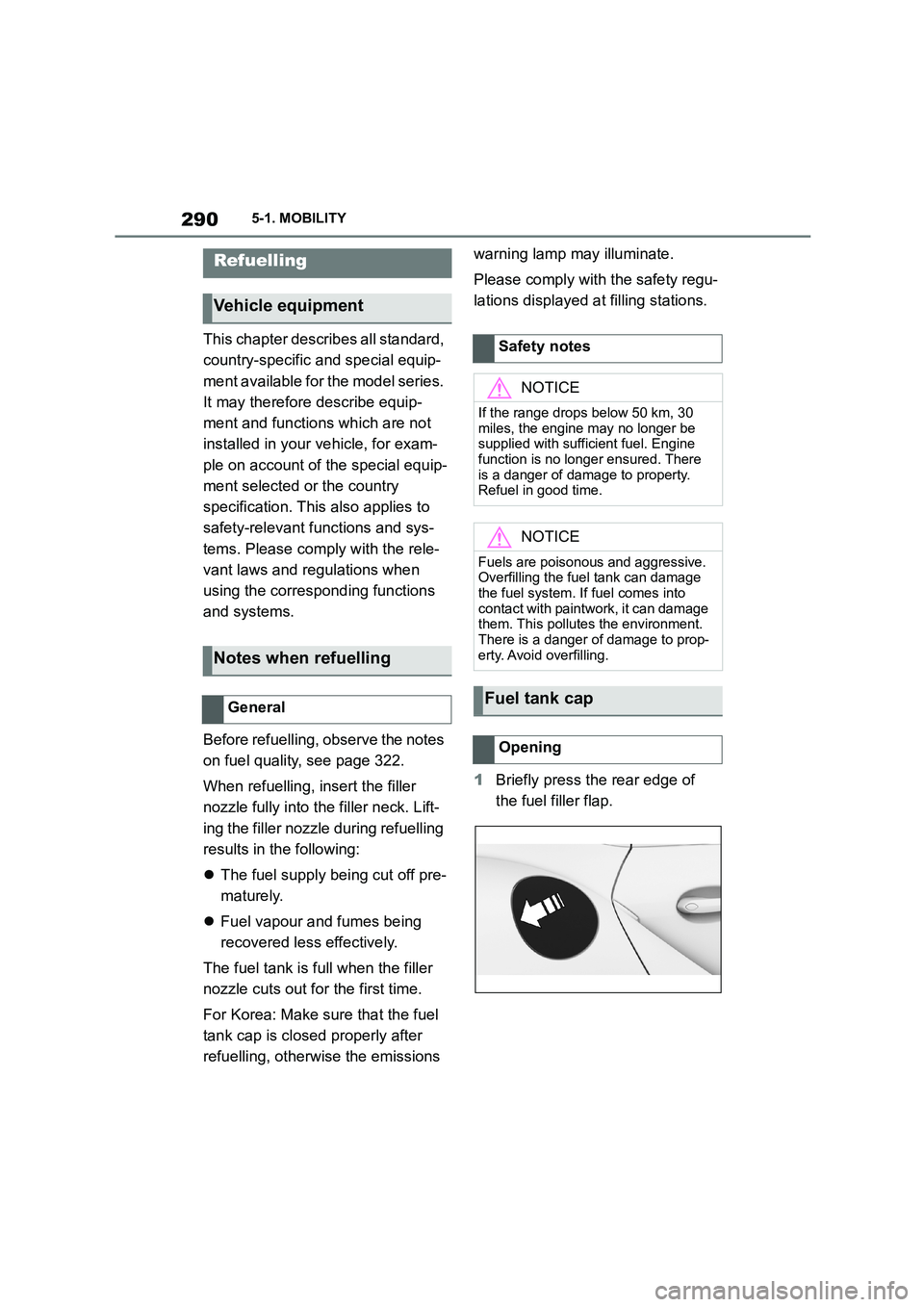
1 Briefly press the rear edge of
the fuel filler flap.
Refuelling
Vehicle equipment
Notes when refuelling
General
Safety notes
NOTICE
If the range drops below 50 km, 30
miles, the engine may no longer be
supplied with sufficient fuel. Engine function is no longer ensured. There
is a danger of damage to property.
Refuel in good time.
NOTICE
Fuels are poisonous and aggressive.
Overfilling the fuel tank can damage the fuel system. If fuel comes into
contact with paintwork, it can damage
them. This pollutes the environment. There is a danger of damage to prop-
erty. Avoid overfilling.
Fuel tank cap
Opening
Page 301 of 498
299
5
5-1. MOBILITY
MOBILITY
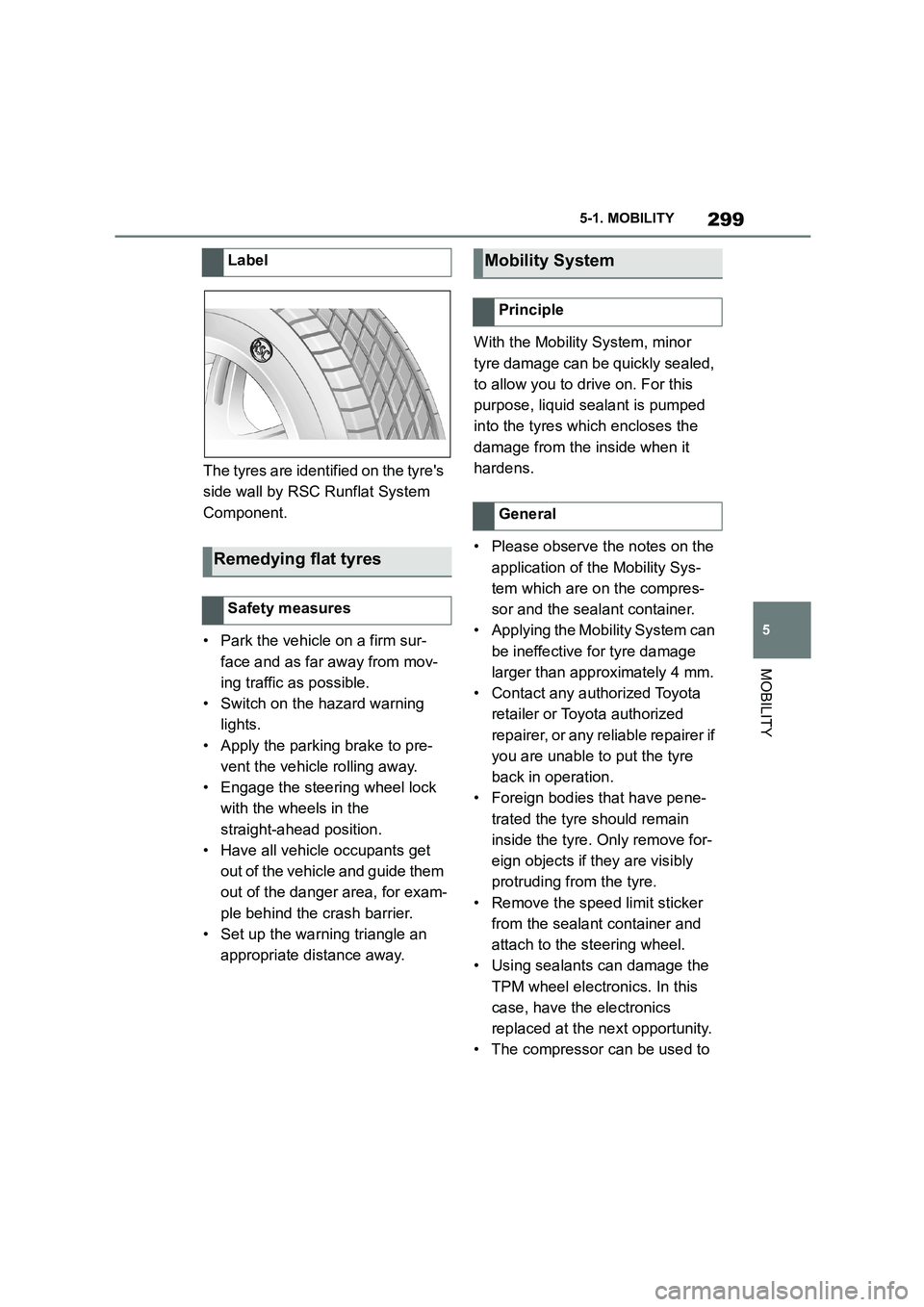
The tyres are identified on the tyre's
side wall by RSC Runflat System
Component.
• Park the vehicle on a firm sur-
face and as far away from mov-
ing traffic as possible.
• Switch on the hazard warning
lights.
• Apply the parking brake to pre-
vent the vehicle rolling away.
• Engage the steering wheel lock
with the wheels in the
straight-ahead position.
• Have all vehicle occupants get
out of the vehicle and guide them
out of the danger area, for exam-
ple behind the crash barrier.
• Set up the warning triangle an
appropriate distance away.
With the Mobility System, minor
tyre damage can be quickly sealed,
to allow you to drive on. For this
purpose, liquid sealant is pumped
into the tyres which encloses the
damage from the inside when it
hardens.
• Please observe the notes on the
application of the Mobility Sys-
tem which are on the compres-
sor and the sealant container.
• Applying the Mobility System can
be ineffective for tyre damage
larger than approximately 4 mm.
• Contact any authorized Toyota
retailer or Toyota authorized
repairer, or any reliable repairer if
you are unable to put the tyre
back in operation.
• Foreign bodies that have pene-
trated the tyre should remain
inside the tyre. Only remove for-
eign objects if they are visibly
protruding from the tyre.
• Remove the speed limit sticker
from the sealant container and
attach to the steering wheel.
• Using sealants can damage the
TPM wheel electronics. In this
case, have the electronics
replaced at the next opportunity.
• The compressor can be used to
Label
Remedying flat tyres
Safety measures
Mobility System
Principle
General
Page 302 of 498
3005-1. MOBILITY
check the tyre inflation pressure.
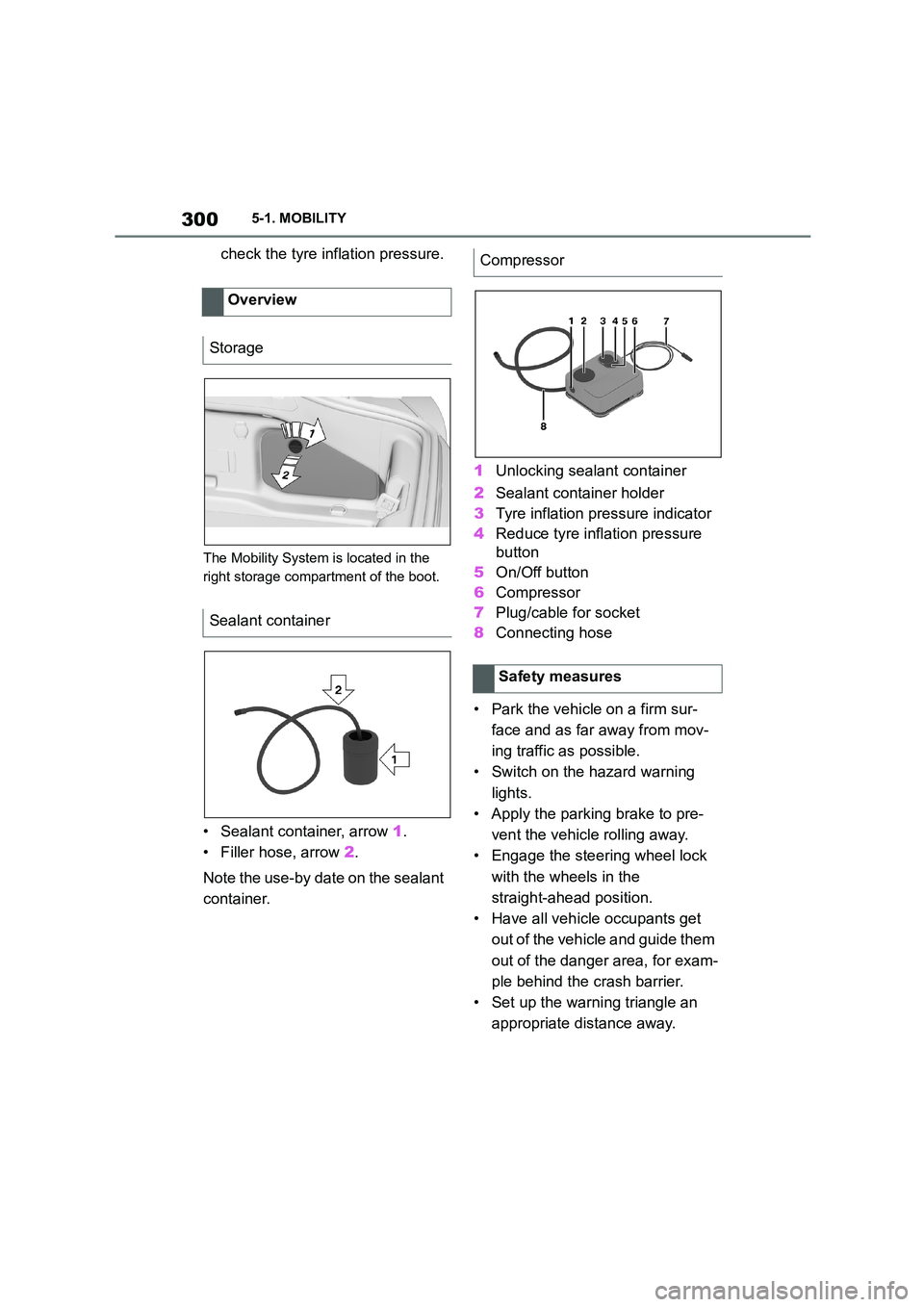
The Mobility System is located in the
right storage compartment of the boot.
• Sealant container, arrow 1.
• Filler hose, arrow 2.
Note the use-by date on the sealant
container.
1 Unlocking sealant container
2 Sealant container holder
3 Tyre inflation pressure indicator
4 Reduce tyre inflation pressure
button
5 On/Off button
6 Compressor
7 Plug/cable for socket
8 Connecting hose
• Park the vehicle on a firm sur-
face and as far away from mov-
ing traffic as possible.
• Switch on the hazard warning
lights.
• Apply the parking brake to pre-
vent the vehicle rolling away.
• Engage the steering wheel lock
with the wheels in the
straight-ahead position.
• Have all vehicle occupants get
out of the vehicle and guide them
out of the danger area, for exam-
ple behind the crash barrier.
• Set up the warning triangle an
appropriate distance away.
Overview
Storage
Sealant container
Compressor
Safety measures
Page 309 of 498
307
5
5-1. MOBILITY
MOBILITY
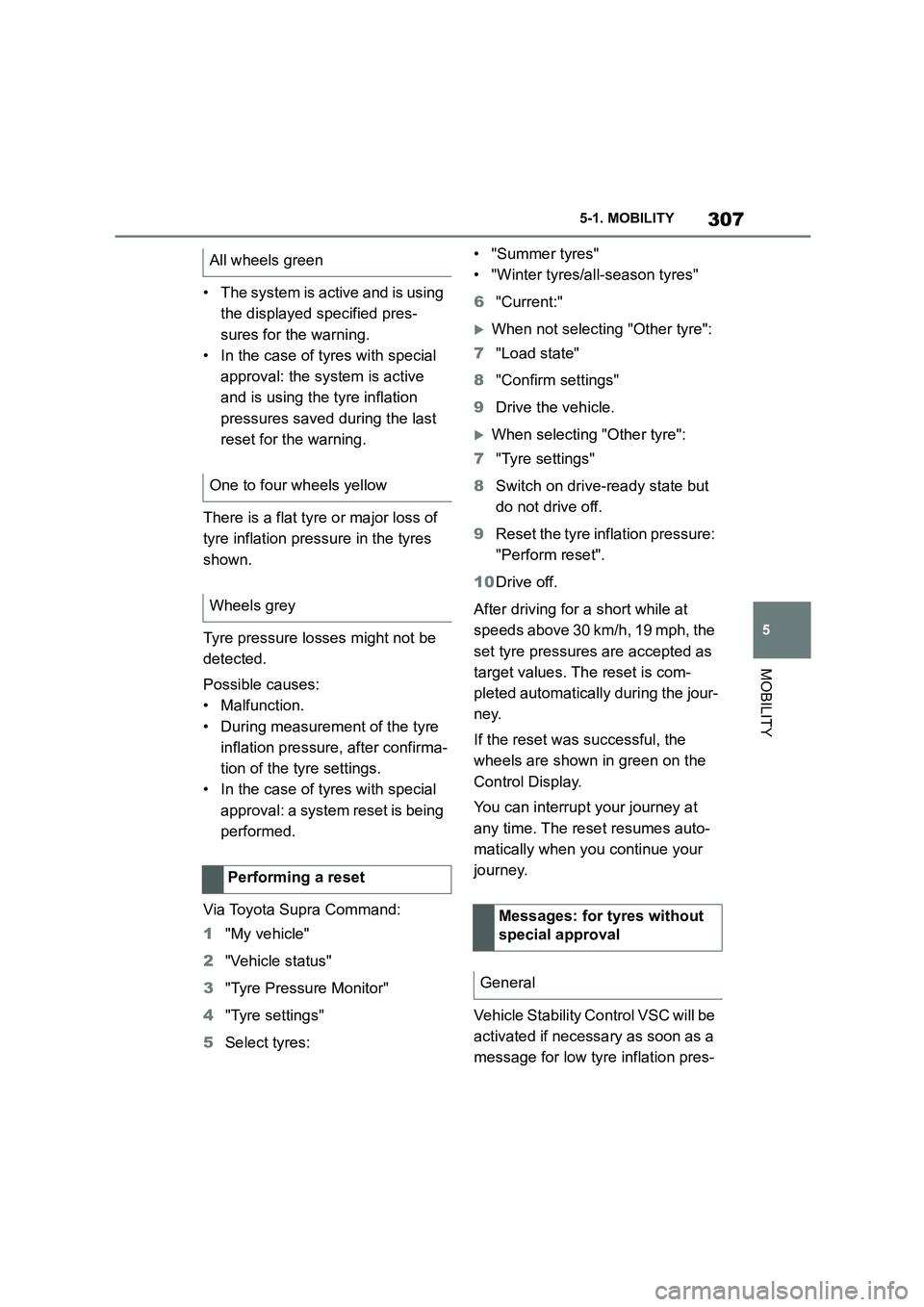
• The system is active and is using
the displayed specified pres-
sures for the warning.
• In the case of tyres with special
approval: the system is active
and is using the tyre inflation
pressures saved during the last
reset for the warning.
There is a flat tyre or major loss of
tyre inflation pre ssure in the tyres
shown.
Tyre pressure losses might not be
detected.
Possible causes:
• Malfunction.
• During measurement of the tyre
inflation pressure, after confirma-
tion of the tyre settings.
• In the case of tyres with special
approval: a system reset is being
performed.
Via Toyota Supra Command:
1 "My vehicle"
2 "Vehicle status"
3 "Tyre Pressure Monitor"
4 "Tyre settings"
5 Select tyres:
• "Summer tyres"
• "Winter tyres/all-season tyres"
6 "Current:"
When not selecting "Other tyre":
7 "Load state"
8 "Confirm settings"
9 Drive the vehicle.
When selecting "Other tyre":
7 "Tyre settings"
8 Switch on drive-ready state but
do not drive off.
9 Reset the tyre inflation pressure:
"Perform reset".
10 Drive off.
After driving for a short while at
speeds above 30 km/h, 19 mph, the
set tyre pressures are accepted as
target values. Th e reset is com-
pleted automatically during the jour-
ney.
If the reset was successful, the
wheels are shown in green on the
Control Display.
You can interrupt your journey at
any time. The reset resumes auto-
matically when you continue your
journey.
Vehicle Stability Control VSC will be
activated if necessary as soon as a
message for low tyre inflation pres-
All wheels green
One to four wheels yellow
Wheels grey
Performing a reset
Messages: for tyres without
special approval
General
Page 310 of 498
3085-1. MOBILITY
sure appears.
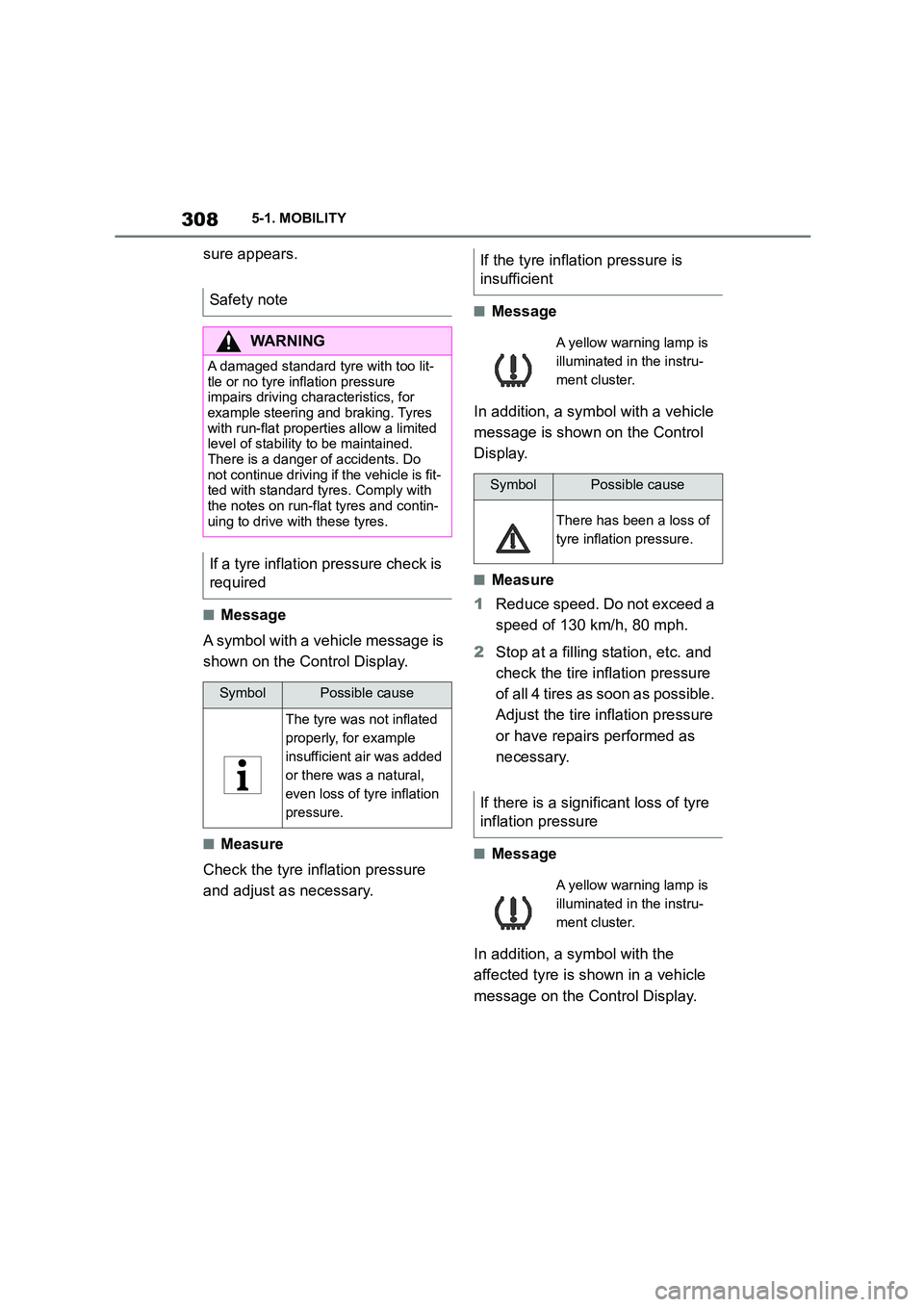
■Message
A symbol with a vehicle message is
shown on the Control Display.
■Measure
Check the tyre inflation pressure
and adjust as necessary.
■Message
In addition, a symbol with a vehicle
message is shown on the Control
Display.
■Measure
1 Reduce speed. Do not exceed a
speed of 130 km/h, 80 mph.
2 Stop at a filling station, etc. and
check the tire in flation pressure
of all 4 tires as soon as possible.
Adjust the tire inflation pressure
or have repairs performed as
necessary.
■Message
In addition, a symbol with the
affected tyre is shown in a vehicle
message on the Control Display.
Safety note
WA R N I N G
A damaged standard tyre with too lit-
tle or no tyre inflation pressure impairs driving characteristics, for
example steering and braking. Tyres
with run-flat properties allow a limited
level of stability to be maintained. There is a danger of accidents. Do
not continue driving if the vehicle is fit-
ted with standard tyres. Comply with the notes on run-flat tyres and contin-
uing to drive with these tyres.
If a tyre inflation pressure check is
required
SymbolPossible cause
The tyre was not inflated
properly, for example
insufficient air was added
or there was a natural,
even loss of tyre inflation
pressure.
If the tyre inflation pressure is
insufficient
A yellow warning lamp is
illuminated in the instru-
ment cluster.
SymbolPossible cause
There has been a loss of
tyre inflation pressure.
If there is a significant loss of tyre
inflation pressure
A yellow warning lamp is
illuminated in the instru-
ment cluster.
Page 311 of 498
309
5
5-1. MOBILITY
MOBILITY
■Measure
1 Reduce your speed and care-
fully stop the vehicle. Avoid
heavy braking and sudden
steering manoeuvres.
2 Check whether the vehicle is
equipped with standard tyres or
run-flat tyres.
The symbol identifying run-flat tyres,
see page 298, is a circle with the letters
RSC on the tyre side wall.
3 Follow the description of what to
do in the event of a flat tyre, see
page 310.
Vehicle Stability Control VSC will be
activated if necessary as soon as a
message for low tyre inflation pres-
sure appears.
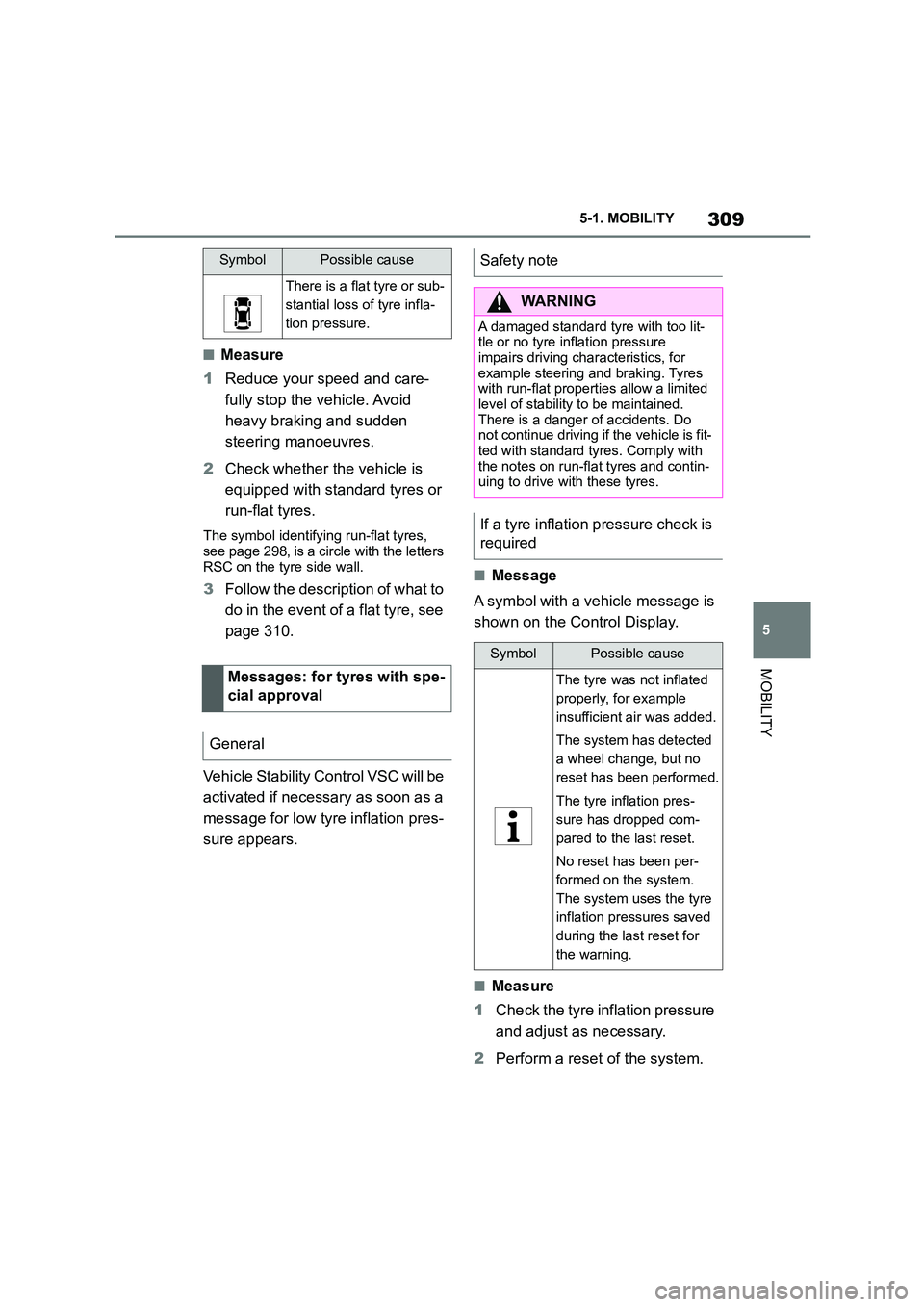
■Message
A symbol with a vehicle message is
shown on the Control Display.
■Measure
1 Check the tyre inflation pressure
and adjust as necessary.
2 Perform a reset of the system.
SymbolPossible cause
There is a flat tyre or sub-
stantial loss of tyre infla-
tion pressure.
Messages: for tyres with spe-
cial approval
General
Safety note
WA R N I N G
A damaged standard tyre with too lit-
tle or no tyre inflation pressure impairs driving char acteristics, for
example steering and braking. Tyres
with run-flat properties allow a limited level of stability to be maintained.
There is a danger of accidents. Do
not continue driving if the vehicle is fit-
ted with standard tyres. Comply with the notes on run-flat tyres and contin-
uing to drive with these tyres.
If a tyre inflation pressure check is
required
SymbolPossible cause
The tyre was not inflated
properly, for example
insufficient air was added.
The system has detected
a wheel change, but no
reset has been performed.
The tyre inflation pres-
sure has dropped com-
pared to the last reset.
No reset has been per-
formed on the system.
The system uses the tyre
inflation pressures saved
during the last reset for
the warning.