2022 TOYOTA SUPRA navigation
[x] Cancel search: navigationPage 178 of 498
1763-1. CONTROLS
Via Toyota Supra Command:
1 "My vehicle"
2 "System settings"
3 "Displays"
4 "Instrument cluster"
5 Select the desired setting:
"Warning when speeding": acti-
vate or deactivate the flashing of
the Speed Limit Info display in
the instrument cluster and the
Head-Up Display when the cur-
rently applicable speed limit is
exceeded.
"Show speeding": the speed limit
detected by the Speed Limit Info
is indicated by a mark in the
speedometer in the instrument
cluster.
The function may be restricted and
may display incorrec t information in
the following situations, for exam-
ple:
In thick fog, wet conditions or
snow.
If signs are fully or partially
obscured by objects, stickers or
paint.
If the vehicle is too close to the
vehicle ahead.
In the case of bright oncoming
light or strong reflections.
When the windscreen in front of
the rear-view mirror is covered
with condensation, dirt, stickers,
etc.
If the camera has overheated
due to excessively high tempera-
tures and has been temporarily
deactivated.
As a result of incorrect detection
by the camera.
If the speed limits stored in the
navigation system or road data
are incorrect.
In the case of speed limits that
depend or the time of day or day
of the week.
In areas not covered by the navi-
gation system.
If there are deviations in relation
to navigation, for example due to
changes in road routing.
In the case of electronic road
signs.
When overtaking buses or trucks
with road sign stickers.
If traffic signs do not correspond
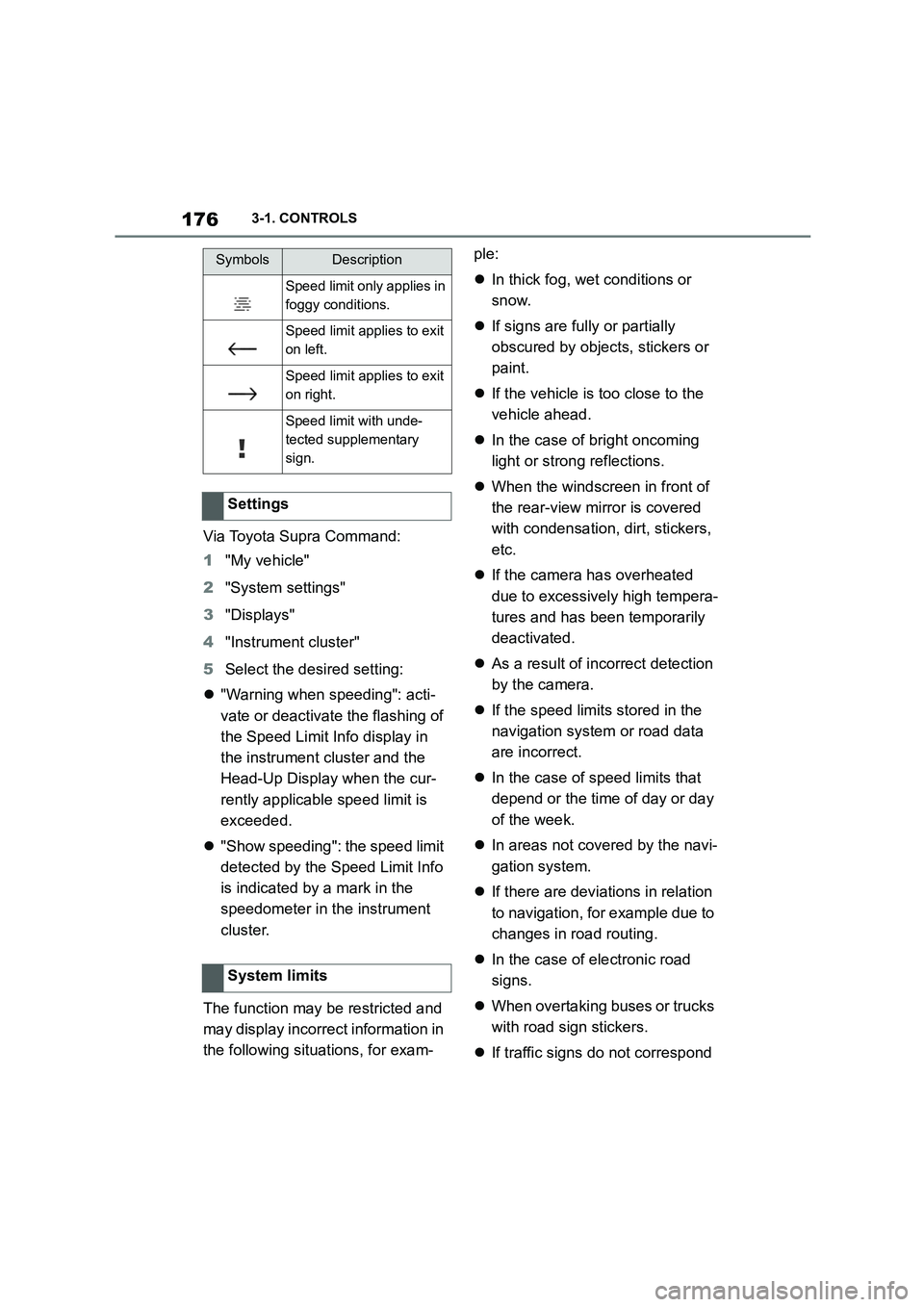
Speed limit only applies in
foggy conditions.
Speed limit applies to exit
on left.
Speed limit applies to exit
on right.
Speed limit with unde-
tected supplementary
sign.
Settings
System limits
SymbolsDescription
Page 184 of 498
1823-1. CONTROLS
• "Tyre Pressure Monitor": Sta-
tus of the Tyre Pressure Monitor,
see page 304
• "Engine oil leve l": Electronic
oil measurement, see page 324.
• "Vehicle messages": Vehicle
messages are stored in the
background and can be shown
on the Control Display. Display-
ing of saved vehicle messages,
see page 163.
• "Service requirements": dis-
play of the service requirements,
see page 170.
• "Remote maintenance call":
Remote maintenance call.
*: if equipped
The system projects important
information, for example the speed,
into the driver's field of vision.
The driver can register this informa-
tion without having to divert atten-
tion from the road.
Follow the instruct ions on cleaning
the Head-Up Display, see page
368.
Via Toyota Supra Command:
1 "My vehicle"
2 "System settings"
3 "Displays"
4 "Head-up display"
5 "Head-up display"
The following information is dis-
played in the Head-Up Display:
Speed.
Navigation instructions.
Vehicle messages.
Selection list in the instrument
cluster.
Driver Assistance Systems.
Some of this information is only
shown briefly when needed.
Overview of the information
Head-Up Display*
Principle
General
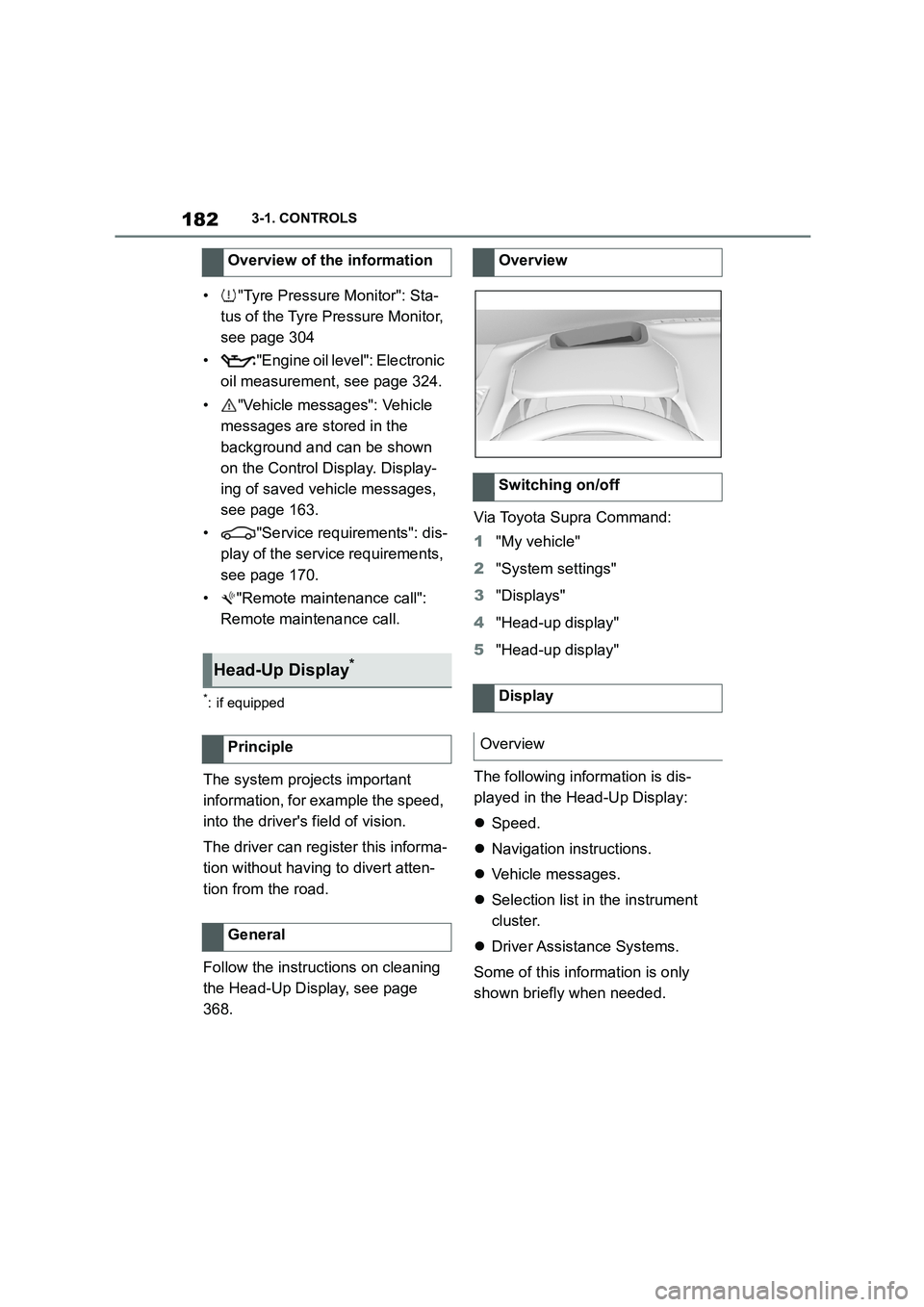
Overview
Switching on/off
Display
Overview
Page 190 of 498
1883-1. CONTROLS
4"Daytime driving lights"
Variable light distribution enables
even better illumination of the car-
riageway.
The light distribution is automati-
cally adapted to the speed.
If equipment includes a navigation
system, the light distribution is
automatically adapted depending
on the navigation data and speed.
The illuminated area of the
low-beam headlights is extended at
the sides.
The range of the low-beam head-
lights is increased.
In sharp turns up to a specified
speed, for example in hairpin bends
or when turning off, a cornering
light is added to illuminate the
inside area of the bend.
The cornering light is activated
automatically depending on the
steering angle or use of the turn
indicators.
The cornering light may be acti-
vated automatically when driving in
reverse, irrespective of the steer-
ing angle.
Automatic high-beam detects other
road users in good time and acti-
vates or deactivates the high beam
depending on the traffic situation.
Automatic high-beam ensures that
the high-beam headlights are
switched on when the traffic situa-
tion allows. The high-beam head-
lights are not switched on by the
system in the low speed range.
The system responds to the lights
from oncoming traffic and traffic
driving ahead of you, and to ambi-
ent lighting, for example in built-up
areas.
The high-beam headlights can be
switched on and off manually at any
time.
If the vehicle is equipped with daz-
zle-free Automatic high-beam, the
high-beam headlights are not
switched off for oncoming vehicles
or vehicles driving ahead of you;
instead, the system masks those
Variable light distribution
Principle
General
City light
Motorway beam pattern
Cornering light
Automatic high-beam
Principle
General
Page 250 of 498

2483-1. CONTROLS
It is possible to set whether the
speed limit should be accepted
exactly, or with a tolerance of –15
km/h, –10 mph to +15 km/h, +10
mph.
Via Toyota Supra Command:
1 "My vehicle"
2 "Vehicle settings"
3 "Speed Assistant"
4 "Adjust speed limits"
5 Confirm the desired setting.
Speed Limit Assist based on the
Speed Limit Info system.
Take into account the Speed Limit
Info system limits, see page 176.
Depending on the country, dis-
played speed limits may not be
available for acceptance, or only
available with restrictions, for
example with speed information
from the navigation system.
Cruise Control without distance
control: depending on the system, it
may not be possible to adopt speed
limits automatically.
Speed limits that are ahead may
only be adopted for Dynamic radar
cruise control.
The system may not respond to
speed limits if the navigation sys-
tem cannot determine the position
of the vehicle with certainty.
Parking Sensor provides assis-
tance when parking the vehicle.
Objects in front of or behind the
vehicle as it slowly approaches are
indicated by means of acoustic sig-
nals and a display on the Control
Display.
Depending on the equipment ver-
sion: obstacles at the side of the
vehicle that are detected by the
side ultrasonic sensors may also be
reported by the flank protection,
see page 252, function.
The ultrasonic sensors for measur-
ing distances are located in the
bumpers, and if applicable on the
side of the vehicle.
Their range is approximately 2 m, 6
ft, depending on the obstacle and
environment.
An acoustic warning is given when
the vehicle is approx. 70 cm, 27 in
away from an obje ct and a collision
is imminent.
For objects behind the vehicle, the
acoustic warning is given sooner, at
When the SET symbol illumi-
nates in white, press the but-
ton.
Setting the speed adjustment
System limits
Parking Sensors
Principle
General
Page 272 of 498
2703-1. CONTROLS
cal devices when standby state or
drive-ready state is switched on.
The total load of all sockets must
not exceed 140 watts at 12 volts.
To avoid damage to the socket, do
not insert an incompatible plug.
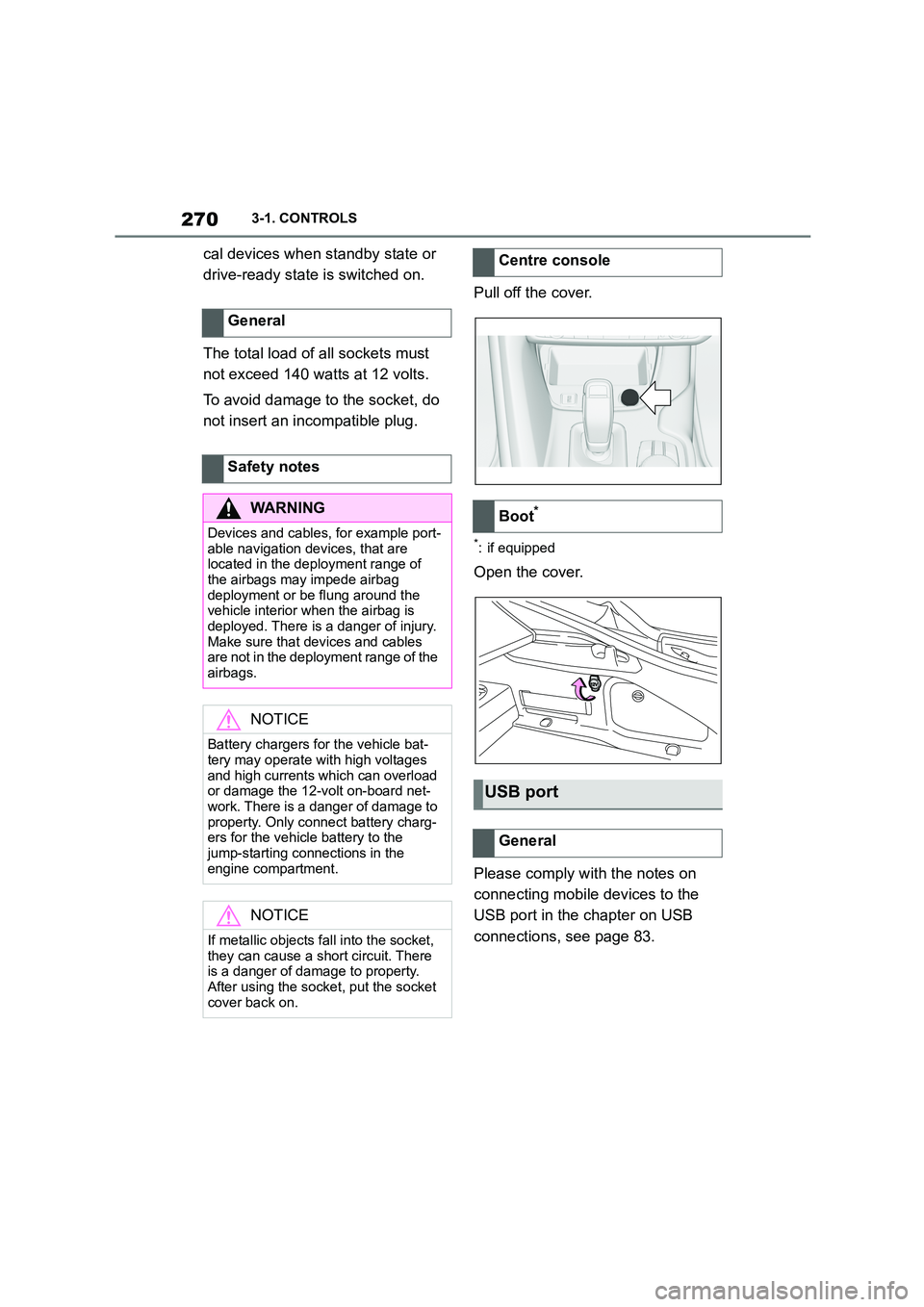
Pull off the cover.
*: if equipped
Open the cover.
Please comply with the notes on
connecting mobile devices to the
USB port in the chapter on USB
connections, see page 83.
General
Safety notes
WA R N I N G
Devices and cables, for example port-
able navigation devices, that are located in the deployment range of
the airbags may impede airbag
deployment or be flung around the vehicle interior when the airbag is
deployed. There is a danger of injury.
Make sure that devices and cables are not in the deployment range of the
airbags.
NOTICE
Battery chargers for the vehicle bat- tery may operate with high voltages
and high currents which can overload
or damage the 12-volt on-board net- work. There is a danger of damage to
property. Only connect battery charg-
ers for the vehicle battery to the jump-starting connections in the
engine compartment.
NOTICE
If metallic objects fall into the socket,
they can cause a short circuit. There
is a danger of damage to property.
After using the socket, put the socket cover back on.
Centre console
Boot*
USB port
General
Page 489 of 498

487Alphabetical Index
Driving Assistant, see Toyota Supra
Safety .......................................... 205
Driving hints ................................. 281
Driving information, general........ 281
Driving information, running in ... 280
Driving lights control, automatic 185
Driving on racing tracks .............. 285
Driving path lines, rear-view camera
..................................................... 255
Driving Stability Control Systems228
Driving through water .................. 284
Drying air, see Cooling function . 262
Dynamic radar cruise control with
full-speed range ......................... 238
E
Electrical power window switches
..................................................... 105
Electronic oil measurement......... 324
Electronic Stability Programme, ESP,
see VSC ....................................... 229
Emergency assistance, see Break-
down assistance ........................ 353
Emergency braking function when
parking, Parking Sensors with
emergency braking function ..... 251
Emergency release, fuel filler flap
..................................................... 291
Emergency running properties, tyres
..................................................... 298
Emergency services, see Breakdown
assistance ................................... 353
Emergency unlocking, transmission
lockout ........................................ 158
Emergency wheel ......................... 318
Engine ........................................... 372
Engine compartment .................... 320
Engine coolant .............................. 327
Engine coolant, Capacity............. 375
Engine oil .............................. 323, 374
Engine oil change......................... 327
Engine oil filler neck .................... 325
Engine oil grades for topping up 326
Engine oil level, checking electroni-
cally ............................................. 324
Engine oil temperature ................. 169
Engine start, starting assistance 357
Engine, automatic start-stop func-
tion ............................................... 145
Entering letters and numbers ........ 63
Entry comparison, navigation ....... 57
ESP, Electronic Stab ility Programme,
see VSC ....................................... 229
Exhaust gas particle filter ............281
Exhaust system ............................ 281
Exhaust, see Exhaust system ..... 281
Exterior lights when unlocking ..... 89
Exterior lights with the vehicle
locked ............................................ 91
Exterior mirror, automatic parking
function ....................................... 118
Exterior mirror, automatically dim-
ming ............................................. 118
Exterior mirrors............................. 117
Exterior mirrors, malfunction ...... 118
External start, see Starting assis-
tance ............................................357
Extinguisher, see Fire extinguisher
..................................................... 356
Eye for towing ............................... 360
Eyes, see Lashing eye in the boot
..................................................... 276
F
Failure notification, see Vehicle mes-
sages ...........................................163
False alarm, see Avoiding false
alarms .......................................... 104
Fan run-on, see Exhaust gas particle
filter..............................................281
Fastening seat belts, see Seat belts
..................................................... 111
Fatigue warning function .............226
Fault display, see Vehicle messages
..................................................... 163
Favourites buttons, Toyota Supra
Command ...................................... 68