2022 TOYOTA RAV4 PRIME garage door opener
[x] Cancel search: garage door openerPage 4 of 624

4TABLE OF CONTENTS
Utility vehicle precautions.................................... 385
6-1. Using the air conditioning
system and defogger
Automatic air conditioning system ......................... 390
Remote Air Conditioning Sys- tem .............................. 399
Heated steering wheel/Front seat heaters/Front seat
heaters and ventilators/Rear
seat heaters ................ 401
6-2. Using the interior lights Interior lights list ............ 404
6-3. Using the storage features List of storage features . 407
Luggage compartment fea- tures ............................ 411
6-4. Using the other interior fea- tures
Other interior features ... 414
Power outlet (AC 120 V/1500 W)................................ 424
When the power outlet (AC 120 V 1500 W) cannot be
used properly .............. 430
Garage door opener...... 432
7-1. Maintenance and care Cleaning and protecting the vehicle exterior ............ 440
Cleaning and protecting the vehicle interior ............. 4437-2. Maintenance
Maintenance requirements.................................... 446
General maintenance .... 447
Emission inspection and maintenance (I/M) programs.................................... 450
7-3. Do-it-yourself maintenance Do-it-yourself service precau-tions ............................. 451
Hood .............................. 453
Positioning a floor jack .. 454
Engine compartment ..... 456
12-volt battery................ 462
Tires .............................. 464
Tire inflation pressure .... 474
Wheels .......................... 476
Air conditioning filter ...... 477
Cleaning the DC/DC Con- verter air intake vent and fil-
ter ................................ 480
Wiper insert replacement .................................... 483
Electronic key battery .... 487
Checking and replacing fuses .................................... 489
Headlight aim ................ 491
Light bulbs ..................... 492
8-1. Essential information Emergency flashers....... 498
If your vehicle has to be stopped in an emergency.................................... 499
6Interior features
7Maintenance and care
8When trouble arises
Page 23 of 624

23Pictorial index
■Ceiling
“SOS” button*1............................................................... ......P.65
Moon roof switch
*1.............................................................P. 247
Panoramic moon roof switch
*1.........................................P.250
Moon roof switch
*1..............................................................P .247
Electronic sunshade switch
*1...........................................P.250
Interior lights
*2............................................................... ....P.404
Personal lights ................................................ ...................P.405
Auxiliary box .................................................. ....................P.409
Vanity mirrors.....................................................................P.414
Sun visors...........................................................................P.414
Inside rear view mirror
*1....................................................P.231
Digital Rear-view Mirror
*1..................................................P.232
Garage door opener switches
*1........................................P.432
*1: If equipped
*2: The illustration shows the fron t, but they are also equipped i n the rear.
A
B
C
D
E
F
G
H
I
Page 235 of 624

2354-4. Adjusting the steering wheel and mirrors
4
Before driving
The icons will be displayed.
2Press the menu button
repeatedly and select the
item you want to adjust.
3 Press or to
change the setting.
The icons will disapp ear if a button
is not operated fo r approximately 5
seconds or more.
*: This is a functi on for the optical
mirror mode, however, the setting
can also be changed while using
the digital mirror mode.
■Enabling/disabling the
automatic anti-glare func-
tion (optical mirror mode)
The automatic anti-glare func-
tion in the optical mirror mode
can be enabled/disabled. The
setting can be changed in both
the digital mirror mode and the
optical mirror mode.
When using the digital mirror
mode
P.234
IconsSettings
Select to adjust the bright-
ness of the display.
Select to adjust the area
displayed up/down.
Select to adjust the area
displayed to the left/right.
Select to adjust the angle of
the displayed image.
Select to zoom in/out the
displayed image.
Select to enable/disable the
automatic anti-glare func-
tion.
*
Responding to the bright-
ness of the headlights of
vehicles behind, the
reflected light is automati-
cally adjusted.
The automatic anti-glare
function is enabled each
time the power switch is
changed to ON.
Select to display
HomeLink
® Training Tuto-
rial to assist customers to
train their Garage Door
Opener System. ( P.433)
Select to change the lan-
guage of the Homelink
®
Training Tutorial.
IconsSettings
Page 389 of 624
389
6
6
Interior features
Interior features
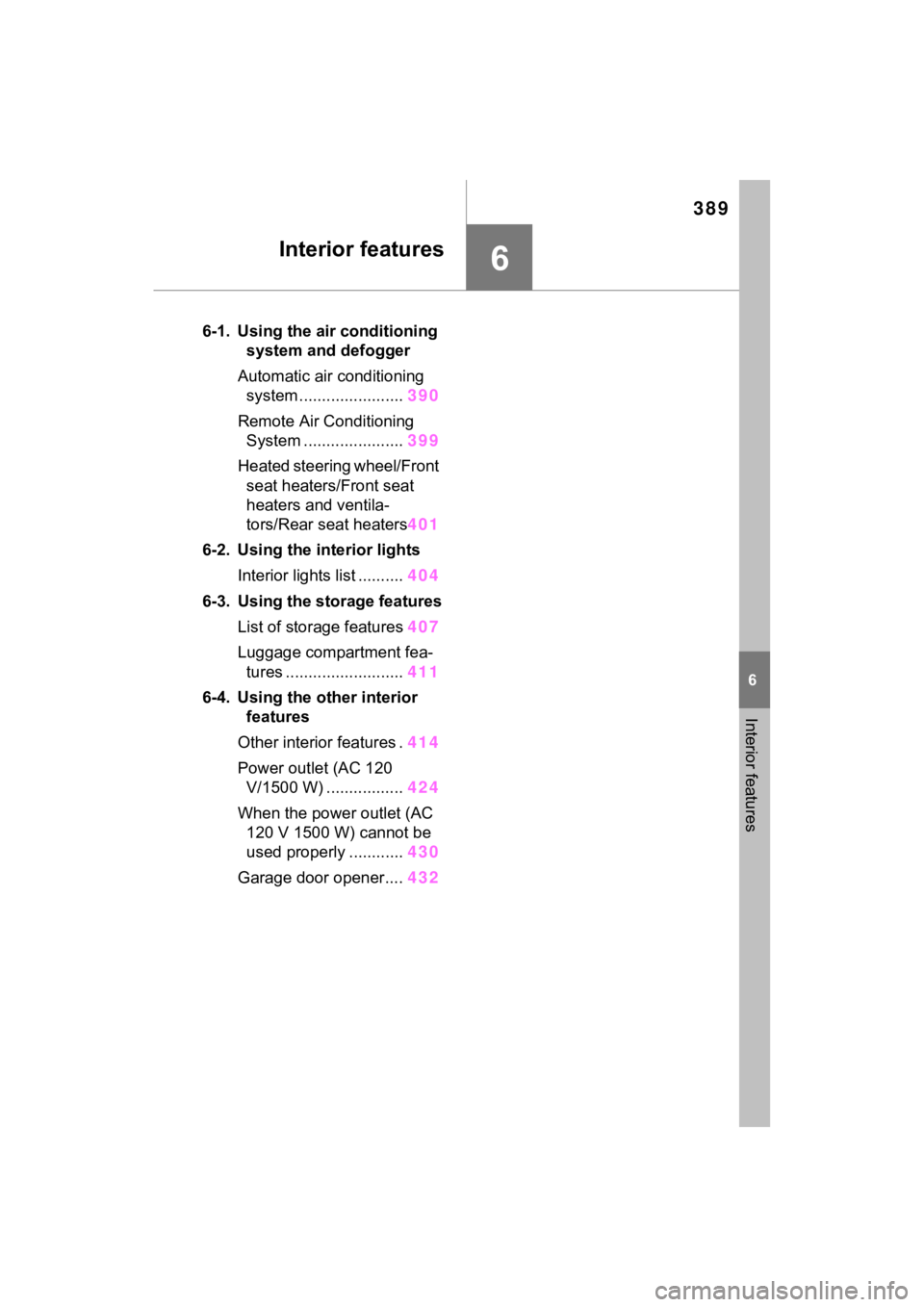
6-1. Using the air conditioning system and defogger
Automatic air conditioning system ....................... 390
Remote Air Conditioning System ...................... 399
Heated steering wheel/Front seat heaters/Front seat
heaters and ventila-
tors/Rear seat heaters 401
6-2. Using the interior lights Interior lights list .......... 404
6-3. Using the storage features List of storage features 407
Luggage compartment fea- tures .......................... 411
6-4. Using the other interior features
Other interior features . 414
Power outlet (AC 120 V/1500 W) ..... ............424
When the power outlet (AC 120 V 1500 W) cannot be
used properly ............ 430
Garage door opener.... 432
Page 432 of 624

4326-4. Using the other interior features
*: If equipped
■HomeLink® programming pro-
cedure
The programming procedures can
also be found at the following URL.
Website: www.hom elink.com/toyota
For support, contact customer sup-
port at the following.
Help Line: 1-800-355-3515
The HomeLink® wireless control
system in your vehicle has 3
buttons which can be pro-
grammed to operate 3 different
devices. Refer to the program-
ming methods on the following
pages to determine the method
which is appropriate for the
device.
Vehicles with auto anti-glare
inside rear view mirror
HomeLink
® indicator light
Garage door operation indi-
cators
HomeLink
® icon
Illuminates while HomeLink® is
operating.
Buttons
Vehicles with Digital Rear-
view Mirror
HomeLink
® indicator light
Illuminates above each button
selected.
HomeLink® icon
Garage door operation indi-
Garage door opener*
The garage door opener can
be programmed using the
HomeLink
® to operate
garage doors, gates, entry
doors, door locks, home
lighting systems, security
systems, and other devices.
System components
A
B
C
D
A
B
C
Page 433 of 624

4336-4. Using the other interior features
6
Interior features
cators
HomeLink
® logo
Appears while HomeLink® is oper-
ating.
When the HomeLink
® button is
pressed, the logo disappears even
while the HomeLink
® is operating.
Setting icon
Press the menu button to change
the setting.
Menu buttons
HomeLink
® buttons
■Codes stored in the HomeLink®
memory
●The registered codes are not
erased even if the 12-volt battery
cable is disconnected.
●If learning failed when registering
a different code to a HomeLink®
button that already has a code
registered to it, the already regis-
tered code will not be erased.
■Before programming
HomeLink
®
During programming, it is pos-
sible that garage doors,
gates, or other devices may
operate. For this reason,
make sure that people and
objects are clear of the
garage door or other devices
to prevent injury or other
potential harm.
It is recommended that a new
battery be placed in the
remote control transmitter for
successful programming.
Garage door opener motors
manufactured after 1995 may
be equipped with rolling code
protection. If this is the case,
you may need a stepladder or
other sturdy, safe device to
WARNING
■When programming a garage
door or other remote control
device
The garage door o r other device
may operate, so ensure people
and objects are out of danger to
prevent potential harm.
D
E
F
G
■Conforming to federal safety
standards
Do not use the HomeLink
® com-
patible transce iver with any
garage door opener or device that
lacks safety stop and reverse fea-
tures as required by federal safety
standards.
This includes any garage door
that cannot detect an interfering
object. A door or device without
these features increases the risk
of death or serious injury.
■When operating or program-
ming HomeLink®
Never allow a child to operate or
play with the HomeLink® buttons.
Programming HomeLink®
Page 434 of 624

4346-4. Using the other interior features
reach the “Learn” or “Smart”
button on the garage door
opener motor.
■Programming HomeLink®
Steps 2 through 4 must be per-
formed within 60 seconds, oth-
erwise the HomeLink
® indicator
light will stop flashing and pro-
gramming will not be success-
fully completed.
1 Vehicles with Digital Rear-
view Mirror: Press the
HomeLink
® button or menu
button
When the HomeLink® button is
pressed:
Homelink
® Training Tutorial will be
displayed to assist you program-
ming the HomeLink
®.
When Homelink
® Training Tutorial
is displayed, follow the instructions
displayed.
When the menu button is pressed:
Press the menu button and
select the “Set Up >”. Homelink
®
Training Tutorial will be displayed
to assist you programming the
HomeLink
®.
When Homelink
® Training Tutorial
is displayed, follow the instructions
displayed.
2 Press and release the
HomeLink
® button you want
to program and check that
the HomeLink
® indicator light
flashes (orange).
3 Point the remote control
transmitter for the device at
the rear view mirror, 1 to 3 in. (25 to 75 mm) from the
HomeLink
® buttons.
Keep the HomeLink® indicator light
in view while programming.
4 Program a device.
Programming a device other
than an entry gate (for U.S.A.
owners)
Press and hold the remote con-
trol transmitter button until the
HomeLink
® indicator light
changes from slowly flashing
orange to rapidly flashing green
(rolling code) or continuously lit
green (fixed code), then release
the button.
Programming an entry gate
(for U.S.A. owners)/Program-
ming a device in the Cana-
dian market
Press and release the remote
Page 435 of 624

4356-4. Using the other interior features
6
Interior features
control transmitter button at 2
second intervals, repeatedly,
until the HomeLink
® indicator
light changes from slowly flash-
ing orange to rapidly flashing
(green) (rolling code) or continu-
ously lit (green) (fixed code).
5 Test the HomeLink
® opera-
tion by pressing the newly
programmed button and
observing the HomeLink
®
indicator light:
HomeLink
® indicator light illu-
minates: Programming of a
fixed code device has com-
pleted. The garage door or
other device should operate
when a HomeLink
® button is
pressed and released.
HomeLink
® indicator light
flashes rapidly: The garage
door opener or other device is
equipped with a rolling code.
To complete programming,
firmly press and hold the
HomeLink
® button for 2 sec-
onds then release it.
If the garage door or other
device does not operate, pro-
ceed to “Programming a roll-
ing code system”.
6 Repeat the steps above to
program another device for
any of the remaining
HomeLink
® buttons.
■Programming a rolling code
system
Two or more people may be
needed to complete rolling code
programming.
1 Locate the “Learn” or “Smart”
button on the garage door
opener motor in the garage.
This button can usually be found
where the hanging antenna wire is
attached to the unit. The name and
color of the button may vary by
manufacturer. Refer to the owner’s
manual supplied with the garage
door opener motor for details.
2 Press and release the
“Learn” or “Smart” button.
Perform 3 within 30 seconds after
performing 2 .
3Press and hold the desired
HomeLink
® button (inside the
vehicle) for 2 seconds and
release it. Repeat this