2022 TOYOTA GR SUPRA traction control
[x] Cancel search: traction controlPage 130 of 356
1303-1. CONTROLS
Electronically unlock the trans-
mission lock to maneuver vehi-
cle from a danger area.
Unlocking is possible, if the
starter can spin the engine.
Before unlocking the transmis-
sion lock, set the parking brake
to prevent the vehicle from roll-
ing away.
1Press and hold down brake
pedal.
2 Press the Start/Stop button.
The starter must audibly
start. Hold the Start/Stop but-
ton pressed.
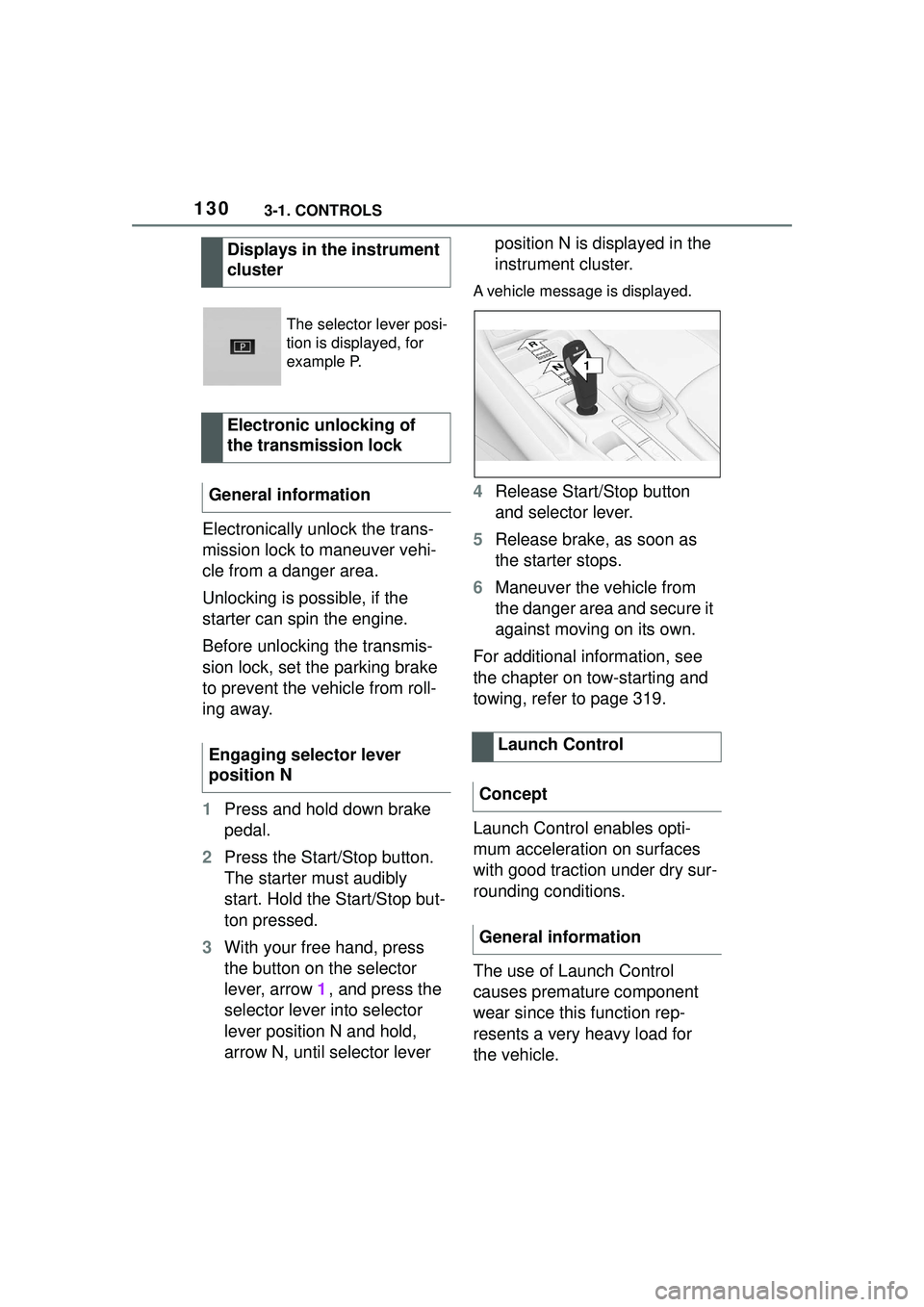
3 With your free hand, press
the button on the selector
lever, arrow 1, and press the
selector lever into selector
lever position N and hold,
arrow N, until selector lever position N is displayed in the
instrument cluster.
A vehicle message is displayed.
4
Release Start/Stop button
and selector lever.
5 Release brake, as soon as
the starter stops.
6 Maneuver the vehicle from
the danger area and secure it
against moving on its own.
For additional information, see
the chapter on tow-starting and
towing, refer to page 319.
Launch Control enables opti-
mum acceleration on surfaces
with good traction under dry sur-
rounding conditions.
The use of Launch Control
causes premature component
wear since this function rep-
resents a very heavy load for
the vehicle.
Displays in the instrument
cluster
The selector lever posi-
tion is displayed, for
example P.
Electronic unlocking of
the transmission lock
General information
Engaging selector lever
position N
Launch Control
Concept
General information
1
R
N
Page 131 of 356
1313-1. CONTROLS
3
CONTROLS
Do not use Launch Control
during the break-in, refer to
page 252, period.
Do not steer the steering wheel
when driving off with Launch
Control.
Launch Control is available
when the engine is at operating
temperature. The engine is at
operating temperature after an
uninterrupted trip of at least 6
miles/10 km.
1Switch on drive-ready state.
2 Press the sport button.
SPORT will be displayed on the
instrument cluster, indicating sport
mode has been selected.
3 Press the button.
TRACTION will be displayed on the
instrument cluster and the VSC
OFF indicator la mp will illuminate.
4Select the D selector lever
position.
5 Firmly depress the brake
pedal with your left foot.
6 Fully depress and hold the
accelerator pedal at the kick-
down position.
A flag symbol will be shown in the
instrument cluster.
7The engine speed will be
adjusted for launching. Release the brake pedal
within 3 seconds.
After Launch Control has been
used, the transmission must
cool down for approx. 5 minutes
before Launch Control can be
used again. Launch Control
adjusts to the surrounding con-
ditions, when used again.
To increase vehicle stability,
activate VSC Vehicle Stability
Control System again as soon
as possible.
An experienced driver may be
able to achieve better accelera-
tion values in VSC OFF mode.
The Sport mode button influ-
ences the driving dynamics
properties of the vehicle.
The following systems are
affected, for instance:
Engine characteristics.
Automatic transmission.
Functional requirements
Start with launch control
Repeated use during a trip
After using Launch Control
System limits
Sport mode button
Concept
General information
Page 137 of 356
1373-1. CONTROLS
3
CONTROLS
VSC Vehicle Stability Con-
trol System
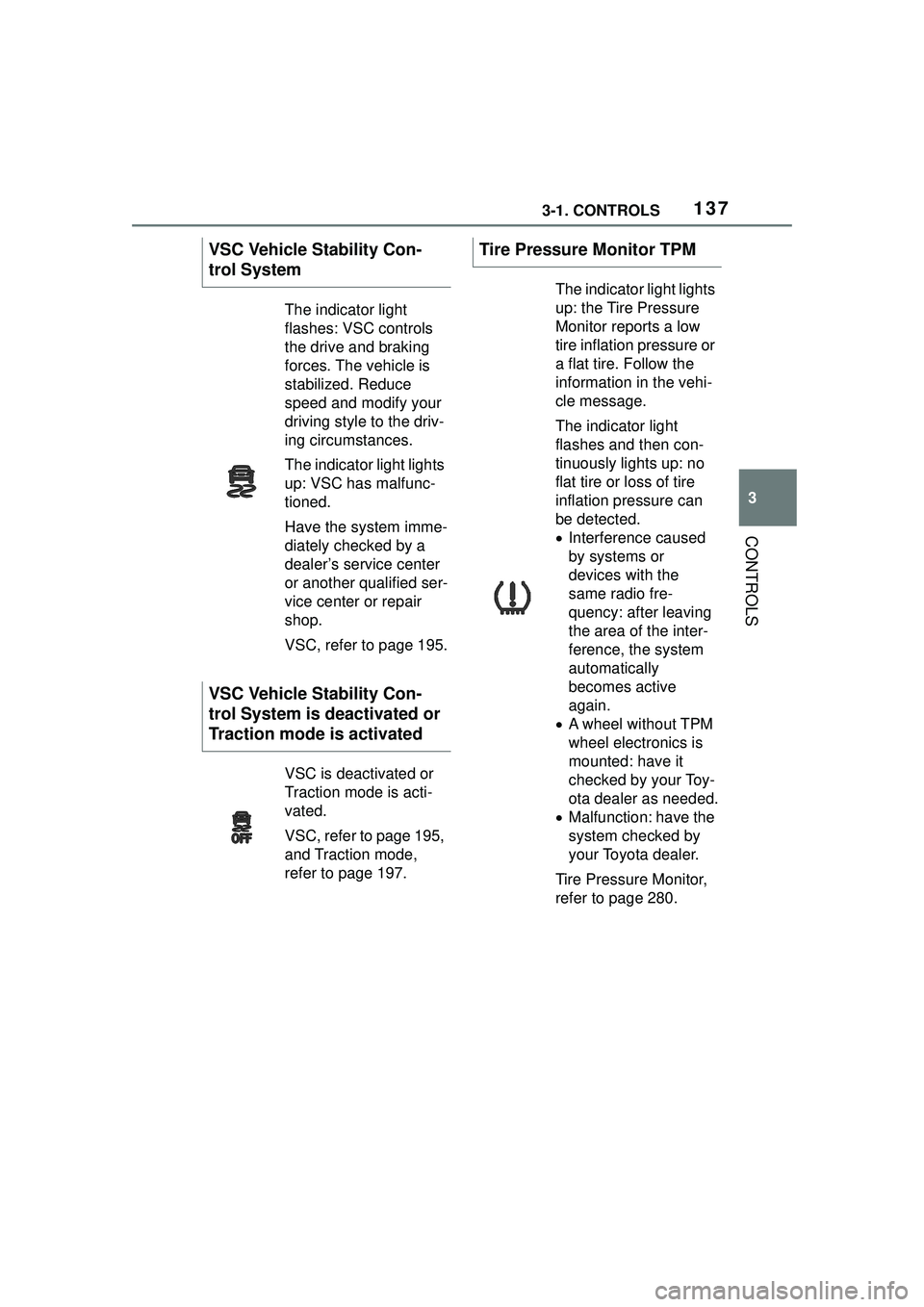
The indicator light
flashes: VSC controls
the drive and braking
forces. The vehicle is
stabilized. Reduce
speed and modify your
driving style to the driv-
ing circumstances.
The indicator light lights
up: VSC has malfunc-
tioned.
Have the system imme-
diately checked by a
dealer’s service center
or another qualified ser-
vice center or repair
shop.
VSC, refer to page 195.
VSC Vehicle Stability Con-
trol System is deactivated or
Traction mode is activated
VSC is deactivated or
Traction mode is acti-
vated.
VSC, refer to page 195,
and Traction mode,
refer to page 197.
Tire Pressure Monitor TPM
The indicator light lights
up: the Tire Pressure
Monitor reports a low
tire inflation pressure or
a flat tire. Follow the
information in the vehi-
cle message.
The indicator light
flashes and then con-
tinuously lights up: no
flat tire or loss of tire
inflation pressure can
be detected.
Interference caused
by systems or
devices with the
same radio fre-
quency: after leaving
the area of the inter-
ference, the system
automatically
becomes active
again.
A wheel without TPM
wheel electronics is
mounted: have it
checked by your Toy-
ota dealer as needed.
Malfunction: have the
system checked by
your Toyota dealer.
Tire Pressure Monitor,
refer to page 280.
Page 196 of 356
1963-1. CONTROLS
Loss of traction of the front
wheels, which can lead to
understeering.
When VSC is deactivated, driv-
ing stability is reduced during
acceleration and when driving in
curves.
To increase vehicle stability,
activate VSC again as soon as
possible.
When VSC is deactivated, VSC
OFF is displayed in the instru-
ment cluster.
Safety information
WARNING
The system cannot serve as a
substitute for the driver’s personal
judgment in assessing the traffic
conditions. Based
on the limits of
the system, it cannot inde-
pendently react to all traffic situa-
tions. There is a risk of accident.
Adjust driving style to traffic condi-
tions. Watch traffic closely and
actively intervene where appropri-
ate.
WARNING
When driving with a roof load, for
instance with roof-mounted lug-
gage rack, the vehicle's center of
gravity is higher, which increases
the risk of the vehicle tipping in
critical driving situations. There is
a risk of accidents or risk of dam-
age to property. Do not deactivate
VSC Vehicle Stability Control Sys-
tem when driving with roof load.
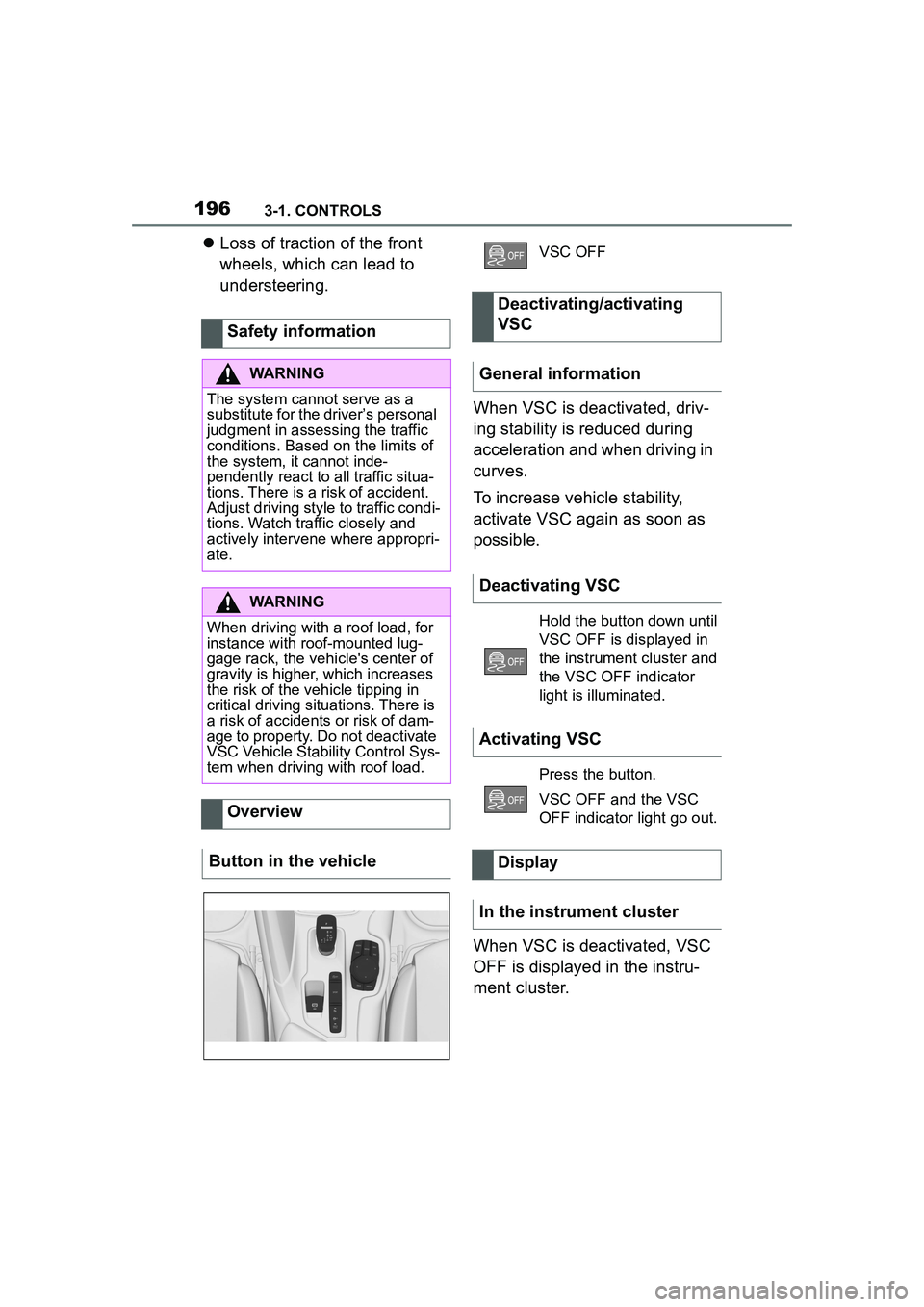
Overview
Button in the vehicle
VSC OFF
Deactivating/activating
VSC
General information
Deactivating VSC
Hold the button down until
VSC OFF is displayed in
the instrument cluster and
the VSC OFF indicator
light is illuminated.
Activating VSC
Press the button.
VSC OFF and the VSC
OFF indicator light go out.
Display
In the instrument cluster
Page 197 of 356

1973-1. CONTROLS
3
CONTROLSWhen entering a curve at an
excessively high rate of speed
In this case, even if the VSC oper-
ates, it cannot operate sufficiently
to avoid a possible dangerous situ-
ation. The driver is solely responsi-
ble for understanding their
surroundings and driving at a safe
speed.
Traction mode is a version of the
VSC Vehicle Stability Control
System where forward momen-
tum is optimized. The system ensures maximum
headway on special road condi-
tions or loose road surfaces, for
instance unplowed snowy
roads, but with somewhat lim-
ited driving stability.
When Traction mode is acti-
vated, the vehicle has maximum
traction. Driving stability is lim-
ited during acceleration and
when driving in curves.
You may find it useful to briefly
activate Traction mode in the
following situations:
When driving in slush or on
uncleared, snow-covered
roads.
When driving off from deep
snow or loose ground.
When driving with snow
chains.
Indicator/warning lights
The indicator light lights
up: VSC is deactivated.
The indicator light flashes:
VSC controls the drive
and braking forces.
The indicator light lights
up: VSC has malfunc-
tioned.
Situations which the VSC
cannot operate sufficiently
Traction mode
Concept
General information
Overview
Button in the vehicle
VSC OFF
Page 198 of 356
1983-1. CONTROLS
If Traction mode is activated,
TRACTION is displayed in the
instrument cluster.
In certain situations, the VSC is
activated automatically:
If Dynamic radar cruise con-
trol with full-speed range is
activated.
On a braking intervention by
the Toyota Supra Safety sys-
tems.
The vehicle has a flat tire.
*: if equipped
The active differential step-
lessly locks the rear axle
depending on the driving condi-
tions. This provides optimal
power transfer in all driving con-
ditions by helping prevent wheel
spin at either rear wheel.
The driver is responsible adapt-
ing his or her driving style to the
situation.
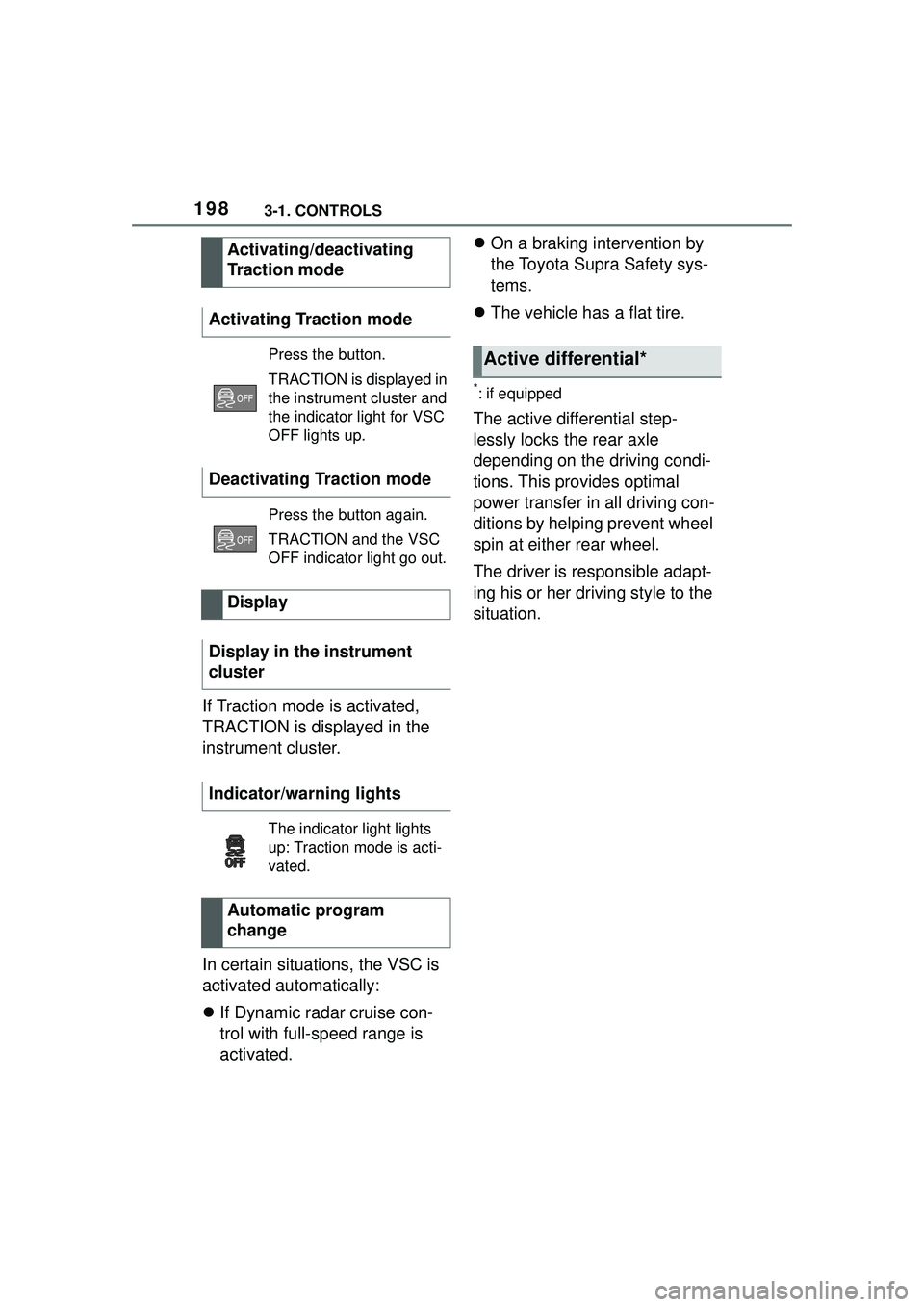
Activating/deactivating
Traction mode
Activating Traction mode
Press the button.
TRACTION is displayed in
the instrument cluster and
the indicator light for VSC
OFF lights up.
Deactivating Traction mode
Press the button again.
TRACTION and the VSC
OFF indicator light go out.
Display
Display in the instrument
cluster
Indicator/warning lights
The indicator light lights
up: Traction mode is acti-
vated.
Automatic program
change
Active differential*
Page 200 of 356
2003-1. CONTROLS
The indicator will come on.
Cruise control is active. The cur-
rent speed is maintained and
stored as desired speed.
VSC Vehicle Stability Control
System is switched on, if neces-
sary.The displays go out. The stored
desired speed is deleted.
The system is automatically
interrupted in the following situa-
tions, for example:
When the driver applies the
brakes.
When selector lever position
D is disengaged.
Traction mode is activated or
VSC Vehicle Stability Control
System is deactivated.
If VSC Vehicle Stability Con-
trol System intervenes.
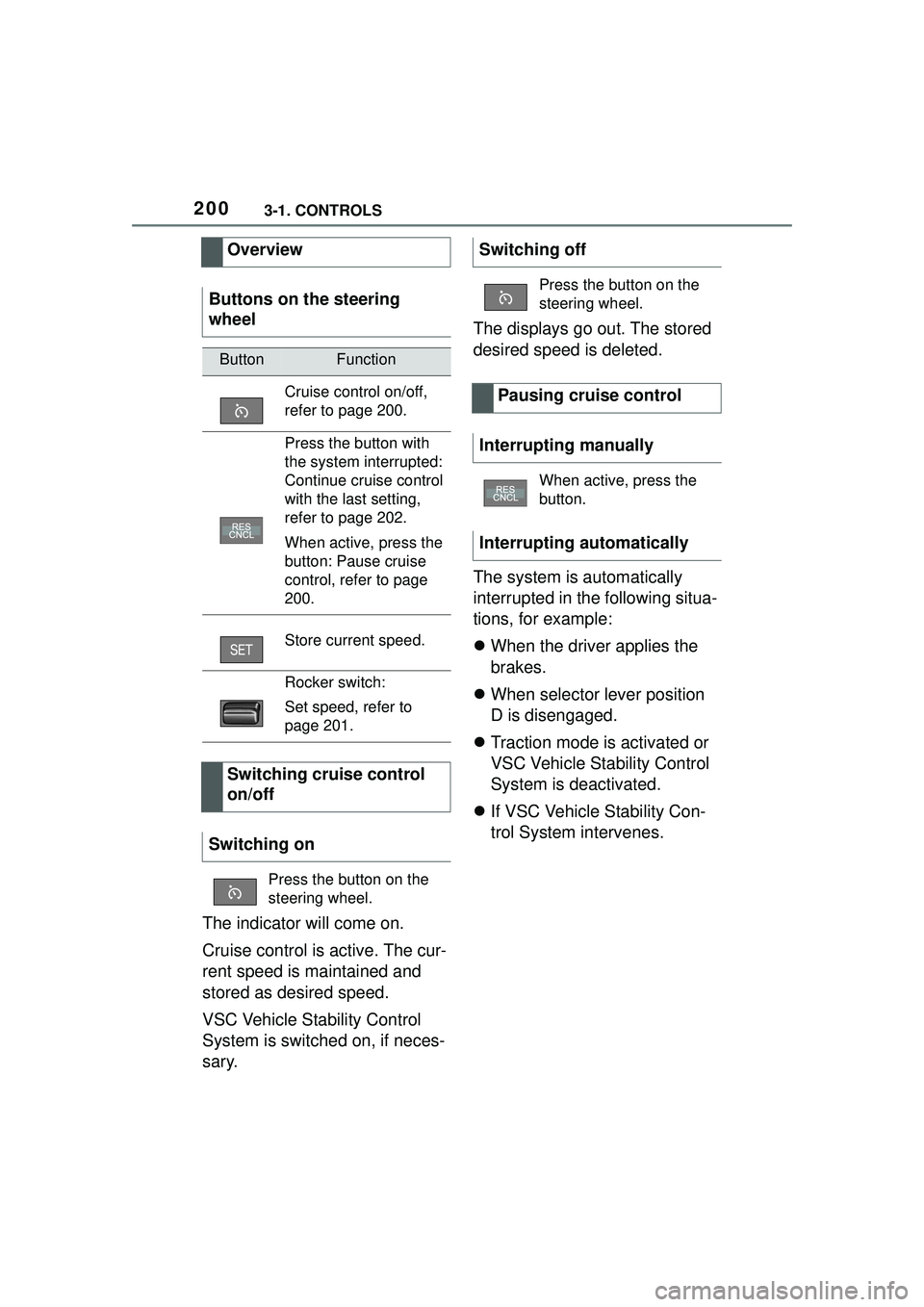
Overview
Buttons on the steering
wheel
ButtonFunction
Cruise control on/off,
refer to page 200.
Press the button with
the system interrupted:
Continue cruise control
with the last setting,
refer to page 202.
When active, press the
button: Pause cruise
control, refer to page
200.
Store current speed.
Rocker switch:
Set speed, refer to
page 201.
Switching cruise control
on/off
Switching on
Press the button on the
steering wheel.
Switching off
Press the button on the
steering wheel.
Pausing cruise control
Interrupting manually
When active, press the
button.
Interrupting automatically
Page 205 of 356
2053-1. CONTROLS
3
CONTROLS
The indicator will come on.
Cruise control is active. The cur-
rent speed is maintained and
stored as desired speed.
VSC Vehicle Stability Control
System is switched on, if neces-
sary.
To switch off the system while
standing, step on brake pedal at
the same time.
Press the following button on
the steering wheel again:
The displays go out. The stored
desired speed is deleted.
When active, press the following
button on the steering wheel:
If interrupting the system while
stationary, press on the brake
pedal at the same time.The system is automatically
interrupted in the following situa-
tions:
When the driver applies the
brakes.
When selector lever position
D is disengaged.
Traction mode is activated or
VSC Vehicle Stability Control
System is deactivated.
If VSC Vehicle Stability Con-
trol System intervenes.
If the safety belt is unbuckled
and the driver's door is
opened while the vehicle is
standing still.
If the system has not detected
objects for an extended
period, for instance on a road
with very little traffic without
curb or shoulder markings.
If the detection range of the
radar is impaired, for instance
by dirt or heavy fog.
After a longer stationary
period when the vehicle has
been braked to a stop by the
system.
Switching on/off and inter-
rupting cruise control
Switching on
Press the button on the
steering wheel.
Switching off
Button on the steering
wheel.
Interrupting manually
Button on the steering
wheel.
Interrupting automatically