2022 NISSAN PATHFINDER Forward
[x] Cancel search: ForwardPage 332 of 647

• You unfasten the driver’s seat belt andopen the driver side door when the ve-
hicle is stationary or driving at very low
speed and the transmission is in the D
(Drive) position, the N (Neutral) position.
CAUTION
To avoid A/T malfunction, it is recom-
mended that you manually place the
shif t position in the P (Park) position
under the above conditions.
R (Reverse)
CAUTION
To prevent transmission damage, use
the R (Reverse) position only when the
vehicle is completely stopped.
Use the R (Reverse) position to back up.
Make sure the vehicle is completely
stopped before selecting the R (Reverse)
position. The brake pedal must be de-
pressed and the shif t lever button
pressed to move the shif t lever from the
home position to R (Reverse). If the ve-
hicle is placed in R (Reverse) position
while the vehicle is moving forward, the
chime will sound and the vehicle will
switch into the N (Neutral) position.
N (Neutral)
Neither forward nor reverse gear is en-
gaged. The engine can be started in this
position. You may shif t to the N (Neutral)
position and restart a stalled engine while
the vehicle is moving.
You can select this position by holding the
shif t lever at this position for 0.5 seconds.
D (Drive)
Use this position for all normal forward
driving. The A/T changes gears automati-
cally. All forward gears are available. If the
vehicle is placed in the D (Drive) position
while the vehicle is reversing, the chime
will sound and the vehicle will switch into
the N (Neutral) position.
Manual shif t mode
When the shif t lever is moved to the D
(Drive) position again with the vehicle in the
D (Drive) position while driving, the trans-
mission enters the manual shif t mode.
Shif t ranges can be selected manually by
pulling the paddle shif ters on the steering
wheel.
When shif ting up, pull the right-side paddle
shif ter (+)
OA. The transmission shif ts to the
higher range.
When shif ting down, pull the lef t-side
paddle shif ter (−)
OB. The transmission
shif ts to the lower range.
LSD4194
Starting and driving5-21
Page 333 of 647

When canceling the manual shif t mode,
move the shif t lever to the D (Drive) position
again. The transmission returns to the nor-
mal driving mode.
When you pull the paddle shif ter while in
the D (Drive) position, the transmission will
shif t to the upper or lower range temporar-
ily. The transmission will automatically re-
turn to the D (Drive) position af ter a short
period of time. If you want to return to the D
(Drive) position manually, pull and hold the
paddle shif ter for about 1.5 seconds.
In the manual shif t mode, the shif t range is
displayed in the vehicle information
display.
Shif t ranges up or down one by one as
follows:
1M⇔2M⇔3M ⇔4M ⇔5M ⇔6M ⇔7M ⇔8M
⇔ 9M
9M (9th) and 8M (8th)
Use this position for all normal forward
driving at highway speeds.
7M (7th), 6M (6th) and 5M (5th)
Use these positions when driving up long
slopes, or for engine braking when driving
down long slopes.
4M (4th), 3M (3rd) and 2M (2nd)
Use these positions for hill climbing or en-
gine braking on downhill grades.
1M (1st)
Use this position when climbing steep hills
slowly or driving slowly through deep snow,
or for maximum engine braking on steep
downhill grades.
• Remember not to drive at high speeds for
extended periods of time in lower than
the 8th range. This reduces fuel economy.
• Pulling the same paddle shif ter twice will shif t the ranges in succession. However, if
this motion is rapidly done, the second
shif ting may not be completed properly.
• In the manual shif t mode, the trans-
mission may not shif t to the selected
gear. This helps maintain driving per-
formance and reduces the chance of
vehicle damage or loss of control.
• In the manual shif t mode, the trans-
mission may shif t up automatically to a
higher range than selected if the en-
gine speed is too high. When the ve-
hicle speed decreases, the transmis-
sion automatically shif ts down and
shif ts to 1st gear before the vehicle
comes to a stop.
Accelerator downshif t
— in D (Drive) position —
For passing or hill climbing, depress the
accelerator pedal to the floor. This shif ts
the transmission down into a lower gear,
depending on the vehicle speed.
High fluid temperature protection
mode
This transmission has a high fluid tem-
perature protection mode. If the fluid tem-
perature becomes too high (for example,
when climbing steep grades in high tem-
peratures with heavy loads, such as when
towing a trailer), engine power and, under
some conditions, vehicle speed will be de-
creased automatically to reduce the
chance of transmission damage. Vehicle
speed can be controlled with the accelera-
tor pedal, but the engine and vehicle speed
may be limited.
5-22Starting and driving
Page 405 of 647

OPERATING PROPILOT ASSIST
When the driving aids are enabled:
Zone Driving AidDisplay
For-
ward Automatic Emer-
gency Braking (AEB)
with Pedestrian
Detection
Outline
Intelligent Forward
Collision Warning
(I-FCW)
Zone Driving Aid Display
Lane Lane Departure
Warning (LDW)
Outline
Intelligent Lane Inter-
vention (I-LI) Shaded
Blind
Spot Blind Spot Warning
(BSW)
Outline
Intelligent Blind Spot
Intervention (I-BSI) Shaded
1. Push the ProPILOT Assist switch
OA. This
turns on the ProPILOT Assist system.
• The ProPILOT Assist status indicator
OBilluminates in white.
2. A screen is displayed for a period of time that indicates the status of the driving
aid functions.
• When any of the “Warning” systems are enabled, the “
” is shown in each zone.
• When any of the “Intervention” systems are enabled, the “
” mark is shown in
each zone.
LSD4318
Example (all enabled)
LSD4209
For vehicles with the 7 inch (18 cm) display
5-94Starting and driving
Page 427 of 647

• The SNOW mode, or MUD/RUT or SANDmode (4WD models) is selected.
• A wheel slips.
• When the front radar is impaired due to dirt or an other obstruction blocking the
radar sensor.
• When the radar signal is temporarily interrupted.
Action to take:
When the conditions listed above are no
longer present, turn the system off using
the ProPILOT Assist switch. Turn the ProPI-
LOT Assist system back on to use the
system.
NOTE:
When the ICC system is canceled un-
der the following conditions at a
standstill, the electronic parking brake
is automatically activated:
• Any door is open.
• The driver’s seat belt is not fastened.
• Your vehicle has been stopped by the ICC system for approximately 3 min-
utes or longer.
• The shif t lever is not in the D (Drive) position or manual shif t mode.
• The VDC system is turned off. • When distance measurement be-
comes impaired due to adhesion of dirt
or obstruction to the sensor.
• When the radar signal is temporarily interrupted.
Condition B
When there is inclement weather (rain, fog,
snow, etc.) blocking the front radar sensor,
the ICC system will automatically be can-
celed, the chime will sound and the “For-
ward Driving Aids temporarily disabled
Front Sensor Blocked See Owner’s Manual”
warning message will appear in the vehicle
information display.
Action to take:
When the conditions listed above are no
longer present, the warning message will
no longer be available in the vehicle infor-
mation display and the system will operate
normally. If the “Forward Driving Aids tem-
porarily disabled Front Sensor Blocked See
Owner’s Manual” warning message contin-
ues to be displayed, have the system
checked. It is recommended that you visit a
NISSAN dealer for this service. Condition C
When the radar sensor of the front bumper
is covered with dirt or is obstructed, the ICC
system will automatically be canceled.
The chime will sound and the “Forward
Driving Aids temporarily disabled Front
Sensor Blocked See Owner’s Manual”
warning message will appear in the vehicle
information display.
Action to take:
If the warning message appears, stop the
vehicle in a safe place, press the park but-
ton to engage the P (Park) position, and
turn the engine off. When the radar signal is
temporarily interrupted, clean the sensor
area of the front bumper and restart the
engine. If the “Forward Driving Aids tempo-
rarily disabled Front Sensor Blocked See
Owner’s Manual” warning message contin-
ues to be displayed, have the system
checked. It is recommended that you visit a
NISSAN dealer for this service.
5-116Starting and driving
Page 428 of 647
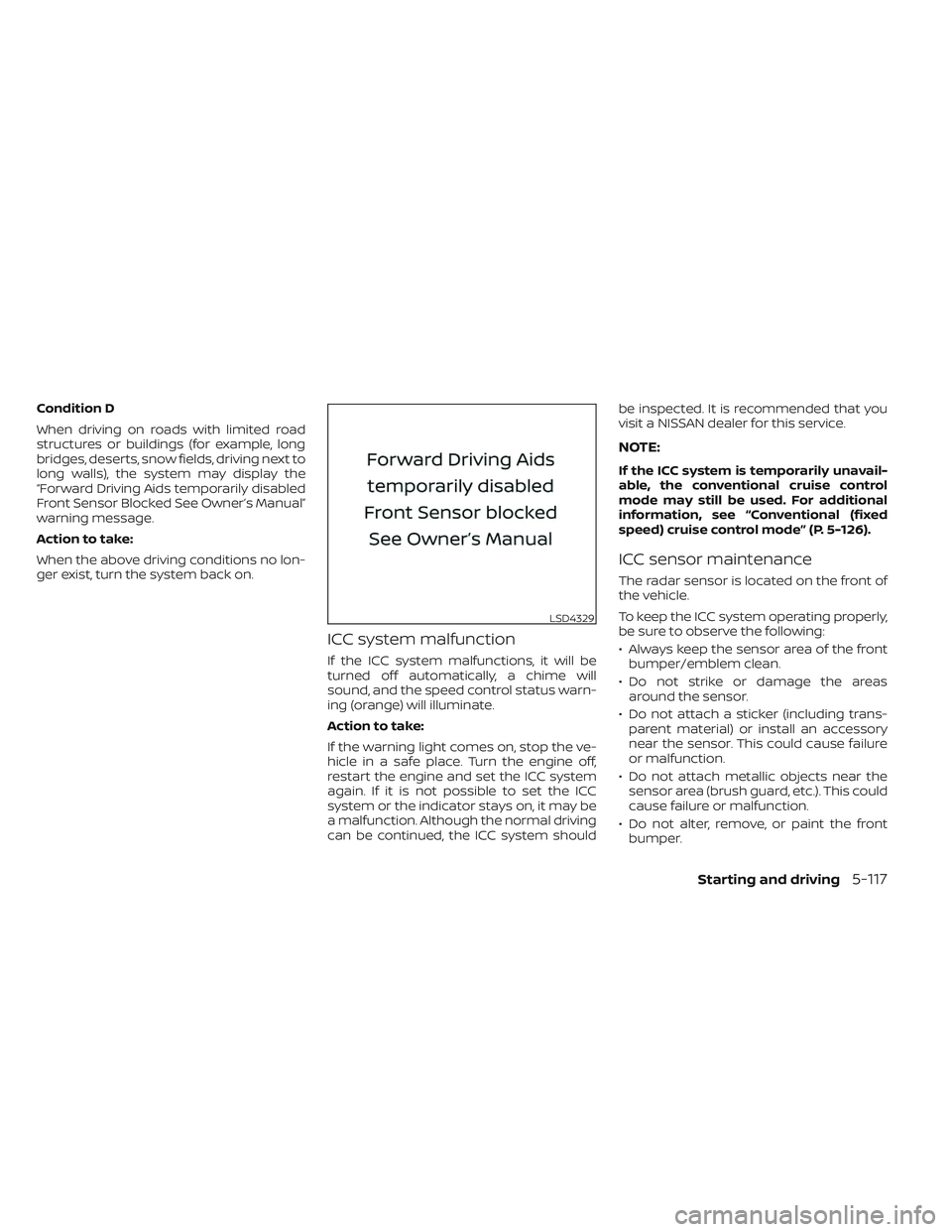
Condition D
When driving on roads with limited road
structures or buildings (for example, long
bridges, deserts, snow fields, driving next to
long walls), the system may display the
“Forward Driving Aids temporarily disabled
Front Sensor Blocked See Owner’s Manual”
warning message.
Action to take:
When the above driving conditions no lon-
ger exist, turn the system back on.
ICC system malfunction
If the ICC system malfunctions, it will be
turned off automatically, a chime will
sound, and the speed control status warn-
ing (orange) will illuminate.
Action to take:
If the warning light comes on, stop the ve-
hicle in a safe place. Turn the engine off,
restart the engine and set the ICC system
again. If it is not possible to set the ICC
system or the indicator stays on, it may be
a malfunction. Although the normal driving
can be continued, the ICC system shouldbe inspected. It is recommended that you
visit a NISSAN dealer for this service.
NOTE:
If the ICC system is temporarily unavail-
able, the conventional cruise control
mode may still be used. For additional
information, see “Conventional (fixed
speed) cruise control mode” (P. 5-126).
ICC sensor maintenance
The radar sensor is located on the front of
the vehicle.
To keep the ICC system operating properly,
be sure to observe the following:
• Always keep the sensor area of the front
bumper/emblem clean.
• Do not strike or damage the areas around the sensor.
• Do not attach a sticker (including trans- parent material) or install an accessory
near the sensor. This could cause failure
or malfunction.
• Do not attach metallic objects near the sensor area (brush guard, etc.). This could
cause failure or malfunction.
• Do not alter, remove, or paint the front bumper.
LSD4329
Starting and driving5-117
Page 447 of 647

• Do not subject the area around the park-ing sensors
O1to strong impact. Also, do
not remove or disassemble the parking
sensors. If the parking sensors and pe-
ripheral areas are deformed in an acci-
dent, etc., have the sensors checked. It is
recommended that you visit a NISSAN
dealer for this service.
• Do not install any stickers (including transparent stickers) or accessories on
the parking sensors
O1and their sur-
rounding areas. This may cause a mal-
function or improper operation.
WARNING
Failure to follow the warnings and in-
structions for proper use of the AEB
with Pedestrian Detection system
could result in serious injury or death.
• The AEB with Pedestrian Detection
system is a supplemental aid to the
driver. It is not a replacement for the
driver’s attention to traffic condi-
tions or responsibility to drive safely.
It cannot prevent accidents due to
carelessness or dangerous driving
techniques.
• The AEB with Pedestrian Detection
system does not function in all driv-
ing, traffic, weather and road
conditions.
The AEB with Pedestrian Detection system
can assist the driver when there is a risk of
a forward collision with the vehicle ahead in
the traveling lane or with a pedestrian
ahead in the traveling lane. The AEB with Pedestrian Detection system
uses a radar sensor located on the front of
the vehicle
OBto measure the distance to
the vehicle ahead in the same lane. For
pedestrians, the AEB with Pedestrian De-
tection system uses a camera installed be-
hind the windshield
OAin addition to the
radar sensor.
LSD4315
AUTOMATIC EMERGENCY BRAKING
(AEB) WITH PEDESTRIAN DETECTION
5-136Starting and driving
Page 449 of 647

The AEB system operates at speeds above
approximately 3 mph (5 km/h). For the pe-
destrian detection function, the system
operates at speeds between6–37mph
(10 – 60 km/h).
If a risk of a forward collision is detected,
the AEB with Pedestrian Detection system
will firstly provide the warning to the driver
by flashing the vehicle ahead detection in-
dicator (yellow) in the vehicle information
display and providing an audible alert. If the
driver applies the brakes quickly and force-
fully af ter the warning, and the AEB with
Pedestrian Detection system detects that
there is still the possibility of a forward col-
lision, the system will automatically in-
crease the braking force.
If the driver does not take action, the AEB
with Pedestrian Detection system issues
the second visual (flashing) (red and white)
and audible warning. If the driver releases
the accelerator pedal, then the system ap-
plies partial braking. If the risk of a collision
becomes imminent, the AEB with Pedes-
trian Detection system applies harder
braking automatically.
LSD4182
For vehicles with the 12.3 inch (31.2 cm) display
5-138Starting and driving
Page 450 of 647

While the AEB with Pedestrian Detection
system is operating, you may hear the
sound of brake operation. This is normal
and indicates that the AEB with Pedestrian
Detection system is operating properly.
NOTE:
The vehicle’s brake lights come on when
any braking is performed by the AEB
with Pedestrian Detection system.
Depending on vehicle speed and distance
to the vehicle or pedestrian ahead, as well
as driving and roadway conditions, the sys-
tem may help the driver avoid a forward
collision or may help mitigate the conse-
quences if a collision should be unavoid-
able. If the driver is handling the steering
wheel, accelerating or braking, the AEB with
Pedestrian Detection system function will
be delayed or will not function.The automatic braking will cease under the
following conditions:
• When the steering wheel is turned to
avoid a collision.
• When the accelerator pedal is depressed.
• When there is no longer a vehicle or a pedestrian detected ahead.
If the AEB with Pedestrian Detection sys-
tem has stopped the vehicle, the vehicle
will remain at a standstill for approximately
2 seconds before the brakes are released.
Starting and driving5-139