Page 11 of 446
1
2
3
4
5
6
7
8
I
Your vehicle at a glance
Safety system of your vehicle
Convenient features of your vehicle
Infotainment System
Driving your vehicle
What to do in an emergency
Maintenance
Specifications, Consumer Information and
Reporting Safety Defects
Index
TABLE OF CONTENTS
Page 115 of 446
3-37
Convenient features of your vehicle
3
For example
: Indicates that shifting up to the
3rd gear is recommended (cur-
rently the shift lever is in the
2nd or 1st gear).
: Indicates that shifting down to
the 3rd gear is recommended
(currently the shift lever is in the
4th, 5th, or 6th gear).
This indicator is displayed when driv-
ing in NORMAL/ECO mode.Shift lights
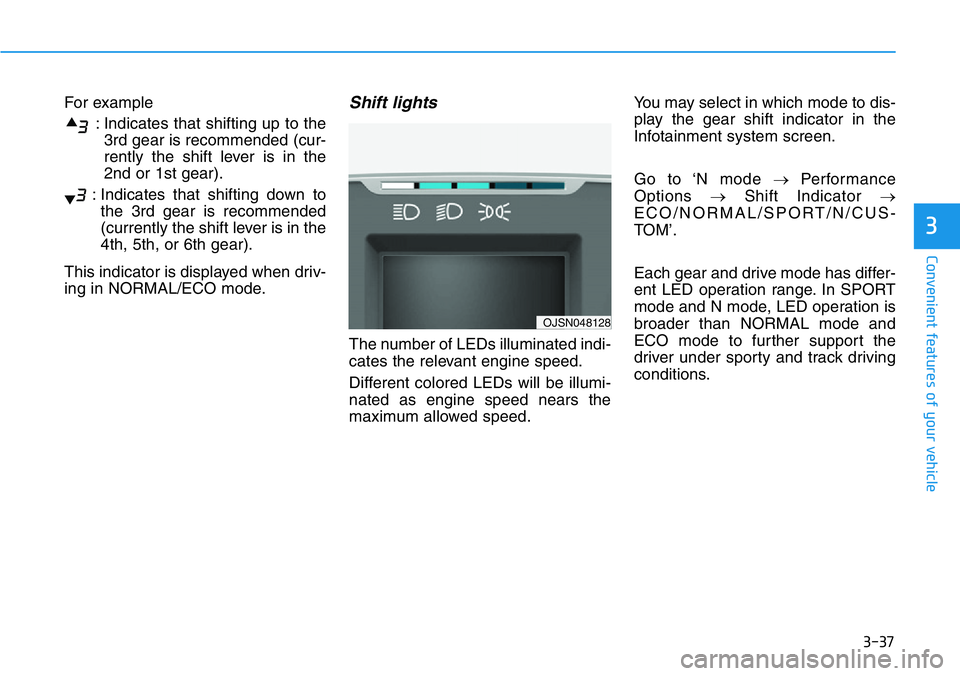
The number of LEDs illuminated indi-
cates the relevant engine speed.
Different colored LEDs will be illumi-
nated as engine speed nears the
maximum allowed speed.You may select in which mode to dis-
play the gear shift indicator in the
Infotainment system screen.
Go to ‘N mode →Performance
Options →Shift Indicator →
ECO/NORMAL/SPORT/N/CUS-
TOM’.
Each gear and drive mode has differ-
ent LED operation range. In SPORT
mode and N mode, LED operation is
broader than NORMAL mode and
ECO mode to further support the
driver under sporty and track driving
conditions.
OJSN048128
Page 188 of 446
3-110
Convenient features of your vehicle
• A smart phone or a tablet PC may
get warmer during the re-charging
process. It does not indicate any
malfunction with the charging sys-
tem.
• A smart phone or a tablet PC,
which adopts a different re-charg-
ing method, may not be properly
re-charged. In this case, use an
exclusive charger of your device.
• The charging terminal is only to
recharge a device. Do not use the
charging terminal either to turn ON
an audio or to play media in the
infotainment system.
Clock
Vehicles with display audio
system
Select the [SETUP]button on the
audio system ➟Select [Date/Time].
• Set time: Set the time displayed on
the audio screen.
• Time format: Choose between 12-
hour and 24-hour time formats.
Clothes Hanger
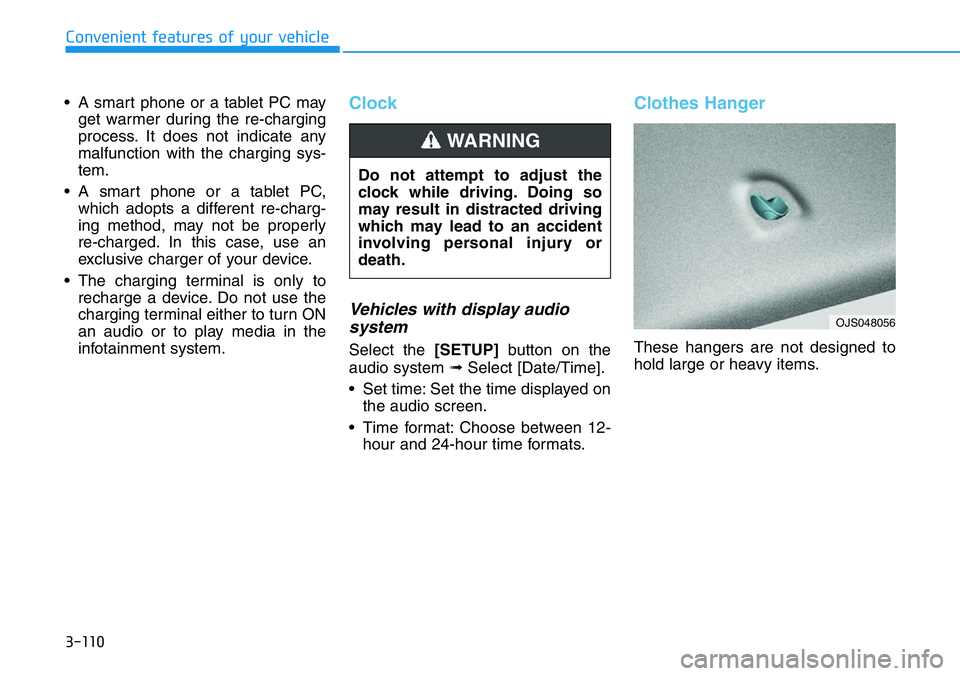
These hangers are not designed to
hold large or heavy items. Do not attempt to adjust the
clock while driving. Doing so
may result in distracted driving
which may lead to an accident
involving personal injury or
death.
WARNING
OJS048056
Page 191 of 446
Infotainment System
Infotainment System..............................................4-2
USB Port ..............................................................................4-2
Antenna ...............................................................................4-2
Steering Wheel Audio Controls ......................................4-3
Bluetooth®Wireless Technology Hands-Free ...........4-4
Display Audio System .......................................................4-4
4
Page 192 of 446
4-2
Infotainment System
• If you install an aftermarket HID
head lamp, your vehicle's audio
and electronic devices may not
function properly.
• Prevent chemicals such as per-
fume, cosmetic oil, sun cream,
hand cleaner, and air freshener
from contacting the interior
parts because they may cause
damage or discoloration.
USB Port
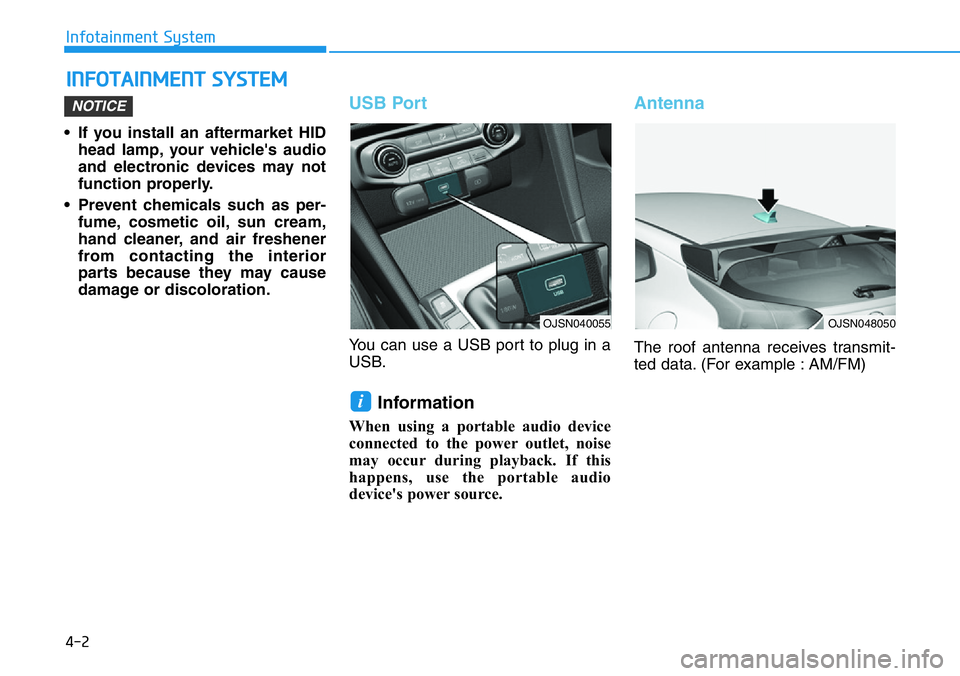
You can use a USB port to plug in a
USB.
Information
When using a portable audio device
connected to the power outlet, noise
may occur during playback. If this
happens, use the portable audio
device's power source.
Antenna
The roof antenna receives transmit-
ted data. (For example : AM/FM)
i
NOTICE
INFOTAINMENT SYSTEM
OJSN040055OJSN048050
Page 193 of 446
4-3
Infotainment System
4
Steering Wheel Audio Control
Do not operate multiple audio
remote control buttons simultane-
ously.
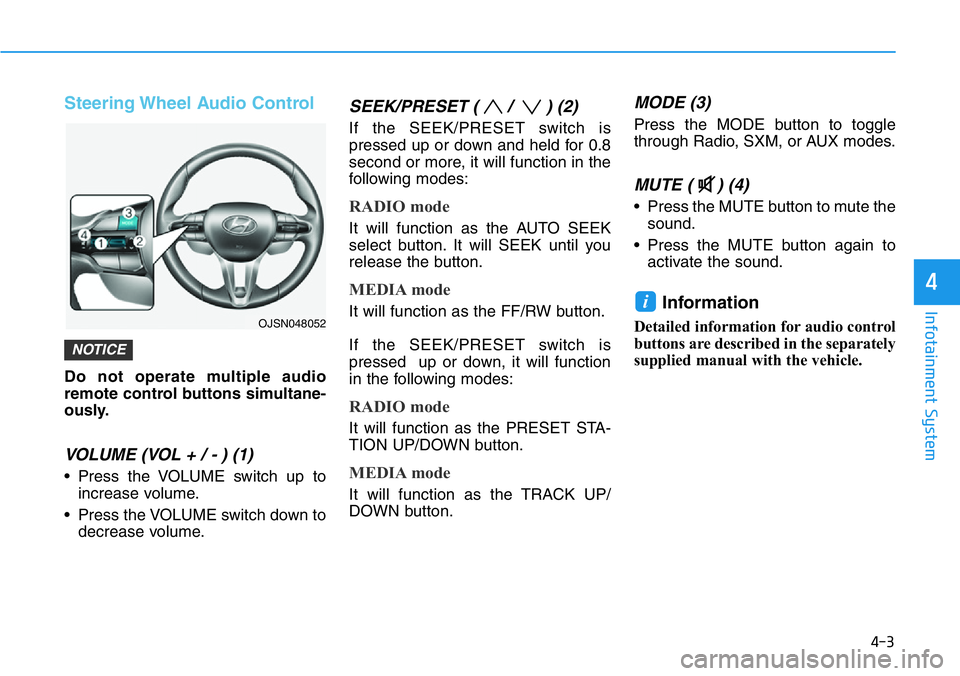
VOLUME (VOL + / - ) (1)
• Press the VOLUME switch up to
increase volume.
• Press the VOLUME switch down to
decrease volume.
SEEK/PRESET ( / ) (2)
If the SEEK/PRESET switch is
pressed up or down and held for 0.8
second or more, it will function in the
following modes:
RADIO mode
It will function as the AUTO SEEK
select button. It will SEEK until you
release the button.
MEDIA mode
It will function as the FF/RW button.
If the SEEK/PRESET switch is
pressed up or down, it will function
in the following modes:
RADIO mode
It will function as the PRESET STA-
TION UP/DOWN button.
MEDIA mode
It will function as the TRACK UP/
DOWN button.
MODE (3)
Press the MODE button to toggle
through Radio, SXM, or AUX modes.
MUTE ( ) (4)
• Press the MUTE button to mute the
sound.
• Press the MUTE button again to
activate the sound.
Information
Detailed information for audio control
buttons are described in the separately
supplied manual with the vehicle.
i
NOTICE
OJSN048052
Page 194 of 446
4-4
Infotainment System
Bluetooth®Wireless
Technology Hands-Free
With the Bluetooth®Wireless
Technology in the vehicle, you can
use the phone wireless.(1) Call / Answer button
(2) Call end button
(3) Microphone
Detailed information for the
Bluetooth®
Wireless Technology hands-free is
described in the Car Infotainment
User's Manual.
Display Audio System
Detailed information for the display
audio system is described in the Car
Infotainment User's Manual.
OPDEN047422
OOS047076
Page 250 of 446
5-56
Driving your vehicle
Performance option settings
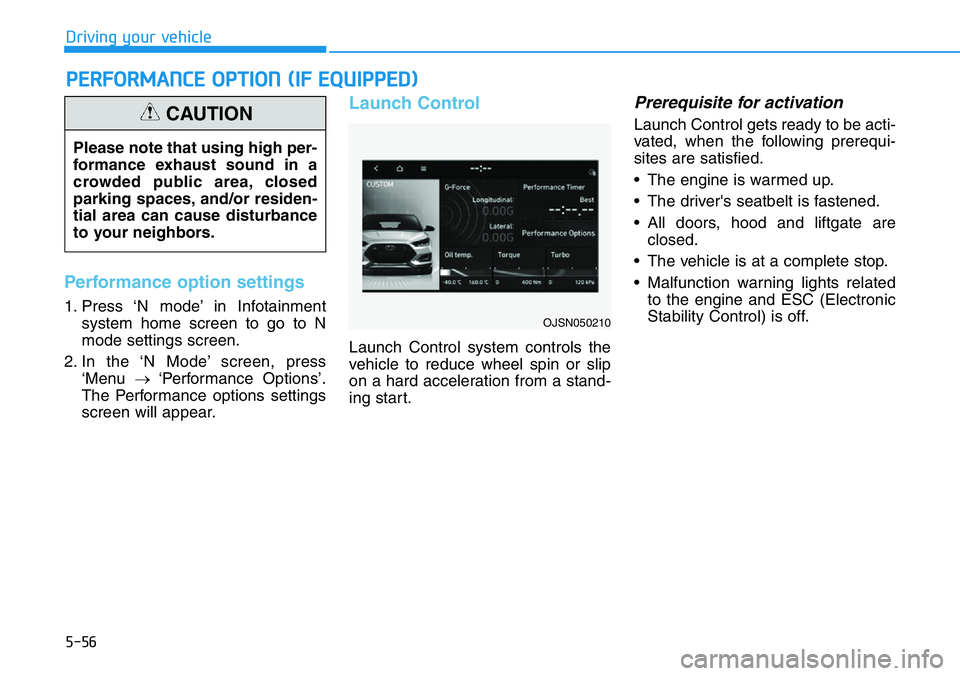
1. Press ‘N mode’ in Infotainment
system home screen to go to N
mode settings screen.
2. In the ‘N Mode’ screen, press
‘Menu →‘Performance Options’.
The Performance options settings
screen will appear.
Launch Control
Launch Control system controls the
vehicle to reduce wheel spin or slip
on a hard acceleration from a stand-
ing start.
Prerequisite for activation
Launch Control gets ready to be acti-
vated, when the following prerequi-
sites are satisfied.
• The engine is warmed up.
• The driver's seatbelt is fastened.
• All doors, hood and liftgate are
closed.
• The vehicle is at a complete stop.
• Malfunction warning lights related
to the engine and ESC (Electronic
Stability Control) is off.
PERFORMANCE OPTION (IF EQUIPPED)
Please note that using high per-
formance exhaust sound in a
crowded public area, closed
parking spaces, and/or residen-
tial area can cause disturbance
to your neighbors.
CAUTION
OJSN050210