Page 303 of 579
Driving your vehicle
6-46
OOS060003K
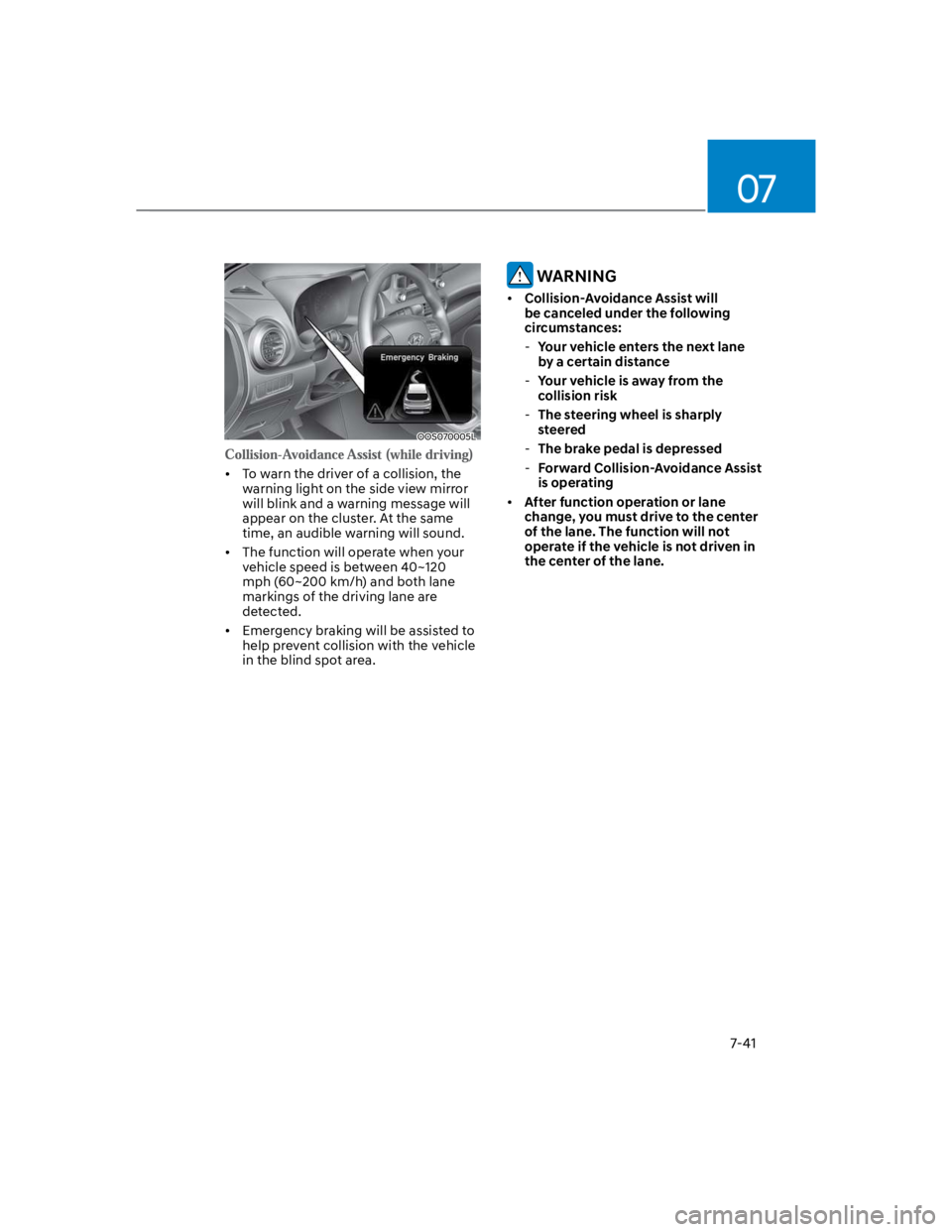
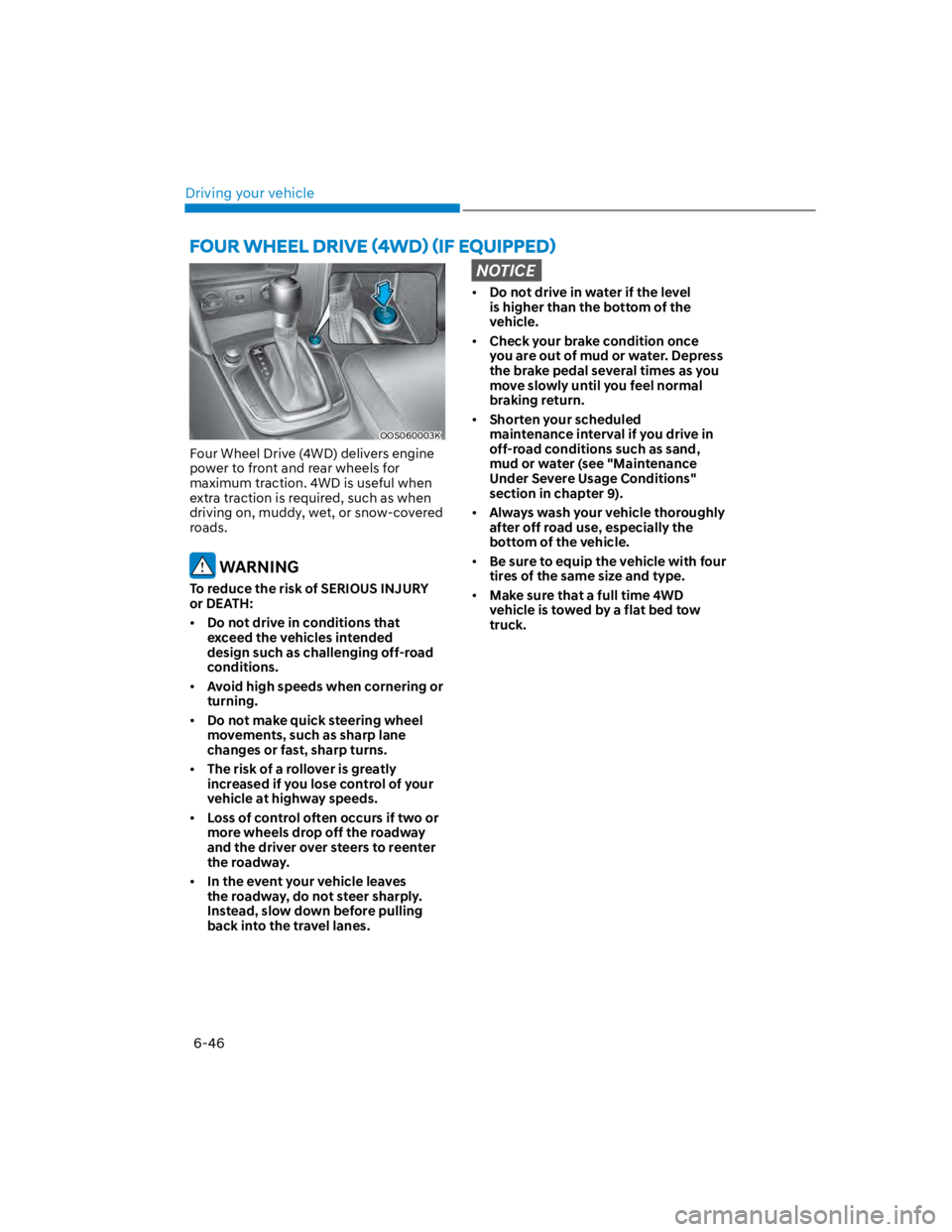
Four Wheel Drive (4WD) delivers engine
power to front and rear wheels for
maximum traction. 4WD is useful when
extra traction is required, such as when
driving on, muddy, wet, or snow-covered
roads.
WARNING
To reduce the risk of SERIOUS INJURY
or DEATH:
Do not drive in conditions that
exceed the vehicles intended
design such as challenging off-road
conditions.
Avoid high speeds when cornering or
turning.
Do not make quick steering wheel
movements, such as sharp lane
changes or fast, sharp turns.
The risk of a rollover is greatly
increased if you lose control of your
vehicle at highway speeds.
Loss of control often occurs if two or
more wheels drop off the roadway
and the driver over steers to reenter
the roadway.
In the event your vehicle leaves
the roadway, do not steer sharply.
Instead, slow down before pulling
back into the travel lanes.
NOTICE
Do not drive in water if the level
is higher than the bottom of the
vehicle.
Check your brake condition once
you are out of mud or water. Depress
the brake pedal several times as you
move slowly until you feel normal
braking return.
Shorten your scheduled
maintenance interval if you drive in
off-road conditions such as sand,
mud or water (see "Maintenance
Under Severe Usage Conditions"
section in chapter 9).
Always wash your vehicle thoroughly
after off road use, especially the
bottom of the vehicle.
Be sure to equip the vehicle with four
tires of the same size and type.
Make sure that a full time 4WD
vehicle is towed by a flat bed tow
truck.
Page 317 of 579
Driving your vehicle
6-60
OOS060012N
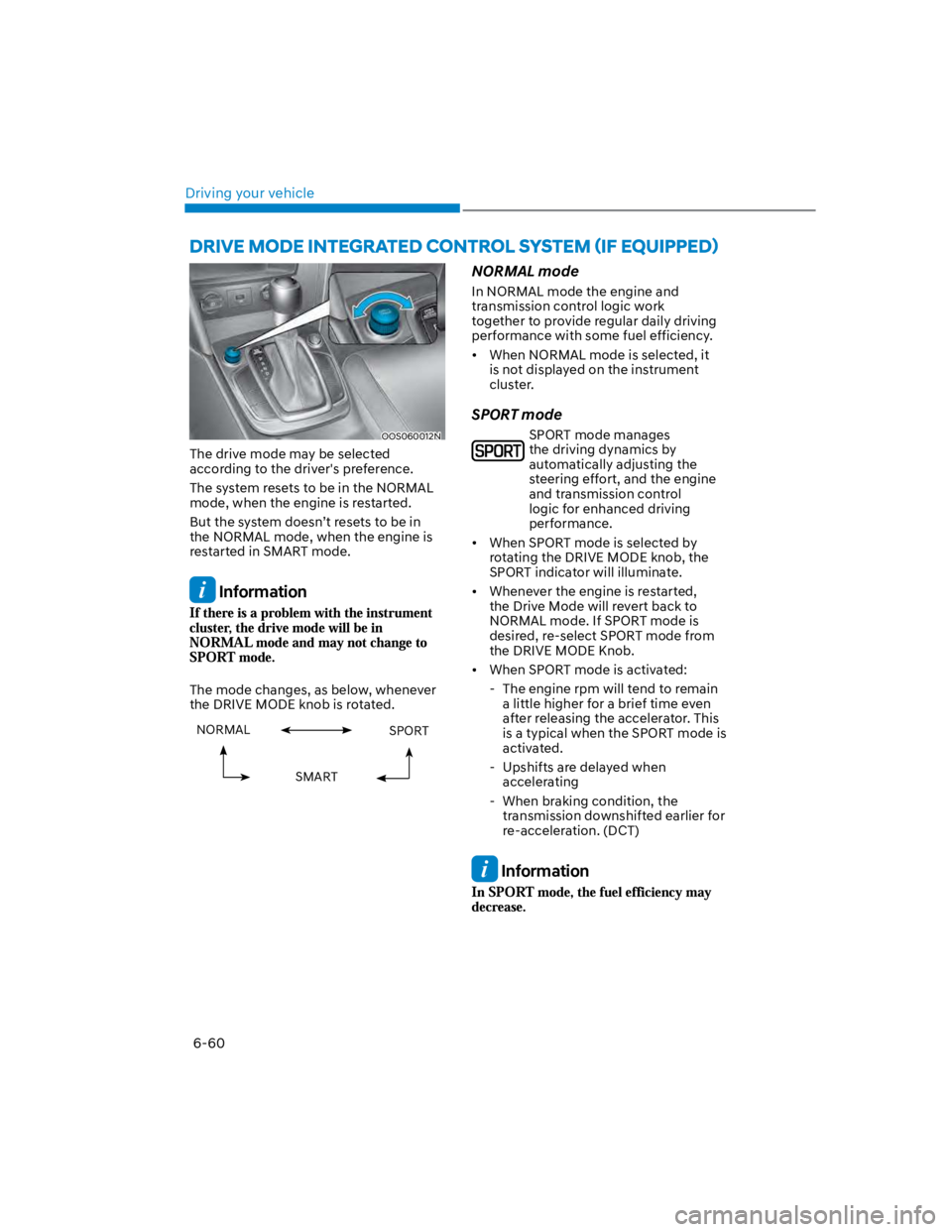
The drive mode may be selected
according to the driver's preference.
The system resets to be in the NORMAL
mode, when the engine is restarted.
But the system doesn’t resets to be in
the NORMAL mode, when the engine is
restarted in SMART mode.
Information
The mode changes, as below, whenever
the DRIVE MODE knob is rotated.
NORMAL SPORT
SMART
NORMAL mode
In NORMAL mode the engine and
transmission control logic work
together to provide regular daily driving
performance with some fuel efficiency.
When NORMAL mode is selected, it
is not displayed on the instrument
cluster.
SPORT mode
SPORT mode manages
the driving dynamics by
automatically adjusting the
steering effort, and the engine
and transmission control
logic for enhanced driving
performance.
When SPORT mode is selected by
rotating the DRIVE MODE knob, the
SPORT indicator will illuminate.
Whenever the engine is restarted,
the Drive Mode will revert back to
NORMAL mode. If SPORT mode is
desired, re-select SPORT mode from
the DRIVE MODE Knob.
When SPORT mode is activated:
- The engine rpm will tend to remain
a little higher for a brief time even
after releasing the accelerator. This
is a typical when the SPORT mode is
activated.
- Upshifts are delayed when
accelerating
- When braking condition, the
transmission downshifted earlier for
re-acceleration. (DCT)
Information
Page 318 of 579
06
6-61
SMART mode
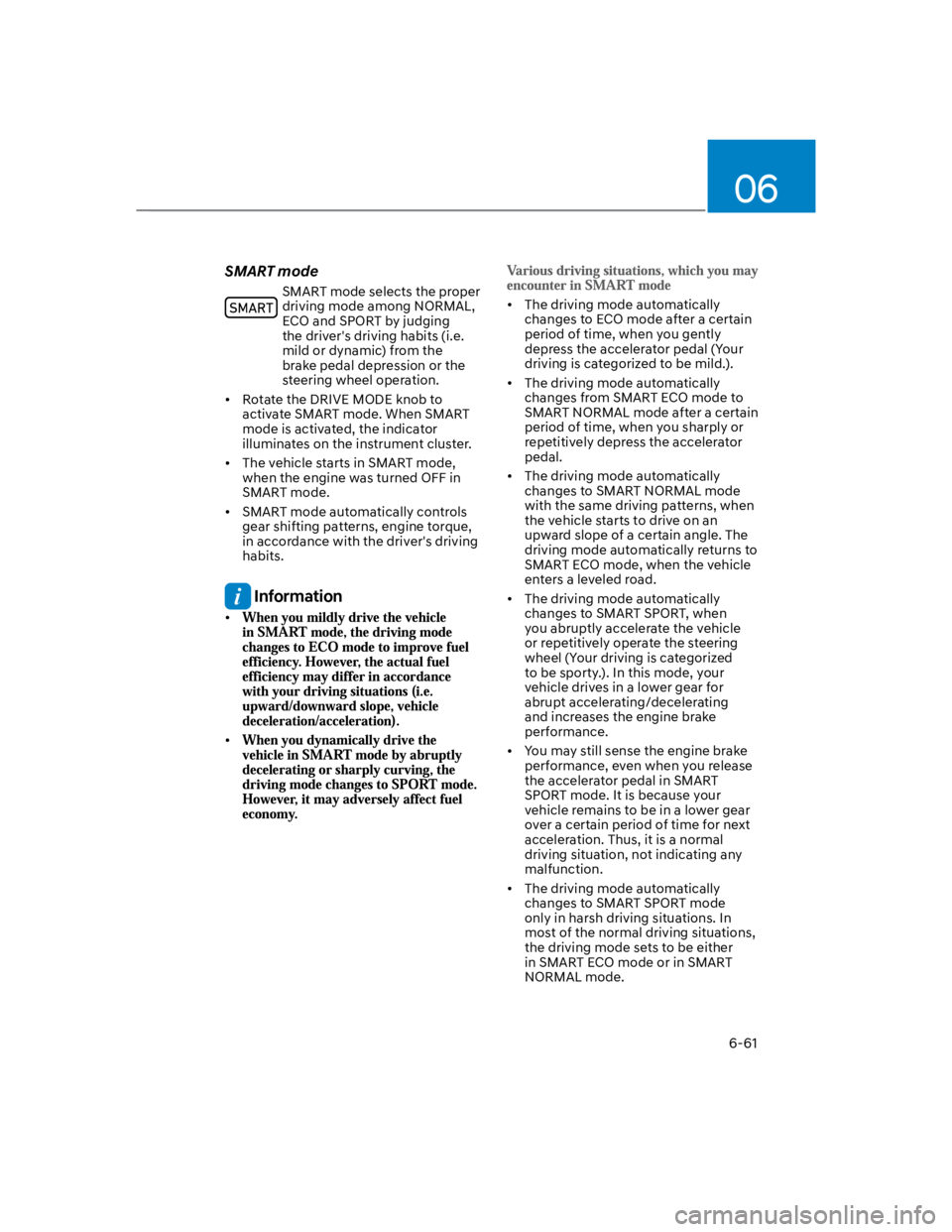
SMART mode selects the proper
driving mode among NORMAL,
ECO and SPORT by judging
the driver's driving habits (i.e.
mild or dynamic) from the
brake pedal depression or the
steering wheel operation.
Rotate the DRIVE MODE knob to
activate SMART mode. When SMART
mode is activated, the indicator
illuminates on the instrument cluster.
The vehicle starts in SMART mode,
when the engine was turned OFF in
SMART mode.
SMART mode automatically controls
gear shifting patterns, engine torque,
in accordance with the driver's driving
habits.
Information
The driving mode automatically
changes to ECO mode after a certain
period of time, when you gently
depress the accelerator pedal (Your
driving is categorized to be mild.).
The driving mode automatically
changes from SMART ECO mode to
SMART NORMAL mode after a certain
period of time, when you sharply or
repetitively depress the accelerator
pedal.
The driving mode automatically
changes to SMART NORMAL mode
with the same driving patterns, when
the vehicle starts to drive on an
upward slope of a certain angle. The
driving mode automatically returns to
SMART ECO mode, when the vehicle
enters a leveled road.
The driving mode automatically
changes to SMART SPORT, when
you abruptly accelerate the vehicle
or repetitively operate the steering
wheel (Your driving is categorized
to be sporty.). In this mode, your
vehicle drives in a lower gear for
abrupt accelerating/decelerating
and increases the engine brake
performance.
You may still sense the engine brake
performance, even when you release
the accelerator pedal in SMART
SPORT mode. It is because your
vehicle remains to be in a lower gear
over a certain period of time for next
acceleration. Thus, it is a normal
driving situation, not indicating any
malfunction.
The driving mode automatically
changes to SMART SPORT mode
only in harsh driving situations. In
most of the normal driving situations,
the driving mode sets to be either
in SMART ECO mode or in SMART
NORMAL mode.
Page 336 of 579
Driver assistance system
7-4
OTM070140N
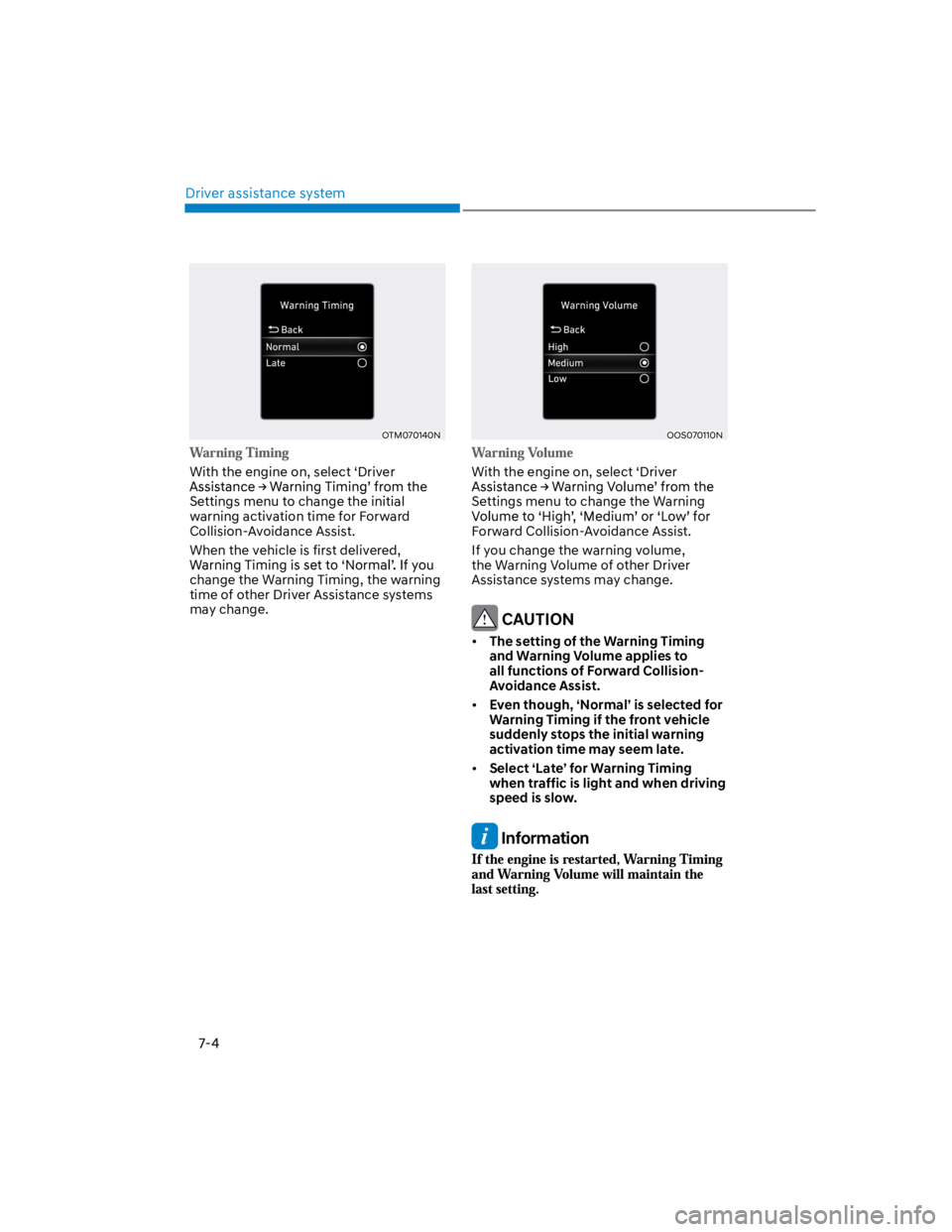
With the engine on, select ‘Driver
Settings menu to change the initial
warning activation time for Forward
Collision-Avoidance Assist.
When the vehicle is first delivered,
change the Warning Timing, the warning
time of other Driver Assistance systems
may change.
OOS070110N
With the engine on, select ‘Driver
Settings menu to change the Warning
Forward Collision-Avoidance Assist.
If you change the warning volume,
the Warning Volume of other Driver
Assistance systems may change.
CAUTION
The setting of the Warning Timing
and Warning Volume applies to
all functions of Forward Collision-
Avoidance Assist.
Even though, ‘Normal’ is selected for
Warning Timing if the front vehicle
suddenly stops the initial warning
activation time may seem late.
Select ‘Late’ for Warning Timing
when traffic is light and when driving
speed is slow.
Information
Page 349 of 579
07
7-17
OTM070140N
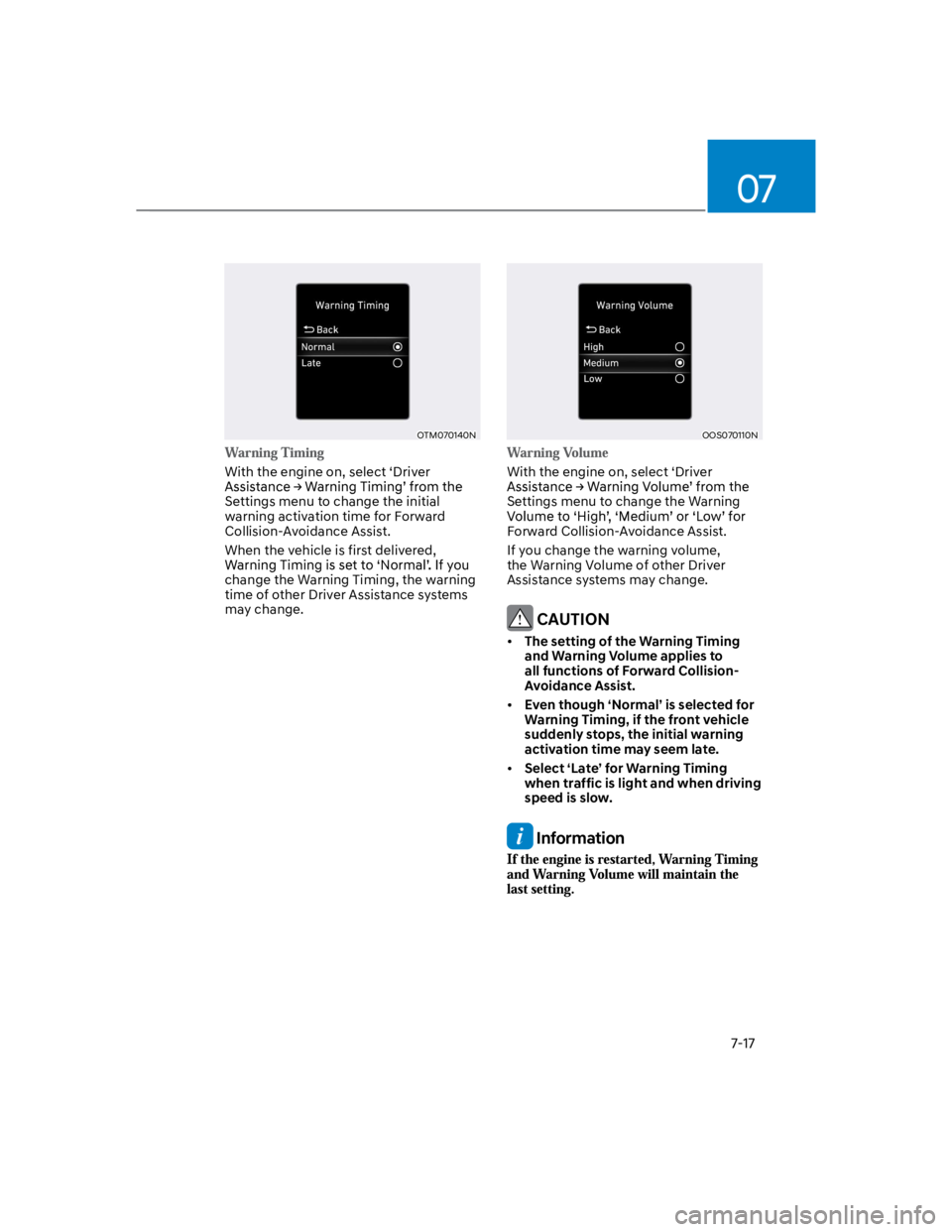
With the engine on, select ‘Driver
Settings menu to change the initial
warning activation time for Forward
Collision-Avoidance Assist.
When the vehicle is first delivered,
change the Warning Timing, the warning
time of other Driver Assistance systems
may change.
OOS070110N
With the engine on, select ‘Driver
Settings menu to change the Warning
Forward Collision-Avoidance Assist.
If you change the warning volume,
the Warning Volume of other Driver
Assistance systems may change.
CAUTION
The setting of the Warning Timing
and Warning Volume applies to
all functions of Forward Collision-
Avoidance Assist.
Even though ‘Normal’ is selected for
Warning Timing, if the front vehicle
suddenly stops, the initial warning
activation time may seem late.
Select ‘Late’ for Warning Timing
when traffic is light and when driving
speed is slow.
Information
Page 370 of 579
Driver assistance system
7-38
OTM070097N
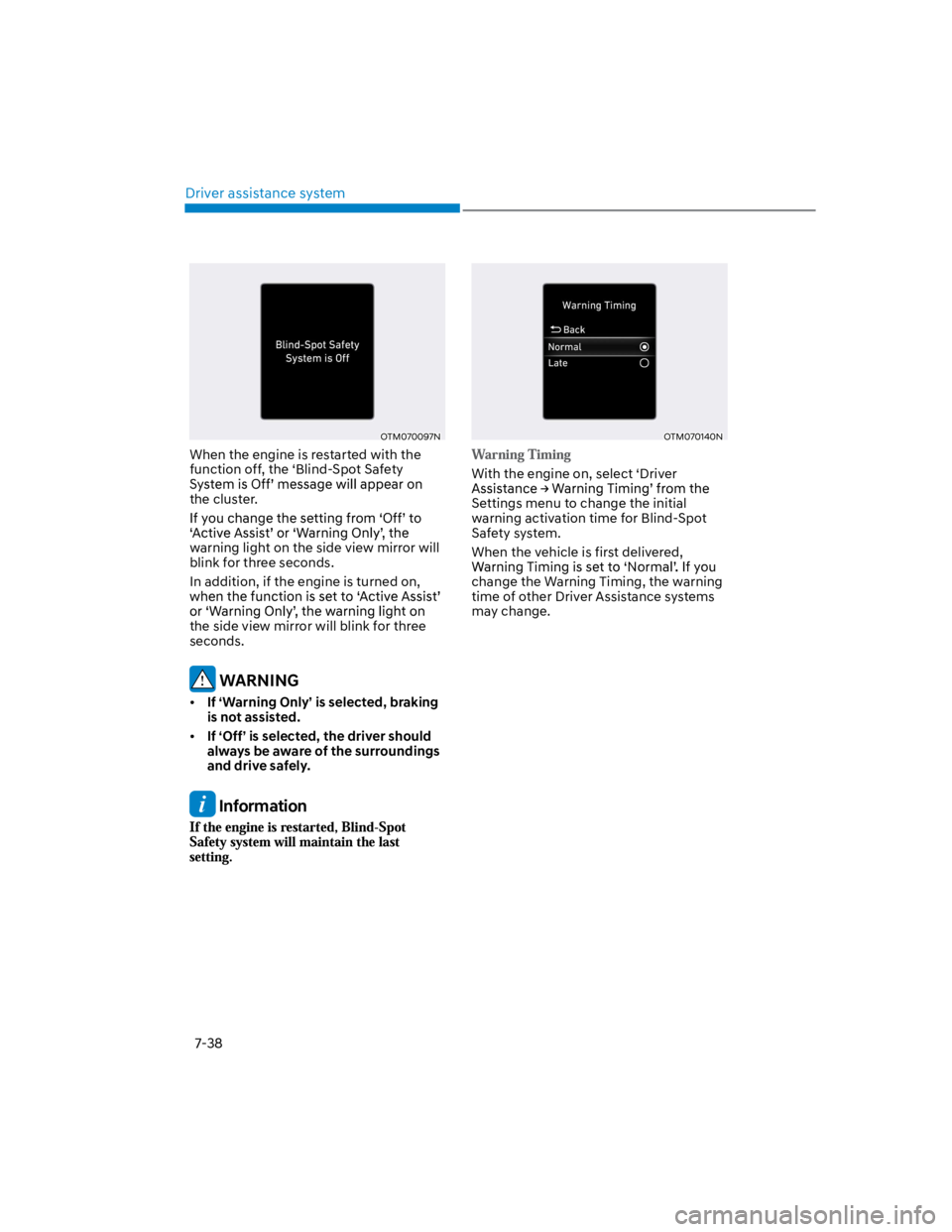
When the engine is restarted with the
function off, the ‘Blind-Spot Safety
the cluster.
warning light on the side view mirror will
blink for three seconds.
In addition, if the engine is turned on,
the side view mirror will blink for three
seconds.
WARNING
If ‘Warning Only’ is selected, braking
is not assisted.
If ‘Off’ is selected, the driver should
always be aware of the surroundings
and drive safely.
Information
OTM070140N
With the engine on, select ‘Driver
Settings menu to change the initial
warning activation time for Blind-Spot
Safety system.
When the vehicle is first delivered,
change the Warning Timing, the warning
time of other Driver Assistance systems
may change.
Page 371 of 579
07
7-39
OOS070110N
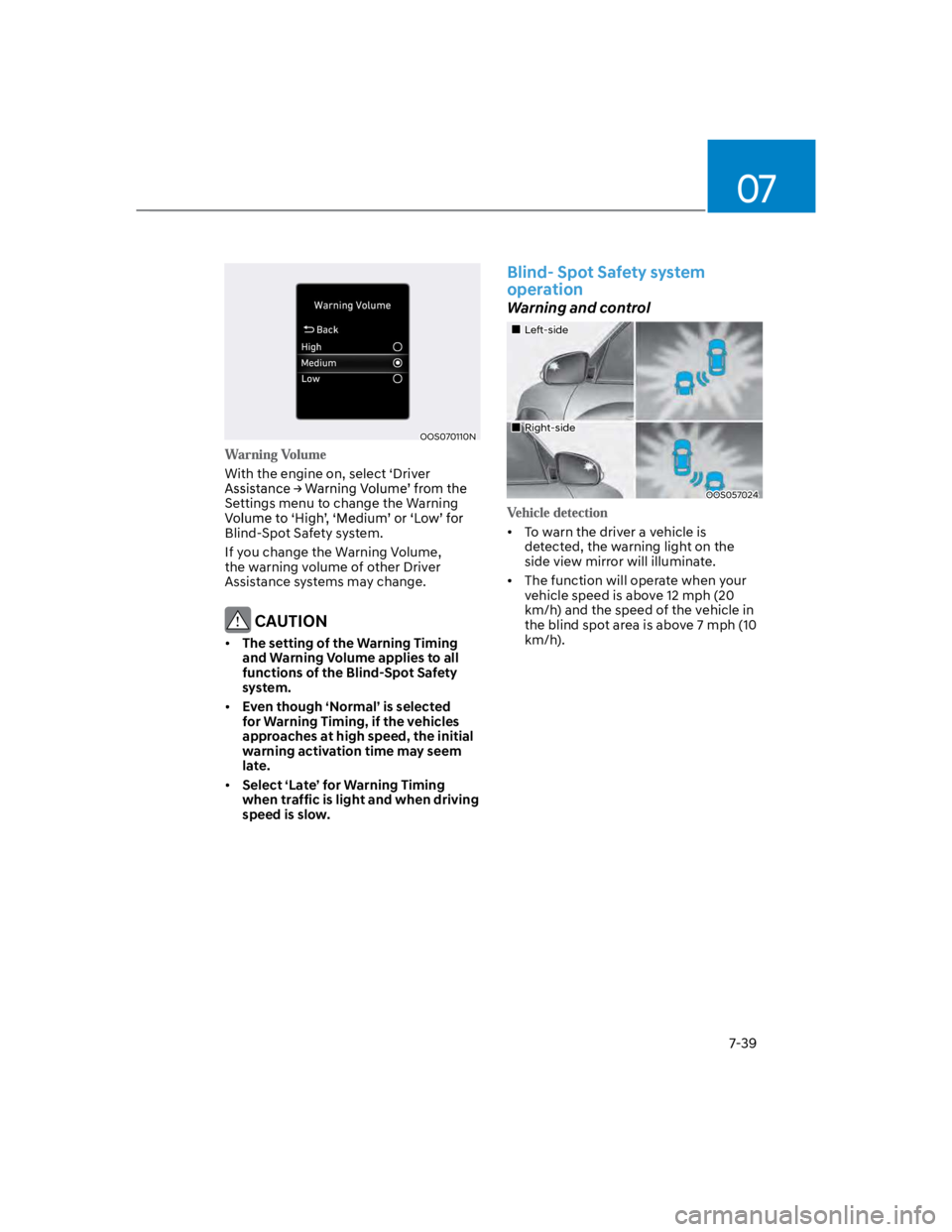
With the engine on, select ‘Driver
Settings menu to change the Warning
Blind-Spot Safety system.
If you change the Warning Volume,
the warning volume of other Driver
Assistance systems may change.
CAUTION
The setting of the Warning Timing
and Warning Volume applies to all
functions of the Blind-Spot Safety
system.
Even though ‘Normal’ is selected
for Warning Timing, if the vehicles
approaches at high speed, the initial
warning activation time may seem
late.
Select ‘Late’ for Warning Timing
when traffic is light and when driving
speed is slow.
Blind- Spot Safety system
operation
Warning and control
Left-side
Right-side
OOS057024
To warn the driver a vehicle is
detected, the warning light on the
side view mirror will illuminate.
The function will operate when your
vehicle speed is above 12 mph (20
km/h) and the speed of the vehicle in
the blind spot area is above 7 mph (10
km/h).
Page 373 of 579
07
7-41
OOS070005L
To warn the driver of a collision, the
warning light on the side view mirror
will blink and a warning message will
appear on the cluster. At the same
time, an audible warning will sound.
The function will operate when your
vehicle speed is between 40~120
mph (60~200 km/h) and both lane
markings of the driving lane are
detected.
Emergency braking will be assisted to
help prevent collision with the vehicle
in the blind spot area.
WARNING
Collision-Avoidance Assist will
be canceled under the following
circumstances:
-Your vehicle enters the next lane
by a certain distance
-Your vehicle is away from the
collision risk
-The steering wheel is sharply
steered
-The brake pedal is depressed
-Forward Collision-Avoidance Assist
is operating
After function operation or lane
change, you must drive to the center
of the lane. The function will not
operate if the vehicle is not driven in
the center of the lane.