2021 TOYOTA RAV4 PHEV air condition
[x] Cancel search: air conditionPage 132 of 666
1302-2. Charging
maximum of approximately 30 min -
utes. However, when the “Departure” time is set ( →P.144) and there is not
sufficient time between the current
time and the time that charging will complete, “Battery Cooler” operation
time may become shorter.
●When there is a small amount of
remaining charge in the hybrid battery
(traction battery), even if the hybrid battery (traction battery) is hot, “Bat -
tery Cooler” may not be implemented.
●When the following operations are
performed while “Battery Cooler” is
operating, the hybrid battery (traction battery) cooling operation stops.
• The hood is opened
• The power switch is turned to any mode other than off
• The Remote Air Conditioning System
is operated ( →P.460) • “Charge Now” is implemented
( →P.145)
●“Battery Cooler” uses the power of the
hybrid battery (tr action battery) and
external power source. • While “Battery Cooler” is operating,
the amount of the remaining charge of
the hybrid battery (traction battery) increases and decreases in a certain
range, and does not increase as in
normal charging. • The operation of “Battery Cooler” is
recognized as charging by a charger.
The charger that calculates the fee according to charging time causes a
charging fee.
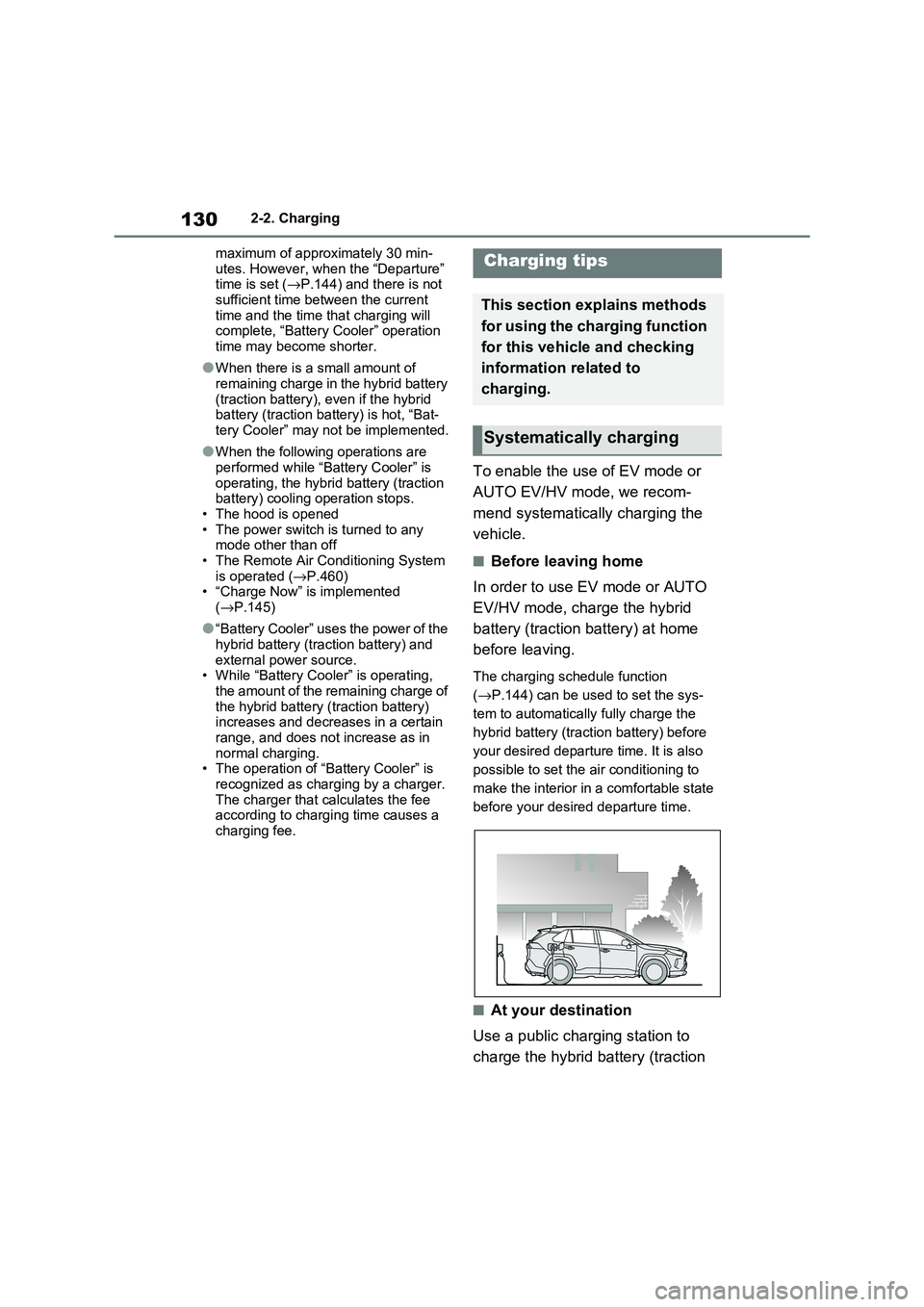
To enable the use of EV mode or
AUTO EV/HV mode, we recom -
mend systematically charging the
vehicle.
■Before leaving home
In order to use EV mode or AUTO
EV/HV mode, charge the hybrid
battery (traction battery) at home
before leaving.
The charging schedule function
( →P.144) can be used to set the sys-
tem to automatically fully charge the
hybrid battery (traction battery) before
your desired departu re time. It is also
possible to set the air conditioning to
make the interior in a comfortable state
before your desire d departure time.
■At your destination
Use a public charging station to
charge the hybrid battery (traction
Charging tips
This section explains methods
for using the charging function
for this vehicle and checking
information related to
charging.
Systematically charging
Page 136 of 666

1342-2. Charging
each part of the AC charging cable
is in good condition. ( →P.117)
■During charging
●The charging starting time may differ
depending on the state of the vehicle,
but this does not indicate a malfunc - tion.
●Cooling fan sounds may be heard from near the rear seat. ( →P.98)
●During charging, sounds may be heard from near the hybrid battery
(traction battery) in accordance with
the operation of the air conditioning system or “Battery Cooler” ( →P.129).
●During and after charging, the rear seat and its surrounding area in which
the onboard traction battery charger is
installed may get warm.
●The surface of the CCID (Charging
Circuit Interrupting Device) may become hot, but this does not indicate
a malfunction. ( When using Mode 2
AC charging cable.)
●Depending on radio wave conditions,
interference may be heard on the radio.
●The current chargi ng condition and the estimated time until charging will
complete can be checked on the
multi-information display.
■Capacity reduction of the hybrid
battery (tracti on battery)
The capacity of the hybrid battery (trac -
tion battery) will dec line gradually when
the hybrid battery (tr action battery) is in use. The rate at which it declines will dif -
fer in accordance with environmental
conditions and the way in which the vehicle is used. Observing the following
can help suppress battery capacity
decline.
●Avoid parking the vehicle in areas with
a high temperature under direct sun - light when the hybrid battery (traction
battery) is fully charged.
●Avoid accelerating and decelerating
frequently and suddenly when EV
driving.
●Avoid frequent driving near the top
speed for EV driving. ( →P.90)
●Leave a low level of charge in the
hybrid battery (trac tion battery) when leaving the vehicle undriven for a long
period of time.
After confirming that EV mode or AUTO EV/HV mode has switched to
HV mode, turn the power switch off.
●Use the charging schedule function as
much as possible in order to fully
charge the hybrid battery (traction bat - tery) immediately bef ore starting off.
( →P.144)
Also, if the hybrid battery (traction bat- tery) capacity reduces, the distance that
can be driven in EV mode or AUTO
EV/HV mode decreases. However, vehi - cle performance does not significantly
become worse.
■When the remaining charge of the
hybrid battery (trac tion battery) is low after charging
In the following situations, the remaining
charge of the hybrid battery (traction battery) after charging completes may
be less than normal in order to protect
the system (the EV dr iving range after the battery is fully charged may be
shorter).*
●Charging is carried out when the out -
side temperature is low or high.
●Charging is carried out immediately
after high-load driv ing or in extreme
heat.
When none of the above situations
apply and there is a drastic drop in the
remaining charge of the hybrid battery
(traction battery) after charging com - pletes, have the veh icle inspected by
any authorized Toyota retailer or Toyota
authorized repairer, or any reliable repairer.*: When this occurs, even if the remain -
ing charge display of the hybrid bat-
tery (traction battery) shows that it is
Page 142 of 666

1402-2. Charging
WARNING
●Do not let the wheels on the AC
charging cable, plug, charging con -
nector and CCID (C harging Circuit Interrupting Device).
●Firmly insert the plug into the socket.
●Do not use an ex tension cord and
converting adaptor.
●Close the hood bef ore using the
charging system. The cooling fan may start operating
suddenly. Touching or getting close
to rotating parts such as the fan may cause your hands or clothes
(especially a neckt ie or scarf) to
become caught and result in a seri - ous injury.
●After connecting the charging cable, confirm that it is not wound
around anything.
●If the power indica tor on the CCID
(Charging Circuit Interrupting
Device) does not illuminate after plugging the AC charging cable into
the socket-outlet, unplug it immedi -
ately.
■If the error warnin g indicator on the CCID (Charging Circuit Inter -
rupting Device) illuminates or
flashes during charging
There may be an electrical leakage in
the power source path, or there may
be a malfunction in the AC charging cable or CCID (Cha rging Circuit Inter-
rupting Device). Refer to P.112 and
follow the correcti on procedure. If the error warning indicator does not turn
off even after performing the correc -
tion procedure, immediately stop charging, remove the AC charging
cable and contact any authorized
Toyota retailer or Toyota authorized repairer, or any reliable repairer. Con -
tinuing to charge the vehicle in that
condition may le ad to unforeseen accidents or serious injury.
■Onboard traction battery charger
The onboard traction battery charger
is located under the rear seats. Make
sure to observe the following precau- tions regarding the onboard traction
battery charger. Failure to observe
these precautions may result in death or serious injury such as burns and
electric shocks.
●The onboard traction battery char - ger is hot during charging. Do not
touch the onboard traction battery
charger, as doing so may result in burns.
●Do not disassemble, repair or mod - ify the onboard traction battery
charger. When the onboard traction
battery charger needs to be repaired, consult any authorized
Toyota retailer or Toyota authorized
repairer, or any reliable repairer.
Page 146 of 666

1442-2. Charging
■Calendar settings
Current date and tim e information is
automatically set u sing GPS. However, if GPS calibration of clock is turned off in
the multimedia system s ettings, the date
needs to be set on t he multi-information display.
If the calendar settings check screen is
displayed when an attempt was made to register a charge schedule, check that
the correct date is set. If it is incorrect,
be sure to correct it.
If the calendar information is wrong, the
charging schedule function will not oper -
ate normally.
When registering the charging
schedule, the following settings can
be changed.
■Select the charging mode
One of the two following charging
modes can be selected.
“Start”
Starts charging at the set time*1 and fin -
ishes charging when fully charged.*2
“Departure”
Starts charging to finish at the set
time.*3, 4
When this setting is selected, the air
conditioning-linked function can be
used.
*1: Charging schedule function is per -
formed in accordance with the clock
in the multi-information display.
Before registering the charging
schedule, check the clock settings to
the proper time.
*2: There might be a slight error in the
timing when charging starts due to
the state of the hy brid battery (trac-
tion battery).
*3: When the system d etermines that
there is no time to finish charging by
the set scheduled departure time, it
starts charging. Check the charging
schedules.
*4: If sudden changes in temperature or
changes in the condition of the
power source occur while charging,
charging may not end exactly at the
time estimated by the system.
■Repeated setting
The periodic charging schedule can
be set by select ing your desired
day of the week. (If no days are
selected, charging is only carried
out once.)
■Air conditioning-linked set -
ting (“Climate Prep”)
When the charging mode is set to
“Departure”, the vehicle air condi -
tioning system ( →P.452) can be set
to automatically operate* according
Using the charging
schedule function
Charging can be carried out at
the desired time by registering
the charging schedule. Also, it
is possible to set the charging
schedule to one’s prefer -
ences, such as having
charging complete by a certain
departure time or be carried
out at the same time on certain
days.
Settings of the charging
schedule function
Page 148 of 666

1462-2. Charging
connected.
●After connecting the AC charging
cable, check that the charging indica -
tor of the charging port flashes ( →P.106)
●Do not use an socket that has a power cut off function (including a timer func -
tion)
Use an socket that constantly supplies electricity. For sockets where the
power is cut off due to a timer func -
tion, etc., charging may not be carried out according to plan if the power is
cut off during the set time.
■When the AC charging cable
remains connected to the vehicle
Even if multiple consecutive charging
schedules are registered, the next
charge will not be ca rried out according to the charging schedule until the AC
charging cable is removed and recon-
nected after charging completes. Also, when the hybrid battery (traction battery)
is fully charged, charging according to
the charging schedule will not be carried out.
■“Climate Prep”
●When the air condit ioning-linked set- ting is turned on, the air conditioning
operates until the se t departure time.
Therefore, the air conditioning will consume electricity and charging may
not complete by the set departure
time.
●If the hybrid battery (traction battery)
is fully charged, cha rging will not be carried out, even if the charging
schedule is set. However, if “Climate
Prep” is turned on, the air conditioning will operate only once when it nears
the time set in “De parture”. If this
occurs, the air conditioning will con -
sume electricity and the remaining charge of the hybrid battery (traction
battery) when departing may be
decreased.
●When the doors are unlocked, the air
conditioning system does not operate.
■When charging schedules are
ignored
When the following operations are per -
formed while the charging schedule is
on standby, charging schedule is tempo - rarily canceled and charging is started.
●When the Remote Air Conditioning System ( →P.460) is operated
●When turning “My Room Mode” on ( →P.153)
●When turning “Charge Now” on ( →P.150)
●When an operation that temporarily cancel charging using the charging
schedule ( →P.138)
■Effects of outside temperature
When the charging mode is set to “Departure”, chargin g schedule may be
ignored due to the outside temperature
and charging may start.
■“Battery Heater” ( →P.128) /“Battery Cooler” ( →P.129)
When charging is carried out using the
charging schedule, the hybrid battery (traction battery) heating or cooling func -
tion may operate according to the tem -
perature of the hybrid battery (traction battery).
●When the charging mode is set to “Start”, the function starts at the set
charging start time.
●“Battery Heater”: When the charging
mode is set to “Dep arture”, the func-
tion starts automatic ally to complete heating by the desired departure time.
●“Battery Cooler”: When the charging mode is set to “Dep arture”, cooling
starts approximately 30 minutes
before the charging start time. How -
ever, if there is no time to finish charging by the charging schedule,
the hybrid battery (traction battery)
cooling time may be shortened and “Battery Cooler” may not operate.
Page 150 of 666

1482-2. Charging
“Departure”, this sets the charging end
time.
After changing the settings to the
desired setti ngs, press .
When the charging mode is set to “Departure”, the “Cl imate Prep” screen
is displayed. When the charging mode
is set to “Start”, the “Repeat” screen (step 9) is displayed.
8When the charging mode is set
to “Departure”, set the “Climate
Prep” to on or off.*
Press or of the meter control
switches and select “Yes” or “No”, and
then press .
Select “Yes” to turn on the air condition - ing system and selec t “No” to turn it
off.The “Repeat” screen will be dis -
played.*: When the charging mode is set to
“Start”, “Climate Prep” screen will not
display.
9 To activate the repeated setting,
press or of the meter
control switches to select the
desired day to activate for the
repeated setting, and then press
.
Each time is pressed, the repeated
setting switches between on and off.
When set to on, th e charging schedule is repeated on that day. It is possible to
set more than one day to on.
If no days are set to on, charging is only carried out once according to the
charging schedule for the next 24
hours.
After changing the settings to the
desired settings, select “Done”, and
then press .
A screen where the settings can be saved will be displayed.
10 .Select “Save” and press to
save the settings.
The settings will be saved.
If you wish to chan ge the settings,
press and perform the setting pro -
cedure again.
After setting operatio ns are complete,
when the AC charging cable is con - nected to the vehicl e, charging will be
carried out according to the charging
Page 155 of 666

153
2
2-2. Charging
Plug-in hybrid system
1 Connect the AC charging cable
to the vehicle and start charging
2 Turn the power switch on during
charging
The setting screen of “My Room Mode”
is displayed automat ically on the multi-
information display.
3 Press or of the meter
control switches, select “Yes”,
and then press .
“My Room Mode” starts and systems
such as the air conditioning system and
audio system can be used inside the vehicle.
When not using “My Room Mode”,
select “No”, and then press .
To stop “My Room Mode”, turn the
power switch off.
When “My Room Mode” starts, the
remaining charge display screen for
the hybrid battery (traction battery)
is displayed automatically on the
multi-information display. The
approximate power balance (bal -
ance between electricity supply and
consumption) while using “My
Room Mode” can be checked from
the color and size of the arrows.
Discharging status
Charging status
When the electricity supply from the AC
charging cable is larger than the power
consumption inside the vehicle,
becomes larger. When the power con -
sumption is larger than the electricity
supply, becomes larger.
When the electricity supply and con -
sumption are balanced (when the
power balance is judged to be zero),
and are displayed as the same
size.
Using the “My Room
Mode”
When the AC charging cable is
connected to the vehicle, elec -
trical components such as the
air conditioning system or
audio system can be used
using the external power
source.
Starting “My Room Mode”
Display of power balance
information while using “My
Room Mode”
A
B
B
A
AB
Page 156 of 666

1542-2. Charging
■When a door is unlocked while using “My Room Mode”
The charging connector unlocks,
charging stops and “My Room Mode” stops. In order to use “My Room Mode”
again, reconnect the AC charging cable
and start “My Room Mode” ( →P.153). When using “My Room Mode” with pub -
lic charging station, operation to start
charging using the charger may be required again before starting “My Room
Mode”.
■Meter display during charging
If “My Room Mode” is not turned on for approximately 100 seconds after the
power switch is turned on during
charging, the power switch will automat- ically turn off.
■While using “My Room Mode”
Any of the follo wing may occur.
●When the remaining charge of the
hybrid battery (traction battery)
reaches the lower l imit, the air condi- tioning system automat ically turns off.
In this situation, the air conditioning
system cannot be us ed until the remaining charge of the hybrid battery
(traction battery) increases. Turn the
power switch off and use “My Room Mode” after the remaining charge of
the hybrid battery ( traction battery) is
restored.
●When the outside te mperature is low,
the heater o utput may be limited due
to the air conditioning system opera - tion being restricted.
●Warning lights and indicators such as electric power steering system warn -
ing light (yellow) and malfunction indi -
cator lamp may turn on, but this is not a malfunction.
Also, when the surrounding area is
dark, the headlight s are turned on. ( →P.332)
■When a charging schedule is regis-
tered
When “My Room Mode” starts while the charging schedule is on standby,
charging schedules are ignored and
charging starts.
■When “My Room Mode” is used while the hybrid battery (traction
battery) is fully charged
When the power switch is turned on while the hybrid battery (traction battery)
is fully charged and the charging con -
nector that supplies power is connected, “Charging Port Lid i s Open” is displayed
on the multi-informati on display. In this
case, press of th e meter control
switches to display the setting screen of “My Room Mode”, and then select “My
Room Mode”.
When “My Room Mode ” is used while the hybrid battery ( traction battery) is
fully charged, the ele ctric power of the
hybrid battery (trac tion battery) may be consumed. In this case, charging may
be performed again.
■When a message related to “My
Room Mode” is displayed
When a message is displayed on the
multi-information display while using or
attempting to start “My Room Mode”, take the following correction proce -
dures.
●“Traction battery is too low for “My
Room Mode””
There is insufficient remaining charge in
the hybrid battery ( traction battery) for
starting “My Room Mode”.
Wait until the charge of the hybrid bat-
tery (traction batter y) increases, then
start “My Room Mode”.
●““My Room Mode” has stopped due to
low traction battery”
The remaining charge in the hybrid bat -
tery (traction battery) is insufficient.
Stop using “My Room Mode” and
charge the hybrid battery (traction bat -
tery).
●““My Room Mode” will stop when trac -
tion battery is too low Reduce power
usage to continue using “My Room