2021 NISSAN LEAF steering
[x] Cancel search: steeringPage 218 of 602
For additional information, see "Rear Auto-
matic Braking (RAB) (P. 5-132).
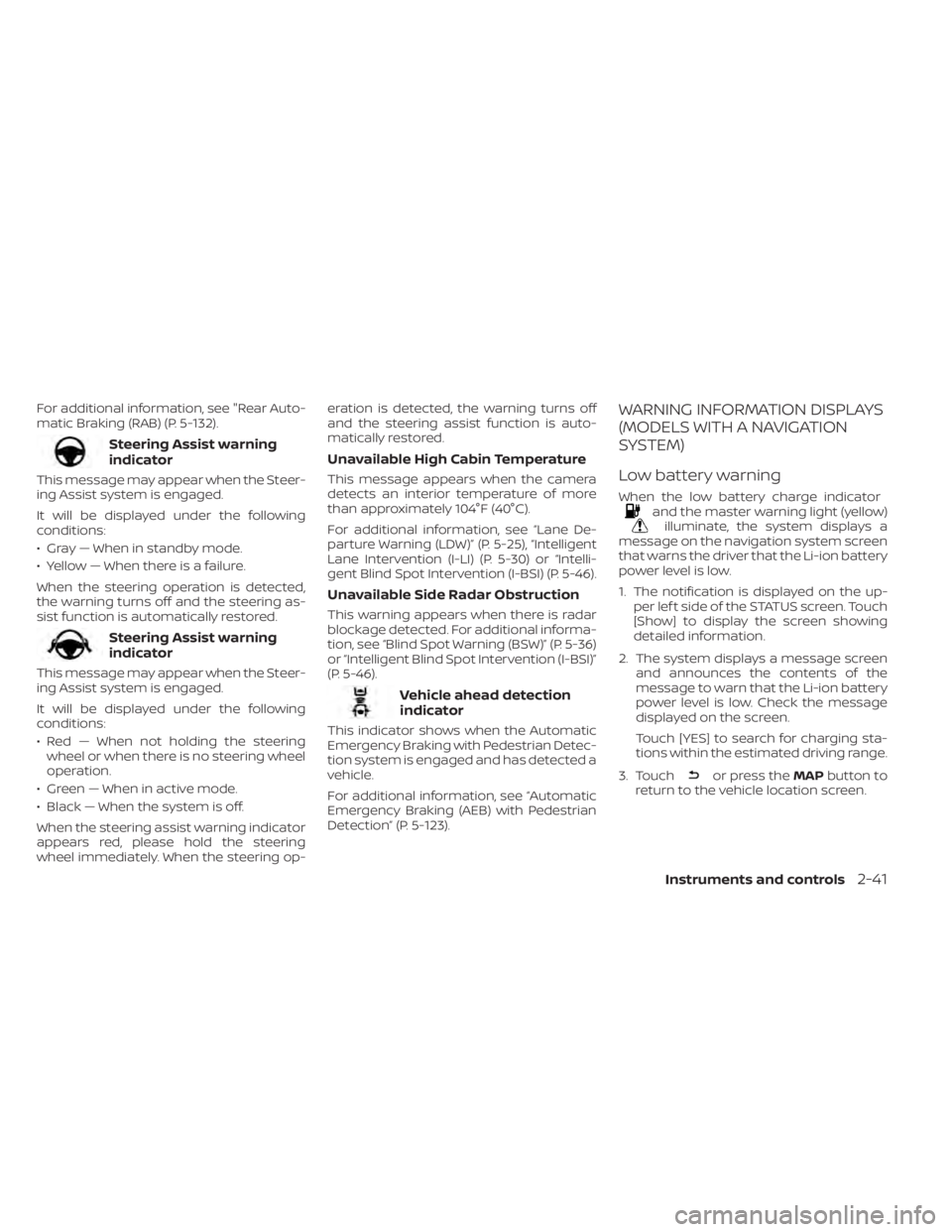
Steering Assist warning
indicator
This message may appear when the Steer-
ing Assist system is engaged.
It will be displayed under the following
conditions:
• Gray — When in standby mode.
• Yellow — When there is a failure.
When the steering operation is detected,
the warning turns off and the steering as-
sist function is automatically restored.
Steering Assist warning
indicator
This message may appear when the Steer-
ing Assist system is engaged.
It will be displayed under the following
conditions:
• Red — When not holding the steeringwheel or when there is no steering wheel
operation.
• Green — When in active mode.
• Black — When the system is off.
When the steering assist warning indicator
appears red, please hold the steering
wheel immediately. When the steering op- eration is detected, the warning turns off
and the steering assist function is auto-
matically restored.
Unavailable High Cabin Temperature
This message appears when the camera
detects an interior temperature of more
than approximately 104°F (40°C).
For additional information, see “Lane De-
parture Warning (LDW)” (P. 5-25), “Intelligent
Lane Intervention (I-LI) (P. 5-30) or “Intelli-
gent Blind Spot Intervention (I-BSI) (P. 5-46).
Unavailable Side Radar Obstruction
This warning appears when there is radar
blockage detected. For additional informa-
tion, see “Blind Spot Warning (BSW)” (P. 5-36)
or “Intelligent Blind Spot Intervention (I-BSI)”
(P. 5-46).
Vehicle ahead detection
indicator
This indicator shows when the Automatic
Emergency Braking with Pedestrian Detec-
tion system is engaged and has detected a
vehicle.
For additional information, see “Automatic
Emergency Braking (AEB) with Pedestrian
Detection” (P. 5-123).
WARNING INFORMATION DISPLAYS
(MODELS WITH A NAVIGATION
SYSTEM)
Low battery warning
When the low battery charge indicatorand the master warning light (yellow)illuminate, the system displays a
message on the navigation system screen
that warns the driver that the Li-ion battery
power level is low.
1. The notification is displayed on the up- per lef t side of the STATUS screen. Touch
[Show] to display the screen showing
detailed information.
2. The system displays a message screen and announces the contents of the
message to warn that the Li-ion battery
power level is low. Check the message
displayed on the screen.
Touch [YES] to search for charging sta-
tions within the estimated driving range.
3. Touch
or press the MAPbutton to
return to the vehicle location screen.
Instruments and controls2-41
Page 231 of 602
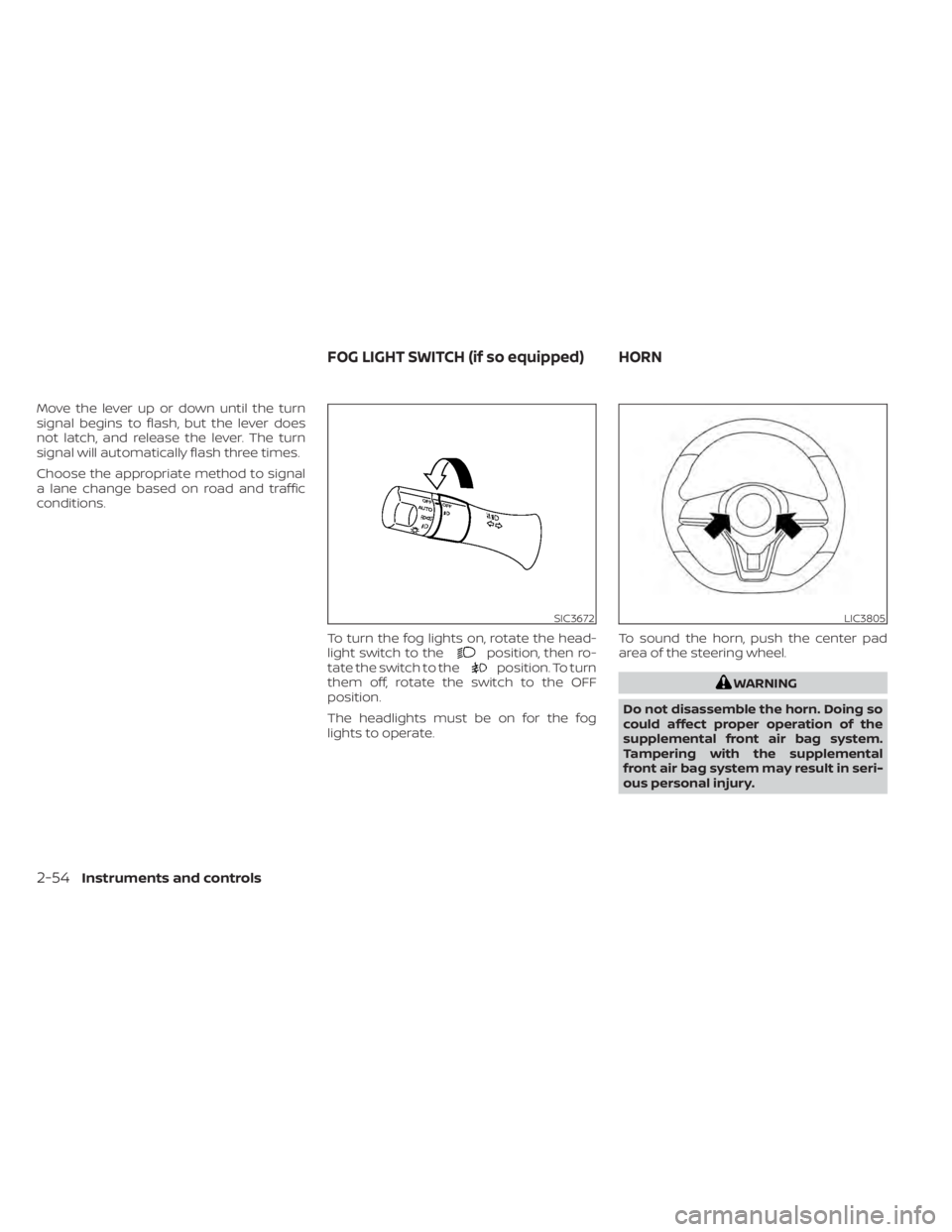
Move the lever up or down until the turn
signal begins to flash, but the lever does
not latch, and release the lever. The turn
signal will automatically flash three times.
Choose the appropriate method to signal
a lane change based on road and traffic
conditions.To turn the fog lights on, rotate the head-
light switch to the
position, then ro-
tate the switch to theposition. To turn
them off, rotate the switch to the OFF
position.
The headlights must be on for the fog
lights to operate. To sound the horn, push the center pad
area of the steering wheel.
WARNING
Do not disassemble the horn. Doing so
could affect proper operation of the
supplemental front air bag system.
Tampering with the supplemental
front air bag system may result in seri-
ous personal injury.
SIC3672LIC3805
FOG LIGHT SWITCH (if so equipped) HORN
2-54Instruments and controls
Page 233 of 602
NOTE:
The heated seats consume less power
than the heater and can be used to either
help extend vehicle range by reducing
heater use or to maximize comfort by
supplementing the heater.
WARNING
Do not use or allow occupants to use
the seat heater if you or the occupants
cannot monitor elevated seat tem-
peratures or have an inability to feel
pain in those body parts in contact with
the seat. Use of the seat heater by such
people could result in serious injury.
CAUTION
• Do not use the seat heater for ex-
tended periods or when no one is us-
ing the seat.
• Do not put anything on the seat
which insulates heat, such as a blan-
ket, cushion, seat cover, etc. Other-
wise, the seat may become
overheated. •
Do not place anything hard or heavy
on the seat or pierce it with a pin or
similar object. This may result in
damage to the heater.
• Any liquid spilled on the heated seat
should be removed immediately with
a dry cloth.
• When cleaning the seat, never use
gasoline, thinner, or any similar
materials.
• If any malfunctions are found or the
heated seat does not operate, turn
the switch off and have the system
checked. It is recommended that you
visit a NISSAN certified LEAF dealer
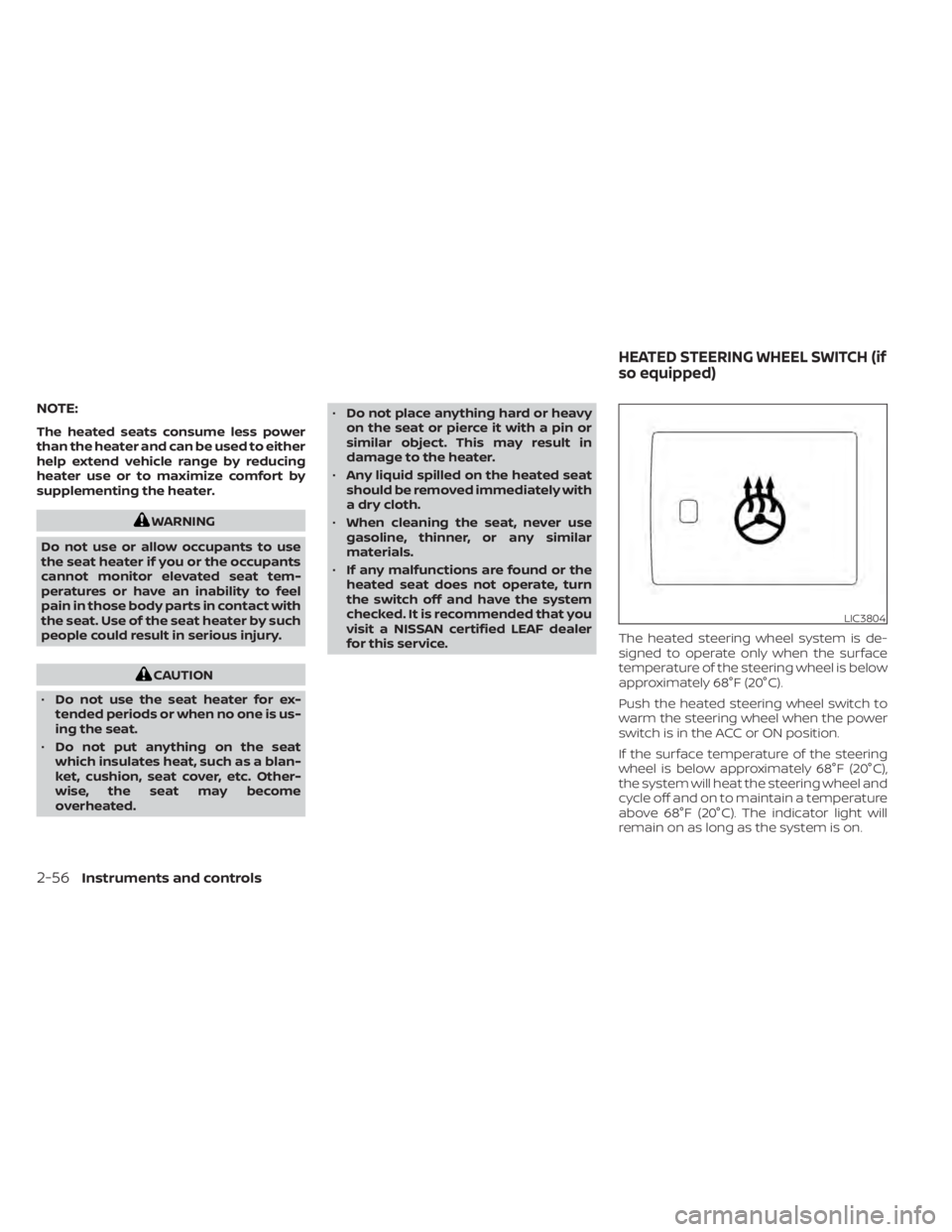
for this service. The heated steering wheel system is de-
signed to operate only when the surface
temperature of the steering wheel is below
approximately 68°F (20°C).
Push the heated steering wheel switch to
warm the steering wheel when the power
switch is in the ACC or ON position.
If the surface temperature of the steering
wheel is below approximately 68°F (20°C),
the system will heat the steering wheel and
cycle off and on to maintain a temperature
above 68°F (20°C). The indicator light will
remain on as long as the system is on.
LIC3804
HEATED STEERING WHEEL SWITCH (if
so equipped)
2-56Instruments and controls
Page 234 of 602
Push the switch again to turn the heated
steering wheel system off manually. The
indicator light turns off.
NOTE:
• If the surface temperature of the steer-ing wheel is above 68°F (20°C) when the
switch is turned on, the system will not
heat the steering wheel. This is not a
malfunction.
• If the outside temperature is low (ap- proximately 50°F (10°C) or less) and the
Climate Control Timer or Remote Cli-
mate Control are used, the steering
wheel heater will automatically oper-
ate in the following conditions.– When using the Climate Control Timer: Operates from approximately
15 minutes before the set departure
time until the set departure time.
– When using Remote Climate Control: Operates 15 minutes af ter Remote
Climate Control starts.
• The heated steering wheel consumes less power than the heater and can be
used to either help extend vehicle
range by reducing heater use or to
maximize comfort by supplementing
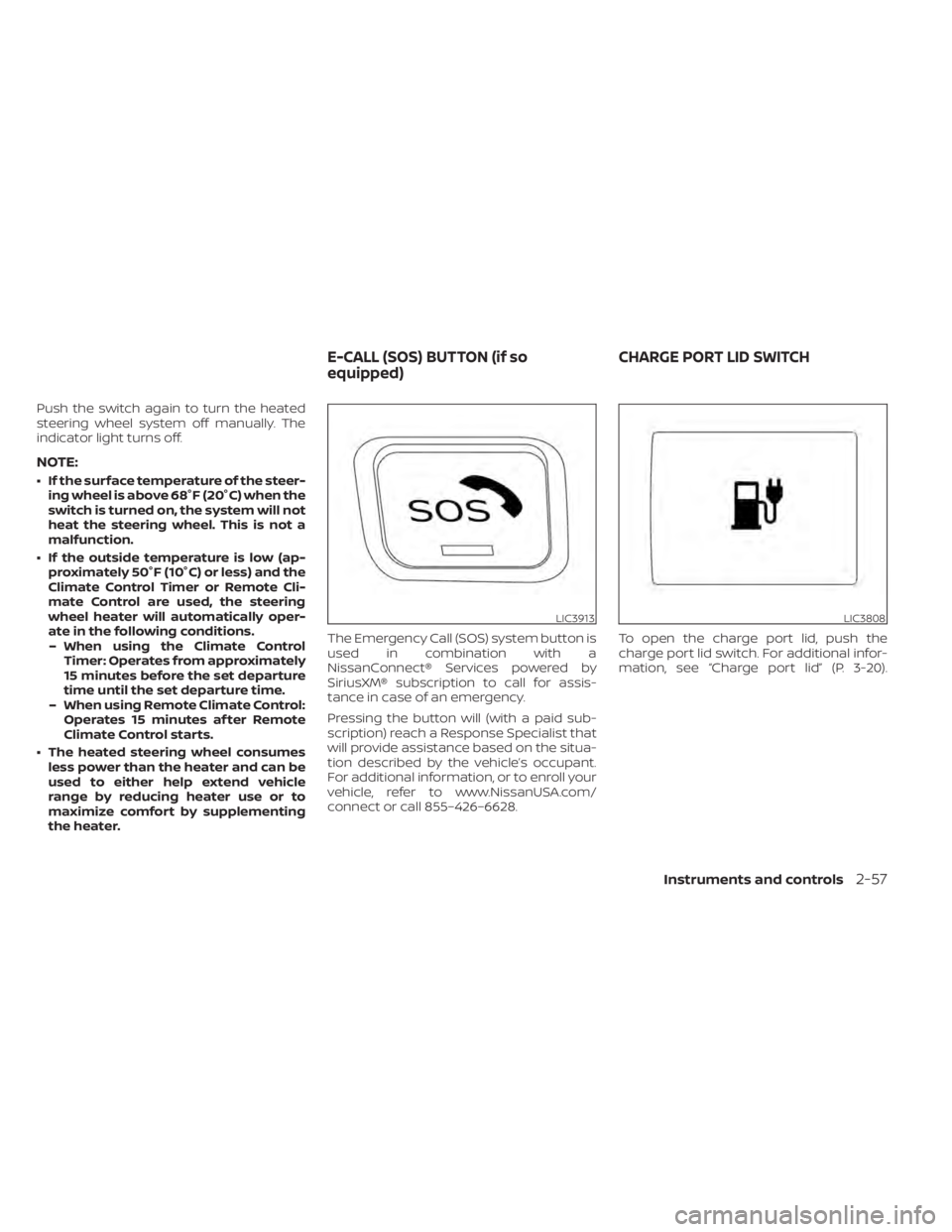
the heater. The Emergency Call (SOS) system button is
used in combination with a
NissanConnect® Services powered by
SiriusXM® subscription to call for assis-
tance in case of an emergency.
Pressing the button will (with a paid sub-
scription) reach a Response Specialist that
will provide assistance based on the situa-
tion described by the vehicle’s occupant.
For additional information, or to enroll your
vehicle, refer to www.NissanUSA.com/
connect or call 855–426–6628.
To open the charge port lid, push the
charge port lid switch. For additional infor-
mation, see “Charge port lid” (P. 3-20).
LIC3913LIC3808
E-CALL (SOS) BUTTON (if so
equipped)
CHARGE PORT LID SWITCH
Instruments and controls2-57
Page 236 of 602
The Steering Assist switch is used to en-
able and disable the Steering Assist sys-
tem that is activated using the settings
menu of the vehicle information display.
The Steering Assist system controls the
steering system, when ProPILOT Assist is
engaged, to help keep your vehicle near
the center of the lane when driving. For
additional information, see “ProPILOT As-
sist” (P. 5-91) and “Intelligent Lane Interven-
tion (I-LI)” (P. 5-30).The Rear Door Alert system functions un-
der certain conditions to indicate there
may be an object or passenger in the rear
seat(s). Check the seat(s) before exiting the
vehicle.
The Rear Door Alert system is initially dis-
abled. The driver can enable the system
using the vehicle information display. For
additional information, see “Vehicle infor-
mation display warnings and indicators”
(P. 2-34).
When the system is enabled:
• The system is activated when a rear door
is opened and closed within 10 minutes of
the vehicle being driven. When the driver
door is closed and the system is acti-
vated, a visual message appears in the
vehicle information display. For additional
information, see “Rear Door Alert is acti-
vated” (P. 2-35).
• If a rear door is opened and closed but the vehicle is not driven within approxi-
mately 10 minutes, the system will not be
activated. A rear door must be opened
and closed and the car driven within 10
minutes for the system to activate. When the Rear Door Alert system is acti-
vated:
• When the driver puts the vehicle in the P
(Park) position, a notification message
appears in the vehicle information dis-
play with the options to “Dismiss Mes-
sage” or “Disable Alert” if desired.– Select “Disable Alert” to temporarily disable for that stop.
– No selection or ‘Dismiss Message” will keep the alert enabled for that stop.
• If the alert is enabled when a driver exits the vehicle, a message will appear in the
vehicle information display that states
“Check Rear Seat for All Articles.”
If “Horn & Alert” setting is selected:
– – An audible horn sound will occur af ter
a short time unless a rear door is
opened and closed within a short time
to deactivate the alert.
–– If the doors are locked before the alert is deactivated by opening a rear door,
the horn will sound.
–– If the rear hatch is opened before a rear door is opened, the horn will be delayed
until af ter the hatch is closed.
LIC3932
STEERING ASSIST SWITCH (for
models with ProPILOT Assist) (if so
equipped) REAR DOOR ALERT
Instruments and controls2-59
Page 252 of 602

3 Pre-driving checks and adjustments
Keys.............................................3-2NISSAN Intelligent Key® .......................3-2
NISSAN Vehicle Immobilizer System
keys..........................................3-3
Doors ...........................................3-4
Locking with key .............................3-5
Locking with inside lock knob ................3-5
Locking with power door lock switch .........3-6
Automatic door locks ........................3-6
Child safety rear door lock ....................3-6
NISSAN Intelligent Key® system .................. 3-7
Operating range .............................3-8
Door locks/unlocks precaution ...............3-9
NISSAN Intelligent Key® Operation ............3-9
How to use the remote keyless entry
function ..................................... 3-12
12-volt battery saver system ................3-16
Warning signals ............................. 3-16Troubleshooting guide
......................3-16
Hood ........................................... 3-18
Rear hatch ..................................... 3-19
Secondary rear hatch release ...............3-19
Charge port lid ................................. 3-20
Opening charge port lid .....................3-20
Charge port cap ............................ 3-22
Steering wheel ................................. 3-22
Tilt and telescopic operation ................3-23
Sun visors ...................................... 3-23
Vanity mirrors ............................... 3-24
Mirrors ......................................... 3-24
Manual anti-glare rearview mirror
(if so equipped) .............................. 3-24
Automatic anti-glare rearview mirror
(if so equipped) .............................. 3-24
Outside mirrors ............................. 3-25
Page 273 of 602
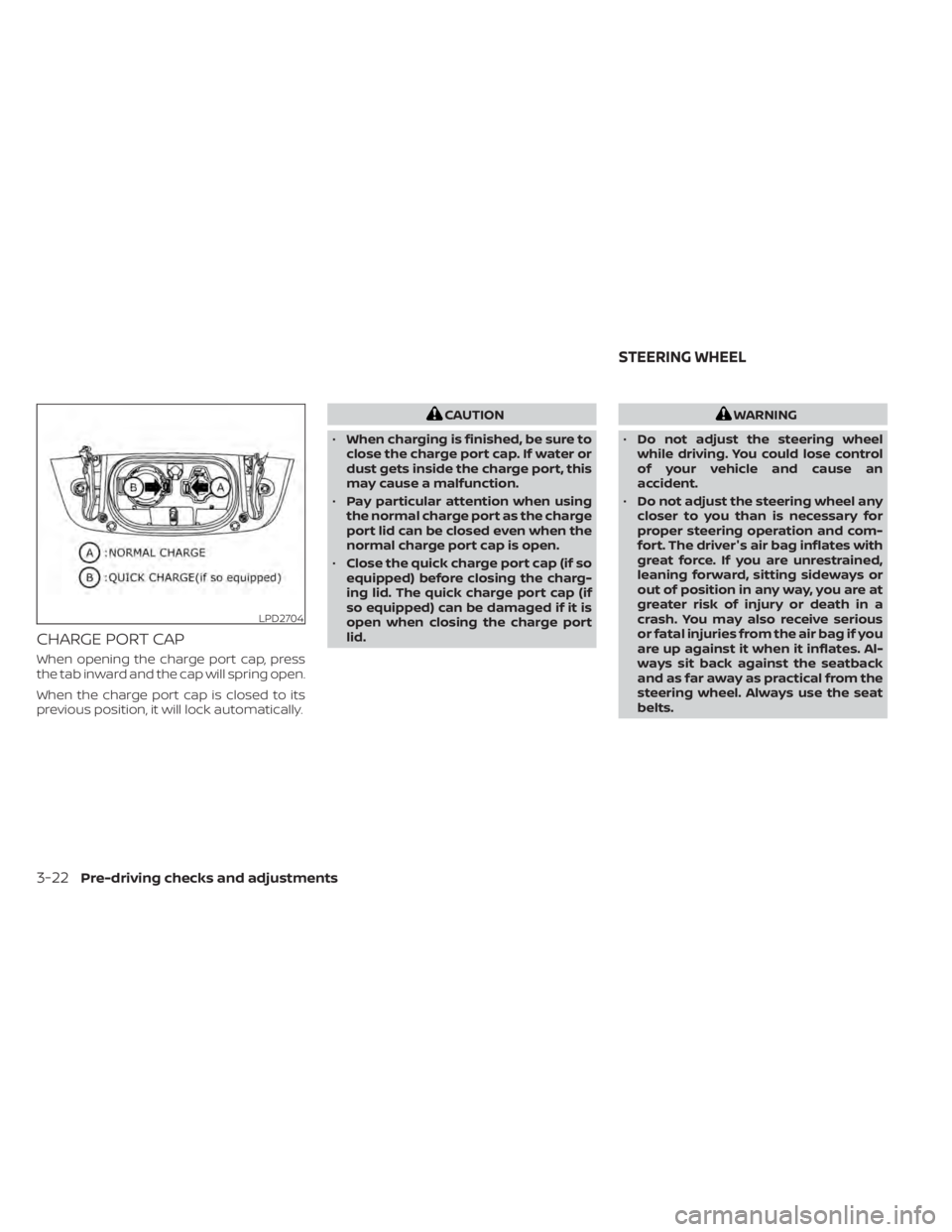
CHARGE PORT CAP
When opening the charge port cap, press
the tab inward and the cap will spring open.
When the charge port cap is closed to its
previous position, it will lock automatically.
CAUTION
• When charging is finished, be sure to
close the charge port cap. If water or
dust gets inside the charge port, this
may cause a malfunction.
• Pay particular attention when using
the normal charge port as the charge
port lid can be closed even when the
normal charge port cap is open.
• Close the quick charge port cap (if so
equipped) before closing the charg-
ing lid. The quick charge port cap (if
so equipped) can be damaged if it is
open when closing the charge port
lid.WARNING
• Do not adjust the steering wheel
while driving. You could lose control
of your vehicle and cause an
accident.
• Do not adjust the steering wheel any
closer to you than is necessary for
proper steering operation and com-
fort. The driver's air bag inflates with
great force. If you are unrestrained,
leaning forward, sitting sideways or
out of position in any way, you are at
greater risk of injury or death in a
crash. You may also receive serious
or fatal injuries from the air bag if you
are up against it when it inflates. Al-
ways sit back against the seatback
and as far away as practical from the
steering wheel. Always use the seat
belts.
LPD2704
STEERING WHEEL
3-22Pre-driving checks and adjustments
Page 274 of 602
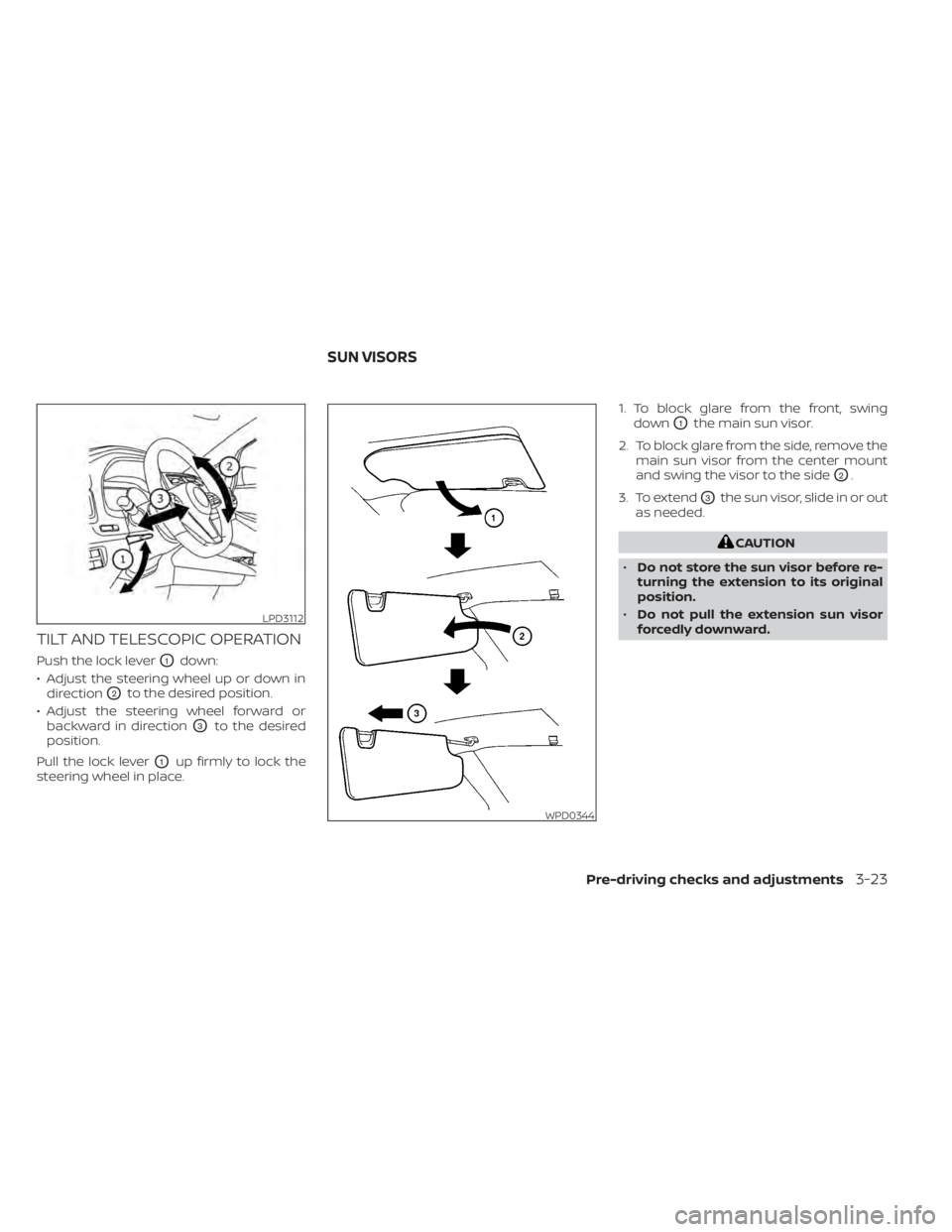
TILT AND TELESCOPIC OPERATION
Push the lock leverO1down:
• Adjust the steering wheel up or down in direction
O2to the desired position.
• Adjust the steering wheel forward or backward in direction
O3to the desired
position.
Pull the lock lever
O1up firmly to lock the
steering wheel in place. 1. To block glare from the front, swing
down
O1the main sun visor.
2. To block glare from the side, remove the main sun visor from the center mount
and swing the visor to the side
O2.
3. To extend
O3the sun visor, slide in or out
as needed.
CAUTION
• Do not store the sun visor before re-
turning the extension to its original
position.
• Do not pull the extension sun visor
forcedly downward.
LPD3112
WPD0344
SUN VISORS
Pre-driving checks and adjustments3-23