2021 KIA SPORTAGE lock
[x] Cancel search: lockPage 389 of 631
5 103
Driving your vehicle
(Continued)Have the vehicle inspected by an
authorized Kia dealer.
• Do not apply foreign objects such as a bumper sticker or a bumper
guard near the radar sensor or
apply paint to the sensor area.
Doing so may adversely affect the
performance of the sensor.Warning message
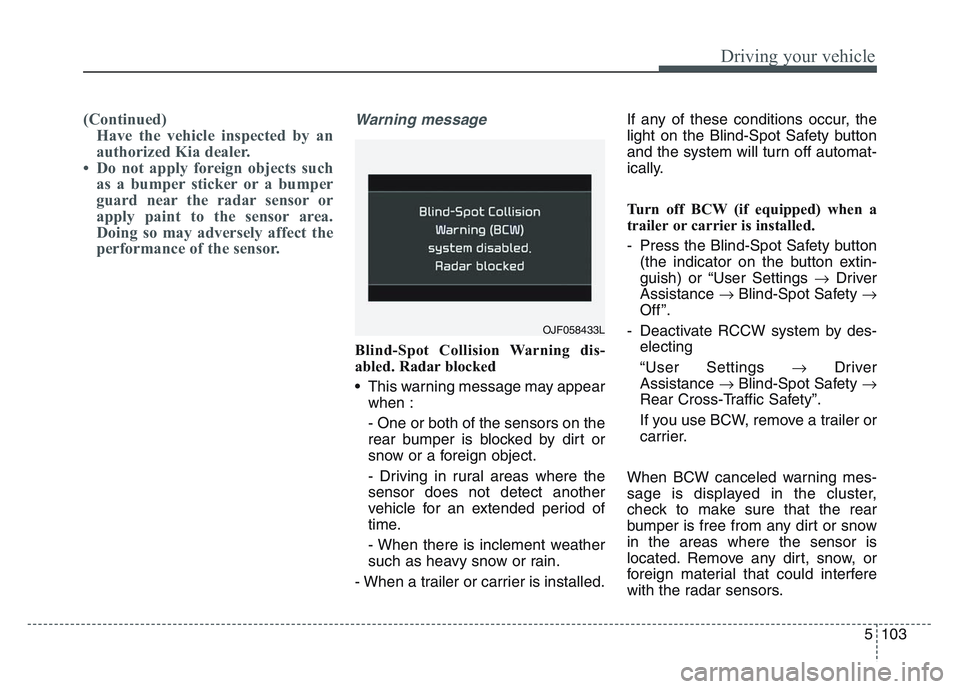
Blind-Spot Collision Warning dis-
abled. Radar blocked
• This warning message may appear
when :
- One or both of the sensors on the
rear bumper is blocked by dirt or
snow or a foreign object.
- Driving in rural areas where the
sensor does not detect another
vehicle for an extended period of
time.
- When there is inclement weather
such as heavy snow or rain.
- When a trailer or carrier is installed. If any of these conditions occur, the
light on the Blind-Spot Safety button
and the system will turn off automat-
ically.
Turn off BCW (if equipped) when a
trailer or carrier is installed.
- Press the Blind-Spot Safety button
(the indicator on the button extin-
guish) or “User Settings Driver
Assistance Blind-Spot Safety
Off ”.
- Deactivate RCCW system by des- electing
“User Settings Driver
Assistance Blind-Spot Safety
Rear Cross-Traffic Safety”.
If you use BCW, remove a trailer or
carrier.
When BCW canceled warning mes-
sage is displayed in the cluster,
check to make sure that the rear
bumper is free from any dirt or snow
in the areas where the sensor is
located. Remove any dirt, snow, or
foreign material that could interfere
with the radar sensors.
OJF058433L
Page 390 of 631
Driving your vehicle
1045
After any dirt or debris is removed,
BCW should operate normally after
about 10 minutes of driving the vehi-
cle.
If the system still does not operate
normally, have your vehicle inspect-
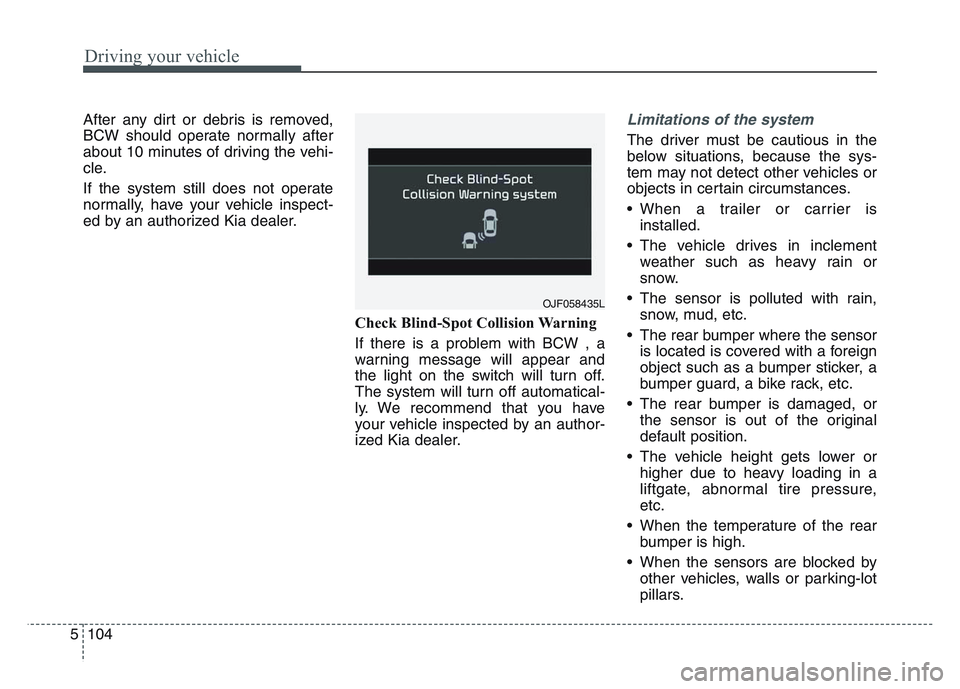
ed by an authorized Kia dealer.Check Blind-Spot Collision Warning
If there is a problem with BCW , a
warning message will appear and
the light on the switch will turn off.
The system will turn off automatical-
ly. We recommend that you have
your vehicle inspected by an author-
ized Kia dealer.Limitations of the system
The driver must be cautious in the
below situations, because the sys-
tem may not detect other vehicles or
objects in certain circumstances.
• When a trailer or carrier isinstalled.
• The vehicle drives in inclement weather such as heavy rain or
snow.
• The sensor is polluted with rain, snow, mud, etc.
• The rear bumper where the sensor is located is covered with a foreign
object such as a bumper sticker, a
bumper guard, a bike rack, etc.
• The rear bumper is damaged, or the sensor is out of the original
default position.
• The vehicle height gets lower or higher due to heavy loading in a
liftgate, abnormal tire pressure,
etc.
• When the temperature of the rear bumper is high.
• When the sensors are blocked by other vehicles, walls or parking-lot
pillars.
OJF058435L
Page 416 of 631
Driving your vehicle
1305
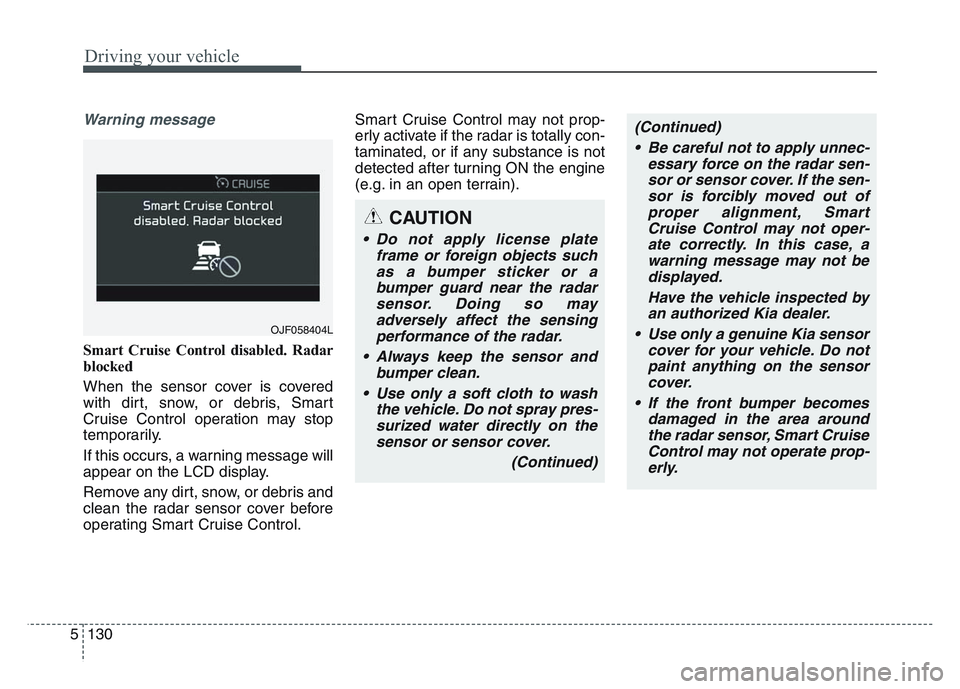
Warning message
Smart Cruise Control disabled. Radar
blocked
When the sensor cover is covered
with dirt, snow, or debris, Smart
Cruise Control operation may stop
temporarily.
If this occurs, a warning message will
appear on the LCD display.
Remove any dirt, snow, or debris and
clean the radar sensor cover before
operating Smart Cruise Control.Smart Cruise Control may not prop-
erly activate if the radar is totally con-
taminated, or if any substance is not
detected after turning ON the engine
(e.g. in an open terrain).
OJF058404L
CAUTION
• Do not apply license plate
frame or foreign objects suchas a bumper sticker or abumper guard near the radarsensor. Doing so mayadversely affect the sensingperformance of the radar.
• Always keep the sensor and bumper clean.
• Use only a soft cloth to wash the vehicle. Do not spray pres-surized water directly on thesensor or sensor cover.
(Continued)
(Continued)• Be careful not to apply unnec- essary force on the radar sen-sor or sensor cover. If the sen-sor is forcibly moved out ofproper alignment, SmartCruise Control may not oper-ate correctly. In this case, awarning message may not bedisplayed.
Have the vehicle inspected byan authorized Kia dealer.
• Use only a genuine Kia sensor cover for your vehicle. Do notpaint anything on the sensorcover.
• If the front bumper becomes damaged in the area aroundthe radar sensor, Smart CruiseControl may not operate prop-erly.
Page 417 of 631
5 131
Driving your vehicle
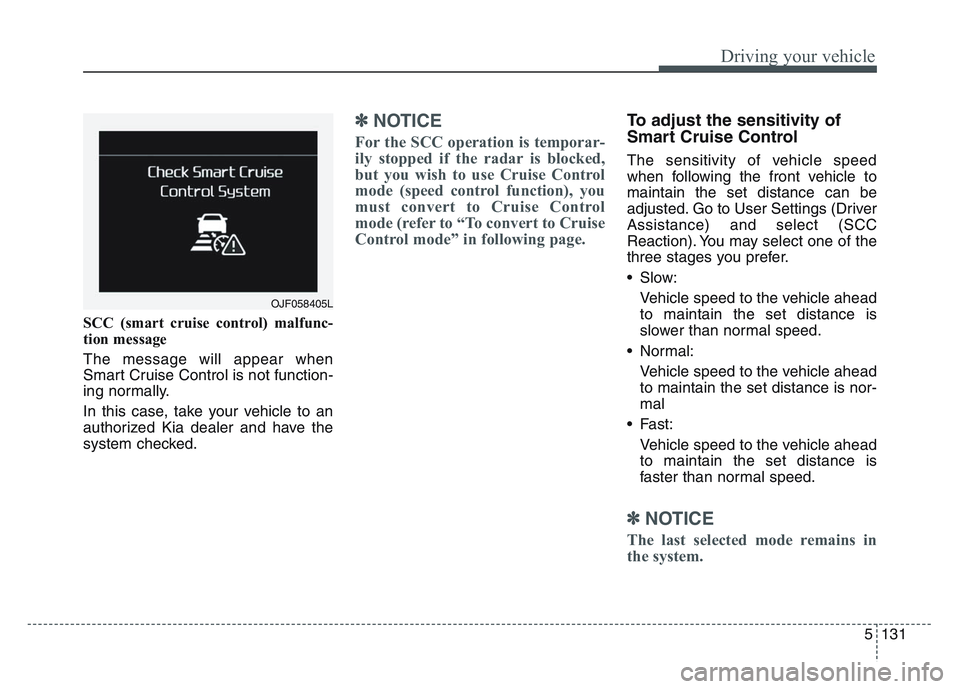
SCC (smart cruise control) malfunc-
tion message
The message will appear when
Smart Cruise Control is not function-
ing normally.
In this case, take your vehicle to an
authorized Kia dealer and have the
system checked.
✽NOTICE
For the SCC operation is temporar-
ily stopped if the radar is blocked,
but you wish to use Cruise Control
mode (speed control function), you
must convert to Cruise Control
mode (refer to “To convert to Cruise
Control mode” in following page.
To adjust the sensitivity of
Smart Cruise Control
The sensitivity of vehicle speed
when following the front vehicle to
maintain the set distance can be
adjusted. Go to User Settings (Driver
Assistance) and select (SCC
Reaction). You may select one of the
three stages you prefer.
• Slow:Vehicle speed to the vehicle ahead
to maintain the set distance is
slower than normal speed.
• Normal: Vehicle speed to the vehicle ahead
to maintain the set distance is nor-
mal
• Fast: Vehicle speed to the vehicle ahead
to maintain the set distance is
faster than normal speed.
✽NOTICE
The last selected mode remains in
the system.
OJF058405L
Page 427 of 631
5 141
Driving your vehicle
If the vehicle detected by the sensors
approaches from the rear left/right
side of your vehicle, the warning
chime will sound, the warning light
on the outside rearview mirror will
blink and a message will appear on
the LCD display. If the rear view mon-
itor system is in activation, a mes-
sage will also appear on the
‘Infortainment System’.
The warning will stop when:
- The vehicle moving at the rearleft/right side of your vehicle is not
in the detection range.
- The vehicle is right behind your vehicle.
- The vehicle is not driving towards your vehicle.
- The vehicle’s approaching speed is decreased.✽NOTICE
• When the operation condition ofRCCW is met, the warning will
occur every time a vehicle
approaches the side or rear of
your stopped (0 mph (0 km/h)
vehicle speed) vehicle.
• The system's warning or brake may not operate properly if the
left or right of your vehicle's rear
bumper is blocked by a vehicle or
obstacle.
• The driver should always use extreme caution while operating
the vehicle, whether or not the
warning light on the outer side
view mirror illuminates or there is
a warning alarm.
• Playing the vehicle audio system at high volume may prevent occu-
pants from hearing the system's
warning sounds.
• If any other warning sound such as seat belt warning chime is
already generated, the RCCW
warning may not sound.WARNING
• Drive safely even though the
vehicle is equipped with Rear
Cross-Traffic Collision
Warning. Do not solely rely on
the system but check your
surrounding when backing
the vehicle up.
• The driver is responsible for accurate brake control.
• Always pay extreme caution while driving. Rear Cross-
Traffic Collision Warning may
not operate properly or
unnecessarily operate
depending on traffic and driv-
ing conditions.
Page 429 of 631
5 143
Driving your vehicle
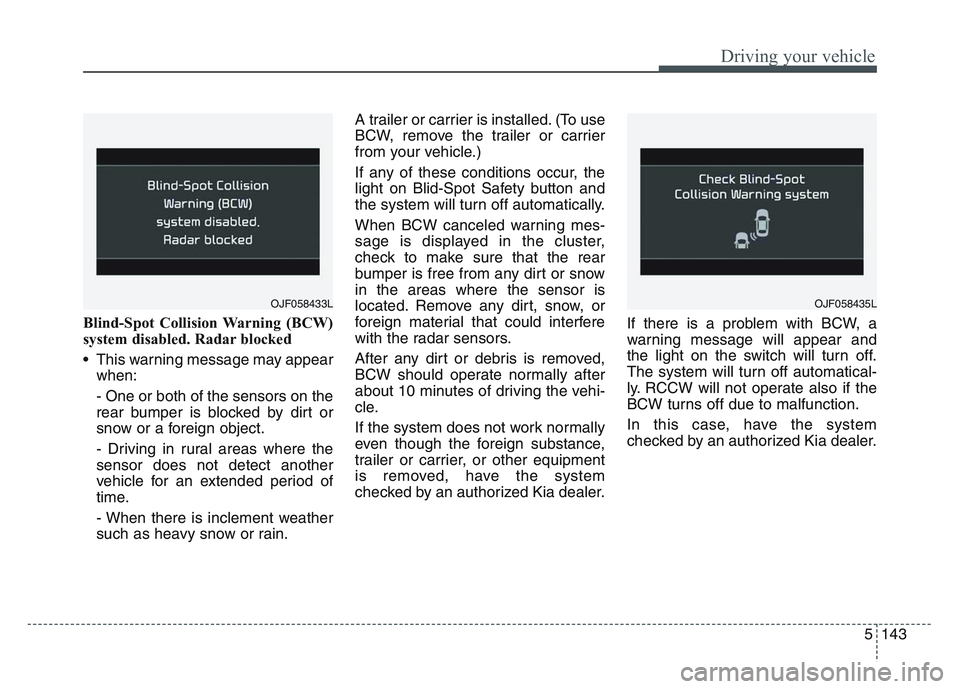
Blind-Spot Collision Warning (BCW)
system disabled. Radar blocked
• This warning message may appearwhen:
- One or both of the sensors on the
rear bumper is blocked by dirt or
snow or a foreign object.
- Driving in rural areas where the
sensor does not detect another
vehicle for an extended period of
time.
- When there is inclement weather
such as heavy snow or rain. A trailer or carrier is installed. (To use
BCW, remove the trailer or carrier
from your vehicle.)
If any of these conditions occur, the
light on Blid-Spot Safety button and
the system will turn off automatically.
When BCW canceled warning mes-
sage is displayed in the cluster,
check to make sure that the rear
bumper is free from any dirt or snow
in the areas where the sensor is
located. Remove any dirt, snow, or
foreign material that could interfere
with the radar sensors.
After any dirt or debris is removed,
BCW should operate normally after
about 10 minutes of driving the vehi-
cle.
If the system does not work normally
even though the foreign substance,
trailer or carrier, or other equipment
is removed, have the system
checked by an authorized Kia dealer.
If there is a problem with BCW, a
warning message will appear and
the light on the switch will turn off.
The system will turn off automatical-
ly. RCCW will not operate also if the
BCW turns off due to malfunction.
In this case, have the system
checked by an authorized Kia dealer.
OJF058433LOJF058435L
Page 430 of 631
Driving your vehicle
1445
Non-operating condition
Outside rearview mirror may not
alert the driver when:
- The outside rearview mirror hous-ing is damaged or covered with
debris.
- The window is covered with debris.
- The windows are severely tinted.
- The mirror is covered with dirt, snow, or debris.
Limitations of the system
The driver must be cautious in the
below situations, because the sys-
tem may not detect other vehicles or
objects in certain circumstances.
• When a trailer or carrier isinstalled.
• The vehicle drives in inclement weather such as heavy rain or
snow.
• The sensor is polluted with rain, snow, mud, etc.
• The rear bumper where the sensor is located is covered with a foreign
object such as a bumper sticker, a
bumper guard, a bike rack, etc.
• The rear bumper is damaged, or the sensor is out of the original
default position.
• The vehicle height gets lower or higher due to heavy loading in a
liftgate, abnormal tire pressure,
etc.
• When the temperature of the rear bumper is high. • When the sensors are blocked by
other vehicles, walls or parking-lot
pillars.
• The vehicle drives on a curved road.
• The road pavement (or the periph- eral ground) abnormally contains
metallic components (i.e. possibly
due to subway construction).
• There is a fixed object near the vehicle, such as a guardrail.
• While going down or up a steep road where the height of the lane is
different.
• Driving on a narrow road where trees or grass or overgrown.
• Driving in rural areas where the sensor does not detect another
vehicle for an extended period of
time.
• Driving on a wet road.
• Driving on a road where the guardrail or wall is in double structure.
• A big vehicle is near such as a bus or truck.
• When the other vehicle approaches very close.
Page 435 of 631
5 149
Driving your vehicle
• Remember, your vehicle does notrequire extended warm-up. After
the engine has started, allow the
engine to run for 10 to 20 seconds
prior to placing the vehicle in gear.
In very cold weather, however, give
your engine a slightly longer warm-
up period.
• Don't "lug" or "over-rev" the engine. Lugging is driving too slowly in a
very high gear resulting in engine
bucking. If this happens, shift to a
lower gear. Over-revving is racing
the engine beyond its safe limit.
This can be avoided by shifting at
the recommended speed. • Use your air conditioning sparingly.
The air conditioning system is
operated by engine power so your
fuel economy is reduced when you
use it.
• Open windows at high speeds can reduce fuel economy.
• Fuel economy is less in crosswinds and headwinds. To help offset
some of this loss, slow down when
driving in these conditions.
Keeping a vehicle in good operating
condition is important both for econ-
omy and safety. Therefore, have an
authorized Kia dealer perform
scheduled inspections and mainte-
nance.
WARNING - Engine off
during motion
Never turn the engine off to
coast down hills or anytime the
vehicle is in motion. The power
steering and power brakes will
not function properly without
the engine running. In addition,
turning off the ignition while
driving could engage the steer-
ing wheel lock resulting in loss
of vehicle steering. Keep the
engine on and downshift to an
appropriate gear for an engine
braking effect.