2021 HYUNDAI SONATA Start stop
[x] Cancel search: Start stopPage 318 of 546
6-34
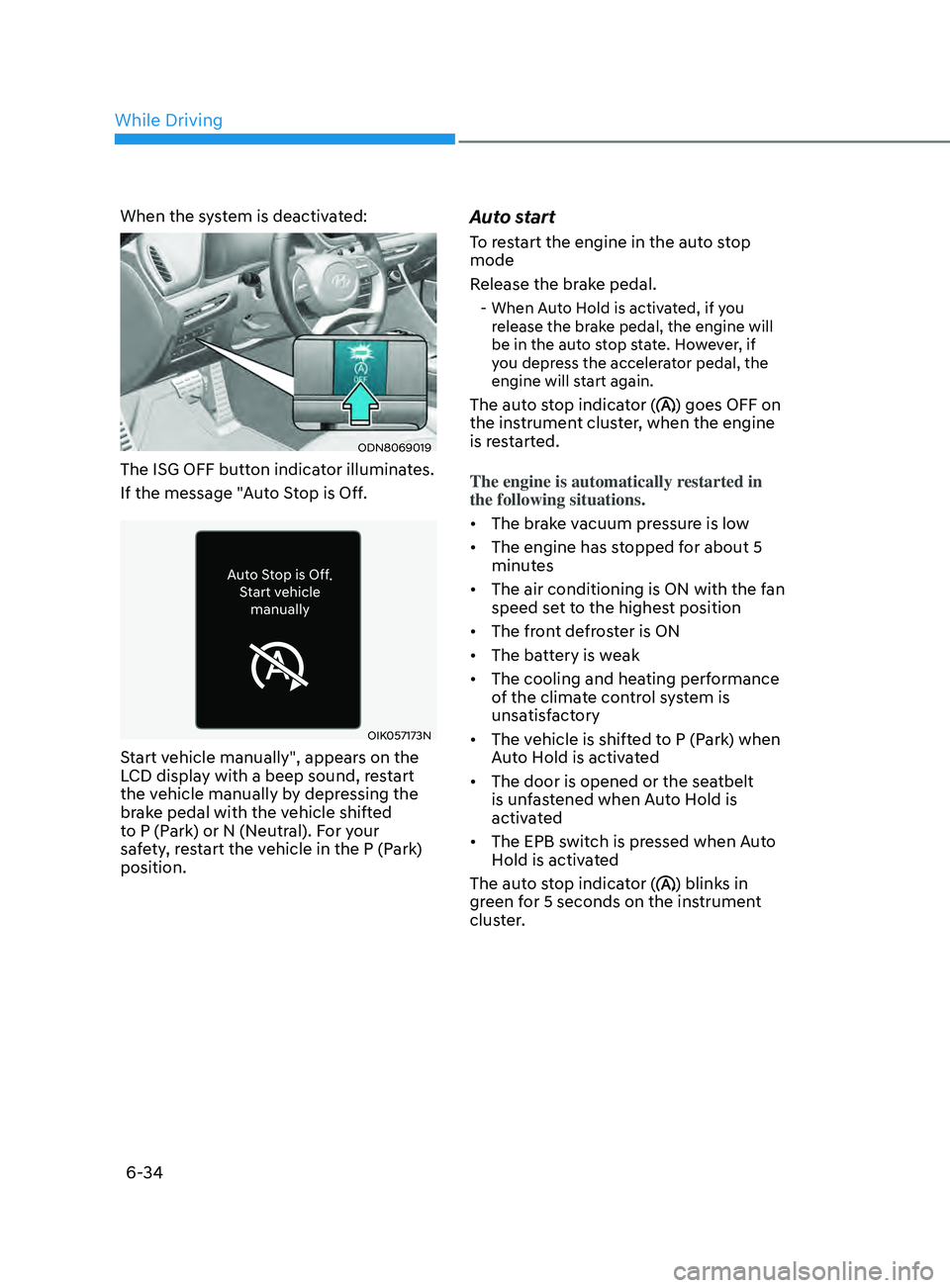
When the system is deactivated:
ODN8069019
The ISG OFF button indicator illuminates.
If the message "Auto Stop is Off.
OIK057173N
Start vehicle manually", appears on the
LCD display with a beep sound, restart
the vehicle manually by depressing the
brake pedal with the vehicle shifted
to P (Park) or N (Neutral). For your
safety, restart the vehicle in the P (Park)
position.
Auto start
To restart the engine in the auto stop
mode
Release the brake pedal.
- When Auto Hold is activated, if you release the brake pedal, the engine will
be in the auto stop state. However, if
you depress the accelerator pedal, the
engine will start again.
The auto stop indicator () goes OFF on
the instrument cluster, when the engine
is restarted.
The engine is automatically restarted in
the following situations.
• The brake vacuum pressure is low
• The engine has stopped for about 5
minutes
• The air conditioning is ON with the fan
speed set to the highest position
• The front defroster is ON
• The battery is weak
• The cooling and heating performance
of the climate control system is
unsatisfactory
• The vehicle is shifted to P (Park) when
Auto Hold is activated
• The door is opened or the seatbelt
is unfastened when Auto Hold is
activated
• The EPB switch is pressed when Auto
Hold is activated
The auto stop indicator (
) blinks in
green for 5 seconds on the instrument
cluster.
While Driving
Page 319 of 546
06
6-35
OIK057086N
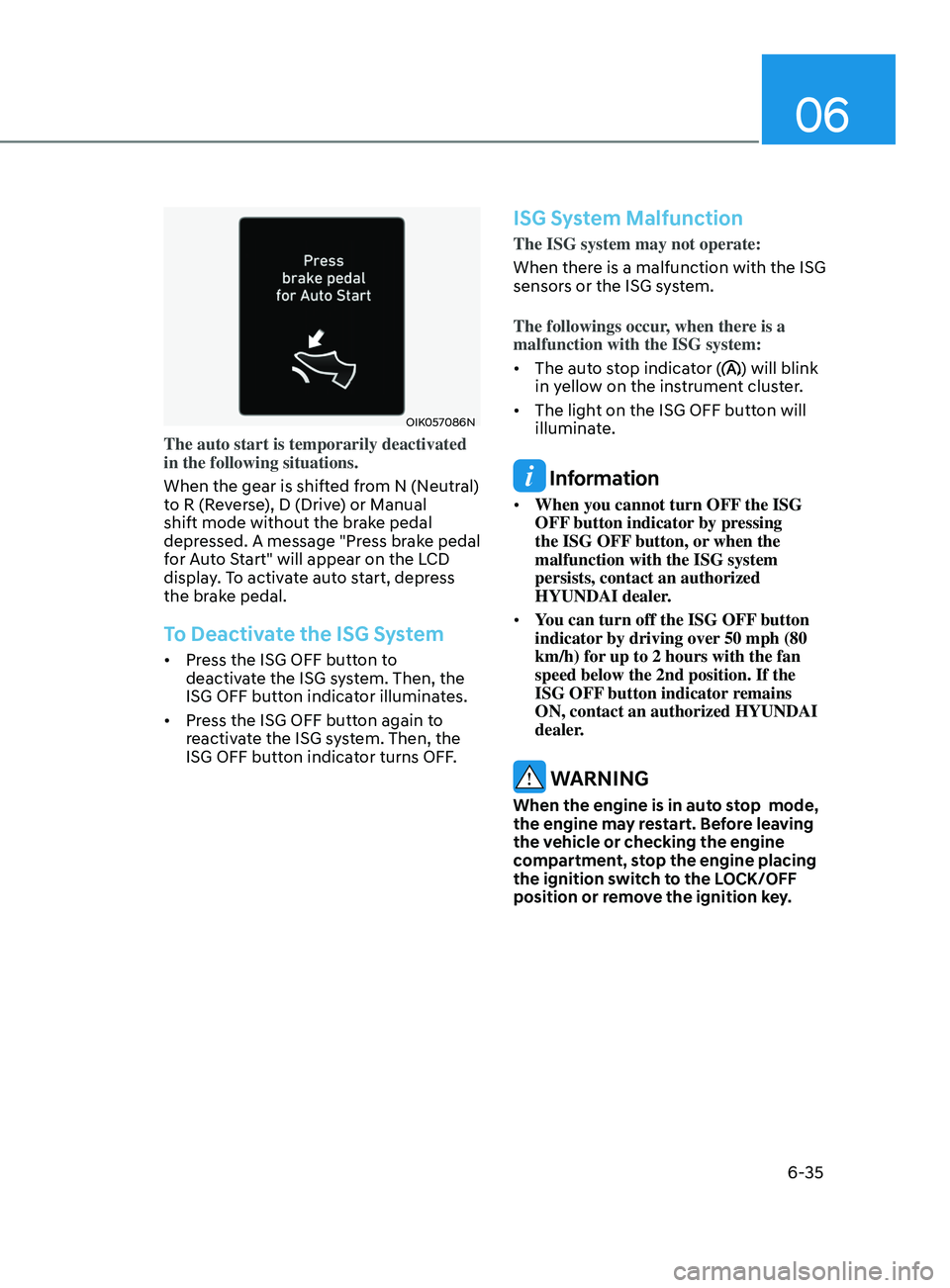
The auto start is temporarily deactivated
in the following situations.
When the gear is shifted from N (Neutral)
to R (Reverse), D (Drive) or Manual
shift mode without the brake pedal
depressed. A message "Press brake pedal
for Auto Start" will appear on the LCD
display. To activate auto start, depress
the brake pedal.
To Deactivate the ISG System
• Press the ISG OFF button to
deactivate the ISG system. Then, the
ISG OFF button indicator illuminates.
• Press the ISG OFF button again to
reactivate the ISG system. Then, the
ISG OFF button indicator turns OFF.
ISG System Malfunction
The ISG system may not operate:
When there is a malfunction with the ISG
sensors or the ISG system.
The followings occur, when there is a
malfunction with the ISG system:
• The auto stop indicator (
) will blink
in yellow on the instrument cluster.
• The light on the ISG OFF button will
illuminate.
Information
• When you cannot turn OFF the ISG
OFF button indicator by pressing
the ISG OFF button, or when the
malfunction with the ISG system
persists, contact an authorized
HYUNDAI dealer.
• You can turn off the ISG OFF button
indicator by driving over 50 mph (80
km/h) for up to 2 hours with the fan
speed below the 2nd position. If the
ISG OFF button indicator remains
ON, contact an authorized HYUNDAI
dealer.
WARNING
When the engine is in auto stop mode,
the engine may restart. Before leaving
the vehicle or checking the engine
compartment, stop the engine placing
the ignition switch to the LOCK/OFF
position or remove the ignition key.
Page 333 of 546
06
6-49
Detecting vehicle, pedestrian and
cyclist
The sensor may be limited when:
• The system may not operate for 15
seconds after the vehicle is started or
the camera is initialized
• The radar sensor or camera is covered
with a foreign object or debris
• The camera lens is contaminated due
to tinted, filmed or coated windshield,
damaged glass, or stuck of foreign
matter (sticker, bug, etc.) on the glass
• Inclement weather such as heavy rain
or snow obscures the field of view of
the radar sensor or camera
• There is interference by
electromagnetic waves
• There is severe irregular reflection
from the radar sensor
• The radar/camera sensor recognition
is limited
• The vehicle in front is too small to be
detected (for example a motorcycle
etc.)
• The vehicle in front is an oversize
vehicle or trailer that is too big to be
detected by the camera recognition
system (for example a tractor trailer,
etc.)
• The camera’s field of view is not well
illuminated (either too dark or too
much reflection or too much backlight
that obscures the field of view)
• The vehicle in front does not have
their rear lights or their rear lights
does not turned ON or their rear lights
are located unusually
• The outside brightness changes
suddenly, for example when entering
or exiting a tunnel
• Light coming from a street light or an
oncoming vehicle is reflected on a wet
road surface such as a puddle in the
road •
The field of view in front is obstructed
by sun glare or head light of oncoming
vehicle
• The windshield glass is fogged up; a
clear view of the road is obstructed
• The vehicle in front is driving
erratically
• The vehicle is on unpaved or uneven
rough surfaces, or road with sudden
gradient changes
• The vehicle is driven near areas
containing metal substances as a
construction zone, railroad, etc.
• The vehicle drives inside a building,
such as a basement parking lot
• The camera does not recognize the
entire vehicle in front
• The camera is damaged
• The brightness outside is too low such
as when the headlamps are not on at
night or the vehicle is going through
a tunnel
• The shadow is on the road by a
median strip, trees, etc.
• The vehicle drives through a tollgate
• The windshield glass is fogged up; a
clear view of the road is obstructed
• The rear part of the vehicle in front is
not normally visible (the vehicle turns
in other direction or the vehicle is
overturned.)
• The adverse road conditions cause
excessive vehicle vibrations while
driving
• The sensor recognition changes
suddenly when passing over a speed
bump
• The vehicle in front is moving
vertically to the driving direction
• The vehicle in front is stopped
vertically
• The vehicle in front is driving towards
your vehicle or reversing
• You are on a roundabout and the
vehicle in front circles
Page 339 of 546
06
6-55
FCA system may work when it
recognizes objects similar in shape or
property to a vehicle, pedestrian or
cyclist.
FCA system is designed to help detect
and monitor the vehicle ahead or detect
a pedestrian or cyclist in the roadway
through radar signals and camera
recognition. It is not designed to detect
bicycles, motorcycles, or smaller
wheeled objects such as luggage bags,
shopping carts, or strollers.
Never try to test the operation of FCA
system. Doing so may cause severe
injury or death.
If the front bumper, front glass, radar or
camera have been replaced or repaired,
have the vehicle inspected by an
authorized HYUNDAI dealer.
Information
In some instances, FCA system
may be cancelled when subjected to
electromagnetic interference.
Information
This device complies with Part 15 of the
FCC rules.
Operation is subject to the following two
conditions:
1.
This device may not cause harmful
interfer
ence.
2.
This device must accept any
interfer
ence received, including
interference that may cause undesired
operation.
Forward Collision-Avoidance
Assist - Junction Turning (if
equipped)
FCA-Junction Turning function is
designed to reduce the risk of collision
by detecting and monitoring the
oncoming vehicle ahead. When the
vehicle turns to the left at a junction, the
system recognises the oncoming vehicle
ahead in advance with the front view
camera and the front radar. It produces
warning messages or haptic warning
alarms in accordance with the collision
risk levels.
System setting
FCA-Junction Turning function can be
activated from the User Settings menu
by following the procedure below.
1.
Se
t the Engine Start/Stop button to the
ON or START position.
2.
Select ‘U
ser settings
→ Driver
assistance → Forward safety’.
For more details, refer to “Forward
Collision-Avoidance Assist (FCA)” in this
chapter.
Page 360 of 546
6 -76
• While going down or up a steep
road where the height of the lane is
different.
• Driving on a narrow road where trees
or grass or overgrown.
• Driving in rural areas where the sensor
does not detect another vehicle or
structure for an extended period of
time.
• Driving on a wet road.
• Driving on a road where the guardrail
or wall is in double structure.
• A big vehicle is near such as a bus or
truck.
• When the other vehicle approaches
very close.
• When the other vehicle passes at a
very fast speed.
• While changing lanes.
• If the vehicle has started at the same
time as the vehicle next to you and
has accelerated.
• When the vehicle in the next lane
moves two lanes away from you OR
when the vehicle two lanes away
moves to the next lane from you.
• A motorcycle or bicycle is near.
• A flat trailer is near.
• If there are small objects in the
detecting area such as a shopping
cart or a baby stroller. •
If there is a low height vehicle such as
a sports car.
• The brake pedal is depressed.
• ESC (Electronic Stability Control) is
activated.
• ESC (Electronic Stability Control)
malfunctions.
• The tire pressure is low or a tire is
damaged.
• The brake is reworked.
• The vehicle abruptly changes driving
direction.
• The vehicle makes sharp lane
changes.
• The vehicle sharply stops.
• Temperature is extremely low around
the vehicle.
• The vehicle severely vibrates while
driving over a bumpy road, uneven/
bumpy road, or concrete patch.
• The vehicle drives on a slippery
surface due to snow, water puddle,
or ice.
• Lane Keeping Assist does not operate
normally. (if equipped)
• For more information, refer to “Lane
Keeping Assist (LKA)” in this chapter.
While Driving
Page 365 of 546
06
6-81
Function settings
Setting functions
OCN7070042L
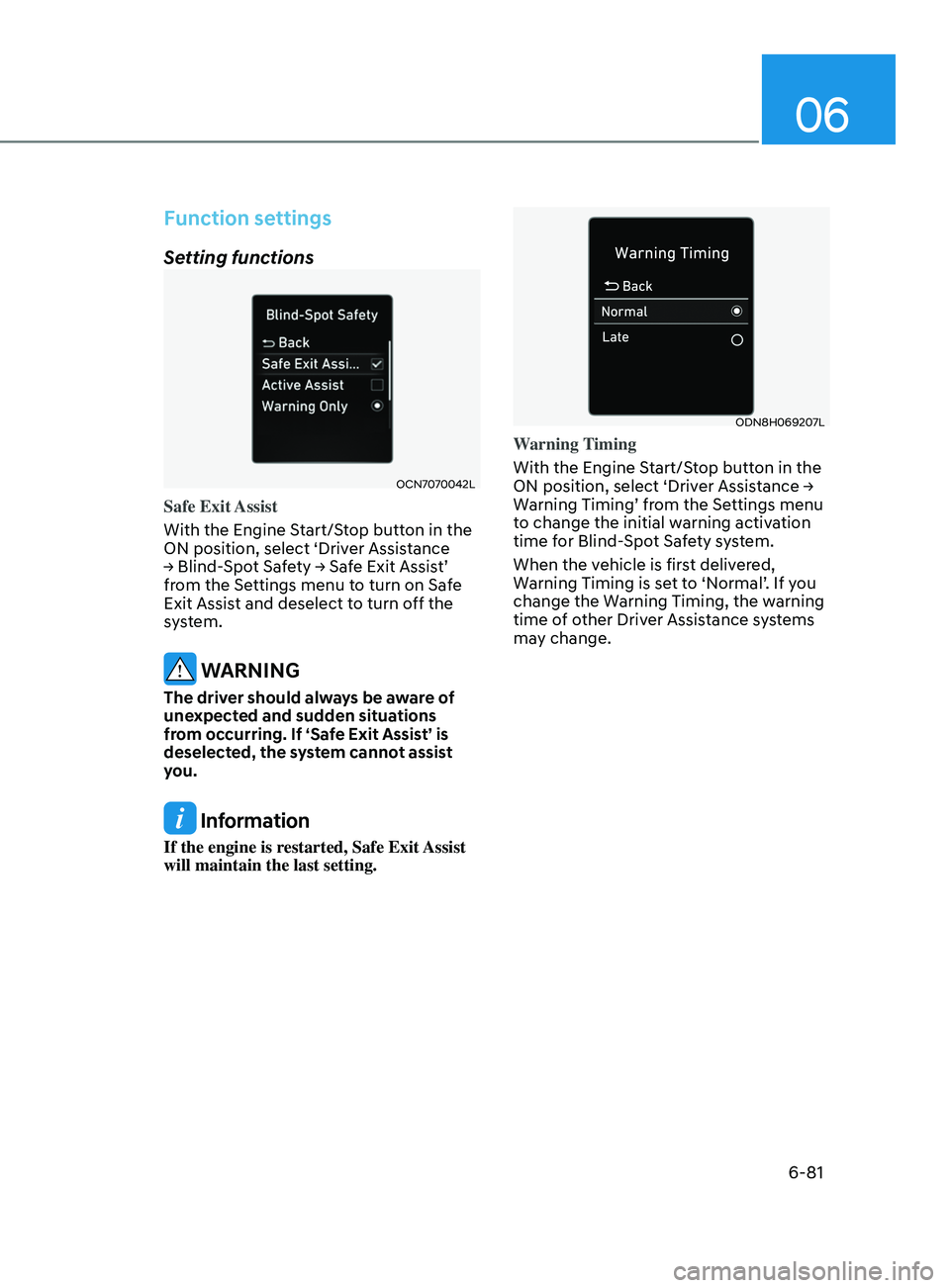
Safe Exit Assist
With the Engine Start/Stop button in the
ON position, select ‘Driver Assistance
→
Blind-Spot Safety → Safe Exit Assist’
fr
om the Settings menu to turn on Safe
Exit Assist and deselect to turn off the
system.
WARNING
The driver should always be aware of
unexpected and sudden situations
from occurring. If ‘Safe Exit Assist’ is
deselected, the system cannot assist
you.
Information
If the engine is restarted, Safe Exit Assist
will maintain the last setting.
ODN8H069207L
Warning Timing
With the Engine Start/Stop button in the
ON
position, select ‘Driver Assistance →
W
arning Timing’ from the Settings menu
to change the initial warning activation
time for Blind-Spot Safety system.
When the vehicle is first delivered,
Warning Timing is set to ‘Normal’. If you
change the Warning Timing, the warning
time of other Driver Assistance systems
may change.
Page 366 of 546
6-82
OTMA058094
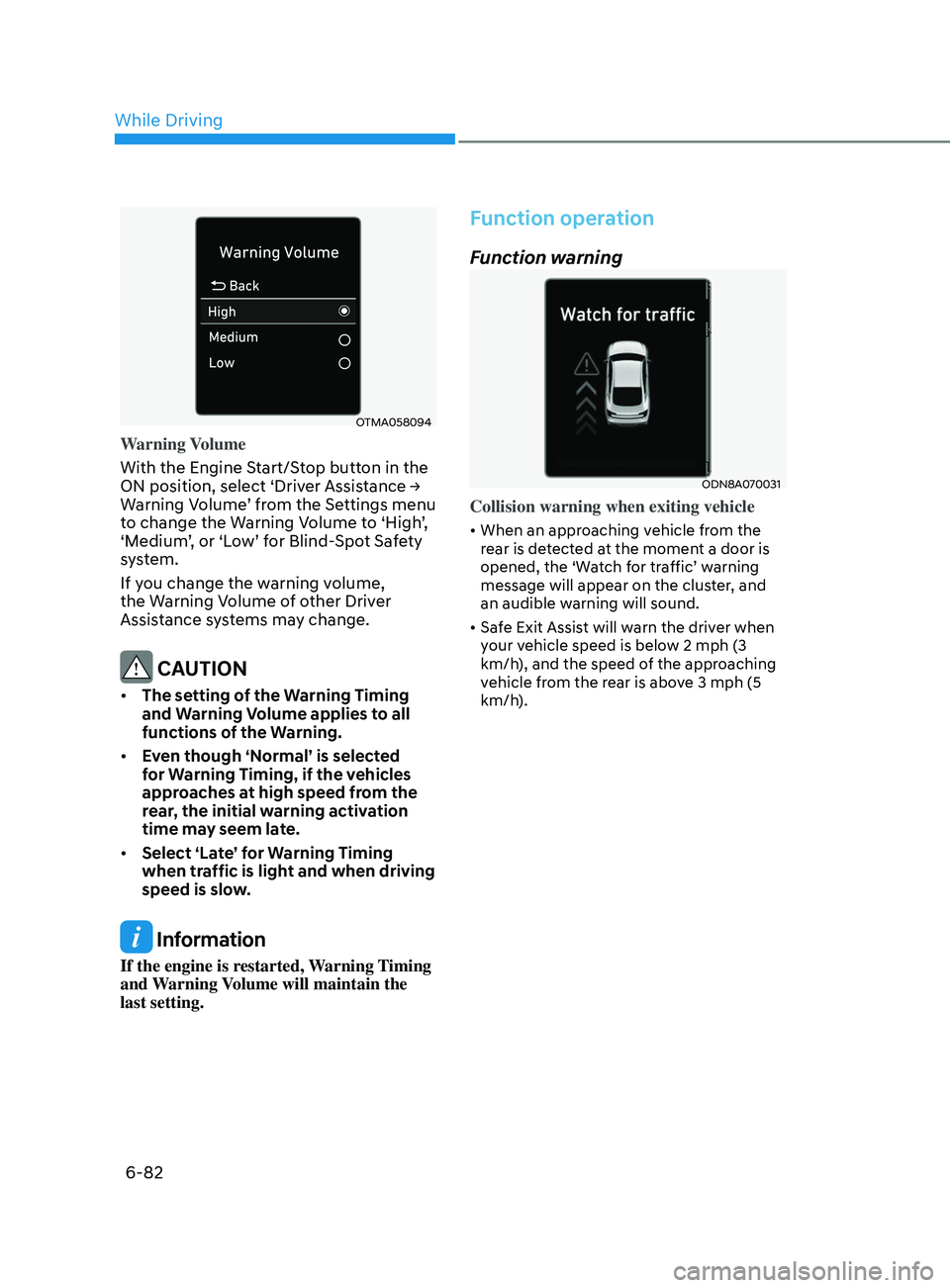
Warning Volume
With the Engine Start/Stop button in the
ON position, select ‘Driver Assistance →
W
arning Volume’ from the Settings menu
to change the Warning Volume to ‘High’,
‘Medium’, or ‘Low’ for Blind-Spot Safety
system.
If you change the warning volume,
the Warning Volume of other Driver
Assistance systems may change.
CAUTION
• The setting of the Warning Timing
and Warning Volume applies to all
functions of the Warning.
• Even though ‘Normal’ is selected
for Warning Timing, if the vehicles
approaches at high speed from the
rear, the initial warning activation
time may seem late.
• Select ‘Late’ for Warning Timing
when traffic is light and when driving
speed is slow.
Information
If the engine is restarted, Warning Timing
and Warning Volume will maintain the
last setting.
Function operation
Function warning
ODN8A070031
Collision warning when exiting vehicle
• When an approaching vehicle from the
rear is detected at the moment a door is
opened, the ‘Watch for traffic’ warning
message will appear on the cluster, and
an audible warning will sound.
• Safe Exit Assist will warn the driver when
your vehicle speed is below 2 mph (3
km/h), and the speed of the approaching
vehicle from the rear is above 3 mph (5
km/h).
While Driving
Page 372 of 546
6-88
Take a break
OOSH069090L
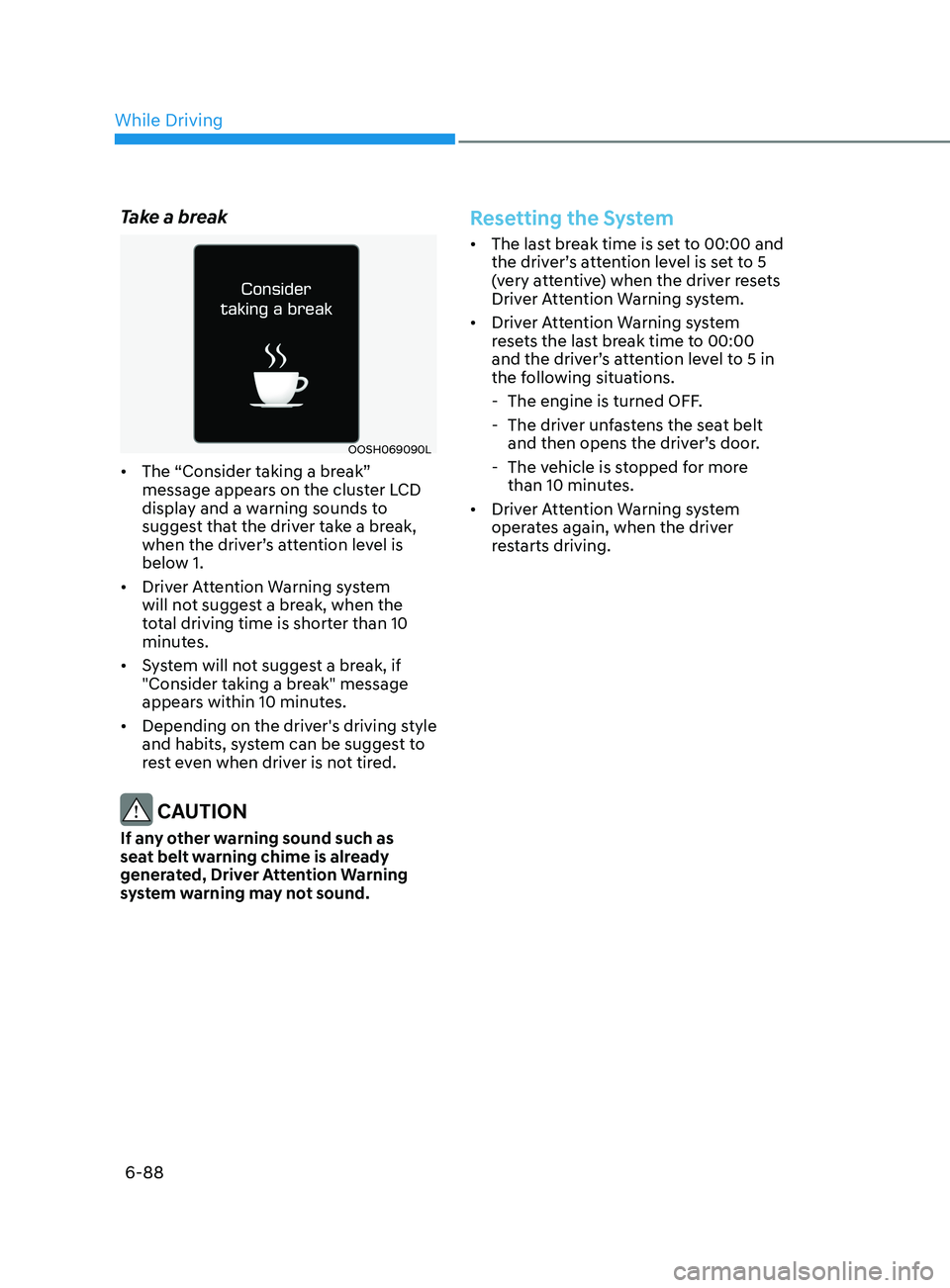
• The “Consider taking a break”
message appears on the cluster LCD
display and a warning sounds to
suggest that the driver take a break,
when the driver’s attention level is
below 1.
• Driver Attention Warning system
will not suggest a break, when the
total driving time is shorter than 10
minutes.
• System will not suggest a break, if
"Consider taking a break" message
appears within 10 minutes.
• Depending on the driver's driving style
and habits, system can be suggest to
rest even when driver is not tired.
CAUTION
If any other warning sound such as
seat belt warning chime is already
generated, Driver Attention Warning
system warning may not sound.
Resetting the System
• The last break time is set to 00:00 and
the driver’s attention level is set to 5
(very attentive) when the driver resets
Driver Attention Warning system.
• Driver Attention Warning system
resets the last break time to 00:00
and the driver’s attention level to 5 in
the following situations.
- The engine is turned OFF
.
- The driv
er unfastens the seat belt
and then opens the driver’s door.
- The v
ehicle is stopped for more
than 10 minutes.
• Driver Attention Warning system
operates again, when the driver
restarts driving.
While Driving