2021 GENESIS GV80 driver
[x] Cancel search: driverPage 108 of 632

4
4. Instrument Cluster
LCD Display ........................................................................\
..............................4-27LCD Display Control ........................................................................\
...........................4-27
View Modes ........................................................................\
........................................4-27
Driving Assist view ........................................................................\
...........................4-28
Turn By Turn (TBT) view ........................................................................\
...................4-28
Utility view ........................................................................\
........................................4-28
Additional information display ........................................................................\
........4-32
Option Menu ........................................................................\
.......................................4-32
Service messages ........................................................................\
............................4-33
3D cluster (for 12.3-inch 3D cluster) .......................................................................4-33
Head-up display ........................................................................\
...............................4-33
Driver Assistance settings ........................................................................\
...............4-33
Speed unit ........................................................................\
.......................................4-34
3D Instrument Cluster (for 12.3-Inch 3D Cluster) .....................................................4-34
3D cluster setting ........................................................................\
.............................4-34
Recommendations to optimize the 3D effect .......................................................4-34
Vehicle Settings (Infotainment System) ........................................................4-37Setting Your Vehicle ........................................................................\
..........................4-37
Page 116 of 632

04
4-11
Warning and Indicator Lights
Information
Make sure that all warning lights are OFF
after starting the engine. If any light is still
ON, this indicates a situation that needs
attention.
Seat belt warning light
This warning light informs the driver that the seat belt is not fastened.
For more details, refer to “Seat Belts”
section in chapter 3.
Air bag warning light
This warning light illuminates:
• When you set the Engine Start/Stop
button to the ON position.
-The air bag warning light illuminates
for about 6 seconds and then turns
off when all checks have been
performed.
• The air bag warning light will remain
illuminated if there is a malfunction
with the Safety Restraint System (SRS)
air bag operation.
If this occurs, have the vehicle
inspected by an authorized retailer of
Genesis Branded products.
Parking brake & Brake fluid
warning light
This warning light illuminates:
• When you set the Engine Start/Stop
button to the ON position.
-The parking brake & brake fluid
warning light illuminates for about 3
seconds and will then turn off once
the parking brake is released.
• Whenever the parking brake is
applied.
• Whenever the brake fluid level in the
reservoir is low.
-If the warning light illuminates
with the parking brake released, it
indicates the brake fluid level in the
reservoir is low.
If the brake fluid level in the reservoir is
low:
1. Drive carefully to the nearest safe
location and stop your vehicle.
2. With the engine stopped, check the
brake fluid level immediately and add
fluid as required (For more details,
refer to “Brake Fluid” section in
chapter 9). After adding brake fluid,
check all brake components for fluid
leaks. If a brake fluid leak is found, or
if the warning light remains on, or if
the brakes do not operate properly, do
not drive the vehicle. Have the vehicle
inspected by an authorized retailer of
Genesis Branded products.
Page 123 of 632
Instrument Cluster
4-18
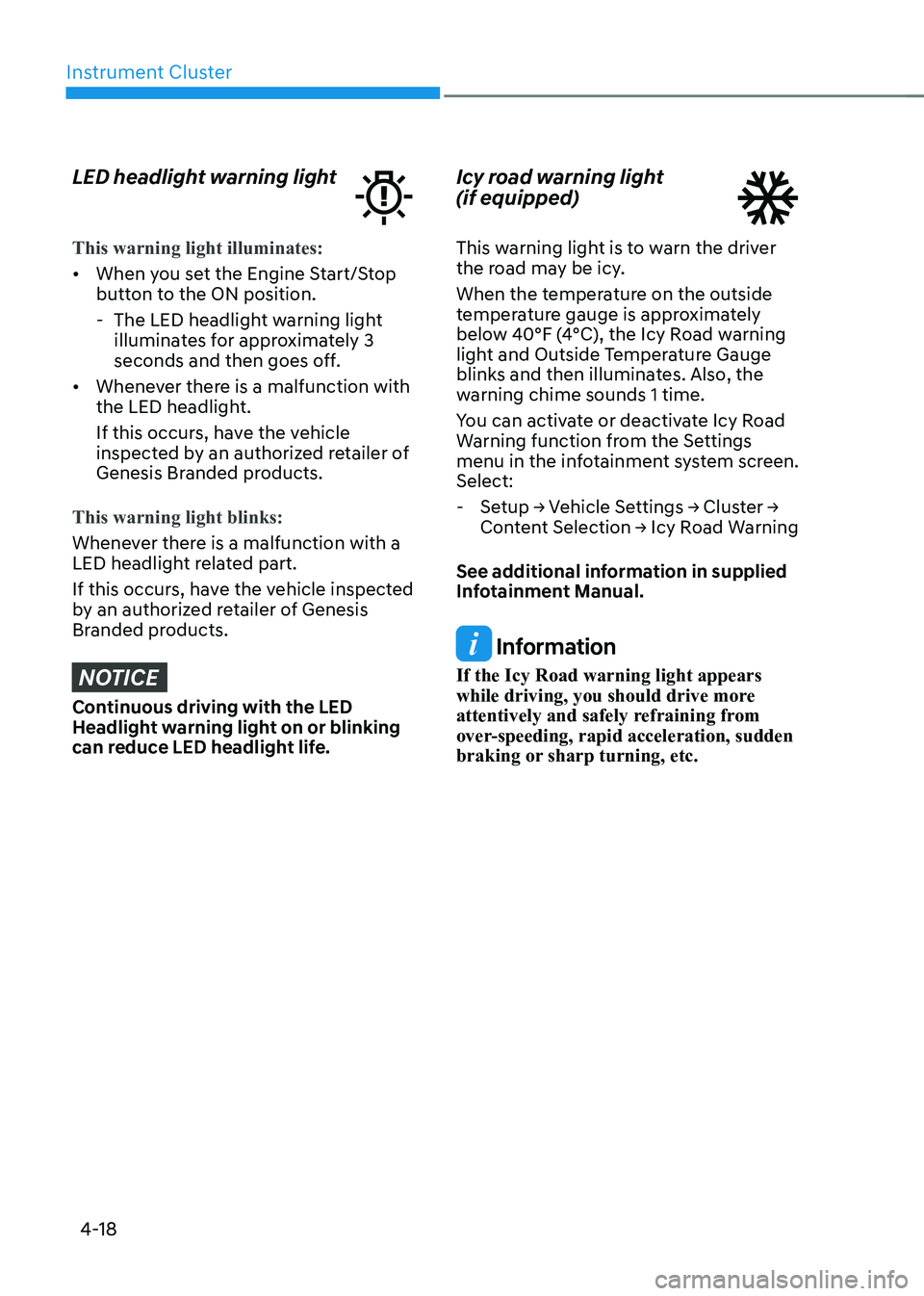
LED headlight warning light
This warning light illuminates:
• When you set the Engine Start/Stop
button to the ON position.
-The LED headlight warning light
illuminates for approximately 3
seconds and then goes off.
• Whenever there is a malfunction with
the LED headlight.
If this occurs, have the vehicle
inspected by an authorized retailer of
Genesis Branded products.
This warning light blinks:
Whenever there is a malfunction with a
LED headlight related part.
If this occurs, have the vehicle inspected
by an authorized retailer of Genesis
Branded products.
NOTICE
Continuous driving with the LED
Headlight warning light on or blinking
can reduce LED headlight life.
Icy road warning light
(if equipped)
This warning light is to warn the driver
the road may be icy.
When the temperature on the outside
temperature gauge is approximately
below 40°F (4°C), the Icy Road warning
light and Outside Temperature Gauge
blinks and then illuminates. Also, the
warning chime sounds 1 time.
You can activate or deactivate Icy Road
Warning function from the Settings
menu in the infotainment system screen.
Select:
- Setup → Vehicle Settings → Cluster →
Content Selection → Icy Road Warning
See additional information in supplied
Infotainment Manual.
Information
If the Icy Road warning light appears
while driving, you should drive more
attentively and safely refraining from
over-speeding, rapid acceleration, sudden
braking or sharp turning, etc.
Page 127 of 632

Instrument Cluster
4-22
Light ON indicator light
This indicator light illuminates:
When the position lamps or headlamps
are on.
High Beam Assist indicator
light
This indicator light illuminates:
When the high-beam is on with the light
switch in the AUTO position.
If your vehicle detects oncoming or
preceding vehicles, High Beam Assist
will switch the high beam to low beam
automatically.
For more details, refer to “High Beam
Assist (HBA)” section in chapter 5.
AUTO HOLD indicator light
This indicator light illuminates:
• [White] When you activate Auto Hold
by pressing the AUTO HOLD switch.
• [Green] When you stop the vehicle
completely by depressing the brake
pedal with Auto Hold activated.
• [Yellow] Whenever there is a
malfunction with the Auto Hold
function.
If this occurs, have the vehicle
inspected by an authorized retailer of
Genesis Branded products.
For more details, refer to “Electronic
Parking Brake (EPB)” section in chapter
6.
LCD Display Messages
Vehicle is on
This message is displayed if you open the
driver’s door when the gear is in P (Park)
and the Engine Start/Stop button in the
ON or START position.
Turn the engine off before leaving the
vehicle.
Shift to P
This message is displayed if you try to
turn off the vehicle without the gear in
the P (Park) position.
If this occurs, the Engine Start/Stop
button turns to the ACC position.
Vehicle is in N. Press START button
and shift to P
This message is displayed if you try to
turn off the vehicle with the gear in N
(Neutral).
To turn off the vehicle:
1. Press the Engine Start/Stop button.
The button will change to the ON
position.
2. Press the P button to shift to P (Park).
3. Press the Engine Start/Stop button
again, then the vehicle will turn off.
Low key battery
This message is displayed if the battery
of the smart key is discharged while
changing the Engine Start/Stop button to
the OFF position.
Page 135 of 632

Instrument Cluster
4-30
OJX1040077NOJX1040077N
Accumulated info
Accumulated trip distance (1), average
fuel economy (2), and total driving time
(3) are displayed.
The information is accumulated starting
from the last reset.
To reset manually, press the OK switch
on the steering wheel for more than
1 second when ‘Accumulated Info’ is
displayed.
OIK047151NOIK047151N
Digital speedometer
Digital speedometer display shows the
speed of the vehicle.
OJX1069044OJX1069044
Auto stop (if equipped)
AUTO STOP display shows the elapsed
time of engine stop by Idle Stop and Go
system.
For more details, refer to “Idle Stop and
Go (ISG)” section in chapter 6.
OJX1070067LOJX1070067L
Attention level
The driver’s attention level is shown
based on the driver’s driving pattern.
For more details, refer to "Driver
Attention Warning (DAW)“ section in
chapter 7.
Page 136 of 632

04
4-31
OJX1049015LOJX1049015L
Tire pressure
The tire pressure of each tire is displayed.
For more details, refer to “Tire Pressure
Monitoring System (TPMS)” section in
chapter 8.
OJX1049061LOJX1049061L
Engine temperature (for 8-inch cluster)
Engine coolant temperature gauge
display shows the temperature of the
engine coolant when the engine is
running.
ÃFor 12.3-inch 3D instrument cluster,
you can check the engine temperature
in the bottom right side of the cluster. Select contents
You can select the items to be displayed
in Utility view.
OJX1049026LOJX1049026L
1. Press and hold the OK switch on the
steering wheel.
ORG3040046NORG3040046N
2. Use the , (UP, DOWN) switch
to change items, and press the OK
switch to select or deselect the item.
3. After selecting the items to be
displayed in the Utility view, press the
(MODE) button to exit the ‘Select
Contents’ display.
WARNING
To avoid driver distractions, do not
adjust the setting while driving the
vehicle which may lead to an accident.
Page 137 of 632
Instrument Cluster
4-32
Additional information display
OJX1040079NOJX1040079N
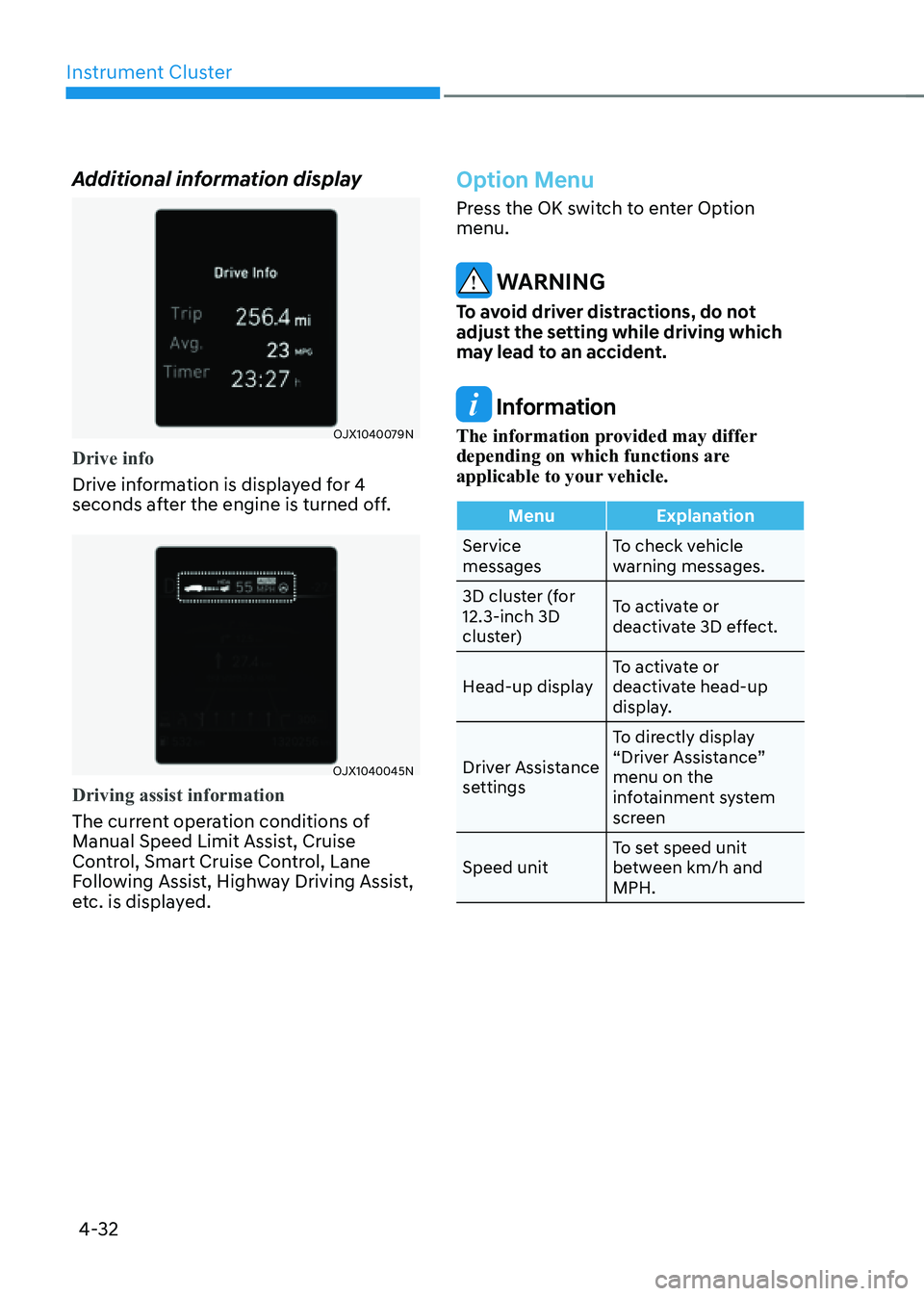
Drive info
Drive information is displayed for 4
seconds after the engine is turned off.
OJX1040045NOJX1040045N
Driving assist information
The current operation conditions of
Manual Speed Limit Assist, Cruise
Control, Smart Cruise Control, Lane
Following Assist, Highway Driving Assist,
etc. is displayed.
Option Menu
Press the OK switch to enter Option
menu.
WARNING
To avoid driver distractions, do not
adjust the setting while driving which
may lead to an accident.
Information
The information provided may differ
depending on which functions are
applicable to your vehicle.
MenuExplanation
Service
messages To check vehicle
warning messages.
3D cluster (for
12.3-inch 3D
cluster) To activate or
deactivate 3D effect.
Head-up display To activate or
deactivate head-up
display.
Driver Assistance
settings To directly display
“Driver Assistance”
menu on the
infotainment system
screen
Speed unit To set speed unit
between km/h and
MPH.
Page 138 of 632

04
4-33
Service messages
OJX1049020LOJX1049020L
When Service Messages menu is
selected, press the OK switch on the
steering wheel to check vehicle warning
messages.
3D cluster (for 12.3-inch 3D cluster)
OJX1049021LOJX1049021L
When 3D Cluster menu is selected, press
the OK switch on the steering wheel. You
may select or deselect 3D cluster effect
by pressing the OK switch.
Head-up display (if equipped)
OJX1049022LOJX1049022L
When Head-Up Display menu is selected,
press the OK switch on the steering
wheel. You can select or deselect head-
up display by pressing the OK switch.
Driver Assistance settings
OJX1049023LOJX1049023L
When Driver Assistance Settings menu
is selected, press the OK switch on the
steering wheel. The ‘Driver Assistance’
menu will be displayed on the
infotainment system screen.