2021 FORD EXPLORER charging
[x] Cancel search: chargingPage 341 of 577
After battery replacement, or in some
cases after charging the battery with an
external charger, the battery management
system requires eight hours of vehicle sleep
time to relearn the battery state of charge.
During this time your vehicle must remain
fully locked with the ignition switched off.
Note:
Prior to relearning the battery state
of charge, the battery management system
may temporarily disable some electrical
systems.
Electrical Accessory Installation
To make sure the battery management
system works correctly, do not connect an
electrical device ground connection
directly to the battery negative post. This
can cause inaccurate measurements of
the battery condition and potential
incorrect system operation.
Note: If you add electrical accessories or
components to the vehicle, it may adversely
affect battery performance and durability.
This may also affect the performance of
other electrical systems in the vehicle.
Remove and Reinstall the Battery
To disconnect or remove the battery, do
the following:
1. Apply the parking brake and switch the
ignition off.
2. Switch all electrical equipment off, for
example lights and radio.
3. Wait a minimum of two minutes before
disconnecting the battery.
Note: The engine management system has
a power hold function and remains powered
for a period of time after you switch the
ignition off. This is to allow diagnostic and
adaptive tables to be stored. Disconnecting
the battery without waiting can cause
damage not covered by the vehicle
Warranty. 4. Disconnect the negative battery cable
terminal.
5. Disconnect the positive battery cable terminal.
6. Remove the battery securing clamp.
7. Remove the battery.
8. To install, reverse the removal procedure.
Note: Before reconnecting the battery,
make sure the ignition remains switched off.
Note: Make sure the battery cable terminals
are fully tightened.
If you disconnect or replace the vehicle
battery, you must reset the following
features:
• Window bounce-back. See Power
Windows (page 96).
• Clock Settings.
• Pre-set radio stations.
Battery Disposal Make sure that you dispose of
old batteries in an
environmentally friendly way.
Seek advice from your local authority
about recycling old batteries.
ADJUSTING THE HEADLAMPS
Vertical Aim Adjustment
If your vehicle has been involved in a crash,
have the aim of the headlamp beam
checked by an authorized dealer.
338
Explorer (CTW), enUSA, Edition date: 202007, Second-Printing MaintenanceE107998
Page 352 of 577
Body
•
Wash your vehicle thoroughly to
remove dirt, grease, oil, tar or mud from
exterior surfaces, rear-wheel housing
and the underside of front fenders.
• Periodically wash your vehicle if it is
stored in exposed locations.
• Touch-up exposed or primed metal to
prevent rust.
• Cover chrome and stainless steel parts
with a thick coat of auto wax to prevent
discoloration. Re-wax as necessary
when you wash your vehicle.
• Lubricate all hood, door and luggage
compartment hinges and latches with
a light grade oil.
• Cover interior trim to prevent fading.
• Keep all rubber parts free from oil and
solvents.
Engine
• Change the engine oil and filter prior to
storage because used engine oil
contains contaminates which may
cause engine damage.
• Start the engine every 15 days for a
minimum of 15 minutes. Run at fast
idle with the climate controls set to
defrost until the engine reaches normal
operating temperature.
• With your foot on the brake, shift
through all the gears while the engine
is running.
• We recommend that you change the
engine oil before you use your vehicle
again.
Fuel system
• Fill the fuel tank with high-quality fuel
until the first automatic shutoff of the
fuel pump nozzle. Cooling system
•
Protect against freezing temperatures.
• When removing your vehicle from
storage, check coolant fluid level.
Confirm that there are no cooling
system leaks and that fluid is at the
recommended level.
Disconnecting Your 12 Volt Battery
• Check and recharge as necessary. Keep
connections clean.
• If storing your vehicle for more than 30
days without recharging the battery,
we recommend that you disconnect
the battery cables to maintain battery
charge for quick starting.
Note: It is necessary to reset memory
features if you disconnect the battery
cables.
Plugging in Your HYBRID
We recommend the following options for
your plug-in vehicle (PHEV) :
• Leave your vehicle plugged in. The 12
volt battery maintains power if left
plugged in. However, this periodically
uses electricity from the household
outlet.
• Connect a battery charger to your 12
volt battery and leave it on a
continuous, slow charge.
• Disconnect the 12 volt battery. If your
12 volt battery is located in the luggage
compartment, do not fully shut the
luggage compartment after
disconnecting the 12 volt battery. Only
leave the luggage compartment open
if your vehicle is stored in a locked
location.
Brakes
• Make sure the brakes and parking brake
release fully.
349
Explorer (CTW), enUSA, Edition date: 202007, Second-Printing Vehicle Care
Page 464 of 577
•
Idling: The vehicle is running and in Park
(P). The engine and/or the high voltage
battery are on.
• Electric Driving: The vehicle is running
and in Drive (D) or Neutral (N). The
high voltage battery provides power to
the wheels.
• Hybrid Driving: The vehicle is running
and in Drive (D) or Neutral (N). The
engine and the high voltage battery
provide power to the wheels.
• Engine Driving: The vehicle is running
and in Drive (D) or Neutral (N). The
engine provides power to the wheels.
• Regenerative Braking: The vehicle is
running in Drive gear and is slowing
down. Power captured by the
regenerative braking system is sent
back to the high voltage battery.
Engine On Due To
The following conditions help to explain
why the engine is on, and what you can do
to allow all electric operation.
• Drive Power: The engine is on due to
accelerator pedal pressure or speed
control activation. Reduce pressure on
the accelerator pedal or switch off the
speed control to return to full electric
mode.
• High Speed: The engine is on because
the vehicle speed exceeds the level for
full electric operation. Reduce the
speed to return to electric operation.
• Heater Setting: The engine is on
because of the heater setting. Reduce
or turn off the heater setting to return
to electric operation.
• Neutral Gear: The engine is on because
the vehicle is in Neutral (N). Shift out
of neutral gear to return to electric
operation. •
Engine Cold: The engine is on because
it is cold. The vehicle returns to electric
operation once the engine is sufficiently
warm.
• Battery Charging: The engine is on to
charge the high-voltage battery. The
vehicle returns to electric operation
once the battery is charged.
• Low Gear: The engine is on because
the vehicle is in low gear. Shift out of
low gear to return to electric operation.
• Normal Operation: The engine is on to
optimize vehicle operation. The vehicle
returns to electric operation when
possible.
• Engine Braking Active: The engine is on
to provide increased powertrain
braking. This can occur when you turn
on the grade assist feature, when
speed control is on or when driving with
your foot off the accelerator pedal.
Turning off grade assist or speed
control may allow the vehicle to return
to electric operation.
• Battery Temperature: The engine is on
due to high or low high-voltage battery
temperature. This is a normal operating
condition. The vehicle returns to
electric operation when possible.
• Drive Mode: The engine is on due to the
drive mode selection. Select an
appropriate drive mode for electric only
operation.
APPS
The system allows you interact with select
mobile apps while keeping your eyes on
the road. Voice commands, your steering
wheel buttons, or a quick tap on your
touchscreen give you advanced control of
compatible mobile apps. You can also
stream your favorite music or podcasts,
share your time of arrival with friends, and
keep connected safely.
461
Explorer (CTW), enUSA, Edition date: 202007, Second-Printing SYNC™ 3
Page 529 of 577
Zambia
Wireless Accessory Charging
Module
Argentina
Brazil Djibouti
European Union EU
Ghana
Jamaica
526
Explorer (CTW), enUSA, Edition date: 202007, Second-Printing Customer InformationE339828 E340521 E340824 E340823 E310043 E340522 E340523
Page 570 of 577
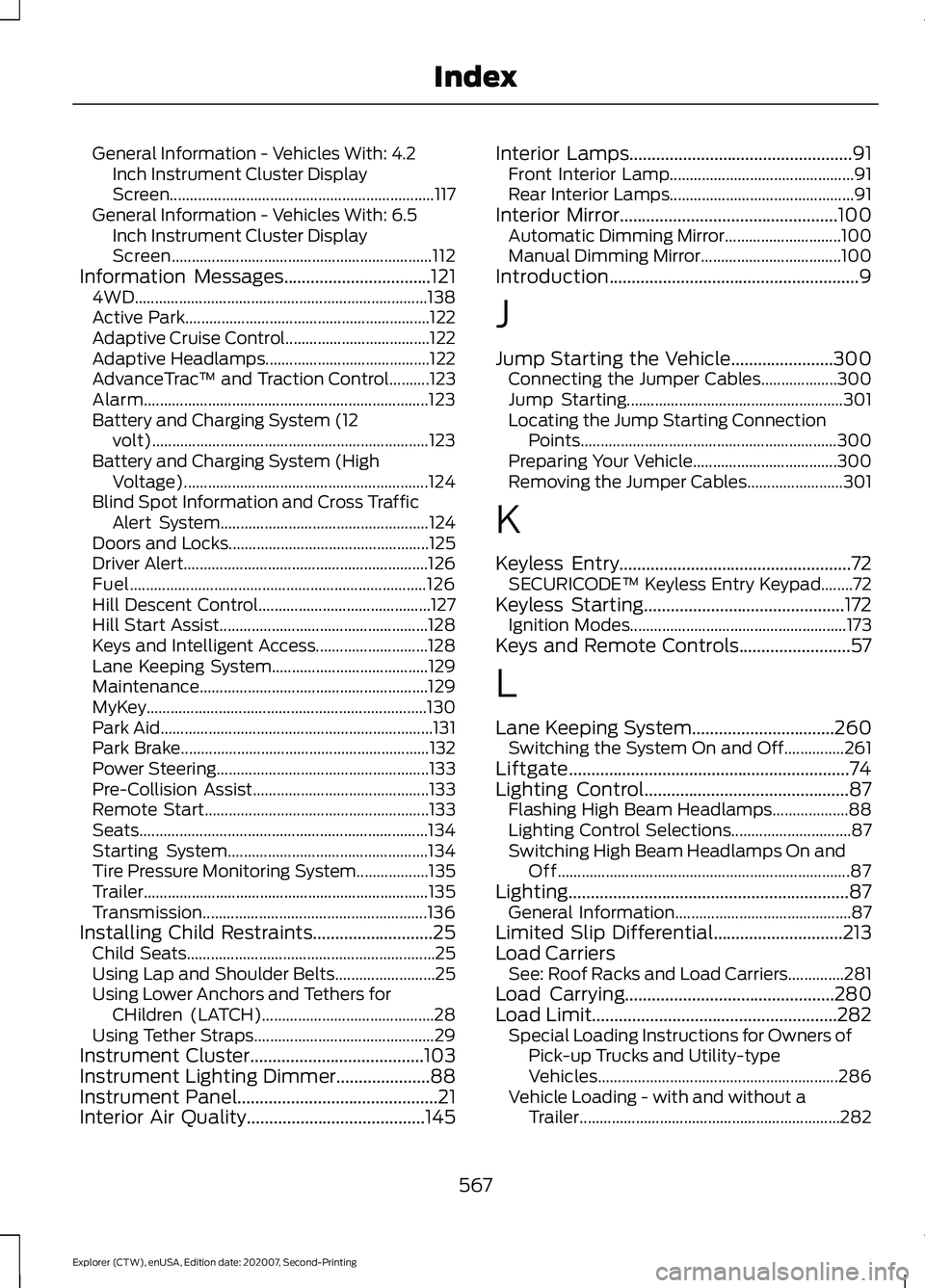
General Information - Vehicles With: 4.2
Inch Instrument Cluster Display
Screen.................................................................. 117
General Information - Vehicles With: 6.5 Inch Instrument Cluster Display
Screen................................................................. 112
Information Messages.................................121
4WD........................................................................\
. 138
Active Park............................................................. 122
Adaptive Cruise Control.................................... 122
Adaptive Headlamps......................................... 122
AdvanceTrac ™ and Traction Control..........123
Alarm....................................................................... 123
Battery and Charging System (12 volt)..................................................................... 123
Battery and Charging System (High Voltage)............................................................. 124
Blind Spot Information and Cross Traffic Alert System.................................................... 124
Doors and Locks.................................................. 125
Driver Alert............................................................. 126
Fuel........................................................................\
.. 126
Hill Descent Control........................................... 127
Hill Start Assist.................................................... 128
Keys and Intelligent Access............................ 128
Lane Keeping System....................................... 129
Maintenance......................................................... 129
MyKey......................................................................130
Park Aid.................................................................... 131
Park Brake.............................................................. 132
Power Steering..................................................... 133
Pre-Collision Assist............................................ 133
Remote Start........................................................ 133
Seats........................................................................\
134
Starting System.................................................. 134
Tire Pressure Monitoring System.................. 135
Trailer....................................................................... 135
Transmission........................................................ 136
Installing Child Restraints
...........................25
Child Seats.............................................................. 25
Using Lap and Shoulder Belts......................... 25
Using Lower Anchors and Tethers for CHildren (LATCH)........................................... 28
Using Tether Straps............................................. 29
Instrument Cluster
.......................................103
Instrument Lighting Dimmer.....................88
Instrument Panel
.............................................21
Interior Air Quality........................................145 Interior Lamps..................................................91
Front Interior Lamp.............................................. 91
Rear Interior Lamps.............................................. 91
Interior Mirror
.................................................100
Automatic Dimming Mirror............................. 100
Manual Dimming Mirror................................... 100
Introduction........................................................9
J
Jump Starting the Vehicle.......................300 Connecting the Jumper Cables................... 300
Jump Starting...................................................... 301
Locating the Jump Starting Connection Points................................................................ 300
Preparing Your Vehicle.................................... 300
Removing the Jumper Cables........................ 301
K
Keyless Entry
....................................................72
SECURICODE™ Keyless Entry Keypad........72
Keyless Starting
.............................................172
Ignition Modes...................................................... 173
Keys and Remote Controls.........................57
L
Lane Keeping System
................................260
Switching the System On and Off...............261
Liftgate...............................................................74
Lighting Control
..............................................87
Flashing High Beam Headlamps................... 88
Lighting Control Selections.............................. 87
Switching High Beam Headlamps On and Off........................................................................\
. 87
Lighting...............................................................87 General Information............................................ 87
Limited Slip Differential
.............................213
Load Carriers See: Roof Racks and Load Carriers..............281
Load Carrying...............................................280
Load Limit
.......................................................282
Special Loading Instructions for Owners of
Pick-up Trucks and Utility-type
Vehicles............................................................ 286
Vehicle Loading - with and without a Trailer................................................................. 282
567
Explorer (CTW), enUSA, Edition date: 202007, Second-Printing Index
Page 572 of 577
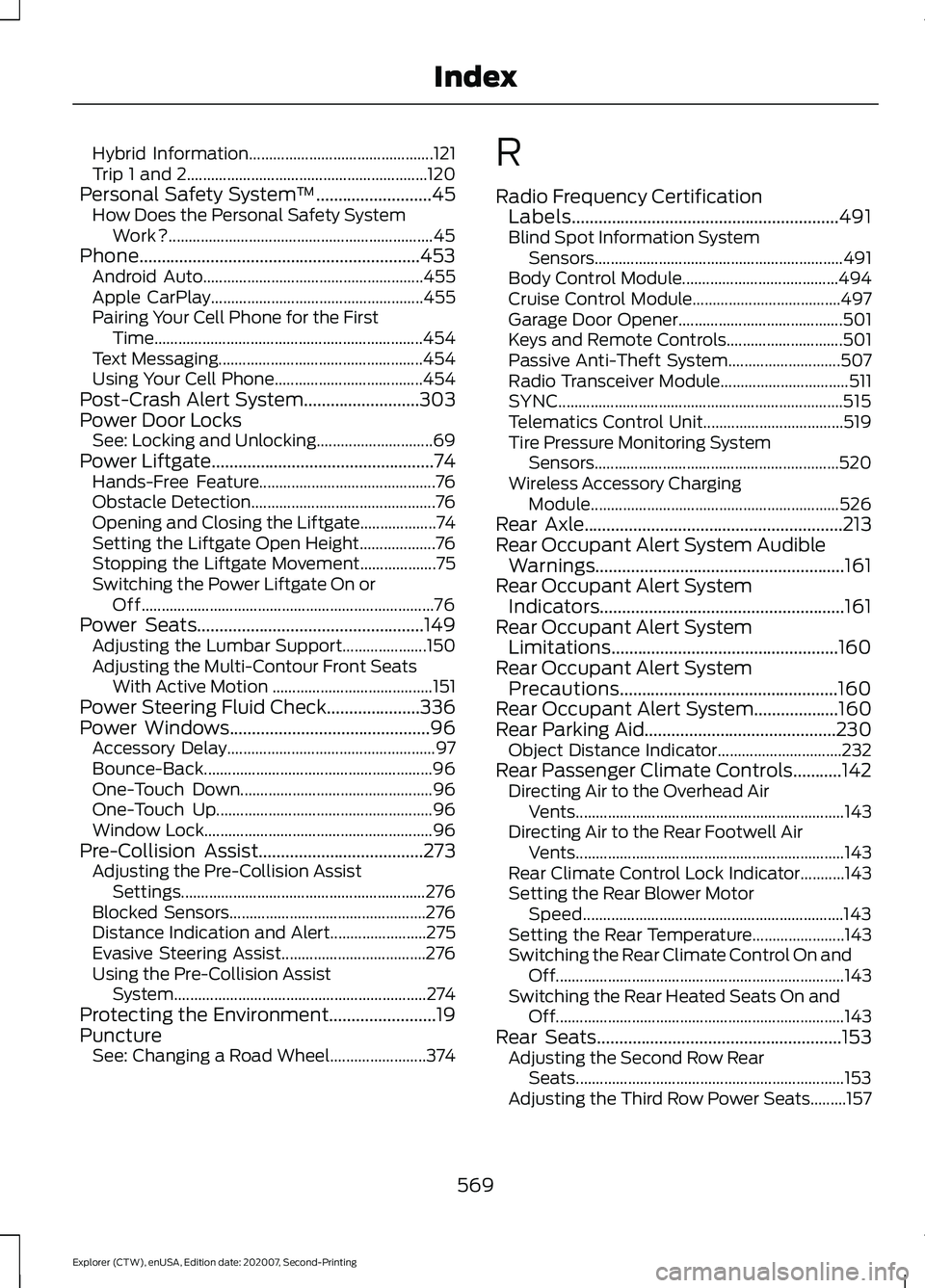
Hybrid Information..............................................
121
Trip 1 and 2............................................................ 120
Personal Safety System ™..........................45
How Does the Personal Safety System
Work?.................................................................. 45
Phone...............................................................453 Android Auto....................................................... 455
Apple CarPlay..................................................... 455
Pairing Your Cell Phone for the First Time................................................................... 454
Text Messaging................................................... 454
Using Your Cell Phone..................................... 454
Post-Crash Alert System
..........................303
Power Door Locks See: Locking and Unlocking............................. 69
Power Liftgate
..................................................74
Hands-Free Feature............................................ 76
Obstacle Detection.............................................. 76
Opening and Closing the Liftgate................... 74
Setting the Liftgate Open Height................... 76
Stopping the Liftgate Movement................... 75
Switching the Power Liftgate On or Off........................................................................\
. 76
Power Seats...................................................149 Adjusting the Lumbar Support..................... 150
Adjusting the Multi-Contour Front Seats With Active Motion ........................................ 151
Power Steering Fluid Check.....................336
Power Windows
.............................................96
Accessory Delay.................................................... 97
Bounce-Back......................................................... 96
One-Touch Down................................................ 96
One-Touch Up...................................................... 96
Window Lock......................................................... 96
Pre-Collision Assist
.....................................273
Adjusting the Pre-Collision Assist
Settings............................................................. 276
Blocked Sensors................................................. 276
Distance Indication and Alert........................ 275
Evasive Steering Assist.................................... 276
Using the Pre-Collision Assist System............................................................... 274
Protecting the Environment
........................19
Puncture See: Changing a Road Wheel........................ 374R
Radio Frequency Certification
Labels............................................................491
Blind Spot Information System Sensors.............................................................. 491
Body Control Module....................................... 494
Cruise Control Module..................................... 497
Garage Door Opener......................................... 501
Keys and Remote Controls............................. 501
Passive Anti-Theft System............................ 507
Radio Transceiver Module................................ 511
SYNC....................................................................... 515
Telematics Control Unit................................... 519
Tire Pressure Monitoring System Sensors............................................................. 520
Wireless Accessory Charging Module.............................................................. 526
Rear Axle
..........................................................213
Rear Occupant Alert System Audible Warnings........................................................161
Rear Occupant Alert System Indicators.......................................................161
Rear Occupant Alert System Limitations...................................................160
Rear Occupant Alert System Precautions.................................................160
Rear Occupant Alert System...................160
Rear Parking Aid...........................................230 Object Distance Indicator............................... 232
Rear Passenger Climate Controls
...........142
Directing Air to the Overhead Air
Vents................................................................... 143
Directing Air to the Rear Footwell Air Vents................................................................... 143
Rear Climate Control Lock Indicator...........143
Setting the Rear Blower Motor Speed................................................................. 143
Setting the Rear Temperature....................... 143
Switching the Rear Climate Control On and Off........................................................................\
143
Switching the Rear Heated Seats On and Off........................................................................\
143
Rear Seats
.......................................................153
Adjusting the Second Row Rear
Seats................................................................... 153
Adjusting the Third Row Power Seats.........157
569
Explorer (CTW), enUSA, Edition date: 202007, Second-Printing Index