2021 FORD ESCAPE alarm
[x] Cancel search: alarmPage 92 of 589

SECURITY – TROUBLESHOOTING
Security – Information Messages
Action
Message
The system has not detected a correctly coded key.
No Key Detected
The system has malfunctioned. Have your vehicle checked
as soon as possible.
Starting System Fault
Displays when the alarm has been triggered due to unauthor-
ized entry.
Vehicle Alarm To Stop
Alarm, Start Vehicle.
Alarm Announcement
89
Escape (CTC) Canada/United States of America, Vehicles Built From: 02-11-2020, enUSA, Edition date: 202011, First-Printing Security
Page 93 of 589

Security – Frequently Asked
Questions
What should I do if there is any
potential alarm problem with my
vehicle?
Take all remote controls to an
authorized dealer if there is any
potential alarm problem with your
vehicle.
What should I do if the vehicle is unable
to start with a correctly coded key? Have your vehicle checked as soon as
possible.
90
Escape (CTC) Canada/United States of America, Vehicles Built From: 02-11-2020, enUSA, Edition date: 202011, First-Printing Security
Page 137 of 589

WHAT IS REMOTE START
The system allows you to remotely start
your vehicle and to adjust the interior
temperature according to the settings that
you chose.
REMOTE START
PRECAUTIONS
WARNING: Do not start the engine
in a closed garage or in other enclosed
areas. Exhaust fumes are toxic. Always
open the garage door before you start
the engine. Failure to follow this
instruction could result in personal injury
or death.
REMOTE START LIMITATIONS
Remote start does not work under the
following conditions:
• The alarm horn is sounding.
• The hood is open.
• The transmission is not in park (P).
• The ignition is on.
• The battery voltage is below the
minimum operating voltage.
Note: Do not use remote start if your fuel
level is low.
Note: You can use remote start with
FordPass. See Connecting the Vehicle to
a Wi-Fi Network (page 409).
ENABLING REMOTE START
1. Press
Settings on the touchscreen.
2. Press
Vehicle Settings.
3. Press
Remote Start Setup.
4. Switch
Remote Start on or off. Note:
To remote start with FordPass, make
sure that the modem is enabled.
See
Connected Vehicle Requirements (page
409).
REMOTELY STARTING AND
STOPPING THE VEHICLE
Remotely Starting the Vehicle Press the button on the remote
control.
Within three seconds, press the
button twice on the remote
control.
Note: You can also use the FordPass App
to start the vehicle.
Note: The turn signals flash twice.
Note: The parking lamps turn on when the
vehicle is running.
Note: The horn sounds if the system fails
to start.
Note: All other vehicle systems remain off
when you have remotely started the vehicle.
Note: The vehicle remains secured when
you have remotely started the vehicle. A
valid key must be inside your vehicle to
switch the ignition on and drive your vehicle.
Remotely Stopping the Vehicle Within three seconds, press the
button twice on the remote
control.
EXTENDING THE REMOTE
START DURATION
To extend the remote start duration during
remote start, do the following:
134
Escape (CTC) Canada/United States of America, Vehicles Built From: 02-11-2020, enUSA, Edition date: 202011, First-Printing Remote Start
(If Equipped)E138623 E138625 E138625
Page 472 of 589

Action and Description
Menu Item
Touch this button to view the nearby weather, current weather,
or the five-day forecast for the chosen area.
Weather
Select to see the weather map,
which can show storms, radar
information, charts and winds.
Map
Select to choose from a listing of
weather locations.
Area
Touch this button to view scores and schedules from a variety
of sports. You can also save up to 10 favorite teams for easier
access. The score automatically refreshes when a game is in
progress.
Sports Info
Touch this button to view ski conditions for a specific area.
Ski Conditions
SETTINGS Press the button to enter the
settings menu.
Once you select a tile, press the
button next to a menu item to
view an explanation of the
feature or setting.
Sound
Select this tile to adjust the sound settings.
Clock
Select this tile to adjust the clock settings.
Bluetooth
Select this tile to switch Bluetooth on and
off and adjust the settings.
Phone
Select this tile to connect, disconnect, and
manage the connected device settings. Audio
Select this tile to adjust the audio settings.
Driver Assist (If Equipped)
Select this tile to adjust Driver Assist
features like Parking Aids, Lane Keeping
System, Pedestrian Detection, and
Auto-Start-Stop.
Vehicle
Select this tile to adjust vehicle settings
like windows, alarm, lighting, and MyKey
settings.
FordPass
Select this tile to adjust the FordPass
settings
General
Select this tile to adjust settings like
language, measurement units, or to reset
the system.
911 Assist
(If Equipped)
Select this tile to switch 911 Assist on and
off.
469
Escape (CTC) Canada/United States of America, Vehicles Built From: 02-11-2020, enUSA, Edition date: 202011, First-Printing SYNC™ 3
(If Equipped)E280315 E268570
Page 487 of 589
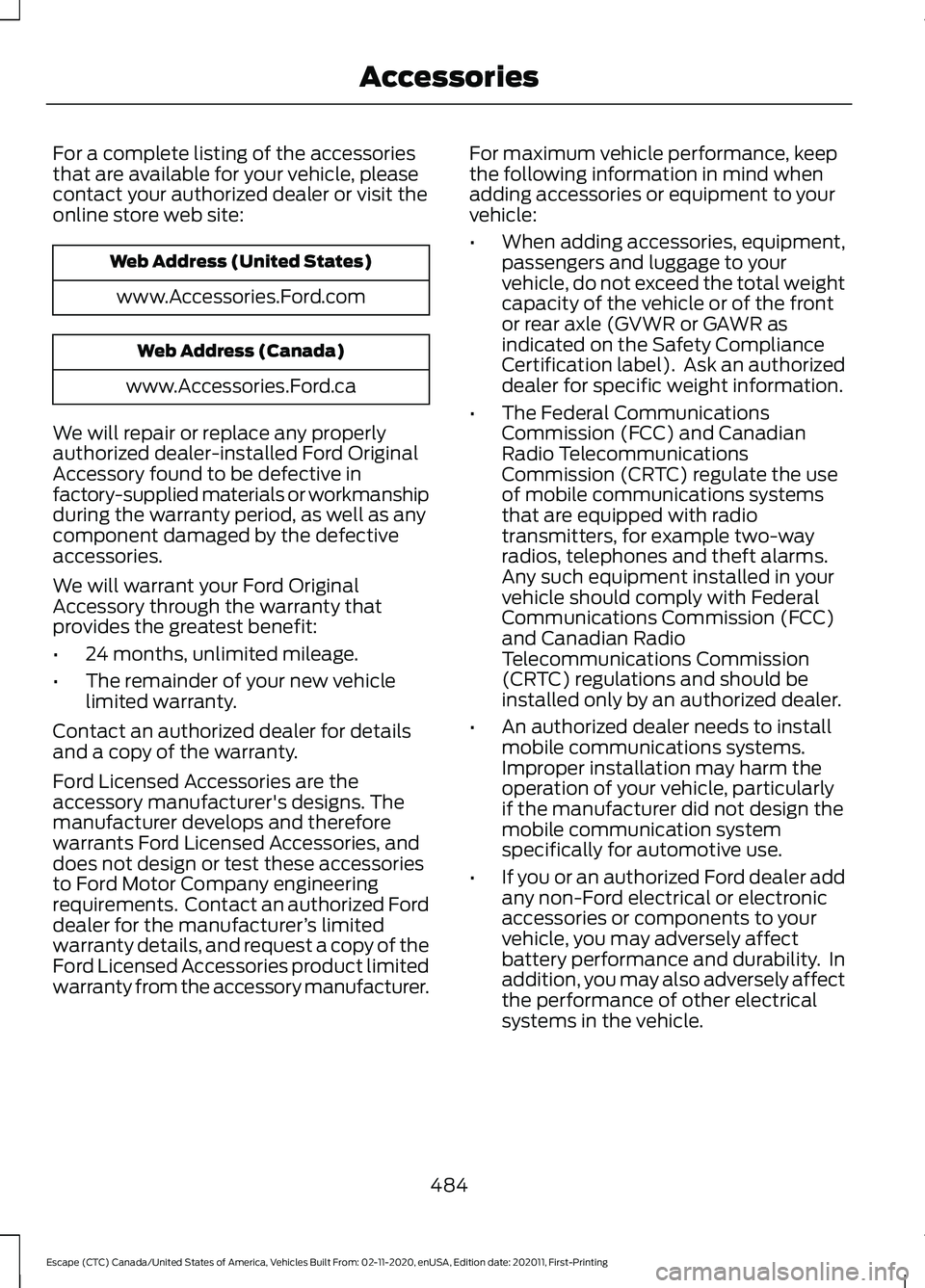
For a complete listing of the accessories
that are available for your vehicle, please
contact your authorized dealer or visit the
online store web site:
Web Address (United States)
www.Accessories.Ford.com Web Address (Canada)
www.Accessories.Ford.ca
We will repair or replace any properly
authorized dealer-installed Ford Original
Accessory found to be defective in
factory-supplied materials or workmanship
during the warranty period, as well as any
component damaged by the defective
accessories.
We will warrant your Ford Original
Accessory through the warranty that
provides the greatest benefit:
• 24 months, unlimited mileage.
• The remainder of your new vehicle
limited warranty.
Contact an authorized dealer for details
and a copy of the warranty.
Ford Licensed Accessories are the
accessory manufacturer's designs. The
manufacturer develops and therefore
warrants Ford Licensed Accessories, and
does not design or test these accessories
to Ford Motor Company engineering
requirements. Contact an authorized Ford
dealer for the manufacturer ’s limited
warranty details, and request a copy of the
Ford Licensed Accessories product limited
warranty from the accessory manufacturer. For maximum vehicle performance, keep
the following information in mind when
adding accessories or equipment to your
vehicle:
•
When adding accessories, equipment,
passengers and luggage to your
vehicle, do not exceed the total weight
capacity of the vehicle or of the front
or rear axle (GVWR or GAWR as
indicated on the Safety Compliance
Certification label). Ask an authorized
dealer for specific weight information.
• The Federal Communications
Commission (FCC) and Canadian
Radio Telecommunications
Commission (CRTC) regulate the use
of mobile communications systems
that are equipped with radio
transmitters, for example two-way
radios, telephones and theft alarms.
Any such equipment installed in your
vehicle should comply with Federal
Communications Commission (FCC)
and Canadian Radio
Telecommunications Commission
(CRTC) regulations and should be
installed only by an authorized dealer.
• An authorized dealer needs to install
mobile communications systems.
Improper installation may harm the
operation of your vehicle, particularly
if the manufacturer did not design the
mobile communication system
specifically for automotive use.
• If you or an authorized Ford dealer add
any non-Ford electrical or electronic
accessories or components to your
vehicle, you may adversely affect
battery performance and durability. In
addition, you may also adversely affect
the performance of other electrical
systems in the vehicle.
484
Escape (CTC) Canada/United States of America, Vehicles Built From: 02-11-2020, enUSA, Edition date: 202011, First-Printing Accessories
Page 567 of 589

Alert and Aid Mode.....................................268
How Does Alert and Aid Mode Work.........269
What Is Alert and Aid Mode.......................... 268
Alert Mode......................................................267
Adjusting the Steering Wheel Vibration
Intensity........................................................... 268
How Does Alert Mode Work.......................... 268
What Is Alert Mode............................................ 267
All-Wheel Drive
..............................................217
All-Wheel Drive Driving Hints......................... 217
All-Wheel Drive – Troubleshooting............220
All-Wheel Drive Driving Hints...................217 Driving In Sand..................................................... 218
Driving on Hilly or Sloping Terrain.................218
Driving on Snow and Ice................................... 219
Driving Through Mud and Water................... 218
Emergency Maneuvers...................................... 217
All-Wheel Drive Limitations
......................217
All-Wheel Drive Precautions.....................217
All-Wheel Drive – Troubleshooting........................................220
All-Wheel Drive – Information Messages......................................................... 220
AM/FM Radio
.................................................416
AM/FM Radio Limitations............................... 416
Selecting a Radio Station................................ 416
Ambient Lighting
..........................................103
Adjusting Ambient Lighting............................ 103
Switching Ambient Lighting On and Off....................................................................... 103
Anti-Lock Braking System.........................221 Anti-Lock Braking System Indicators..........221
Anti-Lock Braking System
Limitations........................................................ 221
Anti-Theft Alarm System............................87 Arming the Anti-Theft Alarm System..........87
Disarming the Anti-Theft Alarm
System................................................................ 88
How Does the Anti-Theft Alarm System Work..................................................................... 87
What Are the Inclination Sensors.................. 87
What Are the Interior Sensors......................... 87
What Is the Anti-Theft Alarm System..........87
What Is the Battery Backup Alarm................87
What Is the Perimeter Alarm........................... 87
Anti-Theft Alarm System Settings.........88 Setting the Alarm Security Level................... 88
Switching Ask on Exit On and Off.................88 What are the Alarm Security Levels.............88
What Is Ask on Exit.............................................
88
Appendices...................................................560
Applying the Electric Parking Brake..............................................................224
Applying the Electric Parking Brake in an Emergency...................................................224
Apps..................................................................467 SiriusXM Traffic and Travel Link.................. 468
Using Apps on an Android Device...............467
Using Apps on an iOS Device........................ 467
Using Mobile Navigation on an Android Device............................................................... 468
At a Glance
.......................................................26
Audio System.................................................414
AM/FM Radio....................................................... 416
Digital Radio......................................................... 416
Satellite Radio..................................................... 418
Audio System Precautions
.......................414
Auto-Dimming Interior Mirror...................107 Auto-Dimming Interior Mirror
Limitations........................................................ 107
What Is the Auto-Dimming Interior Mirror................................................................... 107
Auto Hold........................................................228
Auto Hold Indicators
...................................228
Autolamps........................................................98
Autolamp Settings.............................................. 98
What Are Autolamps.......................................... 98
Autolock.............................................................70 Autolock Requirements..................................... 70
What Is Autolock.................................................. 70
Automatically Releasing the Electric Parking Brake
..............................................225
Automatic Climate Control - Vehicles With: Dual Automatic Temperature
Control (DATC)
...........................................138
Directing the Airflow.......................................... 139
Setting the Blower Motor Speed.................. 139
Setting the Temperature................................. 139
Switching Auto Mode On and Off................139
Switching Dual Zone Mode On and Off....................................................................... 140
Switching Maximum Air Conditioning On and Off.............................................................. 140
Switching Maximum Defrost On and Off........................................................................\
. 141
564
Escape (CTC) Canada/United States of America, Vehicles Built From: 02-11-2020, enUSA, Edition date: 202011, First-Printing Index
Page 583 of 589

Remote Start Remote Control
Indicators......................................................135
Remote Control Feedback.............................. 135
Remote Start..................................................134
Remote Start Settings...................................... 135
Remote Start Settings
................................135
Setting the Remote Start Duration..............136
Switching Climate Control Auto Mode On
and Off............................................................... 135
Switching Climate Control Last Settings On and Off........................................................ 135
Switching the Heated Seat Settings On and Off........................................................................\
135
Switching the Heated Steering Wheel Settings On and Off...................................... 135
Removing the Key Blade.............................59
Removing Your Vehicle From Storage.........................................................359
Repairing Minor Paint Damage
..............356
Replacement Parts Recommendation.....................................532
Collision Repairs................................................. 532
Scheduled Maintenance and Mechanical Repairs.............................................................. 532
Warranty on Replacement Parts.................532
Replacing a Lost Key or Remote Control.............................................................62
Replacing the Cabin Air Filter
...................147
Replacing the Front Wiper Blades..........94
Replacing the Rear Wiper Blades............94
Reporting Safety Defects in Canada.........................................................497
Reporting Safety Defects in the United States............................................................497
Reprogramming the Garage Door Opener...........................................................165
Resetting the Individual Trip Values - Vehicles With: 4.2 Inch Instrument
Cluster Display Screen.............................129
Resetting the Trip Computer....................129
Restarting the Engine.................................185
Resuming the Set Speed..........................248 Resuming the Set Speed from a Complete
Stop................................................................... 254
Reverse Wipe
...................................................93
Reverse Wipe Settings....................................... 93
What Is Reverse Wipe........................................ 93Roadside Assistance...................................313
Vehicles Sold in Canada: Getting Roadside
Assistance........................................................ 314
Vehicles Sold in the United States: Getting Roadside Assistance.................................... 313
Vehicles Sold in the United States: Using Roadside Assistance.................................... 313
Rollover Warning
.........................................495
Roof Rack........................................................297 Adjusting a Roof Rack Crossbar................... 297
Removing and Installing Roof Rack Crossbars......................................................... 297
Roof Rack Load Capacities............................ 297
Roof Rack Precautions.................................... 297
Running-In See: Breaking-In................................................... 311
Running Out of Fuel
....................................190
Adding Fuel From a Portable Fuel
Container........................................................... 191
Filling a Portable Fuel Container.................. 190
S
Satellite Radio...............................................418 Locating the Satellite Radio Identification
Number............................................................. 418
Satellite Radio Limitations............................. 418
What Is Satellite Radio.................................... 418
Saving a Preset Position
............................160
Scheduled Maintenance...........................487
Seatbelt Extensions......................................45
Seatbelt Precautions....................................39
Seatbelt Reminder.........................................42 How Does the Seatbelt Reminder
Work..................................................................... 42
Seatbelt Reminder Audible Warnings..........43
Seatbelt Reminder Indicators.......................... 43
Switching the Seatbelt Reminder On and Off........................................................................\
. 44
Seatbelts...........................................................39 Automatic Locking Mode................................... 41
Seatbelt Reminder............................................... 42
Sensitive Locking Mode.................................... 40
Security
..............................................................87
Anti-Theft Alarm System.................................. 87
Anti-Theft Alarm System Settings...............88
Passive Anti-Theft System............................... 87
Security – Troubleshooting.............................. 89
580
Escape (CTC) Canada/United States of America, Vehicles Built From: 02-11-2020, enUSA, Edition date: 202011, First-Printing Index
Page 584 of 589
Security – Troubleshooting........................89
Security – Frequently Asked
Questions.......................................................... 90
Security – Information Messages.................. 89
Selecting a Drive Mode - Excluding: Plug-In Hybrid Electric Vehicle
(PHEV).........................................................262
Selecting a Drive Mode - Plug-In Hybrid Electric Vehicle (PHEV)..........................262
Selecting the Audio Source......................414
Sensitive Locking Mode
..............................40
How Does Sensitive Locking Mode
Work...................................................................... 41
What is Sensitive Locking Mode.................... 40
Service Data
.....................................................23
Setting a Memory Preset...........................414
Settings Data...................................................24 Comfort and Convenience Data..................... 24
Entertainment Data............................................ 24
Settings...........................................................469 911 Assist.............................................................. 469
Ambient Lighting............................................... 470
Audio...................................................................... 469
Automatic Updates.......................................... 470
Bluetooth............................................................. 469
Charge Settings.................................................. 470
Clock...................................................................... 469
Display................................................................... 470
Driver Assist......................................................... 469
FordPass............................................................... 469
General.................................................................. 469
Message Center.................................................. 470
Mobile Apps......................................................... 470
Multi Contour Seats.......................................... 470
Navigation............................................................ 470
Personal Profiles................................................ 470
Phone
.................................................................... 469
Seats....................................................................... 470
Sound.................................................................... 469
Valet Mode........................................................... 470
Vehicle................................................................... 469
Voice Control....................................................... 470
Setting the Adaptive Cruise Control Gap.................................................................253
Following a Vehicle........................................... 254
Setting the Adaptive Cruise Control Speed............................................................252
Manually Changing the Set Speed.............253 Setting the Adaptive Cruise Speed from a
Complete Stop............................................... 253
Setting the Charging Schedule and Preferences.................................................207
Charge Times Button....................................... 207
Setting the Clock and Date.......................415 Switching Automatic Time Updates On and
Off....................................................................... 415
Setting the Cruise Control Speed..........247 Changing the Set Speed................................. 247
Setting the Liftgate Opening Height.......82
Setting the Speed Sign Recognition Speed Tolerance.......................................290
Setting the Speed Sign Recognition Speed Warning.........................................290
Shifting Your Vehicle Into Gear.................211
Side Parking Aid - Vehicles With: Active Park Assist...................................................237
Locating the Side Parking Aid Sensors............................................................. 238
Side Parking Aid Audible Warnings............238
Side Parking Aid Limitations.......................... 237
What is the Side Parking Aid.......................... 237
Sitting in the Correct Position..................148
Sounding the Panic Alarm..........................59
Special Operating Conditions Scheduled Maintenance..............................................492
Exceptions........................................................... 494
Speed Control See: Cruise Control............................................ 247
Speed Sign Recognition Indicators.....................................................289
Speed Sign Recognition Limitations..................................................289
Speed Sign Recognition Precautions................................................289
Speed Sign Recognition...........................289
Speed Sign Recognition –
Troubleshooting............................................ 290
Speed Sign Recognition – Troubleshooting.......................................290
Speed Sign Recognition – Frequently Asked Questions......................................................... 291
Speed Sign Recognition – Information Messages......................................................... 290
Stability Control Indicator.........................232
Stability Control
............................................231
Stability Control – Troubleshooting...........232
581
Escape (CTC) Canada/United States of America, Vehicles Built From: 02-11-2020, enUSA, Edition date: 202011, First-Printing Index