2020 MERCEDES-BENZ METRIS reset
[x] Cancel search: resetPage 181 of 320
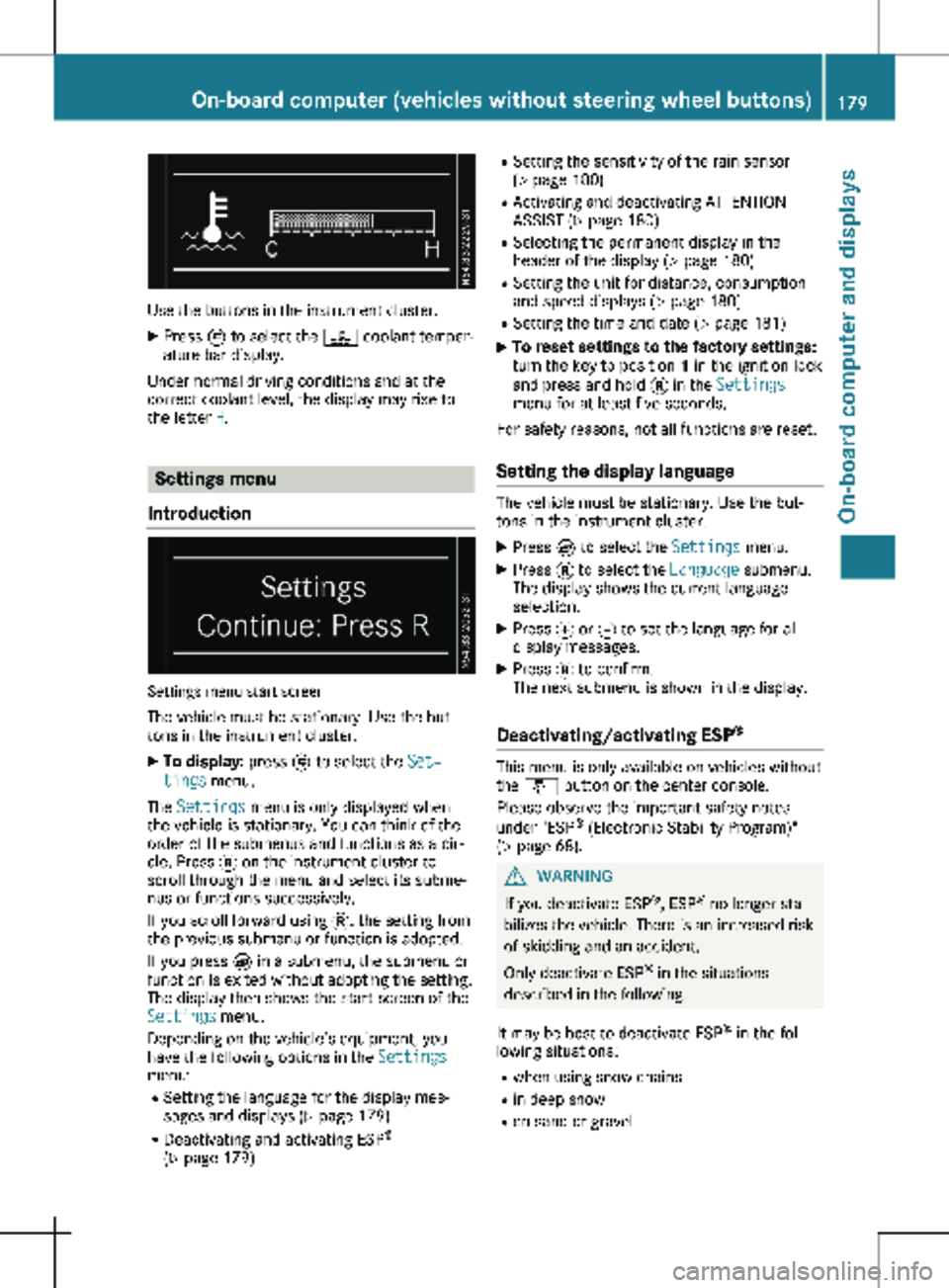
Use the buttons in the instrument cluster.
X Press È to select the ? coolant temper-
ature bar display.
Under normal driving conditions and at the
correct coolant level, the display may rise to
the letter H. Settings menu
Introduction Settings menu start screen
The vehicle must be stationary. Use the but-
tons in the instrument cluster. X To display: press È to select the Set‐
tings menu.
The Settings menu is only displayed when
the vehicle is stationary. You can think of the
order of the submenus and functions as a cir-
cle. Press 3 on the instrument cluster to
scroll through the menu and select its subme-
nus or functions successively.
If you scroll forward using 3, the setting from
the previous submenu or function is adopted.
If you press È in a submenu, the submenu or
function is exited without adopting the setting.
The display then shows the start screen of the
Settings menu.
Depending on the vehicle’s equipment, you
have the following options in the Settings
menu:
R Setting the language for the display mes-
sages and displays
(Y page 179)
R Deactivating and activating ESP ®
( Y page 179) R
Setting the sensitivity of the rain sensor
( Y page
180)
R Activating and deactivating ATTENTION
ASSIST (Y page 180)
R Selecting the permanent display in the
header of the display ( Y page 180)
R Setting the unit for distance, consumption
and speed displays (Y page 180)
R Setting the time and date ( Y page 181)
X To reset settings to the factory settings:
turn the key to position 1 in the ignition lock
and press and hold 3 in the Settings
menu for at least five seconds.
For safety reasons, not all functions are reset.
Setting the display language The vehicle must be stationary. Use the but-
tons in the instrument cluster.
X Press È to select the Settings menu.
X Press 3 to select the Language submenu.
The display shows the current language
selection.
X Press f or g to set the language for all
display messages.
X Press 3 to confirm.
The next submenu is shown in the display.
Deactivating/activating ESP ® This menu is only available on vehicles without
the å button on the center console.
Please observe the important safety notes
under "ESP ®
(Electronic Stability Program)"
(Y page
68). G
WARNING
If you deactivate ESP ®
, ESP ®
no longer sta-
bilizes the vehicle. There is an increased risk
of skidding and an accident.
Only deactivate ESP ®
in the situations
described in the following.
It may be best to deactivate ESP ®
in the fol-
lowing situations:
R when using snow chains
R in deep snow
R on sand or gravel On-board computer (vehicles without steering wheel buttons)
179
On-board computer and displays Z
Page 186 of 320

If the display shows the speed in the header,
the outside temperature is additionally dis-
played on the lower edge of display panel
=.
You can switch the permanent display in the
header
(Y page 192).
Displaying the range and current fuel
consumption Using the steering wheel buttons
X Press = or ; to select the Trip
menu.
X Press : or 9 to select range : and
consumption ;.
Approximate range : is calculated on the
basis of your current driving style and the
amount of fuel in the tank. If there is only a
small amount of fuel left in the fuel tank, the
display shows a vehicle being refueled Ï
instead of the approximate range.
Recuperation display = shows whether, and,
if so, how much kinetic energy is being trans-
formed into electric current whilst the vehicle
is coasting. The recuperated energy is then
stored in the starter battery. Recuperation dis-
play = is dependent on the engine installed
and is therefore not available in all vehicles. Trip computer "From Start" or "From
Reset" :
Distance
; Length of journey
= Average fuel consumption
? Average speed
Using the steering wheel buttons
X Press = or ; to select the Trip
menu.
X Press : or 9 to select the From
Start or From Reset submenu.
The values in the From Start submenu are
calculated from the start of a journey whilst
the values in the From Reset submenu are
calculated from the last time the submenu was
reset (Y page
185).
The From Start trip computer function is
automatically reset in the following situations:
R the ignition has been switched off for more
than four hours.
R 999 hours have been exceeded.
R 9,999 miles have been exceeded.
The From Reset trip computer is automati-
cally reset if the value exceeds 9,999 hours or
99,999 miles. 184
On-board computer (vehicles with steering wheel buttons)
On-board computer and displays
Page 187 of 320

Digital speedometer
:
Gearshift recommendation
Automatic transmission (Y page 136)
; Digital speedometer
Use the steering wheel buttons.
X Press = or ; to select the Trip
menu.
X Select the digital speedometer by press-
ing : or 9.
Resetting values Resetting values (example: "From start" trip com-
puter)
Using the steering wheel buttons
X Press = or ; to select the Trip
menu.
X Press : or 9 to select the function
you would like to reset.
X Press a to confirm.
X Press : to select Yes and press a to
confirm. You can reset the values of the following func-
tions:
R Trip odometer
R "From start" trip computer
R "From reset" trip computer Navigation menu
Displaying navigation instructions In the
Navi menu, the display shows the navi-
gation instructions from the audio system and
or the navigation system. Further information
on the audio and/or navigation system can be
found in the separate operating instructions.
Using the steering wheel buttons
X Activate the audio and/or navigation system
(see separate operating instructions).
X Press = or ; to select the Navi
menu.
X Press a to confirm.
Route guidance not active :
Direction of travel
; Current street On-board computer (vehicles with steering wheel buttons)
185
On-board computer and displays Z
Page 189 of 320

Audio menu
Selecting a radio station :
Waveband with station preset
; Station
Station ; is displayed with the station fre-
quency or station name. The station preset is
only displayed along with waveband : if the
station has been stored.
Using the steering wheel buttons
X Switch on the audio system and select the
radio function (see separate operating
instructions).
X Press = or ; to select the Audio
menu.
The display shows currently selected sta-
tion ;.
X To select a stored station: press 9
or : briefly.
X To select a station from the station list:
press and hold
9 or :.
If a station list is not received: X To select a station using the station
search: press and hold 9 or :. Operating the audio medium Track information (example: SD card)
:
Audio source
; Current track
Depending on the multimedia system, you can
play audio files from different audio sources,
such as an SD card, a USB storage medium or
a Bluetooth ®
audio device.
Using the steering wheel buttons
X Switch on the multimedia system and select
the audio source (see the separate operat-
ing instructions).
X Use the = or ; to select the Audio
menu.
X To open the track list: press : or 9
briefly.
X To select the next or previous track in
the track list:
press : or 9 briefly.
X To select a track from the track list
using rapid scrolling: press and hold
:
or 9 until the desired track is reached.
If you hold down : or 9, the system
runs through the list more quickly. Not all
audio sources support this function.
If the corresponding track information is
stored on the data carrier, the display may
show the following:
R track number
R artist and/or track name
R folder name
The track information does not appear in audio
AUX mode (Aux iliary audio mode: external
audio source connected). On-board computer (vehicles with steering wheel buttons)
187On-board computer and displays Z
Page 194 of 320

R
activating/deactivating or adjusting vehicle
functions in the Vehicle submenu
(Y page
193)
R resetting the settings to Factory Setting
( Y page 194)
Instrument cluster submenu Selecting the unit for the distance
With the Display Unit Speed-/Odometer:
function, you can select whether the display
shows certain information in kilometers or
miles.
Using the steering wheel buttons
X Press = or ; to select the Settings
menu.
X Press : or 9 to select Inst. Clus‐
ter.
X Press a to confirm.
X Press : or 9 to select the Display
Unit Speed-/Odometer: function.
The display indicates the selected km or
Miles setting.
X Press a to change the setting.
The unit for the distance will be selected for:
R Digital speedometer in the Trip menu
R Odometer and trip odometer
R Trip computer
R Current consumption and range
R Navigation instructions in the Navi menu
R Cruise control
R Service interval display
Setting the display language Using the steering wheel buttons
X Press = or ; to select the Settings
menu.
X Press : or 9 to select Inst. Clus‐
ter.
X Press a to confirm.
X Press : or 9 to select Language:.
The display shows the current language
selection for all display messages.
X Press a to change the setting.
X Press : or 9 to select the desired
language.
X Press the a button to save the selection. Selecting the permanent display func-
tion
Using the Permanent Display: function, you
can switch the display in the header between
outside temperature and speed.
If the display shows the speed in the header,
the display shows the outside temperature
with the odometers (Y page
183). The addi-
tional speedometer unit in the header is
always inverse to the speedometer unit.
Using the steering wheel buttons
X Press = or ; to select the Settings
menu.
X Press : or 9 to select Inst. Clus‐
ter.
X Press a to confirm.
X Press : or 9 to select Permanent
Display:.
X Press a to confirm.
The display shows the current selection of
Outside Temp. or Speedom..
X Press a to change the setting.
Clock/Date submenu Setting the time
Using the steering wheel buttons
X Press = or ; to select the Settings
menu.
X Press : or 9 to select Time/Date.
X Press a to confirm.
X Press : or 9 to select the Time:
function.
The display shows the current time.
X To set the time: press a again.
X Press = or ; to switch between
hours and minutes.
X Press : or 9 to set the hours or
minutes.
X Then press a to confirm.
The display shows the updated time.
Setting the date Using the steering wheel buttons
X Press = or ; to select the Settings
menu.
X Press : or 9 to select Time/Date.
X Press a to confirm.192
On-board computer (vehicles with steering wheel buttons)
On-board computer and displays
Page 196 of 320

more or less frequently at the same precipi-
tation intensity.
X Press the a button to store the entry.
You can find further information under "Wind-
shield wiper" (Y page 109).
Switching the automatic locking feature
on/off
Using the steering wheel buttons
X Press = or ; to select the Settings
menu.
X Press : or 9 to select Vehicle.
X Press a to confirm.
X Press : or 9 to select the Auto‐
matic Door Lock function.
The current status is shown.
X To activate/deactivate: press a again.
If you activate the Automatic Door Lock
function, your vehicle will lock automatically
from a speed of approximately
15 km/h.
You can find further information under "Auto-
matic door lock" (Y page 76).
Activating/deactivating the acoustic
locking confirmation i The selected setting of the acoustic lock-
ing verification signal must comply with the
relevant national road traffic rules. In some
countries, including Germany, the use of the
acoustic locking verification signal is not
permitted under national road traffic regula-
tions (in Germany according to § 16 para. 1
and § 30 para. 1 StVO). Compliance must be ensured by the driver of the vehicle. In
countries where the use of this function is
not permitted, this function is not and must
not be activated in your vehicle.
Using the steering wheel buttons
X Press = or ; to select the Settings
menu.
X Press : or 9 to select Vehicle.
X Press a to confirm.
X Press : or 9 to select Acoustic
lock feedback.
The current status is shown.
X To activate/deactivate: press a again.
If you activate the Acoustic lock feedback function, an acoustic tone sounds when the
vehicle is locked.
Restoring the factory settings Using the steering wheel buttons
X Press = or ; to select the Settings
menu.
X Press : or 9 to select Factory
Setting.
X Press a to confirm.
The Reset All Settings? function is dis-
played.
X Press : or 9 to select No or Yes.
X Press a to confirm the choice.
If you select Yes, the display shows a confir-
mation message. Display messages (vehicles without steering wheel buttons)
Introduction
Important safety notes G
WARNING
If the instrument cluster has failed or malfunctioned, you may not recognize function restric-
tions in systems relevant to safety. The operating safety of your vehicle may be impaired.
There is a risk of an accident.
Drive on carefully. Have the vehicle checked at a qualified specialist workshop immediately.
The on-board computer only shows messages or warnings from certain systems in the instru-
ment cluster display. You should therefore make sure your vehicle is operating safely at all
times. If the operating safety of your vehicle is impaired, stop the vehicle as soon as possible,
paying attention to road and traffic conditions. Then consult a qualified specialist workshop. 194
Display messages (vehicles without steering wheel buttons)On-board computer and displays
Page 259 of 320

Maintenance
General notes
H
Environmental note
Observe measures to protect the environ-
ment when working on the vehicle. You
must observe the legal requirements when
disposing of service products, e.g. engine
oil. This also includes all components, e.g.
filters, which have come into contact with
service products. Any qualified specialist
workshop can provide information about
this.
Dispose of empty containers, cleaning
cloths and care products in an environmen-
tally responsible manner. Comply with the
instructions for use of the care products.
Do not run the engine for longer than neces-
sary when the vehicle is stationary.
Before carrying out maintenance measures
and repairs, you must read the following docu-
ments relating to maintenance measures and
repairs:
R relevant sections of the technical documen-
tation such as the Operator's Manual and
workshop information
R legal stipulations such as work safety regu-
lations and accident prevention regulations
While working under the vehicle, you must
secure the vehicle on jack stands with suffi-
cient load capacity.
Never use a vehicle jack instead of stands. The
jack is designed only to raise the vehicle for a
short time when changing a wheel. It is not
suited for performing maintenance work under
the vehicle.
Please also refer to the notes about qualified
specialist workshops
(Y page 32).
The scope and regularity of the inspection and
maintenance work primarily depend on the
often diverse operating conditions. Specialist
knowledge beyond the scope of this Opera-
tor's Manual is required when carrying out
testing and maintenance work. This work
should only be carried out by trained staff.
The vehicle Maintenance Booklet describes
the scope and frequency of maintenance work
and contains additional notes on the Limited
Warranty. You will find information about ser- vice products approved by Mercedes-Benz and
capacities under "Service products and capaci-
ties"
(Y page 305)
Maintenance services must be carried out in
accordance with the provisions and recom-
mendations in the Maintenance Booklet. Not
doing so could void the warranty claim and
lead to refusal of goodwill gestures after the
manufacturer has submitted a damage report.
Observe the information under "Mercedes-
Benz genuine parts" (Y page 34). Service interval display
General notes The service interval display informs you of the
next service due date. Information on the type
of service and service intervals can be found in
the Maintenance Booklet.
i The service interval display does not pro-
vide information about the engine oil level.
The service interval display should therefore
not be confused with the engine oil level dis-
play.
For example, the display shows one of the fol-
lowing service messages for a few seconds: R Service A in .. days
R Service A Due or Service A Due
R Serv. A Exceed. by .. Days
Then either the remaining time or distance
until the next service due date is displayed. If
the service due date has been exceeded, the
elapsed time or distance traveled after the
overdue service date is shown. The letter in
the display message indicates which service is
due. A stands for a minor service and B for a
major service.
A qualified specialist workshop, e.g. an author-
ized Mercedes-Benz Commercial Van Center,
will reset the service interval display after the
service work has been carried out. You can
also obtain further information on mainte-
nance work, for example. Maintenance
257
Maintenance and care Z
Page 264 of 320

tery is located in the seat base of the left-hand
front seat.
Example: starter battery
X Place the battery on the door sill panel as
shown and secure with handles = if neces-
sary.
X Connect positive clamp ; to positive termi-
nal :. Always observe the positive terminal
installation position shown when doing so.
The positive lead must be routed parallel to
the side of the battery housing in the con-
nection area.
X Place the positive clamp cover on positive
terminal :.
X Fold both handles = down onto the battery.
X Push the battery into the seat base until the
negative terminal can be connected.
X Connect the negative clamp to negative ter-
minal ?.
X Push the battery into the seat base as far as
it will go. Open seat base with installed battery (example:
right-hand front seat) X
Push vent hose A onto the battery connec-
tion next to the negative pole ? at the top.
X Guide holder C over the lower side of the
battery housing and the threads for screws
B.
X Screw on holder C with screws B.
The battery is secured to prevent slipping. Seat base (example: right-hand front seat)
X Insert cover E down in front of the battery
compartment into the seat base and close
it.
Latching springs D of cover E should
engage audibly.
Carry out the following work after connecting
the battery:
X Reset the side window (Y page 86).
X Reset the electric sliding doors ( Y page
80). Charging
G
WARNING
A discharged battery can freeze at tempera-
tures below freezing point. When jump-start-
ing the vehicle or charging the battery,
gases can escape from the battery. There is
a risk of an explosion.
Allow the frozen battery to thaw out before
charging it or jump-starting.
If the indicator/warning lamps do not light up
in the instrument cluster when temperatures
are low, it is probably because the discharged
battery has frozen. Should this be the case, do
not jump-start the vehicle or charge the bat-
tery. The service life of a thawed battery may
be shorter. Start-up behavior may deteriorate,
in particular at low temperatures. Have the 262
Battery
Maintenance and care