2020 Hyundai Sonata Led
[x] Cancel search: LedPage 395 of 537
06
6-111
LFA Operation
ODN8069079ODN8069079
With the Engine Start/Stop button
is in the ON or START position, Lane
Following Assist can be activated by
pressing the button.
Operating conditions
When the system is activated, the
indicator () on the cluster will
illuminate. The color of the indicator will
change depending on the condition of
LFA system.
- Green: Steering assist mode is ON
- White: Steering assist mode is OFF
LFA system operation
• If the vehicle is inside the lane with both lanes detected by the system
(lane color changes from gray to
white), and there is no abrupt steering
made by the driver, LFA system
changes to steering assist mode.
The
indicator light will come on
green, and the system helps the
vehicle stay in line by controlling the
steering wheel.
When the steering wheel is not
controlled temporarily, the
indicator light will flash green and
change to white.
Warning Message
ODN8069068LODN8069068L
Keep hands on steering wheel
If the driver takes their hands off the
s
teering wheel for several seconds while
LFA system is activated, the system will
warn the driver.
Information
Hold the steering wheel tight. Otherwise,
LFA system could misjudge that the
driver’s hands are off the steering wheel,
and the above warning may occur.
WARNING
The warning message may appear
late according to road conditions.
Therefore, always have your hands on
the steering wheel while driving.
Page 396 of 537

While Driving6-112
OOSH069079LOOSH069079L
Driver’s hands not detected.
LFA system is disabled temporarily
If the driver still does not have their
hands on the s
teering wheel after the
message “Keep hands on steering
wheel”, the system will not control the
steering wheel and warn the driver
only when the driver crosses the lane
markers.
However, if the driver has their hands on
the steering wheel again, the system will
start controlling the steering wheel.
WARNING
• LFA system is a supplemental system
only. It is the responsibility of the
driver to safely steer the vehicle and
to maintain it in its lane.
• Turn off LFA system and drive
without using the system in the
following situations:
- In bad weather
- In bad road conditions
- When the steering wheel needs
to be controlled by the driver
frequently
- A trailer or carrier is installed.
Information
• Even though the steering is assisted by
the system, the driver may control the
steering wheel.
• The steering wheel may feel heavier
when the steering wheel is assisted by
the system than when it is not.
ODN8069070LODN8069070L
Check LFA (Lane Following Assist) system
If there is a problem with the system a
message will appear f
or a few seconds. If
the problem continues LFA system failure
indicator will illuminate.
Page 397 of 537

06
6-113
LFA system will not be in the ENABLED
state and/or the steering wheel will not be
assisted when:
• The turn signal is turned on before changing a lane. If y
ou change
lanes without the turn signal on, the
steering wheel might be controlled.
• The vehicle is not driven in the middle of the lane when the system is turned
on or right after changing a lane.
• ESC (Electronic Stability Control) or VSM (Vehicle Stability Management)
is activated.
• The vehicle is driven on a sharp curve.
• If vehicle speed is over 95 mph (153 km/h)
• The vehicle makes sharp lane changes.
• The vehicle brakes suddenly.
• Only one lane marker is detected.
• The lane is very wide or narrow.
• There are more than two lane markers on the road (e.g. construction area).
• Radius of a curve is too small.
• The vehicle is driven on a steep incline.
• The steering wheel is turned suddenly.
• The system may not operate for 15 seconds after the engine is started or
the camera is initialized.
Limitations of the System
LFA system may operate prematurely
even if the vehicle does not depart from
the intended lane, OR, LFA system may
not assist your steering or warn you if the
vehicle leaves the intended lane under
the following circumstances:
When the lane and road conditions are
poor
• It is difficult to distinguish the lane marking from the road surface or the
lane marking is faded or not clearly
marked.
• It is difficult to distinguish the color of the lane marker from the road.
• There are markings on the road surface that look like a lane marker
that is inadvertently being detected
by the camera.
• The lane marker is indistinct or damaged.
• The lane marker is merged or divided (e.g. tollgate).
• The lane number increases or decreases or the lane marker are
crossing complicatedly.
• There are more than two lane markers on the road in front of you.
• The lane marker is very thick or thin.
• The lane is very wide or narrow.
• The lane marker ahead is not visible due to rain, snow, water on the road,
damaged or stained road surface, or
other factors.
Page 399 of 537

06
6-115
Highway Driving Assist system helps
keep the vehicle between lanes, maintain
a distance with the vehicle ahead, and
automatically adjusts the vehicle speed
to the speed limit while driving on the
highway.
WARNING
• Highway Driving Assist system is
not a substitute for safe driving
practices, but a convenience
function. It is the responsibility of
the driver to always be aware of the
surroundings and drive safely.
• Highway Driving Assist system relies
entirely on the road information
provided by the navigation system.
It is the responsibility of the driver
to follow traffic laws and avoid
accidents.
• For your safety, please read the
owner's manual before using the
system.
Information
• Highway Driving Assist system is
available only on controlled access road
of certain highways.
Controlled access road indicates
roads with limited entrances and
exits that allow uninterrupted high
speed traffic flow. Only passenger
cars and motorcycles are allowed on
controlled access roads.
Available highway
(Controlled access road)
USA Select In
terstate
Highway and U.S.
(Federal) and State Highways
Canada Select Provincial and
Territorial Highways
• Additional highways may be expanded
by navigation updates.
HIGHWAY DRIVING ASSIST (HDA) (IF EQUIPPED)
Page 400 of 537
While Driving6-116
System Setting and Operation
System setting
• With the Engine Start/Stop button in the ON or START position, Highway
Driving Assist can be activated
by selecting 'Driver Assistance
Highway Driving Assist’ from the User
Settings mode on the infotainment
system. For detailed information,
please refer to the infotainment
system manual separately supplied.
• If the engine is turned off then on again, the system maintains the last
setting.
Operating conditions
Select 'Highway Driving Assist' from
the Settings menu in the infotainment
system screen and satisfy the following
conditions for the system to operate.
• Driving on the highway main line
• Smart Cruise Control is operating
- If Smart Cruise Control is in the READY state the Highway Driving
Assist will be in the READY state.
The
indicator on the cluster
will illuminate white.
• Vehicle speed is under 95 mph (153 km/h)
If all the mentioned conditions are
satisfied, the system is ENABLED and
the
indicator on the cluster will
illuminate green.
Steering wheel control
ODN8A069215ODN8A069215
Steering control
If the vehicle detects both lane markers
(lane color whit
e), the
indicator light
will change from white to green. This
indicates that the steering wheel is being
controlled.
ODN8A069216ODN8A069216
Temporary deactivation
The
indicator light changes from
green to white when the steering wheel
control is temporarily deactivated. Even
if the steering wheel is not controlled,
the distance between the vehicle ahead
will be maintained.
Page 402 of 537
While Driving6-118
Warning Message
Hands-off warning
ODN8A069219ODN8A069219
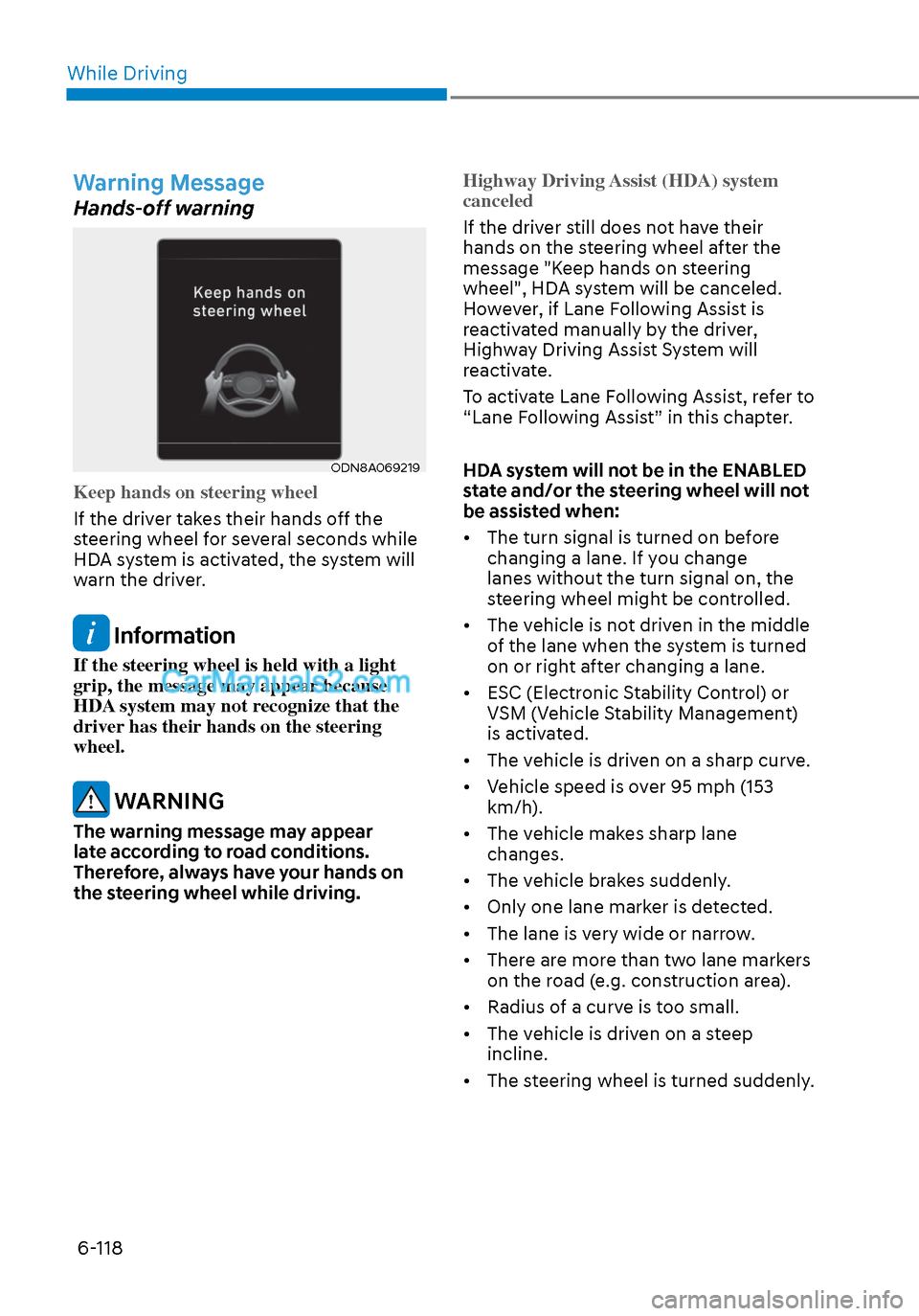
Keep hands on steering wheel
If the driver takes their hands off the
s
teering wheel for several seconds while
HDA system is activated, the system will
warn the driver.
Information
If the steering wheel is held with a light
grip, the message may appear because
HDA system may not recognize that the
driver has their hands on the steering
wheel.
WARNING
The warning message may appear
late according to road conditions.
Therefore, always have your hands on
the steering wheel while driving. Highway Driving Assist (HDA) system
canceled
If the driver still does not have their
hands on the s
teering wheel after the
message "Keep hands on steering
wheel", HDA system will be canceled.
However, if Lane Following Assist is
reactivated manually by the driver,
Highway Driving Assist System will
reactivate.
To activate Lane Following Assist, refer to
“Lane Following Assist” in this chapter.
HDA system will not be in the ENABLED
state and/or the steering wheel will not
be assisted when:
• The turn signal is turned on before changing a lane. If you change
lanes without the turn signal on, the
steering wheel might be controlled.
• The vehicle is not driven in the middle of the lane when the system is turned
on or right after changing a lane.
• ESC (Electronic Stability Control) or VSM (Vehicle Stability Management)
is activated.
• The vehicle is driven on a sharp curve.
• Vehicle speed is over 95 mph (153 km/h).
• The vehicle makes sharp lane changes.
• The vehicle brakes suddenly.
• Only one lane marker is detected.
• The lane is very wide or narrow.
• There are more than two lane markers on the road (e.g. construction area).
• Radius of a curve is too small.
• The vehicle is driven on a steep incline.
• The steering wheel is turned suddenly.
Page 403 of 537

06
6-119
System malfunction
ODN8A069220ODN8A069220
Check Highway Driving Assist (HDA)
system
If there is a problem with the system, a
message will appear f
or a few seconds. If
the problem continues, have the vehicle
inspected by an authorized HYUNDAI
dealer.
Information
• High Driving Assist is limited in other
countries.
• High Driving Assist only operates based
on the speed limits of the highway but it
does not work with the speed cameras.
• The time gap could occur between the
navigation speed warning and system
operation.
• The system is not designed to work
on highways other than mentioned as
a controlled access road. The system
automatically cancels when you leave
the highway.
• If there is a problem with Highway
Driving Assist, the system cannot be
activated in the infotainment system
screen.
• If your vehicle is 1640 ft. (500 m) ahead
and behind of an open tollgate, the
system is automatically canceled. Also,
it is converted to Smart Cruise Control
automatically with a pop-up message
on the navigation. •
In the automatic speed setting mode,
the vehicle automatically accelerates
or decelerates when the highway speed
limit changes.
• If your vehicle speed exceeds 95 mph
(153 km/h), Highway Driving Assist
is automatically canceled. Also, it is
converted to Smart Cruise Control
automatically with a pop-up message
on the navigation.
• If you enter a rest area on the highway
or a IC/JC (intersection/junction)
without a destination set, the system is
canceled later than when the vehicle
actually l eaves the highway.
Page 404 of 537

While Driving6-120
CAUTION
Highway Driving Assist system may
not function properly in the following
situations:
• The navigation is not working
properly.
• The navigation is not updated.
• The real-time GPS or map
information provided has errors.
• The navigation is overloaded by
performing functions such as route
search, video playback, voice
recognition, etc. are performing
simultaneously.
• GPS signals are blocked in areas such
as a tunnel.
• The driver goes off course or the
route to the destination is changed
or canceled by resetting the
navigation.
• The vehicle enters a service station
or rest area
• Android Auto or Car Play is operating.
• The navigation cannot detect the
current vehicle position (ex: elevated
roads including overpass adjacent to
general roads or nearby roads exist
in a parallel way).
• The navigation is being updated
while driving.
• The navigation is being reset while
driving.
• The road is slippery due to bad
weather such as rain or snow.
Information
• For information's on vehicle to vehicle
distance control and the front radar,
refer to "Smart Cruise Control (SCC)"
in this chapter.
• For information's on steering control
and distance control and the front
camera, refer to "Lane Following Assist
(LFA)" in this chapter.
Information
This device complies with Part 15 of the
FCC rules.
Operation is subject to the following three
conditions:
1. This device may not cause harmful
interference, and
2. This device must accept any
interference received, including
interference that may cause undesired
operation.
3. Changes or modifications not expressly
approved by the party responsible
for compliance could void the user's
authority to operate the device.
Information
Radio frequency radiation exposure
information:
This equipment complies with FCC
radiation exposure limits set forth for an
uncontrolled environment.
This equipment should be installed and
operated with minimum distance of 8 in.
(20 cm) between the radiator (antenna)
and your body.
This transmitter must not be co-located or
operating in conjunction with any other
antenna or transmitter.