2019 TOYOTA SUPRA warning
[x] Cancel search: warningPage 37 of 456
37
2
Supra Owner's Manual2-1. QUICK REFERENCE
QUICK REFERENCE
The Concierge Service provides
information about hotels, restau-
rants etc. and can send an SMS
with the required information to the
vehicle. Addresses can also be
sent directly to the navigation sys-
tem.
Via Toyota Supra Command:
1"Connected Serv."
2"Toyota Supra Assistance"
3"Concierge Services"
A voice connection to the Con-
cierge Service is established.
Remote maintenances are services
that help to keep the vehicle
mobile.
Remote maintenances can com-
prise the following services:
• Roadside assistance
• Battery guard
When leaving the vehicle, turn the
engine switch off, apply the parking
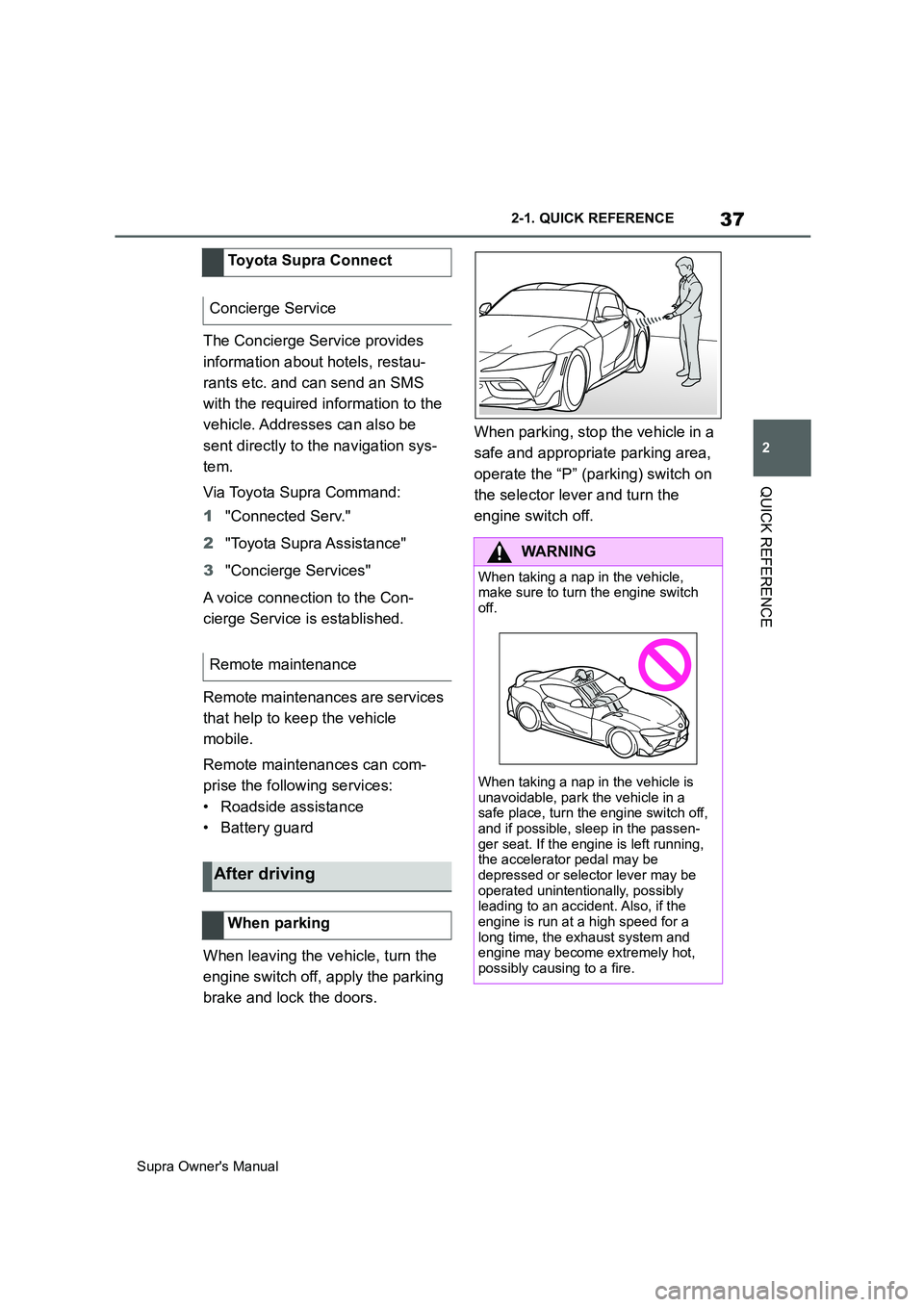
brake and lock the doors.When parking, stop the vehicle in a
safe and appropriate parking area,
operate the “P” (parking) switch on
the selector lever and turn the
engine switch off. Toyota Supra Connect
Concierge Service
Remote maintenance
After driving
When parking
WARNING
When taking a nap in the vehicle,
make sure to turn the engine switch
off.
When taking a nap in the vehicle is
unavoidable, park the vehicle in a
safe place, turn the engine switch off,
and if possible, sleep in the passen-
ger seat. If the engine is left running,
the accelerator pedal may be
depressed or selector lever may be
operated unintentionally, possibly
leading to an accident. Also, if the
engine is run at a high speed for a
long time, the exhaust system and
engine may become extremely hot,
possibly causing to a fire.
Page 38 of 456
38
Supra Owner's Manual2-1. QUICK REFERENCE
WARNING
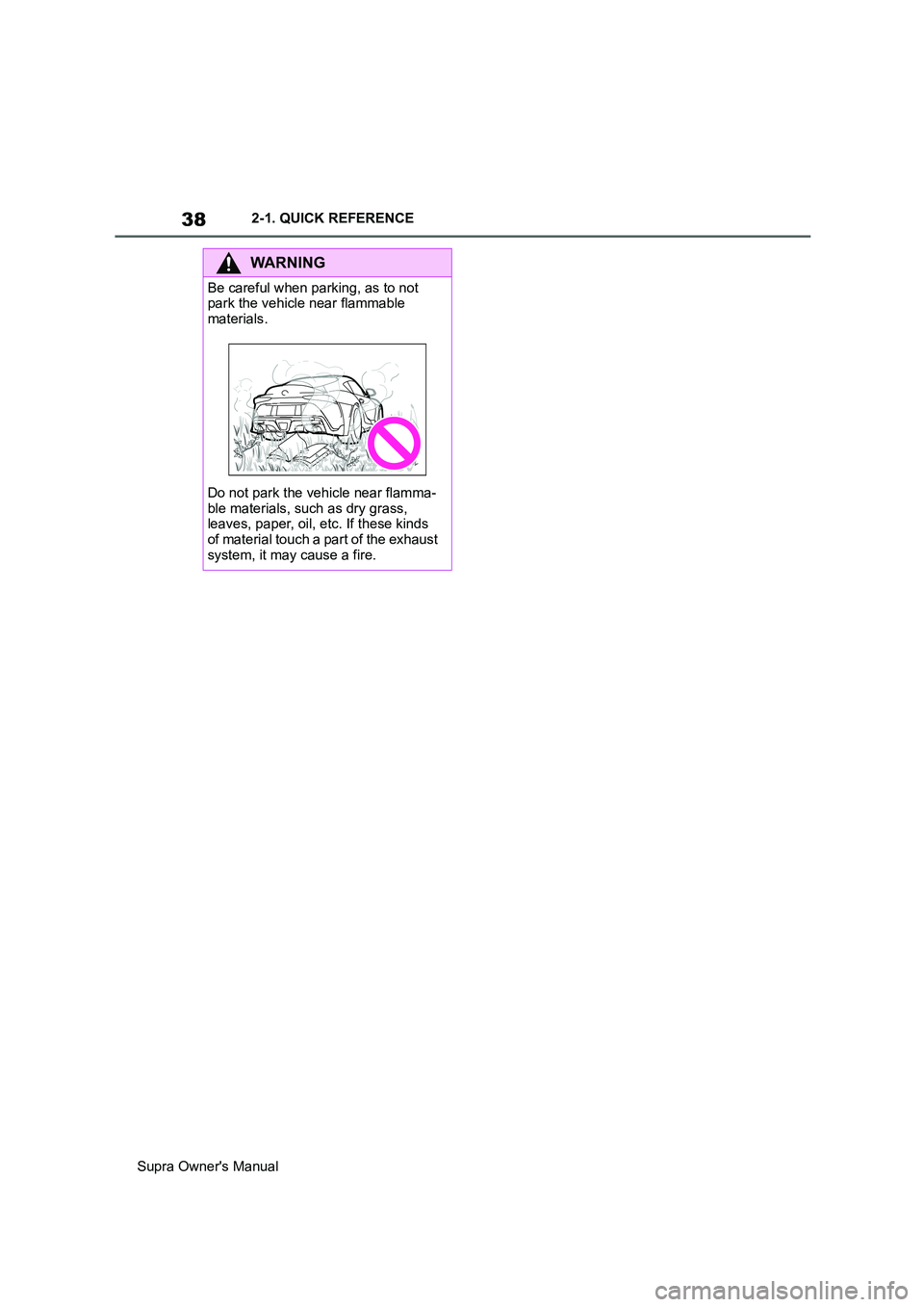
Be careful when parking, as to not
park the vehicle near flammable
materials.
Do not park the vehicle near flamma-
ble materials, such as dry grass,
leaves, paper, oil, etc. If these kinds
of material touch a part of the exhaust
system, it may cause a fire.
Page 42 of 456

42
Supra Owner's Manual3-1. CONTROLS
14 To release the bonnet
P. 3 0 615 Unlocking the boot lid P.77
1Control Display P.50
2 Hazard warning lights
P. 3 3 6
3Ventilation P.255
4Glove box P.260
5Radio/multimedia, see Owner's
Manual for Navigation, Enter-
tainment, Communication
6Automatic air conditioning P.250
7Controller with buttons P.50,
P. 5 1
8 Sport mode switch P.149
SPORT drive mode
Toyota Supra Safety P.191 Auto Start/Stop P.134
Parking Sensors P.236
Rear-view camera P.242
Crossing traffic warning P.246
Park Assistant P.236
Vehicle Stability Control,
VSC P.216
9 Parking brake P.137
10Automatic transmission selector
lever P.143
11 To switch drive-ready
state on/off P.134
Around the centre console
1
4
23
5
6
7
89
10
11
Page 44 of 456
44
Supra Owner's Manual3-1. CONTROLS
This chapter describes all standard,
country-specific and special equip-
ment available for the model series.
It may therefore describe equip-
ment and functions which are not
installed in your vehicle, for exam-
ple on account of the optional
equipment selected or the country
specification. This also applies to
safety-relevant functions and sys-
tems. Please comply with the rele-
vant laws and regulations when
using the corresponding functions
and systems.
Depending on the situation, the
vehicle is in one of the three states:
• Idle state.
• Standby state.
• Drive-ready state.
When the vehicle is in idle state, it
is switched off. All electrical con-
sumers are deactivated.
The vehicle is in idle state before
you open it from outside and once you have left the vehicle and locked
it.
Vehicle operating state
Vehicle equipment
General
Idle state
Principle
General
Safety notes
WARNING
An unsecured vehicle can start mov-
ing and rolling away. There is a dan-
ger of accidents. Before leaving the
vehicle, secure it to prevent it from
rolling away.
Observe the following to ensure that
the vehicle is secured against rolling
away:
• Apply the parking brake.
• Turn the front wheels towards the
kerb on upward or downward gradi-
ents.
• Additionally secure the vehicle on
upward or downward gradients, for
example with a chock.
WARNING
Unsupervised children or pets in the
vehicle can set the vehicle in motion
and endanger themselves or other
road users, for example by the follow-
ing actions:
• Pressing the start/stop button.
• Release the parking brake.
• Opening and closing doors or win-
dows.
• Engaging selector lever position N.
• Operating vehicle equipment.
There is a risk of accidents or injury.
Do not leave children or pets unsu-
pervised in the vehicle. When leaving
the vehicle, take the remote control
with you and lock the vehicle.
Page 46 of 456
46
Supra Owner's Manual3-1. CONTROLS
be operated when drive-ready state
is switched on.
1Depress the brake pedal.
2Press the start/stop button.
The starting process is activated
automatically for a short time and
stops as soon as the engine starts.
Most of the indicator and warning
lamps in the instrument cluster are
illuminated for different lengths of
time.
Depending on the engine version,
full drive power may only be availa-
ble approx. 30 seconds after start-
ing the engine. In this case, the
vehicle will not accelerate in the
usual way.
When drive-ready state is switched
on, the revolution counter shows
the current engine speed. Safety notes
WARNING
A blocked exhaust pipe or inadequate
ventilation can allow harmful exhaust
fumes to enter the vehicle. The
exhaust fumes contain pollutants
which are colourless and odourless.
In enclosed spaces, the exhaust
fumes can also build up outside the
vehicle. There is a danger of fatal
injury. Keep the exhaust pipe clear
and ensure sufficient ventilation.
WARNING
An unsecured vehicle can start mov-
ing and rolling away. There is a dan-
ger of accidents. Before leaving the
vehicle, secure it to prevent it from
rolling away.
Observe the following to ensure that
the vehicle is secured against rolling
away:
• Apply the parking brake.
• Turn the front wheels towards the
kerb on upward or downward gradi-
ents.
• Additionally secure the vehicle on
upward or downward gradients, for
example with a chock.
NOTICE
Repeated start attempts or starting
several times in quick succession
means that fuel is not burned or is
inadequately burned. The catalytic
converter can overheat. There is a
danger of damage to property. Avoid
repeatedly starting in quick succes-
sion.
Switching on drive-ready
state
Principle
Drive-ready state is
switched on using
the start/stop button:
Automatic transmission
Petrol engine
Display in the instrument
cluster
Page 47 of 456
47
3
Supra Owner's Manual3-1. CONTROLS
CONTROLS
1With the vehicle at a standstill,
engage selector lever position P.
2Press the start/stop button.
The engine is switched off. The vehicle
changes to standby state.
3Apply the parking brake.This chapter describes all standard,
country-specific and special equip-
ment available for the model series.
It may therefore describe equip-
ment which is not installed in your
vehicle, for example on account of
the optional equipment selected or
the country specification. This also
applies to safety-relevant functions
and systems. Please comply with
the relevant laws and regulations
when using the corresponding func-
tions and systems.
Toyota Supra Command brings
together the functions of a number
of switches. These functions can be
operated using the Controller and,
depending on the equipment ver-
sion, the touchscreen. Switching off drive-ready
state
Automatic transmission
Toyota Supra Command
Vehicle equipment
Principle
Safety note
WARNING
Operating integrated information sys-
tems and communication devices dur-
ing a journey may distract you from
the traffic. You could lose control of
the vehicle. There is a danger of acci-
dents. Only operate the systems or
devices if permissible in the traffic sit-
uation. Stop if necessary and operate
the systems or devices with the vehi-
cle at a standstill.
Page 67 of 456
67
3
Supra Owner's Manual3-1. CONTROLS
CONTROLS
•Apple CarPlay.
• Screen Mirroring.
Registered devices are then auto-
matically recognised and con-
nected to the vehicle.
• Compatible device with
Bluetooth interface.
• The device is operational.
• Bluetooth is activated on the
device and switched on in the
vehicle, see page 67.
• The device may require certain
Bluetooth default settings, for
example visibility, see the user
manual of the device.
Via Toyota Supra Command:
1"My Vehicle"
2"System settings"3"Mobile devices"
4"Settings"
5"Bluetooth"
To be able to use all supported
functions of a mobile telephone, it is
necessary for the following func-
tions to be activated before regis-
tering the mobile telephone with the
vehicle.
Via Toyota Supra Command:
1"My Vehicle"
2"System settings"
3"Mobile devices"
4"Settings"
5Select the desired setting.
•"Office"
Activate this function to transfer SMS
messages, e-mails, calendar, tasks,
memos and reminders to the vehicle.
Transferring all data to the vehicle may
incur costs.
• "Contact pictures"
Activate this function to have contact
pictures displayed.
6Tilt the Controller to the left.
Via Toyota Supra Command:
1"My Vehicle"
2"System settings"
3"Mobile devices" Safety note
WARNING
Operating integrated information sys-
tems and communication devices dur-
ing a journey may distract you from
the traffic. You could lose control of
the vehicle. There is a danger of acci-
dents. Only operate the systems or
devices if permissible in the traffic sit-
uation. Stop if necessary and operate
the systems or devices with the vehi-
cle at a standstill.
Bluetooth connection
Operating requirements
Switching on Bluetooth
Enabling/disabling telephone
functions
Registering the mobile device with
the vehicle
Page 74 of 456
74
Supra Owner's Manual3-1. CONTROLS
This chapter describes all standard,
country-specific and special equip-
ment available for the model series.
It may therefore describe equip-
ment and functions which are not
installed in your vehicle, for exam-
ple on account of the optional
equipment selected or the country
specification. This also applies to
safety-relevant functions and sys-
tems. Please comply with the rele-
vant laws and regulations when
using the corresponding functions
and systems.
The delivery specification includes
two remote controls with integrated
keys.
Each remote control contains a
replaceable battery. Replacing the
battery, see page 77.
The button functions can be
assigned, depending on the equip-
ment and the country specifica-
tions. For settings, see page 89.
A driver profile, see page 86, with
personalised settings can be
assigned to a remote control.
To prevent the remote control from
being locked in, take it with you whenever you leave the vehicle.
Opening and closing
Vehicle equipment
Remote control
General
Safety notes
WARNING
Persons remaining in the vehicle or
pets left inside can lock the doors
from the inside and lock themselves
in. In this case, the vehicle cannot be
opened from the outside. There is a
danger of injury. Carry the remote
control with you so that you can open
the vehicle from the outside.
WARNING
With some country specifications,
unlocking from the inside is only pos-
sible with special knowledge.
There is a risk of injury or danger to
life if persons remain in the vehicle for
extended periods and are exposed to
extreme temperatures as a result. Do
not lock the vehicle from the outside
when there is someone inside it.
WARNING
Unsupervised children or pets in the
vehicle can set the vehicle in motion
and endanger themselves or other
road users, for example by the follow-
ing actions:
• Pressing the start/stop button.
• Release the parking brake.
• Opening and closing doors or win-
dows.
• Engaging selector lever position N.
• Operating vehicle equipment.
There is a risk of accidents or injury.
Do not leave children or pets unsu-
pervised in the vehicle. When leaving
the vehicle, take the remote control
with you and lock the vehicle.