2019 TOYOTA SUPRA battery
[x] Cancel search: batteryPage 91 of 456
91
3
Supra Owner's Manual3-1. CONTROLS
CONTROLS
The vehicle is automatically locked
again after a short while if no door is
opened after unlocking.
• "Lock after pulling away"
On driving off, the vehicle is locked
automatically.
Via Toyota Supra Command:
1"My Vehicle"
2"Vehicle settings"
3"Doors/Key"
4"Unlock at end of journey"
After the drive-ready state has been
switched off by pressing the start/stop
button, the locked vehicle is automati-
cally unlocked.
Via Toyota Supra Command:
1"My Vehicle"
2"Vehicle settings"
3"Doors/Key"
4"Fold mirrors in when locked"
When locking, the exterior mirrors are
automatically folded in, and when
unlocking they are automatically folded
out.
Via Toyota Supra Command:
1"My Vehicle"
2"Vehicle settings"
3"Doors/Key"4"Switch off after door opening"
Idle state, see page 44, is established
when the front doors are opened.
The alarm system responds to the
following changes when the vehicle
is locked:
• A door, the bonnet or the boot lid
is opened.
• Movements in the interior.
• The vehicle's incline changes, for
instance if an attempt is made to
jack it up and steal the wheels or
to raise it prior to towing away.
• There is an interruption in the
power supply from the battery.
• Improper use of the socket for
on-board diagnosis OBD.
The alarm system indicates the fol-
lowing changes visually and audi-
bly:
• Audible alarm: Depending on
local regulations, the acoustic
alarm may be suppressed.
• Visual alarm: By flashing the
exterior lights.
The alarm system is switched on
and off at the same time as the
vehicle is unlocked and locked via
the remote control or Smart Key
System. Automatic unlocking
Folding the mirrors automati-
cally
Establishing idle state after
opening the front doors
Alarm system
General
Switching on/off
Page 99 of 456
99
3
Supra Owner's Manual3-1. CONTROLS
CONTROLS
pants, the vehicle is equipped with
two seat belts. However, they can
only provide effective protection
when worn correctly.
Before a journey, always make sure
that all occupants have fastened
their seat belts. The airbags sup-
plement the seat belts as an addi-
tional safety device. The airbags
are not a substitute for the seat
belts.
The belt anchorage is suitable for
adults of any stature if the seat is
adjusted correctly.General
Safety notes
WARNING
Never restrain more than one person
with each seat belt, otherwise the pro-
tective effect of the seat belt is no
longer guaranteed. There is a danger
of injury or even death. Only restrain
one person with each seat belt. Do
not allow infants and children to travel
on the lap of another occupant.
Instead, secure the infant or child in a
child restraint system intended for this
purpose.
WARNING
The protective function of the seat
belts may be limited or may even fail
completely if the seat belts are worn
incorrectly. If a seat belt is not worn
correctly, additional injuries can be
caused, for example in the event of
an accident or braking and evasive
manoeuvres. There is a danger of
injury or even death. Make sure that
all vehicle occupants have fastened
their seat belts correctly.
WARNING
Seat belts are designed to bear upon
the body's skeleton and should be
worn low across the front of the pel-
vis, or lie against pelvis, chest and
shoulders, as applicable. Do not route
the lap section of the belt across the
abdomen.
In order to provide the protection for
which they have been designed, the
seat belts should be adjusted to fit as
snugly as possible without being
uncomfortable. A slack belt will
greatly reduce the protection afforded
to the wearer.
Do not allow the seat belt webbing to
come into contact with polishes, oils
and chemicals and particularly battery
acid. It may be safely cleaned with a
mild soap water solution. Replace the
seat belt if the webbing becomes
frayed, contaminated or damaged.
Seat belts should not be worn with
seat belt straps twisted. Each seat
belt assembly must only be used by
one occupant; carrying infants and
children on the occupant's lap is not
permitted.
It is essential to replace the entire belt
assembly if it was being worn by a
vehicle occupant when a severe
impact occurred, even if damage to
the assembly is not obvious.
Page 135 of 456
135
3
Supra Owner's Manual3-1. CONTROLS
CONTROLS
If the engine was not switched off
automatically when the vehicle
came to a stop, it can be switched
off manually:
Rapidly press the brake pedal
from the current position.
Engaging the selector lever in
position P.
If all the operating requirements
have been met, the engine is shut
down.
The air flow rate of the air condi-
tioning system is reduced when the
engine is not running.
■General
The engine is not shut down auto-
matically in the following situations:On steep downward gradients.
Brake not pressed strongly
enough.
High outside temperature and
operation of the automatic air
conditioning.
Interior not heated or cooled to
the desired temperature.
Where there is a risk of conden-
sation when the automatic air
conditioning is switched on.
Engine or other parts not at oper-
ating temperature.
Engine cooling is required.
Sharp steering angle or steering
operation.
Vehicle battery is heavily dis-
charged.
At high altitudes.
Bonnet is unlocked.
Park Assistant is activated.
Stop-and-go traffic.
Automatic transmission: selector
lever position in N or R.
After reversing.
Use of fuel with high ethanol
content.
■Automatic transmission
For driving off, the engine automati-
cally starts under the following con- Automatic transmission: manual
engine stop
Air conditioning system when the
vehicle is parked
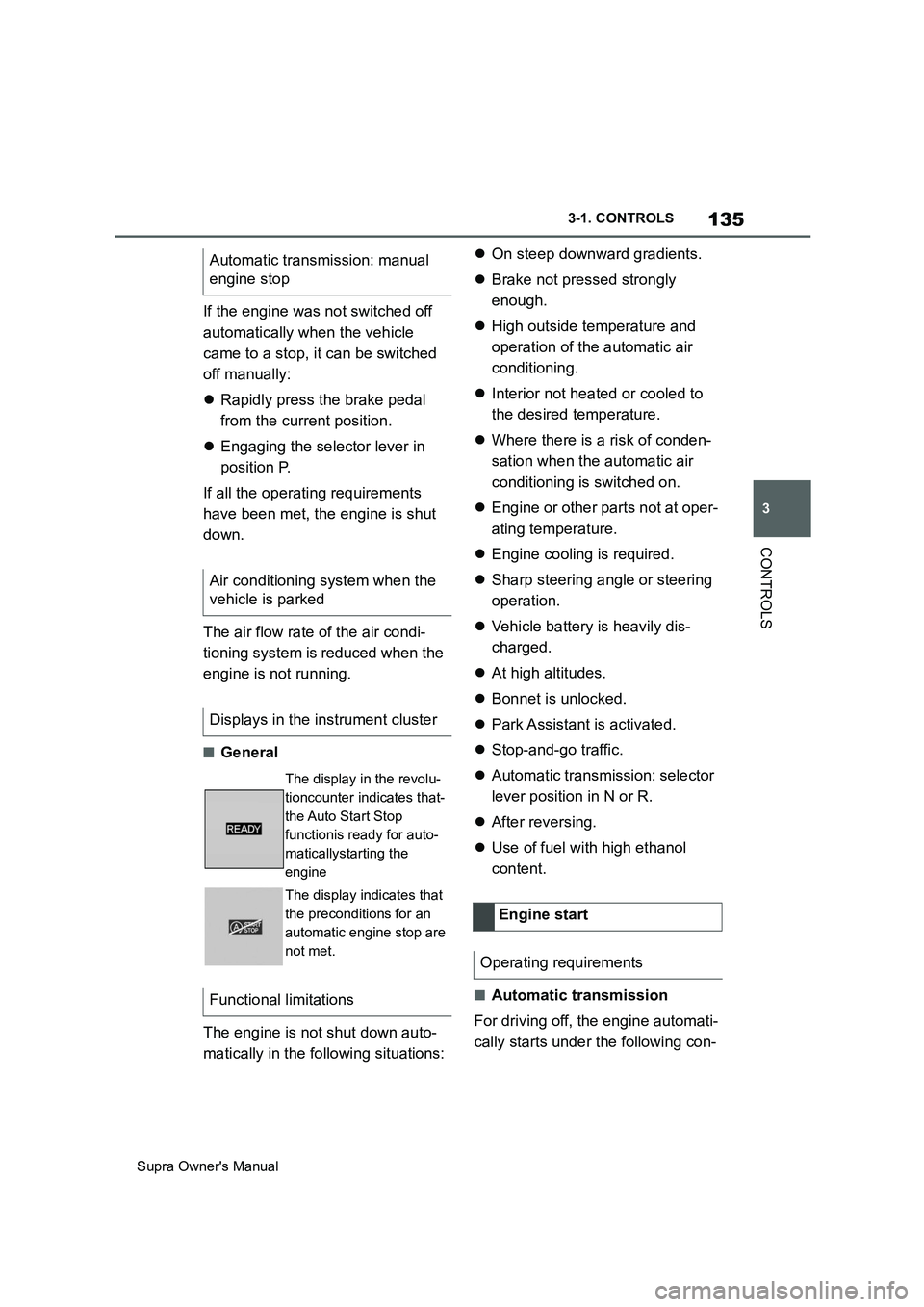
Displays in the instrument cluster
The display in the revolu-
tioncounter indicates that-
the Auto Start Stop
functionis ready for auto-
maticallystarting the
engine
The display indicates that
the preconditions for an
automatic engine stop are
not met.
Functional limitations
Engine start
Operating requirements
Page 136 of 456
136
Supra Owner's Manual3-1. CONTROLS
ditions:
By releasing the brake pedal.
After starting the engine, accelerate
as normal.
After an automatic shut down, the
engine will not restart automatically,
if one of the following conditions is
met:
Driver's seat belt unbuckled and
driver's door open.
Bonnet has been unlocked.
Several indicator lamps illuminate
for various lengths of time.
The engine can only be started
using the start/stop button.
Even if you do not want to drive off,
the engine restarts automatically in
the following situations:
Very high temperature in the
interior when the cooling function
is switched on.
Very low temperature in the inte-
rior when the heating is switched
on.
Where there is a risk of conden-
sation when the automatic air
conditioning is switched on.
The driver applies lock to the
steering wheel.Automatic transmission:
Shift from selector lever position D to N
or R.
Automatic transmission:
Shift from selector lever position P to N,
D or R.
Vehicle battery is heavily dis-
charged.
Start of an oil level measure-
ment.
The engine is not switched off auto-
matically.
During an automatic engine stop,
the engine is started.
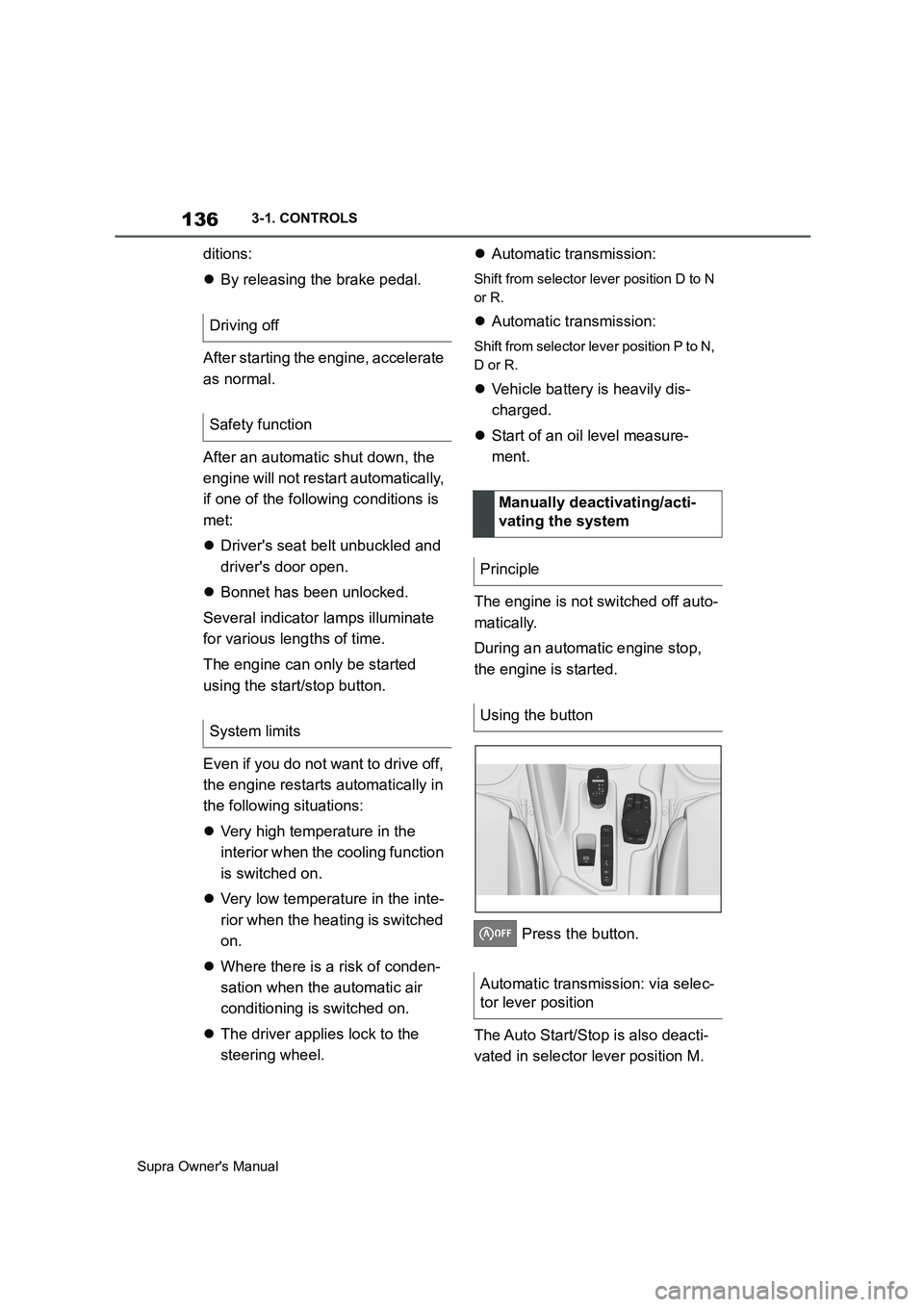
Press the button.
The Auto Start/Stop is also deacti-
vated in selector lever position M. Driving off
Safety function
System limits
Manually deactivating/acti-
vating the system
Principle
Using the button
Automatic transmission: via selec-
tor lever position
Page 172 of 456
172
Supra Owner's Manual3-1. CONTROLS
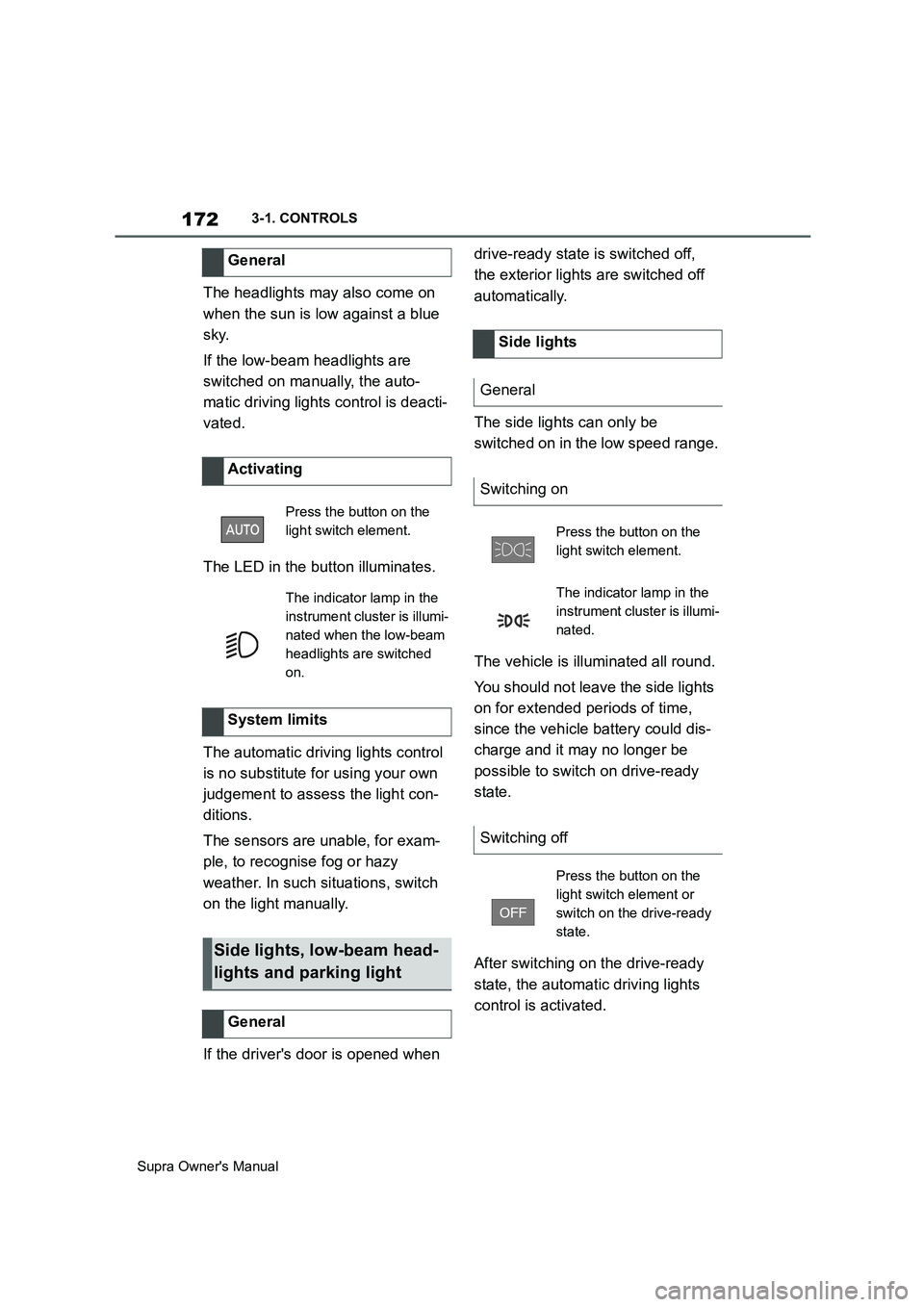
The headlights may also come on
when the sun is low against a blue
sky.
If the low-beam headlights are
switched on manually, the auto-
matic driving lights control is deacti-
vated.
The LED in the button illuminates.
The automatic driving lights control
is no substitute for using your own
judgement to assess the light con-
ditions.
The sensors are unable, for exam-
ple, to recognise fog or hazy
weather. In such situations, switch
on the light manually.
If the driver's door is opened when drive-ready state is switched off,
the exterior lights are switched off
automatically.
The side lights can only be
switched on in the low speed range.
The vehicle is illuminated all round.
You should not leave the side lights
on for extended periods of time,
since the vehicle battery could dis-
charge and it may no longer be
possible to switch on drive-ready
state.
After switching on the drive-ready
state, the automatic driving lights
control is activated. General
Activating
Press the button on the
light switch element.
The indicator lamp in the
instrument cluster is illumi-
nated when the low-beam
headlights are switched
on.
System limits
Side lights, low-beam head-
lights and parking light
General
Side lights
General
Switching on
Press the button on the
light switch element.
The indicator lamp in the
instrument cluster is illumi-
nated.
Switching off
Press the button on the
light switch element or
switch on the drive-ready
state.
Page 253 of 456
253
3
Supra Owner's Manual3-1. CONTROLS
CONTROLS
body and into the footwell.
The cooling function, see page 251,
is switched on automatically in the
AUTO programme.
The AUTO programme is automati-
cally switched off when the air dis-
tribution is set manually.
If the air outside the vehicle has an
unpleasant odour or contains pol-
lutants, the supply to the interior of
the vehicle can be shut off. The air
inside the vehicle is then recircu-
lated.
The LED is illuminated when the
recirculated-air mode is switched
on.
When the left LED is illuminated:
Automatic recirculated air mode
If the pollution sensor detects pollutants
in the outside air, the air mode is auto-
matically changed from outside air
mode to recirculated air mode.
When the right LED is illuminated:
Recirculated air mode
The air in the cabin is continuously
recirculated.
The recirculated-air mode automat-ically switches off after a given time
depending on the ambient condi-
tions, to avoid condensation.
Continuous recirculated-air mode
deteriorates the air quality in the
interior and condensation on the
windows increases.
If there is condensation, shut down
recirculated-air mode or remove the
condensation, see page 254.
The air flow for air conditioning can
be set manually.
To be able to adjust the air flow
manually, first switch off the AUTO
programme.
Selected air flow is shown on the
climate display.
In order to protect the battery the
air flow rate is reduced, if neces-
sary. Recirculated-air mode
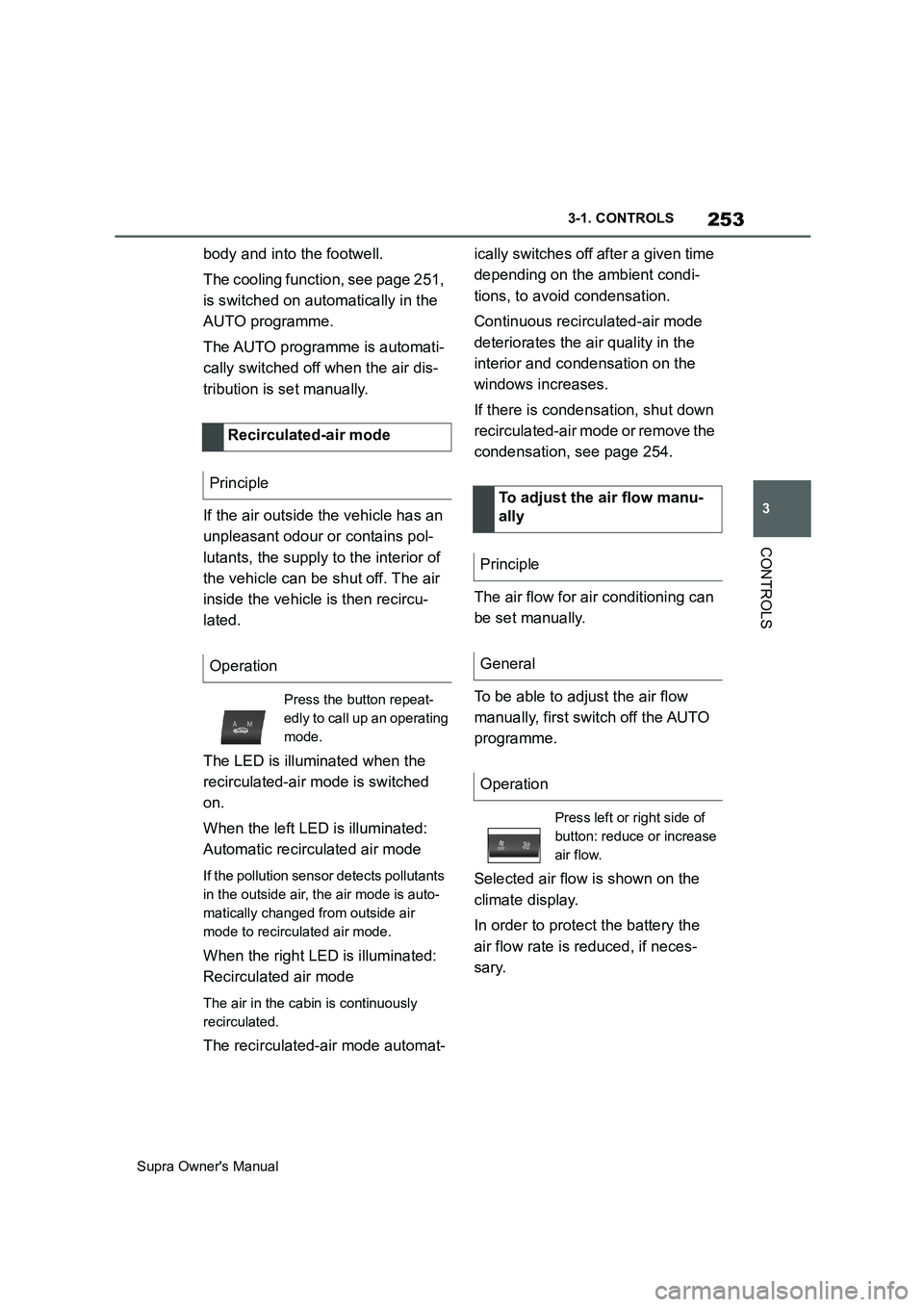
Principle
Operation
Press the button repeat-
edly to call up an operating
mode.
To adjust the air flow manu-
ally
Principle
General
Operation
Press left or right side of
button: reduce or increase
air flow.
Page 255 of 456
255
3
Supra Owner's Manual3-1. CONTROLS
CONTROLS
The direction of the air flows can be
set individually.
The direction of the air flows can be
set for direct or indirect ventilation.
Align the air flow directly onto the
vehicle occupants. The air flow pro-
vides noticeable heating or cooling
depending on the set temperature.
Do not align the air flow directly
onto the vehicle occupants. The
vehicle interior is cooled or heated
indirectly depending on the set tem-
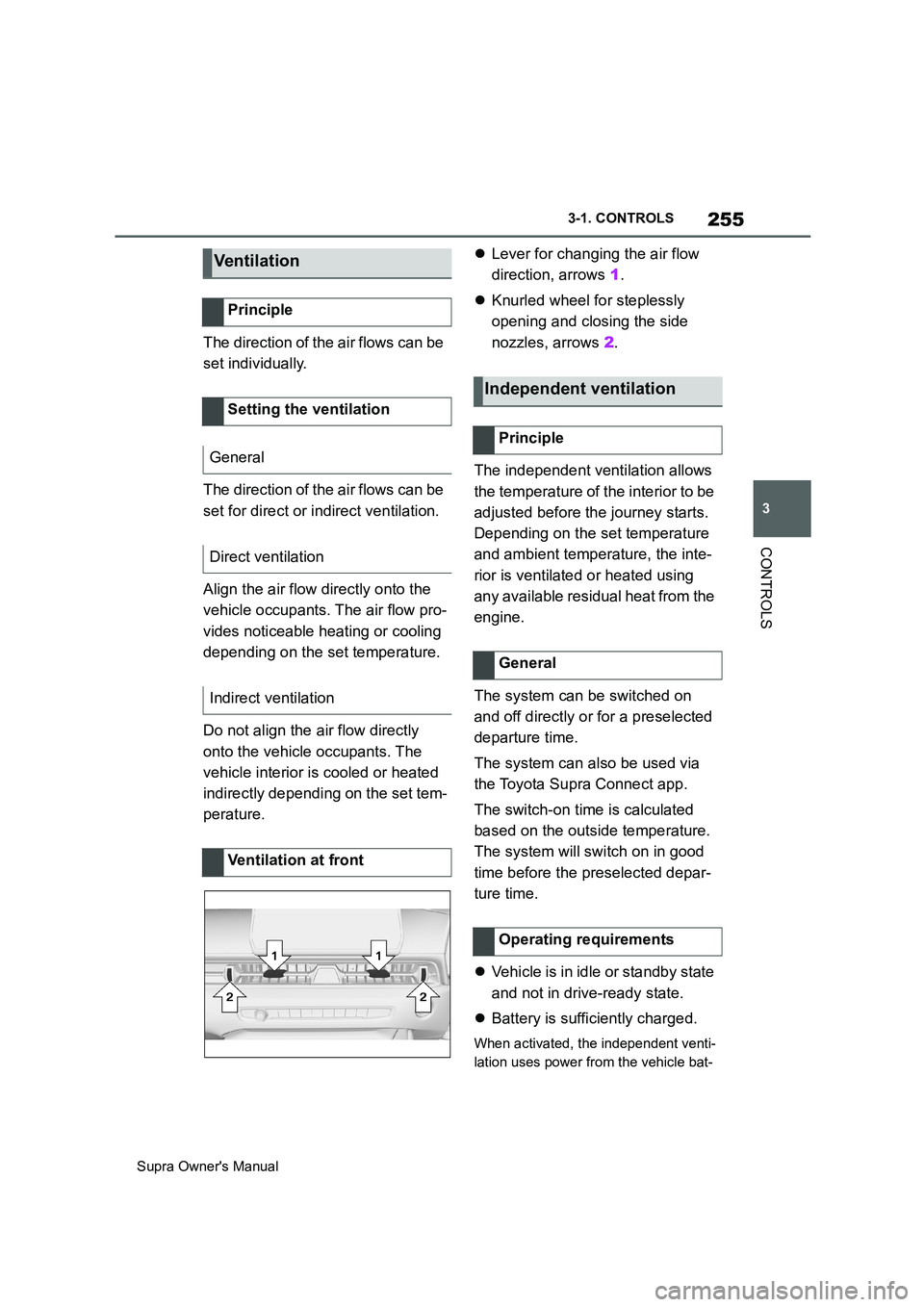
perature.Lever for changing the air flow
direction, arrows 1.
Knurled wheel for steplessly
opening and closing the side
nozzles, arrows 2.
The independent ventilation allows
the temperature of the interior to be
adjusted before the journey starts.
Depending on the set temperature
and ambient temperature, the inte-
rior is ventilated or heated using
any available residual heat from the
engine.
The system can be switched on
and off directly or for a preselected
departure time.
The system can also be used via
the Toyota Supra Connect app.
The switch-on time is calculated
based on the outside temperature.
The system will switch on in good
time before the preselected depar-
ture time.
Vehicle is in idle or standby state
and not in drive-ready state.
Battery is sufficiently charged.
When activated, the independent venti-
lation uses power from the vehicle bat-
Ve n ti la t io n
Principle
Setting the ventilation
General
Direct ventilation
Indirect ventilation
Ventilation at front
Independent ventilation
Principle
General
Operating requirements
Page 256 of 456
256
Supra Owner's Manual3-1. CONTROLS
tery. As a result, the maximum
activation time is restricted to protect
the battery. After the engine is started
or after driving a short distance, the
system will be available again.
Ensure that the date and time
are set correctly in the vehicle.
Open the side nozzles to allow
the air to enter the passenger
compartment.
The system can be switched on or
off in various ways.
The system switches off automati-
cally after a certain period of time. It
continues to run for a short time
after it has been switched off.
If the vehicle is in standby state, the
independent ventilation can be
switched on or off via the buttons of
the automatic air conditioning.
Press any button, except:
Rear window heating.
Seat heating.
Menu.
The system switches off after leav-
ing and locking the vehicle.
1"My Vehicle" 2"Vehicle settings"
3"Climate comfort"
4"Auxiliary ventilation"
5"Activate now"
To ensure a pleasant interior tem-
perature in the vehicle at the start
of the journey, it is possible to set
different departure times.
One-off departure time: the time
can be set.
System is switched on once.
Departure time with day of the
week: time and day of the week
can be set.
The system is switched on in good time
before the set departure time on the
required days of the week.
The departure time is preselected
in two steps:
Set departure times.
Activate departure time. Switching on/off directly
General
Using the button
Via Toyota Supra Command
Display
SymbolDescription
Symbol on the climate dis-
play.
Flashing: independent
ventilation is switched on.
Departure time
Principle