Page 92 of 698
IconDescription
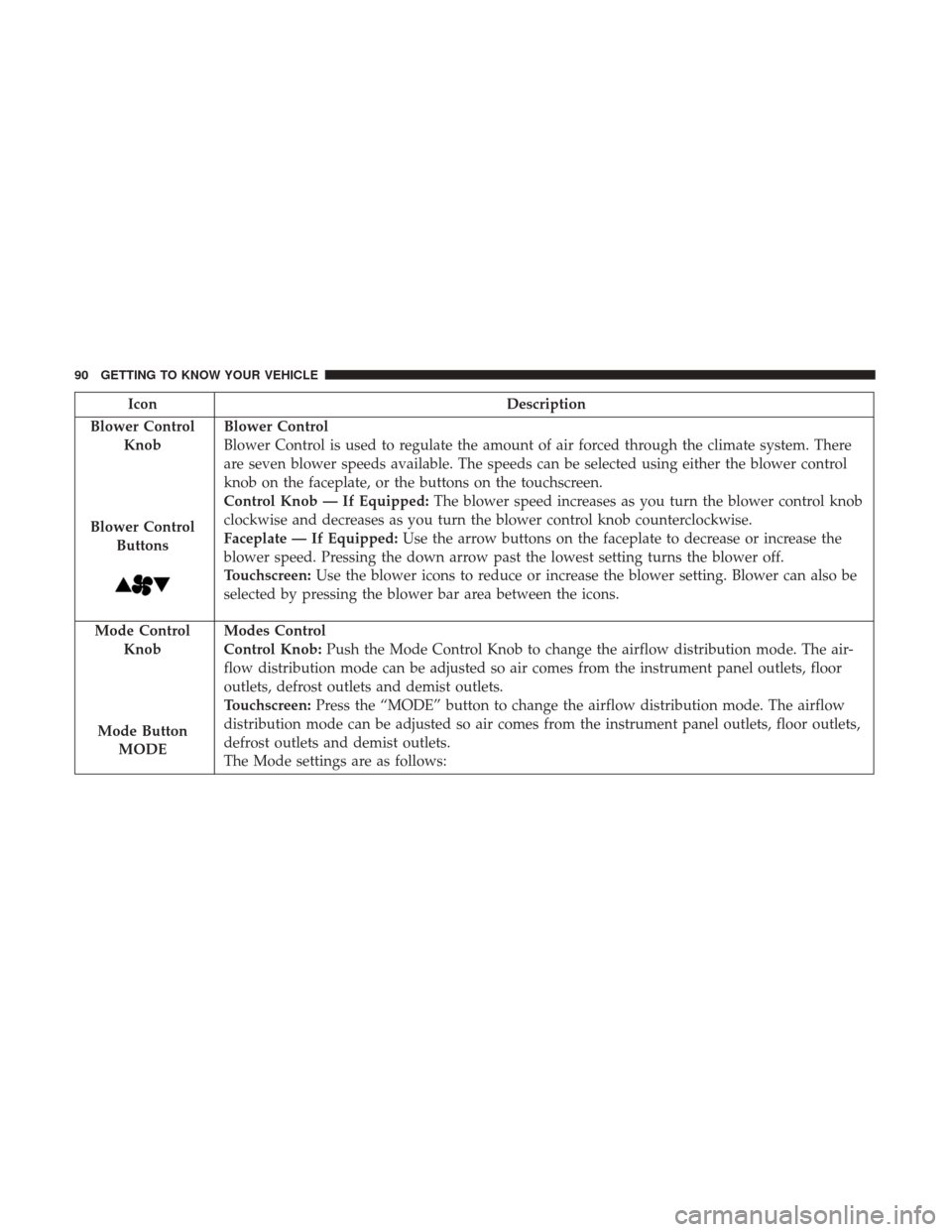
Blower Control Knob
Blower ControlButtons
Blower Control
Blower Control is used to regulate the amount of air forced through the climate system. There
are seven blower speeds available. The speeds can be selected using either the blower control
knob on the faceplate, or the buttons on the touchscreen.
Control Knob — If Equipped: The blower speed increases as you turn the blower control knob
clockwise and decreases as you turn the blower control knob counterclockwise.
Faceplate — If Equipped: Use the arrow buttons on the faceplate to decrease or increase the
blower speed. Pressing the down arrow past the lowest setting turns the blower off.
Touchscreen: Use the blower icons to reduce or increase the blower setting. Blower can also be
selected by pressing the blower bar area between the icons.
Mode Control Knob
Mode ButtonMODE Modes Control
Control Knob:
Push the Mode Control Knob to change the airflow distribution mode. The air-
flow distribution mode can be adjusted so air comes from the instrument panel outlets, floor
outlets, defrost outlets and demist outlets.
Touchscreen: Press the “MODE” button to change the airflow distribution mode. The airflow
distribution mode can be adjusted so air comes from the instrument panel outlets, floor outlets,
defrost outlets and demist outlets.
The Mode settings are as follows:
90 GETTING TO KNOW YOUR VEHICLE
Page 93 of 698
IconDescription
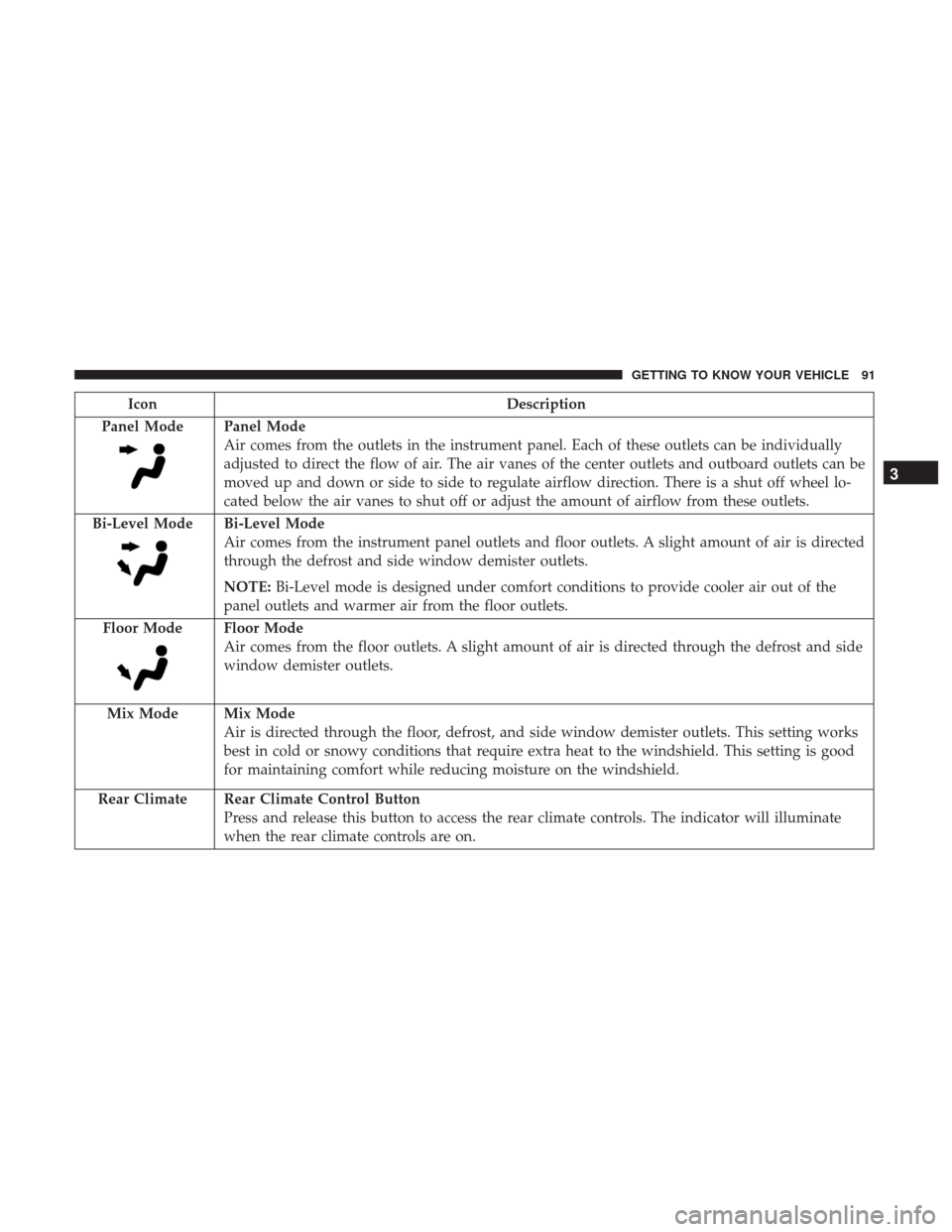
Panel Mode
Panel Mode
Air comes from the outlets in the instrument panel. Each of these outlets can be individually
adjusted to direct the flow of air. The air vanes of the center outlets and outboard outlets can be
moved up and down or side to side to regulate airflow direction. There is a shut off wheel lo-
cated below the air vanes to shut off or adjust the amount of airflow from these outlets.
Bi-Level Mode
Bi-Level Mode
Air comes from the instrument panel outlets and floor outlets. A slight amount of air is directed
through the defrost and side window demister outlets.
NOTE: Bi-Level mode is designed under comfort conditions to provide cooler air out of the
panel outlets and warmer air from the floor outlets.
Floor Mode
Floor Mode
Air comes from the floor outlets. A slight amount of air is directed through the defrost and side
window demister outlets.
Mix Mode
Mix Mode
Air is directed through the floor, defrost, and side window demister outlets. This setting works
best in cold or snowy conditions that require extra heat to the windshield. This setting is good
for maintaining comfort while reducing moisture on the windshield.
Rear Climate Rear Climate Control Button Press and release this button to access the rear climate controls. The indicator will illuminate
when the rear climate controls are on.
3
GETTING TO KNOW YOUR VEHICLE 91
Page 108 of 698
Sunroof Maintenance
Use only a non-abrasive cleaner and a soft cloth to clean the
glass panel.
Ignition Off Operation
The power sunroof switch will remain active for up to
approximately 10 minutes after the ignition switch is
turned to the OFF/LOCK position. Opening either front
door will cancel this feature.
NOTE:Ignition Off time is programmable through the
Uconnect System. Refer to “Uconnect Settings” in “Multi-
media” for further information.
HOOD
To Open The Hood
To open the hood, two latches must be released.
1. Pull the hood release lever located below the steering wheel at the base of the instrument panel.
Hood Release Location
106 GETTING TO KNOW YOUR VEHICLE
Page 117 of 698
INTERNAL EQUIPMENT
Storage
Glove Compartment
The glove compartment is located on the passenger side of
the instrument panel and features both an upper and lower
storage area.
NOTE:Not all vehicles are equipped with a door over the
upper storage area.
If equipped with a covered upper glove compartment,
push the release button to open.
To open the lower glove compartment, pull the release
handle.
Glove Compartment
1 — Upper Glove Compartment Release Button (If Equipped)
2 — Upper Glove Compartment
3 — Lower Glove Compartment
3
GETTING TO KNOW YOUR VEHICLE 115
Page 122 of 698
Front Bench Seat Storage — If Equipped
If your vehicle is equipped with a front bench seat, storage
can be found by folding down the center seat back. A
console storage area and cupholders are available. With the
seatback in the upright position, lifting the seat bottom also
reveals a storage location.There is a storage drawer located in the lower center of the
instrument panel. It can be released by pushing the access
button above it. The drawer is actuator assisted once the
access button is pushed. Pull drawer outward to the fully
open position.
Front Bench Seat Storage
1 — Console Storage Latch
2 — Storage Below Seat Bottom
Storage Drawer
1 — Access Button
2 — Storage Drawer
120 GETTING TO KNOW YOUR VEHICLE
Page 133 of 698
If equipped, a 115 Volt (400 Watts Maximum) inverter may
be located inside the ram box of your vehicle. The inverter
can be turned on by the Instrument Panel Power Inverter
switch located to the left of the steering wheel. This
inverter can power cellular phones, electronics and other
low power devices requiring power up to 400 Watts.
Certain high-end video game consoles exceed this power
limit, as will most power tools.If equipped, there may be a 115 Volt (400 Watts Maximum)
inverter located to the right of the center stack, just below
the climate controls. This inverter can power cellular
phones, electronics and other low power devices requiring
power up to 400 Watts. Certain high-end video game
consoles exceed this power limit, as will most power tools.
Ram Box Power Inverter
Instrument Panel Power Inverter Switch
3
GETTING TO KNOW YOUR VEHICLE 131
Page 163 of 698

GETTING TO KNOW YOUR INSTRUMENT PANEL
CONTENTS
�BASE / MIDLINE INSTRUMENT CLUSTER .....162
▫ Base / Midline Instrument Cluster Descriptions .162
� PREMIUM INSTRUMENT CLUSTER ..........165
▫ Premium Instrument Cluster Descriptions .....165
� INSTRUMENT CLUSTER DISPLAY ...........167
▫ Instrument Cluster Display Controls .........167
▫ Oil Life Reset ......................... .169
▫ Display Menu Items .....................170
▫ Battery Saver On/Battery Saver Mode Message —
Electrical Load Reduction Actions —
If Equipped ......................... .177
� WARNING LIGHTS AND MESSAGES .........179▫
Red Warning Lights .....................179
▫ Yellow Warning Lights ...................184
▫ Yellow Indicator Lights ...................189
▫ Green Indicator Lights ...................191
▫ White Indicator Lights ...................192
▫ Blue Indicator Lights ....................193
� ONBOARD DIAGNOSTIC SYSTEM — OBD II . . .194
▫ Onboard Diagnostic System (OBD II)
Cybersecurity ........................ .194
� EMISSIONS INSPECTION AND MAINTENANCE
PROGRAMS .......................... .1954
Page 164 of 698
BASE / MIDLINE INSTRUMENT CLUSTER
Base / Midline Instrument Cluster Descriptions
1. Tachometer•Indicates the engine speed in revolutions per minute
(RPM x 1000). 2. Voltmeter
•When the vehicle is in the RUN state, the gauge
indicates the electrical system voltage. The pointer
should stay within the normal range if the battery is
Base / Midline Instrument Cluster
162 GETTING TO KNOW YOUR INSTRUMENT PANEL