2019 Ram 1500 trailer
[x] Cancel search: trailerPage 176 of 698

•Trip B Distance
• Trailer Trip – If Equipped
• Trailer Brake – If Equipped
• Oil Pressure – If Equipped
• Coolant Temperature – If Equipped
• Oil Temperature – If Equipped
• Battery Voltage – If Equipped
• Transmission Temperature – If Equipped
• Oil Life – If Equipped
Upper Center
• None
• Compass
• Outside Temp
• Time
• Range
• Average Fuel Economy
• Current Fuel Economy
• Trip A Distance •
Trip B Distance
• Trailer Trip – If Equipped
• Audio
• Speedometer (default setting)
• Menu Title
Upper Right
• None
• Compass (default setting – Premium)
• Outside Temp (default setting – Base)
• Time
• Range
• Average Fuel Economy
• Current Fuel Economy
• Trip A Distance
• Trip B Distance
• Trailer Trip – If Equipped
• Trailer Brake – If Equipped
• Oil Pressure – If Equipped
174 GETTING TO KNOW YOUR INSTRUMENT PANEL
Page 177 of 698

•Coolant Temperature – If Equipped
• Oil Temperature – If Equipped
• Battery Voltage – If Equipped
• Transmission Temperature – If Equipped
• Oil Life – If Equipped
Left Side – If Equipped
• None
• Range
• Average Fuel Economy
• Menu Icon (default setting)
• Coolant Temperature
• Oil Temperature
• Transmission Temperature
• Oil Life
Right Side – If Equipped
• None
• Range (default setting)
• Average Fuel Economy •
Menu Icon
• Coolant Temperature
• Oil Temperature
• Transmission Temperature
• Oil Life
Lower Left – If Equipped
• None
• Compass
• Outside Temp
• Time
• Range
• Average Fuel Economy
• Current Fuel Economy
• Trip A Distance
• Trip B Distance
• Trailer Trip
• Trailer Brake
• Oil Pressure
4
GETTING TO KNOW YOUR INSTRUMENT PANEL 175
Page 178 of 698
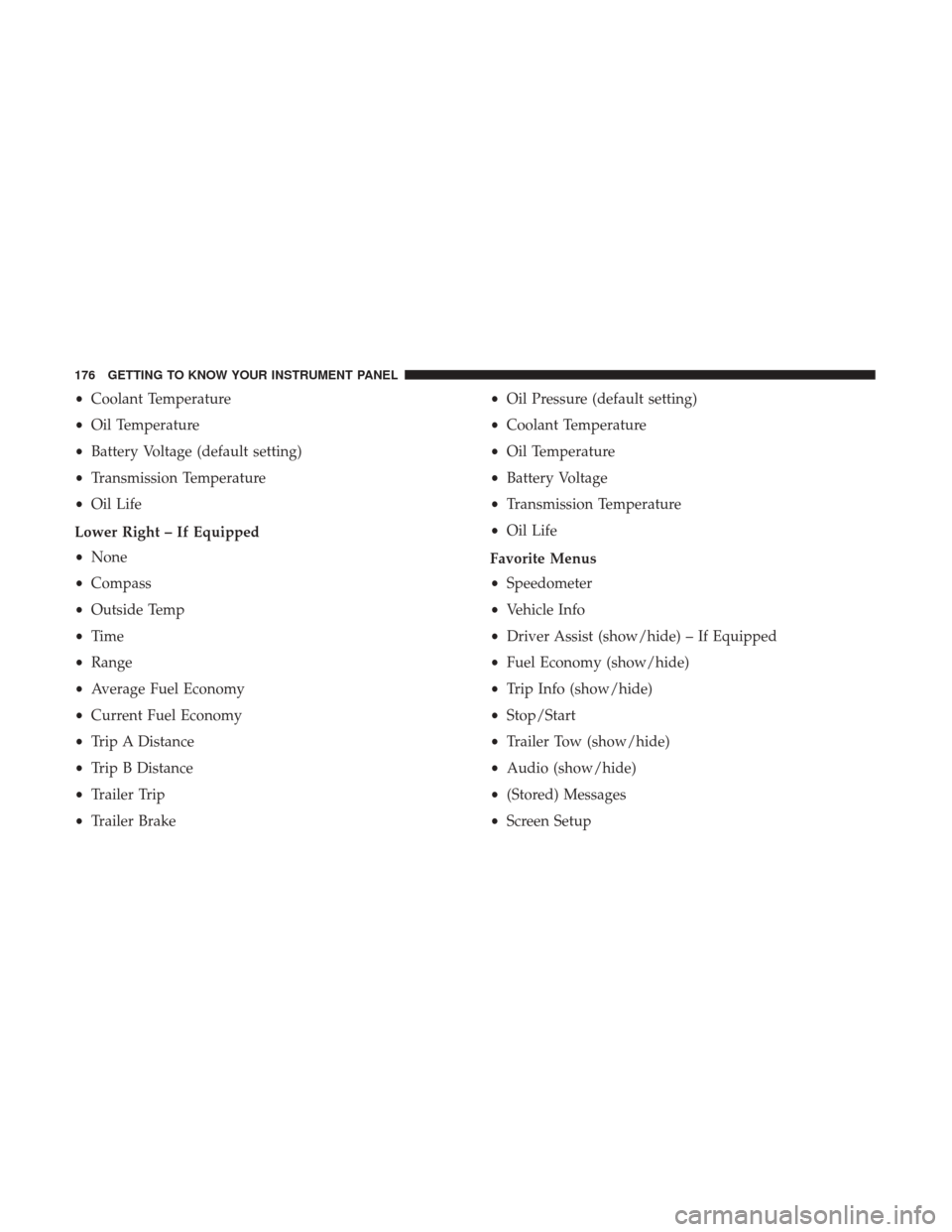
•Coolant Temperature
• Oil Temperature
• Battery Voltage (default setting)
• Transmission Temperature
• Oil Life
Lower Right – If Equipped
• None
• Compass
• Outside Temp
• Time
• Range
• Average Fuel Economy
• Current Fuel Economy
• Trip A Distance
• Trip B Distance
• Trailer Trip
• Trailer Brake •
Oil Pressure (default setting)
• Coolant Temperature
• Oil Temperature
• Battery Voltage
• Transmission Temperature
• Oil Life
Favorite Menus
• Speedometer
• Vehicle Info
• Driver Assist (show/hide) – If Equipped
• Fuel Economy (show/hide)
• Trip Info (show/hide)
• Stop/Start
• Trailer Tow (show/hide)
• Audio (show/hide)
• (Stored) Messages
• Screen Setup
176 GETTING TO KNOW YOUR INSTRUMENT PANEL
Page 185 of 698

— Swing Gate Open Warning Light — If
Equipped
This indicator will turn when the swing gate is open.
NOTE: If the vehicle is moving, there will also be a single
chime.
— Tailgate Open Warning Light
This warning light will illuminate when the tailgate is
open.
NOTE: If the vehicle is moving, there will also be a single
chime.
— Trailer Brake Disconnected Warning Light
This warning light will illuminate when the Trailer Brake
has been disconnected.
— Transmission Temperature Warning Light — If
Equipped
This warning light will illuminate to warn of a high
transmission fluid temperature. This may occur with
strenuous usage such as trailer towing. If this light turns
on, stop the vehicle and run the engine at idle or slightly
faster, with the transmission in PARK or NEUTRAL, until the light turns off. Once the light turns off, you may
continue to drive normally.
WARNING!
If you continue operating the vehicle when the Trans-
mission Temperature Warning Light is illuminated you
could cause the fluid to boil over, come in contact with
hot engine or exhaust components and cause a fire.
CAUTION!
Continuous driving with the Transmission Tempera-
ture Warning Light illuminated will eventually cause
severe transmission damage or transmission failure.
— Door Open Warning Light
This indicator will illuminate when a door is ajar/open and
not fully closed.
NOTE:
If the vehicle is moving there will also be a single
chime.
4
GETTING TO KNOW YOUR INSTRUMENT PANEL 183
Page 191 of 698

— Speed Control Fault Warning Light
This warning light will illuminate to indicate the Speed
Control System is not functioning properly and service is
required. Contact an authorized dealer.
Yellow Indicator Lights
— Forward Collision Warning Off Indicator Light
— If Equipped
This indicator light illuminates to indicate that Forward
Collision Warning is off.
— Air Suspension Payload Protection Indicator
Light — If Equipped
This indicator light will illuminate to indicate that the
maximum payload may have been exceeded or load level-
ing cannot be achieved at its current ride height. Protection
Mode will automatically be selected in order to “protect”
the air suspension system, air suspension adjustment is
limited due to payload.
— Trailer Merge Assist Indicator Light — If
Equipped
This indicator light will illuminate to indicate when Trailer
Merge Assist has been activated. Refer to “Blind Spot Monitoring” in “Safety” for further
information.
— TOW/HAUL Indicator Light
This indicator light will illuminate when TOW/HAUL
mode is selected.
— Cargo Light — If Equipped
This indicator light will illuminate when the cargo light is
activated by pushing the cargo light button on the head-
light switch.
/— Air Suspension Off-Road 1 Indicator Light
— If Equipped
This light will illuminate when the air suspension system is
set to the Off-Road 1 setting.
For further information, refer to “Active-Level Four Corner
Air Suspension System — If Equipped” in “Starting And
Operating.”
/— Air Suspension Off-Road 2 Indicator Light
— If Equipped
This light will illuminate when the air suspension system is
set to the Off-Road 2 setting.
4
GETTING TO KNOW YOUR INSTRUMENT PANEL 189
Page 201 of 698

WARNING!(Continued)
•The capabilities of an ABS equipped vehicle must
never be exploited in a reckless or dangerous manner
that could jeopardize the user ’s safety or the safety of
others.
ABS is designed to function with the OEM tires. Modifica-
tion may result in degraded ABS performance.
Anti-Lock Brake Warning Light
The yellow “Anti-Lock Brake Warning Light” will turn on
when the ignition is turned to the ON/RUN mode and
may stay on for as long as four seconds.
If the “Anti-Lock Brake Warning Light” remains on or
comes on while driving, it indicates that the anti-lock
portion of the brake system is not functioning and that
service is required. However, the conventional brake sys-
tem will continue to operate normally if the “Anti-Lock
Brake Warning Light” is on.
If the “Anti-Lock Brake Warning Light” is on, the brake
system should be serviced as soon as possible to restore the benefits of anti-lock brakes. If the “Anti-Lock Brake Warn-
ing Light” does not come on when the ignition is turned to
the ON/RUN mode, have the light repaired as soon as
possible.
Electronic Brake Control System
Your vehicle is equipped with an advanced Electronic
Brake Control system (EBC). This system includes Elec-
tronic Brake Force Distribution (EBD), Anti-Lock Brake
System (ABS), Brake Assist System (BAS), Hill Start Assist
(HSA), Traction Control System (TCS), Electronic Stability
Control (ESC), and Electronic Roll Mitigation (ERM). These
systems work together to enhance both vehicle stability
and control in various driving conditions.
Your vehicle may also be equipped with Trailer Sway
Control (TSC) and Hill Descent Control (HDC).
Electronic Brake Force Distribution (EBD)
This function manages the distribution of the braking
torque between the front and rear axles by limiting braking
pressure to the rear axle. This is done to prevent overslip of
the rear wheels to avoid vehicle instability, and to prevent
the rear axle from entering ABS before the front axle.
5
SAFETY 199
Page 203 of 698

The following conditions must be met in order for HSA to
activate:
•The feature must be enabled.
• The vehicle must be stopped.
• Park brake must be off.
• Driver door must be closed.
• The vehicle must be on a sufficient grade.
• The gear selection must match vehicle uphill direction
(i.e., vehicle facing uphill is in forward gear; vehicle
backing uphill is in REVERSE gear).
• HSA will work in REVERSE gear and all forward gears.
The system will not activate if the transmission is in
PARK or NEUTRAL. For vehicles equipped with a
manual transmission, if the clutch is pressed, HSA will
remain active.
WARNING!
There may be situations where the Hill Start Assist
(HSA) will not activate and slight rolling may occur,
such as on minor hills or with a loaded vehicle, or
while pulling a trailer. HSA is not a substitute for
(Continued)
WARNING! (Continued)
active driving involvement. It is always the driver ’s
responsibility to be attentive to distance to other ve-
hicles, people, and objects, and most importantly brake
operation to ensure safe operation of the vehicle under
all road conditions. Your complete attention is always
required while driving to maintain safe control of your
vehicle. Failure to follow these warnings can result in
a collision or serious personal injury.
Towing With HSA
HSA will also provide assistance to mitigate roll back while
towing a trailer.
WARNING!
•If you use a trailer brake controller with your trailer,
the trailer brakes may be activated and deactivated
with the brake switch. If so, there may not be enough
brake pressure to hold both the vehicle and the
trailer on a hill when the brake pedal is released. In
order to avoid rolling down an incline while resum-
ing acceleration, manually activate the trailer brake
(Continued)
5
SAFETY 201
Page 207 of 698

WARNING!
•When in “Partial Off” mode, the TCS functionality
of ESC, (except for the limited slip feature described
in the TCS section), has been disabled and the “ESC
Off Indicator Light” will be illuminated. When in
“Partial Off” mode, the engine power reduction
feature of TCS is disabled, and the enhanced vehicle
stability offered by the ESC system is reduced.
• Trailer Sway control (TSC) is disabled when the ESC
system is in the “Partial Off” mode.
Full Off — If Equipped
This mode is intended for off-highway or off-road use only
and should not be used on any public roadways. In this
mode, TCS and ESC features are turned OFF. To enter the
“Full Off” mode, push and hold the “ESC Off” switch for
five seconds while the vehicle is stopped with the engine
running. After five seconds, a chime will sound, the “ESC
Off Indicator Light” will illuminate, and the “ESC OFF”
message will display in the instrument cluster. To turn ESC
ON again, momentarily push the “ESC Off” switch. NOTE:
System may switch from ESC “Full Off” to “Partial
Off” mode when vehicle exceeds a predetermined speed.
When the vehicle speed slows below the predetermined
speed the system will return to ESC “Full Off”.
ESC modes may also be affected by drive modes if so
equipped.
WARNING!
• In the ESC “Full Off” mode, the engine torque
reduction and stability features are disabled. There-
fore, enhanced vehicle stability offered by the ESC
system is unavailable. In an emergency evasive ma-
neuver, the ESC system will not engage to assist in
maintaining stability. ESC “Full Off” mode is in-
tended for off-highway or off-road use only.
• With the ESC switched off, the enhanced vehicle
stability offered by ESC is unavailable. In an emer-
gency evasive maneuver, the ESC system will not
engage to assist in maintaining stability. ESC “Full
Off” mode is only intended for off-highway or
off-road use.
(Continued)
5
SAFETY 205