2019 LEXUS UX250H battery
[x] Cancel search: batteryPage 68 of 476

681-4. Hybrid system
battery) may overheat, leading to a
reduction in hybrid battery (traction
battery) output.
When a certain level of impact is
detected by the impact sensor, the
emergency shut off system blocks the
high voltage current and stops the fuel
pump to minimize the risk of electrocu-
tion and fuel leakage. If the emergency
shut off system activates, your vehicle
will not restart. To restart the hybrid
system, contact your Lexus dealer.
A message is automatically displayed when a malfunction occurs in the
hybrid system or an improper opera-
tion is attempted.
If a warning message is shown on the
multi-information display, read the
message and follow the instructions.
■If a warning light comes on, a warning
message is displayed, or the 12-volt bat-
tery is disconnected
The hybrid system may not start. In this
case, try to start the system again. If the
“READY” indicator does not come on, con-
tact your Lexus dealer.
NOTICE
■Hybrid battery (traction battery) air
intake vent
●Make sure not to block the air intake
vent with anything, such as a seat
cover, luggage or carpet. The hybrid
battery (traction battery) may over-
heat, leading to poor fuel economy.
●Clean the air intake vent regularly to
prevent the hybrid battery (traction
battery) from overheating.
●Do not get water or foreign materials
in the air intake vent as this may cause
a short circuit and damage the hybrid
battery (traction battery).
●A filter is installed to the air intake vent.
When the filter remains noticeably
dirty even after cleaning the air intake
vent, filter cleaning or replacement is
recommended. When cleaning or
replacing the filter, contact your Lexus
dealer.
Refer to P.365 for details on how to
clean the filter.
Emergency shut off system
Hybrid warning message
Page 71 of 476

711-5. Theft deterrent system
1
For safety and security
■Items to check before locking the
vehicle
To prevent unexpected triggering of
the alarm and vehicle theft, make sure
of the following:
Nobody is in the vehicle.
The windows and moon roof (if
equipped) are closed before the
alarm is set.
No valuables or other personal
items are left in the vehicle.
■Setting
Close the doors and hood, and lock all
the doors. The system will be set auto-
matically after 30 seconds.
The security indicator changes from being
on to flashing when the system is set.
■Canceling or stopping
Do one of the following to deactivate
or stop the alarms:
Unlock the doors.
Turn the power switch to ACC or
ON, or start the hybrid system. (The
alarm will be deactivated or stopped
after a few seconds.)
■System maintenance
The vehicle has a maintenance-free type
alarm system.
■Triggering of the alarm
The alarm may be triggered in the following
situations:
(Stopping the alarm deactivates the alarm
system.)
●A person inside the vehicle opens a door
or hood, or unlocks the vehicle using an
inside lock button.
●The 12-volt battery is recharged or
replaced when the vehicle is locked.
( P.405)
Alarm
The alarm uses light and sound to
give an alert when an intrusion is
detected.
The alarm is triggered in the follow-
ing situations when the alarm is set:
A locked door is unlocked or
opened in any way other than
using the entry function, wireless
remote control or mechanical
key. (The doors will lock again
automatically.)
The hood is opened.
Setting/canceling/stopping the
alarm system
Page 72 of 476
721-5. Theft deterrent system
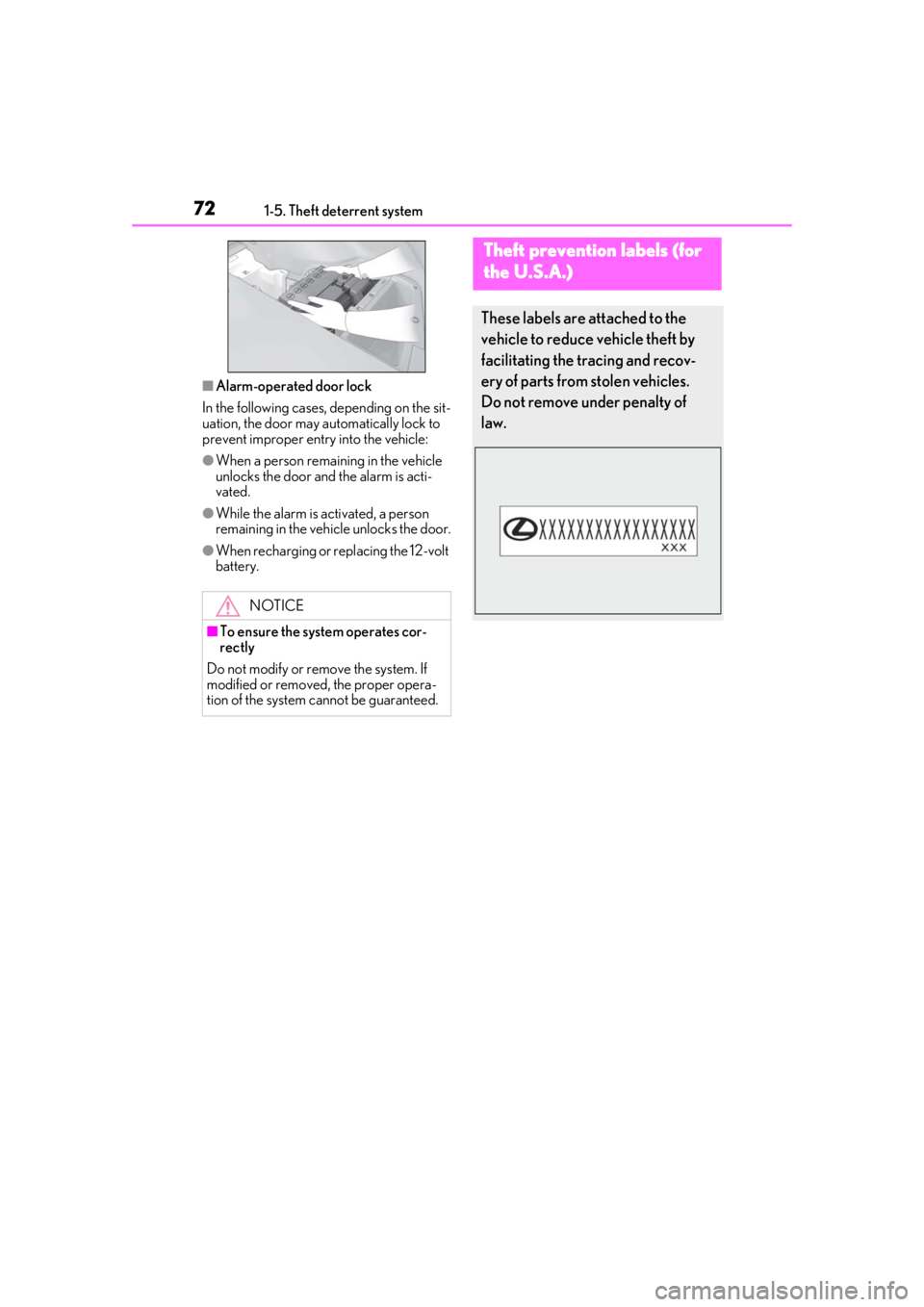
■Alarm-operated door lock
In the following cases, depending on the sit-
uation, the door may automatically lock to
prevent improper entry into the vehicle:
●When a person remaining in the vehicle
unlocks the door and the alarm is acti-
vated.
●While the alarm is activated, a person
remaining in the vehicle unlocks the door.
●When recharging or replacing the 12-volt
battery.
NOTICE
■To ensure the system operates cor-
rectly
Do not modify or remove the system. If
modified or removed, the proper opera-
tion of the system cannot be guaranteed.
Theft prevention labels (for
t
he U.S.A.)
These labels are attached to the
vehicle to reduce vehicle theft by
facilitating the tracing and recov-
ery of parts from stolen vehicles.
Do not remove under penalty of
law.
Page 76 of 476

762-1. Instrument cluster
*1: These lights come on when the power switch is turned to ON to indicate that a
system check is being performed. They
will go off after the hybrid system is on,
or after a few seconds. There may be a
malfunction in a system if the lights do
not come on, or go off. Have the vehicle
inspected by your Lexus dealer.
*2: This light illuminates on the multi-infor-
mation display.
The indicators inform the driver of the
operating state of the vehicle’s various
systems.
Hybrid system overheat warn-
ing light
*2( P.392)
(orange)
Low traction battery charge
warning light
*2 ( P.392)
WARNING
■If a safety system warning light does
not come on
Should a safety system light such as the
ABS and SRS warning light not come on
when you start the hybrid system, this
could mean that these systems are not
available to help pr otect you in an acci-
dent, which could result in death or seri-
ous injury. Have the vehicle inspected by
your Lexus dealer immediately if this
occurs.
Indicators
Turn signal indicator ( P.171)
(U.S.A.) Headlight indicator (
P.177)
(Canada) Tail light indicator (
P.177)
Headlight high beam indicator
( P.178)
Automatic High Beam indica-
tor
*1 ( P.180)
Front fog light indicator (if
equipped) ( P.183)
PCS warning light
*1, 2 ( P.198)
Cruise control indicator
*3
( P.216)
Dynamic radar cruise control
indicator
*3 ( P.216)
Cruise control “SET” indica-
tor
*3 ( P.216)
(white)
LTA indicator*3 ( P.210)
(green)
LTA indicator*3 ( P.210)
(orange)
LTA indicator*3, 4 ( P.210)
BSM outside rear view mirror
indicators
*1, 5 (if equipped)
( P.226)
BSM indicator (if equipped)
( P.226)
Intuitive parking assist OFF indi-
cator
*2 (if equipped) ( P.233)
RCTA OFF indicator
*2 (if
equipped) ( P.239)
PKSB OFF indicator
*1, 2 (if
equipped) ( P.244)
Slip indicator
*1, 4 ( P.257)
VSC OFF indicator
*1, 2
( P.257)
Smart access system with push-
button start indicator
*3
( P.162)
Page 79 of 476

792-1. Instrument cluster
2
Vehicle status information and indicators
Shift position/shift range (P.167)
Odometer and trip meter display ( P.80)
■Hybrid System Indicator
Charge area
Shows regeneration* status.
Regenerated energy will be used to charge
the hybrid battery (traction battery).
Hybrid Eco area
Shows that gasoline engine power is not
being used very often.
The gasoline engine will automatically stop
and restart under various conditions.
Eco area
Shows that the vehicle is being driven in an
Eco-friendly manner.
By keeping the bar display within Eco area,
more Eco-friendly driv ing can be achieved.
Power area
Shows that an Eco-friendly driving range is
being exceeded (durin g full power driving
etc.)
*: When used in this manual, regeneration refers to the conversion of energy cre-
ated by the movement of the vehicle into
electrical energy.
■Engine speed
On hybrid vehicles, engine speed is pre-
cisely controlled in order to help improve
fuel efficiency and reduce exhaust emis- sions etc.
There are times when the engine speed that
is displayed may differ even when vehicle
operation and driving
conditions are the
same.
■Hybrid System Indicator is displayed
when
The Hybrid System Indicator is displayed in
the following situations:
●The shift lever is in D or S.
●The driving mode is other than Sport
mode.
■Outside temperature display
●In the following situations, the correct
outside temperature may not be dis-
played, or the display may take longer
than normal to change:
• When stopped, or driving at low speeds (less than 12 mph [20 km/h])
• When the outside temperature has
changed suddenly (at the entrance/exit of
a garage, tunnel, etc.)
●When “--” or “E” is displayed, the system
may be malfunctioning. Take your vehicle
to your Lexus dealer.
■Speed unit setting for the speedometer
When the speed unit has been changed
from the default setting, the vehicle speed in
the default unit is also displayed in the
meter.
■Liquid crystal display
P.88
■Customization
The gauges and meters can be customized
on of the multi-information display.
H
I
A
B
C
D
Page 84 of 476

842-1. Instrument cluster
•Rev peak
Shift position/shift range (P.167)
Odometer and trip meter display ( P.86)
Fuel gauge
Displays the quantity of fuel remaining in the tank
Engine coolant temperature gauge
Displays the engine coolant temperature
■Hybrid System Indicator
Charge area
Shows regeneration* status.
Regenerated energy will be used to charge
the hybrid battery (traction battery).
Hybrid Eco area
Shows that gasoline engine power is not
being used very often.
The gasoline engine will automatically stop
and restart under various conditions.
Eco area
Shows that the vehicle is being driven in an
Eco-friendly manner.
By keeping the bar display within Eco area,
more Eco-friendly driv ing can be achieved.
Power area
Shows that an Eco-friendly driving range is
being exceeded (durin g full power driving
etc.)
*: When used in this manual, regeneration refers to the conversion of energy cre- ated by the movement of the vehicle into
electrical energy.
■Rev indicator
When the engine speed reaches a set
speed or the red zone, a ring-shaped
indicator ( ) will be displayed on the
tachometer.
The indicators will be displayed in amber
when the engine speed reaches a set
speed, and in red when the engine speed
reaches the red zone.
The engine speed at which the rev indica-
tor will begin to be displayed can be set on
of the multi-information display.
( P.87)
■Rev peak
When the engine speed reaches or
exceeds 4000 rpm, an afterimage of
the tachometer will be displayed at the
highest engine speed for approxi-
mately 1 second.
F
G
H
I
A
B
C
D
A
Page 91 of 476

912-1. Instrument cluster
2
Vehicle status information and indicators
Select to display warning messages
and measures to be taken if a malfunc-
tion is detected. (P.395)
■Meter display settings that can be
changed
Language
Select to change th e language displayed.
Units
Select to change the units of measure dis-
played.
Speedometer display (except F
SPORT models)
Select to set the display of the speedome-
ter to digital/analog.
Drive information 1/Drive informa-
tion 2
Select to select up to 2 items ( P.89) that
will be displayed on ea ch Drive information
screen (Drive information 1 screen and
Drive information 2 screen) respectively.
Clock
Select to switch be tween 12-hour display
and 24-hour display.
Pop-up display
Select to enable/disable some pop-up dis-
plays for each relevant system.
Accent color
Select to change the accent color on the
screen, such as the cursor color.
Tachometer setting
Select to set the display of the Hybrid Sys-
tem Indicator or tachometer for each driv- ing mode.
Rev indicator (F SPORT models)
• Select to enable/disable the rev indica-
tor.
• Select to set the engine speed at which the rev indicator (amber) will begin to be
displayed.
Rev peak (F SPORT models)
Select to enable/disable the rev peak.
EV indicator
Select to enable/disable the EV indicator.
Default setting
Select to reset the meter display settings to
the default setting.
■Suspension of the settings display
●Some settings cannot be changed while
driving. When changing settings, park
the vehicle in a safe place.
●If a warning message is displayed, opera-
tion of the settings display will be sus-
pended.
Warning message display
Settings display
WARNING
■Cautions during setting up the dis-
play
As the hybrid system needs to be operat-
ing during setting up the display, ensure
that the vehicle is parked in a place with
adequate ventilation. In a closed area
such as a garage, ex haust gases includ-
ing harmful carbon monoxide (CO) may
collect and enter the vehicle. This may
lead to death or a serious health hazard.
NOTICE
■During setting up the display
To prevent 12-volt battery discharge,
ensure that the hybrid system is operat-
ing while setting up the display features.
Page 95 of 476

952-1. Instrument cluster
2
Vehicle status information and indicators
Display angle
Select to adjust the angle of the head-up
display.
■Enabling/disabling of the head-up dis-
play
If the head-up display is disabled, it will
remain disabled when the power switch is
turned off then back to ON.
■Display brightness
The brightness of the head-up display can
be adjusted on of the multi-information
display. Also, it is automatically adjusted
according to the ambient brightness.
■Head-up display automatic position
adjustment (vehicles with driving posi-
tion memory)
If the display position is recorded into mem-
ory, the head-up display will be automati-
cally adjusted to the desired position.
( P.133)
■When the 12-volt battery is discon-
nected
The customize settings of the head-up dis-
play will be reset.
Displays the operational status of the
following systems:
LTA (Lane Tracing Assist)
( P.205)
Dynamic radar cruise control with
full-speed range ( P.216)
Details of content displayed on the head-
up display may differ from that displayed
on the multi-inform ation display. For
details, refer to the explanation of each sys-
tem.
Pop-up displays for the following sys-
tems will be displayed when necessary.
■Driving support systems
Displays a warning/suggestion/advice
message or the operating state of a rel-
evant system.
PCS (Pre-Collision System)
( P.198)
Intuitive parking assist (if equipped)
( P.232)
Parking Support Brake function (for
static objects) (if equipped)
( P.247)
Brake Override System ( P.152)
WARNING
■Caution for changing settings of the
head-up display
As the hybrid system needs to be operat-
ing while changing th e settings of the
head-up display, ensure that the vehicle
is parked in a place with adequate venti-
lation. In a closed area such as a garage,
exhaust gases including harmful carbon
monoxide (CO) may collect and enter
the vehicle. This may lead to death or a
serious health hazard.
NOTICE
■When changing the settings of the
head-up display
To prevent 12-volt battery discharge,
ensure that the hybrid system is operat-
ing while changing th e settings of the
head-up display.
Driving support system display
area
Pop-up display