Page 15 of 573

25
Your vehicle at a glance
INSTRUMENT PANEL OVERVIEW
1. Driver’s front air bag ............................3-59
2. Horn.....................................................4-60
3. Instrument cluster ................................4-76
4. Wiper and washer control lever .........4-131
5. Ignition switch or Engine start/stop button ...............5-7, 5-10
6. Cruise control/ Smart cruise control ...................5-63, 5-67
7. Hazard warning flasher .........................6-2
8. Climate control system...........4-141, 4-152
9. Shift lever.............................................5-14
10. Front seat warmer/ Seat cooler ...........................4-173, 4-174
11. Heated steering wheel button ...........4-59
12. Drive mode button .............................5-86
13. AWD Lock button...............................5-21
14. 360° camera monitoring system On/Off button ...................................4-121
15. Parking assist system On/Off button ...................................4-115
16. Electronic parking brake (EPB) button ......................................5-30
17. AUTO HOLD button...........................5-36
18. USB charger ....................................4-178
19. Power outlet.....................................4-175
20. AC inverter ......................................4-176
21. Glove box ........................................4-169
22. Passenger’s front air bag ..................3-59
23. Center console storage box ............4-169
OUMA018004❈ The actual shape may differ from the illustration.
Page 76 of 573

359
Safety features of your vehicle
Driver's and passenger's front
air bagYour vehicle is equipped with an
Advanced Supplemental Restraint
(Air Bag) System and lap/shoulder
belts at both the driver and passen-
ger seating position.
The indication of the system's pres-
ence are the letters “AIR BAG” locat-
ed on the air bag pad cover on the
steering wheel and the passenger's
side front panel pad above the glove
box.
The SRS consists of air bags
installed under the pad covers in the
center of the steering wheel and the
passenger's side front panel above
the glove box.
The purpose of the SRS is to provide
the vehicle's driver and/or the front
passenger with additional protection
than that offered by the seat belt sys-
tem alone in case of a frontal impact
of sufficient severity. The SRS uses
sensors to gather information about
the driver's and front passenger's
seat belt usage and impact severity.
The seat belt buckle sensors deter-
mine if the driver and front passen-
ger's seat belts are fastened.These sensors provide the ability to
control the SRS deployment based on
whether or not the seat belts are fas-
tened, and how severe the impact is.
The advanced SRS offers the ability
to control the air bag inflation with
two levels. A first stage level is pro-
vided for moderate-severity impacts.
A second stage level is provided for
more severe impacts.
The passenger’s front air bag is
designed to help reduce the injury of
children sitting close to the instru-
ment panel in low speed collisions.
However, children are safer if they
are restrained in the rear seat.
According to the impact severity and
seat belt usage, the SRSCM (SRS
Control Module) controls the air bag
inflation. Failure to properly wear
seat belts can increase the risk or
severity of injury in an accident.
OUM034042
■
Driver’s front air bag
■Passenger’s front air bagOUM038041L
Page 168 of 573
Features of your vehicle
80
4
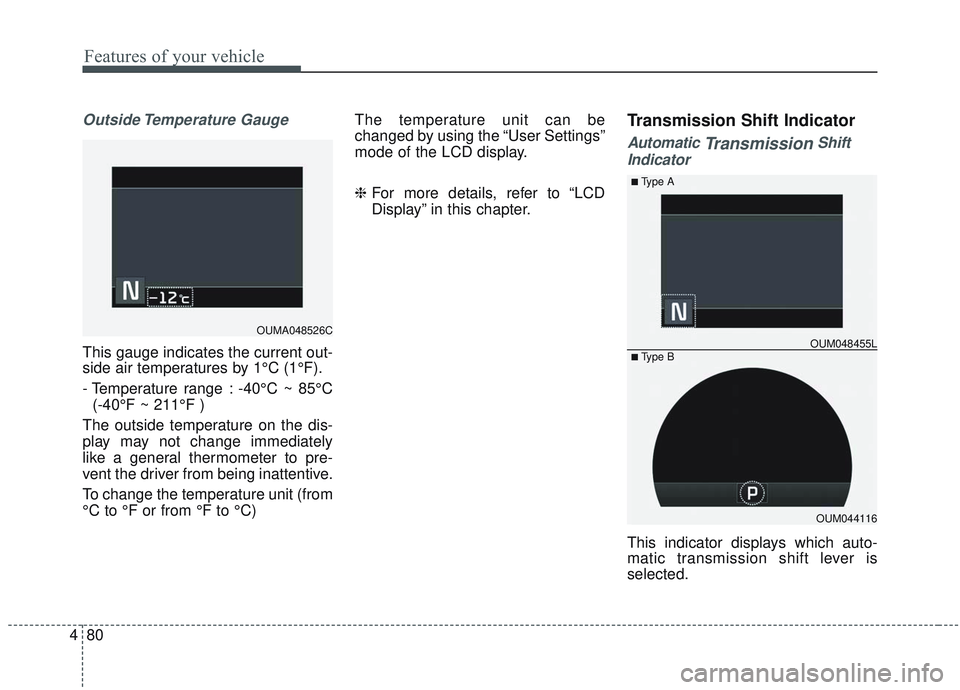
Outside Temperature Gauge
This gauge indicates the current out-
side air temperatures by 1°C (1°F).
- Temperature range : -40°C ~ 85°C
(-40°F ~ 211°F )
The outside temperature on the dis-
play may not change immediately
like a general thermometer to pre-
vent the driver from being inattentive.
To change the temperature unit (from
°C to °F or from °F to °C) The temperature unit can be
changed by using the “User Settings”
mode of the LCD display.
❈
For more details, refer to “LCD
Display” in this chapter.
Transmission Shift Indicator
Automatic TransmissionShift
Indicator
This indicator displays which auto-
matic transmission shift lever is
selected.
OUMA048526C
OUM044116
OUM048455L
■Type A
■ Type B
Page 169 of 573
481
Features of your vehicle
Reverse : R
Neutral : N
Sports Mode :- Type A : 1, 2, 3, 4, 5, 6
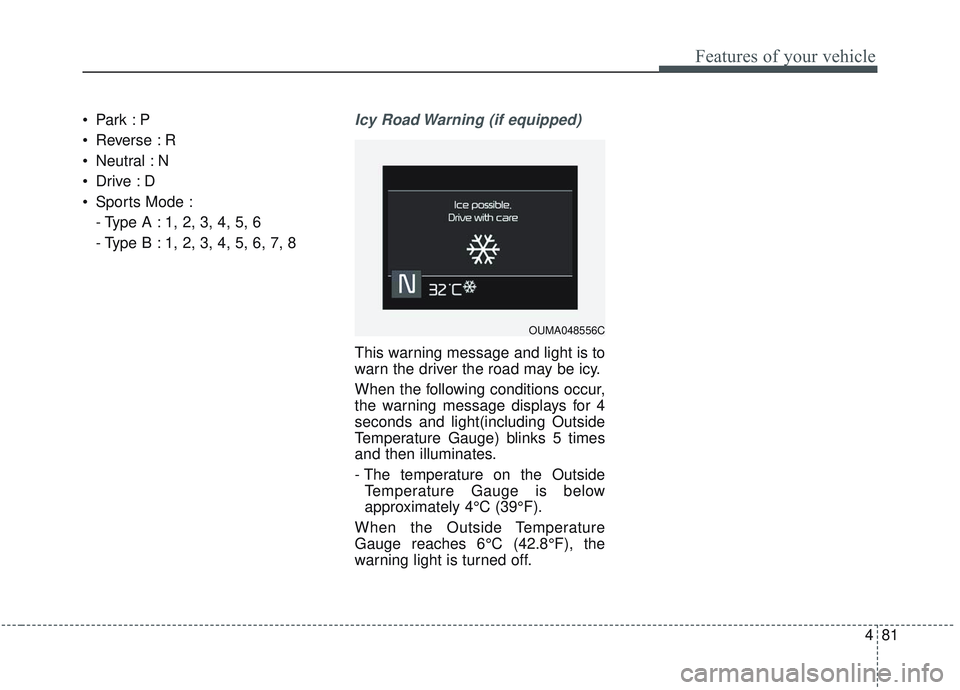
- Type B : 1, 2, 3, 4, 5, 6, 7, 8Icy Road Warning (if equipped)
This warning message and light is to
warn the driver the road may be icy.
When the following conditions occur,
the warning message displays for 4
seconds and light(including Outside
Temperature Gauge) blinks 5 times
and then illuminates.
- The temperature on the OutsideTemperature Gauge is below
approximately 4°C (39°F).
When the Outside Temperature
Gauge reaches 6°C (42.8°F), the
warning light is turned off.
OUMA048556C
Page 170 of 573

Features of your vehicle
82
4
LCD DISPLAY
LCD Modes
❈ For controlling the LCD modes, refer to “LCD Display Control” in this chapter.
ModesSymbolExplanation
Trip ComputerThis mode displays driving information like the tripmeter, fuel economy, and so on.
❈For more details, refer to “Trip Computer” in this chapter
Tu r n b y Tu r n m o d e
(if equipped)This mode displays the state of the navigation.
Assist mode
(if equipped)
This mode displays the state of below systems.
- SCC with S&G(Refer to “Smart Cruise Control with Stop & Go System” in chapter 5)
- Lane keeping Assist (Refer to “Lane Keeping Assist System” in chapter 5)
- In AWD AUTO MODE, the cluster displays the traction force distribution status of front- wheels and rear-wheels, but in AWD LOCK MODE, the cluster doesn’t display the sta-
tus. (Refer to “All Wheel Drive (AWD) transfer mode selection” in chapter 5)
❈ For more details, refer to chapter 5 and 6.
User SettingsOn this mode, you can change settings of the doors, lamps and etc.
Master warning
modeThis mode informs of warning messages related to Low tire pressure or malfunction of
Blind-spot Collision Warning and etc.
Page 171 of 573
483
Features of your vehicle
The trip computer is a microcomput-
er-controlled driver information sys-
tem that displays information related
to driving.
✽ ✽NOTICE
Some driving information stored in
the trip computer (for example
Average Vehicle Speed) resets if the
battery is disconnected.
Trip Modes Fuel Economy
Average Fuel Economy (1)
The average fuel economy is cal-
culated by the total driving dis-
tance and fuel consumption since
the last average fuel economy
reset.
- Fuel economy range: 0.0 ~ 99.9km/L, L/100km or MPG
The average fuel economy can be reset both manually and automati-
cally.
TRIP MODES (TRIP COMPUTER)
To change the trip mode, scroll the
MOVE scroll switch (▲/▼) in the trip
computer mode.
OUMA048527C
* : if equipped
Accumulated Info
Digital speedometer
Drive Info
Fuel Economy
Smart shift*
Page 172 of 573

Features of your vehicle
84
4
Manual reset
To reset average fuel economy man-
ually, press the OK button (reset) on
the steering wheel for more than 1
second when the average fuel econ-
omy is displayed.
Automatic reset
To make the average fuel economy
be reset automatically whenever
refueling, select the “Auto Reset”
mode in User Setting menu of the
LCD display (Refer to “LCD
Display”). OFF - You may set to default man-
ually by using the trip switch reset
button.
When driving - The vehicle will automatically set to default once 4
hours pass after the Engine
Start/Stop Button or ignition switch
is in the ACC or OFF position.
When refueling - After refueling more than 6 liters (1.6 gallons) and
driving over 1 km/h (1 mph), the
vehicle will reset to default auto-
matically.
✽ ✽ NOTICE
The average fuel economy is not dis-
played for more accurate calculation
if the vehicle does not drive more
than 10 seconds or 50 meters (0.03
miles) since the ignition switch or
Engine Start/Stop button is turned
to ON.
Instant Fuel Economy (2)
This mode displays the instant fuel
economy during the last few sec-
onds when the vehicle speed is
more than 10 km/h (6.2 mph).
- Fuel economy range: 0 ~ 30km/L, L/100km or 0 ~ 50 MPG
Page 174 of 573
Features of your vehicle
86
4
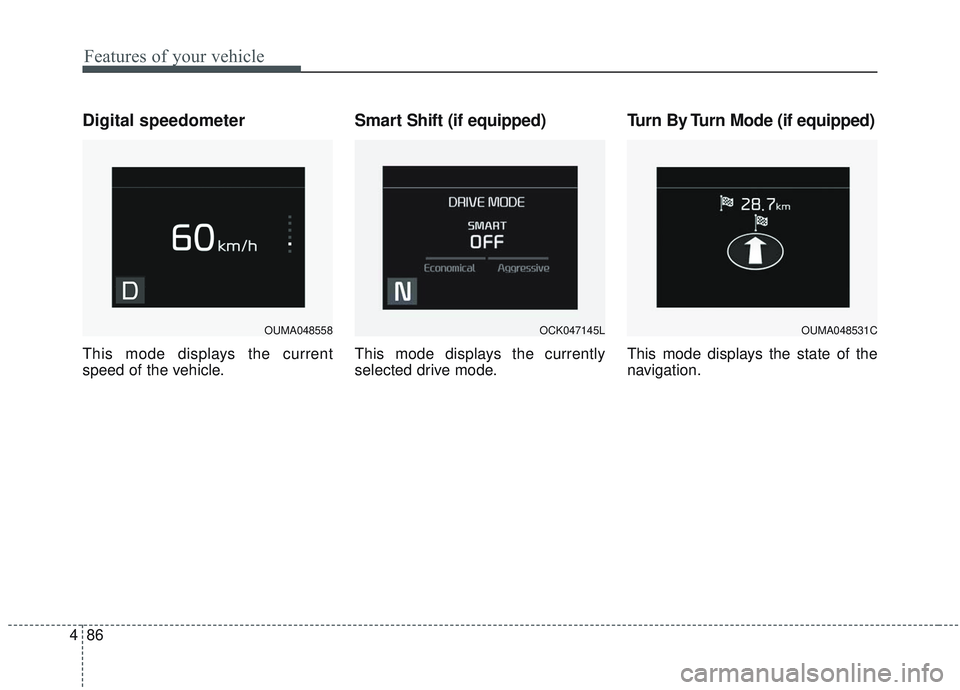
Digital speedometer
This mode displays the current
speed of the vehicle.
Smart Shift (if equipped)
This mode displays the currently
selected drive mode.
Turn By Turn Mode (if equipped)
This mode displays the state of the
navigation.
OUMA048558OCK047145LOUMA048531C