2019 KIA SORENTO start stop button
[x] Cancel search: start stop buttonPage 194 of 573
Features of your vehicle
106
4
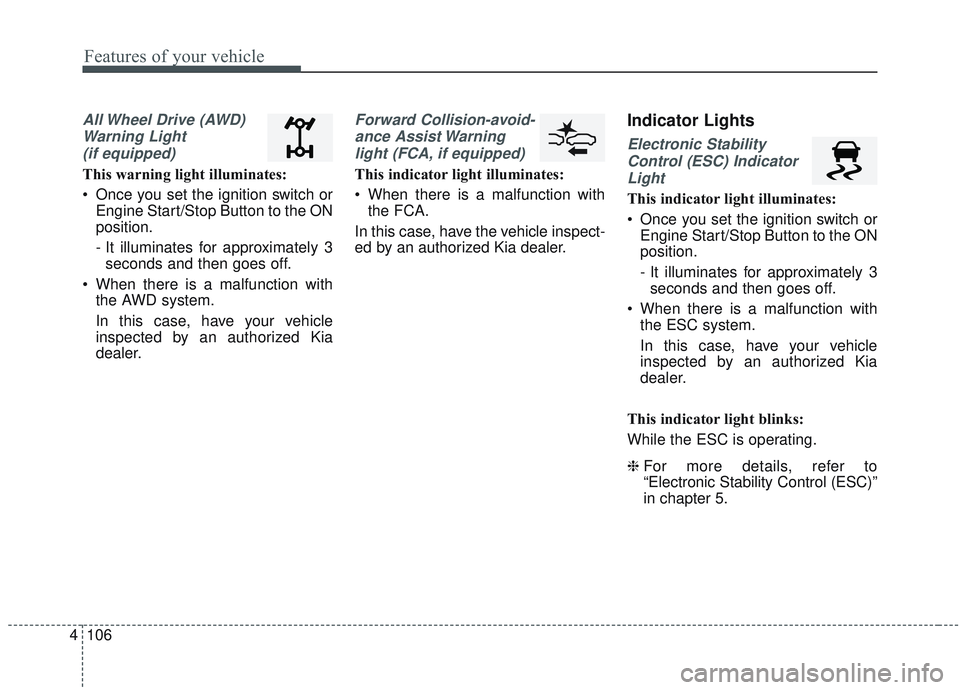
All Wheel Drive (AWD)
Warning Light (if equipped)
This warning light illuminates:
Once you set the ignition switch or Engine Start/Stop Button to the ON
position.
- It illuminates for approximately 3seconds and then goes off.
When there is a malfunction with the AWD system.
In this case, have your vehicle
inspected by an authorized Kia
dealer.
Forward Collision-avoid-
ance Assist Warninglight (FCA, if equipped)
This indicator light illuminates:
When there is a malfunction with the FCA.
In this case, have the vehicle inspect-
ed by an authorized Kia dealer.
Indicator Lights
Electronic Stability Control (ESC) IndicatorLight
This indicator light illuminates:
Once you set the ignition switch or Engine Start/Stop Button to the ON
position.
- It illuminates for approximately 3seconds and then goes off.
When there is a malfunction with the ESC system.
In this case, have your vehicle
inspected by an authorized Kia
dealer.
This indicator light blinks:
While the ESC is operating.
❈ For more details, refer to
“Electronic Stability Control (ESC)”
in chapter 5.
Page 195 of 573
4107
Features of your vehicle
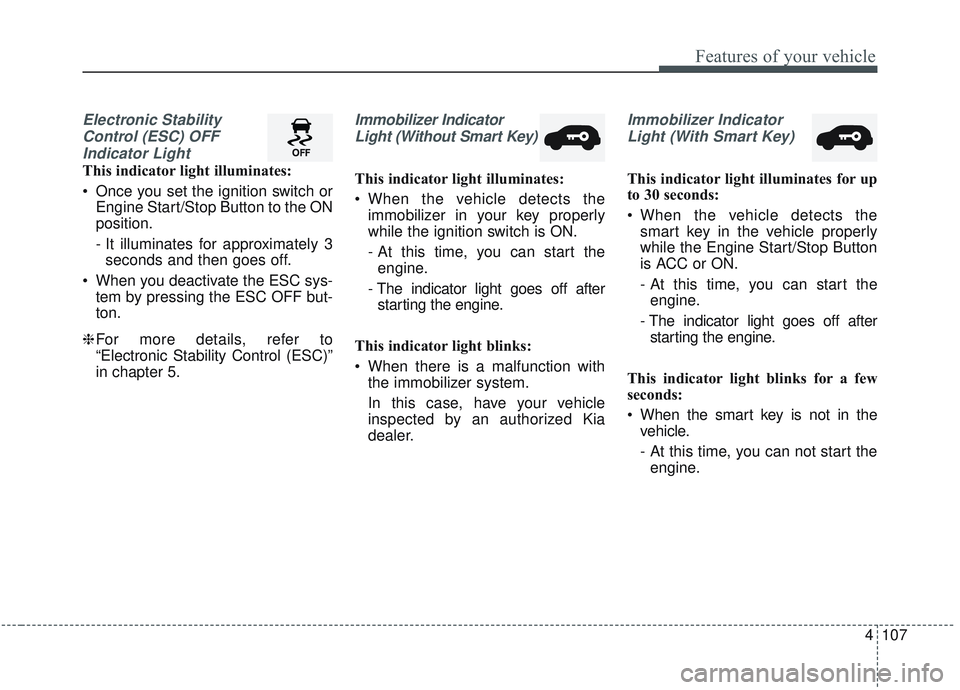
Electronic StabilityControl (ESC) OFFIndicator Light
This indicator light illuminates:
Once you set the ignition switch or Engine Start/Stop Button to the ON
position.
- It illuminates for approximately 3seconds and then goes off.
When you deactivate the ESC sys- tem by pressing the ESC OFF but-
ton.
❈ For more details, refer to
“Electronic Stability Control (ESC)”
in chapter 5.
Immobilizer Indicator
Light (Without Smart Key)
This indicator light illuminates:
When the vehicle detects the immobilizer in your key properly
while the ignition switch is ON.
- At this time, you can start theengine.
- The indicator light goes off after starting the engine.
This indicator light blinks:
When there is a malfunction with the immobilizer system.
In this case, have your vehicle
inspected by an authorized Kia
dealer.
Immobilizer Indicator
Light (With Smart Key)
This indicator light illuminates for up
to 30 seconds:
When the vehicle detects the smart key in the vehicle properly
while the Engine Start/Stop Button
is ACC or ON.
- At this time, you can start theengine.
- The indicator light goes off after starting the engine.
This indicator light blinks for a few
seconds:
When the smart key is not in the vehicle.
- At this time, you can not start theengine.
Page 196 of 573

Features of your vehicle
108
4
This indicator light illuminates for 2
seconds and goes off:
When the vehicle can not detect
the smart key which is in the vehi-
cle while the Engine Start/Stop
Button is ON.
In this case, have your vehicle
inspected by an authorized Kia
dealer.
This indicator light blinks:
When the battery of the smart key is weak.
- At this time, you can not start theengine. However, you can start
the engine if you press the Engine
Start/Stop Button with the smart
key. (For more details, refer to
“Starting the Engine” in section 5).
When there is a malfunction with the immobilizer system.
In this case, have your vehicle
inspected by an authorized Kia
dealer.Turn Signal Indicator
Light
This indicator light blinks:
When you turn the turn signal light on.
If any of the following occurs, there
may be a malfunction with the turn
signal system. In this case, have your
vehicle inspected by an authorized
Kia dealer. - The indicator light does not blinkbut illuminates.
- The indicator light blinks more rapidly.
- The indicator light does not illumi- nate at all.
High Beam Indicator
Light
This indicator light illuminates:
When the headlights are on and in the high beam position
When the turn signal lever is pulled into the Flash-to-Pass position.
High beam assist indica-
tor (if equipped)
This warning light illuminates :
When the high-Beam is on with the light switch in the AUTO light posi-
tion.
If your vehicle detects oncoming or preceding vehicles, the High beam
assist system will switch the high
beam to low beam automatically.
❈ For more details, refer to “High
beam assist” in this chapter.
Page 197 of 573
4109
Features of your vehicle
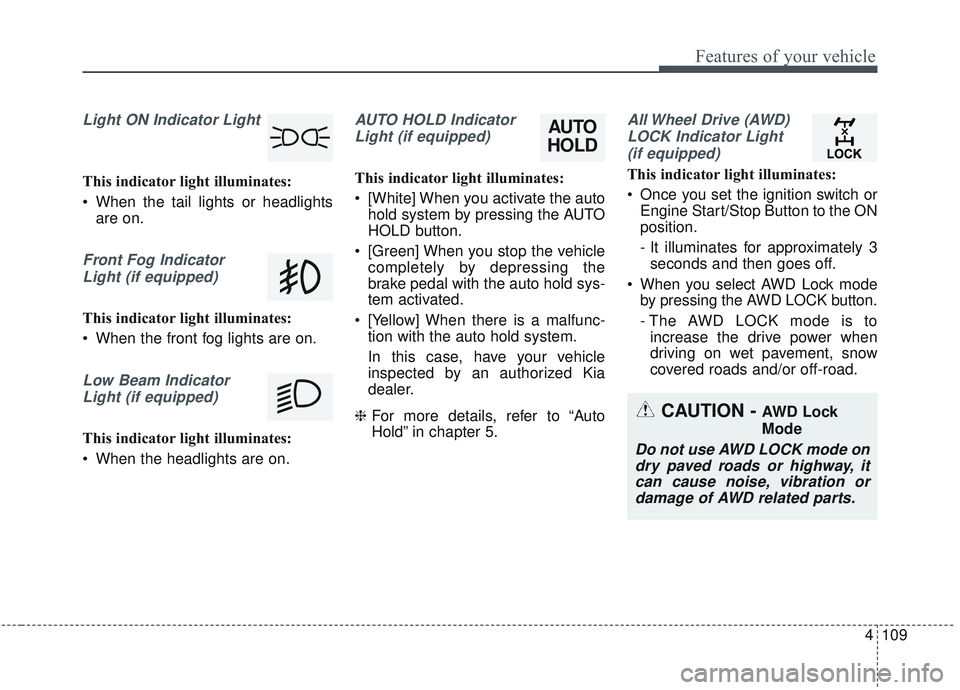
Light ON Indicator Light
This indicator light illuminates:
When the tail lights or headlightsare on.
Front Fog Indicator
Light (if equipped)
This indicator light illuminates:
When the front fog lights are on.
Low Beam IndicatorLight (if equipped)
This indicator light illuminates:
When the headlights are on.
AUTO HOLD IndicatorLight (if equipped)
This indicator light illuminates:
[White] When you activate the auto hold system by pressing the AUTO
HOLD button.
[Green] When you stop the vehicle completely by depressing the
brake pedal with the auto hold sys-
tem activated.
[Yellow] When there is a malfunc- tion with the auto hold system.
In this case, have your vehicle
inspected by an authorized Kia
dealer.
❈ For more details, refer to “Auto
Hold” in chapter 5.
All Wheel Drive (AWD)
LOCK Indicator Light (if equipped)
This indicator light illuminates:
Once you set the ignition switch or Engine Start/Stop Button to the ON
position.
- It illuminates for approximately 3seconds and then goes off.
When you select AWD Lock mode by pressing the AWD LOCK button.
- The AWD LOCK mode is toincrease the drive power when
driving on wet pavement, snow
covered roads and/or off-road.
CAUTION - AWD Lock
Mode
Do not use AWD LOCK mode ondry paved roads or highway, itcan cause noise, vibration ordamage of AWD related parts.
AUTO
HOLD
Page 209 of 573
4121
Features of your vehicle
The 360° camera monitoring system
is not a substitute for proper and safe
parking procedures. The 360° cam-
era monitoring system may not
detect every object surrounding the
vehicle. Always drive safely and use
caution when parking.
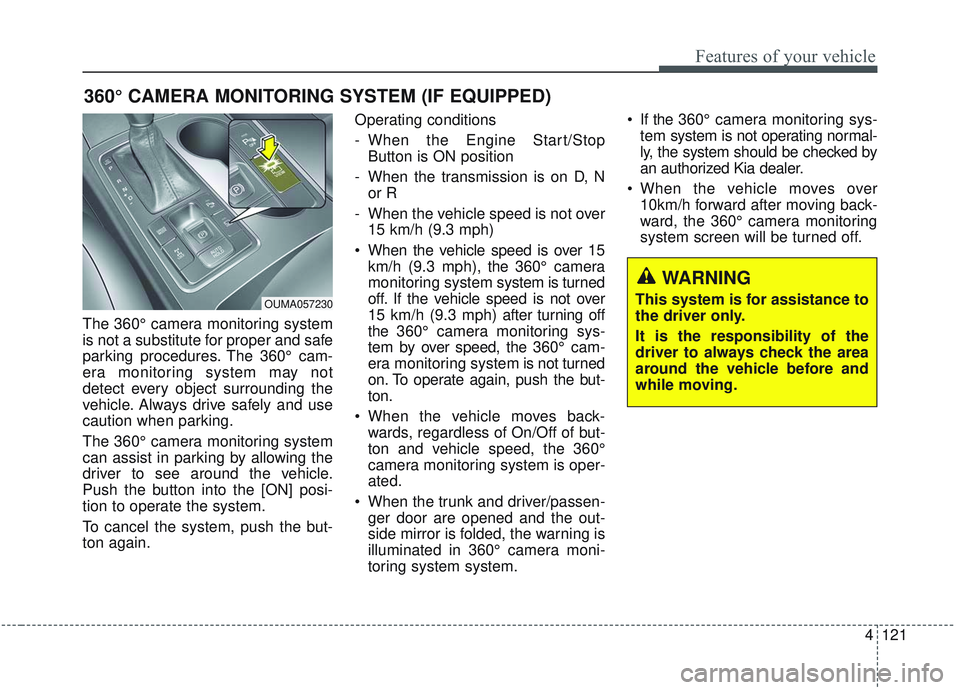
The 360° camera monitoring system
can assist in parking by allowing the
driver to see around the vehicle.
Push the button into the [ON] posi-
tion to operate the system.
To cancel the system, push the but-
ton again.Operating conditions
- When the Engine Start/Stop
Button is ON position
- When the transmission is on D, N or R
- When the vehicle speed is not over 15 km/h (9.3 mph)
When the vehicle speed is over 15 km/h (9.3 mph), the 360° camera
monitoring system system is turned
off. If the vehicle speed is not over
15 km/h (9.3 mph) after turning off
the 360° camera monitoring sys-
tem by over speed, the 360° cam-
era monitoring system is not turned
on. To operate again, push the but-
ton.
When the vehicle moves back- wards, regardless of On/Off of but-
ton and vehicle speed, the 360°
camera monitoring system is oper-
ated.
When the trunk and driver/passen- ger door are opened and the out-
side mirror is folded, the warning is
illuminated in 360° camera moni-
toring system system. If the 360° camera monitoring sys-
tem system is not operating normal-
ly, the system should be checked by
an authorized Kia dealer.
When the vehicle moves over 10km/h forward after moving back-
ward, the 360° camera monitoring
system screen will be turned off.
360° CAMERA MONITORING SYSTEM (IF EQUIPPED)
OUMA057230
WARNING
This system is for assistance to
the driver only.
It is the responsibility of the
driver to always check the area
around the vehicle before and
while moving.
Page 266 of 573
Features of your vehicle
178
4
While the power consumption of
some electrical devices/appliances
may be within the AC inverter’s
electric power range, it may mal-
function in below cases.
- If the device/appliance requireshigh electric power for initial start
up
- If the device/appliance processes precise/very accurate data
- If the device/appliance requires very stable supply of electricityUSB charger (if equipped)
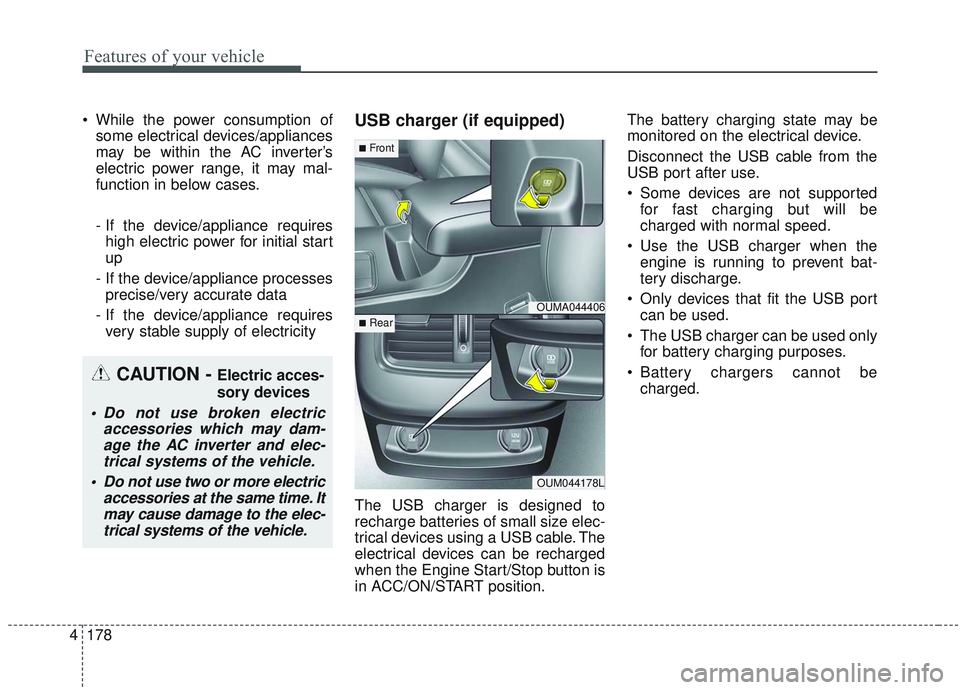
The USB charger is designed to
recharge batteries of small size elec-
trical devices using a USB cable. The
electrical devices can be recharged
when the Engine Start/Stop button is
in ACC/ON/START position. The battery charging state may be
monitored on the electrical device.
Disconnect the USB cable from the
USB port after use.
Some devices are not supported
for fast charging but will be
charged with normal speed.
Use the USB charger when the engine is running to prevent bat-
tery discharge.
Only devices that fit the USB port can be used.
The USB charger can be used only for battery charging purposes.
Battery chargers cannot be charged.
CAUTION - Electric acces-
sory devices
Do not use broken electric accessories which may dam-age the AC inverter and elec-trical systems of the vehicle.
Do not use two or more electric accessories at the same time. Itmay cause damage to the elec-trical systems of the vehicle.
OUMA044406
OUM044178L
■Front
■Rear
Page 278 of 573
Driving your vehicle
• Be sure the exhaust system does not leak . . . . . . . . . . 5-4
Before driving . . . . . . . . . . . . . . . . . . . . . . . . . . . . . . 5-5
. . . . . . . . . . . . . . . . . . . . . . . . . 5-5
. . . . . . . . . . . . . . . . . . . . . . . . . . 5-5
. . . . . . . . . . . . . . . . . . . . . . . . . . . . . . . . 5-5
Key positions . . . . . . . . . . . . . . . . . . . . . . . . . . . . . . . 5-7
. . . . . . . . . . . . . . . . . . . . . . 5-7
. . . . . . . . . . . . . . . . . . . . . . . . . 5-7
. . . . . . . . . . . . . . . . . . . . . . . . . . . . 5-8
Engine start/stop button . . . . . . . . . . . . . . . . . . . . 5-10
. . . . . . . . . . . . . 5-10
. . . . . . . . . . . . 5-12
Automatic transmission . . . . . . . . . . . . . . . . . . . . . 5-14
. . . . . . . . . . . . . . . 5-14
. . . . . . . . . . . . . . . . . . . . . . . . 5-20
All Wheel Drive (AWD) . . . . . . . . . . . . . . . . . . . . . 5-21
. . . 5-22
. . . . . . . . . . . . . . . 5-23
Brake system . . . . . . . . . . . . . . . . . . . . . . . . . . . . . . 5-27
. . . . . . . . . . . . . . . . . . . . . . . . . . . . . . . . 5-27
. . . . . . . . . . . . . . . . 5-30
. . . . . . . . . . . . . . . . . . . . . . . . . . . . . . . . . . . 5-\
36
. . . . . . . . . . . . . . 5-41
. . . . . . . . . . . 5-45
. . . . . . . . . . . . . . . . . 5-47
Forward Collision-avoidance Assist (FCA) . . . . . 5-49
. . . . . . . . . . . . . . . . . . . 5-49
. . . . . . . . 5-51
. . . . . . . . . . . . . . . . . . . . . . . . . . . . . . 5-52
. . . . . . . . . . . . . . . . 5-53
. . . . . . . . . . . . . . . . . . . . . . . . . . . 5-55
. . . . . . . . . . . . . . . . . . . . . . . 5-56
Cruise control system. . . . . . . . . . . . . . . . . . . . . . . 5-63
. . . . . . . . . . . . . . . . . . . . . 5-63
. . . . . . . . . . . . . . . . . . 5-65
the cruise control on . . . . . . . . . . . . . . . . . . . . . . . . . 5-65
do one of the following . . . 5-65
approximately 30 km/h (20 mph) . . . . . . . . . . . . . . 5-66
do one of the following . . . 5-66
Smart cruise control with stop & go system . . . . 5-67
. . . . . . . . . . . . . . . . . . . . 5-69
5
Page 287 of 573
Driving your vehicle
10
5
Illuminated engine start/stop
button
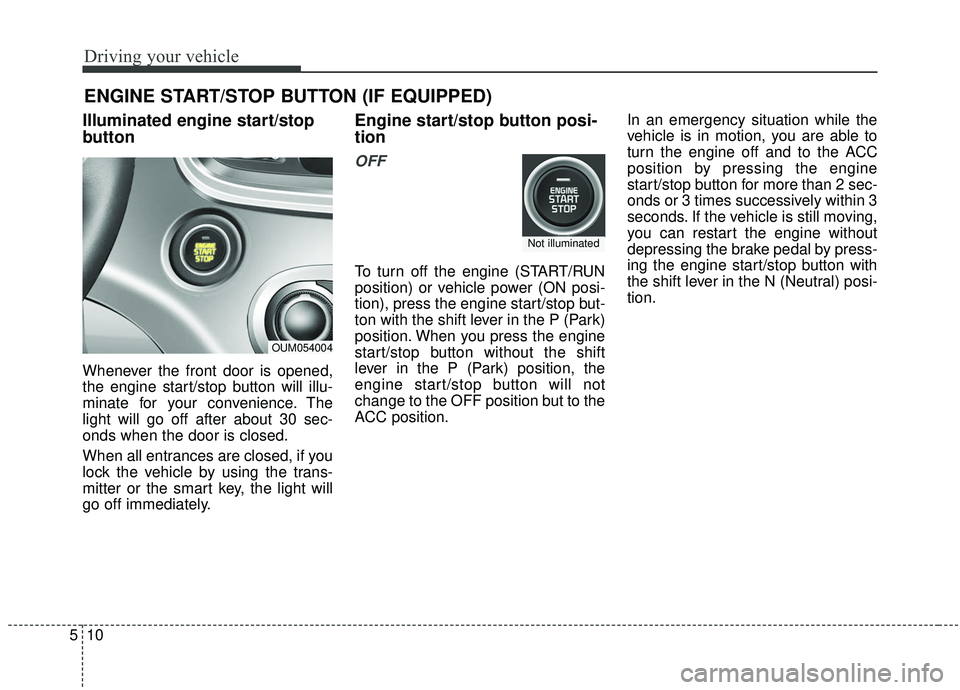
Whenever the front door is opened,
the engine start/stop button will illu-
minate for your convenience. The
light will go off after about 30 sec-
onds when the door is closed.
When all entrances are closed, if you
lock the vehicle by using the trans-
mitter or the smart key, the light will
go off immediately.
Engine start/stop button posi-
tion
OFF
To turn off the engine (START/RUN
position) or vehicle power (ON posi-
tion), press the engine start/stop but-
ton with the shift lever in the P (Park)
position. When you press the engine
start/stop button without the shift
lever in the P (Park) position, the
engine start/stop button will not
change to the OFF position but to the
ACC position. In an emergency situation while the
vehicle is in motion, you are able to
turn the engine off and to the ACC
position by pressing the engine
start/stop button for more than 2 sec-
onds or 3 times successively within 3
seconds. If the vehicle is still moving,
you can restart the engine without
depressing the brake pedal by press-
ing the engine start/stop button with
the shift lever in the N (Neutral) posi-
tion.
ENGINE START/STOP BUTTON (IF EQUIPPED)
OUM054004
Not illuminated