2019 HYUNDAI I30 detection
[x] Cancel search: detectionPage 15 of 659

1-4
Your vehicle at a glance
I
I N
N T
T E
E R
R I
I O
O R
R
O
O V
V E
E R
R V
V I
I E
E W
W
1. Inside door handle ............................3-12
2. Driver position memory system ........3-17
3. Outside rearview mirror folding ........3-25
4. Outside rearview mirror control ........3-24
5. Power window lock switch ................3-30
6. Power window switches ....................3-27
7. Headlight leveling device ..................3-91
8. Instrument panel illumination
control switch ....................................3-44
9. Blind spot detection system ..............5-70
10. Lane keeping assist system/ ........5-106 Lane departure warning
system (LDWS) ............................5-114
11. ESC OFF button ..............................5-55
12. Fuse box ..........................................7-63
13. Steering wheel ................................3-19
14. Steering wheel tilt/telescope lever ..3-20
15. Hood release lever ..........................3-37
16. Seat ..................................................2-4
OPDE016003The actual shape may differ from the illustration.
Page 207 of 659

3-57
Convenient features of your vehicle
3
Master Warning Light
This indicator light illuminates:
When there is a malfunction in thebelow systems.
- Low washer fluid (if equipped)
- Smart high beam malfunction (if equipped)
- Blind Spot Detection (BSD) mal- function (if equipped)
- Autonomous Emergency Braking (AEB) malfunction (if equipped)
- Speed Limit Information Function (SLIF) malfunction (if equipped)
- Advanced Smart Cruise Control malfunction (if equipped)
- Tire Pressure Monitoring System (TPMS, if equipped)
To identify the details of the warn-
ing, look at the LCD display.
Low Tire Pressure Warning Light (if equipped)
This warning light illuminates:
When you set the ignition switch or
Engine Start/Stop button to the ON
position.
- It illuminates for approximately 3seconds and then goes off.
When one or more of your tires are significantly underinflated (The
location of the underinflated tires
are displayed on the LCD display).
For more details, refer to
“Tire Pressure Monitoring System
(TPMS)” in chapter 6.
This warning light remains on after
blinking for approximately 60 sec-
onds or repeats blinking and off at
the intervals of approximately 3
seconds:
When there is a malfunction with the TPMS.
In this case, we recommend that
you have the vehicle inspected by
an authorized HYUNDAI dealer as
soon as possible.
For more details, refer to
“Tire Pressure Monitoring System
(TPMS)” in chapter 6.
Safe Stopping
The TPMS cannot alert you to
severe and sudden tire damage
caused by external factors.
If you notice any vehicle insta-
bility, immediately take your
foot off the accelerator pedal,
apply the brakes gradually with
light force, and slowly move to
a safe position off the road.
WARNING
Page 220 of 659
3-70
Convenient features of your vehicle
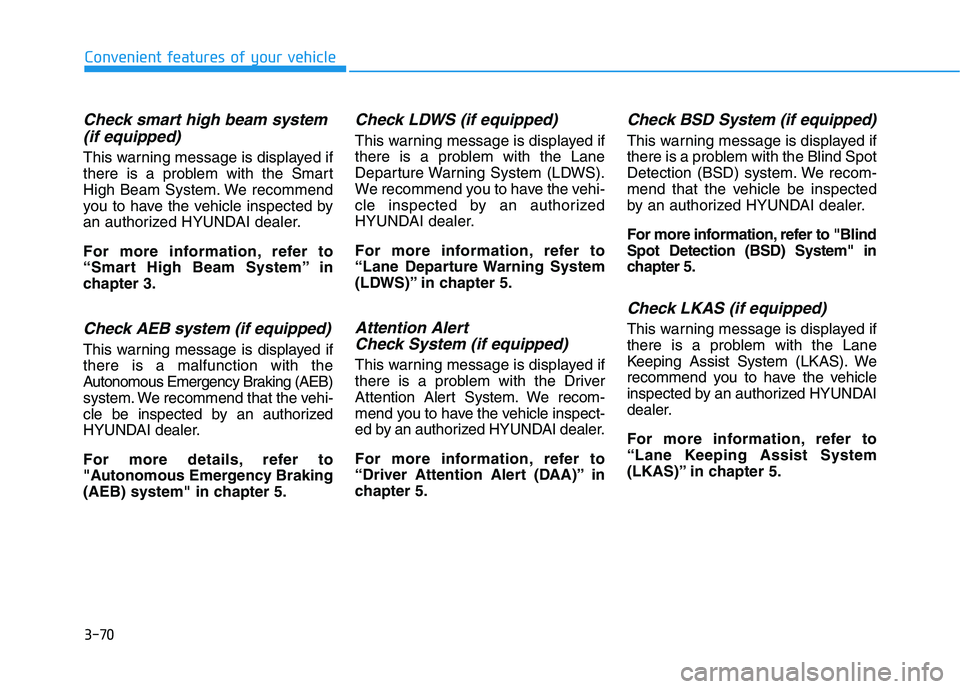
Check smart high beam system(if equipped)
This warning message is displayed if
there is a problem with the Smart
High Beam System. We recommend
you to have the vehicle inspected by
an authorized HYUNDAI dealer.
For more information, refer to
“Smart High Beam System” in
chapter 3.
Check AEB system (if equipped)
This warning message is displayed if
there is a malfunction with the
Autonomous Emergency Braking (AEB)
system. We recommend that the vehi-
cle be inspected by an authorized
HYUNDAI dealer.
For more details, refer to
"Autonomous Emergency Braking
(AEB) system" in chapter 5.
Check LDWS (if equipped)
This warning message is displayed if
there is a problem with the Lane
Departure Warning System (LDWS).
We recommend you to have the vehi-
cle inspected by an authorized
HYUNDAI dealer.
For more information, refer to
“Lane Departure Warning System
(LDWS)” in chapter 5.
Attention Alert Check System (if equipped)
This warning message is displayed if
there is a problem with the Driver
Attention Alert System. We recom-
mend you to have the vehicle inspect-
ed by an authorized HYUNDAI dealer.
For more information, refer to
“Driver Attention Alert (DAA)” in
chapter 5.
Check BSD System (if equipped)
This warning message is displayed if
there is a problem with the Blind Spot
Detection (BSD) system. We recom-
mend that the vehicle be inspected
by an authorized HYUNDAI dealer.
For more information, refer to "Blind
Spot Detection (BSD) System" in
chapter 5.
Check LKAS (if equipped)
This warning message is displayed if
there is a problem with the Lane
Keeping Assist System (LKAS). We
recommend you to have the vehicle
inspected by an authorized HYUNDAI
dealer.
For more information, refer to
“Lane Keeping Assist System
(LKAS)” in chapter 5.
Page 222 of 659

3-72
Convenient features of your vehicle
LCD modes
Modes SymbolExplanation
Trip Computer This mode displays driving information such as the tripmeter, fuel economy, etc.
For more details, refer to "Trip Computer" in this chapter.
Turn By Turn (TBT)This mode displays the state of the navigation.
Assist
• This mode displays the state of the Smart Cruise Control (SCC) and LaneDeparture Warning System (LDWS)/Lane Keeping Assist System (LKAS).
For more information, refer to "Smart Cruise Control (SCC)" and "Lane
Departure Warning System (LDWS)/Lane Keeping Assist System (LKAS)" in
chapter 5.
For more information, refer to "Driver Attention Alert (DAA)"in chapter 5 and
"Tire Pressure Monitoring System (TPMS)"in chapter 6.
User SettingsIn this mode, you can change settings of the doors, lamps, etc.
WarningThis mode displays warning messages related to the Blind Spot Detection system,
etc.
The information provided differs according to the items applied to your vehicle.
Page 225 of 659

3-75
Convenient features of your vehicle
3
Warning message mode
If one of followings occurs, warning
messages will be displayed in the
information mode for several seconds.
- Low washer fluid (if equipped)
- Smart high beam malfunction (if equipped)
- Blind Spot Detection (BSD) mal- function (if equipped)
- Autonomous Emergency Braking (AEB) malfunction (if equipped)
- Speed Limit Information Function (SLIF) malfunction (if equipped)
- Advanced Smart Cruise Control malfunction (if equipped)
- Tire Pressure Monitoring System (TPMS, if equipped)
User settings mode
In this mode, you can change the
setting of the instrument cluster,
doors, lamps, etc.
1. Driving Assist
2. Door
3. Lights
4. Sound
5. Convenience
6. Service Interval
7. Other Features
8. Reset
The information provided differs
according to the items applied to
your vehicle.
1. Driving Assist
- Lane Departure Warning/StandardLKA/Active LKA
To adjust the sensitivity of the Lane
Keeping Assist System.
For more information, refer to the
"Lane Keeping Assist System" in
chapter 5.
To adjust the sensitivity of the Driver
Attention Alert (DAA).
- Off/Normal/Early
For more information, refer to the
"Driver Attention Alert (DAA)" in
chapter 5.
- Slow/Normal/Fast
To adjust the sensitivity of the
Smart Cruise Control system.
For more information, refer to the
"Smart Cruise Control" in chapter 5.
To activate or deactivate the
Autonomous Emergency Braking
(AEB).
For more information, refer to
"Autonomous Emergency Braking
(AEB)" in chapter 5.
Page 226 of 659
3-76
Convenient features of your vehicle
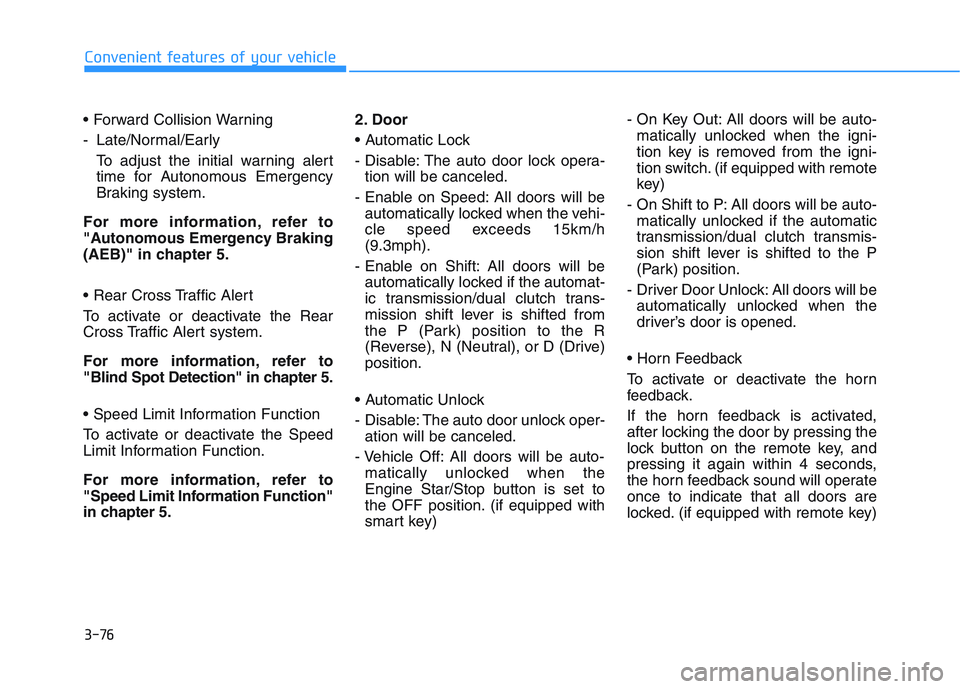
- Late/Normal/Early To adjust the initial warning alert
time for Autonomous Emergency
Braking system.
For more information, refer to
"Autonomous Emergency Braking
(AEB)" in chapter 5.
To activate or deactivate the Rear
Cross Traffic Alert system.
For more information, refer to
"Blind Spot Detection" in chapter 5.
To activate or deactivate the Speed
Limit Information Function.
For more information, refer to
"Speed Limit Information Function"
in chapter 5. 2. Door
- Disable: The auto door lock opera-
tion will be canceled.
- Enable on Speed: All doors will be automatically locked when the vehi-
cle speed exceeds 15km/h
(9.3mph).
- Enable on Shift: All doors will be automatically locked if the automat-
ic transmission/dual clutch trans-
mission shift lever is shifted from
the P (Park) position to the R
(Reverse), N (Neutral), or D (Drive)
position.
- Disable: The auto door unlock oper- ation will be canceled.
- Vehicle Off: All doors will be auto- matically unlocked when the
Engine Star/Stop button is set to
the OFF position. (if equipped with
smart key) - On Key Out: All doors will be auto-
matically unlocked when the igni-
tion key is removed from the igni-
tion switch. (if equipped with remote
key)
- On Shift to P: All doors will be auto- matically unlocked if the automatic
transmission/dual clutch transmis-
sion shift lever is shifted to the P
(Park) position.
- Driver Door Unlock: All doors will be automatically unlocked when the
driver’s door is opened.
To activate or deactivate the horn
feedback.
If the horn feedback is activated,
after locking the door by pressing the
lock button on the remote key, and
pressing it again within 4 seconds,
the horn feedback sound will operate
once to indicate that all doors are
locked. (if equipped with remote key)
Page 227 of 659

3-77
Convenient features of your vehicle
3
3. Lights
- Off: The one touch turn signal func-tion will be deactivated.
- 3, 5, 7 Flashes: The turn signal indi- cator will blink 3, 5, or 7 times when
the turn signal lever is moved slightly.
For more information, refer to
"Light" in this chapter.
To activate or deactivate the head-
lamp delay function.
For more information, refer to
"Light" in this chapter
To activate or deactivate the wel-
come light function.
For more information, refer to
"Light" in this chapter. 4. Sound
- Softer/Louder
To adjust the Park Assist System
volume.
To activate or deactivate the Blind
Spot Detection sound.
For more information, refer to
"Blind Spot Detection" in chapter 5.
To activate or deactivate the wel-
come sound.
5. Convenience
- Off: The seat easy access function is deactivated.
- Normal/Extended: When you turn off the engine, the driver's seat will
automatically move rearward short
(Normal) or long (Extended) for you
to enter or exit the vehicle more
comfortably. For more information, refer to
"Driver Position Memory System"
in this chapter.
To activate or deactivate the wireless
charging system in the front seat.
For more information, refer to
"Wireless Charging System" in
this chapter.
To activate or deactivate the Wiper/
Light mode.
When activated, the LCD display
shows the selected Wiper/Light
mode whenever you changed the
mode.
To activate or deactivate the rear
wiper while the vehicle is in reverse
with the front wiper ON.
To activate or deactivate the gear
position pop-up.
Page 305 of 659

Driving your vehicle
Before driving.........................................................5-5
Before entering the vehicle ...........................................5-5
Before starting...................................................................5-5
Ignition switch ........................................................5-7
Key ignition switch ............................................................5-7
Engine Start/Stop button ..............................................5-11
Manual transmission............................................5-20
Manual transmission operation ...................................5-20
Good driving practices ...................................................5-22
Automatic transmission .......................................5-24
Automatic transmission operation ..............................5-24
Parking ...............................................................................5-29
Good driving practices ...................................................5-29
Dual clutch transmission .....................................5-31
Dual clutch transmission operation ............................5-31
Parking ...............................................................................5-39
Good driving practices ...................................................5-39
Braking system.....................................................5-41
Power brakes ...................................................................5-41
Disc brakes wear indicator ...........................................5-42
Parking brake (Hand type) ...........................................5-42
Electronic Parking Brake (EPB)...................................5-44
AUTO HOLD ......................................................................5-49
Anti-lock Brake System (ABS) ....................................5-53Electronic Stability Control (ESC)................................5-55
Vehicle Stability Management......................................5-58
Hill-Start Assist Control (HAC) ....................................5-60
Emergency Stop Signal (ESS) ......................................5-60
Good braking practices..................................................5-61
ISG (Idle Stop and Go) system ...........................5-62
To activate the ISG system ...........................................5-62
To deactivate the ISG system ......................................5-66
ISG system malfunction .................................................5-66
The battery sensor deactivation .................................5-67
Drive mode integrated control system .............5-68
Blind Spot Detection System (BSD) ..................5-70
BSD (Blind Spot Detection) /
LCA (Lane Change Assist) .............................................5-71
RCTA (Rear Cross Traffic Alert) ..................................5-74
Limitations of the system .............................................5-77
Autonomous Emergency Braking (AEB)
- Sensor fusion type ...........................................5-78
System setting and activation......................................5-78
AEB warning message and system control ..............5-80
AEB sensor .......................................................................5-82
System malfunction ........................................................5-84
Limitations of the system .............................................5-85
5