Page 148 of 534
3-63
Convenient features of your vehicle
3
Automatic transmission anddual clutch transmission shift
indicator (if equipped)
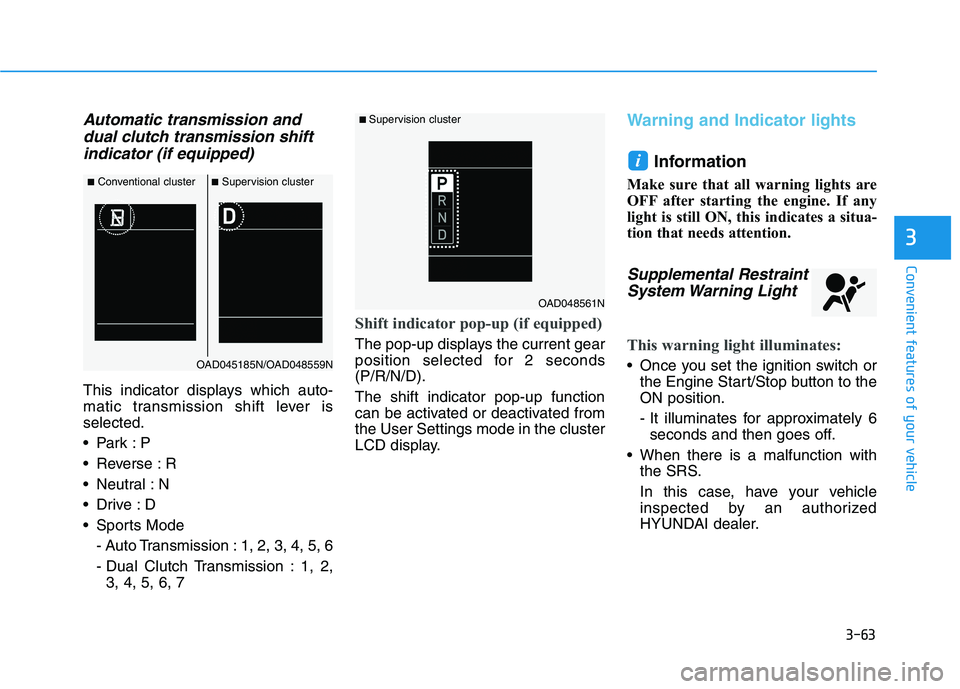
This indicator displays which auto-
matic transmission shift lever isselected.
Reverse : R
Neutral : N
Sports Mode
- Auto Transmission : 1, 2, 3, 4, 5, 6
- Dual Clutch Transmission : 1, 2,3, 4, 5, 6, 7
Shift indicator pop-up (if equipped)
The pop-up displays the current gear
position selected for 2 seconds(P/R/N/D). The shift indicator pop-up function
can be activated or deactivated fromthe User Settings mode in the cluster
LCD display.
Warning and Indicator lights
Information
Make sure that all warning lights are
OFF after starting the engine. If any
light is still ON, this indicates a situa-
tion that needs attention.
Supplemental Restraint System Warning Light
This warning light illuminates:
Once you set the ignition switch or the Engine Start/Stop button to the ON position.
- It illuminates for approximately 6seconds and then goes off.
When there is a malfunction with the SRS.
In this case, have your vehicle
inspected by an authorized
HYUNDAI dealer.
i
■Conventional cluster ■Supervision cluster
OAD045185N/OAD048559N
■ Supervision cluster
OAD048561N
Page 150 of 534
3-65
Convenient features of your vehicle
3
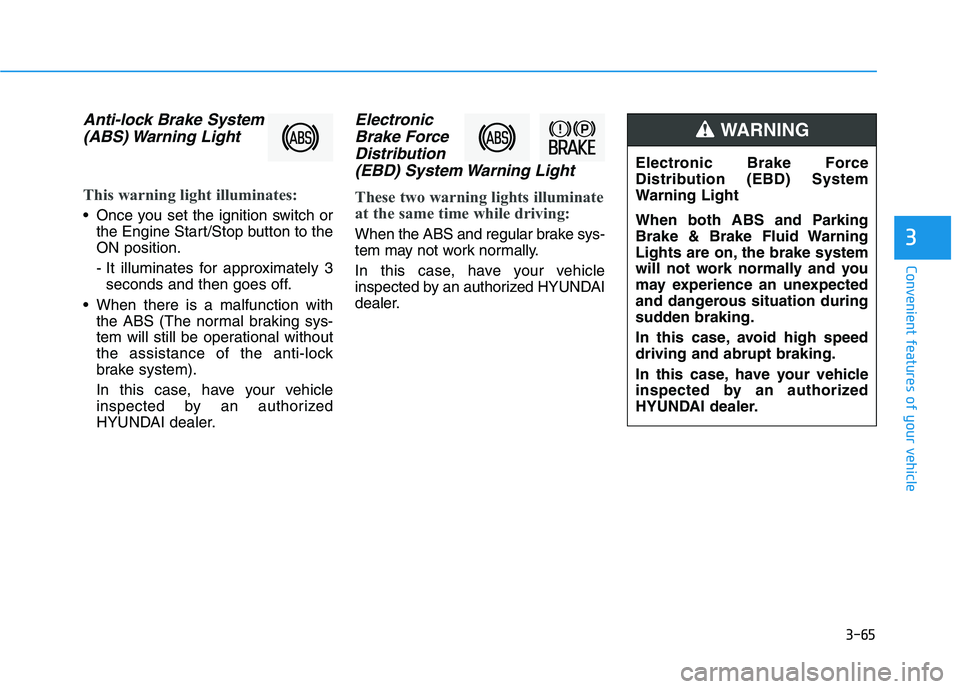
Anti-lock Brake System(ABS) Warning Light
This warning light illuminates:
Once you set the ignition switch or the Engine Start/Stop button to the ON position.
- It illuminates for approximately 3seconds and then goes off.
When there is a malfunction with the ABS (The normal braking sys-
tem will still be operational without
the assistance of the anti-lock
brake system).
In this case, have your vehicle
inspected by an authorized
HYUNDAI dealer.
Electronic
Brake Force
Distribution (EBD) System Warning Light
These two warning lights illuminate
at the same time while driving:
When the ABS and regular brake sys-
tem may not work normally.
In this case, have your vehicle
inspected by an authorized HYUNDAI
dealer.
Electronic Brake Force
Distribution (EBD) System
Warning Light
When both ABS and Parking
Brake & Brake Fluid Warning
Lights are on, the brake system
will not work normally and you
may experience an unexpected
and dangerous situation during
sudden braking.
In this case, avoid high speed driving and abrupt braking.
In this case, have your vehicle
inspected by an authorized
HYUNDAI dealer.
WARNING
Page 151 of 534
3-66
Convenient features of your vehicle
Information - Electronic
Brake Force Distribution
(EBD) System Warning Light
When the ABS Warning Light is on or
both ABS and Parking Brake & Brake
Fluid Warning Lights are on, the
speedometer, odometer, or tripmeter
may not work. Also, the EPS Warning
Light may illuminate and the steering
effort may increase or decrease.
In this case, have your vehicle inspect-
ed by an authorized HYUNDAI deal-
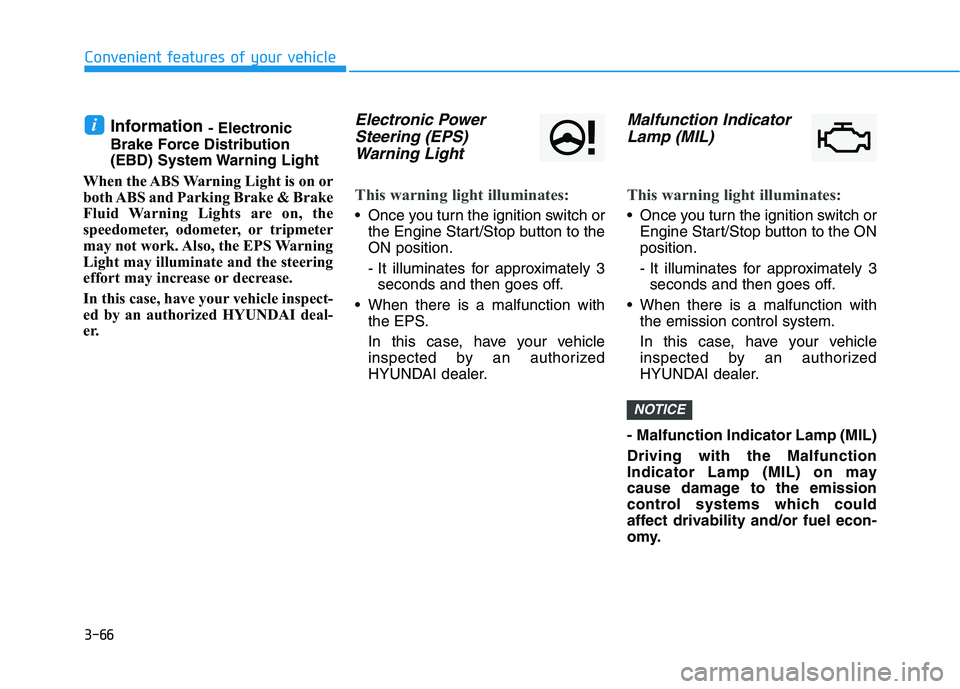
er.Electronic Power Steering (EPS)
Warning Light
This warning light illuminates:
Once you turn the ignition switch or the Engine Start/Stop button to the ON position.
- It illuminates for approximately 3seconds and then goes off.
When there is a malfunction with the EPS.
In this case, have your vehicle
inspected by an authorized
HYUNDAI dealer.
Malfunction Indicator
Lamp (MIL)
This warning light illuminates:
Once you turn the ignition switch or Engine Start/Stop button to the ON position.
- It illuminates for approximately 3seconds and then goes off.
When there is a malfunction with the emission control system.
In this case, have your vehicle
inspected by an authorized
HYUNDAI dealer.
- Malfunction Indicator Lamp (MIL) Driving with the Malfunction
Indicator Lamp (MIL) on may
cause damage to the emission
control systems which could
affect drivability and/or fuel econ-
omy.
NOTICE
i
Page 158 of 534
3-73
Convenient features of your vehicle
3
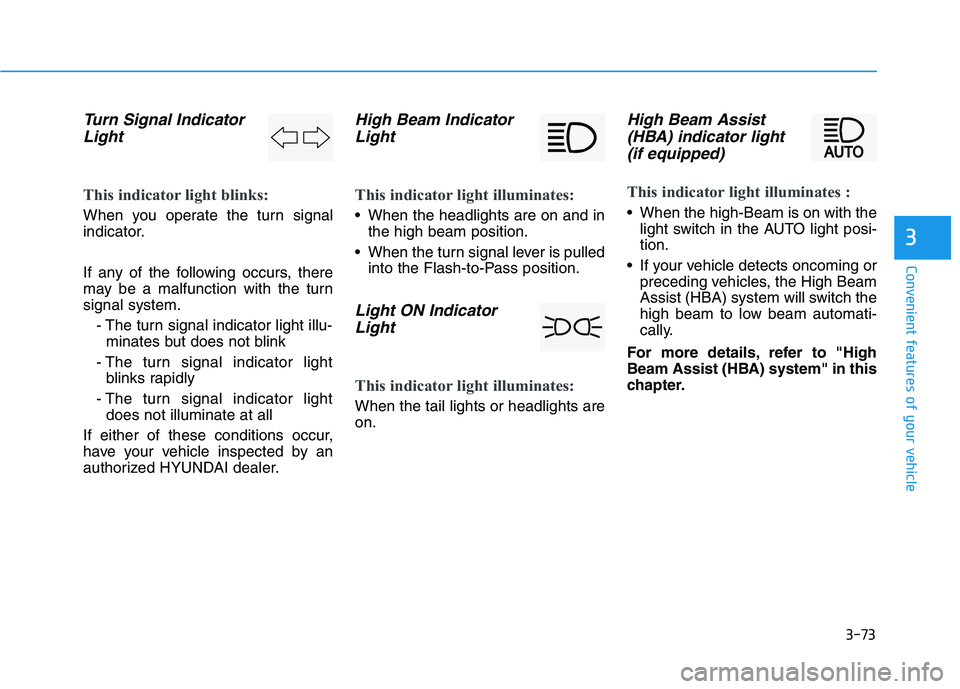
Turn Signal IndicatorLight
This indicator light blinks:
When you operate the turn signal
indicator.
If any of the following occurs, there
may be a malfunction with the turnsignal system.
- The turn signal indicator light illu-minates but does not blink
- The turn signal indicator light blinks rapidly
- The turn signal indicator light does not illuminate at all
If either of these conditions occur,
have your vehicle inspected by an
authorized HYUNDAI dealer.
High Beam Indicator Light
This indicator light illuminates:
When the headlights are on and in the high beam position.
When the turn signal lever is pulled into the Flash-to-Pass position.
Light ON Indicator
Light
This indicator light illuminates:
When the tail lights or headlights are on.
High Beam Assist(HBA) indicator light
(if equipped)
This indicator light illuminates :
When the high-Beam is on with the light switch in the AUTO light posi- tion.
If your vehicle detects oncoming or preceding vehicles, the High Beam
Assist (HBA) system will switch the
high beam to low beam automati-
cally.
For more details, refer to "High
Beam Assist (HBA) system" in this
chapter.
Page 162 of 534
3-77
Convenient features of your vehicle
3
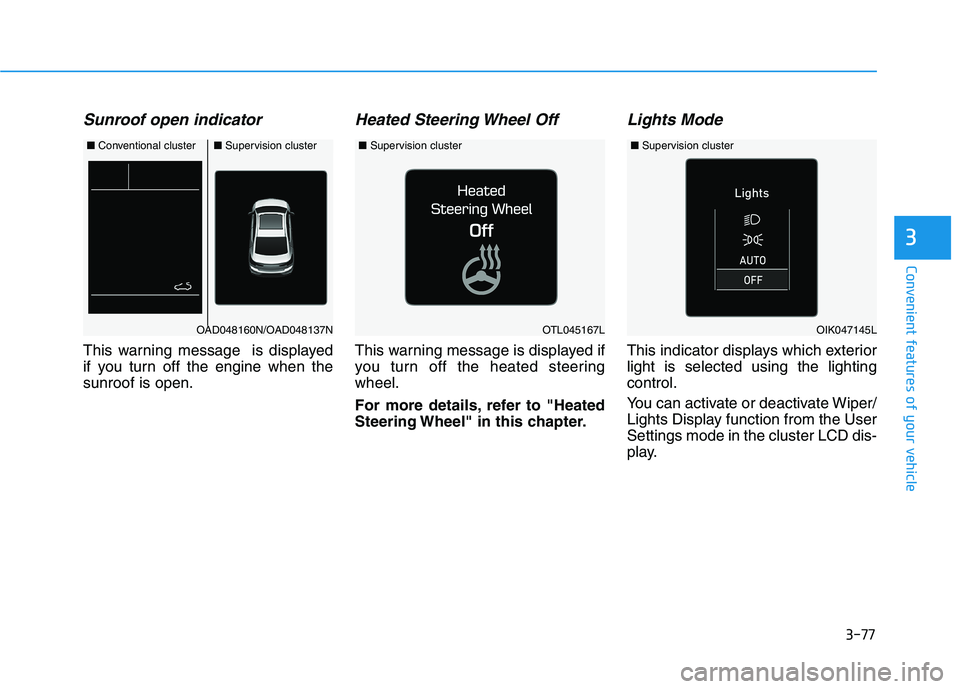
Sunroof open indicator
This warning message is displayed
if you turn off the engine when thesunroof is open.
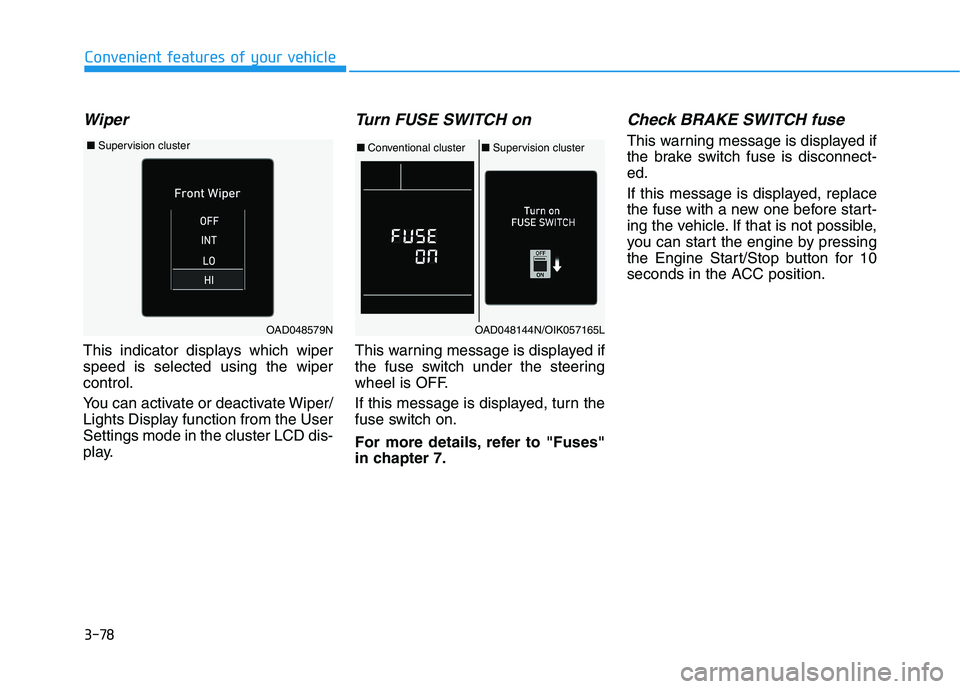
Heated Steering Wheel Off
This warning message is displayed if
you turn off the heated steeringwheel.
For more details, refer to "Heated
Steering Wheel" in this chapter.
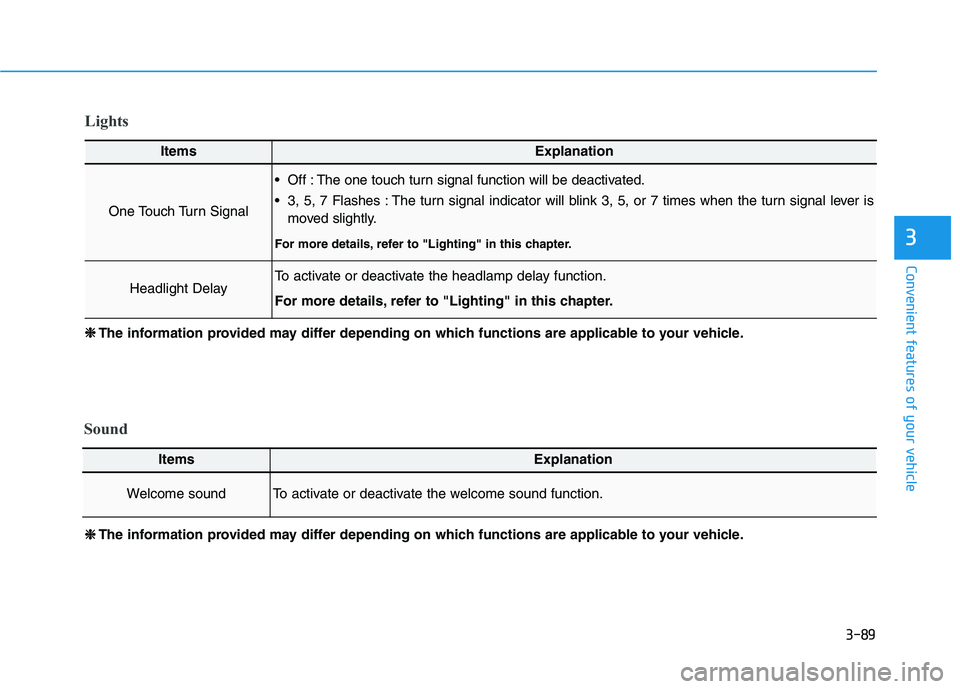
Lights Mode
This indicator displays which exteriorlight is selected using the lightingcontrol.
You can activate or deactivate Wiper/
Lights Display function from the UserSettings mode in the cluster LCD dis-
play.
■Conventional cluster■ Supervision cluster
OAD048160N/OAD048137NOTL045167L
■Supervision cluster
OIK047145L
■Supervision cluster
Page 163 of 534
3-78
Convenient features of your vehicle
Wiper
This indicator displays which wiper speed is selected using the wipercontrol.
You can activate or deactivate Wiper/
Lights Display function from the UserSettings mode in the cluster LCD dis-
play.
Turn FUSE SWITCH on
This warning message is displayed if
the fuse switch under the steering
wheel is OFF.
If this message is displayed, turn the
fuse switch on.
For more details, refer to "Fuses"
in chapter 7.
Check BRAKE SWITCH fuse
This warning message is displayed if
the brake switch fuse is disconnect-ed.
If this message is displayed, replace
the fuse with a new one before start-
ing the vehicle. If that is not possible,
you can start the engine by pressing
the Engine Start/Stop button for 10
seconds in the ACC position.
OAD048144N/OIK057165L
■Conventional cluster ■Supervision cluster
OAD048579N
■ Supervision cluster
Page 169 of 534
3-84
Convenient features of your vehicle
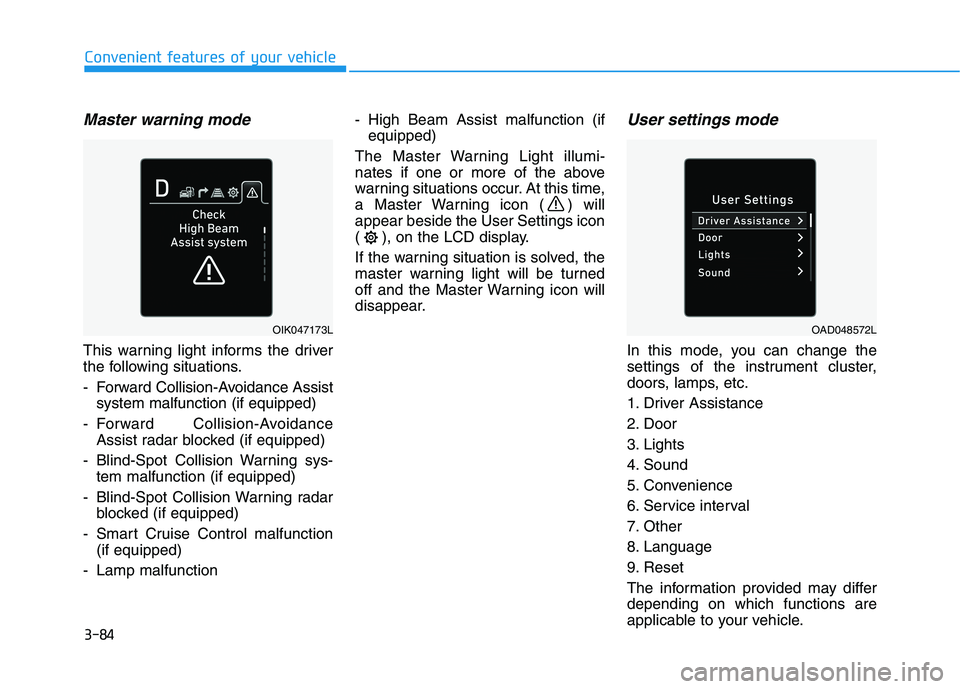
Master warning mode
This warning light informs the driver
the following situations.
- Forward Collision-Avoidance Assistsystem malfunction (if equipped)
- Forward Collision-Avoidance Assist radar blocked (if equipped)
- Blind-Spot Collision Warning sys- tem malfunction (if equipped)
- Blind-Spot Collision Warning radar blocked (if equipped)
- Smart Cruise Control malfunction (if equipped)
- Lamp malfunction - High Beam Assist malfunction (if
equipped)
The Master Warning Light illumi-
nates if one or more of the above
warning situations occur. At this time,
a Master Warning icon ( ) willappear beside the User Settings icon
( ), on the LCD display.
If the warning situation is solved, the
master warning light will be turned
off and the Master Warning icon will
disappear.
User settings mode
In this mode, you can change the
settings of the instrument cluster,
doors, lamps, etc.
1. Driver Assistance
2. Door
3. Lights
4. Sound
5. Convenience
6. Service interval
7. Other
8. Language
9. Reset
The information provided may differ depending on which functions are
applicable to your vehicle.
OIK047173LOAD048572L
Page 174 of 534
3-89
Convenient features of your vehicle
3
Lights
ItemsExplanation
One Touch Turn Signal
Off : The one touch turn signal function will be deactivated.
3, 5, 7 Flashes : The turn signal indicator will blink 3, 5, or 7 times when the turn signal lever ismoved slightly.
For more details, refer to "Lighting" in this chapter.
Headlight DelayTo activate or deactivate the headlamp delay function.
For more details, refer to "Lighting" in this chapter.
❈❈ The information provided may differ depending on which functions are applicable to your vehicle.
❈
❈
The information provided may differ depending on which functions are applicable to your vehicle.
Sound
ItemsExplanation
Welcome soundTo activate or deactivate the welcome sound function.