Page 6 of 551
Contents
This owner’s manual should be considered a permanent part of the
vehicle and should remain with the vehicle when it is sold.
This owner’s manual covers all models of your vehicle. You may find
descriptions of equipment and features that are not on your
particular model.
Images throughout this owner’s manu al (including the front cover)
represent features and equipment that are available on some, but
not all, models. Your particular mo del may not have some of these
features.
The information and specifications in cluded in this publication were
in effect at the time of approval for printing. Honda Motor Co., Ltd.
reserves the right, however, to discontinue or change specifications
or design at any time without notice and without incurring any
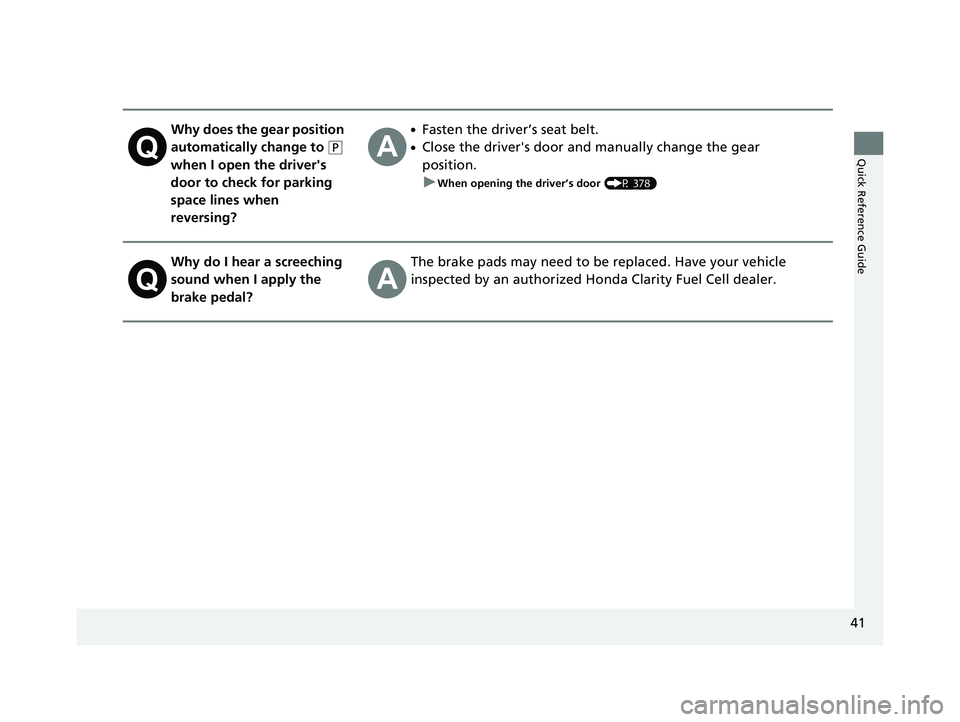
obligation.2 Safe Driving P. 43
For Safe Driving P. 44 Seat Belts P. 48 Airbags P. 55
2Instrument Panel P. 85
Indicators P. 86 Gauges and Driver Information Interface P. 116
2Controls P. 131
Clock P. 132 Locking and Unlocking the Doors P. 133
Operating the Switches Ar ound the Steering Wheel P. 154
Interior Lights/Interior Convenience Items P. 178
2 Features P. 197
Audio System P. 198 Audio System Basic Operation P. 204
Customized Features P. 300 HomeLink® Universal Transceiver P. 326
2 Driving P. 363
Before Driving P. 364 Towing a Trailer P. 369
Multi-View Rear Camera P. 442 Refueling P. 444
2 Maintenance P. 449
Before Performing Maintenance P. 450 Maintenance MinderTM P. 453
Checking and Maintaining Wiper Blades P. 465
Climate Control System Main tenance P. 480 Cleaning P. 481
2Handling the Unexpected P. 489
If a Tire Goes Flat P. 490 Handling of the Jack P. 502
If Hydrogen Gas is Leaking P. 511 Indicator, Coming On/Blinking P. 513
When You Cannot Unlock the Hydrogen Fuel Lid P. 527
2 Information P. 529
Specifications P. 530 Identification Numbers P. 532
Warranty Coverages P. 535 Authorized Manuals P. 537
19 CLARITY FCV CSS-31TRT6200.book 4 ページ 2019年1月17日 木曜日 午前11時54分
Page 7 of 551
Contents
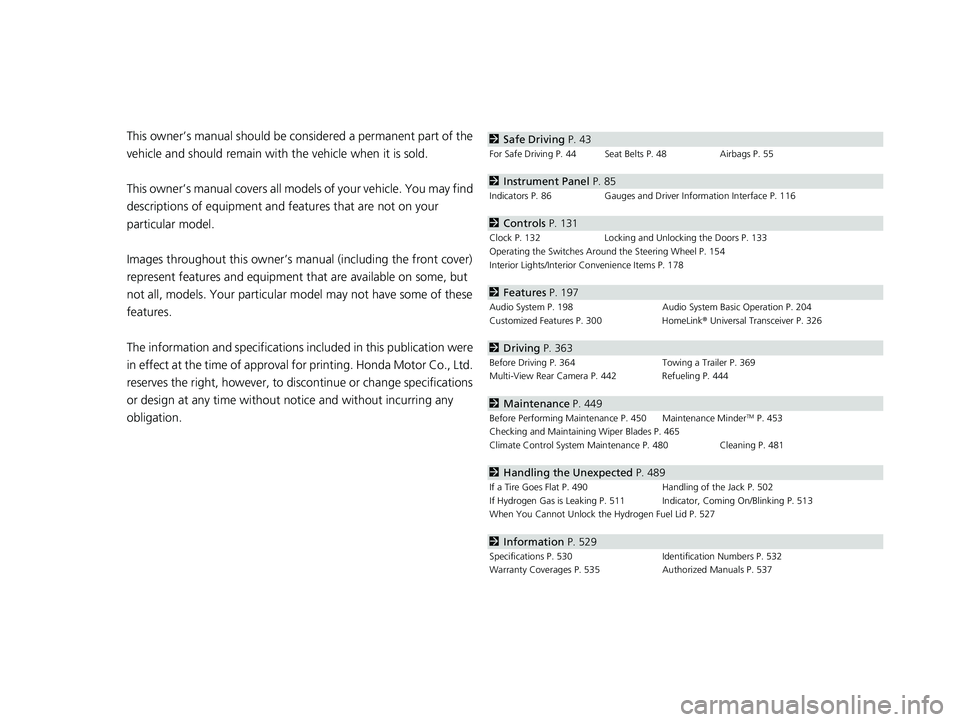
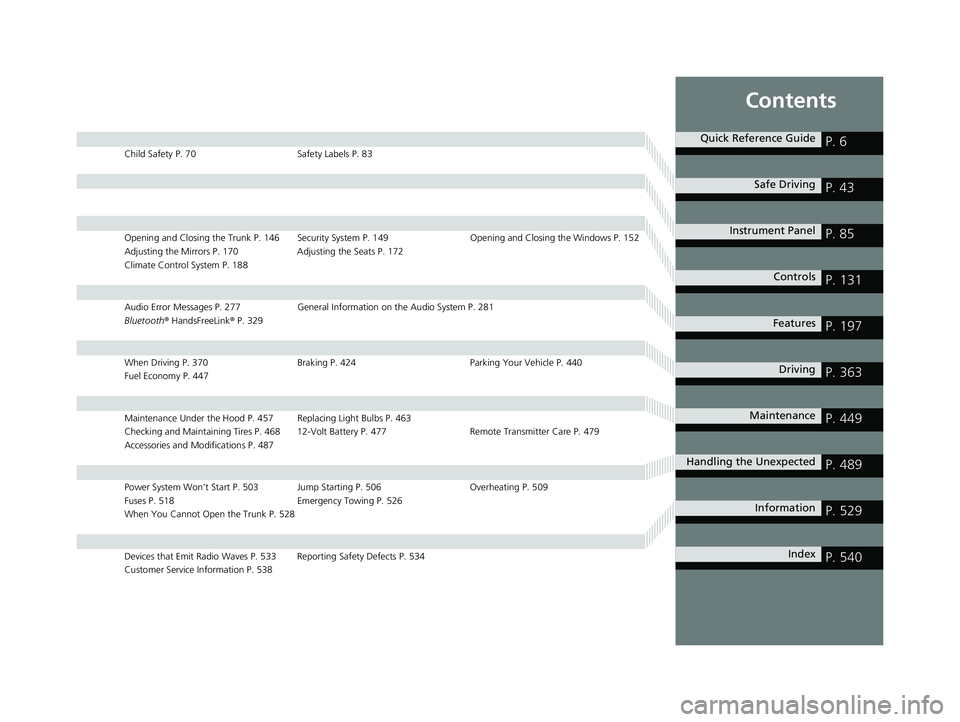
Child Safety P. 70Safety Labels P. 83
Opening and Closing the Trunk P. 146 Security System P. 149 Opening and Closing the Windows P. 152
Adjusting the Mirrors P. 170 Adjusting the Seats P. 172
Climate Control System P. 188
Audio Error Messages P. 277 General Information on the Audio System P. 281
Bluetooth ® HandsFreeLink ® P. 329
When Driving P. 370 Braking P. 424Parking Your Vehicle P. 440
Fuel Economy P. 447
Maintenance Under the Hood P. 457 Replacing Light Bulbs P. 463
Checking and Maintaining Tires P. 468 12-Volt Battery P. 477 Remote Transmitter Care P. 479
Accessories and Modifications P. 487
Power System Won’t Start P. 503 Jump Starting P. 506 Overheating P. 509
Fuses P. 518 Emergency Towing P. 526
When You Cannot Open the Trunk P. 528
Devices that Emit Radio Waves P. 533 Reporting Safety Defects P. 534
Customer Service Information P. 538
Quick Reference GuideP. 6
Safe DrivingP. 43
Instrument PanelP. 85
ControlsP. 131
FeaturesP. 197
DrivingP. 363
MaintenanceP. 449
Handling the UnexpectedP. 489
InformationP. 529
IndexP. 540
19 CLARITY FCV CSS-31TRT6200.book 5 ページ 2019年1月17日 木曜日 午前11時54分
Page 27 of 551
25
Quick Reference Guide
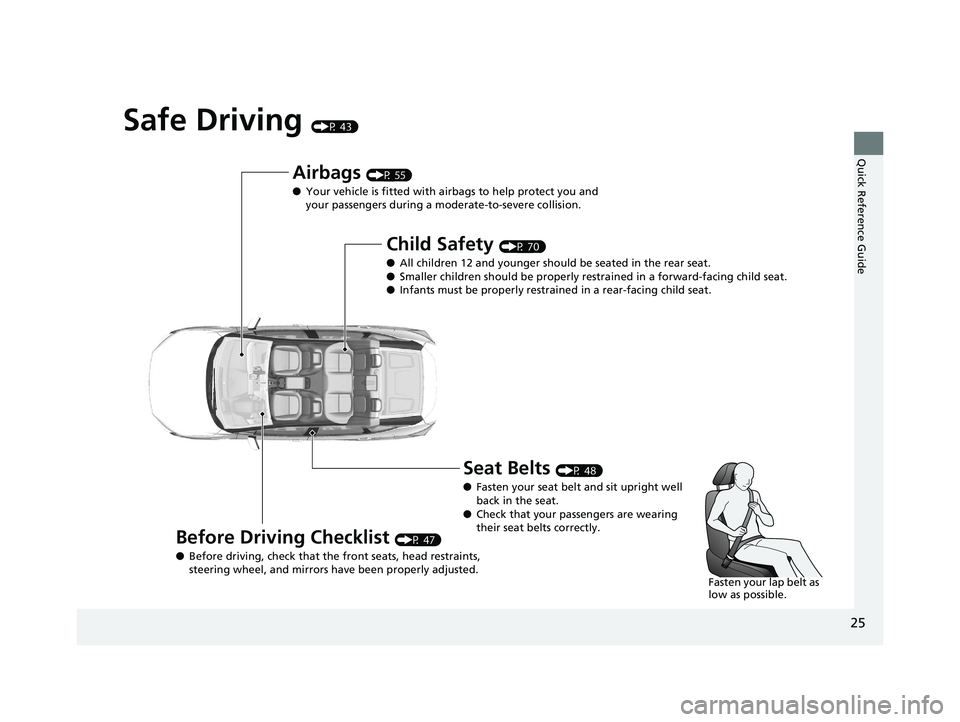
Safe Driving (P 43)
Airbags (P 55)
● Your vehicle is fitted with ai rbags to help protect you and
your passengers during a moderate-to-severe collision.
Child Safety (P 70)
● All children 12 and younger should be seated in the rear seat.
● Smaller children should be properly restra ined in a forward-facing child seat.
● Infants must be properly restraine d in a rear-facing child seat.
Before Driving Checklist (P 47)
● Before driving, check that the front seats, head restraints,
steering wheel, and mirrors have been properly adjusted.
Seat Belts (P 48)
● Fasten your seat belt and sit upright well
back in the seat.
● Check that your passengers are wearing
their seat belts correctly.
Fasten your lap belt as
low as possible.
19 CLARITY FCV CSS-31TRT6200.book 25 ページ 2019年1月17日 木曜日 午前11時 54分
Page 39 of 551
37
Quick Reference Guide
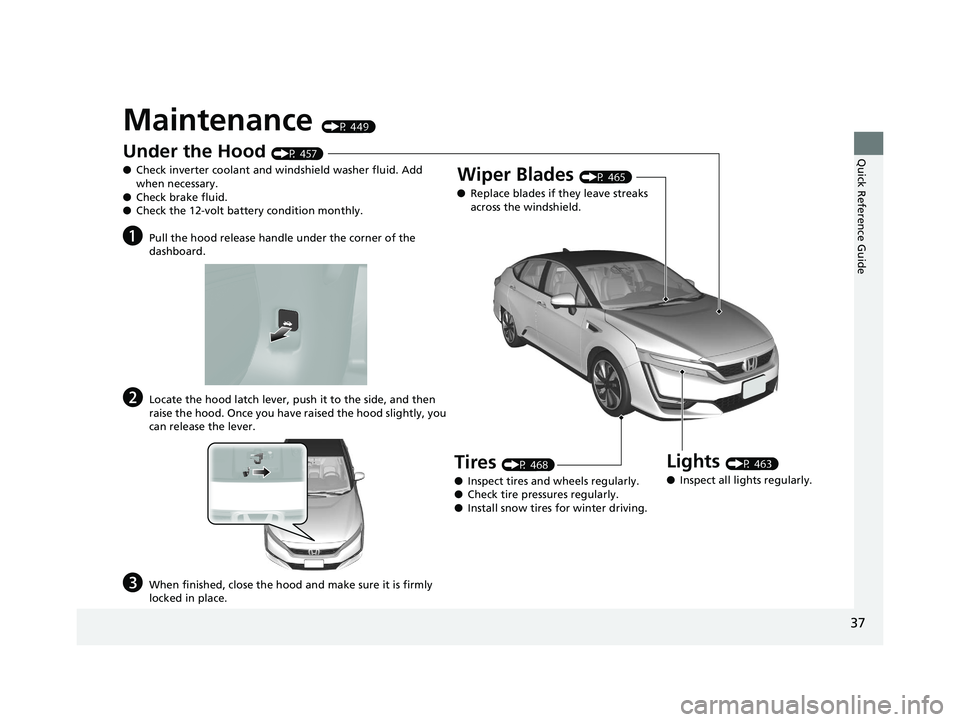
Maintenance (P 449)
Under the Hood (P 457)
● Check inverter coolant and windshield washer fluid. Add
when necessary.
● Check brake fluid.
● Check the 12-volt battery condition monthly.
aPull the hood release handle under the corner of the
dashboard.
bLocate the hood latch lever, push it to the side, and then
raise the hood. Once you have raised the hood slightly, you
can release the lever.
cWhen finished, close the hood and make sure it is firmly
locked in place.
Lights (P 463)
● Inspect all lights regularly.
Wiper Blades (P 465)
● Replace blades if they leave streaks
across the windshield.
Tires (P 468)
● Inspect tires and wheels regularly.
● Check tire pressures regularly.
● Install snow tires for winter driving.
19 CLARITY FCV CSS-31TRT6200.book 37 ページ 2019年1月17日 木曜日 午前11時 54分
Page 40 of 551
38
Quick Reference Guide
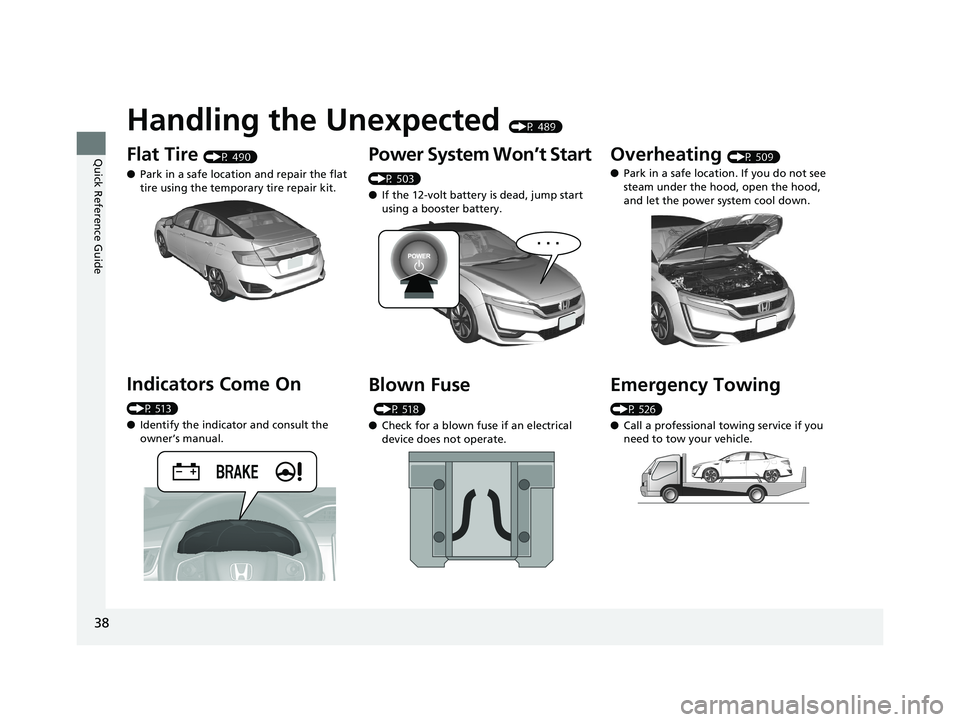
Handling the Unexpected (P 489)
Flat Tire (P 490)
● Park in a safe location and repair the flat
tire using the temporary tire repair kit.
Indicators Come On
(P 513)
●Identify the indicator and consult the
owner’s manual.
Power System Won’t Start
(P 503)
● If the 12-volt battery is dead, jump start
using a booster battery.
Blown Fuse
(P 518)
● Check for a blown fuse if an electrical
device does not operate.
Overheating (P 509)
● Park in a safe location. If you do not see
steam under the hood, open the hood,
and let the power system cool down.
Emergency Towing
(P 526)
●Call a professional towing service if you
need to tow your vehicle.
19 CLARITY FCV CSS-31TRT6200.book 38 ページ 2019年1月17日 木曜日 午前11時 54分
Page 41 of 551
39
Quick Reference Guide
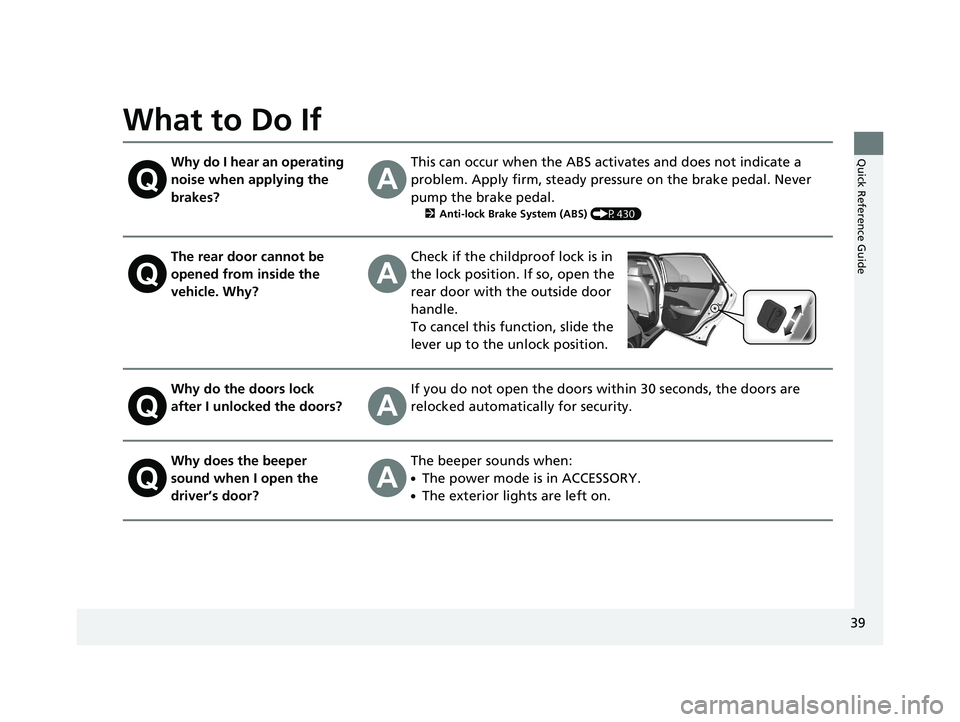
What to Do If
Why do I hear an operating
noise when applying the
brakes?This can occur when the ABS activates and does not indicate a
problem. Apply firm, steady pressure on the brake pedal. Never
pump the brake pedal.
2Anti-lock Brake System (ABS) (P430)
The rear door cannot be
opened from inside the
vehicle. Why?Check if the childproof lock is in
the lock position. If so, open the
rear door with the outside door
handle.
To cancel this function, slide the
lever up to the unlock position.
Why do the doors lock
after I unlocked the doors?If you do not open the doors within 30 seconds, the doors are
relocked automatically for security.
Why does the beeper
sound when I open the
driver’s door?The beeper sounds when:
●The power mode is in ACCESSORY.
●The exterior lights are left on.
19 CLARITY FCV CSS-31TRT6200.book 39 ページ 2019年1月17日 木曜日 午前11時 54分
Page 42 of 551
40
Quick Reference Guide
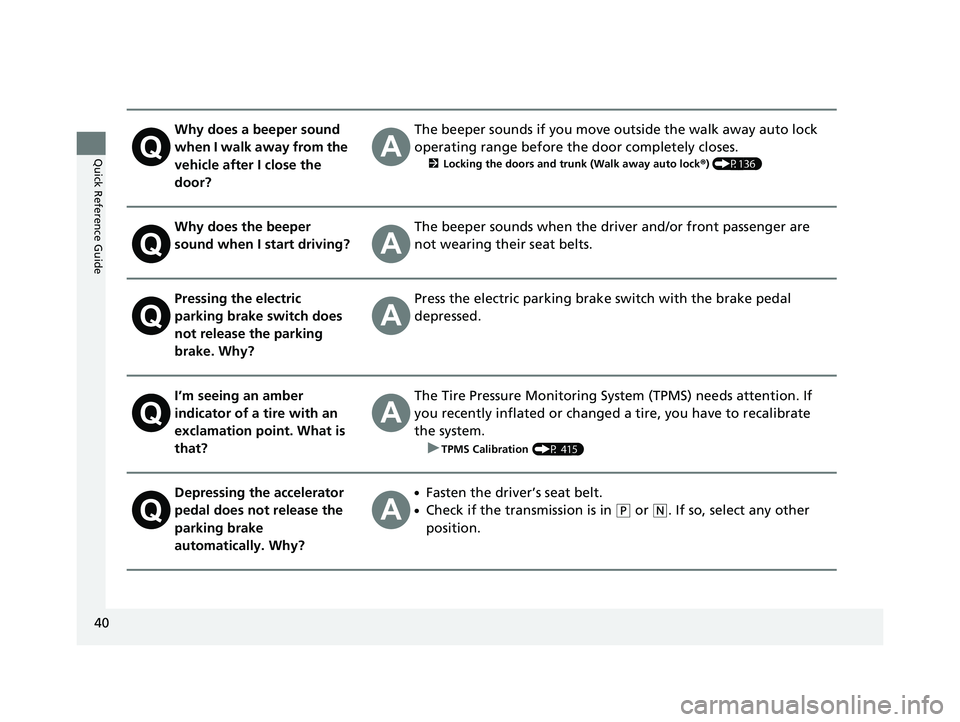
Why does a beeper sound
when I walk away from the
vehicle after I close the
door?The beeper sounds if you move outside the walk away auto lock
operating range before the door completely closes.
2Locking the doors and trunk (Walk away auto lock ®) (P136)
Why does the beeper
sound when I start driving?The beeper sounds when the driver and/or front passenger are
not wearing their seat belts.
Pressing the electric
parking brake switch does
not release the parking
brake. Why?Press the electric parking brake switch with the brake pedal
depressed.
I’m seeing an amber
indicator of a tire with an
exclamation point. What is
that?The Tire Pressure Monitoring Syst em (TPMS) needs attention. If
you recently inflated or changed a tire, you have to recalibrate
the system.
u
TPMS Calibration (P 415)
Depressing the accelerator
pedal does not release the
parking brake
automatically. Why?●Fasten the driver’s seat belt.
●Check if the transmission is in (P or (N. If so, select any other
position.
19 CLARITY FCV CSS-31TRT6200.book 40 ページ 2019年1月17日 木曜日 午前11時 54分
Page 43 of 551
41
Quick Reference Guide
Why does the gear position
automatically change to
(P
when I open the driver's
door to check for parking
space lines when
reversing?
●Fasten the driver’s seat belt.
●Close the driver's door and manually change the gear
position. u
When opening the driver’s door (P 378)
Why do I hear a screeching
sound when I apply the
brake pedal?The brake pads may need to be replaced. Have your vehicle
inspected by an authorized Honda Clarity Fuel Cell dealer.
19 CLARITY FCV CSS-31TRT6200.book 41 ページ 2019年1月17日 木曜日 午前11時 54分