Page 114 of 416
112
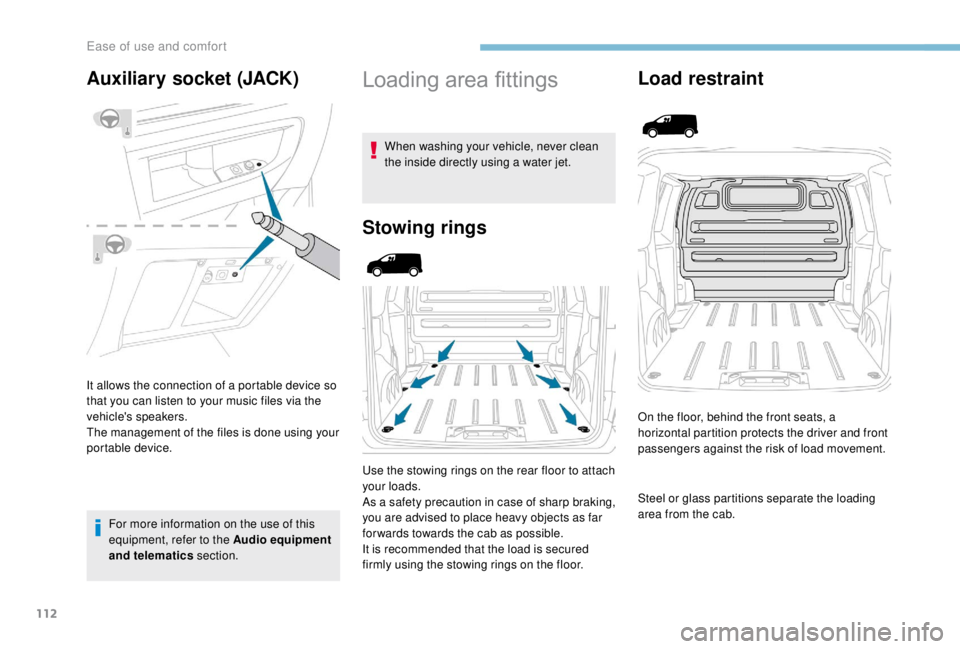
Auxiliary socket (JACK)
It allows the connection of a portable device so
that you can listen to your music files via the
vehicle's speakers.
The management of the files is done using your
portable device.For more information on the use of this
equipment, refer to the Audio equipment
and telematics section.
Loading area fittings
When washing your vehicle, never clean
the inside directly using a water jet.
Stowing rings
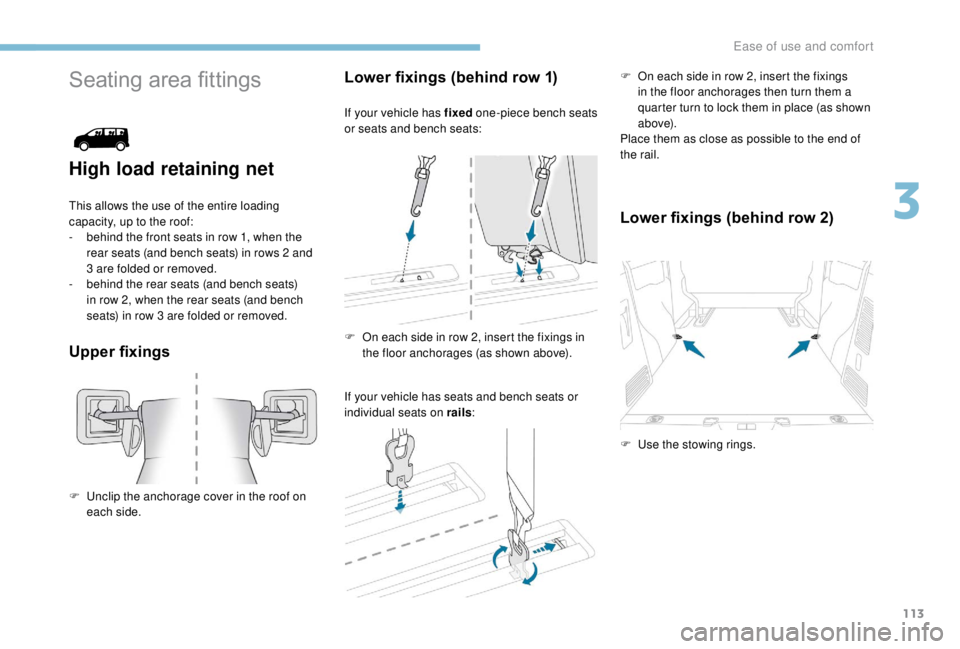
Use the stowing rings on the rear floor to attach
your loads.
As a safety precaution in case of sharp braking,
you are advised to place heavy objects as far
for wards towards the cab as possible.
It is recommended that the load is secured
firmly using the stowing rings on the floor.
Load restraint
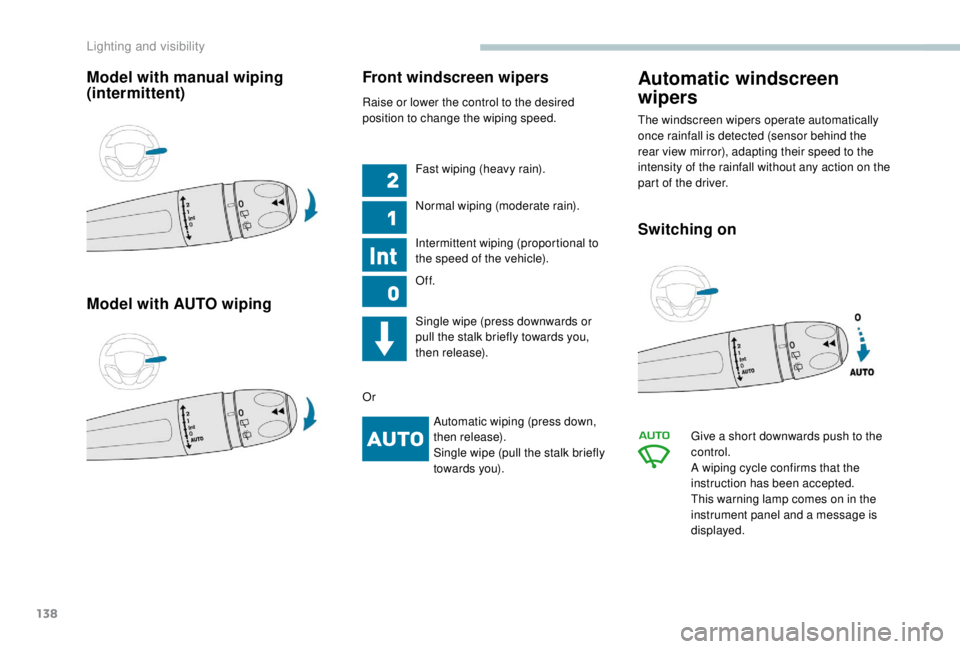
On the floor, behind the front seats, a
horizontal partition protects the driver and front
passengers against the risk of load movement.
Steel or glass partitions separate the loading
area from the cab.
Ease of use and comfort
Page 115 of 416
113
Seating area fittings
High load retaining net
This allows the use of the entire loading
capacity, up to the roof:
-
b
ehind the front seats in row 1, when the
rear seats (and bench seats) in rows 2
and
3
are folded or removed.
-
b
ehind the rear seats (and bench seats)
in row 2, when the rear seats (and bench
seats) in row 3
are folded or removed.
Upper fixings Lower fixings (behind row 1)
If your vehicle has fixed
one-piece bench seats
or seats and bench seats:
If your vehicle has seats and bench seats or
individual seats on rails : F
O
n each side in row 2, insert the fixings
in the floor anchorages then turn them a
quarter turn to lock them in place (as shown
a b ove).
Place them as close as possible to the end of
the rail.
Lower fixings (behind row 2)
F Unclip the anchorage cover in the roof on each side. F
O
n each side in row 2, insert the fixings in
the floor anchorages (as shown above).
F
U
se the stowing rings.
3
Ease of use and comfort
Page 116 of 416
114
Fitting the net
Unclip the upper fixing covers and secure the
lower fixings (as previously described).
F
F
old (table position) or remove the seats
and bench seats in rows 2
and 3 (depending
on equipment).
F
C
lose the rear heating and air conditioning
vents (depending on equipment).
F
U
nroll the high load retaining net.
F
P
osition the upper net fixings in the
corresponding anchorages in the roof (first
one side, then the other).
F
F
ully extend the straps.
F
O
n each side, attach the bottom fixings of
the net to the lower anchorages (behind
row 1) or in the stowing rings (behind row 2).
F
T
ension the straps to extend the net.
F
C
heck that the net is attached securely and
properly extended.
Never use the ISOFIX ring for the strap
fixing point of a child seat with Top Tether.
Windows in row 2
If fitted to your vehicle, the side windows in
row 2 can be opened.
For more information on the Child lock on
rear windows , refer to the corresponding
section.
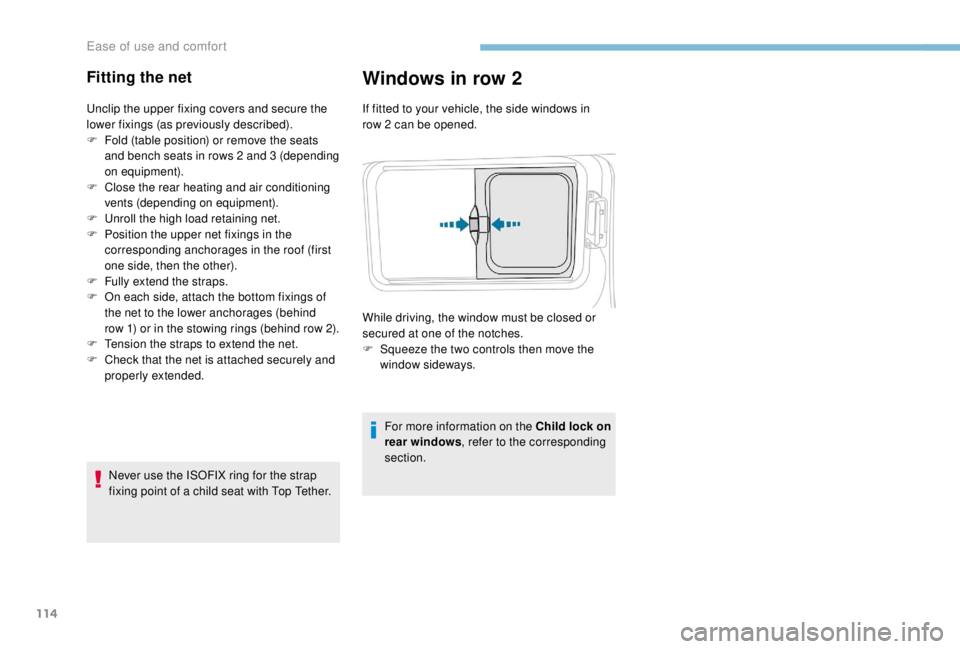
While driving, the window must be closed or
secured at one of the notches.
F
S
queeze the two controls then move the
window sideways.
Ease of use and comfort
Page 120 of 416

118
Temperature
The driver and front passenger can each set
the temperature to suit their requirements.
The value shown on the display is a level
of comfort, not a temperature in Celsius or
Fahrenheit.F
P
ush the button down
to reduce the value or
up to increase it.
A setting of around 21
provides optimum
comfort. Depending on your requirements,
a setting between 18
and 24 is normal.
In addition, it is recommended that you
avoid a left /right setting difference of more
than 3.
On entering the vehicle, if the interior
temperature is much colder or warmer
than the comfort value setting, there is no
need to alter the value displayed in order
to reach the required level of comfort. The
system compensates automatically and
corrects the temperature difference as
quickly as possible. For maximum cooling or heating of the
passenger compartment, it is possible
to exceed the minimum value 14
or the
maximum value 28.
F
P
ush the button
down until LO is
displayed or up until
HI is displayed.
"Mono" function
The comfort setting for the passenger's side
can be indexed to the driver's comfort setting
(mono-zone).
F
P
ress this button to activate/
deactivate the function.
The indicator lamp in the button is
on when the function is activated.
The function is deactivated automatically if a
passenger uses the temperature control.
Rear Heating – Air
conditioning
F Press this button to activate/ deactivate the function.
For more information, refer to the Rear
Heating – Air conditioning section.
Visibility programme
F Press the " visibility" button to
demist or defrost the windscreen
and side windows as quickly as
possible.
The system automatically manages the air
conditioning, air flow and air intake, and
provides optimum distribution towards the
windscreen and side windows.
F
P
ress the " visibility" button
again to stop the programme.
Or F
P
ress the " AUTO" button to
return to the automatic comfort
programme.
Ease of use and comfort
Page 121 of 416
119
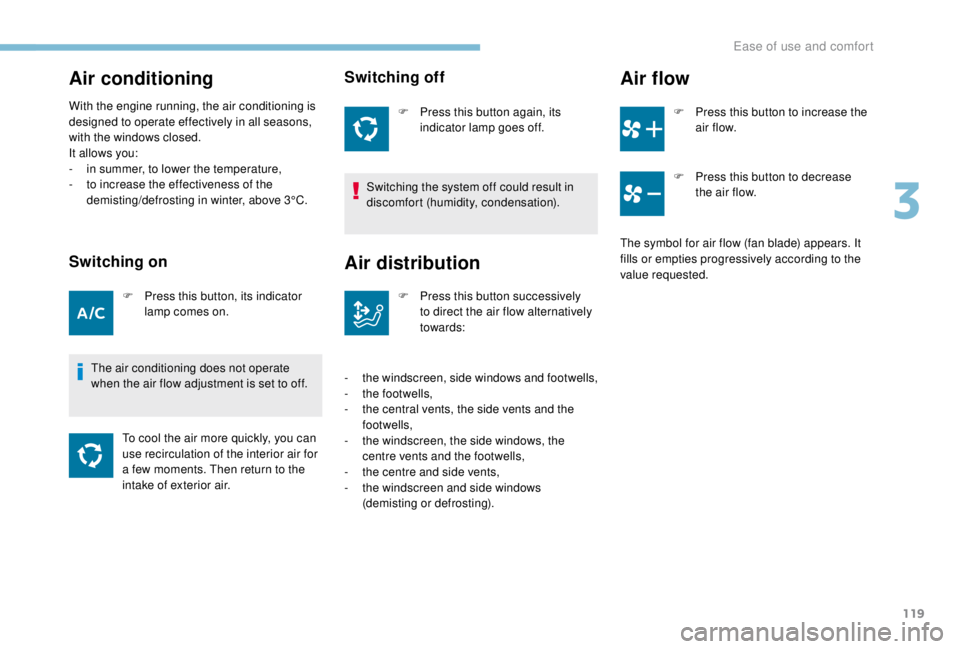
Air conditioning
With the engine running, the air conditioning is
designed to operate effectively in all seasons,
with the windows closed.
It allows you:
-
i
n summer, to lower the temperature,
-
t
o increase the effectiveness of the
demisting/defrosting in winter, above 3°C.
Switching on
F Press this button, its indicator lamp comes on.
The air conditioning does not operate
when the air flow adjustment is set to off. To cool the air more quickly, you can
use recirculation of the interior air for
a few moments. Then return to the
intake of exterior air.
Switching off
F Press this button again, its indicator lamp goes off.
Switching the system off could result in
discomfort (humidity, condensation).
Air distribution
F Press this button successively to direct the air flow alternatively
towards:
-
t
he windscreen, side windows and footwells,
-
t
he footwells,
-
t
he central vents, the side vents and the
footwells,
-
t
he windscreen, the side windows, the
centre vents and the footwells,
-
t
he centre and side vents,
-
t
he windscreen and side windows
(demisting or defrosting).
Air flow
F Press this button to increase the air f low.
F
P
ress this button to decrease
the air flow.
The symbol for air flow (fan blade) appears. It
fills or empties progressively according to the
value requested.
3
Ease of use and comfort
Page 122 of 416
120
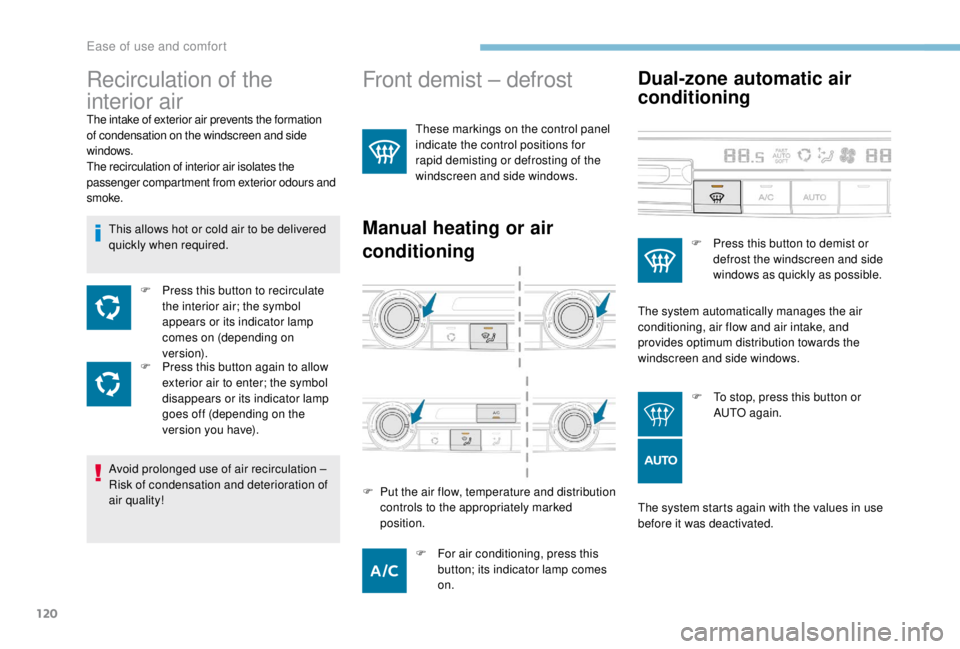
Front demist – defrost
These markings on the control panel
indicate the control positions for
rapid demisting or defrosting of the
windscreen and side windows.
Manual heating or air
conditioningDual-zone automatic air
conditioning
The system starts again with the values in use
before it was deactivated.
Recirculation of the
interior air
The intake of exterior air prevents the formation
of condensation on the windscreen and side
windows.
The recirculation of interior air isolates the
passenger compartment from exterior odours and
smoke.
This allows hot or cold air to be delivered
quickly when required.
F
P
ress this button to recirculate
the interior air; the symbol
appears or its indicator lamp
comes on (depending on
ve r s i o n).
F
P
ress this button again to allow
exterior air to enter; the symbol
disappears or its indicator lamp
goes off (depending on the
version you have).
Avoid prolonged use of air recirculation –
Risk of condensation and deterioration of
air quality!
F
F
or air conditioning, press this
button; its indicator lamp comes
on.
F
P
ut the air flow, temperature and distribution
controls to the appropriately marked
position. F
P
ress this button to demist or
defrost the windscreen and side
windows as quickly as possible.
The system automatically manages the air
conditioning, air flow and air intake, and
provides optimum distribution towards the
windscreen and side windows.
F
T
o stop, press this button or
AUTO again.
Ease of use and comfort
Page 125 of 416
123
Advice
In order for these systems to be fully effective,
follow the operation and maintenance
guidelines below:
F
T
o ensure that the air is distributed evenly,
keep the external air intake grilles at the
base of the windscreen, the nozzles, the
vents, the air outlets and the air extractor
located in the rear free from obstructions.
F
D
o not cover the sunshine sensor, located
at the top of the windscreen; this is used
for regulation of the air conditioning
system.
F
O
perate the air conditioning system for
at least 5
to 10 minutes, once or twice a
month to keep it in per fect working order.
F
T
o prevent misting or deteriorating air
quality inside the passenger compartment,
you should not deactivate the system for
too long and avoid extended operation of
the air recycling system when driving.
F
E
nsure that the passenger compartment
filter is in good condition and have the
filter elements replaced regularly. We recommend the use of a combined
passenger compartment filter. Thanks to
its special active additive, it contributes
to the purification of the air breathed by
the occupants and the cleanliness of the
passenger compartment (reduction of allergic
symptoms, bad odours and greasy deposits).
F
T
o ensure correct operation of the air
conditioning system, you are also advised
to have it checked in accordance with the
recommendations in the Warranty and
Maintenance Record.
F
I
f the system does not produce cold air,
switch it off and contact a PEUGEOT
dealer or a qualified workshop.
When towing the maximum load on a steep
gradient in high temperatures, switching off
the air conditioning increases the available
engine power and so improves the towing
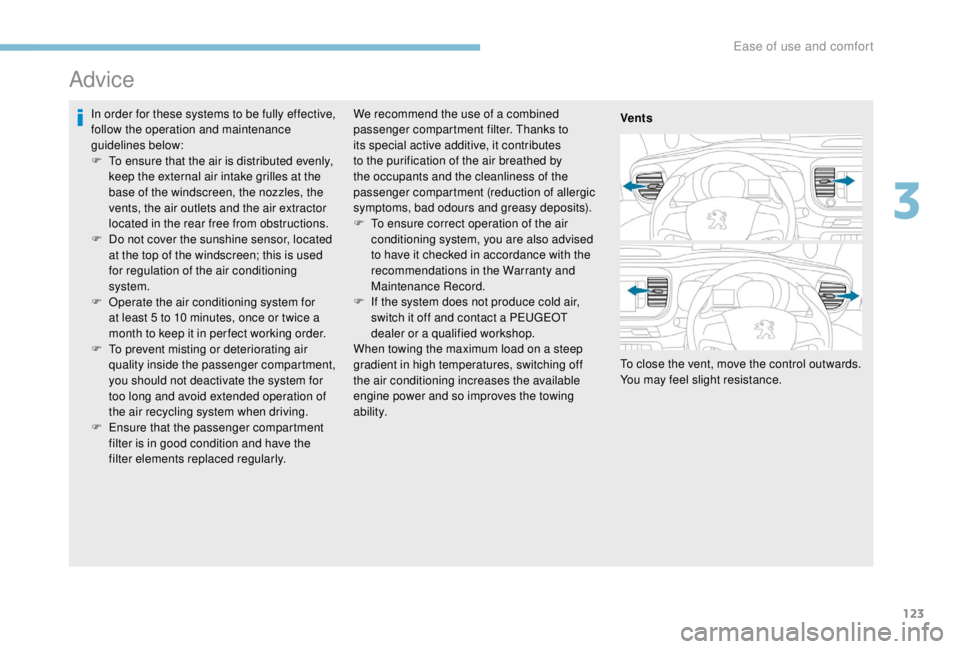
ability. Vents
To close the vent, move the control outwards.
You may feel slight resistance.
3
Ease of use and comfort
Page 140 of 416
138
Model with manual wiping
(intermittent)
Model with AUTO wipingFront windscreen wipers
Raise or lower the control to the desired
position to change the wiping speed.
Fast wiping (heavy rain).
Normal wiping (moderate rain).
Intermittent wiping (proportional to
the speed of the vehicle).
Of f.
Single wipe (press downwards or
pull the stalk briefly towards you,
then release).
Or Automatic wiping (press down,
then release).
Single wipe (pull the stalk briefly
towards you).
Automatic windscreen
wipers
The windscreen wipers operate automatically
once rainfall is detected (sensor behind the
rear view mirror), adapting their speed to the
intensity of the rainfall without any action on the
part of the driver.
Switching on
Give a short downwards push to the
control.
A wiping cycle confirms that the
instruction has been accepted.
This warning lamp comes on in the
instrument panel and a message is
displayed.
Lighting and visibility