Page 108 of 474
∙ If the brake fluid level is below theMINIMUM or MIN mark on the brake
fluid reservoir, do not drive until the
brake system has been checked. It is
recommended that you visit a NISSAN
dealer for this service.
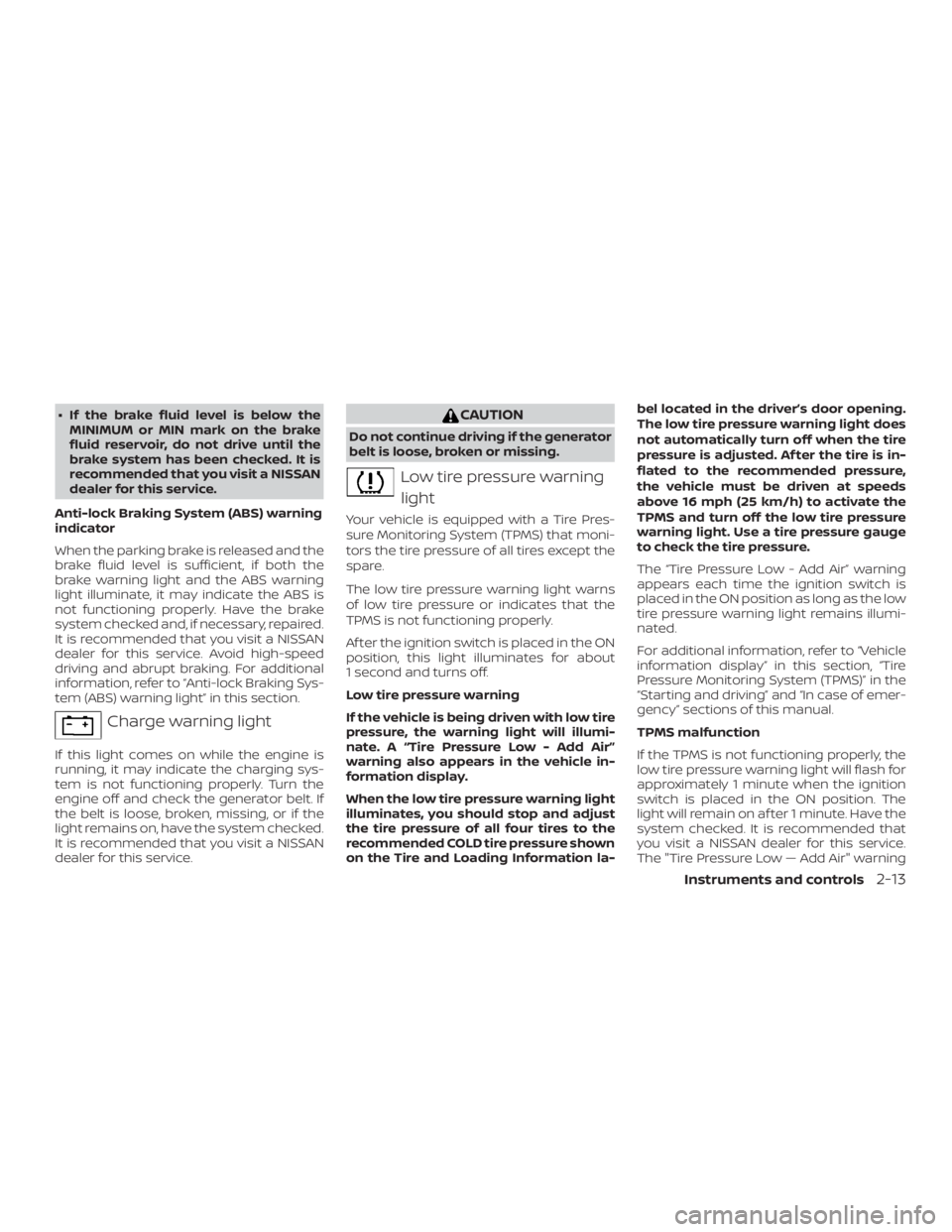
Anti-lock Braking System (ABS) warning
indicator
When the parking brake is released and the
brake fluid level is sufficient, if both the
brake warning light and the ABS warning
light illuminate, it may indicate the ABS is
not functioning properly. Have the brake
system checked and, if necessary, repaired.
It is recommended that you visit a NISSAN
dealer for this service. Avoid high-speed
driving and abrupt braking. For additional
information, refer to “Anti-lock Braking Sys-
tem (ABS) warning light” in this section.
Page 111 of 474
Supplemental air bagwarning light
When the ignition switch is placed in the ON
or START position, the supplemental air
bag warning light illuminates for about
7 seconds and then turns off. This means
the system is operational.
If any of the following conditions occur, the
front air bag, side air bag, curtain air bag,
and pretensioner seat belt systems need
servicing:
∙ The supplemental air bag warning light remains on af ter approximately 7 sec-
onds.
∙ The supplemental air bag warning light flashes intermittently.
∙ The supplemental air bag warning light does not come on at all.
It is recommended that you visit a NISSAN
dealer for these services.
Unless checked and repaired, the supple-
mental restraint system (air bag system)
and/or the pretensioner(s) may not func-
tion properly. For additional information, re-
fer to “Supplemental Restraint System (SRS)” in the “Safety—Seats, seat belts and
supplemental restraint system” section of
this manual.
Page 128 of 474
speed will be displayed to show the speed
the vehicle will return to if the resume but-
ton is activated.
Intelligent Cruise Control (ICC) indicator
(if so equipped)
This indicator shows the Intelligent Cruise
Control (ICC) system status. The status is
shown by the color. For additional informa-
tion, refer to “Intelligent Cruise Control (ICC)”
in the “Starting and driving” section of this
manual.
Shipping Mode On Push Storage Fuse
This warning may appear if the extended
storage switch is not pushed in. When this
warning appears, push in the extended
storage switch to turn off the warning. For
additional information, refer to “Extended
storage switch” in this section.
Transmission Shif t Position indicator
This indicator shows the transmission shif t
position.
CVT Error: See Owner’s Manual
This warning illuminates when there is a
problem with the CVT system. If this warn-
ing comes on, have the system checked. It
is recommended that you visit a NISSAN
dealer for this service.Unavailable: Front Radar Obstruction (if
so equipped)
This warning appears when the Intelligent
Cruise Control (ICC) system becomes un-
available because the front radar is ob-
structed. For additional information, refer
to “Intelligent Cruise Control (ICC)” or “Auto-
matic Emergency Braking ” in the “Starting
and driving” section of this manual.
Rear Door Alert is activated
When the system is enabled, this message
appears when the rear door alert system is
active and can remind the driver to check
the back seat.
∙ Using the steering wheel switch, a driver can select “Dismiss Message” to clear
the display for a period of time. If no
selection is made, this message auto-
matically turns off af ter a period of time.
∙ Using the steering wheel switch, a driver can select “Disable Alert” to disable the
horn alert for the remainder of the cur-
rent trip.
Page 140 of 474
CAUTION
∙ The battery could run down if the cli-mate control seat is operated while
the engine is not running.
∙ Do not use the climate control seat for extended periods or when no one is
using the seat.
∙ Do not put anything on the seat which insulates heat, such as a blanket,
cushion, seat cover, etc. Otherwise,
the seat may become overheated.
∙ Do not place anything hard or heavy on the seat or pierce it with a pin or
similar objects. This may result in
damage to the climate controlled
seat.
∙ Any liquid spilled on the seat should be removed immediately with a dry
cloth
∙ The climate controlled seat has an air filter. Do not operate the climate con-
trolled seat without an air filter. This
may result in damage to the system.
∙ When cleaning the seat, never use gasoline, benzine, thinner, or any
similar materials. ∙ If any malfunctions are found or the
climate controlled seat does not oper-
ate, turn the switch off and have the
system checked. It is recommended
that you visit a NISSAN dealer for this
service.
The climate controlled seat warms up or
cools down the front seat by blowing warm
or cool air from under the surface of the
seat. The climate control switch is located
on the center console.
The climate controlled seat can be oper-
ated as follows: 1. Start the engine.
2. Turn the control knob
�Ato the heat
side
�1or the cool side�2. The indica-
tor light
�Bon the control knob will illu-
minate.
3. Adjust the desired amount of air using the control knob. The climate con-
trolled seat blower remains on low
speed for approximately 60 seconds
af ter turning the switch on or selecting
the desired temperature. 4. When the vehicle’s interior is warmed
or cooled, or before you leave the ve-
hicle, be sure to turn the control knob
to the OFF (center) position. The indica-
tor light
�Bon the control knob goes off
with the switch in the OFF (center) po-
sition.
To check the air filter for the climate con-
trolled seat, it is recommended that you
visit a NISSAN dealer.
Instruments and controls2-45
Page 159 of 474
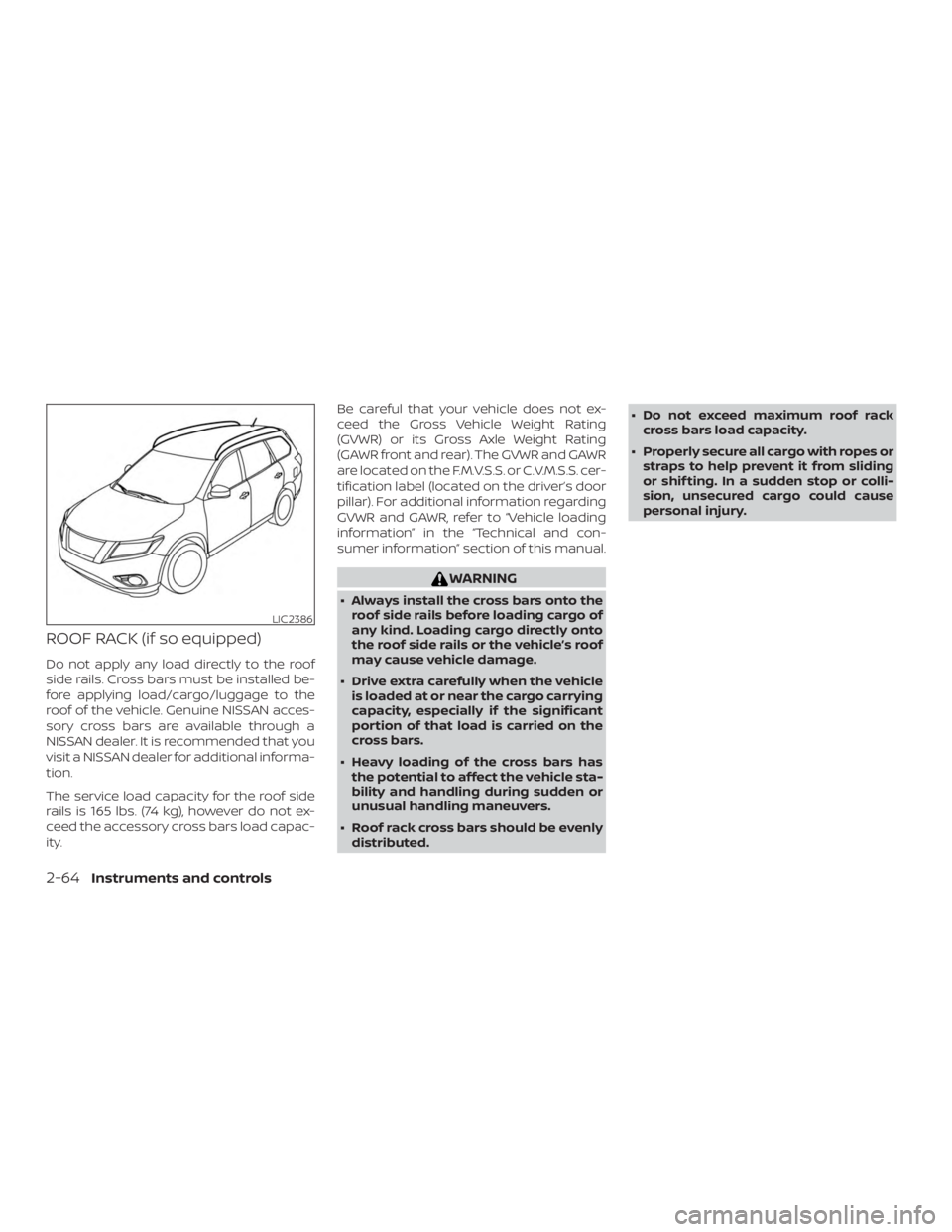
ROOF RACK (if so equipped)
Do not apply any load directly to the roof
side rails. Cross bars must be installed be-
fore applying load/cargo/luggage to the
roof of the vehicle. Genuine NISSAN acces-
sory cross bars are available through a
NISSAN dealer. It is recommended that you
visit a NISSAN dealer for additional informa-
tion.
The service load capacity for the roof side
rails is 165 lbs. (74 kg), however do not ex-
ceed the accessory cross bars load capac-
ity.Be careful that your vehicle does not ex-
ceed the Gross Vehicle Weight Rating
(GVWR) or its Gross Axle Weight Rating
(GAWR front and rear). The GVWR and GAWR
are located on the F.M.V.S.S. or C.V.M.S.S. cer-
tification label (located on the driver’s door
pillar). For additional information regarding
GVWR and GAWR, refer to “Vehicle loading
information” in the “Technical and con-
sumer information” section of this manual.
Page 163 of 474
POWER MOONROOF
The moonroof will only operate when the
ignition switch is in the ON position. The
power moonroof is operational for a period
of time, even if the ignition switch is placed
in the ACC or OFF position. If the driver’s
door or the front passenger’s door is
opened during this period of time, the
power to the moonroof is canceled.
Sliding the moonroof
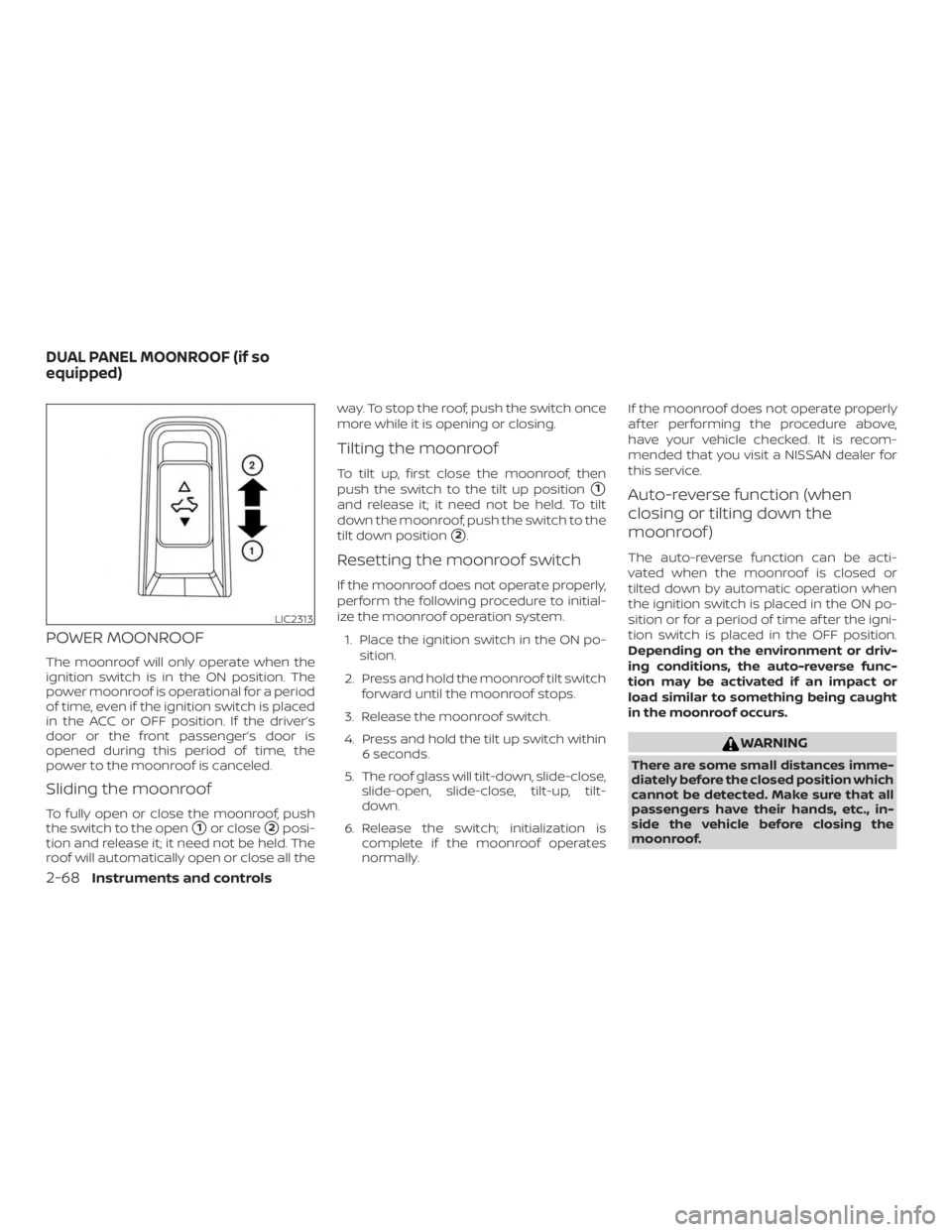
To fully open or close the moonroof, push
the switch to the open
�1or close�2posi-
tion and release it; it need not be held. The
roof will automatically open or close all the way. To stop the roof, push the switch once
more while it is opening or closing.
Tilting the moonroof
To tilt up, first close the moonroof, then
push the switch to the tilt up position
�1
and release it; it need not be held. To tilt
down the moonroof, push the switch to the
tilt down position
�2.
Resetting the moonroof switch
If the moonroof does not operate properly,
perform the following procedure to initial-
ize the moonroof operation system.
1. Place the ignition switch in the ON po- sition.
2. Press and hold the moonroof tilt switch forward until the moonroof stops.
3. Release the moonroof switch.
4. Press and hold the tilt up switch within 6 seconds.
5. The roof glass will tilt-down, slide-close, slide-open, slide-close, tilt-up, tilt-
down.
6. Release the switch; initialization is complete if the moonroof operates
normally. If the moonroof does not operate properly
af ter performing the procedure above,
have your vehicle checked. It is recom-
mended that you visit a NISSAN dealer for
this service.
Auto-reverse function (when
closing or tilting down the
moonroof )
The auto-reverse function can be acti-
vated when the moonroof is closed or
tilted down by automatic operation when
the ignition switch is placed in the ON po-
sition or for a period of time af ter the igni-
tion switch is placed in the OFF position.
Depending on the environment or driv-
ing conditions, the auto-reverse func-
tion may be activated if an impact or
load similar to something being caught
in the moonroof occurs.
Page 246 of 474
∙ Do not strike the cameras. They areprecision instruments. Doing so could
cause a malfunction or cause damage
resulting in a fire or an electric shock.
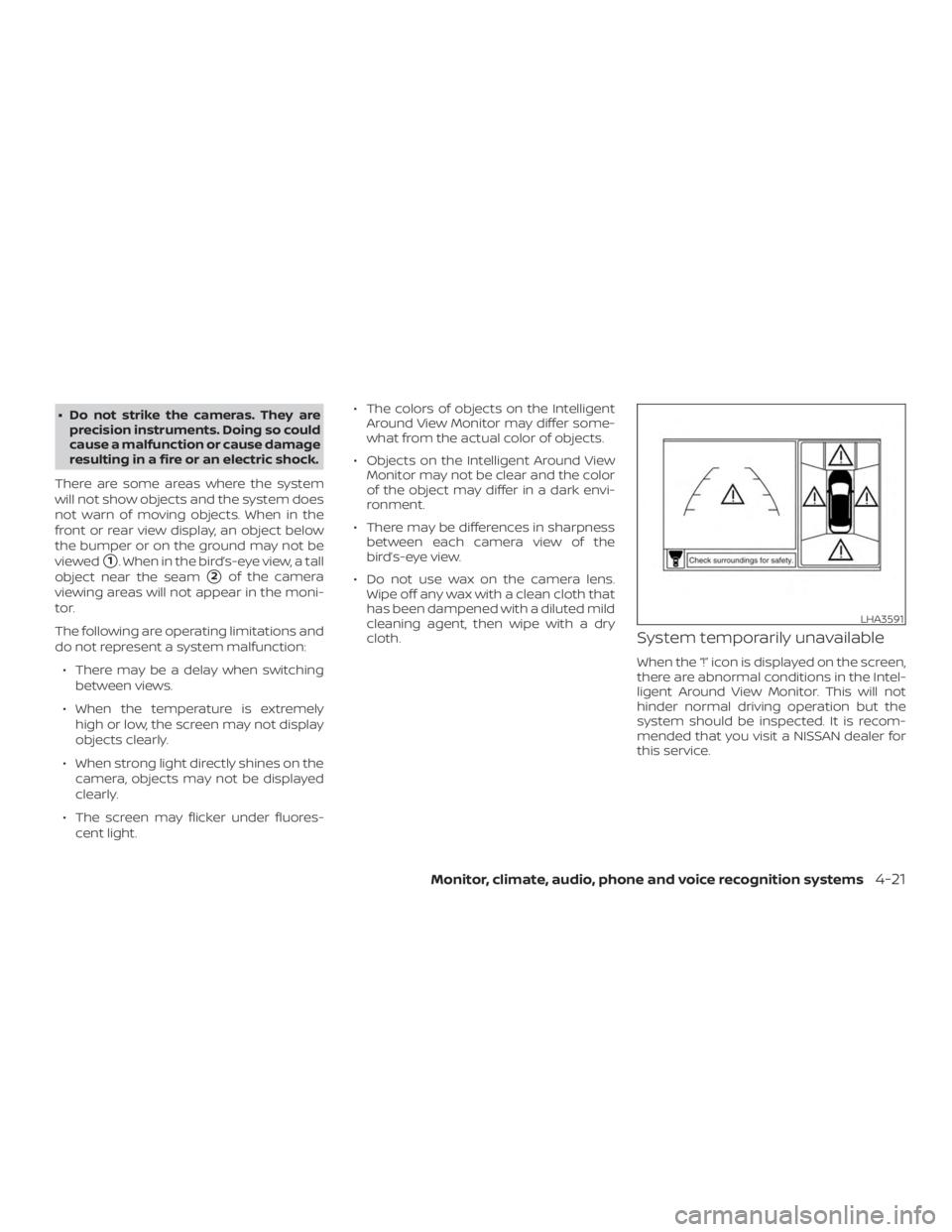
There are some areas where the system
will not show objects and the system does
not warn of moving objects. When in the
front or rear view display, an object below
the bumper or on the ground may not be
viewed
�1. When in the bird’s-eye view, a tall
object near the seam
�2of the camera
viewing areas will not appear in the moni-
tor.
The following are operating limitations and
do not represent a system malfunction:
∙ There may be a delay when switching between views.
∙ When the temperature is extremely high or low, the screen may not display
objects clearly.
∙ When strong light directly shines on the camera, objects may not be displayed
clearly.
∙ The screen may flicker under fluores- cent light. ∙ The colors of objects on the Intelligent
Around View Monitor may differ some-
what from the actual color of objects.
∙ Objects on the Intelligent Around View Monitor may not be clear and the color
of the object may differ in a dark envi-
ronment.
∙ There may be differences in sharpness between each camera view of the
bird’s-eye view.
∙ Do not use wax on the camera lens. Wipe off any wax with a clean cloth that
has been dampened with a diluted mild
cleaning agent, then wipe with a dry
cloth.
System temporarily unavailable
When the “!” icon is displayed on the screen,
there are abnormal conditions in the Intel-
ligent Around View Monitor. This will not
hinder normal driving operation but the
system should be inspected. It is recom-
mended that you visit a NISSAN dealer for
this service.
Page 247 of 474
When the “[X]” icon is displayed on the
screen, the camera image may be receiv-
ing temporary electronic disturbances
from surrounding devices. This will not hin-
der normal driving operation but the sys-
tem should be inspected if it occurs fre-
quently. It is recommended that you visit a
NISSAN dealer for this service.SYSTEM MAINTENANCE
![NISSAN PATHFINDER PLATINUM 2018 Owners Manual When the “[X]” icon is displayed on the
screen, the camera image may be receiv-
ing temporary electronic disturbances
from surrounding devices. This will not hin-
der normal driving operation but](/manual-img/5/56749/w960_56749-246.png "NISSAN PATHFINDER PLATINUM 2018 Owners Manual When the “[X]” icon is displayed on the
screen, the camera image may be receiv-
ing temporary electronic disturbances
from surrounding devices. This will not hin-
der normal driving operation but")