Page 42 of 474
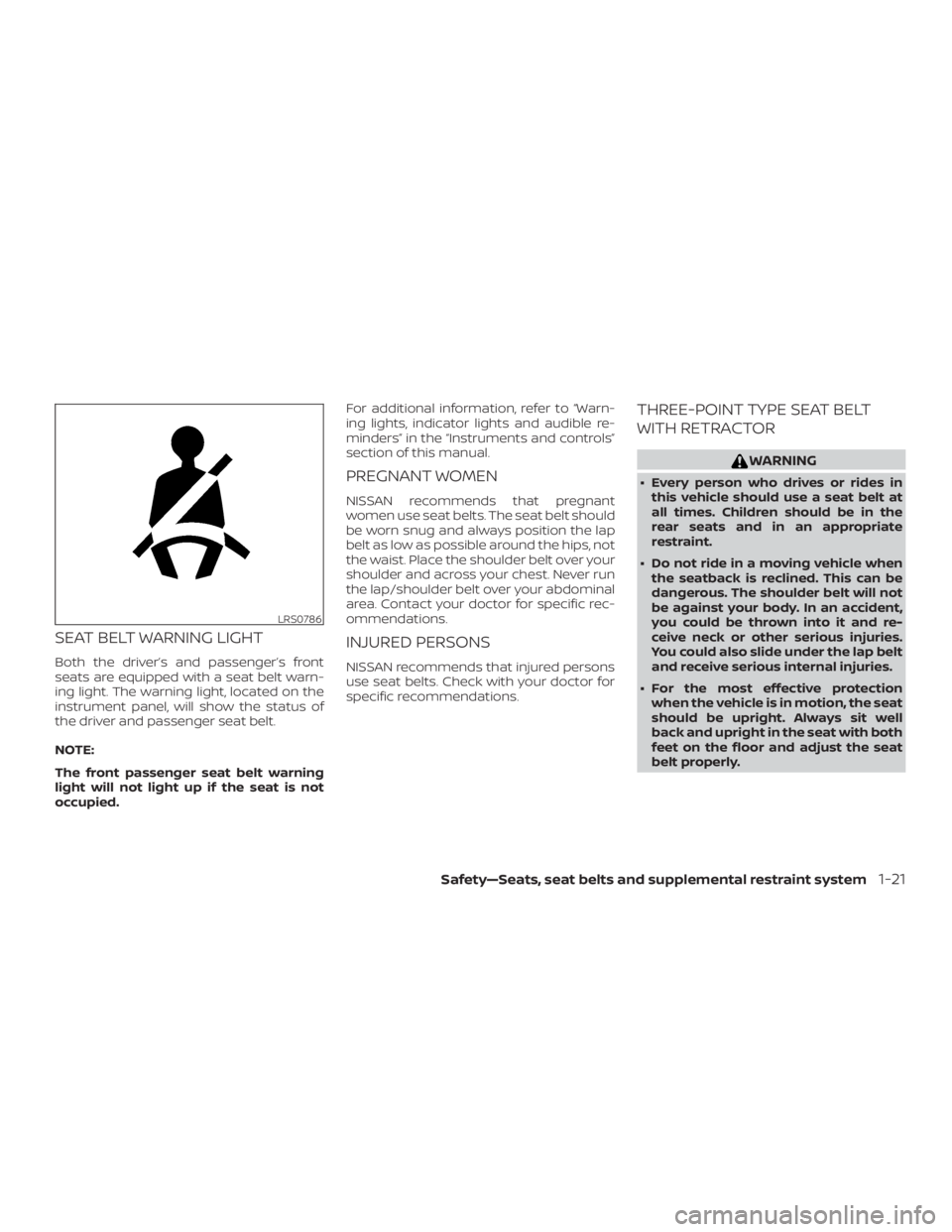
SEAT BELT WARNING LIGHT
Both the driver’s and passenger’s front
seats are equipped with a seat belt warn-
ing light. The warning light, located on the
instrument panel, will show the status of
the driver and passenger seat belt.
NOTE:
The front passenger seat belt warning
light will not light up if the seat is not
occupied.For additional information, refer to “Warn-
ing lights, indicator lights and audible re-
minders” in the “Instruments and controls”
section of this manual.
PREGNANT WOMEN
NISSAN recommends that pregnant
women use seat belts. The seat belt should
be worn snug and always position the lap
belt as low as possible around the hips, not
the waist. Place the shoulder belt over your
shoulder and across your chest. Never run
the lap/shoulder belt over your abdominal
area. Contact your doctor for specific rec-
ommendations.
INJURED PERSONS
NISSAN recommends that injured persons
use seat belts. Check with your doctor for
specific recommendations.
THREE-POINT TYPE SEAT BELT
WITH RETRACTOR
Page 107 of 474
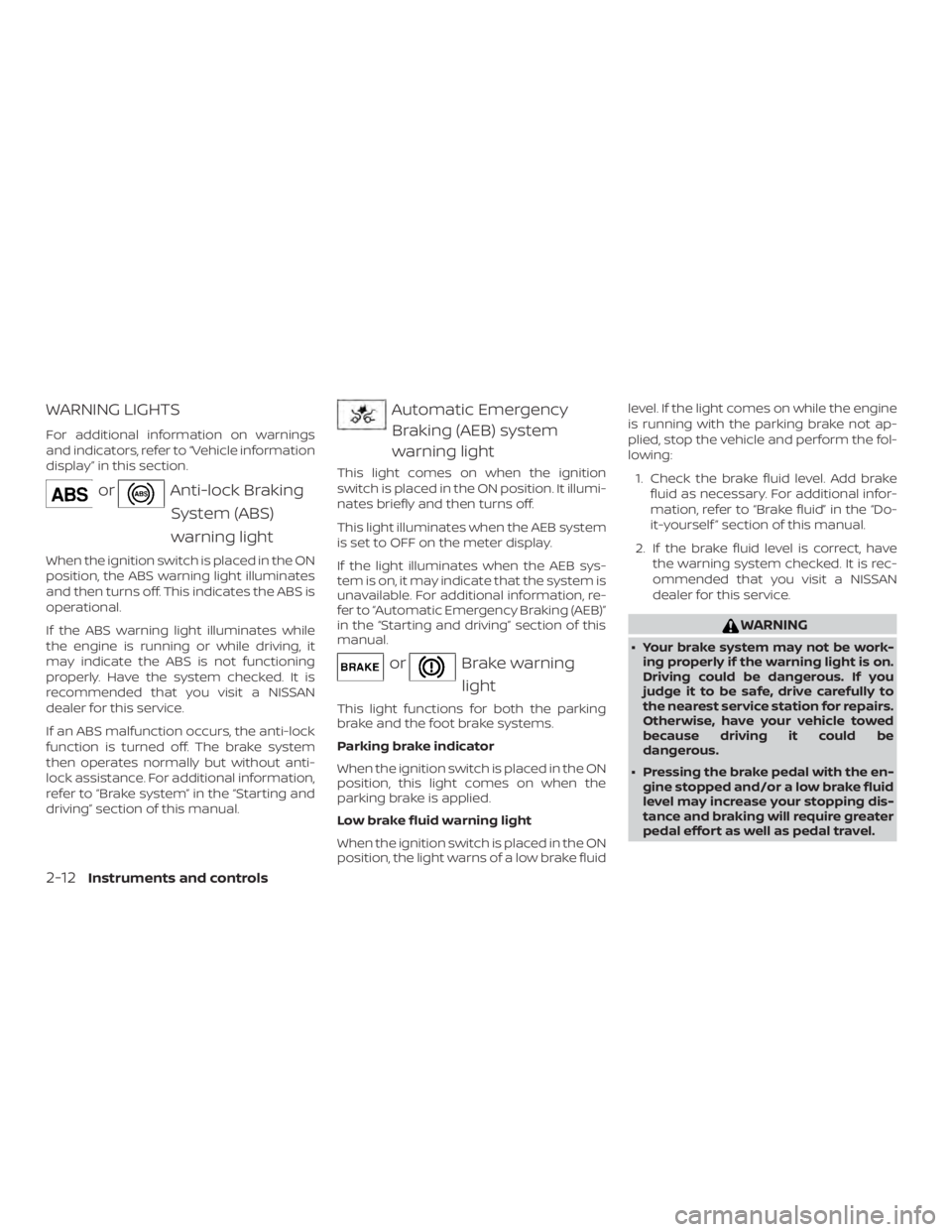
WARNING LIGHTS
For additional information on warnings
and indicators, refer to “Vehicle information
display” in this section.
Page 139 of 474
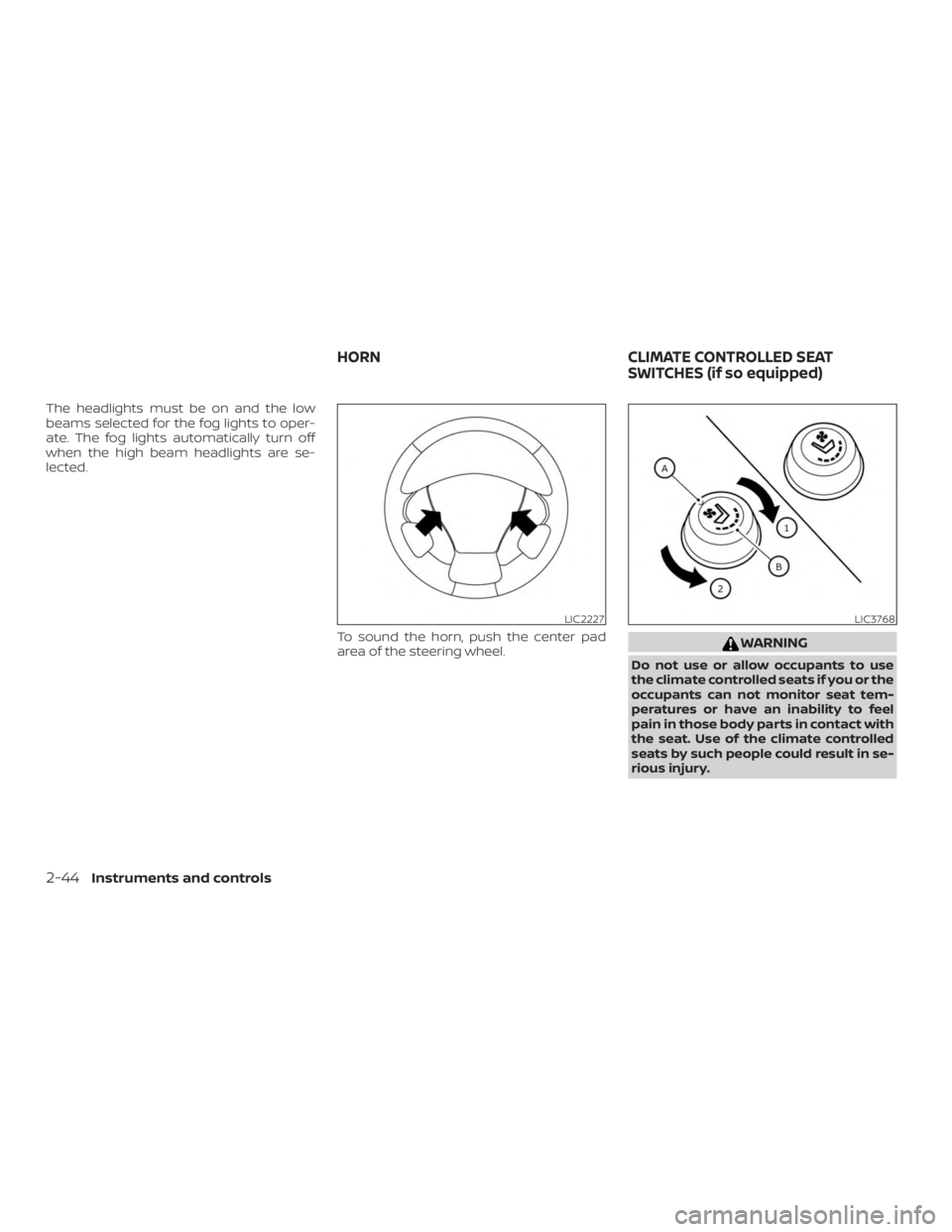
The headlights must be on and the low
beams selected for the fog lights to oper-
ate. The fog lights automatically turn off
when the high beam headlights are se-
lected.To sound the horn, push the center pad
area of the steering wheel.
Page 166 of 474
WARNING
There are some small distances imme-
diately before the closed position which
cannot be detected. Make sure that all
of the passengers have their hands,
etc., inside the vehicle before closing
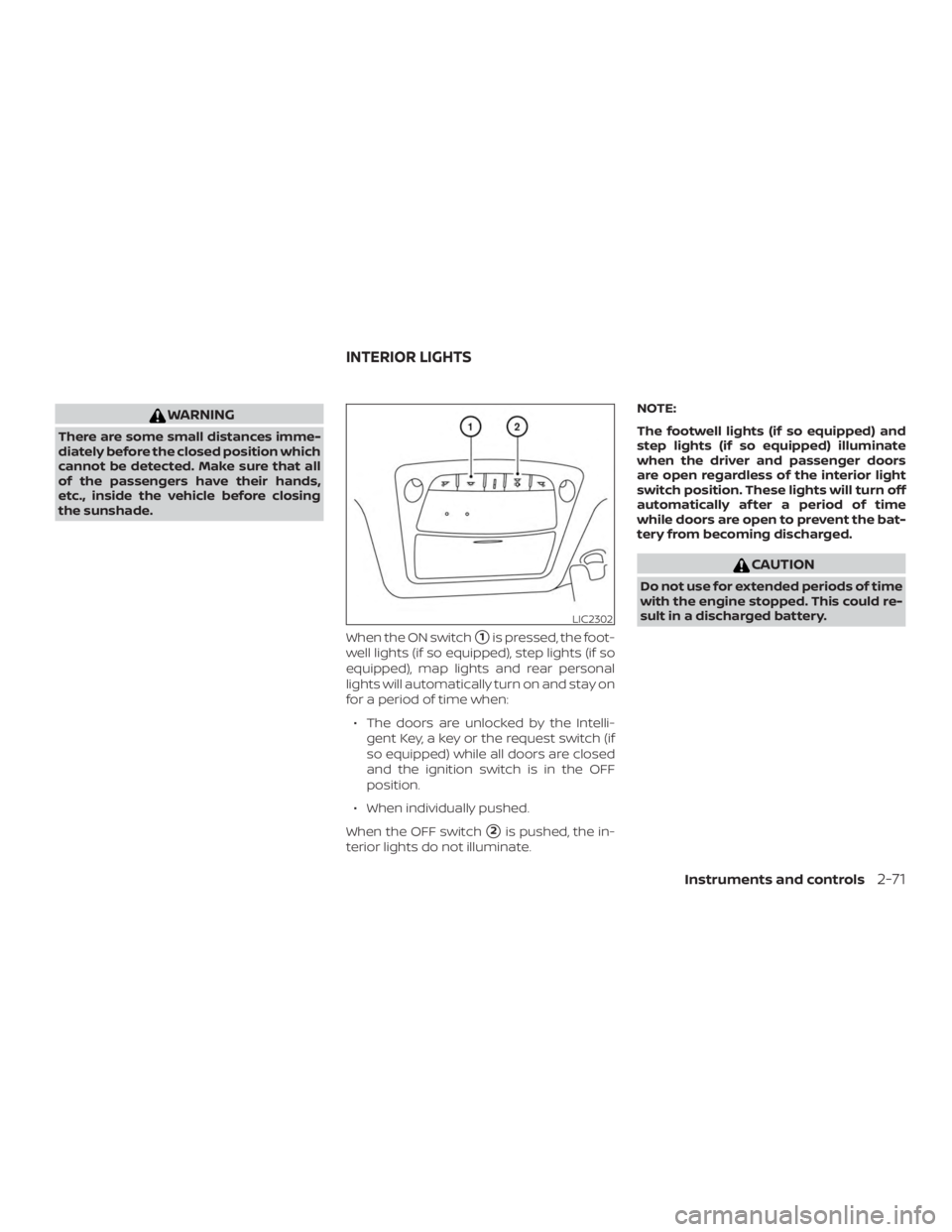
the sunshade.When the ON switch
�1is pressed, the foot-
well lights (if so equipped), step lights (if so
equipped), map lights and rear personal
lights will automatically turn on and stay on
for a period of time when:
∙ The doors are unlocked by the Intelli- gent Key, a key or the request switch (if
so equipped) while all doors are closed
and the ignition switch is in the OFF
position.
∙ When individually pushed.
When the OFF switch
�2is pushed, the in-
terior lights do not illuminate. NOTE:
The footwell lights (if so equipped) and
step lights (if so equipped) illuminate
when the driver and passenger doors
are open regardless of the interior light
switch position. These lights will turn off
automatically af ter a period of time
while doors are open to prevent the bat-
tery from becoming discharged.
Page 167 of 474
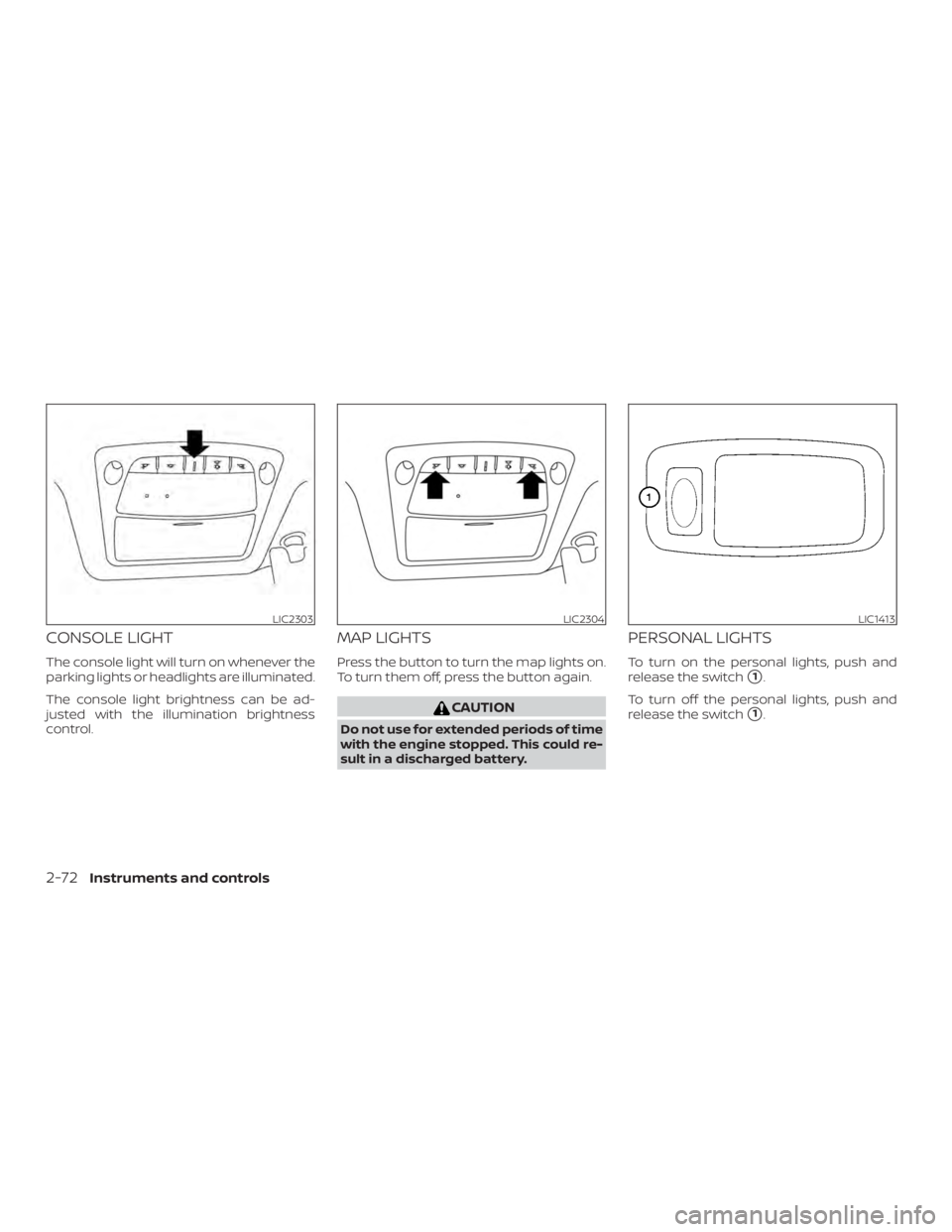
CONSOLE LIGHT
The console light will turn on whenever the
parking lights or headlights are illuminated.
The console light brightness can be ad-
justed with the illumination brightness
control.
MAP LIGHTS
Press the button to turn the map lights on.
To turn them off, press the button again.
Page 184 of 474
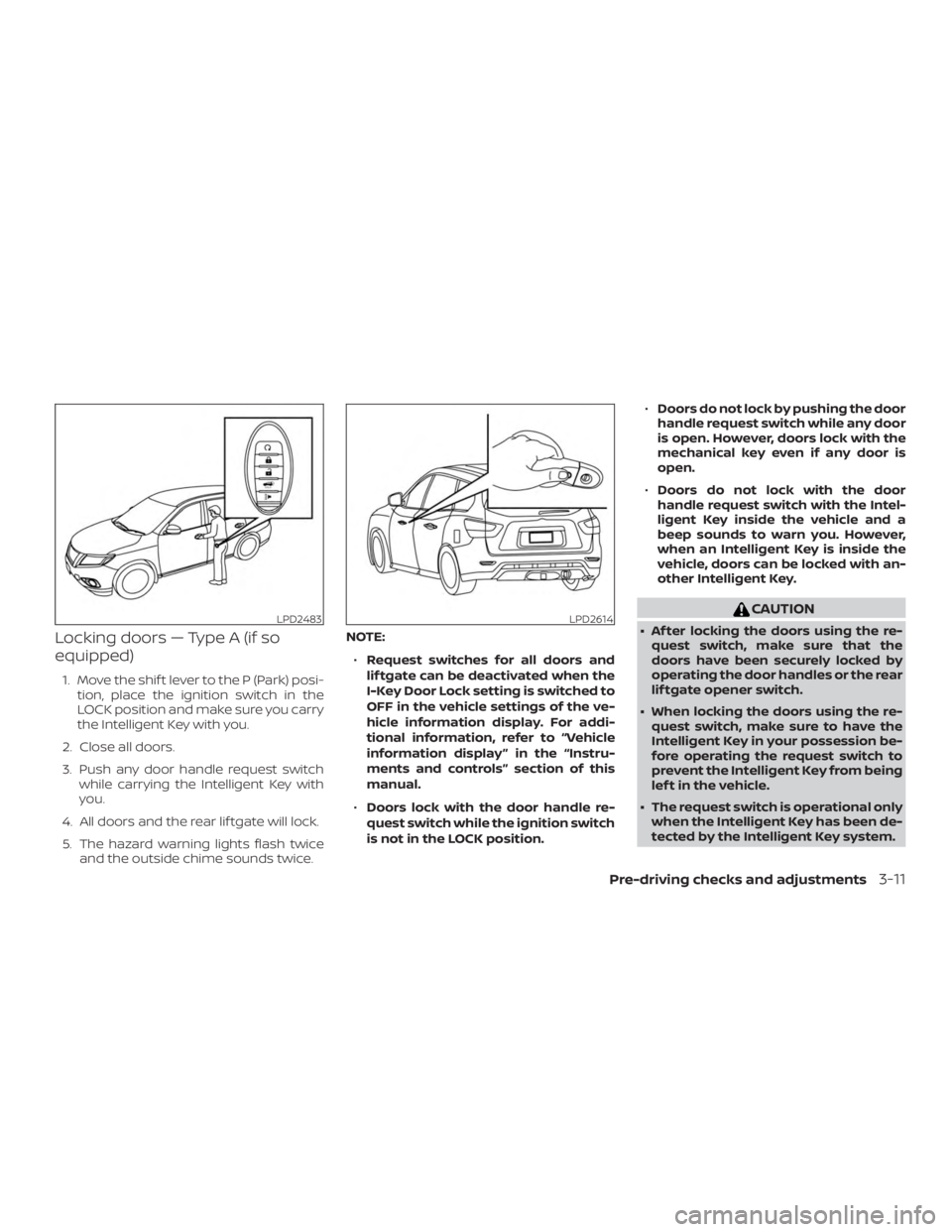
Locking doors — Type A (if so
equipped)
1. Move the shif t lever to the P (Park) posi-tion, place the ignition switch in the
LOCK position and make sure you carry
the Intelligent Key with you.
2. Close all doors.
3. Push any door handle request switch while carrying the Intelligent Key with
you.
4. All doors and the rear lif tgate will lock.
5. The hazard warning lights flash twice and the outside chime sounds twice. NOTE:
∙ Request switches for all doors and
lif tgate can be deactivated when the
I-Key Door Lock setting is switched to
OFF in the vehicle settings of the ve-
hicle information display. For addi-
tional information, refer to “Vehicle
information display ” in the “Instru-
ments and controls” section of this
manual.
∙ Doors lock with the door handle re-
quest switch while the ignition switch
is not in the LOCK position. ∙
Doors do not lock by pushing the door
handle request switch while any door
is open. However, doors lock with the
mechanical key even if any door is
open.
∙ Doors do not lock with the door
handle request switch with the Intel-
ligent Key inside the vehicle and a
beep sounds to warn you. However,
when an Intelligent Key is inside the
vehicle, doors can be locked with an-
other Intelligent Key.
Page 185 of 474
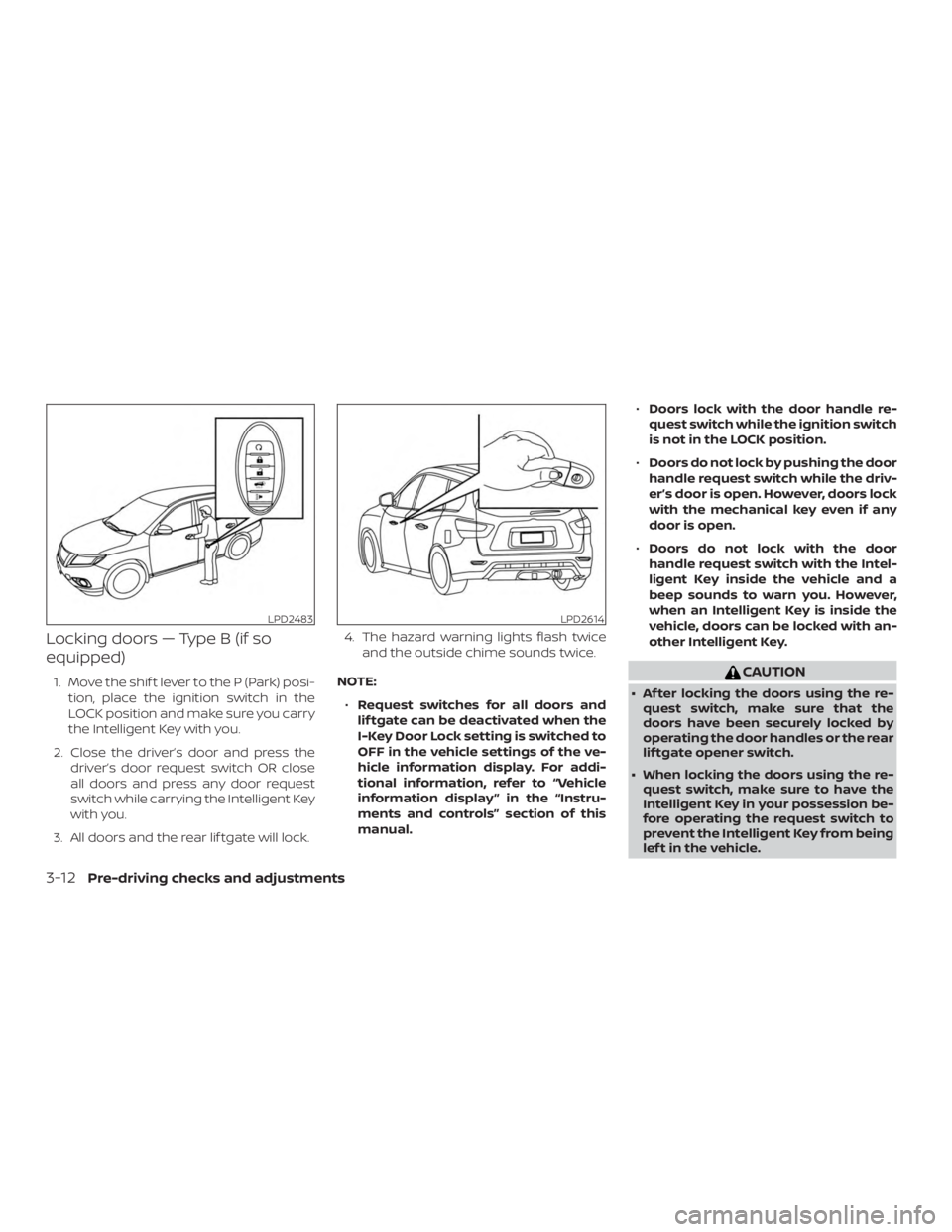
Locking doors — Type B (if so
equipped)
1. Move the shif t lever to the P (Park) posi-tion, place the ignition switch in the
LOCK position and make sure you carry
the Intelligent Key with you.
2. Close the driver’s door and press the driver’s door request switch OR close
all doors and press any door request
switch while carrying the Intelligent Key
with you.
3. All doors and the rear lif tgate will lock. 4. The hazard warning lights flash twice
and the outside chime sounds twice.
NOTE: ∙ Request switches for all doors and
lif tgate can be deactivated when the
I-Key Door Lock setting is switched to
OFF in the vehicle settings of the ve-
hicle information display. For addi-
tional information, refer to “Vehicle
information display ” in the “Instru-
ments and controls” section of this
manual. ∙
Doors lock with the door handle re-
quest switch while the ignition switch
is not in the LOCK position.
∙ Doors do not lock by pushing the door
handle request switch while the driv-
er’s door is open. However, doors lock
with the mechanical key even if any
door is open.
∙ Doors do not lock with the door
handle request switch with the Intel-
ligent Key inside the vehicle and a
beep sounds to warn you. However,
when an Intelligent Key is inside the
vehicle, doors can be locked with an-
other Intelligent Key.
Page 217 of 474
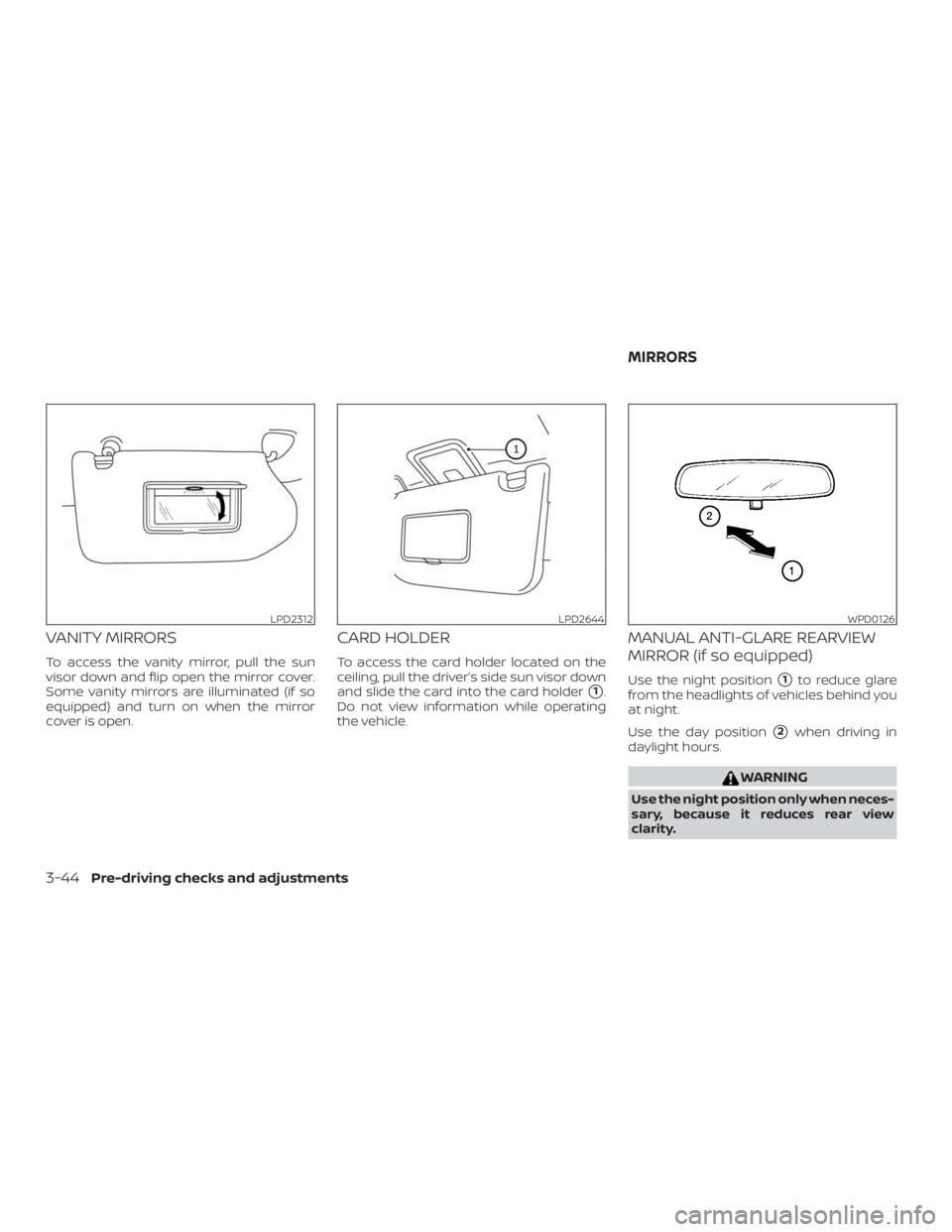
VANITY MIRRORS
To access the vanity mirror, pull the sun
visor down and flip open the mirror cover.
Some vanity mirrors are illuminated (if so
equipped) and turn on when the mirror
cover is open.
CARD HOLDER
To access the card holder located on the
ceiling, pull the driver’s side sun visor down
and slide the card into the card holder
�1.
Do not view information while operating
the vehicle.
MANUAL ANTI-GLARE REARVIEW
MIRROR (if so equipped)
Use the night position�1to reduce glare
from the headlights of vehicles behind you
at night.
Use the day position
�2when driving in
daylight hours.