Page 110 of 514

110 3-2. Opening, closing and locking the doors and trunk
LS500_OM_OM50F54U_(U) stolen.)
• Set the electronic key to battery-saving
mode to disable the smart access system
with push-button start. ( → P.108)●
If the electronic key is inside the vehicle
and a door handle becomes wet during a
car wash, a message may be shown on
the multi-information display and a
buzzer will sound outside the vehicle. To
turn off the alarm, lock all the doors.●
The lock sensor may not work properly if
it comes into contact with ice, snow, mud,
etc. Clean the lock sensor and attempt to
operate it again.●
A sudden approach to the effective
range or door handle may prevent the
doors from being unlocked. In this case,
return the door handle to the original
position and check that the doors unlock
before pulling the door handle again.●
If there is another electronic key in the
detection area, it may take slightly longer
to unlock the doors after the door handle
is gripped.■
When the vehicle is not driven for
extended periods●
To prevent theft of the vehicle, do not
leave the electronic key within 6 ft. (2 m)
of the vehicle.●
The smart access syst em with push-but-
ton start can be deactivated in advance.●
Setting the electronic key to battery-sav-
ing mode helps to reduce key battery
depletion. ( → P.108)■
To operate the system properly●
Make sure to carry the electronic key
when operating the system. Do not get
the electronic key too close to the vehicle
when operating the system from the out-
side of the vehicle.
Depending on the position and holding
condition of the electronic key, the key may
not be detected correctly and the system
may not operate properly. (The alarm may
go off accidentally, or the door lock pre-
vention function may not operate.)
●
Do not leave the electronic key inside the
trunk. The key confinement prevention function
may not operate, depending on the loca-
tion of the key (the inside edge of the
Trunk), conditions (i nside a metal bag,
close to metallic objects) and the radio
waves in the surrounding area. ( → P.104)■
If the smart access system with
push-button start does not operate
properly ●
Locking and unloc king the doors and
trunk: → P.436●
Starting the engine: → P.437■
Customization
Some functions can be customized.
( → P.468) ■
If the smart access system with
push-button start has been deactivated
in a customized setting ●
Locking and unloc king the doors and
opening the trunk:
Use the wireless remote control or
mechanical key. ( → P.96, 103, 436)●
Starting the engine and changing engine
switch modes: → P.437●
Stopping the engine: → P.161
Page 111 of 514
1113-2. Opening, closing and locking the doors and trunk
LS500_OM_OM50F54U_(U) 3
Before driving ■
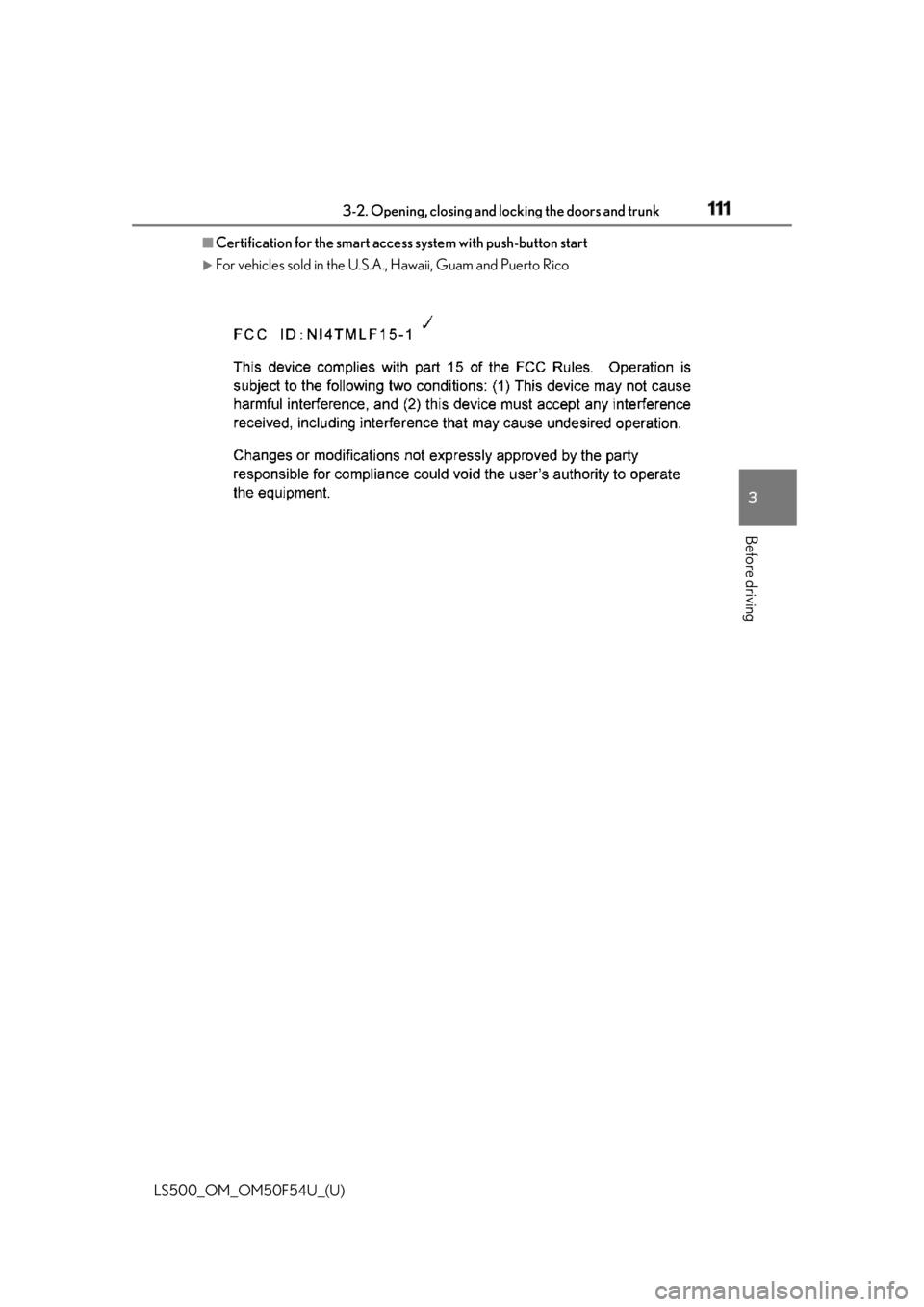
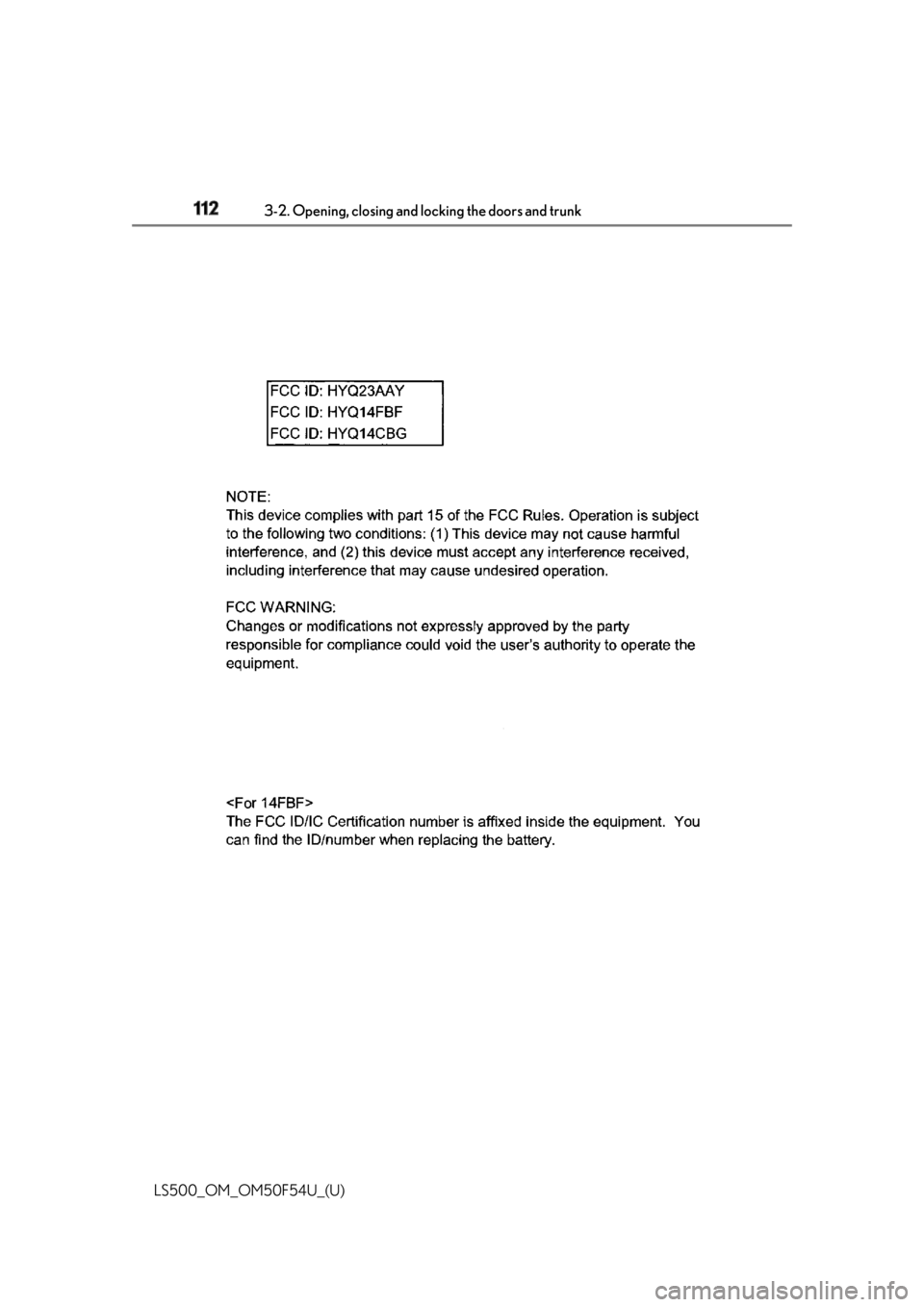
Certification for the smart access system with push-button start
For vehicles sold in the U.S.A. , Hawaii, Guam and Puerto Rico
Page 112 of 514
112 3-2. Opening, closing and locking the doors and trunk
LS500_OM_OM50F54U_(U)
Page 113 of 514
1133-2. Opening, closing and locking the doors and trunk
LS500_OM_OM50F54U_(U) 3
Before driving
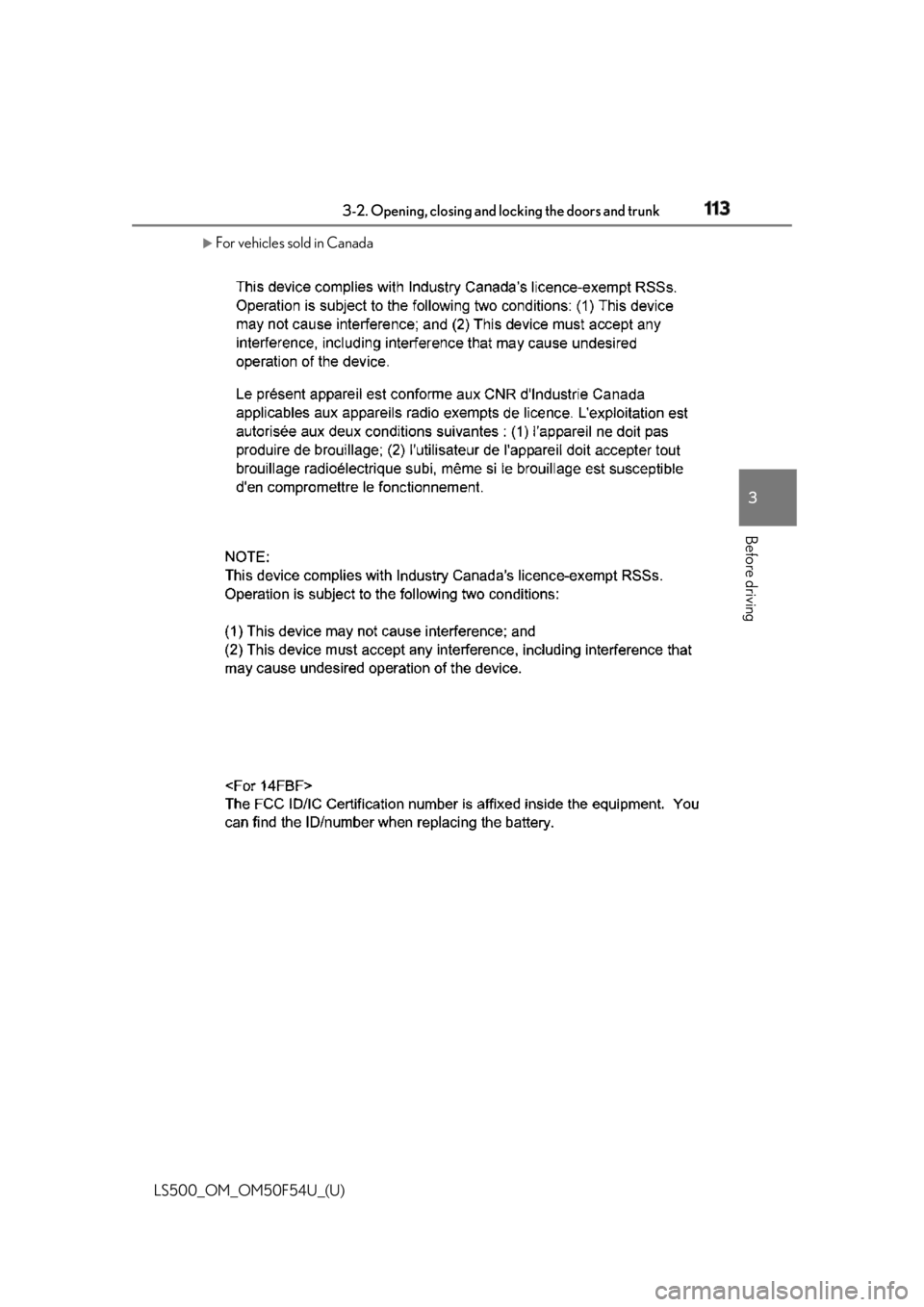
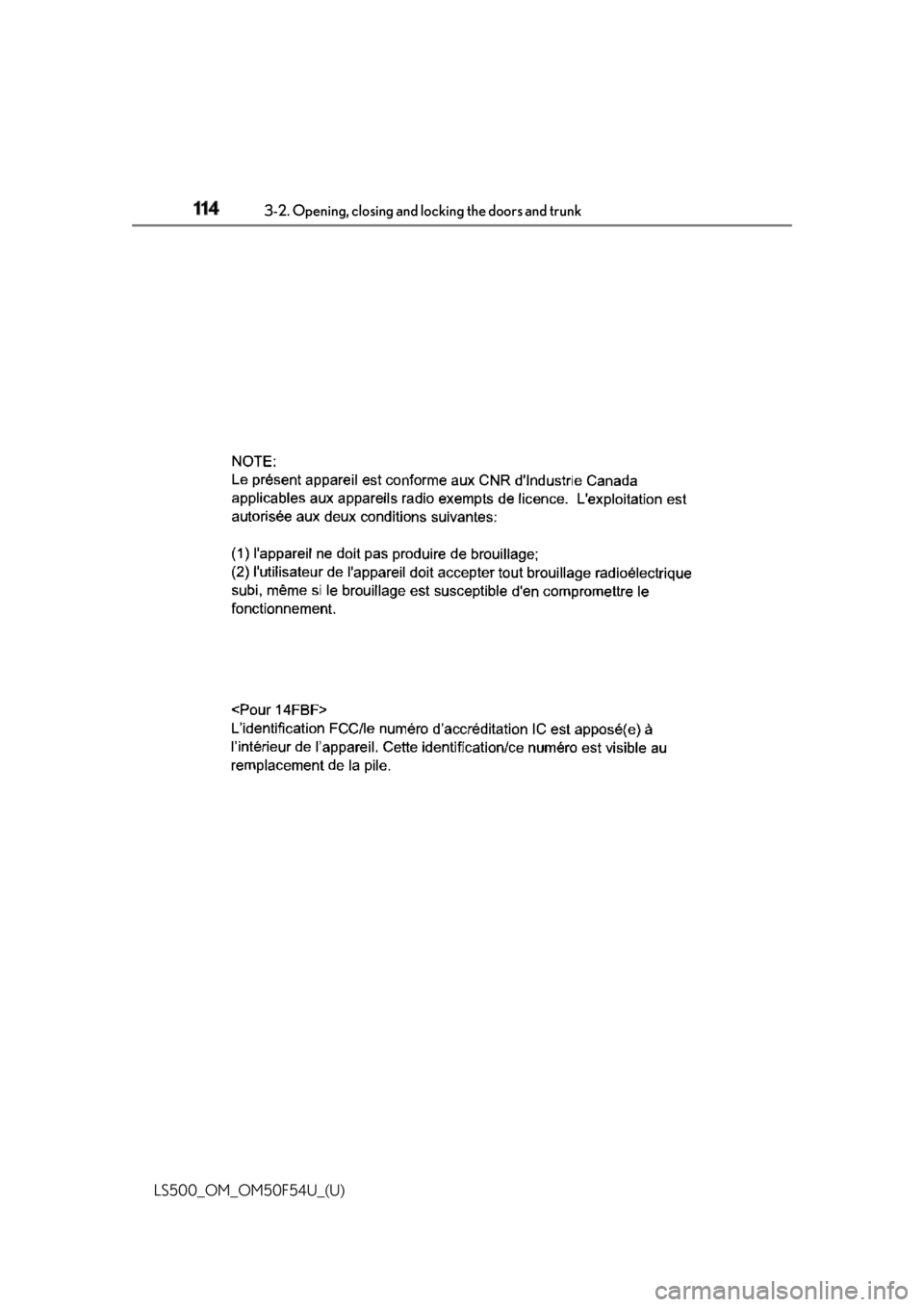
For vehicles sold in Canada
Page 114 of 514
114 3-2. Opening, closing and locking the doors and trunk
LS500_OM_OM50F54U_(U)
Page 115 of 514
1153-2. Opening, closing and locking the doors and trunk
LS500_OM_OM50F54U_(U) 3
Before driving WARNING■
Caution regarding interference with
electronic devices●
People with implantable cardiac pace-
makers, cardiac resynchronization
therapy-pacemakers or implantable
cardioverter defibrillators should keep
away from the smart access system
with push-button start antennas.
( → P.107)
The radio waves may affect the opera-
tion of such devices. If necessary, the
entry function can be disabled. Ask
your Lexus dealer for details, such as
the frequency of radio waves and tim-
ing of the emitted radio waves. Then,
consult your doctor to see if you
should disable the entry function.●
Users of any electrical medical device
other than implantable cardiac pace-
makers, cardiac resynchronization
therapy-pacemakers or implantable
cardioverter defibrillators should con-
sult the manufacturer of the device for
information about its operation under
the influence of radio waves.
Radio waves could have unexpected
effects on the operation of such medi-
cal devices.
Ask your Lexus dealer for details on dis-
abling the entry function.
Page 130 of 514

130 3-3. Adjusting the seats
LS500_OM_OM50F54U_(U) ■
Operating the driving position memory
after turning the engine switch off
Driver’s seat:
Recorded seat positions can be activated
up to 180 seconds after the driver’s door is
opened and another 60 seconds after it is
closed again.
Front passenger’s seat:
Recorded seat positions can be recalled up
to 180 seconds after the front passenger’s
door is opened.
■
Registering procedure
Record your driving position to button
“1”, “2” or “3” before performing the
following:
Carry only the key you want to register,
and then close the driver’s door.
If 2 or more keys are in the vehicle, the
driving position cannot be recorded
properly.
1 Turn the engine switch to IGNI-
TION ON mode.
2 Check that the shift position is in P.
3 Recall the driving position that you
want to record.
4 While pressing the recalled button,
press and hold the door lock switch
(either lock or unlock) until the
buzzer sounds.If the button could not be registered, the
buzzer sounds continuously for approxi- mately 3 seconds.
■
Cancelation procedure
Carry only the key you want to cancel
and then close the driver’s door.
If 2 or more keys are in the vehicle, the
driving position cannot be canceled
properly.
1 Turn the engine switch to IGNI-
TION ON mode.
2 Check that the shift position is in P.
3 While pressing the “SET” button,
press and hold the door lock switch
(either lock or unlock) until the
buzzer sounds twice. If the button could not be canceled, the
buzzer sounds continuously for approxi-
mately 3 seconds. ■
Recall procedure
1 Make sure that the doors are
locked before recalling the driving
position. Carry the electronic key
that has been registered to the driv-
ing position, and then unlock and
open the driver’s door using the
smart access system with push-but-
ton start or wireless remote control. The driving position will move to the
recorded position (not including the steer-
ing wheel and head-up display [if
equipped]). However, the seat will move to
a position slightly behind the recorded
position in order to make entering the vehi-Registering/canceling/recall a
driving position to an electronic
key (including a card key) (mem-
ory recall function)
Page 131 of 514

1313-3. Adjusting the seats
LS500_OM_OM50F54U_(U) 3
Before driving cle easier.
If the driving position is in a position that
has already been recorded, the seat and
outside rear view mirrors will not move.
2 Turn the engine switch to ACCES-
SORY mode or IGNITION ON
mode, or fasten a seat belt.The seat, steering wheel and head-up dis-
play (if equipped) will move to the
recorded position. ■
Recalling the driving position using the
memory recall function●
Different driving positions can be regis-
tered for each electronic key. Therefore,
the driving position that is recalled may
be different depending on the key being
carried.●
If a door other than the driver’s door is
unlocked with the smart access system
with push-button start, the driving posi-
tion cannot be recalled. In this case, press
the driving position button which has
been set.■
Customization
Some functions can be customized.
( → P.468) *
: If equipped
1 Turn the engine switch to IGNI-
TION ON mode.
2 Display the home screen on the
Rear Multi Operation Panel
( → P.308) and then touch “Seat”.
3 Touch “Left” or “Right”.
4 Adjust the rear seat to the desired
position and then touch “Set Mem-
ory”.
5 Touch “1” or “2”. If the preset is being used, the previously
recorded seat position will be overwritten.
■
In order to correctly use the position
memory function
If a seat position is already in the furthest
possible position and the seat is operated in
the same direction, the recorded position
may be slightly differen t when it is recalled.Rear seat position memory *
The rear seat position can be mem-
orized and recalled with the touch
of a button.
Recording a position into mem-
ory
WARNING
■
Seat adjustme nt caution
Take care during seat adjustment so that
the rear passengers do not strike the
front seats.