2018 FORD FOCUS tire pressure
[x] Cancel search: tire pressurePage 415 of 473

Multi-Point Inspection
Suspension components for leaks ordamageExhaust system
Steering and linkageExterior lamps operation
Tires (including spare) for wear and proper
pressure2Fluid levels1; fill if necessary
Windshield for cracks, chips or pitsFor oil and fluid leaks
Washer spray and wiper operationHalf-shaft dust boots
1 Brake, coolant recovery reservoir, automatic transmission and window washer2If your vehicle is equipped with a temporary mobility kit, check the tire sealant expirationUse By date on the canister. Replace as needed.
Be sure to ask your dealership serviceadvisor or technician about the multi-pointvehicle inspection. It is a comprehensiveway to perform a thorough inspection ofyour vehicle. Your checklist gives youimmediate feedback on the overallcondition of your vehicle.
NORMAL SCHEDULED
MAINTENANCE
Intelligent Oil-Life Monitor™
Your vehicle is equipped with an IntelligentOil-Life Monitor that determines when youshould change the engine oil based on howyour vehicle is used. By using severalimportant factors in its calculations, themonitor helps reduce the cost of owningyour vehicle and reduces environmentalwaste at the same time.
This means you do not have to rememberto change the oil on a mileage-basedschedule. Your vehicle lets you know whenan oil change is due by displaying amessage in the information display.
The following table provides examples ofvehicle use and its impact on oil changeintervals. It is a guideline only. Actual oilchange intervals depend on several factorsand generally decrease with severity ofuse.
When to expect the message prompting you to change your oil
Vehicle use and exampleInterval
Normal7500-10000 miles(12000-16000 km)Normal commuting with highway driving
4122018 Focus (CDH) Canada/United States of America, JM5J 19A321 AA enUSA, Edition date: 201706, Second PrintingScheduled Maintenance
Page 470 of 473

Sun Visors.........................................................84Illuminated Vanity Mirror...................................84Supplementary Restraints System.........38Principle of Operation........................................38Symbols Glossary.............................................7SYNC™ 3........................................................335General Information.........................................335SYNC™ 3 Troubleshooting......................393SYNC™ Applications and Services.......313911 Assist................................................................313SYNC Mobile Apps.............................................315SYNC™............................................................297General Information..........................................297SYNC™ Troubleshooting..........................327
T
TailgateSee: Manual Liftgate...........................................64Technical SpecificationsSee: Capacities and Specifications............268The Better Business Bureau (BBB) AutoLine Program (U.S. Only).......................195Tire Care..........................................................244Glossary of Tire Terminology........................246Important Information for 235/40R18Low-Profile Tires and Wheels..................244Information About Uniform Tire QualityGrading.............................................................244Information Contained on the TireSidewall............................................................247Temperature A B C............................................245Traction AA A B C...............................................245Treadwear.............................................................245Tire Pressure Monitoring System..........260Changing Tires With a Tire PressureMonitoring System........................................261Understanding Your Tire PressureMonitoring System .......................................261TiresSee: Wheels and Tires.....................................244Towing a Trailer.............................................182Towing the Vehicle on Four Wheels - 1.0LEcoBoost™, AutomaticTransmission...............................................183Emergency Towing.............................................183Recreational Towing..........................................183
Towing the Vehicle on Four Wheels -2.0L, Automatic Transmission..............183Emergency Towing.............................................183Recreational Towing.........................................184Towing the Vehicle on Four Wheels -Manual Transmission...............................182Recreational Towing..........................................182Towing..............................................................182Traction Control............................................150Principle of Operation......................................150Transmission Code Designation.............273Transmission..................................................140Transporting the Vehicle............................182Trip Computer.................................................95All Values................................................................95Average Fuel Consumption..............................95Distance to Empty...............................................95Instantaneous Fuel.............................................95Outside Air Temperature...................................95Resetting the Trip Computer...........................95Trip Odometer.......................................................95Trip Timer................................................................96Type Approvals............................................455
U
Under Hood Overview - 1.0LEcoBoost™..................................................213Under Hood Overview - 2.0L....................214Unique Driving Characteristics.................127USB Port.........................................................296Using Cruise Control....................................162Switching Cruise Control Off..........................162Switching Cruise Control On..........................162Using MyKey With Remote StartSystems..........................................................58Using Snow Chains.....................................259Using Stability Control................................152Using SYNC™ With Your MediaPlayer.............................................................318Accessing Your USB Song Library................322Bluetooth Devices and SystemSettings.............................................................324Connecting Your Digital Media Player to theUSB Port...........................................................318Media Menu Features........................................321Media Voice Commands.................................319USB 2......................................................................324
4672018 Focus (CDH) Canada/United States of America, JM5J 19A321 AA enUSA, Edition date: 201706, Second PrintingIndex
Page 471 of 473
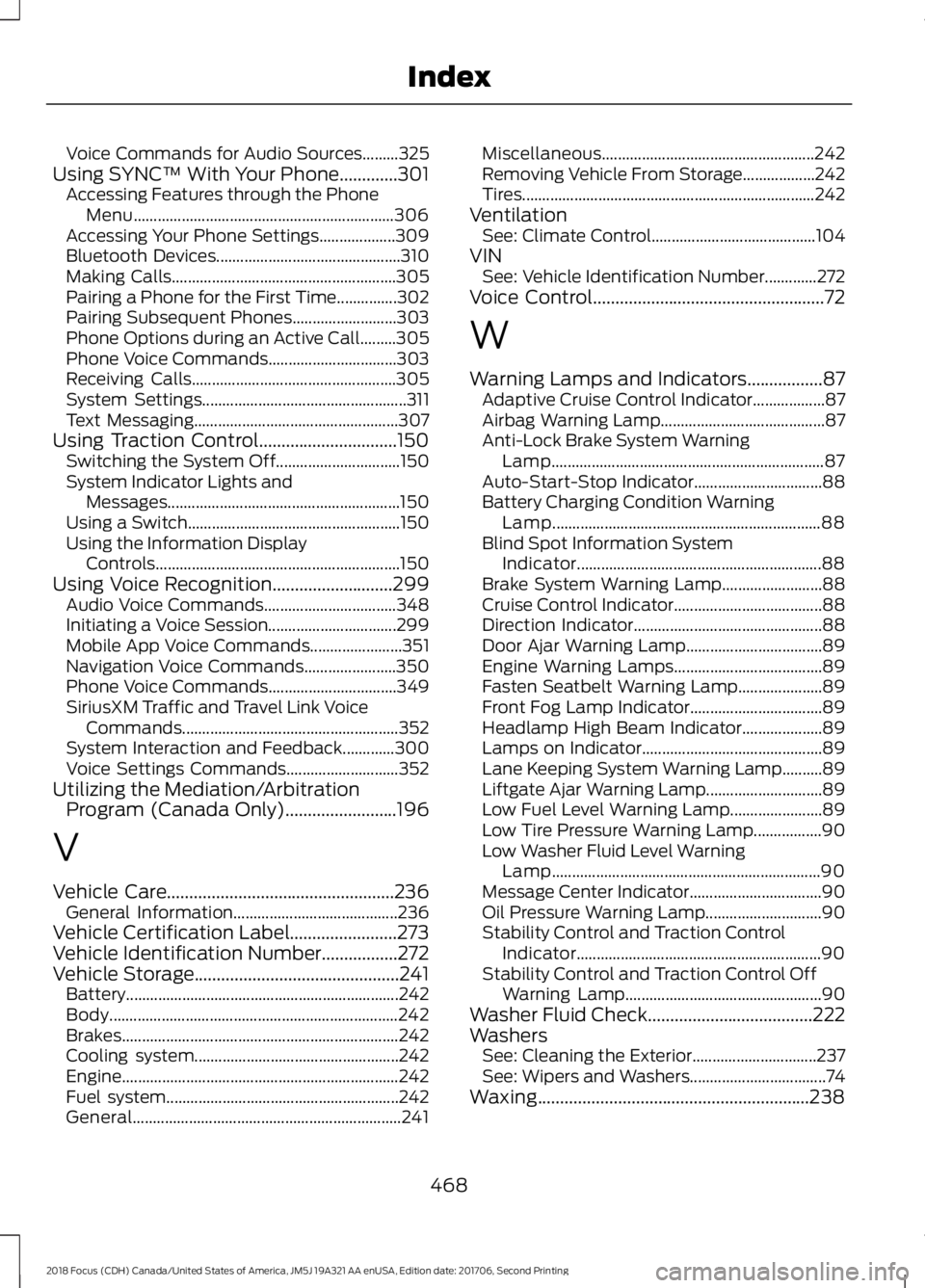
Voice Commands for Audio Sources.........325Using SYNC™ With Your Phone.............301Accessing Features through the PhoneMenu.................................................................306Accessing Your Phone Settings...................309Bluetooth Devices..............................................310Making Calls........................................................305Pairing a Phone for the First Time...............302Pairing Subsequent Phones..........................303Phone Options during an Active Call.........305Phone Voice Commands................................303Receiving Calls...................................................305System Settings...................................................311Text Messaging...................................................307Using Traction Control...............................150Switching the System Off...............................150System Indicator Lights andMessages..........................................................150Using a Switch.....................................................150Using the Information DisplayControls.............................................................150Using Voice Recognition...........................299Audio Voice Commands.................................348Initiating a Voice Session................................299Mobile App Voice Commands.......................351Navigation Voice Commands.......................350Phone Voice Commands................................349SiriusXM Traffic and Travel Link VoiceCommands......................................................352System Interaction and Feedback.............300Voice Settings Commands............................352Utilizing the Mediation/ArbitrationProgram (Canada Only).........................196
V
Vehicle Care...................................................236General Information.........................................236Vehicle Certification Label........................273Vehicle Identification Number.................272Vehicle Storage..............................................241Battery....................................................................242Body........................................................................242Brakes.....................................................................242Cooling system...................................................242Engine.....................................................................242Fuel system..........................................................242General...................................................................241
Miscellaneous.....................................................242Removing Vehicle From Storage..................242Tires.........................................................................242VentilationSee: Climate Control.........................................104VINSee: Vehicle Identification Number.............272Voice Control....................................................72
W
Warning Lamps and Indicators.................87Adaptive Cruise Control Indicator..................87Airbag Warning Lamp.........................................87Anti-Lock Brake System WarningLamp....................................................................87Auto-Start-Stop Indicator................................88Battery Charging Condition WarningLamp...................................................................88Blind Spot Information SystemIndicator.............................................................88Brake System Warning Lamp.........................88Cruise Control Indicator.....................................88Direction Indicator...............................................88Door Ajar Warning Lamp..................................89Engine Warning Lamps.....................................89Fasten Seatbelt Warning Lamp.....................89Front Fog Lamp Indicator.................................89Headlamp High Beam Indicator....................89Lamps on Indicator.............................................89Lane Keeping System Warning Lamp..........89Liftgate Ajar Warning Lamp.............................89Low Fuel Level Warning Lamp.......................89Low Tire Pressure Warning Lamp.................90Low Washer Fluid Level WarningLamp...................................................................90Message Center Indicator.................................90Oil Pressure Warning Lamp.............................90Stability Control and Traction ControlIndicator.............................................................90Stability Control and Traction Control OffWarning Lamp.................................................90Washer Fluid Check.....................................222WashersSee: Cleaning the Exterior...............................237See: Wipers and Washers..................................74Waxing.............................................................238
4682018 Focus (CDH) Canada/United States of America, JM5J 19A321 AA enUSA, Edition date: 201706, Second PrintingIndex