2018 DODGE CHALLENGER economy mode
[x] Cancel search: economy modePage 71 of 516
IconDescription
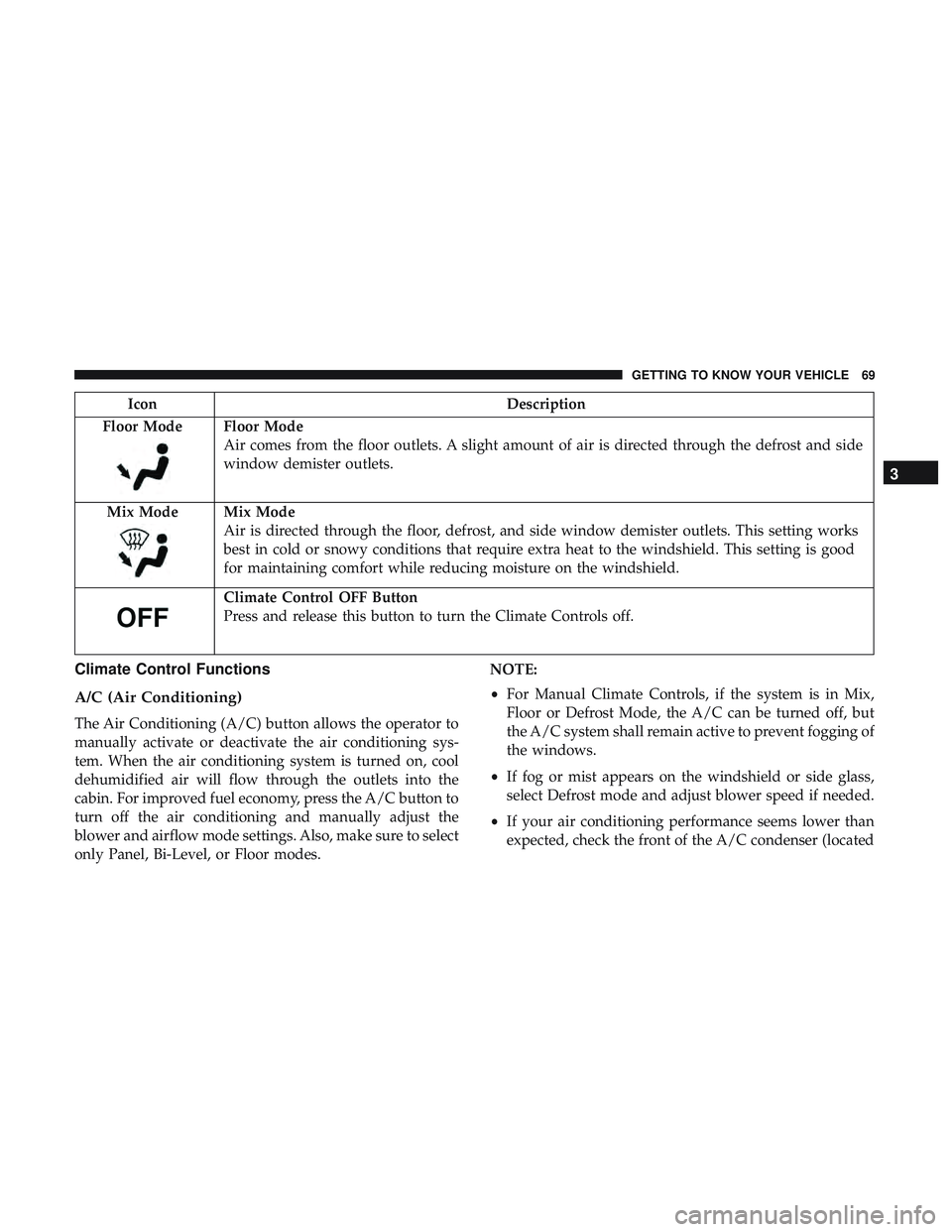
Floor Mode
Floor Mode
Air comes from the floor outlets. A slight amount of air is directed through the defrost and side
window demister outlets.
Mix Mode
Mix Mode
Air is directed through the floor, defrost, and side window demister outlets. This setting works
best in cold or snowy conditions that require extra heat to the windshield. This setting is good
for maintaining comfort while reducing moisture on the windshield.
Climate Control OFF Button
Press and release this button to turn the Climate Controls off.
Climate Control Functions
A/C (Air Conditioning)
The Air Conditioning (A/C) button allows the operator to
manually activate or deactivate the air conditioning sys-
tem. When the air conditioning system is turned on, cool
dehumidified air will flow through the outlets into the
cabin. For improved fuel economy, press the A/C button to
turn off the air conditioning and manually adjust the
blower and airflow mode settings. Also, make sure to select
only Panel, Bi-Level, or Floor modes. NOTE:
•
For Manual Climate Controls, if the system is in Mix,
Floor or Defrost Mode, the A/C can be turned off, but
the A/C system shall remain active to prevent fogging of
the windows.
• If fog or mist appears on the windshield or side glass,
select Defrost mode and adjust blower speed if needed.
• If your air conditioning performance seems lower than
expected, check the front of the A/C condenser (located
3
GETTING TO KNOW YOUR VEHICLE 69
Page 101 of 516

INSTRUMENT CLUSTER DISPLAY
Your vehicle will be equipped with an instrument cluster
display, which offers useful information to the driver. With
the ignition in the STOP/OFF mode, opening/closing of a
door will activate the display for viewing, and display the
total miles, or kilometers, in the odometer. Your instrument
cluster display is designed to display important informa-
tion about your vehicle’s systems and features. Using a
driver interactive display located on the instrument panel,
your instrument cluster display can show you how sys-
tems are working and give you warnings when they are
not. The steering wheel mounted controls allow you to
scroll through the main menus and submenus. You can
access the specific information you want and make selec-
tions and adjustments.
Location And Controls
The instrument cluster display features an interactive
display which is located in the instrument cluster.This system conveniently allows the driver to select a
variety of useful information by pushing the arrow buttons
located on the left side of the steering wheel. The instru-
ment cluster display menu items consist of the following:
•
Speedometer
• Performance — If Equipped
• Vehicle Info
• Driver Assist — If Equipped
• Fuel Economy
• Trip
Instrument Cluster Display
4
GETTING TO KNOW YOUR INSTRUMENT PANEL 99
Page 209 of 516
warm. This is a normal condition and is not an indica-
tion of a problem with your clutch or transmission.
1–4 Skip Shift
In Auto Drive Mode, Default, or Street Drive Modes, there
are times when you must shift the transmission directly
from first gear to fourth gear instead of from first gear to
second gear. This is to help you get the best possible fuel
economy from your vehicle. This occurs when the engine
coolant (antifreeze) is higher than 106°F (41°C), vehicle
speed is greater than 19 mph (30 km/h) but less than
21 mph (34 km/h), and the transmission is in first gear, and
the accelerator is at ¼ throttle or less.
NOTE:The1-4Skip Shift feature is disabled when
selecting Sport Mode. Refer to “Performance Pages — If
Equipped” in the “Multimedia” section for further descrip-
tions of this mode.
After you shift the transmission to fourth gear, you can
press the clutch in and shift to another forward gear.
Downshifting
To maintain a safe speed and prolong brake life, downshift
to maintain a safe speed when descending a steep grade.
WARNING!
Skipping more than one gear while downshifting,
could cause you to lose control of your vehicle. You
could have a collision.
CAUTION!
• If you skip more than one gear while downshifting
or downshift at too high an engine speed, you could
damage the engine, transmission, or clutch.
• Do not downshift into first gear when the vehicle is
moving faster than 15 mph (24 km/h), as you could
damage the engine and/or clutch.
AUTOMATIC TRANSMISSION — IF EQUIPPED
WARNING!
• Never use the PARK position as a substitute for the
parking brake. Always apply the parking brake fully
when exiting the vehicle to guard against vehicle
movement and possible injury or damage.
(Continued)
6
STARTING AND OPERATING 207
Page 216 of 516
DRIVE (D)
This range should be used for most city and highway
driving. It provides the smoothest upshifts and downshifts,
and the best fuel economy. The transmission automatically
upshifts through all forward gears. The DRIVE position
provides optimum driving characteristics under all normal
operating conditions.
When frequent transmission shifting occurs (such as when
operating the vehicle under heavy loading conditions, in
hilly terrain, traveling into strong head winds, or while
towing a heavy trailer), use the AutoStick shift control (if
equipped, refer to “AutoStick” in this section for further
information) to select a lower gear. Under these conditions,
using a lower gear will improve performance and extend
transmission life by reducing excessive shifting and heat
buildup.
During extremely cold temperatures (-22°F [-30°C] or be-
low), transmission operation may be modified depending
on engine and transmission temperature as well as vehicle
speed. Normal operation will resume once the transmis-
sion temperature has risen to a suitable level.MANUAL (M)
The MANUAL (M, +/-) position (beside the DRIVE posi-
tion) enables full manual control of transmission shifting
(also known as AutoStick mode; refer to “AutoStick” in this
section for further information). Toggling the gear selector
forward (-) or rearward (+) while in the MANUAL
(AutoStick) position will manually select the transmission
gear, and will display the current gear in the instrument
cluster as M1, M2, M3, etc.
Transmission Limp Home Mode
Transmission function is monitored electronically for ab-
normal conditions. If a condition is detected that could
result in transmission damage, Transmission Limp Home
Mode is activated. In this mode, the transmission may
operate only in certain gears, or may not shift at all. Vehicle
performance may be severely degraded and the engine
may stall. In some situations, the transmission may not
re-engage if the engine is turned off and restarted. The
Malfunction Indicator Light (MIL) may be illuminated. A
message in the instrument cluster will inform the driver of
the more serious conditions, and indicate what actions may
be necessary.
214 STARTING AND OPERATING
Page 220 of 516
SPORT MODE — WITHOUT PERFORMANCE
CONTROL
Your vehicle is equipped with a Sport Mode feature. This
mode is a configuration set up for typical enthusiast
driving. The engine, transmission (when equipped with
automatic transmission), and steering systems are all set to
their SPORT settings. Sport Mode will provide improved
throttle response and modified shifting for an enhanced
driving experience, as well the greatest amount of steering
feel. This mode may be activated and deactivated by
pushing the Sport button on the instrument panel switch
bank.
NOTE:If equipped with a manual transmission, th e1-4
Skip Shift Feature is disabled in SPORT Mode.
For vehicles equipped with Drive Modes or a “SUPER
TRACK PAK” button, refer to “Performance Pages — If
Equipped” in “Multimedia” for further information.
FUEL SAVER TECHNOLOGY 5.7L AND 6.4L ONLY
— IF EQUIPPED
This feature offers improved fuel economy by shutting off
four of the engine’s eight cylinders during light load and
cruise conditions. The system is automatic with no driver
inputs or additional driving skills required. NOTE:
This system may take some time to return to full
functionality after a battery disconnect.
POWER STEERING
The electric power steering system will give you good
vehicle response and increased ease of maneuverability in
tight spaces. The system will vary its assist to provide light
efforts while parking and good feel while driving. If the
electric steering system experiences a fault that prevents it
from providing assist, you will still have the ability to steer
the vehicle manually.
WARNING!
Continued operation with reduced assist could pose a
safety risk to yourself and others. Service should be
obtained as soon as possible.
Alternate electric power steering efforts can be selected
through the Uconnect System. Refer to ”Customer Pro-
grammable Features” within “Uconnect Settings” in “Mul-
timedia” for further information. If the Electric Power Steering warning icon is
displayed and the “SERVICE POWER STEER-
ING” or the “POWER STEERING ASSIST OFF –
218 STARTING AND OPERATING