Page 123 of 696

IconDescription
SYNC Button
Press the Sync button on the touchscreen to toggle the Sync feature On/Off. The Sync indicator
is illuminated when this feature is enabled. SYNC is used to synchronize the front and rear pas-
senger temperature settings. Changing the front or rear passenger temperature setting while in
SYNC will automatically exit this feature.
NOTE:The SYNC setting is only available on the touchscreen.
Faceplate Knob
Touchscreen Buttons
Blower Control
Blower Control is used to regulate the amount of air forced through the climate system. There
are seven blower speeds available. The speeds can be selected using either the blower control
knob on the faceplate or the buttons on the touchscreen.
• Faceplate: The blower speed increases as you turn the blower control knob clockwise from
the lowest blower setting. The blower speed decreases as you turn the blower control knob
counterclockwise.
• Touchscreen: Use the small blower icon to reduce the blower setting and the large blower
icon to increase the blower setting. Blower speed can also be selected by pressing the blower
bar area between the icons.
Modes Control
The airflow distribution mode can be adjusted so air comes from the instrument panel outlets,
floor outlets, defrost outlets and demist outlets. The Mode settings are as follows:
Faceplate: Push the button in the center of the knob to change the airflow distribution mode.
Touchscreen: Select Mode by pressing one of the Mode Buttons on the touchscreen.
3
GETTING TO KNOW YOUR VEHICLE 121
Page 126 of 696
IconDescription
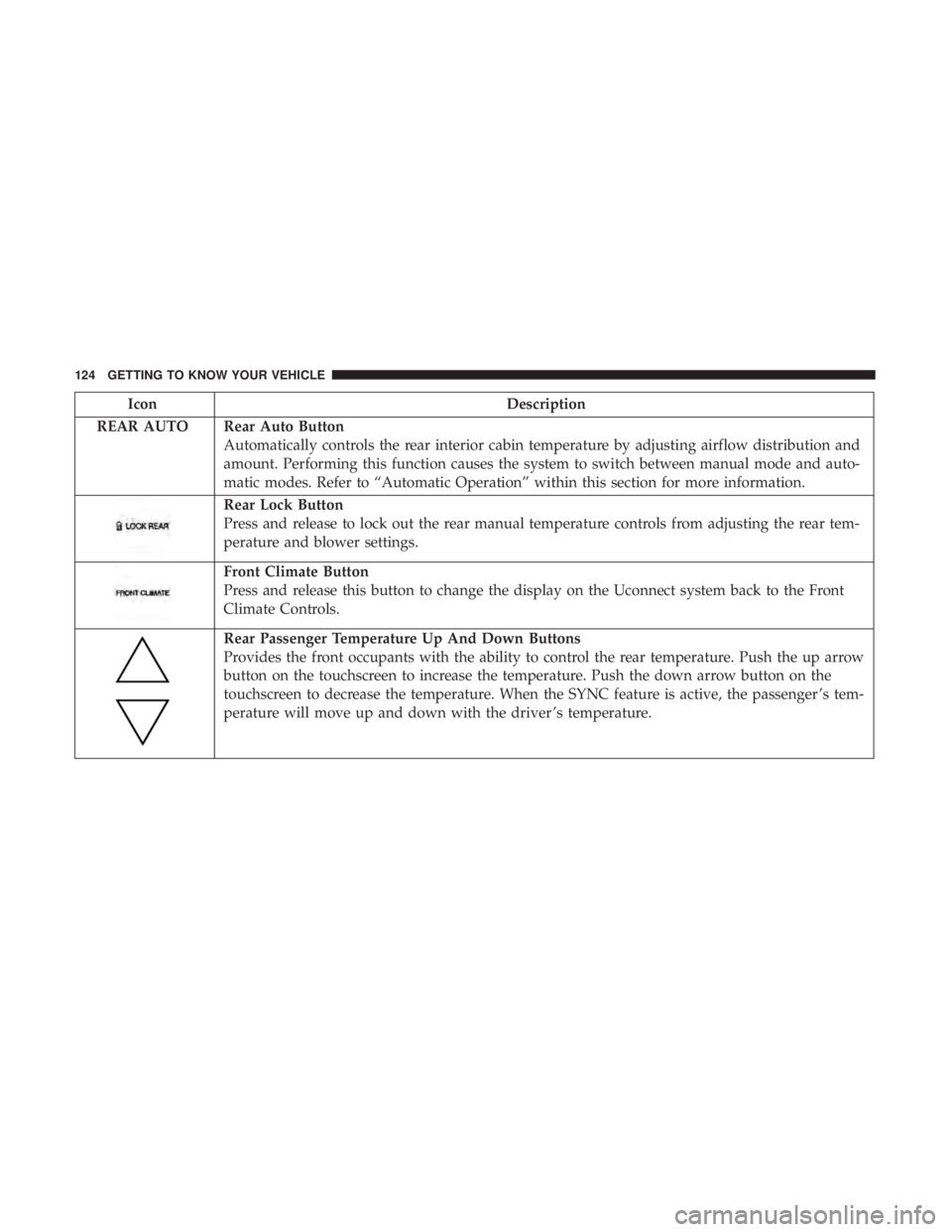
REAR AUTO Rear Auto Button Automatically controls the rear interior cabin temperature by adjusting airflow distribution and
amount. Performing this function causes the system to switch between manual mode and auto-
matic modes. Refer to “Automatic Operation” within this section for more information.
Rear Lock Button
Press and release to lock out the rear manual temperature controls from adjusting the rear tem-
perature and blower settings.
Front Climate Button
Press and release this button to change the display on the Uconnect system back to the Front
Climate Controls.
Rear Passenger Temperature Up And Down Buttons
Provides the front occupants with the ability to control the rear temperature. Push the up arrow
button on the touchscreen to increase the temperature. Push the down arrow button on the
touchscreen to decrease the temperature. When the SYNC feature is active, the passenger ’s tem-
perature will move up and down with the driver ’s temperature.
124 GETTING TO KNOW YOUR VEHICLE
Page 127 of 696
IconDescription
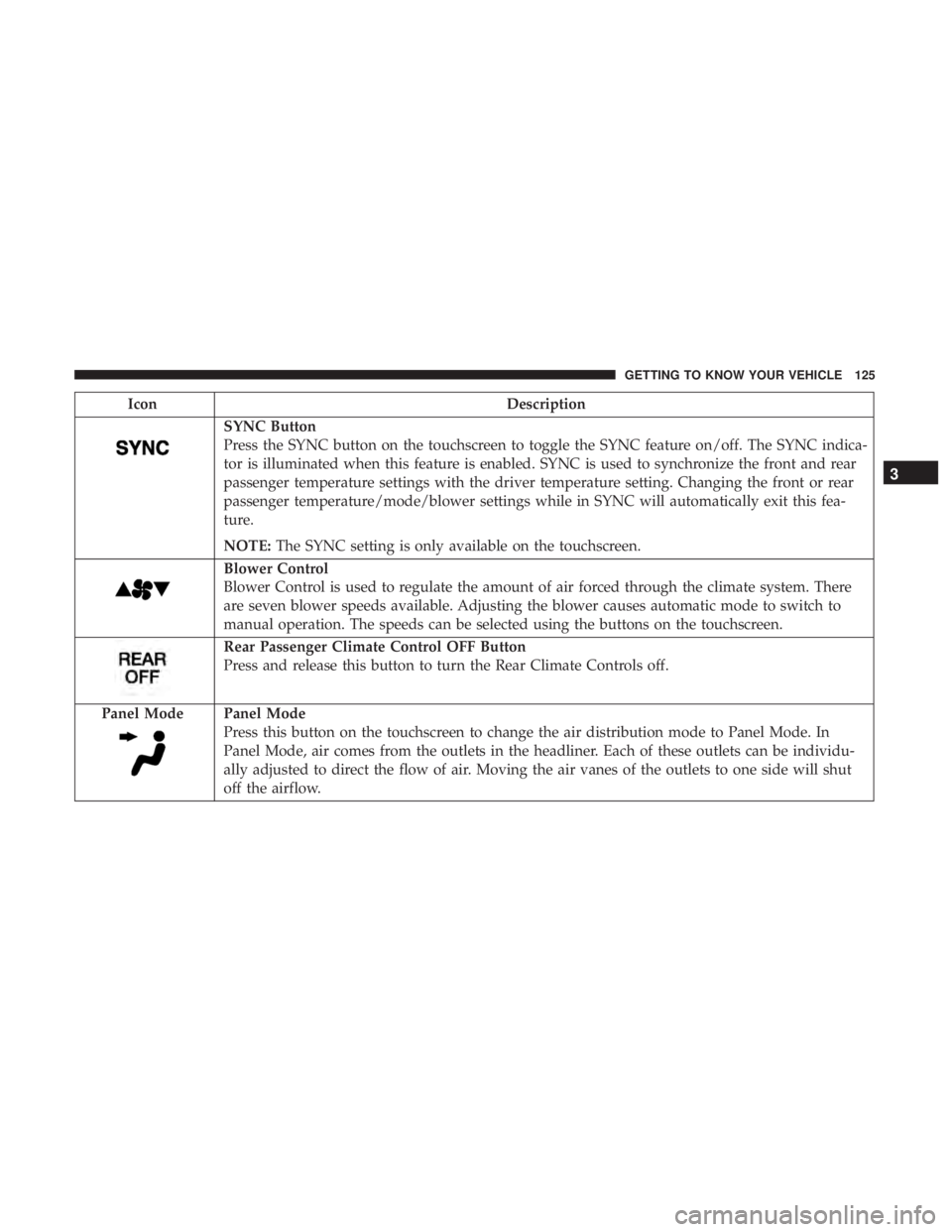
SYNC Button
Press the SYNC button on the touchscreen to toggle the SYNC feature on/off. The SYNC indica-
tor is illuminated when this feature is enabled. SYNC is used to synchronize the front and rear
passenger temperature settings with the driver temperature setting. Changing the front or rear
passenger temperature/mode/blower settings while in SYNC will automatically exit this fea-
ture.
NOTE:The SYNC setting is only available on the touchscreen.
Blower Control
Blower Control is used to regulate the amount of air forced through the climate system. There
are seven blower speeds available. Adjusting the blower causes automatic mode to switch to
manual operation. The speeds can be selected using the buttons on the touchscreen.
Rear Passenger Climate Control OFF Button
Press and release this button to turn the Rear Climate Controls off.
Panel Mode
Panel Mode
Press this button on the touchscreen to change the air distribution mode to Panel Mode. In
Panel Mode, air comes from the outlets in the headliner. Each of these outlets can be individu-
ally adjusted to direct the flow of air. Moving the air vanes of the outlets to one side will shut
off the airflow.
3
GETTING TO KNOW YOUR VEHICLE 125
Page 130 of 696
IconDescription
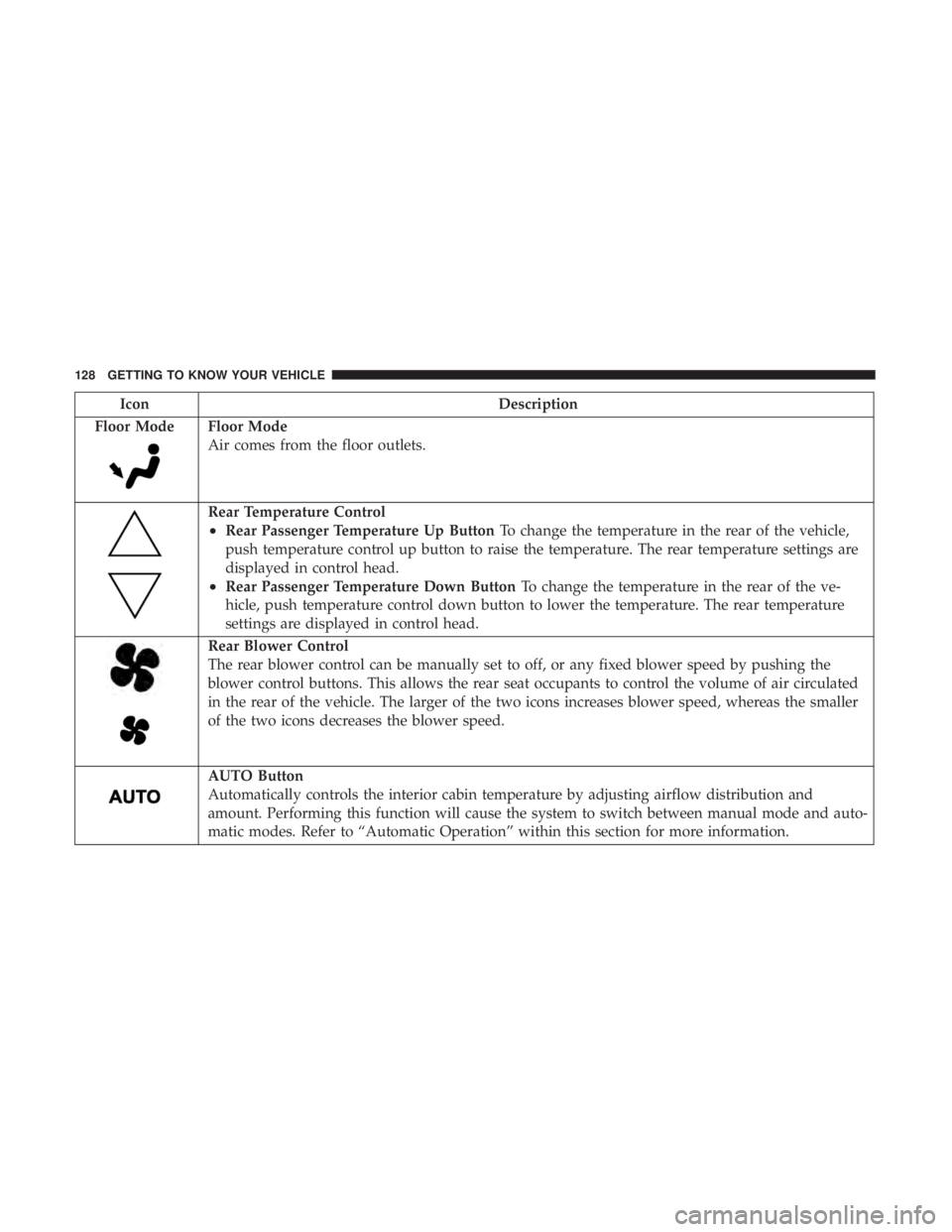
Floor Mode
Floor Mode
Air comes from the floor outlets.
Rear Temperature Control
•Rear Passenger Temperature Up Button To change the temperature in the rear of the vehicle,
push temperature control up button to raise the temperature. The rear temperature settings are
displayed in control head.
•Rear Passenger Temperature Down Button To change the temperature in the rear of the ve-
hicle, push temperature control down button to lower the temperature. The rear temperature
settings are displayed in control head.
Rear Blower Control
The rear blower control can be manually set to off, or any fixed blower speed by pushing the
blower control buttons. This allows the rear seat occupants to control the volume of air circulated
in the rear of the vehicle. The larger of the two icons increases blower speed, whereas the smaller
of the two icons decreases the blower speed.
AUTO Button
Automatically controls the interior cabin temperature by adjusting airflow distribution and
amount. Performing this function will cause the system to switch between manual mode and auto-
matic modes. Refer to “Automatic Operation” within this section for more information.
128 GETTING TO KNOW YOUR VEHICLE
Page 132 of 696

Automatic Temperature Control (ATC) — If
Equipped
Automatic Operation
1. Push the AUTO button on the faceplate, or the AUTObutton on the touchscreen on the Automatic Tempera-
ture Control (ATC) Panel.
2. Next, adjust the temperature you would like the system to maintain by adjusting the driver and passenger
temperature control buttons. Once the desired tempera-
ture is displayed, the system will achieve and automati-
cally maintain that comfort level.
3. When the system is set up for your comfort level, it is not necessary to change the settings. You will experience
the greatest efficiency by simply allowing the system to
function automatically.
NOTE:
• It is not necessary to move the temperature settings for
cold or hot vehicles. The system automatically adjusts
the temperature, mode, and blower speed to provide
comfort as quickly as possible.
• The temperature can be displayed in U.S. or Metric units
by selecting the US/Metric customer-programmable fea- ture. Refer to the “Uconnect Settings” in “Multimedia”
for further information.
To provide you with maximum comfort in the Automatic
mode during cold start-ups, the blower fan will remain on
low until the engine warms up. The blower will increase in
speed and transition into Auto mode.
Manual Operation Override
This system offers a full complement of manual override
features. The AUTO symbol in the front ATC display will
be turned off when the system is being used in the manual
mode.
Operating Tips
NOTE: Refer to the chart at the end of this section for
suggested control settings for various weather conditions.
Summer Operation
The engine cooling system must be protected with a
high-quality antifreeze coolant to provide proper corrosion
protection and to protect against engine overheating. OAT
coolant (conforming to MS.90032) is recommended. Refer
to “Fluids And Lubricants” in “Technical Specifications”
for proper coolant selection.
130 GETTING TO KNOW YOUR VEHICLE
Page 153 of 696
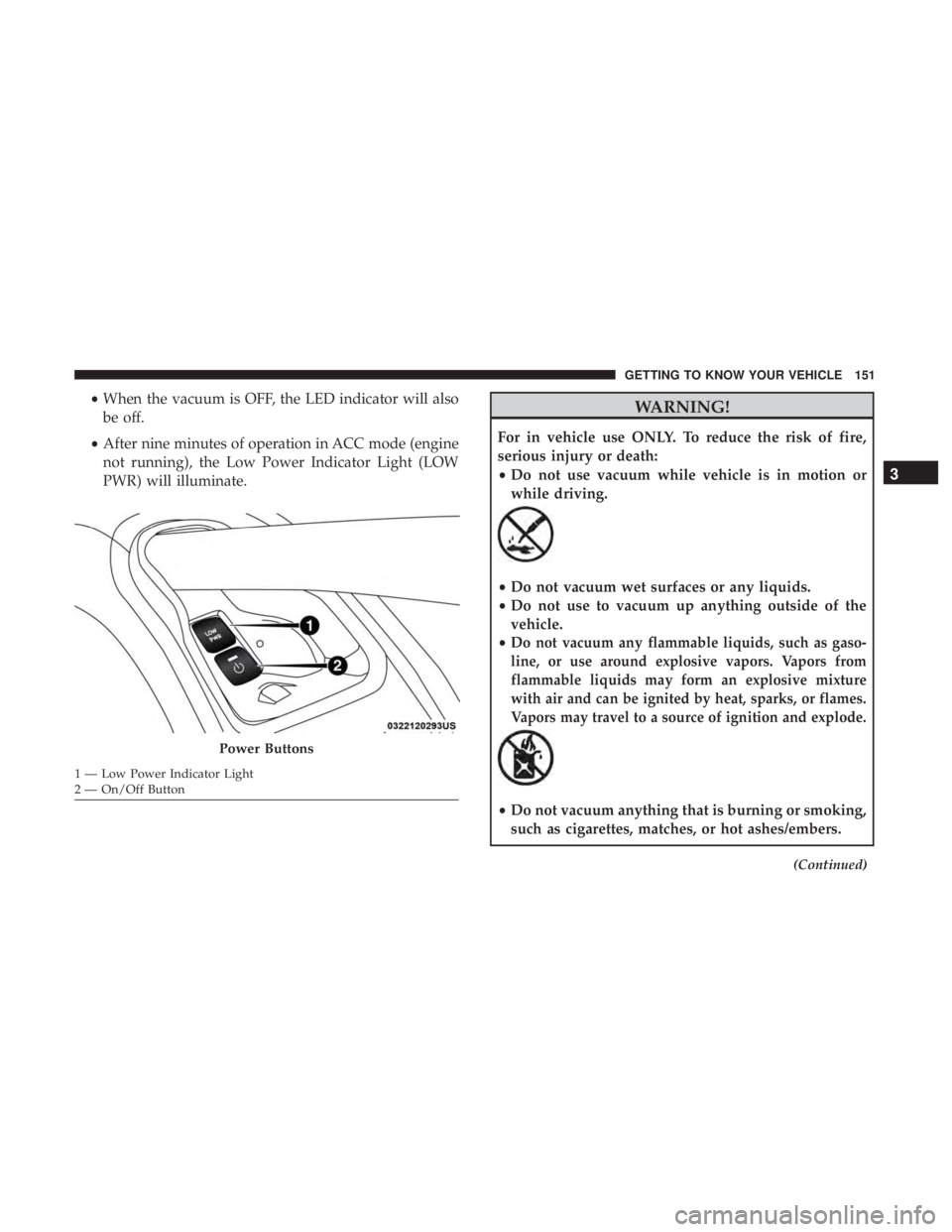
•When the vacuum is OFF, the LED indicator will also
be off.
• After nine minutes of operation in ACC mode (engine
not running), the Low Power Indicator Light (LOW
PWR) will illuminate.WARNING!
For in vehicle use ONLY. To reduce the risk of fire,
serious injury or death:
•Do not use vacuum while vehicle is in motion or
while driving.
•Do not vacuum wet surfaces or any liquids.
• Do not use to vacuum up anything outside of the
vehicle.
•
Do not vacuum any flammable liquids, such as gaso-
line, or use around explosive vapors. Vapors from
flammable liquids may form an explosive mixture
with air and can be ignited by heat, sparks, or flames.
Vapors may travel to a source of ignition and explode.
• Do not vacuum anything that is burning or smoking,
such as cigarettes, matches, or hot ashes/embers.
(Continued)
Power Buttons
1 — Low Power Indicator Light
2 — On/Off Button
3
GETTING TO KNOW YOUR VEHICLE 151
Page 156 of 696
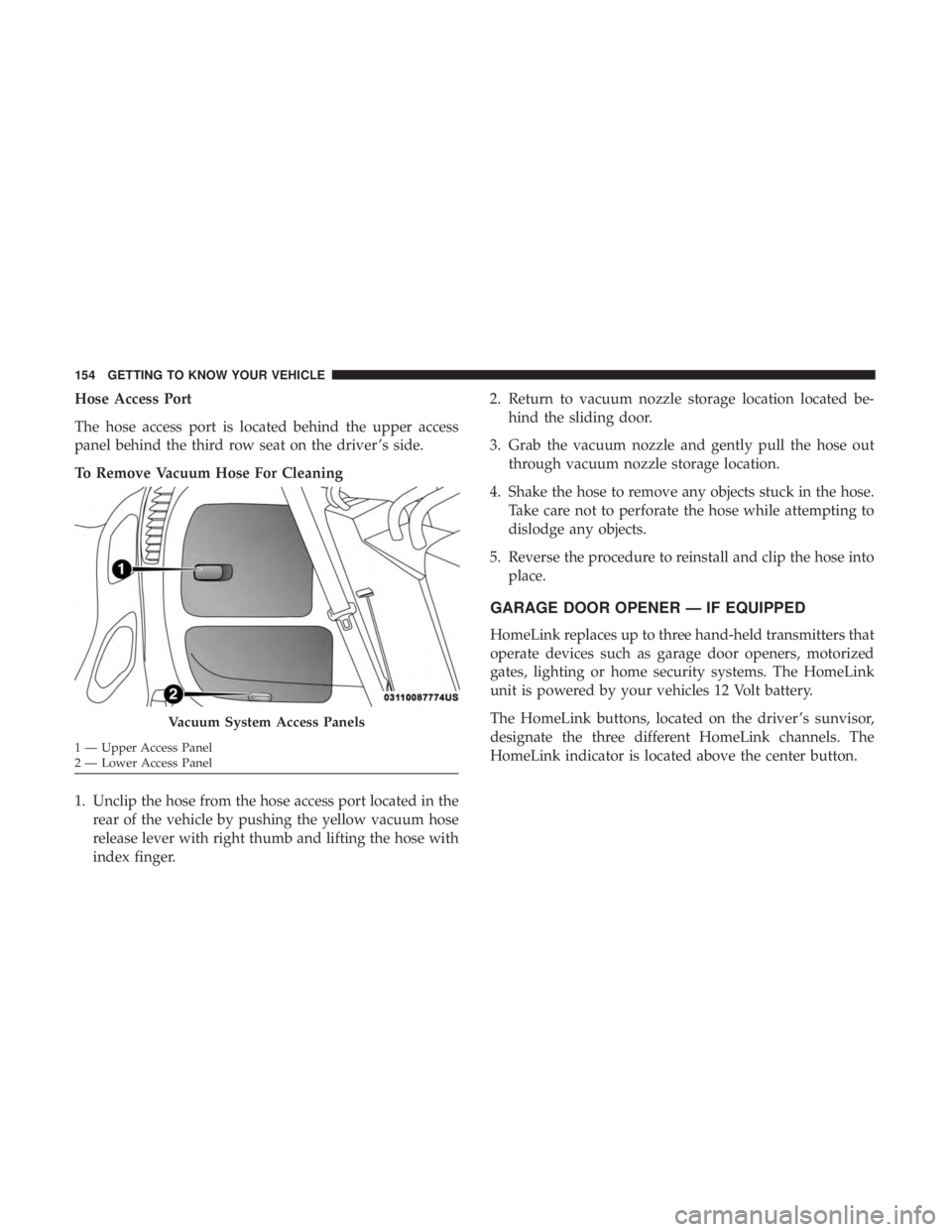
Hose Access Port
The hose access port is located behind the upper access
panel behind the third row seat on the driver ’s side.
To Remove Vacuum Hose For Cleaning
1. Unclip the hose from the hose access port located in therear of the vehicle by pushing the yellow vacuum hose
release lever with right thumb and lifting the hose with
index finger. 2. Return to vacuum nozzle storage location located be-
hind the sliding door.
3. Grab the vacuum nozzle and gently pull the hose out through vacuum nozzle storage location.
4. Shake the hose to remove any objects stuck in the hose. Take care not to perforate the hose while attempting to
dislodge any objects.
5. Reverse the procedure to reinstall and clip the hose into place.
GARAGE DOOR OPENER — IF EQUIPPED
HomeLink replaces up to three hand-held transmitters that
operate devices such as garage door openers, motorized
gates, lighting or home security systems. The HomeLink
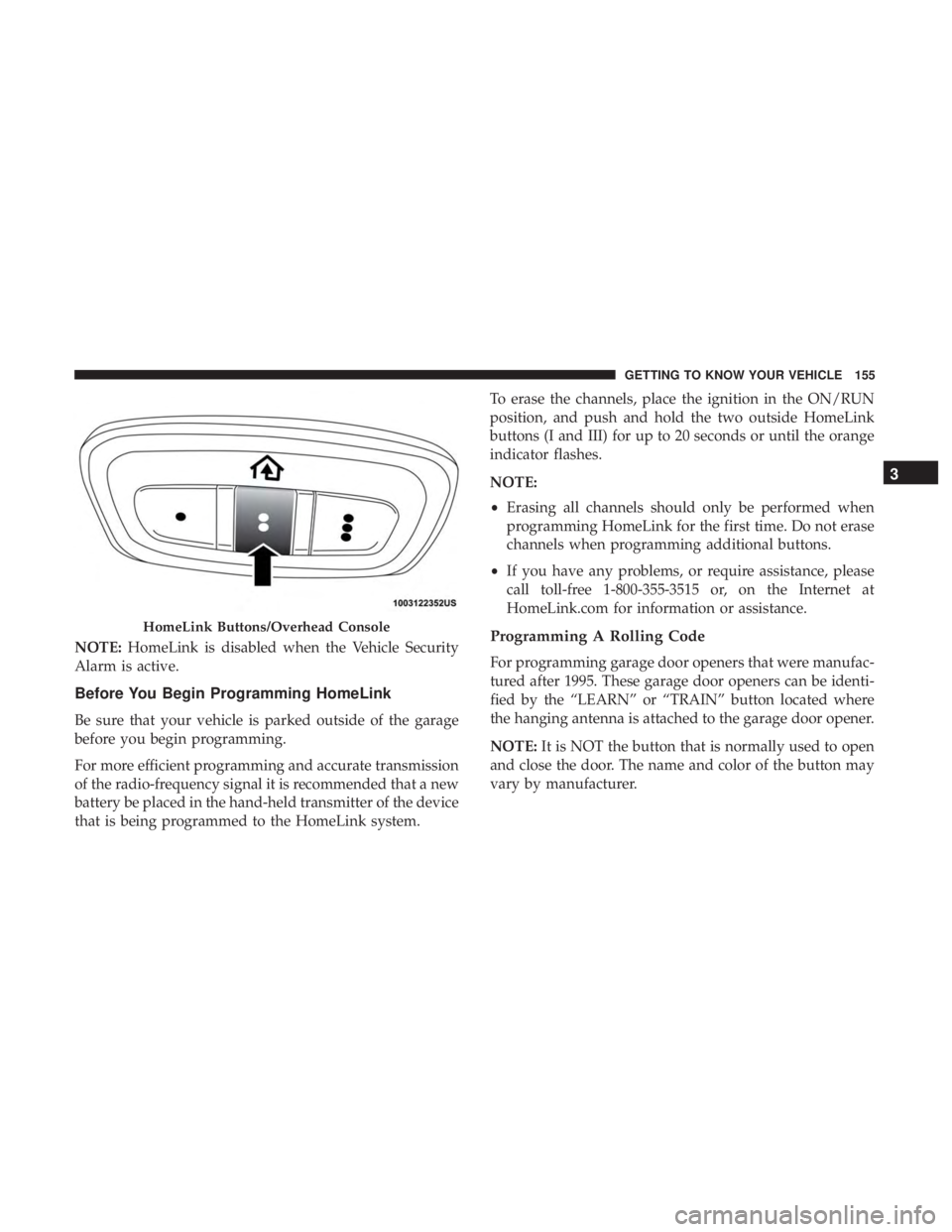
unit is powered by your vehicles 12 Volt battery.
The HomeLink buttons, located on the driver ’s sunvisor,
designate the three different HomeLink channels. The
HomeLink indicator is located above the center button.
Vacuum System Access Panels
1 — Upper Access Panel
2 — Lower Access Panel 154 GETTING TO KNOW YOUR VEHICLE
Page 157 of 696
NOTE:HomeLink is disabled when the Vehicle Security
Alarm is active.
Before You Begin Programming HomeLink
Be sure that your vehicle is parked outside of the garage
before you begin programming.
For more efficient programming and accurate transmission
of the radio-frequency signal it is recommended that a new
battery be placed in the hand-held transmitter of the device
that is being programmed to the HomeLink system. To erase the channels, place the ignition in the ON/RUN
position, and push and hold the two outside HomeLink
buttons (I and III) for up to 20 seconds or until the orange
indicator flashes.
NOTE:
•
Erasing all channels should only be performed when
programming HomeLink for the first time. Do not erase
channels when programming additional buttons.
• If you have any problems, or require assistance, please
call toll-free 1-800-355-3515 or, on the Internet at
HomeLink.com for information or assistance.
Programming A Rolling Code
For programming garage door openers that were manufac-
tured after 1995. These garage door openers can be identi-
fied by the “LEARN” or “TRAIN” button located where
the hanging antenna is attached to the garage door opener.
NOTE: It is NOT the button that is normally used to open
and close the door. The name and color of the button may
vary by manufacturer.
HomeLink Buttons/Overhead Console
3
GETTING TO KNOW YOUR VEHICLE 155