Page 361 of 547
HOW TO ENABLE/DISABLE THE
RCTA SYSTEM
Perform the following steps to enable or disable
the RCTA system.1. Press the
button until “Settings” dis-
plays in the vehicle information display and
then press OK. Use the
button to
select “Driver Assistance.” Then press the
OK button.
2. Select “Parking Aids” and press the OK button.
3. Select “Cross Traffic” and press the OK button.
4. Use the OK button to enable or disable the system.
NOTE:
When enabling/disabling the system, the
system setting will be retained even if the
engine is restarted.
LSD2678
5-50Starting and driving
Page 365 of 547
SYSTEM TEMPORARILY
UNAVAILABLE
When radar blockage is detected, the system will
be deactivated automatically. The “Side Radar
Obstruction” warning message will appear in the
vehicle information display.
The systems are not available until the conditions
no longer exist.
The radar sensors may be blocked by temporary
ambient conditions such as splashing water, mist
or fog.
The blocked condition may also be caused by
objects such as ice, frost or dirt obstructing the
radar sensors.
NOTE:
If the BSW system stops working, the RCTA
system (if so equipped) will also stop work-
ing.
Action to take
When the above conditions no longer exist, the
system will resume automatically.
Malfunction
When the RCTA system malfunctions, it will turn
off automatically. The system malfunction warn-
ing message will appear in the vehicle information
display.
NOTE:
If the BSW system stops working, the RCTA
system (if so equipped) will also stop work-
ing.
Action to take
Stop the vehicle in a safe location, place the
vehicle in the P (Park) position, turn the engine off
and restart the engine. If the message continues
to appear, have the system checked. It is recom-
mended that you visit a NISSAN dealer for this
service.
SYSTEM MAINTENANCE
The two radar sensors�1for the BSW and
RCTA systems are located near the rear bumper.
Always keep the area near the radar sensors
clean.
The radar sensors may be blocked by temporary
ambient conditions such as splashing water, mist
or fog.
The blocked condition may also be caused by
objects such as ice, frost or dirt obstructing the
radar sensors.
Check for and remove objects obstructing the
area around the radar sensors.
LSD2439
5-54Starting and driving
Page 378 of 547
To reset at a slower cruising speed:use one
of the following methods:
● Lightly tap the brake pedal. When the ve-
hicle attains the desired speed, push the
SET/– switch and release it.
● Push and hold the SET/– switch. The set
vehicle speed will decrease by approxi-
mately 5 mph (5 km/h).
● Push, then quickly release the SET/– switch.
Each time you do this, the set speed will
decrease by approximately 1 mph (1 km/h).
To resume the preset speed: push and re-
lease the RES/+ switch. The vehicle will resume
the last set cruising speed when the vehicle
speed is over 20 mph (32 km/h).
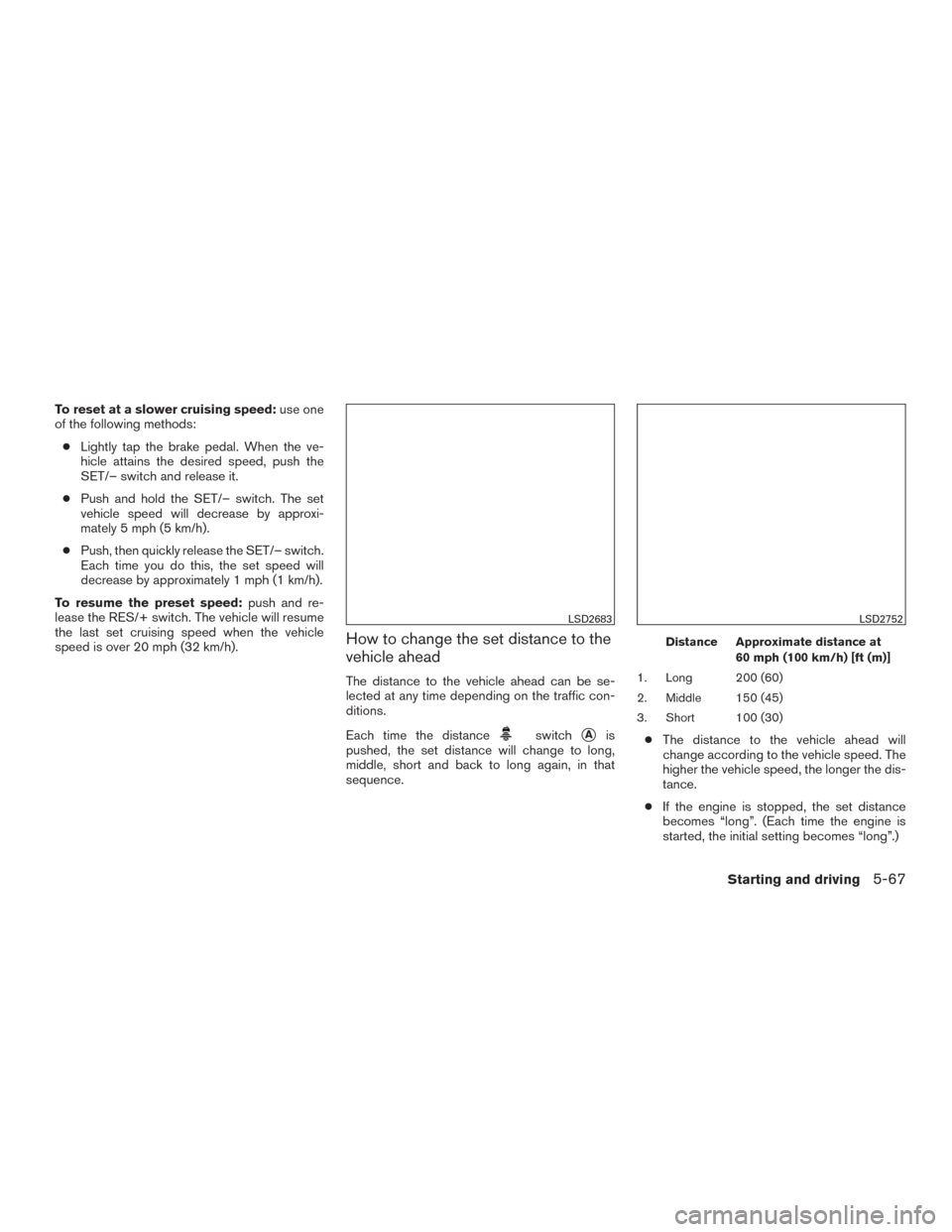
How to change the set distance to the
vehicle ahead
The distance to the vehicle ahead can be se-
lected at any time depending on the traffic con-
ditions.
Each time the distance
switch�Ais
pushed, the set distance will change to long,
middle, short and back to long again, in that
sequence.
Distance Approximate distance at
60 mph (100 km/h) [ft (m)]
1. Long 200 (60)
2. Middle 150 (45)
3. Short 100 (30)
● The distance to the vehicle ahead will
change according to the vehicle speed. The
higher the vehicle speed, the longer the dis-
tance.
● If the engine is stopped, the set distance
becomes “long”. (Each time the engine is
started, the initial setting becomes “long”.)
LSD2683LSD2752
Starting and driving5-67
Page 385 of 547
Action to take
When the conditions listed above are no longer
present, turn the system off using the ICC
CRUISE ON/OFF switch. Turn the ICC system
back on to use the system.
Condition B
When the radar sensor area of the front bumper
is covered with dirt or is obstructed, the ICC
system will automatically be canceled.
The chime will sound and the “Unavailable: Front
Radar Obstruction” warning message will appear
in the vehicle information display.Action to take
If the warning message appears, stop the vehicle
in a safe place, place the shift lever in the P (Park)
position, and turn the engine off. When the radar
signal is temporarily interrupted, clean the sensor
area of the front bumper and restart the engine. If
the “Unavailable: Front Radar Obstruction” warn-
ing message continues to be displayed, have the
system checked. It is recommended that you visit
a NISSAN dealer for this service.
Condition C
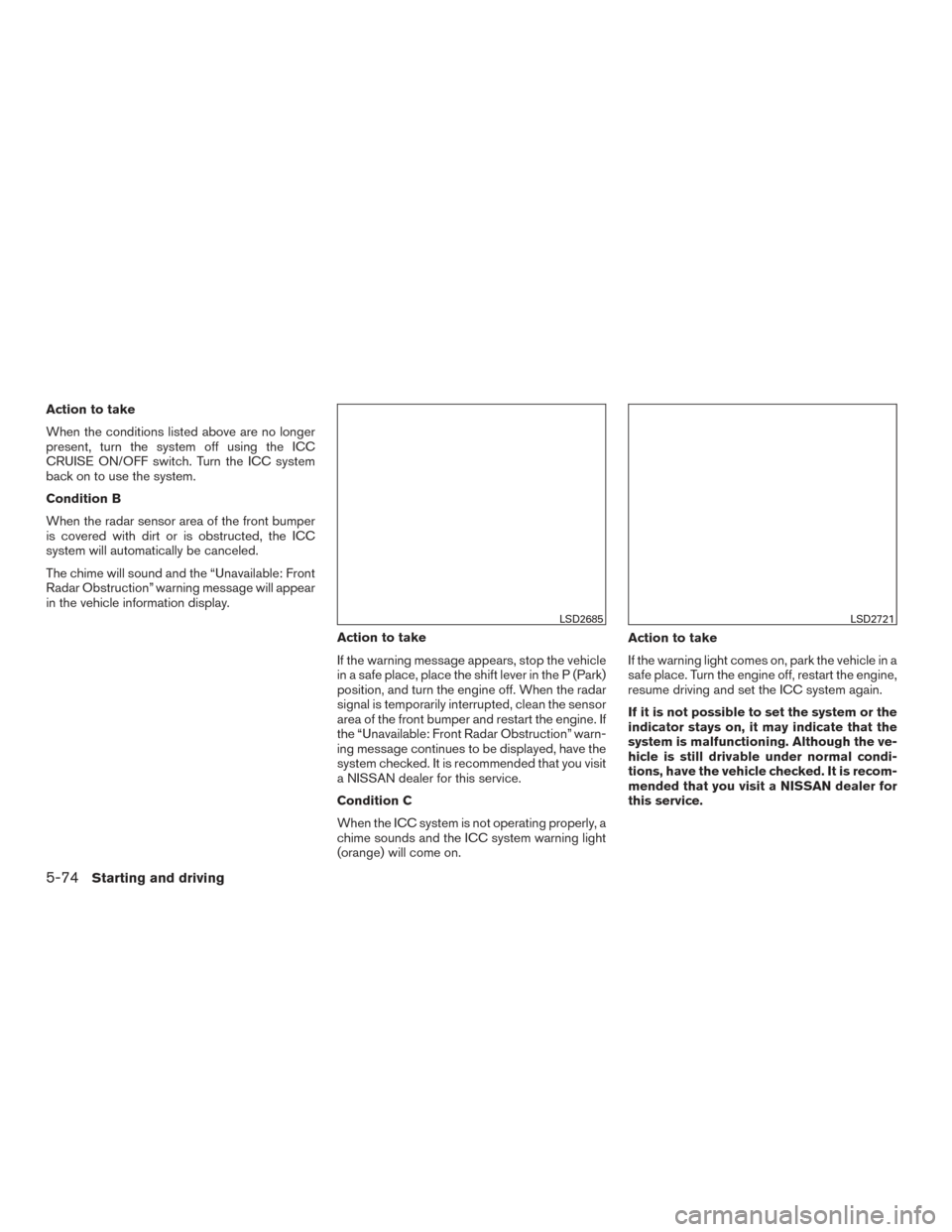
When the ICC system is not operating properly, a
chime sounds and the ICC system warning light
(orange) will come on.Action to take
If the warning light comes on, park the vehicle in a
safe place. Turn the engine off, restart the engine,
resume driving and set the ICC system again.
If it is not possible to set the system or the
indicator stays on, it may indicate that the
system is malfunctioning. Although the ve-
hicle is still drivable under normal condi-
tions, have the vehicle checked. It is recom-
mended that you visit a NISSAN dealer for
this service.
LSD2685LSD2721
5-74Starting and driving
Page 391 of 547
System temporarily unavailable
A chime sounds under the following conditions
and the control is automatically canceled:● When the vehicle slows down more than
8 mph (13 km/h) below the set speed
● When the shift lever is not in the D (Drive) or
manual shift mode
● When the parking brake is applied
● When the VDC operates (including the trac-
tion control system)
● When a wheel slips
When the system is not operating properly, the
chime sounds and the color of the cruise indica-
tor will change to orange.
Action to take
If the color of the cruise indicator changes to
orange, stop the vehicle in a safe place and place
the shift lever in the P (Park) position. Turn the
engine off, restart the engine, resume driving, and
then perform the setting again. If it is not possible to set or the indicator
stays on, it may indicate that the system is
malfunctioning. Although the vehicle is still
driveable under normal conditions, have
the vehicle checked. It is recommended
that you visit a NISSAN dealer for this ser-
vice.
WARNING
Failure to follow the warnings and instruc-
tions for proper use of the FEB system
could result in serious injury or death.
●
The FEB system is a supplemental aid
to the driver. It is not a replacement for
the driver’s attention to traffic condi-
tions or responsibility to drive safely. It
cannot prevent accidents due to care-
lessness or dangerous driving
techniques.
● The FEB system does not function in all
driving, traffic, weather and road
conditions.
The FEB system can assist the driver when there
is a risk of a forward collision with the vehicle
ahead in the traveling lane.
FORWARD EMERGENCY BRAKING
(FEB) (if so equipped)
5-80Starting and driving
Page 394 of 547
TURNING THE FEB SYSTEM
ON/OFF
Perform the following steps to turn the FEB sys-
tems ON or OFF.1. Press the
button until “Settings” dis-
plays in the vehicle information display and
then press OK button. Use the
button
to select “Driver Assistance”. Then press the
OK button.
2. Select “Driving Aids” and press the OK but- ton.
3. Select “Emergency Brake” and press the OK button.
When the FEB system is turned off, the FEB
system warning light illuminates.
NOTE:
● The FEB system will be automatically turned
on when the engine is restarted.
LSD2716
Starting and driving5-83
Page 397 of 547
light (orange) and display the “Unavailable: Front
Radar Obstruction” message.
Action to take
If the warning light (orange) comes on, stop the
vehicle in a safe place, place the shift lever in the
P (Park) position and turn the engine off. Clean
the radar cover on the lower grille with a soft
cloth, and restart the engine. If the warning light
continues to illuminate, have the FEB system
checked. It is recommended that you visit a
NISSAN dealer for this service.
SYSTEM MALFUNCTION
If the FEB system malfunctions, it will be turned
off automatically, a chime will sound, the FEB
warning light (orange) will illuminate and the
warning message [Malfunction] will appear in the
vehicle information display.
Action to take
If the warning light (orange) comes on, stop the
vehicle in a safe location, turn the engine off and
restart the engine. If the warning light continues
to illuminate, have the FEB system checked. It is
recommended that you visit a NISSAN dealer for
this service.
SYSTEM MAINTENANCE
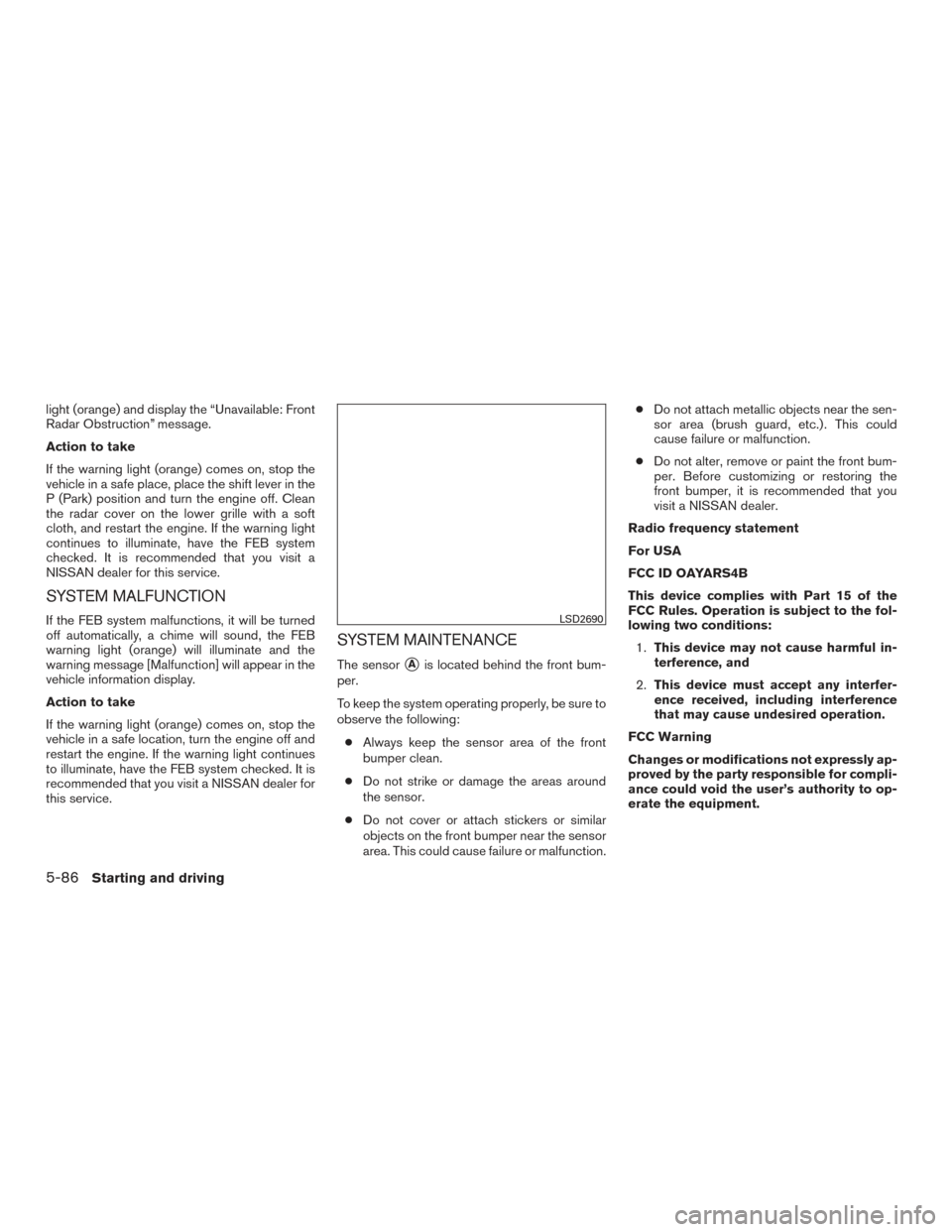
The sensor�Ais located behind the front bum-
per.
To keep the system operating properly, be sure to
observe the following:
● Always keep the sensor area of the front
bumper clean.
● Do not strike or damage the areas around
the sensor.
● Do not cover or attach stickers or similar
objects on the front bumper near the sensor
area. This could cause failure or malfunction. ●
Do not attach metallic objects near the sen-
sor area (brush guard, etc.) . This could
cause failure or malfunction.
● Do not alter, remove or paint the front bum-
per. Before customizing or restoring the
front bumper, it is recommended that you
visit a NISSAN dealer.
Radio frequency statement
For USA
FCC ID OAYARS4B
This device complies with Part 15 of the
FCC Rules. Operation is subject to the fol-
lowing two conditions: 1. This device may not cause harmful in-
terference, and
2. This device must accept any interfer-
ence received, including interference
that may cause undesired operation.
FCC Warning
Changes or modifications not expressly ap-
proved by the party responsible for compli-
ance could void the user’s authority to op-
erate the equipment.
LSD2690
5-86Starting and driving
Page 401 of 547
TURNING THE FEB WITH
PEDESTRIAN DETECTION SYSTEM
ON/OFF
Perform the following steps to enable or disable
the FEB with pedestrian detection system.1. Press the
button until “Settings” dis-
plays in the vehicle information display and
then press the OK button. Use the
button to select “Driver Assistance”. Then
press the OK button.
2. Select “Driving Aids” and press the OK but- ton.
3. Select “Emergency Brake” and press the OK button.
When the FEB with pedestrian detection system
is turned off, the FEB with pedestrian detection
system warning light illuminates.
NOTE:
● The FEB with pedestrian detection system
will be automatically turned on when the
engine is restarted.
LSD2716
5-90Starting and driving