Page 179 of 555
●The remote start buttonis not pressed
and held within 5 seconds of pressing the
lock button.
● The brake is pressed.
● The doors are not closed and locked.
● The liftgate is open.
● The I–Key indicator message is displayed in
the vehicle information display.
● The alarm sounds due to illegal entry into the
vehicle.
●
Two remote vehicle starts, or a single remote
start with an extension, have already been used.
● The vehicle is not in P (Park) .
● There is a detected registered key already
inside of the vehicle.
● The remote start function has been switched
to the OFF position in vehicle settings of the
vehicle information display. For additional
information, refer to “Vehicle information dis-
play” in the “Instruments and controls” sec-
tion of this manual.
The remote engine start may display a warning or
indicator in the vehicle information display. For
additional information, refer to “Vehicle informa-
tion display” in the “Instruments and controls”
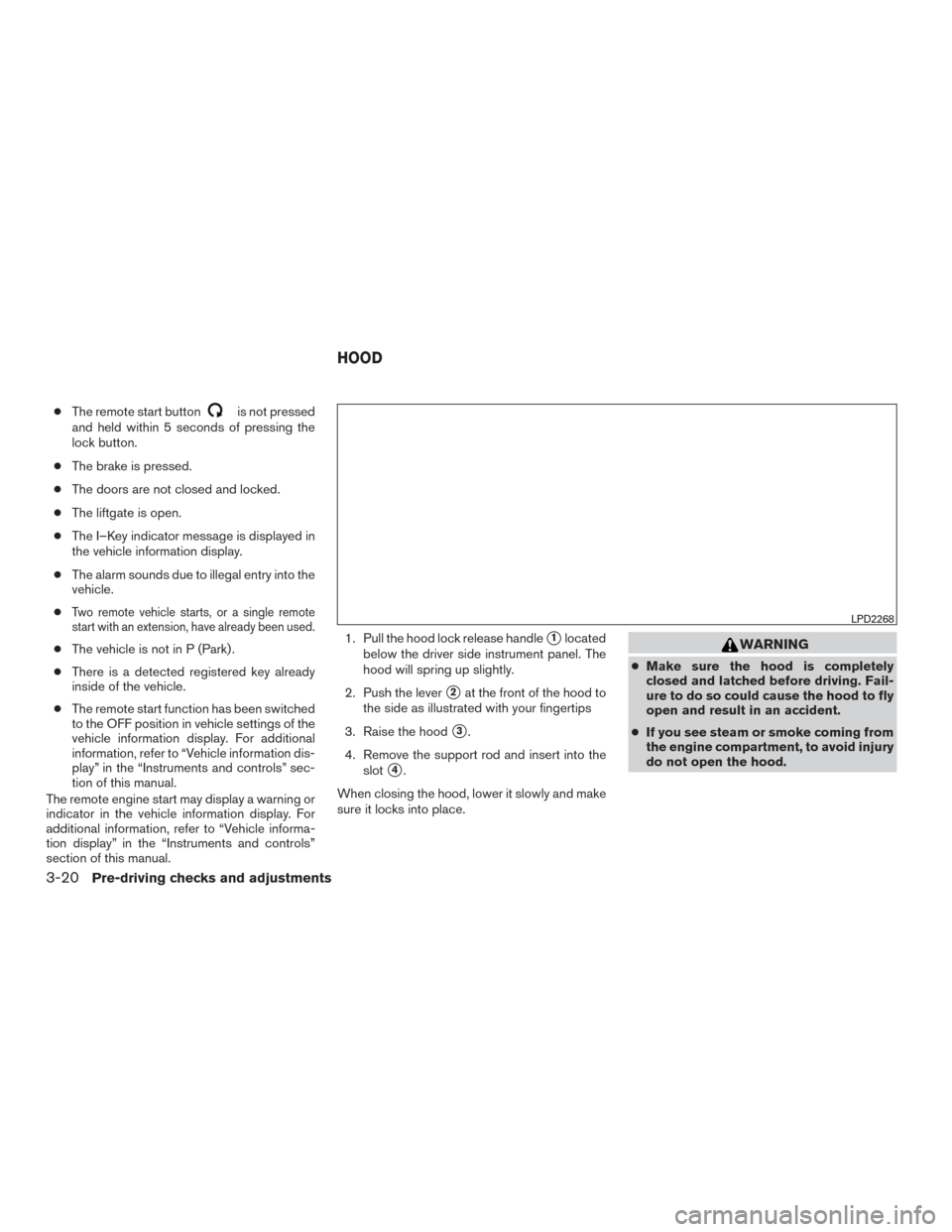
section of this manual. 1. Pull the hood lock release handle�1located
below the driver side instrument panel. The
hood will spring up slightly.
2. Push the lever
�2at the front of the hood to
the side as illustrated with your fingertips
3. Raise the hood
�3.
4. Remove the support rod and insert into the slot
�4.
When closing the hood, lower it slowly and make
sure it locks into place.
WARNING
● Make sure the hood is completely
closed and latched before driving. Fail-
ure to do so could cause the hood to fly
open and result in an accident.
● If you see steam or smoke coming from
the engine compartment, to avoid injury
do not open the hood.
LPD2268
HOOD
3-20Pre-driving checks and adjustments
Page 181 of 555
NOTE:
To open, close or reverse the power liftgate,
the shift lever must be in P (Park) . Also, the
power liftgate will not operate if battery
voltage is low.
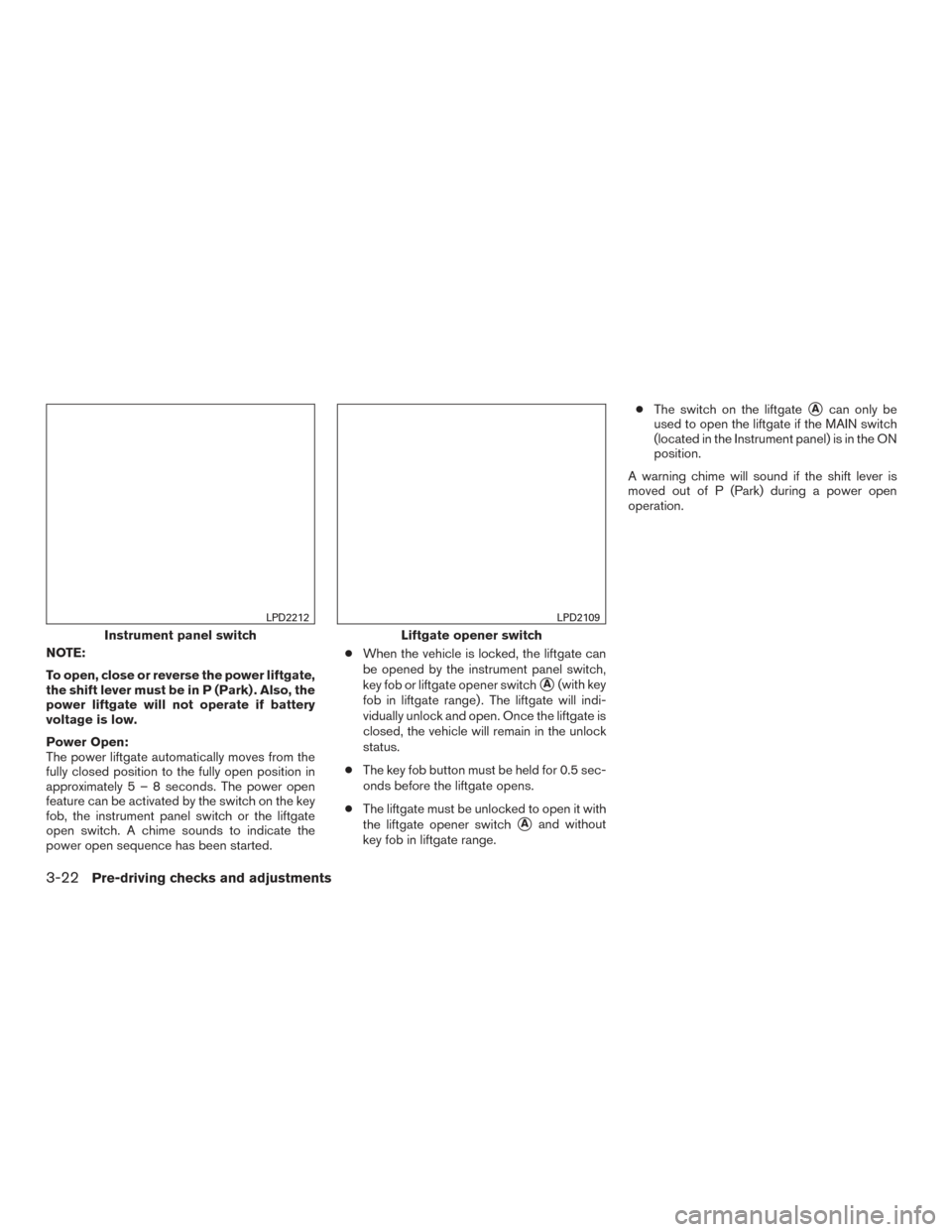
Power Open:
The power liftgate automatically moves from the
fully closed position to the fully open position in
approximately5–8seconds. The power open
feature can be activated by the switch on the key
fob, the instrument panel switch or the liftgate
open switch. A chime sounds to indicate the
power open sequence has been started.●
When the vehicle is locked, the liftgate can
be opened by the instrument panel switch,
key fob or liftgate opener switch
�A(with key
fob in liftgate range) . The liftgate will indi-
vidually unlock and open. Once the liftgate is
closed, the vehicle will remain in the unlock
status.
● The key fob button must be held for 0.5 sec-
onds before the liftgate opens.
● The liftgate must be unlocked to open it with
the liftgate opener switch
�Aand without
key fob in liftgate range. ●
The switch on the liftgate
�Acan only be
used to open the liftgate if the MAIN switch
(located in the Instrument panel) is in the ON
position.
A warning chime will sound if the shift lever is
moved out of P (Park) during a power open
operation.
Instrument panel switch
LPD2212
Liftgate opener switch
LPD2109
3-22Pre-driving checks and adjustments
Page 182 of 555
Power Close:
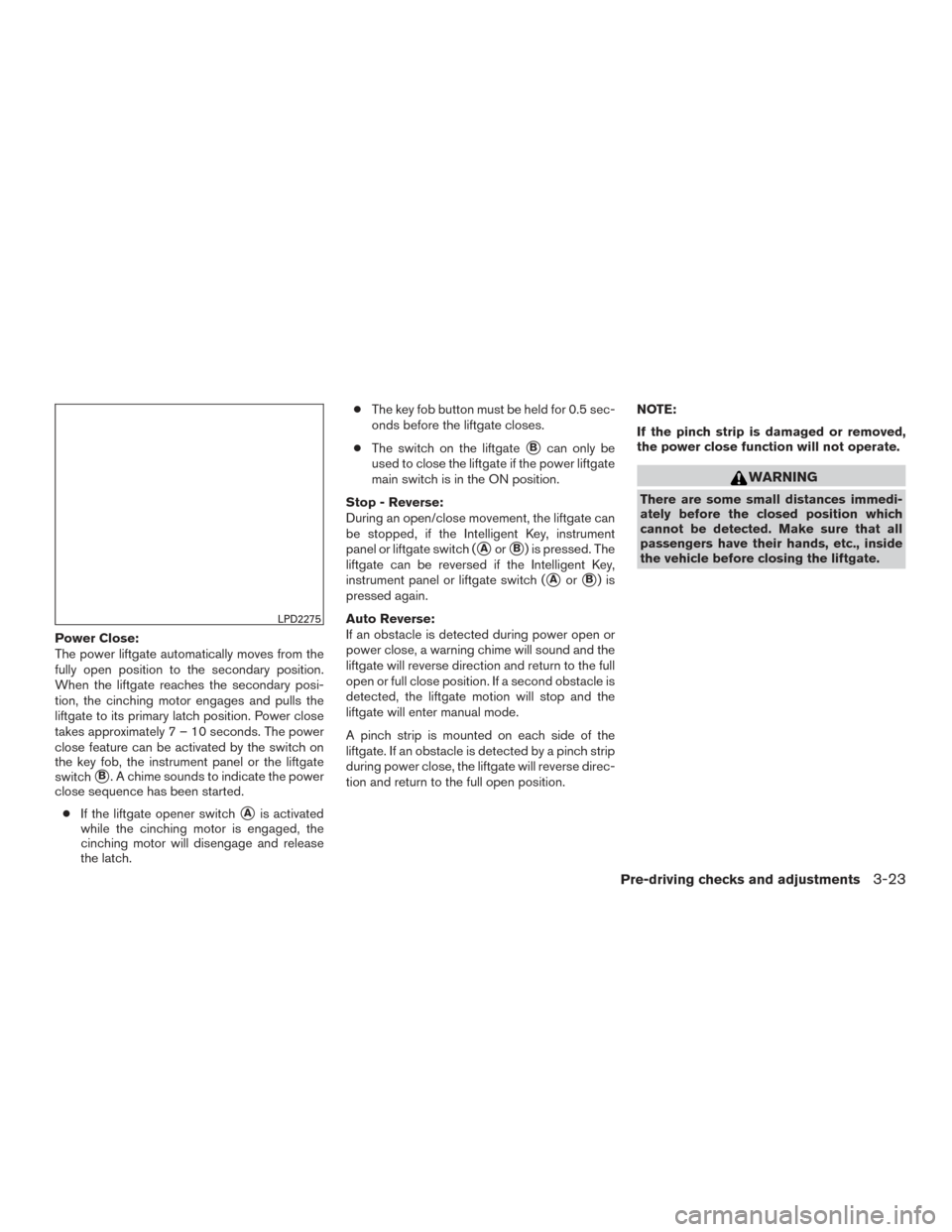
The power liftgate automatically moves from the
fully open position to the secondary position.
When the liftgate reaches the secondary posi-
tion, the cinching motor engages and pulls the
liftgate to its primary latch position. Power close
takes approximately7–10seconds. The power
close feature can be activated by the switch on
the key fob, the instrument panel or the liftgate
switch
�B. A chime sounds to indicate the power
close sequence has been started.
● If the liftgate opener switch
�Ais activated
while the cinching motor is engaged, the
cinching motor will disengage and release
the latch. ●
The key fob button must be held for 0.5 sec-
onds before the liftgate closes.
● The switch on the liftgate
�Bcan only be
used to close the liftgate if the power liftgate
main switch is in the ON position.
Stop - Reverse:
During an open/close movement, the liftgate can
be stopped, if the Intelligent Key, instrument
panel or liftgate switch (
�Aor�B) is pressed. The
liftgate can be reversed if the Intelligent Key,
instrument panel or liftgate switch (
�Aor�B)is
pressed again.
Auto Reverse:
If an obstacle is detected during power open or
power close, a warning chime will sound and the
liftgate will reverse direction and return to the full
open or full close position. If a second obstacle is
detected, the liftgate motion will stop and the
liftgate will enter manual mode.
A pinch strip is mounted on each side of the
liftgate. If an obstacle is detected by a pinch strip
during power close, the liftgate will reverse direc-
tion and return to the full open position. NOTE:
If the pinch strip is damaged or removed,
the power close function will not operate.
WARNING
There are some small distances immedi-
ately before the closed position which
cannot be detected. Make sure that all
passengers have their hands, etc., inside
the vehicle before closing the liftgate.
LPD2275
Pre-driving checks and adjustments3-23
Page 183 of 555
Manual Mode:
If power operation is not available, the liftgate
may be operated manually. Power operation may
not be available if the power liftgate main switch
is in the ON position, if multiple obstacles have
been detected in a single power cycle, or if
battery voltage is low.
If the power liftgate opener switch
�Ais pushed
during power open or close, the power operation
will be canceled and the liftgate can be operated
manually.
To open the liftgate manually, press the liftgate
opener switch
�Aand lift the liftgate. To close, lower and push the liftgate down se-
curely.
MOTION-ACTIVATED LIFTGATE (if so
equipped)
The liftgate can be opened/closed using a foot
kicking motion when it is locked or unlocked. Two
sensors along the rear bumper (center area) can
detect a forward kicking motion
�B. The Intelli-
gent Key must be present within 3 ft (1 m) of the
liftgate to allow using the hands free feature to
open/close the liftgate.
LPD2274LPD2513
3-24Pre-driving checks and adjustments
Page 184 of 555
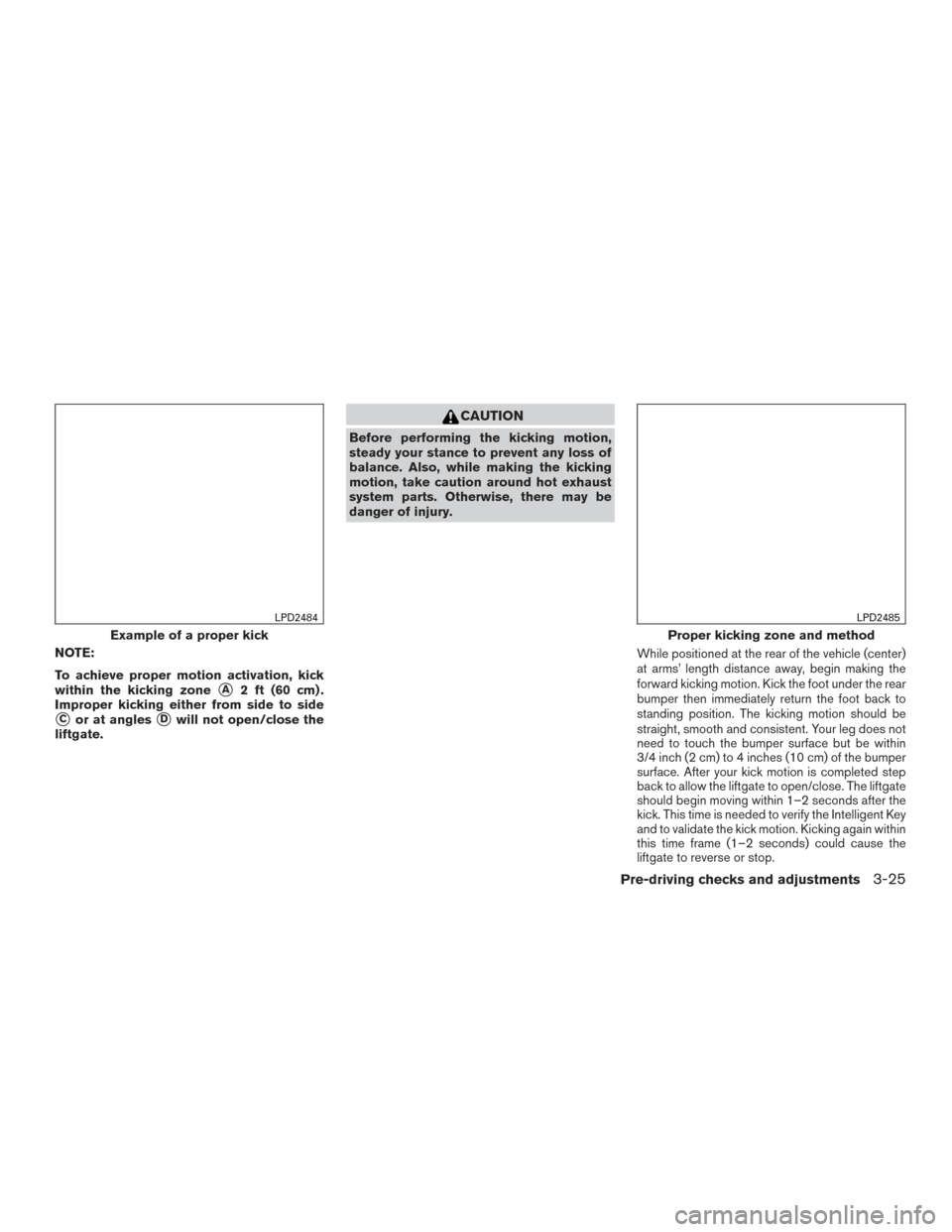
NOTE:
To achieve proper motion activation, kick
within the kicking zone
�A2 ft (60 cm) .
Improper kicking either from side to side
�Cor at angles�Dwill not open/close the
liftgate.
CAUTION
Before performing the kicking motion,
steady your stance to prevent any loss of
balance. Also, while making the kicking
motion, take caution around hot exhaust
system parts. Otherwise, there may be
danger of injury.
While positioned at the rear of the vehicle (center)
at arms’ length distance away, begin making the
forward kicking motion. Kick the foot under the rear
bumper then immediately return the foot back to
standing position. The kicking motion should be
straight, smooth and consistent. Your leg does not
need to touch the bumper surface but be within
3/4 inch (2 cm) to 4 inches (10 cm) of the bumper
surface. After your kick motion is completed step
back to allow the liftgate to open/close. The liftgate
should begin moving within 1–2 seconds after the
kick. This time is needed to verify the Intelligent Key
and to validate the kick motion. Kicking again within
this time frame (1–2 seconds) could cause the
liftgate to reverse or stop.
Example of a proper kick
LPD2484
Proper kicking zone and method
LPD2485
Pre-driving checks and adjustments3-25
Page 185 of 555
WARNING
Prevent unintentional liftgate
opening/closing. There may be conditions
when opening/closing the liftgate is not
desired. Keep the Intelligent Key out of
the range of the liftgate (3 ft or 1 m) , when
washing or working around the back of
the vehicle.
CAUTION
Interference or malfunction can be caused
by parking in close proximity to radio or
satellite towers.
POWER LIFTGATE MAIN SWITCH
The power liftgate operation can be turned on or
off by the power liftgate main switch on the
instrument panel.
When the power liftgate main switch is pushed to
the OFF position, the power operation is not
available by the power liftgate switch on the
liftgate and liftgate opener switch.
Power operation is available when in the OFF
position by the instrument panel switch and the
key fob button.
Improper kicking methods
LPD2486LPD2277
3-26Pre-driving checks and adjustments
Page 186 of 555
Motion-Activated Liftgate (if so equipped) will not
function when the power liftgate main switch is
pushed in the OFF position.
LIFTGATE RELEASE
WARNING
●Always be sure the liftgate has been
closed securely to prevent it from open-
ing while driving.
● Do not drive with the liftgate open. This
could allow dangerous exhaust gases
to be drawn into the vehicle. For addi-
tional information, refer to “Exhaust
gas (carbon monoxide)” in the “Starting
and driving” section of this manual.
● To avoid personal injury, do not attempt
to activate the power liftgate if one or
both of the liftgate struts are removed.
CAUTION
●If the power liftgate does not stay open
or if the liftgate unexpectedly closes at
any time while a continuous warning
chime sounds, do not operate the lift-
gate. There may be a pressure loss in
one or both of the liftgate struts. It is
recommended that you have the liftgate
inspected. It is recommended that you
visit a NISSAN dealer for this service.
● Do not activate the power liftgate if one
or both of the liftgate struts are re-
moved. Damage to the liftgate or power
liftgate mechanisms may occur.
● Keep the power liftgate main switch in
the OFF position when washing or
working around the back of the vehicle
(with Intelligent Key) to prevent inad-
vertent opening/closing.
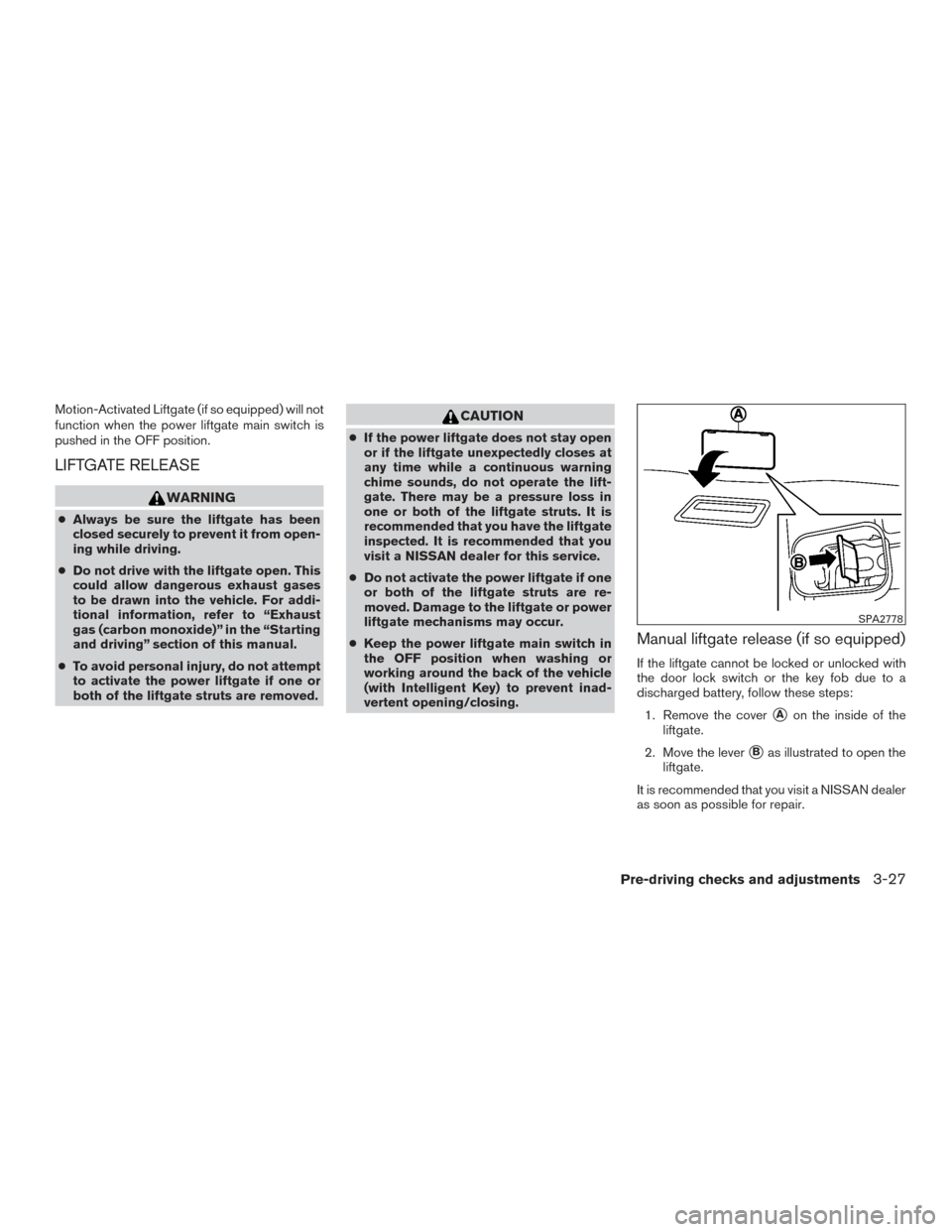
Manual liftgate release (if so equipped)
If the liftgate cannot be locked or unlocked with
the door lock switch or the key fob due to a
discharged battery, follow these steps:
1. Remove the cover
�Aon the inside of the
liftgate.
2. Move the lever
�Bas illustrated to open the
liftgate.
It is recommended that you visit a NISSAN dealer
as soon as possible for repair.
SPA2778
Pre-driving checks and adjustments3-27
Page 187 of 555
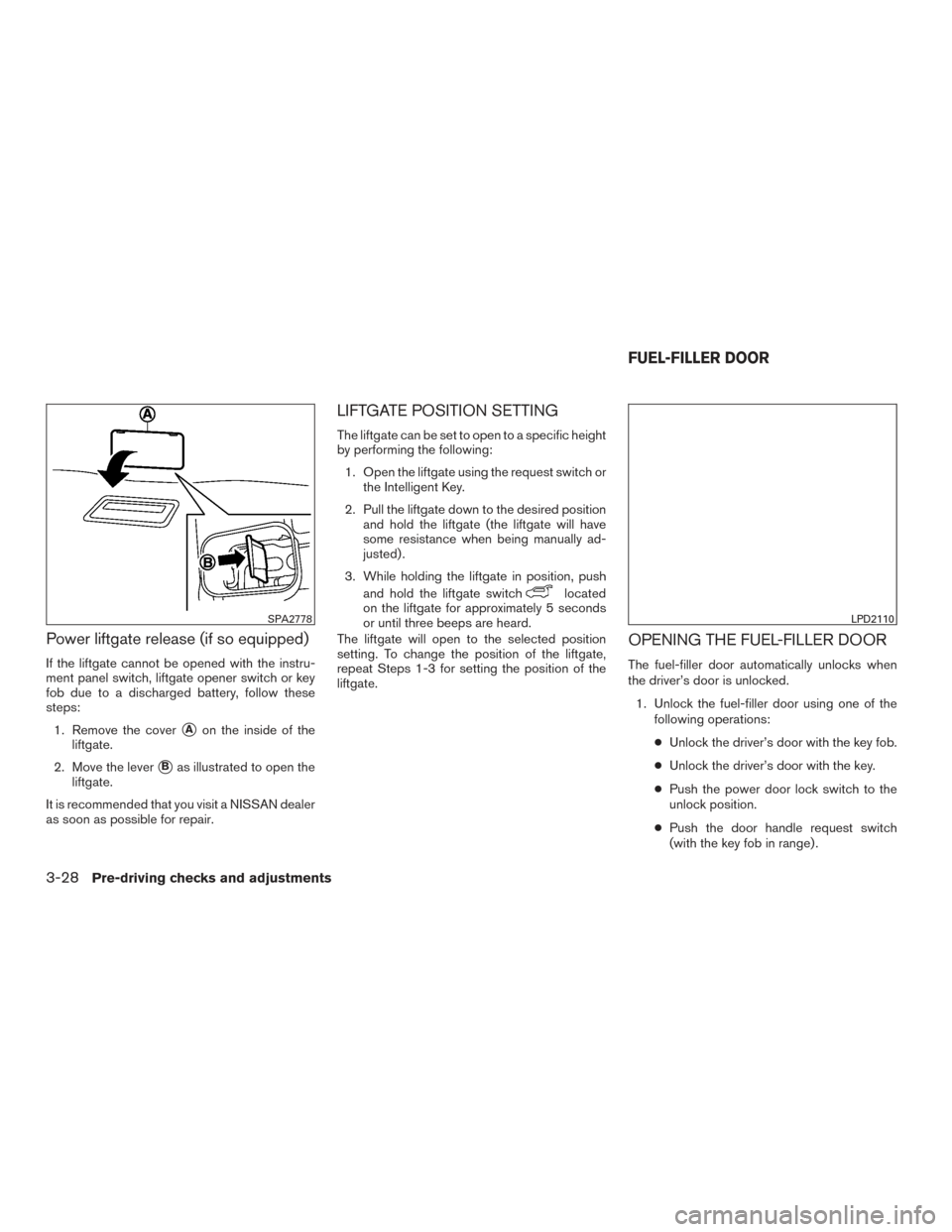
Power liftgate release (if so equipped)
If the liftgate cannot be opened with the instru-
ment panel switch, liftgate opener switch or key
fob due to a discharged battery, follow these
steps:1. Remove the cover
�Aon the inside of the
liftgate.
2. Move the lever
�Bas illustrated to open the
liftgate.
It is recommended that you visit a NISSAN dealer
as soon as possible for repair.
LIFTGATE POSITION SETTING
The liftgate can be set to open to a specific height
by performing the following: 1. Open the liftgate using the request switch or the Intelligent Key.
2. Pull the liftgate down to the desired position and hold the liftgate (the liftgate will have
some resistance when being manually ad-
justed) .
3. While holding the liftgate in position, push and hold the liftgate switch
located
on the liftgate for approximately 5 seconds
or until three beeps are heard.
The liftgate will open to the selected position
setting. To change the position of the liftgate,
repeat Steps 1-3 for setting the position of the
liftgate.
OPENING THE FUEL-FILLER DOOR
The fuel-filler door automatically unlocks when
the driver’s door is unlocked.
1. Unlock the fuel-filler door using one of the following operations:
● Unlock the driver’s door with the key fob.
● Unlock the driver’s door with the key.
● Push the power door lock switch to the
unlock position.
● Push the door handle request switch
(with the key fob in range) .
SPA2778LPD2110
FUEL-FILLER DOOR
3-28Pre-driving checks and adjustments