Page 202 of 406
WARNING
●Failure to follow the warnings and in-
structions for proper use of the Moving
Object Detection system could result in
serious injury or death.
● The MOD system is not a substitute for
proper vehicle operation and is not de-
signed to prevent contact with objects
surrounding the vehicle. When maneu-
vering, always use the outside mirrors
and rearview mirror and turn and check
the surroundings to ensure it is safe to
maneuver.
● The system is deactivated at speeds
above 6 mph (10 km/h). It is reactivated
at lower speeds.
● The MOD system is not designed to
detect surrounding stationary objects.
The MOD system can inform the driver of moving
objects near the vehicle when backing out of
garages, maneuvering in parking lots and in other
such instances.
The MOD system detects moving objects by
using image processing technology on the image
shown in the display.
MOD SYSTEM OPERATION
The MOD system will turn on automatically under
the following conditions: ● When the shift lever is in the R (Reverse)
position.
● When vehicle speed decreases below ap-
proximately 6 mph (10 km/h) and the camera
screen is displayed.
The MOD system operates in the following con-
ditions when the camera view is displayed:● When the shift lever is in the P (Park) or N
(Neutral) position and the vehicle is stopped,
the MOD system detects moving objects in
the bird’s-eye view. The MOD system will
not operate if the outside mirrors are moving
in or out, in the stowed position, or if either
front door is opened.
● When the shift lever is in the D (Drive) posi-
tion and the vehicle speed is below approxi-
mately 6 mph (10 km/h), the MOD system
detects moving objects in the front view.
Front and bird’s-eye views
LHA4190
Monitor, climate, audio, phone and voice recognition systems4-21
Page 203 of 406
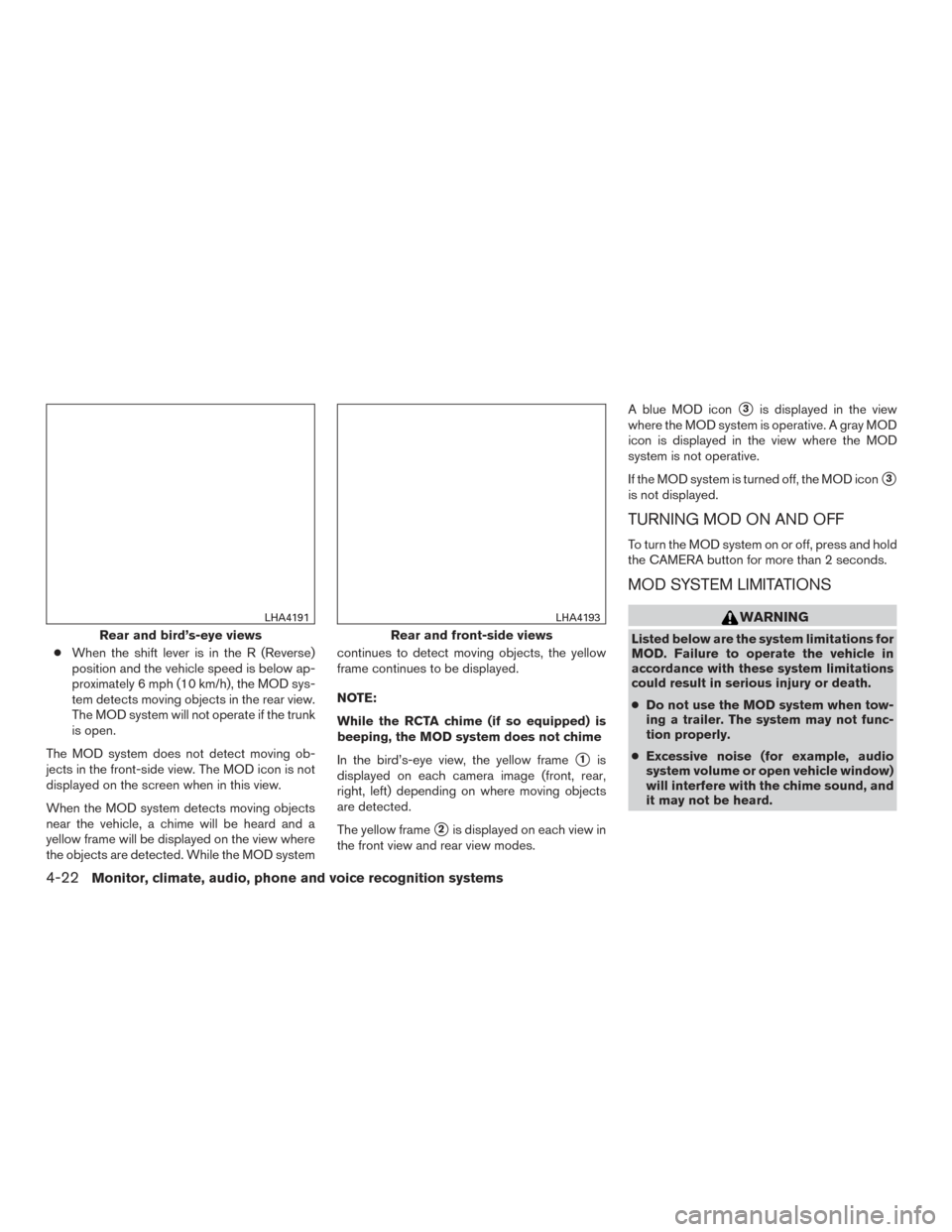
●When the shift lever is in the R (Reverse)
position and the vehicle speed is below ap-
proximately 6 mph (10 km/h), the MOD sys-
tem detects moving objects in the rear view.
The MOD system will not operate if the trunk
is open.
The MOD system does not detect moving ob-
jects in the front-side view. The MOD icon is not
displayed on the screen when in this view.
When the MOD system detects moving objects
near the vehicle, a chime will be heard and a
yellow frame will be displayed on the view where
the objects are detected. While the MOD system continues to detect moving objects, the yellow
frame continues to be displayed.
NOTE:
While the RCTA chime (if so equipped) is
beeping, the MOD system does not chime
In the bird’s-eye view, the yellow frame
�1is
displayed on each camera image (front, rear,
right, left) depending on where moving objects
are detected.
The yellow frame
�2is displayed on each view in
the front view and rear view modes. A blue MOD icon
�3is displayed in the view
where the MOD system is operative. A gray MOD
icon is displayed in the view where the MOD
system is not operative.
If the MOD system is turned off, the MOD icon
�3
is not displayed.
TURNING MOD ON AND OFF
To turn the MOD system on or off, press and hold
the CAMERA button for more than 2 seconds.
MOD SYSTEM LIMITATIONS
WARNING
Listed below are the system limitations for
MOD. Failure to operate the vehicle in
accordance with these system limitations
could result in serious injury or death.
● Do not use the MOD system when tow-
ing a trailer. The system may not func-
tion properly.
● Excessive noise (for example, audio
system volume or open vehicle window)
will interfere with the chime sound, and
it may not be heard.Rear and bird’s-eye views
LHA4191
Rear and front-side views
LHA4193
4-22Monitor, climate, audio, phone and voice recognition systems
Page 204 of 406
●The MOD system performance will be
limited according to environmental con-
ditions and surrounding objects such
as:
– When there is low contrast between background and the moving objects.
– When there is a blinking source of light.
– When strong light such as another vehicle’s headlight or sunlight is
present.
– When camera orientation is not in its usual position, such as when a mirror
is folded.
– When there is dirt, water drops or snow on the camera lens.
– When the position of the moving ob- jects in the display is not changed.
● The MOD system might detect flowing
water droplets on the camera lens,
white smoke from the muffler, moving
shadows, etc.
● The MOD system may not function
properly depending on the speed, direc-
tion, distance or shape of the moving
objects. ●
If your vehicle sustains damage to the
parts where the camera is installed,
leaving it misaligned or bent, the sens-
ing zone may be altered and the MOD
system may not detect objects properly.
● When the temperature is extremely
high or low, the screen may not display
objects clearly. This is not a
malfunction.
SYSTEM MAINTENANCE
CAUTION
● Do not use alcohol, benzine or thinner
to clean the camera. This will cause
discoloration.
● Do not damage the camera as the moni-
tor screen may be adversely affected.
If dirt, rain or snow accumulates on any of the
cameras
�1, the MOD system may not operate
properly. Clean the camera by wiping with a cloth
dampened with a diluted mild cleaning agent and
then wiping with a dry cloth.
LHA3587
Monitor, climate, audio, phone and voice recognition systems4-23
Page 297 of 406
If your vehicle sustains damage to the bumper
fascia, leaving it misaligned or bent, the sensing
zone may be altered causing inaccurate mea-
surement of obstacles or false alarms.
CAUTION
●Excessive noise (such as audio system
volume or an open vehicle window) will
interfere with the tone and it may not be
heard.
● Keep the sonar sensors (located on the
bumper fascia) free from snow, ice and
large accumulations of dirt. Do not
clean the sensors with sharp objects. If
the sensors are covered, the accuracy of
the sonar function will be diminished.
SYSTEM OPERATION
The system informs with a visual and audible alert
of front obstacles when the shift lever is in the D
(Drive) position and both front and rear obstacles
when the shift lever is in the R (Reverse) position. Sonar Operation Table
FR Sensor RR Sensor
Range Sound Display Sound Display Px†x †
R ooo o
Nx†x †
Doox †
o – Display/Beep when detect
† – Display on camera view
x – No Display and Beep
The system is deactivated at speeds above
6 mph (10 km/h). It is reactivated at lower
speeds.
The intermittent tone will stop after 3 seconds
when an obstacle is detected by only the corner
sensor and the distance does not change. The
tone will stop when the obstacle get away from
the vehicle.
When the object is detected, the indicator
(green) appears and blinks and the tone sounds
intermittently. When the vehicle moves closer to
the object, the color of the indicator turns yellow
and the rate of the blinking increase. When the
vehicle is very close to the object, the indicator
stops blinking and turns red, and the tone sounds
continuously. When the corner of the vehicle moves closer to
an object, the corner sonar indicator
�Aappears.
LSD2428
5-86Starting and driving
Page:
< prev 1-8 9-16 17-24